
W. A. Production Mallets 2 for ImPerfect
Professional music gear - detailed information and where to buy
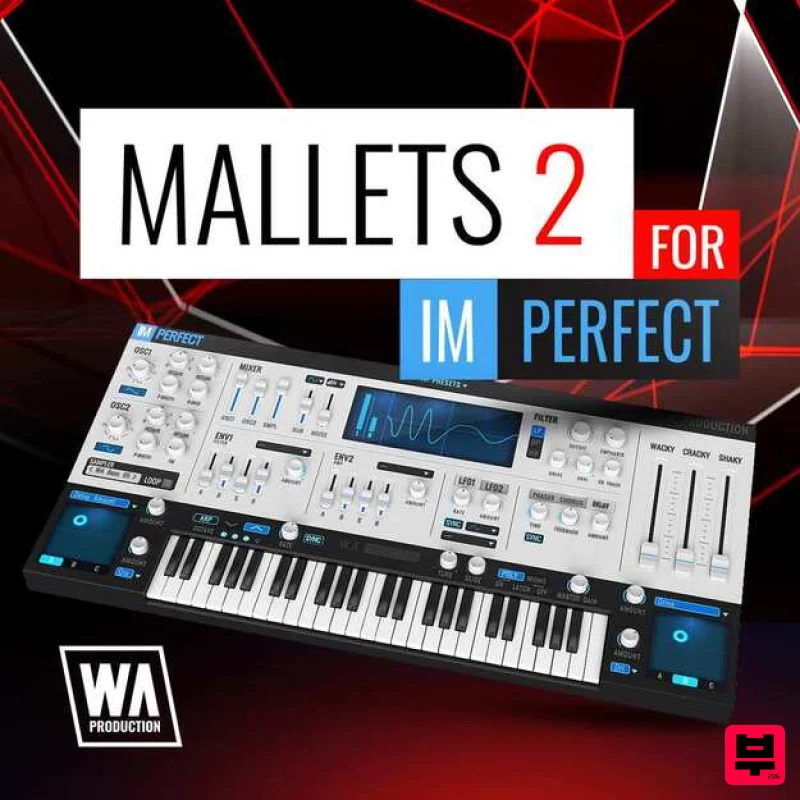
W. A. Production
Mallets 2 for ImPerfect
Product Info
* Prices may vary. Check retailer for current pricing and availability.
Product Description
- Mallets 2 for ImPerfect brings the distinctive tones and textures of mallet instruments into the digital realm
- offering a collection of 60 presets that perfectly capture the essence of these percussive elements. From the warm
- resonant vibes of a marimba to the bright
- clear tones of a vibraphone
- this preset pack is essential for producers looking to infuse their tracks with the unique character that mallet instruments provide. Each preset is meticulously crafted to emulate the real-world sound of mallets while also integrating the creative flexibility that ImPerfect is known for. This blend of authenticity and innovation allows for the creation of both traditional mallet sequences and more abstract
- experimental soundscapes. Whether you’re composing for cinematic contexts
- adding texture to electronic tracks
- or exploring new sound palettes
- Mallets 2 for ImPerfect offers a wide range of possibilities. Dive into Mallets 2 for ImPerfect and discover the potential of these captivating sounds. The presets are designed not only to enhance musical compositions with their natural charm but also to inspire new musical ideas through the unique sonic qualities of mallet instruments. Features 60 ImPerfect Presets 100% Royalty-Free System Requirements ImPerfect is required to use these presets Mac Installation 1. Download the .zip folder from within your Plugin Boutique User Account > Double-click it to extract the contents. 2. Open the latest version of InstaComposer in your DAW > Click 'MENU'. 3. Select 'Open Preset Folder' from the drop-down menu. 4. Double-click the 'Presets' folder. 5. Copy the 'WA_Cinematic_For_InstaComposer' folder from the downloaded .zip file > Paste it into the 'Presets' folder. Your presets are now installed and ready to use. Windows Installation 1. Download the .zip folder from within your Plugin Boutique User Account > Double-click it to extract the contents. 2. Open the latest version of InstaComposer in your DAW > Click 'MENU'. 3. Select 'Open Preset Folder' from the drop-down menu. 4. Double-click the 'Presets' folder. 5. Copy the 'WA_Cinematic_For_InstaComposer' folder from the downloaded .zip file > Paste it into the 'Presets' folder. Your presets are now installed and ready to use.
Additional Information
About the W. A. Production Mallets 2 for ImPerfect
The W. A. Production Mallets 2 for ImPerfect combines traditional design with modern performance for Expansion Packs enthusiasts.
Why Choose the W. A. Production Mallets 2 for ImPerfect?
- •Authentic W. A. Production craftsmanship and design
- •Versatile sound suitable for multiple musical genres
- •Professional build quality and reliable performance
- •Part of W. A. Production's respected Expansion Packs lineup
Compare & Explore
Browse our complete selection of W. A. Production instruments or explore other Expansion Packs options. Use our comparison tools to find the perfect match for your musical style and budget.
Similar Products

Tracktion DG-8000 Expansion Pack (for Attracktive)
Expansion Packs

Tracktion Langweil 150 Expansion Pack (for Attracktive)
Expansion Packs

Tracktion Stonegrabber D-232 Expansion Pack (for Attracktive)
Expansion Packs

Tracktion Suitcase in a Box Expansion Pack (for Attracktive)
Expansion Packs

Tracktion Poly-One Expansion Pack (for Attracktive)
Expansion Packs

Tracktion SA-1000 Expansion Pack (for Attracktive)
Expansion Packs

Tracktion Taurinorum Expansion Pack (for Attracktive)
Expansion Packs

Tracktion SH-20 Expansion Pack (for Attracktive)
Expansion Packs

