
W. A. Production HEAT 2
Professional music gear - detailed information and where to buy
W. A. Production
HEAT 2
Product Info
* Prices may vary. Check retailer for current pricing and availability.
Product Description
- Fire It Up Presenting HEAT 2 - the original twin distortion powerhouse
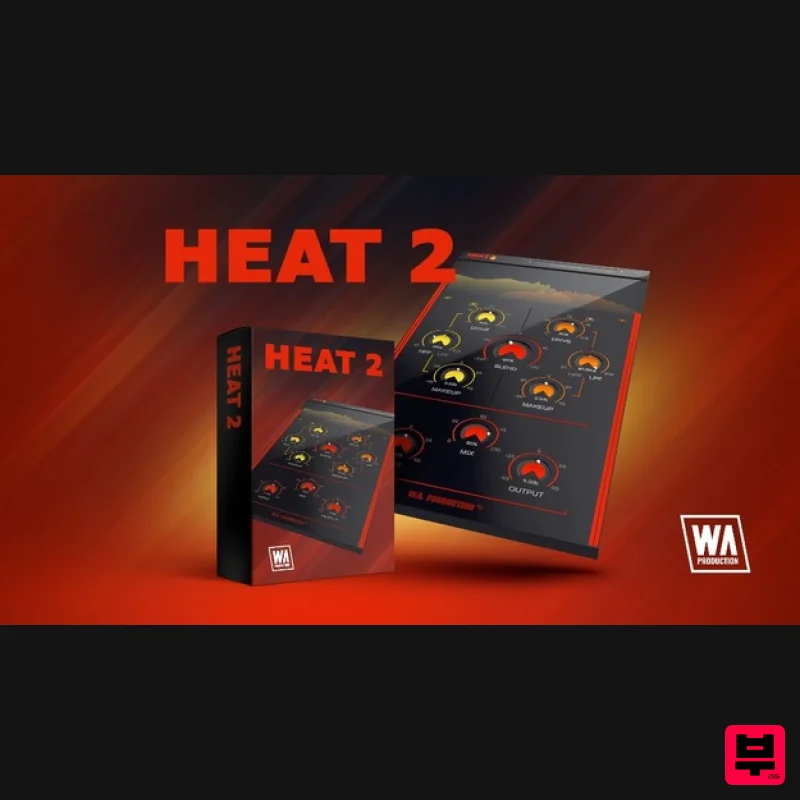
- now with a stunning refresh. This face-melting plugin features an intuitive new interface
- more accurate frequency monitoring and a host of under-the-hood improvements. Choose two of your favourite distortion and saturation models
- and blend them together for fuzz-box fun. You can shape the two affected signals with high and low pass filters
- resulting in a more musical output than many other types of distortion plugins. Tweak the parameters to your personal taste within the refreshed interface
- newly designed to sit right alongside W.A. Production's other inspiring plugins. The audio processing is now much clearer
- with a top-to-bottom approach so it’s now easy to follow the signal flow and create amped-up overdrive. Of course
- W.A. Production also included loads of factory presets to kickstart your distortion discoveries
- from extreme settings for your audio to more tempered values for vocals
- bass and drums. Use these presets as jumping-off points and then adjust the drive
- blend
- filters and other parameters to create your unique sound. Blend 10 Devastating Distortion Types The whole concept of HEAT 2 is to apply twin distortion and then shape the signals so that your audio is powerful
- yet retains musicality. The starting point for this is the 10 different types of modelled distortion. These models all have adjustable drive levels. With a wide range of different distortion types
- you can easily craft every timbre from subtle harmonics to blow-the-doors-off distortion. Each of these 10 types of processing will produce a different character and timbre
- so experiment by blending between them using the central dial. Twin Filters These two filter controls allow you to shape your distortion far more musically than stock plugins. Separately adjust the High and Low frequency cut off parameters for the two different distortion modules. For example
- you might only want to crush the mid-range of a synth part
- giving it more crunch and power. Or maybe just distort the lowest frequencies of a fat kick drum. Combine two different types of distortion with two different filter shapes and get your audio production-ready with the precision of surgical saturation. Input
- Output & Mix Ratio Use the Input and Output sliders to compensate for any gain boost or reduction caused by the distortion chambers with up to +/- 48dB attenuation. This allows for very accurate comparisons when A/Bing. Use the Mix ratio control at the bottom centre of the interface to dial in as much (or as little) of the distortion types as you need. Apply a conservative ratio for subtle saturation and sweetening
- or push the control further to hear the 100% destroyed signal. Visual Feedback The new and improved live frequency meters at the top of the interface show exactly what’s happening to the signal as it’s being processed in real-time. This allows for accurate monitoring each time you decide to make a change to the distortion type or level. The output of the right-hand module is shown as an orange waveform
- the output of the left-hand module is shown in yellow. This makes it easy to tell the difference between the two types of distortion that you’re applying to the signal and exactly which parts of the signal the filters are targeting. Presets With many included presets
- it’s easy to select starting points for your own distortion adventures. Tailored to specific instruments
- genres and effects
- these factory options can be used on many types of audio. The presets include everything from delicate distortion to all-out saturation. W. A. Production are real-life producers making creative plugins to help you achieve studio quality processing quickly and easily. Enjoy! Features Filtered Twin Saturation & Distortion 10 Unique Distortion Types Signal Blending & Frequency Filtering Responsive & CPU-Friendly Click and Pop-Free Bypass Resizable Interface Factory Presets Full PDF Manual & Tutorial Video System Requirements Windows 8 and later macOS 10.13 and later Formats: VST
- AAX Please Note: AAX Format requires Pro Tools 11 or higher. Important Note for Mac Apple Silicon users: Before purchasing
- please review the current compatibility status of this plugin on your system here. The Sample Cast "HEAT 2 is a slick sequel. It's intuitive and sounds great. This is the perfect plugin for adding extra crunch and grit in creative ways
- and the instrument-specific presets are great starting points." Manene "I'm really enjoying HEAT 2 so far! The plugin is super easy to use but very powerful. It gives you a ton of control over the effect and lets you tweak and mangle any sound to your liking. Definitely going to be a staple in my tracks!" Registration and Activation Video <iframe frameborder="0" height="315" src="https: //www.youtube.com/embed/YJHtWvm8z0Y" width="560"></iframe> Please Note: CHORDS is used as an example. Registration 1. Click the Download button in your Plugin Boutique account or go to https://www.waproduction.com/users/login 2. Click 'Create New Account' (if you already have a W.A Production account
- enter your details
- log in and skip to step 5). 3. Enter your details > Choose your marketing preferences > Click 'Finish Registration'. 4. Your account has been registered > Click 'Register Plugin'. 5. On the license registration page
- enter the license key from your Plugin Boutique account (which will be referred to as 'serial number' on our site) > Click 'Add'. 6. Your product will now be displayed in your W.A Production account > Scroll down to My Orders and click 'View Order'. 7. Click 'Download Files'. 8. Click 'Download'. Mac Installation 1. Once the download is complete
- extract and open the ZIP folder you just downloaded > Open the Mac folder > Double-click the CHORDS .pkg installer file. 2. Click 'Continue'. 3. Read the Software License Agreement > Click 'Continue'. 4. Click 'Agree'. 5. Click 'Install'. 6. Click 'Close'. 7. Open CHORDS in your DAW. 8. Click the information icon in the bottom left-hand corner > Enter the serial number you were given in your W.A Production account > Click 'Authorize'. Your software is now ready to use in your DAW! Windows Installation 1. Once the download is complete
- extract and open the ZIP folder you just downloaded > Open the PC folder > Double-click the CHORDS PC installer file. 2. Click 'Next'. 3. Click 'Next'. 4. Select which plugin formats you would like to install > Click 'Next' > Click 'Install'. 5. Click 'Finish'. 6. Open CHORDS in your DAW. 7. Click the information icon in the bottom left-hand corner > Enter the serial number you were given in your W.A Production account > Click 'Authorize'. Your software is now activated and ready to use in your DAW!
Additional Information
About the W. A. Production HEAT 2
Discover the distinctive sound and feel of the W. A. Production HEAT 2, a standout choice among Distortion.
Why Choose the W. A. Production HEAT 2?
- •Authentic W. A. Production craftsmanship and design
- •Versatile sound suitable for multiple musical genres
- •Professional build quality and reliable performance
- •Part of W. A. Production's respected Distortion lineup
Compare & Explore
Browse our complete selection of W. A. Production instruments or explore other Distortion options. Use our comparison tools to find the perfect match for your musical style and budget.
Similar Products
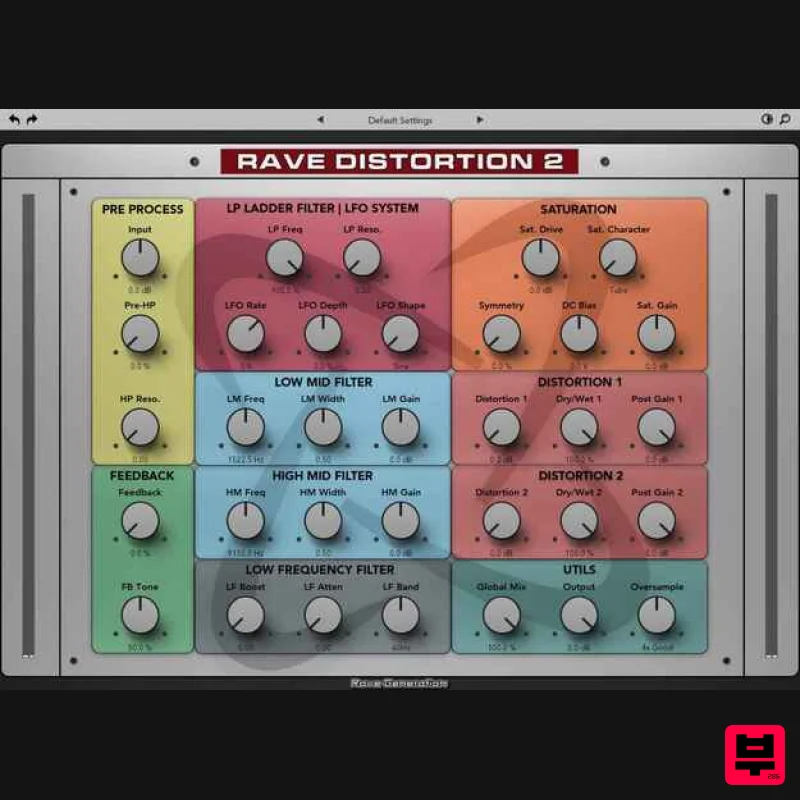
Rave Generation Rave Distortion 2
Distortion
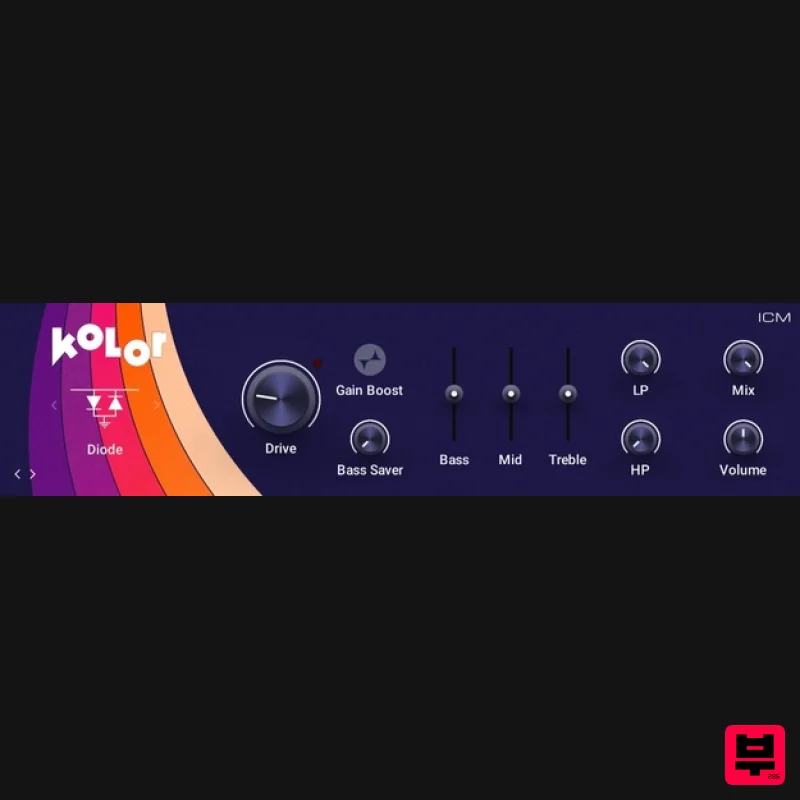
Native Instruments Kolor
Distortion
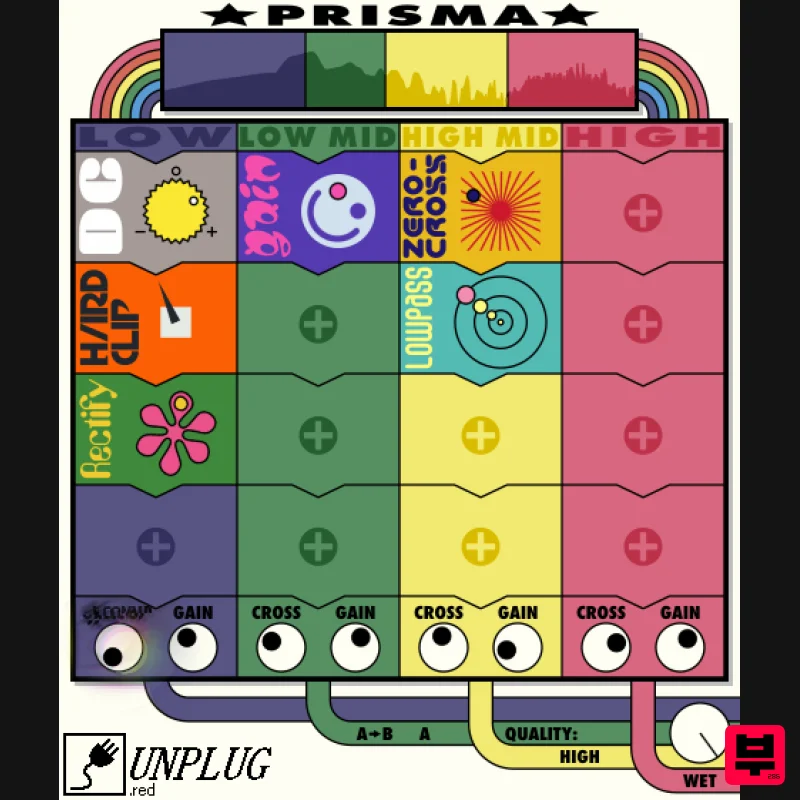
UnplugRed Prisma
Distortion
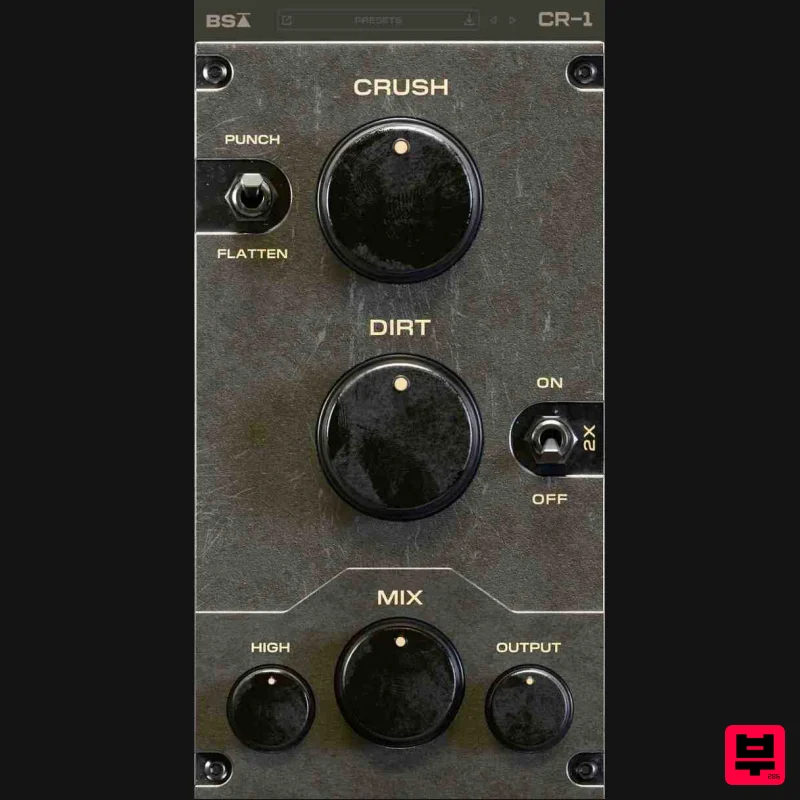
Black Salt Audio CR-1
Distortion
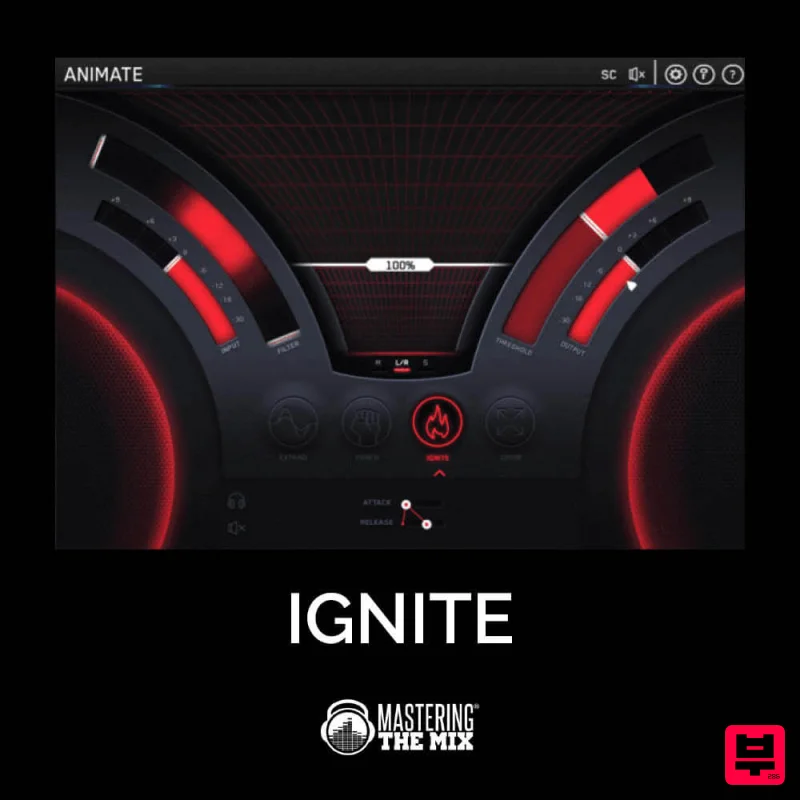
Mastering The Mix IGNITE
Distortion
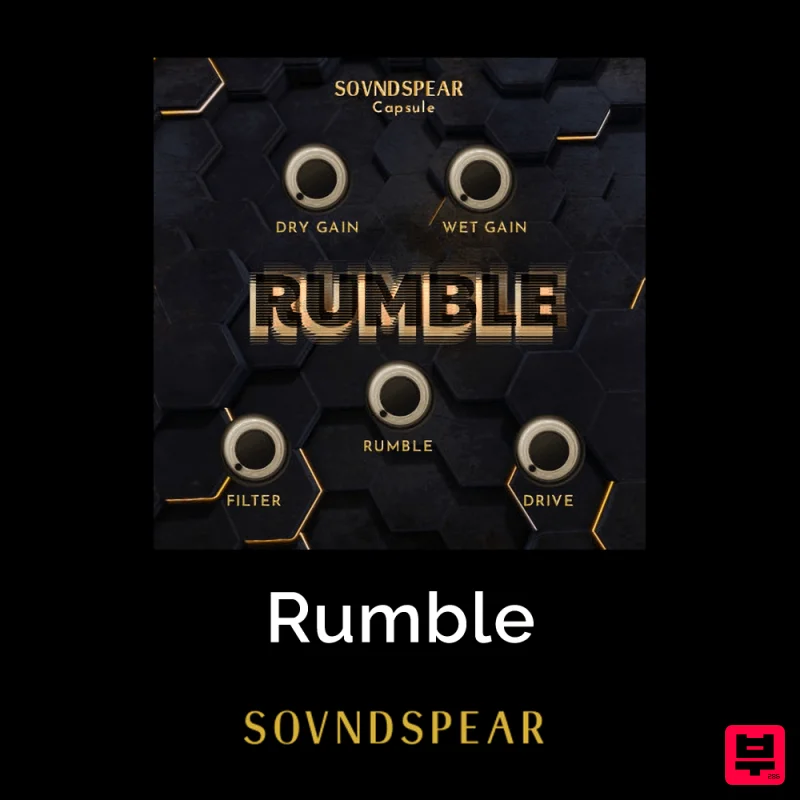
Soundspear Rumble
Distortion
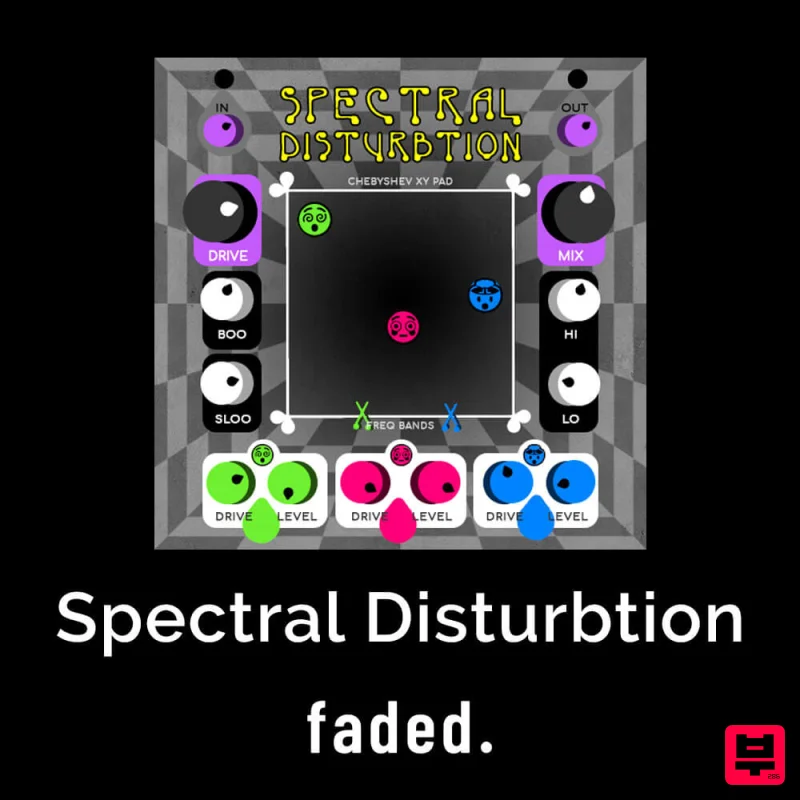
Faded Instruments Spectral Disturbtion
Distortion
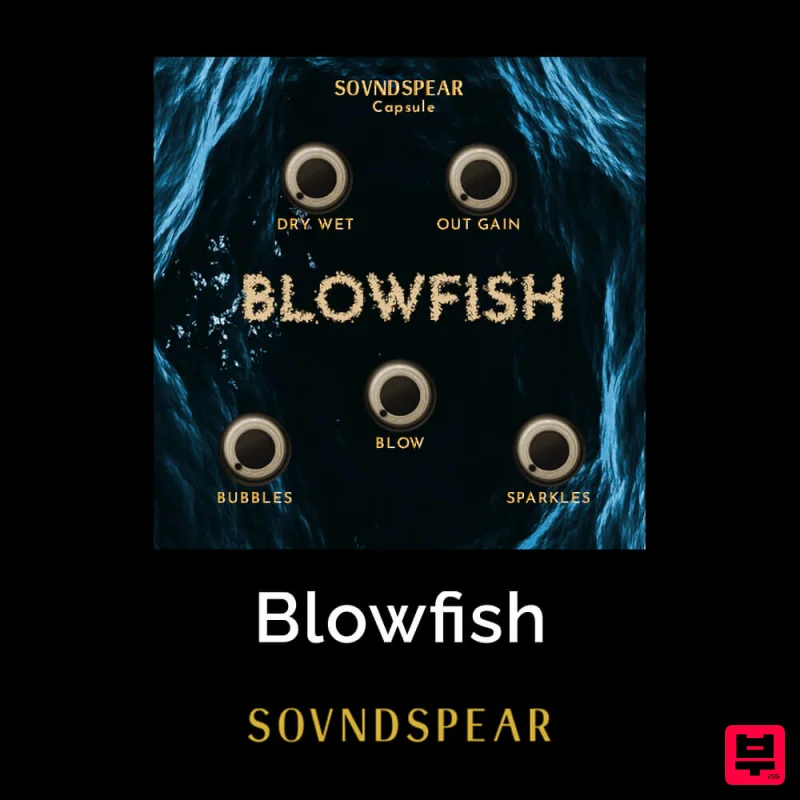
Soundspear Blowfish
Distortion

