
W. A. Production EDM for Instachord
Professional music gear - detailed information and where to buy
W. A. Production
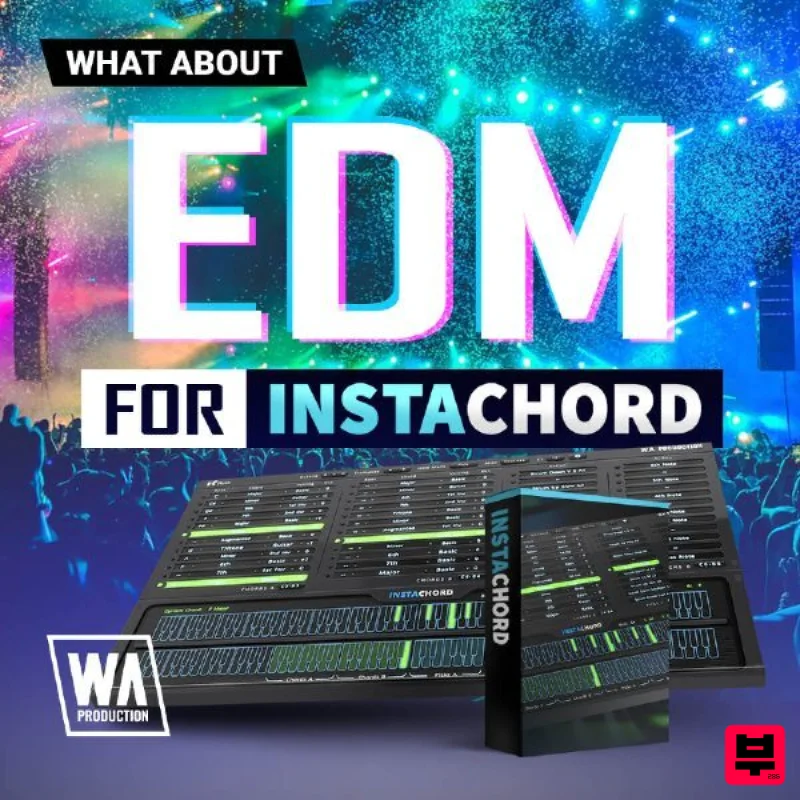
EDM for Instachord
Product Info
* Prices may vary. Check retailer for current pricing and availability.
Product Description
- Prepare to unlock the door to more EDM chord progressions. EDM for Instachord from W. A. Production offers new preset chord options that will take your sound to a whole new level. Whether you are looking to make ragin' dubstep
- powerful future bass
- or a festival anthem
- W. A. Production is giving you more chords to make sure your mix is never mundane. With this preset pack
- you can explore a world of perfect chord unity and endless possibilities. Its never a dull moment with Instachord
- loaded with the right chords and multiple ways to play them you will never hit another creative roadblock again. Chord options include Major
- Minor
- Diminished
- Augmented
- and more. All designed by professional sound designers with a background in music theory and are fluent in the EDM scene. Find the perfect chord
- every time with Instachord. Make the best EDM progressions with EDM for Instachord from W. A. Production. Features 50 InstaChord Presets System Requirements A copy of W.A Production Instachord is required to run this software. Note: Jazz & Blues for InstaChord is used as the example. Mac Installation 1. Download the .zip folder from within your Plugin Boutique User Account > Double-click it to extract the contents. 2. Open the latest version of InstaChord in your DAW > Click 'MENU'. 3. Select 'Open Preset Folder' from the drop-down menu. 4. Double-click the 'Presets' folder. 5. Copy the WA_Jazz_Blues_For_InstaChord folder from the downloaded .zip file > Paste it into the 'Presets' folder. Your presets are now installed and ready to use. Windows Installation 1. Download the .zip folder from within your Plugin Boutique User Account > Double-click it to extract the contents. 2. Open the latest version of InstaChord in your DAW > Click 'MENU'. 3. Select 'Open Preset Folder' from the drop-down menu. 4. Double-click the 'Presets' folder. 5. Copy the WA_Jazz_Blues_For_InstaChord folder from the downloaded .zip file > Paste it into the 'Presets' folder. Your presets are now installed and ready to use.
Additional Information
About the W. A. Production EDM for Instachord
Discover the distinctive sound and feel of the W. A. Production EDM for Instachord, a standout choice among Expansion Packs.
Why Choose the W. A. Production EDM for Instachord?
- •Authentic W. A. Production craftsmanship and design
- •Versatile sound suitable for multiple musical genres
- •Professional build quality and reliable performance
- •Part of W. A. Production's respected Expansion Packs lineup
Compare & Explore
Browse our complete selection of W. A. Production instruments or explore other Expansion Packs options. Use our comparison tools to find the perfect match for your musical style and budget.
Similar Products

Tracktion Taurinorum Expansion Pack (for Attracktive)
Expansion Packs

Tracktion Poly-One Expansion Pack (for Attracktive)
Expansion Packs

Tracktion Langweil 150 Expansion Pack (for Attracktive)
Expansion Packs

Tracktion DG-8000 Expansion Pack (for Attracktive)
Expansion Packs

Tracktion SH-20 Expansion Pack (for Attracktive)
Expansion Packs

Tracktion Suitcase in a Box Expansion Pack (for Attracktive)
Expansion Packs

Tracktion Stonegrabber D-232 Expansion Pack (for Attracktive)
Expansion Packs

Tracktion SA-1000 Expansion Pack (for Attracktive)
Expansion Packs

