
W. A. Production EDM For Babylon 1
Professional music gear - detailed information and where to buy
W. A. Production
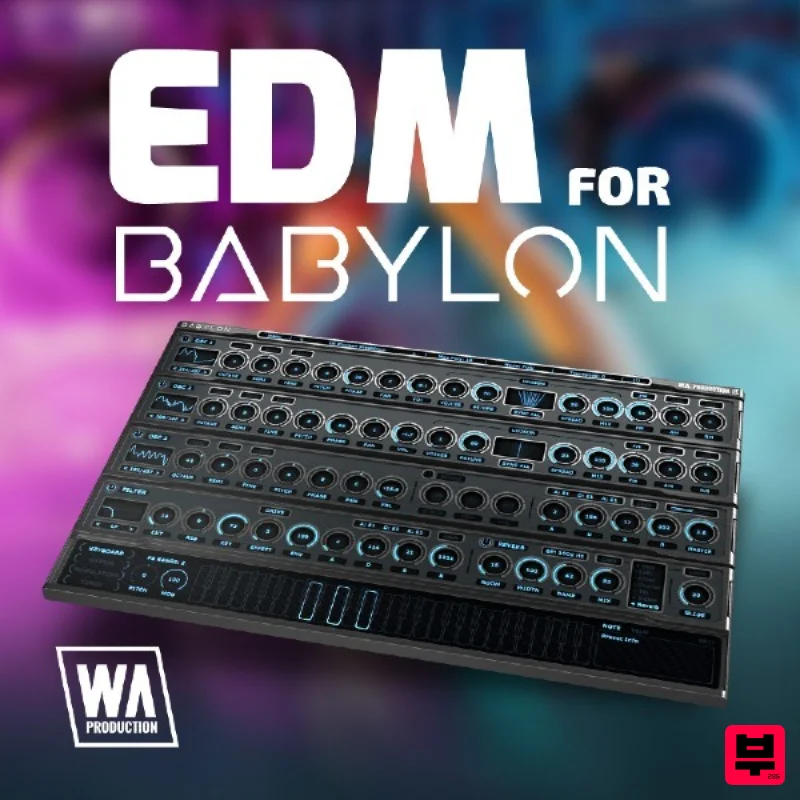
EDM For Babylon 1
Product Info
* Prices may vary. Check retailer for current pricing and availability.
Product Description
- Important Note: This is an expansion for W. A. Production Babylon 1
- and is not compatible with Babylon 2. Do you make unique electronic music that can't be defined by any certain genre? WA. Production have the ultimate expansion pack for all of you producers that demand a wider variety of sounds. Check out EDM for Babylon from W. A. Production. This mighty pack of 120 presets will allow you to make an intro
- build it
- wind it up
- bubble it up
- and slam into a glorious bass line with lots of groove and plenty of bite. Add some stabs or an arp
- or give it an exotic twist with a worldly instrument. Solid leads and atmospheric pads. From a total rager to a late-night chill
- enjoy plenty of options to achieve the sound that is as unique as your creations. With Babylon you can tune every note to its own frequency
- apply filters and effects. No matter what you can dream
- you can create with Babylon. Get the most out of Babylon. Get more diversity from our expansion pack EDM for Babylon from W. A. Production. EDM for Babylon is inspired by such artists as Alok
- Hardwell
- Tiësto and R3HAB. The creators were under the influence of multiple genres like House
- Dubstep
- Future Bass
- Electro
- Synth-Pop and more. Features 120 Babylon Presets System Requirements W.A Production Babylon Important Note: W.A Production Babylon is required to run the full contents of this software. Mac 1. Download and open the .zip file from within your Plugin Boutique User Account > Open the folder titled 'Babylon Presets' and copy the folder titled 'Hardstyle Expansion'. 2. Open Babylon inside of your DAW. 3. Click 'Menu' > Click 'Open Preset Folder'. 4. Paste the 'Hardstyle Expansion' Folder inside the Preset Folder. 5. Close and then reopen Babylon. Your presets are now ready to be used inside of Babylon! Windows 1. Download and open the .zip file from within your Plugin Boutique User Account > Open the folder titled 'Babylon Presets' and copy the folder titled 'Hardstyle Expansion'. 2. Open Babylon inside of your DAW. 3. Click 'Menu' > Click 'Open Preset Folder'. 4. Paste the 'Hardstyle Expansion' Folder inside the Preset Folder. 5. Close and then reopen Babylon. Your presets are now ready to be used inside of Babylon!
Additional Information
About the W. A. Production EDM For Babylon 1
The W. A. Production EDM For Babylon 1 combines traditional design with modern performance for Expansion Packs enthusiasts.
Why Choose the W. A. Production EDM For Babylon 1?
- •Authentic W. A. Production craftsmanship and design
- •Versatile sound suitable for multiple musical genres
- •Professional build quality and reliable performance
- •Part of W. A. Production's respected Expansion Packs lineup
Compare & Explore
Browse our complete selection of W. A. Production instruments or explore other Expansion Packs options. Use our comparison tools to find the perfect match for your musical style and budget.
Similar Products

Tracktion SA-1000 Expansion Pack (for Attracktive)
Expansion Packs

Tracktion Poly-One Expansion Pack (for Attracktive)
Expansion Packs

Tracktion Langweil 150 Expansion Pack (for Attracktive)
Expansion Packs

Tracktion Stonegrabber D-232 Expansion Pack (for Attracktive)
Expansion Packs

Tracktion Taurinorum Expansion Pack (for Attracktive)
Expansion Packs

Tracktion Suitcase in a Box Expansion Pack (for Attracktive)
Expansion Packs

Tracktion DG-8000 Expansion Pack (for Attracktive)
Expansion Packs

Tracktion SH-20 Expansion Pack (for Attracktive)
Expansion Packs

