
W. A. Production Dodge Pro
Professional music gear - detailed information and where to buy
W. A. Production
Dodge Pro
Product Info
* Prices may vary. Check retailer for current pricing and availability.
Product Description
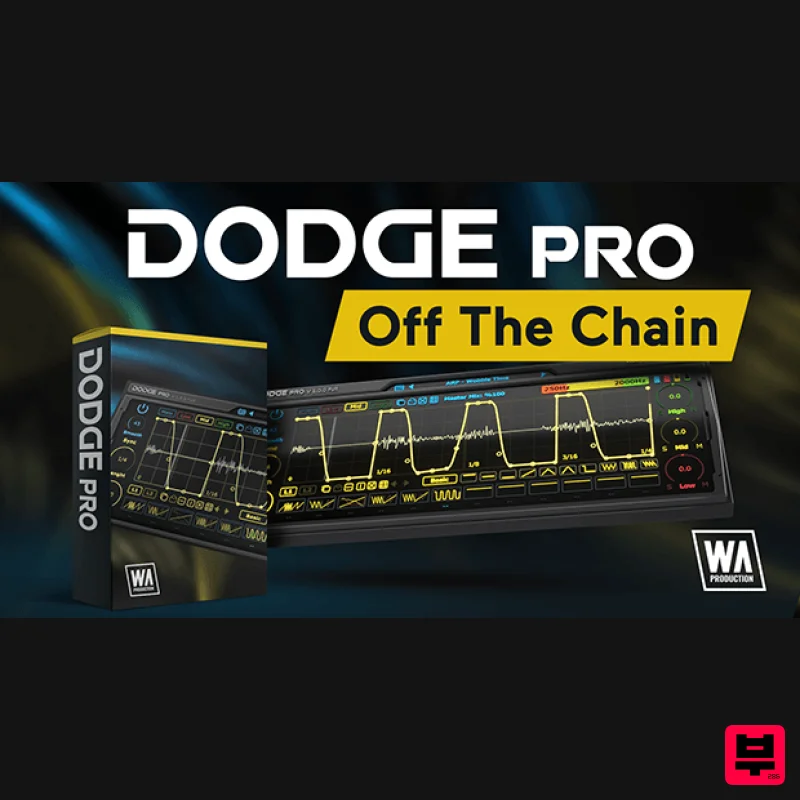
- Off The Chain We’re all familiar with the concept of sidechain processing; ducking the amplitude of one audio signal when another is playing. This studio technique is the basis for modern dance music and creates an energetic rhythm that gets hearts beating and feet moving. Dodge Pro takes this simple concept and pushes it into the stratosphere with not just sidechain ducking functions
- but also rhythmic motifs
- gated rhythms and special fx. Choose from the many presets or draw your own amplitude shapes using point-and-drag nodes
- surgical drawing tools and 3 independent frequency bands. Assign up to 12 scenes via MIDI and tweak to your hearts content
- with multiple curve types and note divisions. Dodge Pro is the flexible and creative tool you’ve been looking for to take control of your sidechain shapes and make volume automation as simple (or as complex) as you want it to be. Presets With many included presets
- it’s easy to find the perfect starting point for your own volume shaping exploits. There are specific global presets dedicated to sidechain ducking
- trance gates
- arps and special FX. These are useful and broad settings
- ripe for tweaking to your own liking. Each of the 3 EQ bands and the master volume automation have simple one-click solutions to quickly access the most common shapes
- providing shortcuts to basic ducking
- gating and rhythmic shapes. MIDI Scenes Program up to 12 completely different MIDI scenes and switch them on the fly using your own chosen MIDI triggers. This makes Dodge Pro essential as an all-in-one solution to your volume shaping automation
- allowing scene switching throughout your tracks to bring variety to your audio. This plugin is also an inspiring tool for live performance with scene switching triggered by an external controller. Advanced Line Editor Simply click the automation line to add a node then drag it to define the shape and curve. Complex curve shapes can easily be selected including a variety of single and double types
- pulse
- wave
- saw and step automation. Quickly copy/paste lines and scenes and select common transformations with the easy access buttons. For an extra layer of programming
- each primary automation line has a second layer that can be independently drawn and these are summed together to create more complex shapes for really creative effects. Independent & Adjustable 3 Band Automation Whereas most volume shaping plugins process the entire signal
- Dodge Pro can split the audio into 3 frequency band ranges and apply different volume shape automation to each band. Simply drag the multicoloured band graphic at the top right of the interface to define the low
- mid and high-frequency crossover points. Then draw your automation lines for the 3 bands
- all of which can have completely independent Volume
- Shape
- Sync
- Length and Mix settings. Want to make just your low-end pump
- apply a midrange trance gate
- or add a high-frequency rhythmic effect? All of these configurations are quick and easy with Dodge Pro. Randomisation Choose to randomise the volume automation of entire scenes or a single band for some ducking and dodging effects that are truly off the chain. Visual Feedback The processed audio can be seen as a waveform in the centre of the interface
- either by full frequency or split into the 3 bands. The live ducking is also shown via the mini-meters. Other options for UI feedback include a scaleable interface and left / right monitoring. Bypass & Master Mix The bypass control is to be as click and pop free as possible for unhindered A/B testing. Choose to mix the dodged signal with your original raw audio via the central Master Mix ratio control
- allowing you to dial down the volume shaping for more subtle effects. W. A. Production are real-life producers making creative plugins to help you achieve studio quality processing quickly and easily. Enjoy! Features: Comprehensive multiband volume shaping Adjustable 3-band EQ volume automation and glitch-free Advanced line editor Responsive & CPU friendly MIDI triggered scenes Factory presets & randomisation Full PDF Manual & Tutorial video System Requirements Mac macOS 10.13 and later (64-bit only) VST2
- AAX CPU: Multicore 2GHz or higher. RAM: 2GB or higher. UI size: 592 x 234 or 888 x 351 or 1184 x 468 Windows Windows 8 or later (32 / 64-bit) VST2
- AAX CPU: Multicore 2GHz or higher. RAM: 2GB or higher. UI size: 592 x 234 or 888 x 351 or 1184 x 468 Please Note: Pro Tools 11 or higher is required in order to use the AAX version of this plugin. Important Note for Mac Apple Silicon users: Before purchasing
- please review the current compatibility status of this plugin on your system here. The Samplecast "Not only is this a solid tool for standard sidechain processing
- but the multiband EQ capabilities mean that it’s an inspiring option for creative FX too." Manene "This will surely be my go-to volume shaping plugin from now on." Registration and Activation Video <iframe frameborder="0" height="315" src="https: //www.youtube.com/embed/YJHtWvm8z0Y" width="560"></iframe> Please Note: CHORDS is used as an example. Registration 1. Click the Download button in your Plugin Boutique account or go to https://www.waproduction.com/users/login 2. Click 'Create New Account' (if you already have a W.A Production account
- enter your details
- log in and skip to step 5). 3. Enter your details > Choose your marketing preferences > Click 'Finish Registration'. 4. Your account has been registered > Click 'Register Plugin'. 5. On the license registration page
- enter the license key from your Plugin Boutique account (which will be referred to as 'serial number' on our site) > Click 'Add'. 6. Your product will now be displayed in your W.A Production account > Scroll down to My Orders and click 'View Order'. 7. Click 'Download Files'. 8. Click 'Download'. Mac Installation 1. Once the download is complete
- extract and open the ZIP folder you just downloaded > Open the Mac folder > Double-click the CHORDS .pkg installer file. 2. Click 'Continue'. 3. Read the Software License Agreement > Click 'Continue'. 4. Click 'Agree'. 5. Click 'Install'. 6. Click 'Close'. 7. Open CHORDS in your DAW. 8. Click the information icon in the bottom left-hand corner > Enter the serial number you were given in your W.A Production account > Click 'Authorize'. Your software is now ready to use in your DAW! Windows Installation 1. Once the download is complete
- extract and open the ZIP folder you just downloaded > Open the PC folder > Double-click the CHORDS PC installer file. 2. Click 'Next'. 3. Click 'Next'. 4. Select which plugin formats you would like to install > Click 'Next' > Click 'Install'. 5. Click 'Finish'. 6. Open CHORDS in your DAW. 7. Click the information icon in the bottom left-hand corner > Enter the serial number you were given in your W.A Production account > Click 'Authorize'. Your software is now activated and ready to use in your DAW!
Additional Information
About the W. A. Production Dodge Pro
Experience the quality and tone that makes the W. A. Production Dodge Pro a popular choice for musicians.
Why Choose the W. A. Production Dodge Pro?
- •Authentic W. A. Production craftsmanship and design
- •Versatile sound suitable for multiple musical genres
- •Professional build quality and reliable performance
- •Part of W. A. Production's respected Envelope Shaper lineup
Compare & Explore
Browse our complete selection of W. A. Production instruments or explore other Envelope Shaper options. Use our comparison tools to find the perfect match for your musical style and budget.
Similar Products
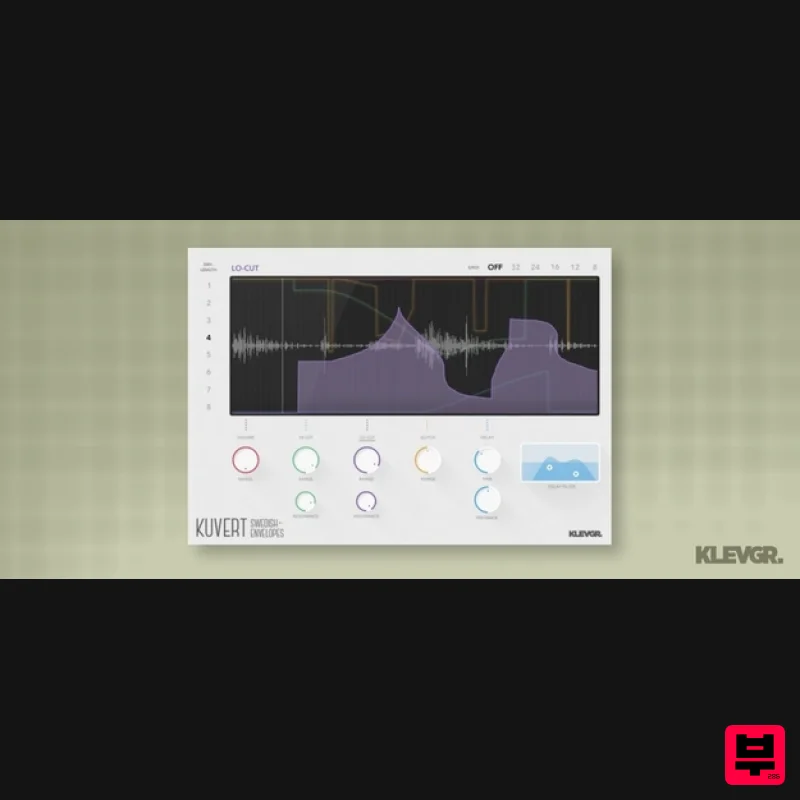
Klevgrand Kuvert
Envelope Shaper
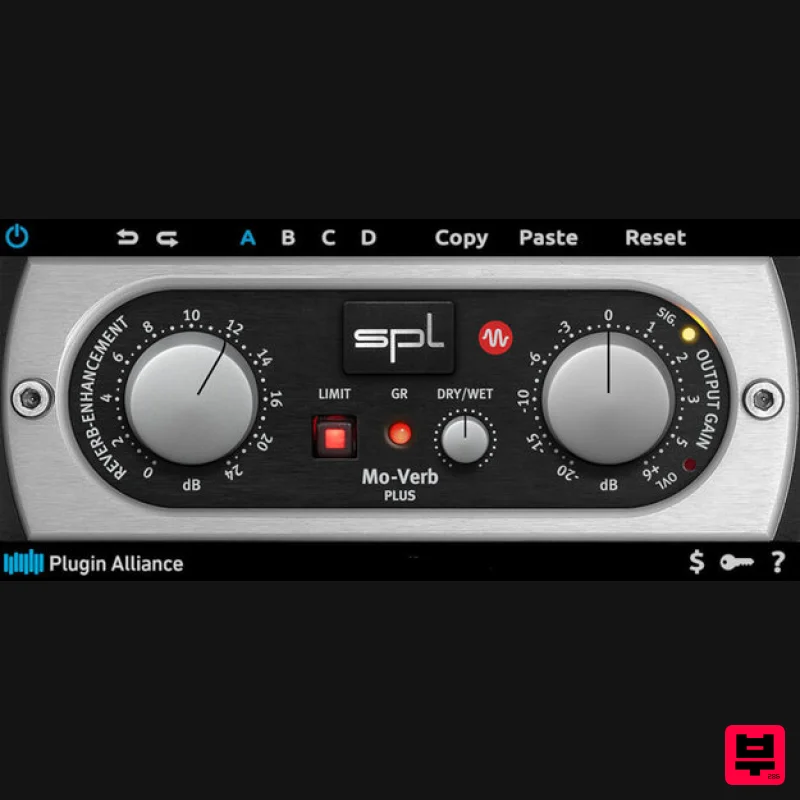
Plugin Alliance SPL Mo-Verb Plus
Envelope Shaper
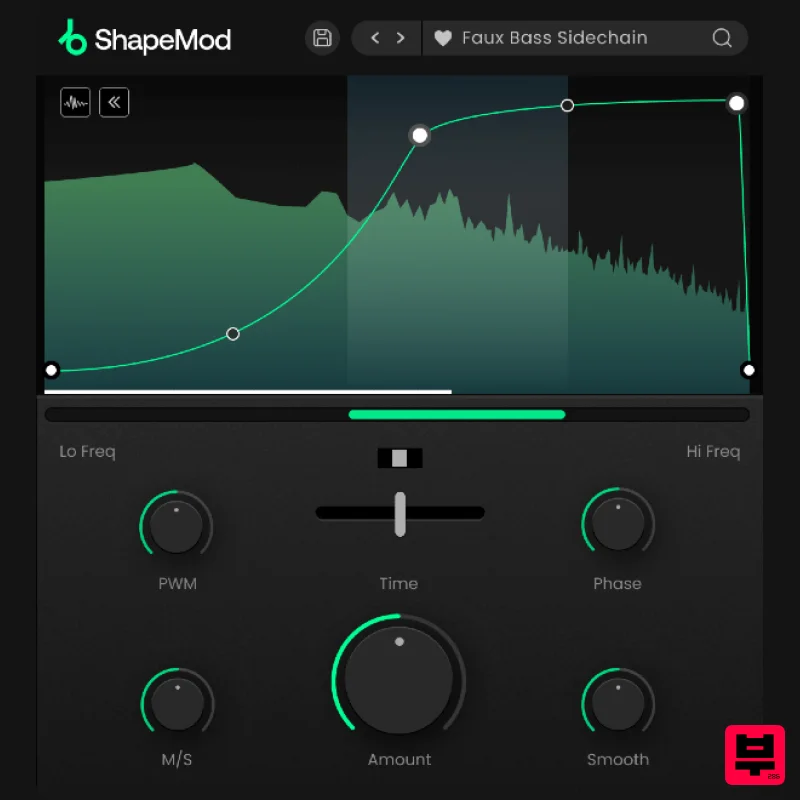
Plugin Boutique ShapeMod
Envelope Shaper
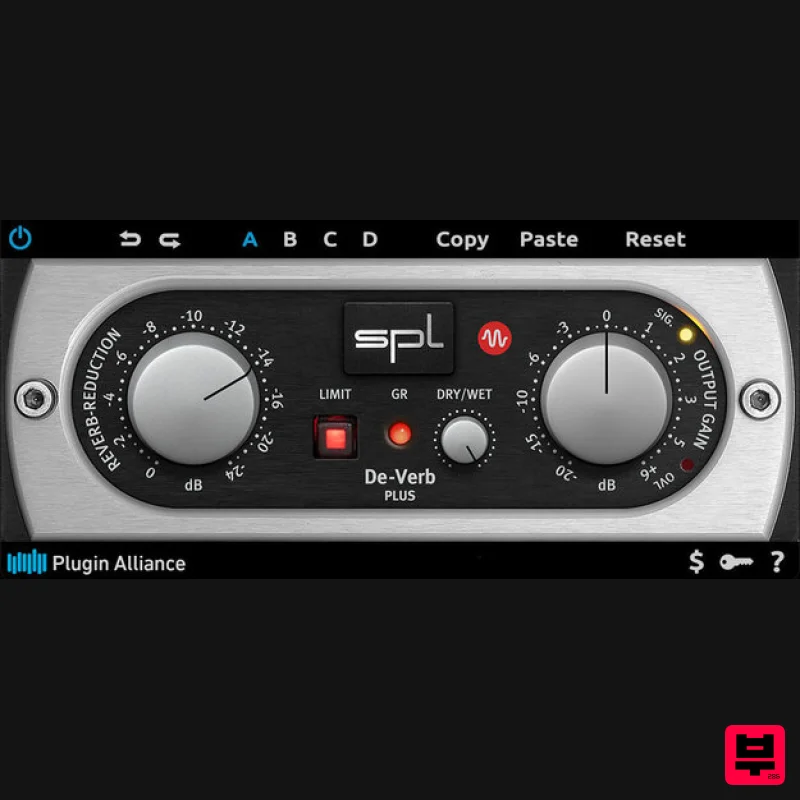
Plugin Alliance SPL De-Verb Plus
Envelope Shaper
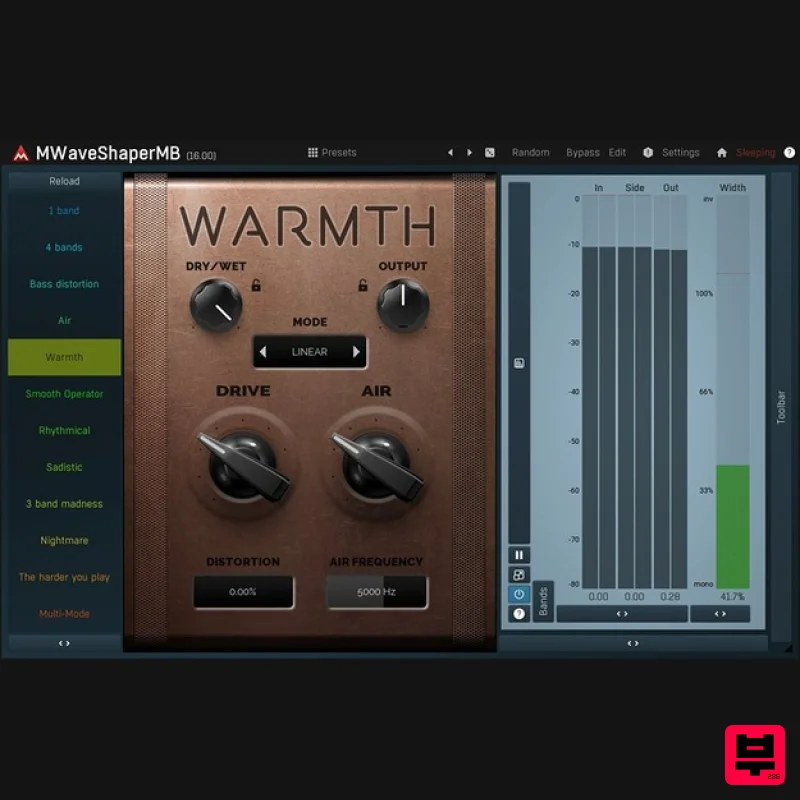
MeldaProduction MWaveShaperMB
Envelope Shaper
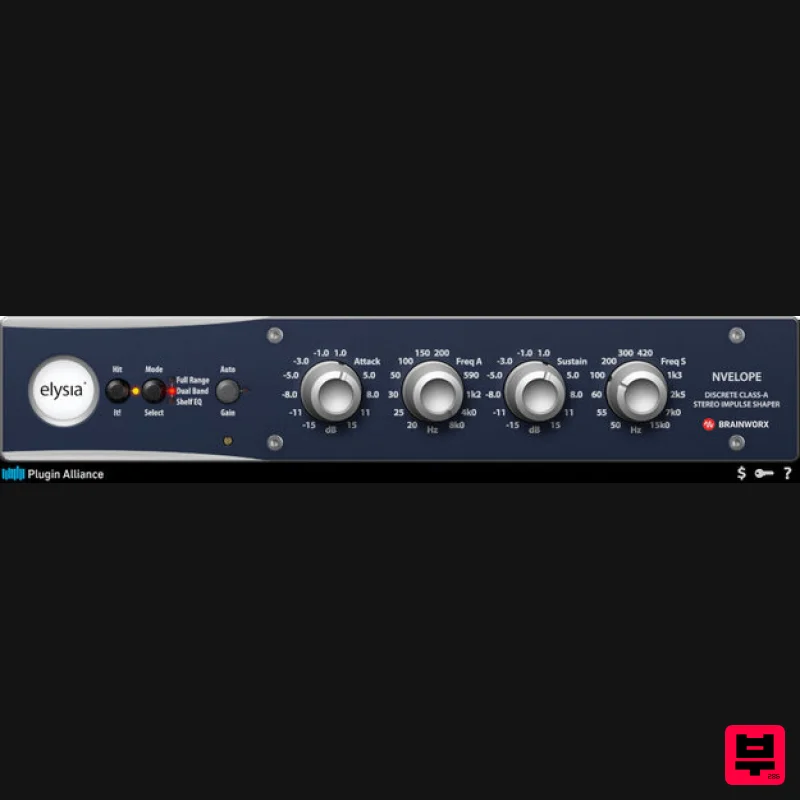
Plugin Alliance Elysia Nvelope
Envelope Shaper
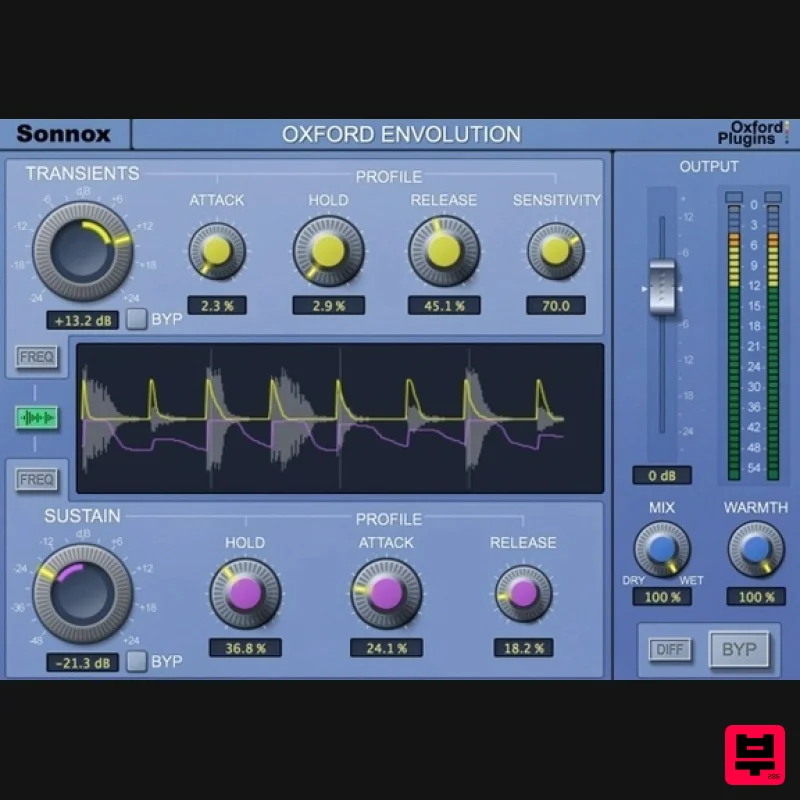
Sonnox Oxford Envolution - HDX
Envelope Shaper
Sinevibes Inertia v3
Envelope Shaper

