
W. A. Production Deres
Professional music gear - detailed information and where to buy
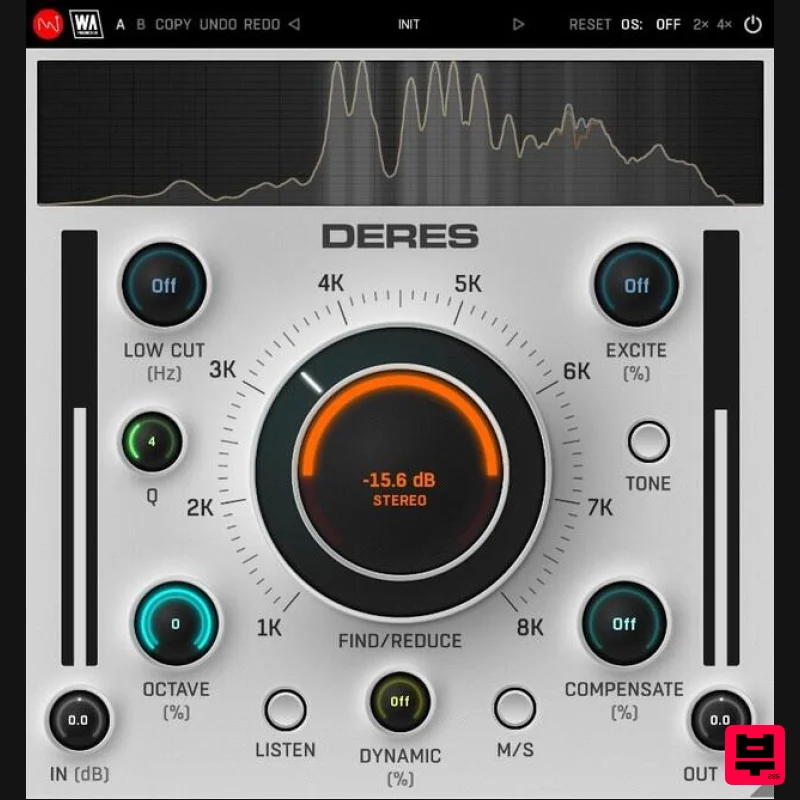
W. A. Production
Deres
Product Info
* Prices may vary. Check retailer for current pricing and availability.
Product Description
- Advanced Audio Clarity Whether it's stacking synths or building bass lines
- layering multiple instruments always creates a huge sonic impact. It's all about that magical combination of sounds that can either make or break a track. But here’s the headache - nothing kills the vibe quicker than hidden resonances and unruly harmonics creeping in to trash your mix. Enter DERES
- where resonances meet their match! This plugin is your resonance-killing footsoldier
- coming to the rescue to obliterate muddy sounds and pesky overtones that have been invading your productions. DERES isn't just guessing which frequencies need attention. It's working from the mathematical playbook of sound harmonics; uncovering hidden resonances that would otherwise fly under the radar of even the most eagle-eared producers. With preview functions
- you can sneak a peek into annoying interferences before your cleanup operation. Then use the user-friendly interface and streamlined workflow to nix those nasty noises. It's like having X-ray vision for your soundwaves
- dynamically adjusting resonant peaks in a musical way. Clarity is king
- so make sure you clean house before you even touch that mixdown. Enhance
- Identify & Reduce The dedicated Listen button should be your first gadget in the DERES toolbag
- allowing you to isolate irritating resonances with ease by exaggerating the frequencies. Sweep the 1-8 kHz range with the Find knob to easily identify unusual peaks that sound overly muddy or harsh. Then dial in the Reduce parameter to apply the processing
- resulting in a cleaner signal. Tweak the Q value to widen or narrow the factor
- catching more or less of the surrounding frequencies. Dynamic Relativity A normal surgical EQ will only be effective on one tight frequency slice
- whereas DERES can process all the multiple harmonics of your chosen frequency. Use the Octave knob to quickly reduce the relative components of the main frequency so you catch all those problem peaks. Normal static mode will cut resonances in a linear way. Alternatively
- you can add in an advanced dynamic mode
- for more musical processing that only steps in when you really need it. Compensation Station Carving out bothersome frequencies cleans up the signal but can sometimes make the audio sound a little flat. DERES compensates for that with a suite of useful functions: Use the Tone button to adjust the tonal balance of supporting instruments such as pads and strings by applying convolution response and removing unnecessary frequencies. Boosting frequencies neighbouring those cleared by resonance removal
- the Compensate knob adds a touch of brightness to counteract any perceived darkness in the processed signal. Utilize the Excite control to infuse air into all sounds post-resonance removal
- elevating presence and sparkle to rejuvenate any lost energy. Add in a Mid/Side mode and low cut filtering and you’ll find DERES is a formidable asset for a wide range of resonance reduction tasks. Visual Feedback & Comparison DERES is built on vector graphics with a resizable interface. A live spectrum is displayed at the top
- to help you identify problem frequencies and show exactly what’s happening to the signal as it travels through the plugin in real time. This allows for accurate monitoring at every step of the chain. For those who like to experiment
- contrast different processing chains with AB comparison and copy / paste. Use the undo / redo buttons to revert any changes. Presets DERES includes a huge number of factory presets
- covering everything from subtle surgical correction
- to more broad-strokes transformations. Use the provided parameters as starting points to clean-up any type of audio
- bringing the best out of your sounds and productions. W. A. Production are real-life producers making creative plugins to help you achieve studio quality processing quickly and easily. Enjoy! Features De-Resonance plugin with advanced harmonic processing Easy identification of problem harmonics Unique parameter functionality Static & Dynamic modes Compensation parameters to maintain clarity Frequency spectrum monitoring AB comparison & Undo / Redo Resizable interface Responsive & CPU friendly Flexible factory presets Full PDF Manual & Tutorial video System Requirements Windows Windows 8 and later (64-bit only) Formats: VST2
- VST3
- AAX Mac macOS 10.10 and later (64-bit only) Formats: VST2
- VST3
- AU Please Note: AAX compatible with ProTools 11 and higher only. Important Note for Mac Apple Silicon users: Before purchasing
- please review the current compatibility status of this plugin on your system here. Registration and Activation Video <iframe frameborder="0" height="315" src="https: //www.youtube.com/embed/YJHtWvm8z0Y" width="560"></iframe> Please Note: CHORDS is used as an example. Registration 1. Click the Download button in your Plugin Boutique account or go to https://www.waproduction.com/users/login 2. Click 'Create New Account' (if you already have a W.A Production account
- enter your details
- log in and skip to step 5). 3. Enter your details > Choose your marketing preferences > Click 'Finish Registration'. 4. Your account has been registered > Click 'Register Plugin'. 5. On the license registration page
- enter the license key from your Plugin Boutique account (which will be referred to as 'serial number' on our site) > Click 'Add'. 6. Your product will now be displayed in your W.A Production account > Scroll down to My Orders and click 'View Order'. 7. Click 'Download Files'. 8. Click 'Download'. Mac Installation 1. Once the download is complete
- extract and open the ZIP folder you just downloaded > Open the Mac folder > Double-click the CHORDS .pkg installer file. 2. Click 'Continue'. 3. Read the Software License Agreement > Click 'Continue'. 4. Click 'Agree'. 5. Click 'Install'. 6. Click 'Close'. 7. Open CHORDS in your DAW. 8. Click the information icon in the bottom left-hand corner > Enter the serial number you were given in your W.A Production account > Click 'Authorize'. Your software is now ready to use in your DAW! Windows Installation 1. Once the download is complete
- extract and open the ZIP folder you just downloaded > Open the PC folder > Double-click the CHORDS PC installer file. 2. Click 'Next'. 3. Click 'Next'. 4. Select which plugin formats you would like to install > Click 'Next' > Click 'Install'. 5. Click 'Finish'. 6. Open CHORDS in your DAW. 7. Click the information icon in the bottom left-hand corner > Enter the serial number you were given in your W.A Production account > Click 'Authorize'. Your software is now activated and ready to use in your DAW!
Additional Information
About the W. A. Production Deres
The W. A. Production Deres represents excellent craftsmanship in the Dynamics Processor category.
Why Choose the W. A. Production Deres?
- •Authentic W. A. Production craftsmanship and design
- •Versatile sound suitable for multiple musical genres
- •Professional build quality and reliable performance
- •Part of W. A. Production's respected Dynamics Processor lineup
Compare & Explore
Browse our complete selection of W. A. Production instruments or explore other Dynamics Processor options. Use our comparison tools to find the perfect match for your musical style and budget.
Similar Products
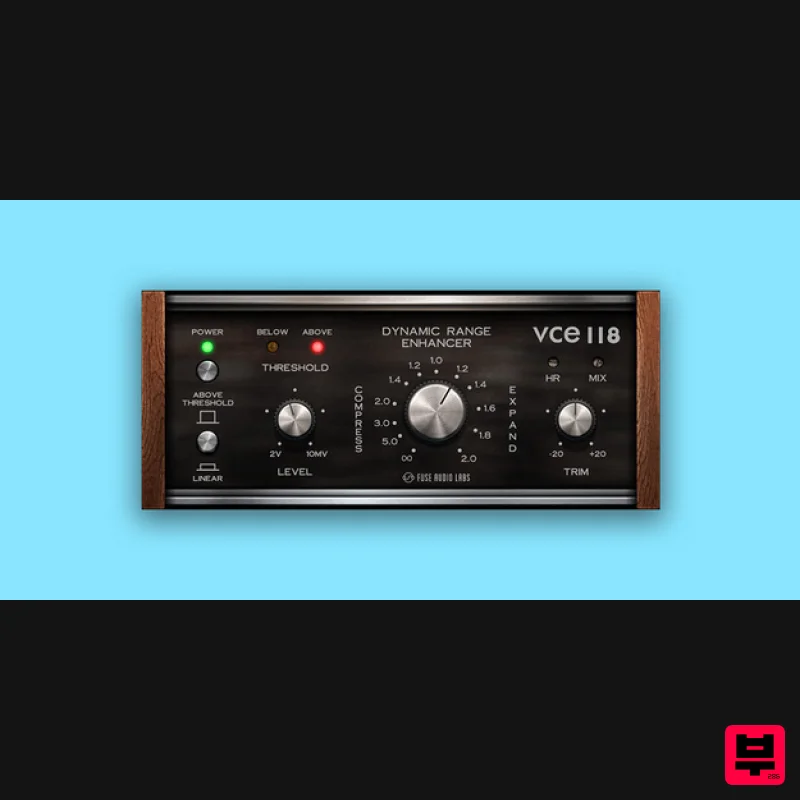
Fuse Audio Labs VCE-118 – Dynamic Range Enhancer
Dynamics Processor
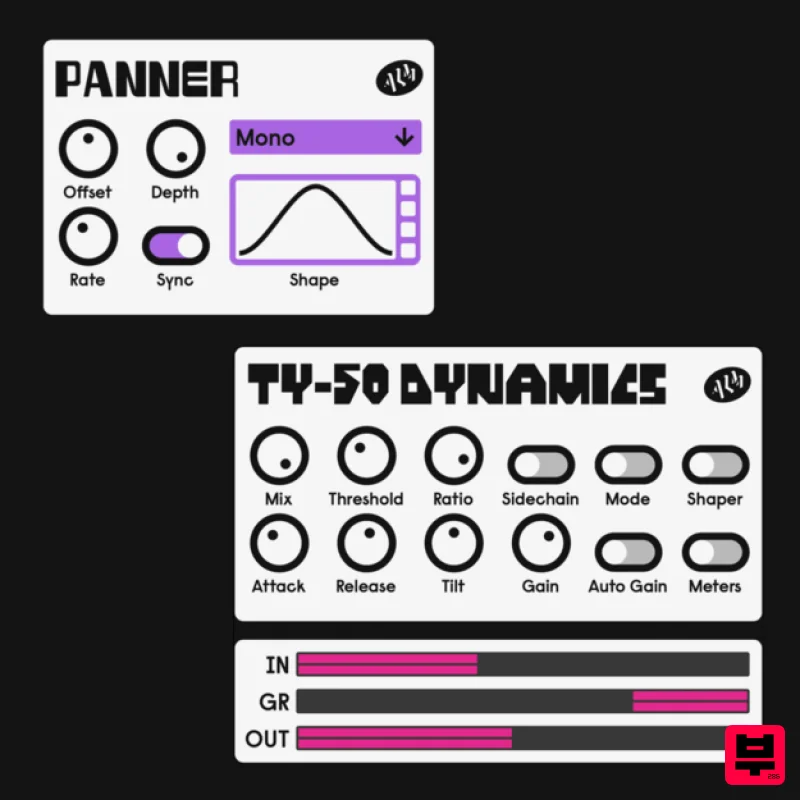
ALM / Busy Circuits MFX Dynamics
Dynamics Processor
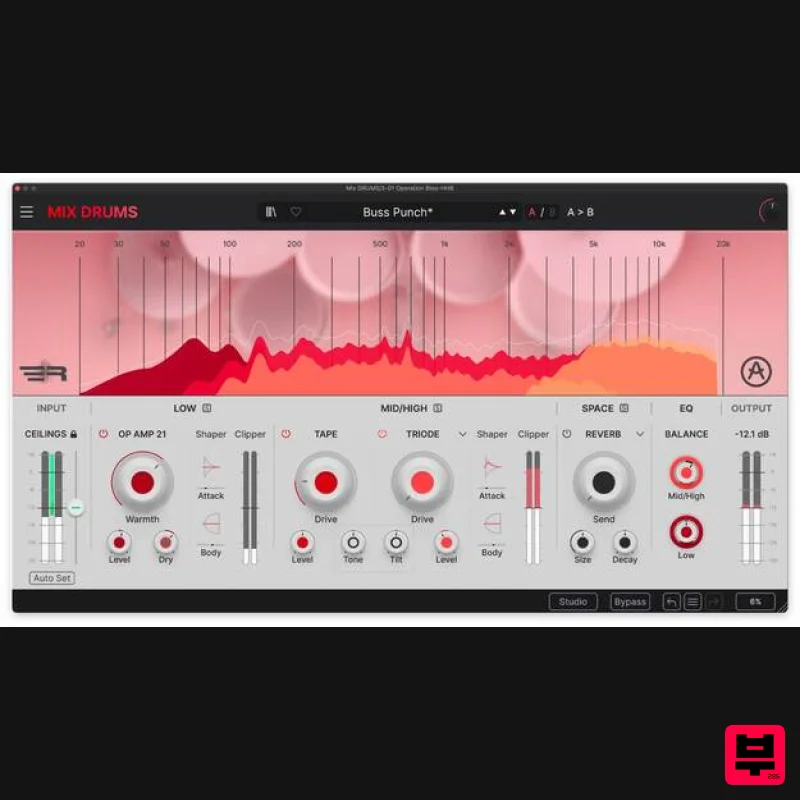
Arturia Mix DRUMS
Dynamics Processor
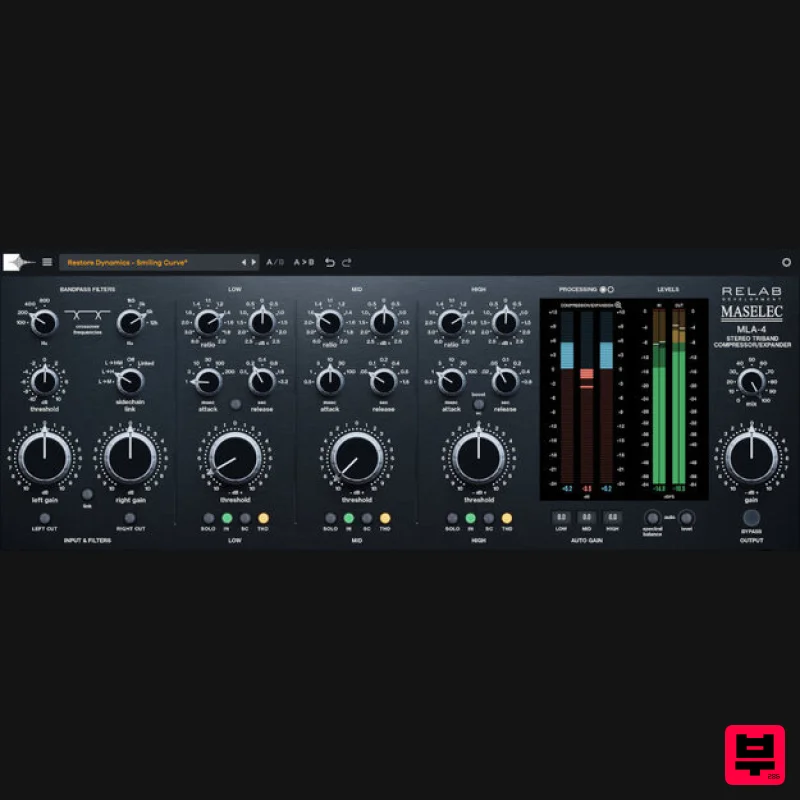
Relab Development Maselec MLA-4
Dynamics Processor
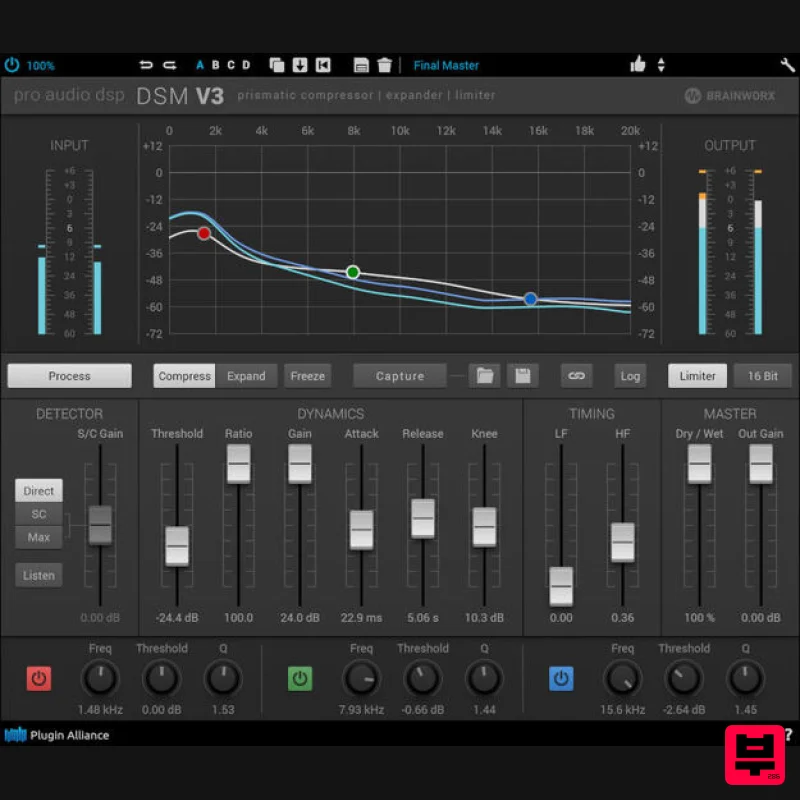
Plugin Alliance ProAudioDSP DSM V3
Dynamics Processor
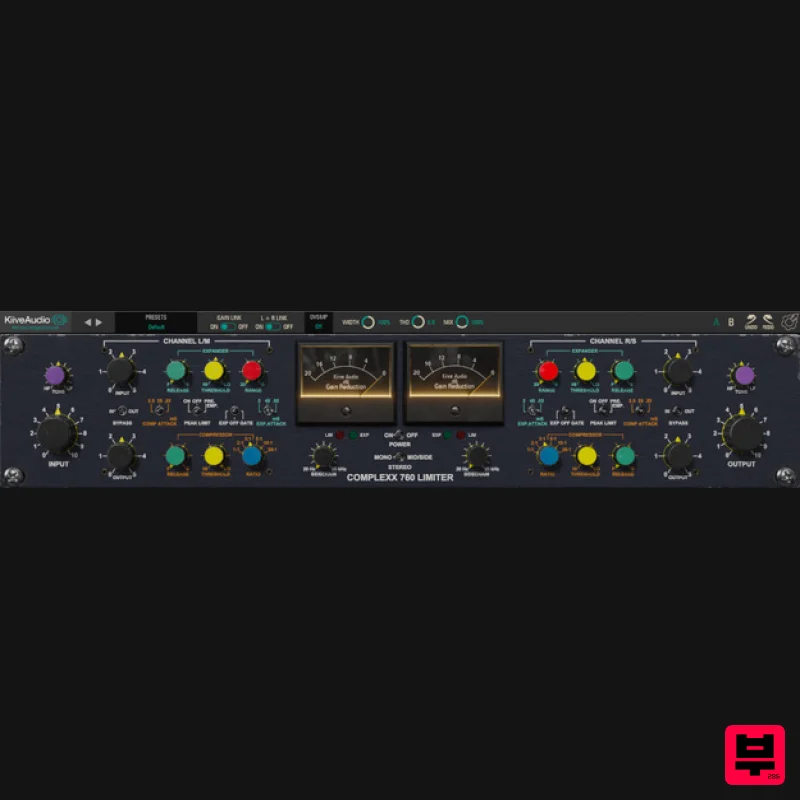
Kiive Audio Complexx
Dynamics Processor
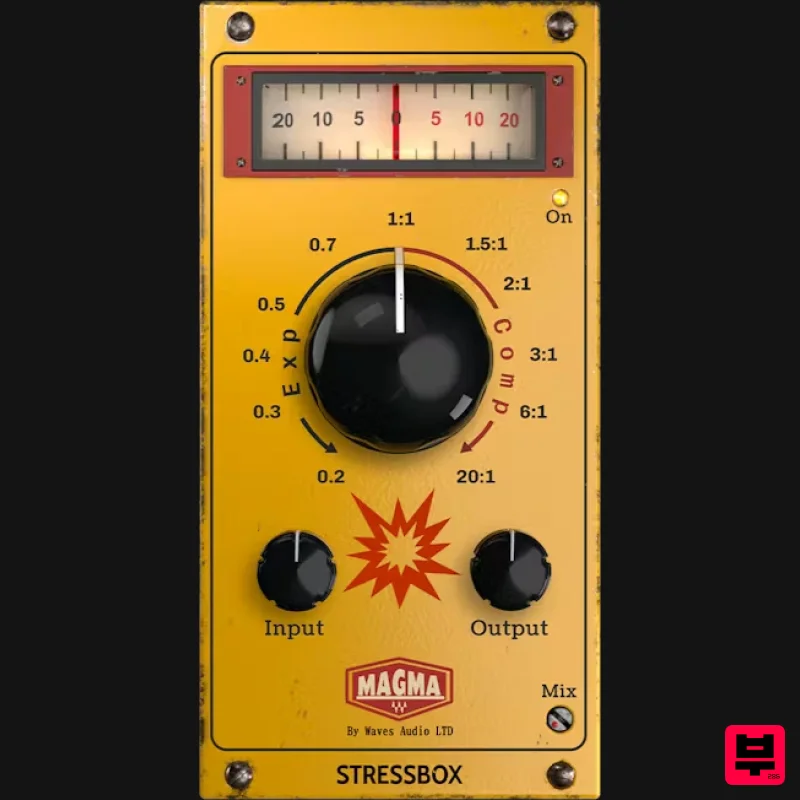
Waves Magma StressBox
Dynamics Processor
Zynaptiq INTENSITY 2
Dynamics Processor

