
W. A. Production CHORDS
Professional music gear - detailed information and where to buy
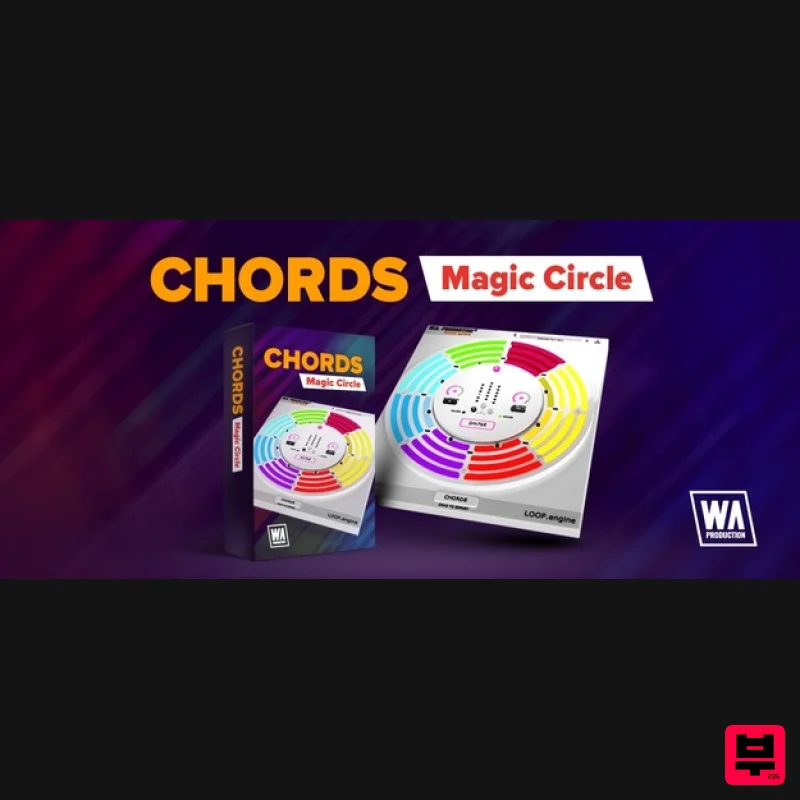
W. A. Production
CHORDS
Product Info
* Prices may vary. Check retailer for current pricing and availability.
Product Description
- Inspirational Chord Progressions to Kickstart Your Music When you first sit down at a blank project sometimes you need a fresh hit of motivation and creativity. That’s why CHORDS is here for you. Originally designed for EDM productions
- but useful for a variety of genres
- this clever workstation will conjure chords of all shapes and sizes with just a couple of clicks. Try out new ideas for your tracks within the intuitive interface and let this plugin take the strain
- from suggesting single 4-note chords to producing entire 8-chord riffs. CHORDS must be assigned to a MIDI track or instrument track on your DAW via MIDI In. For the required routing setup
- follow instructions in the manual of your DAW. The innovative software will generate looped options for up to 8 chords with full control over chord shape
- inversions
- velocity and more. Then just drag the MIDI straight from the plugin to your project
- letting your creativity flow freely
- guided by the suggestions from CHORDS. Global or Granular Use the global controls to adjust inversions
- length
- speed and root key of the entire playback
- making on-the-fly adjustments to your entire riff a simple process. To get into the detail
- click a segment for more granular control over chord shapes (including major/minor variations)
- individual inversions and velocity. Simple Segments With up to 8 segments
- each containing a different chord type
- you can choose to trigger between one and four notes per chord. The playback of these segments syncs to the host BPM of your DAW
- always remaining locked in time. You can add and subtract segments with ease and change a range of parameters
- independently for each segment. Essential Parameters Each segment can be programmed with inversions from -6 to +6
- transforming chord shapes and placing the root note inside of the chord itself. Experiment by pushing the lowest notes up an octave
- or highest notes down an octave
- turning your chords inside out. Just The Tonic With your chords loaded and a segment chosen
- use the 18 buttons in the centre of the interface to choose Tonic
- Subdominant or Dominant chord shapes. From simple triads
- right through to more complex shapes
- let CHORDS find the right notes for any related chord. Fancy a G7sus4 or a Bm7b5? Just let this plugin find the correct notes and work out the difficult stuff for you. Export MIDI To get the chord progressions into your own projects
- simply drag and drop from the plugin to your DAW. Then you can edit to your heart’s content
- chopping up the MIDI
- transposing and twisting the CHORDS suggestions to suit your own style of music. Powerful Presets CHORDS includes a huge number of factory preset progressions
- all labelled in detail. These are useful musical motifs to get you up and running quickly which can eventually become the basis for whole tracks. W. A. Production are real-life producers making creative plugins to help you achieve studio quality processing quickly and easily. Enjoy! Features Chord-creating MIDI effect Connects to any sequencer Global and per-segment control Intelligent harmonic progressions Preview mode for in-plugin playback Export MIDI Factory presets Resizable interface PDF Manual & Tutorial video System Requirements Windows 8 and later (64-bit only) macOS 10.13 and later (64-bit only) Please Note: AAX Format requires Pro Tools 11 or higher. Incompatible with: Maschine 2 (Win/Mac) - No MIDI routing Reason (Win/Mac) - No MIDI routing Important Note for Mac Apple Silicon users: Before purchasing
- please review the current compatibility status of this plugin on your system here. Manene "Sometimes
- I just need a bit of inspiration when I'm stuck in a rut
- and CHORDS makes it quick and easy to discover a useful looped progression and inspire the creation of a new song concept." 22Bullets "Anything that can improve my workflow can be a game-changer
- and CHORDS certainly appears to be that. The ease with which I can come up with new musical ideas and build useful foundations for my tracks using the plugin is huge." The Samplecast "This is the kind of super-simple plugin that’s going to be an essential tool for producers looking to get away from boring 3-finger triads. Truly inspirational!" Registration and Activation Video <iframe frameborder="0" height="315" src="https: //www.youtube.com/embed/YJHtWvm8z0Y" width="560"></iframe> Registration 1. Click the Download button in your Plugin Boutique account or go to https://www.waproduction.com/users/login 2. Click 'Create New Account' (if you already have a W.A Production account
- enter your details
- log in and skip to step 5). 3. Enter your details > Choose your marketing preferences > Click 'Finish Registration'. 4. Your account has been registered > Click 'Register Plugin'. 5. On the license registration page
- enter the license key from your Plugin Boutique account (which will be referred to as 'serial number' on our site) > Click 'Add'. 6. Your product will now be displayed in your W.A Production account > Scroll down to My Orders and click 'View Order'. 7. Click 'Download Files'. 8. Click 'Download'. Mac Installation 1. Once the download is complete
- extract and open the ZIP folder you just downloaded > Open the Mac folder > Double-click the CHORDS .pkg installer file. 2. Click 'Continue'. 3. Read the Software License Agreement > Click 'Continue'. 4. Click 'Agree'. 5. Click 'Install'. 6. Click 'Close'. 7. Open CHORDS in your DAW. 8. Click the information icon in the bottom left-hand corner > Enter the serial number you were given in your W.A Production account > Click 'Authorize'. Your software is now ready to use in your DAW! Windows Installation 1. Once the download is complete
- extract and open the ZIP folder you just downloaded > Open the PC folder > Double-click the CHORDS PC installer file. 2. Click 'Next'. 3. Click 'Next'. 4. Select which plugin formats you would like to install > Click 'Next' > Click 'Install'. 5. Click 'Finish'. 6. Open CHORDS in your DAW. 7. Click the information icon in the bottom left-hand corner > Enter the serial number you were given in your W.A Production account > Click 'Authorize'. Your software is now activated and ready to use in your DAW!
Additional Information
About the W. A. Production CHORDS
Experience the quality and tone that makes the W. A. Production CHORDS a popular choice for musicians.
Why Choose the W. A. Production CHORDS?
- •Authentic W. A. Production craftsmanship and design
- •Versatile sound suitable for multiple musical genres
- •Professional build quality and reliable performance
- •Part of W. A. Production's respected Music Theory Tools lineup
Compare & Explore
Browse our complete selection of W. A. Production instruments or explore other Music Theory Tools options. Use our comparison tools to find the perfect match for your musical style and budget.
Similar Products
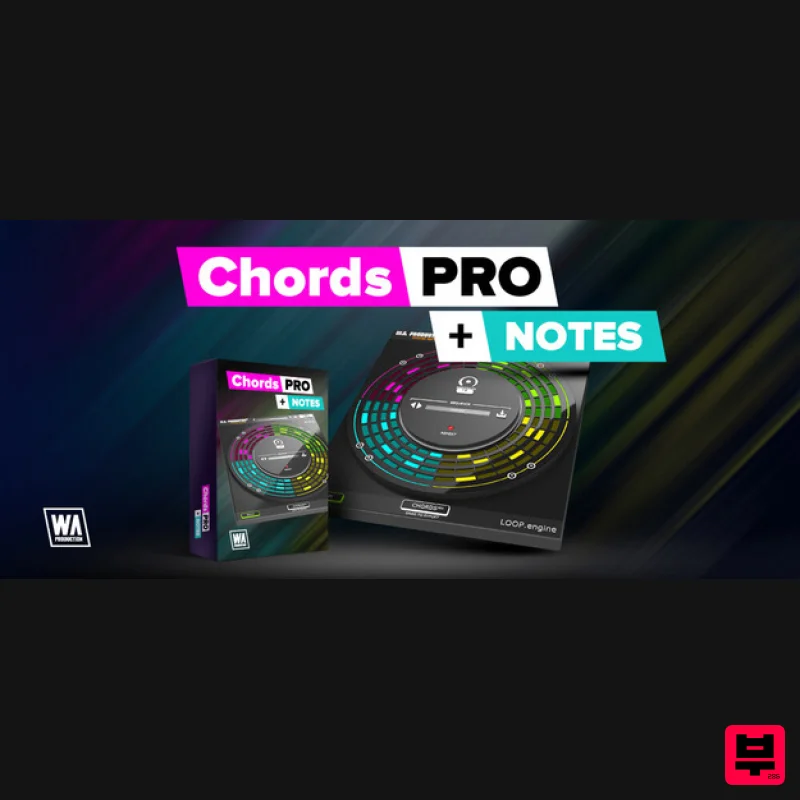
Harvest Plugins CHORDS PRO + NOTES Upgrade From CHORDS
Music Theory Tools
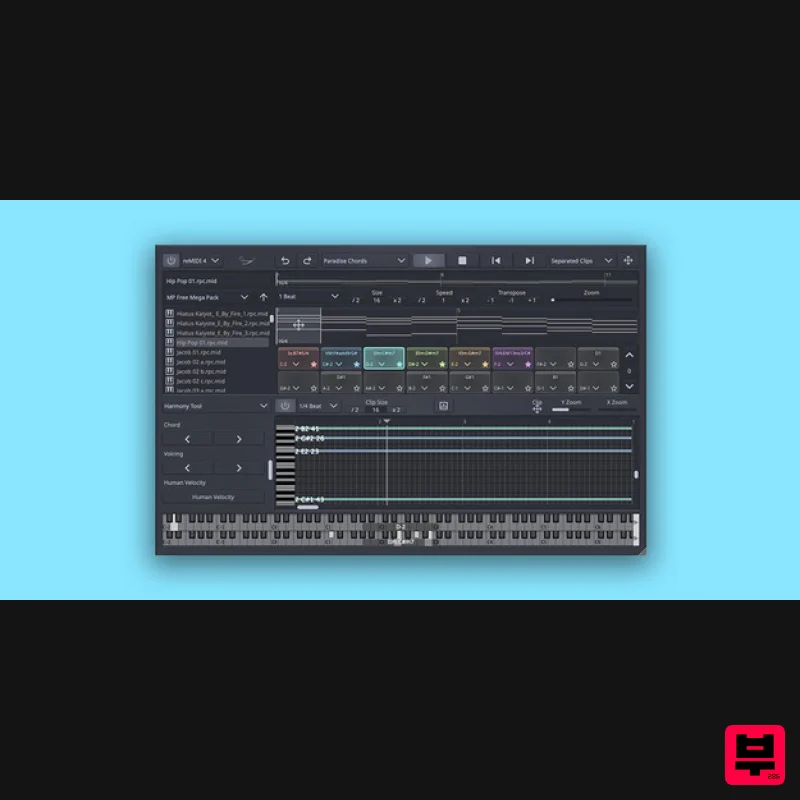
SongWish reMIDI 4 Upgrade from reMIDI 2
Music Theory Tools
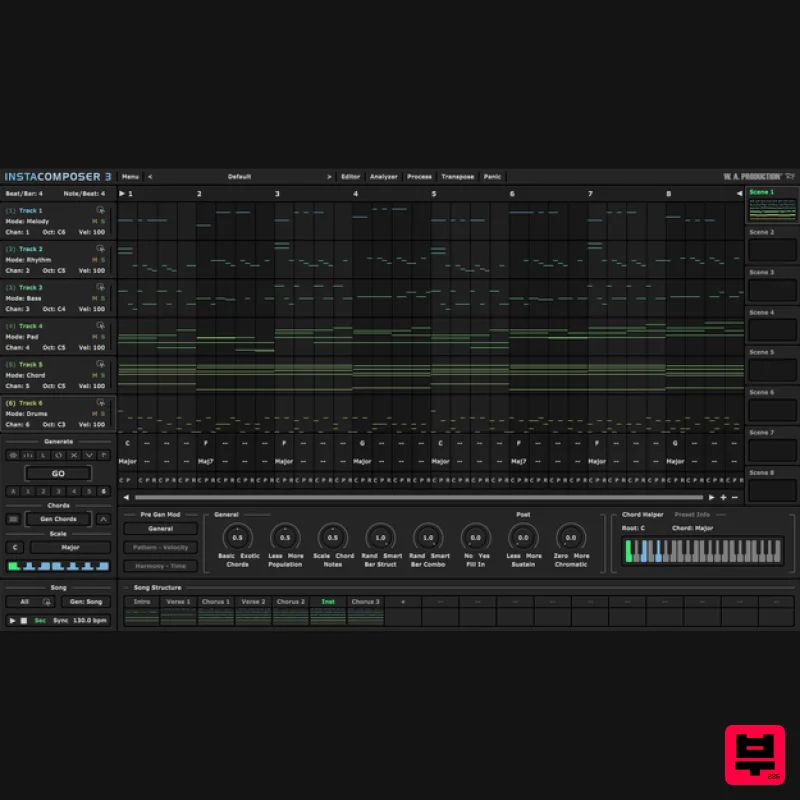
W. A. Production InstaComposer 3 Upgrade from Instacomposer 2
Music Theory Tools
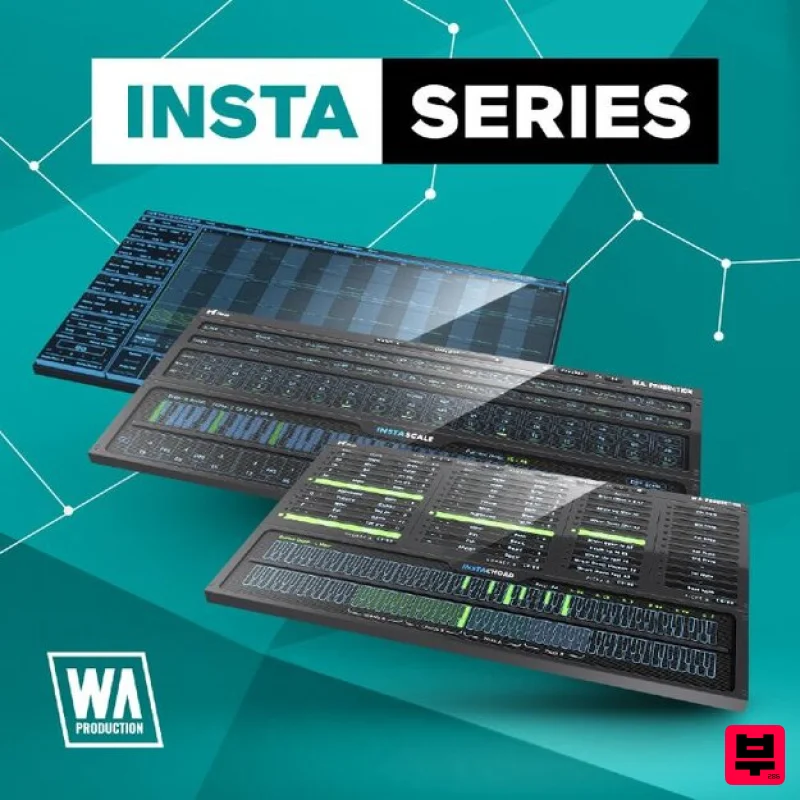
W. A. Production InstaSeries Bundle
Music Theory Tools
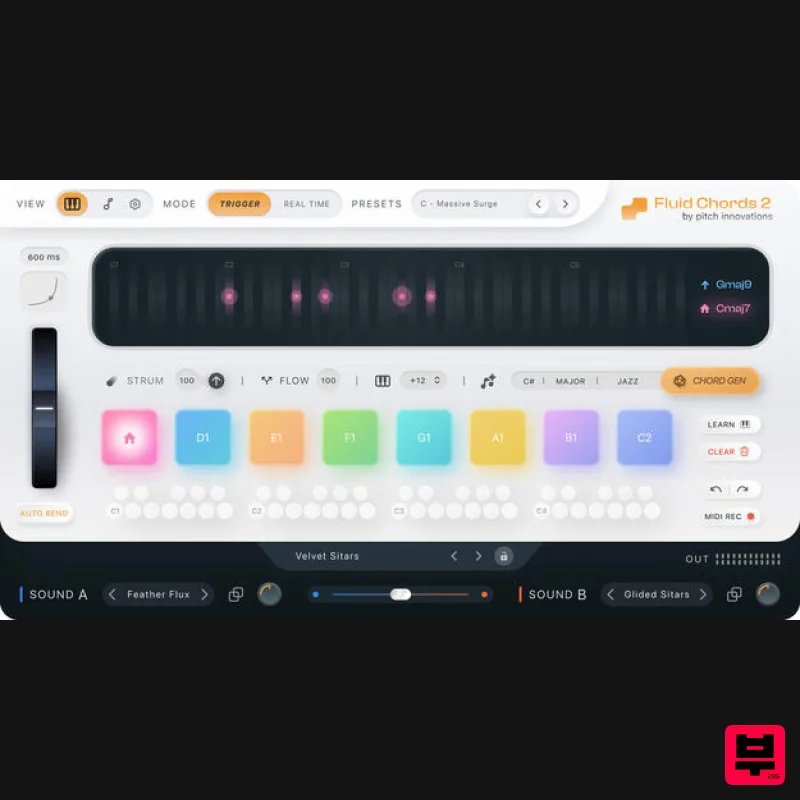
W. A. Production Fluid Chords 2 Upgrade from Fluid Chords
Music Theory Tools
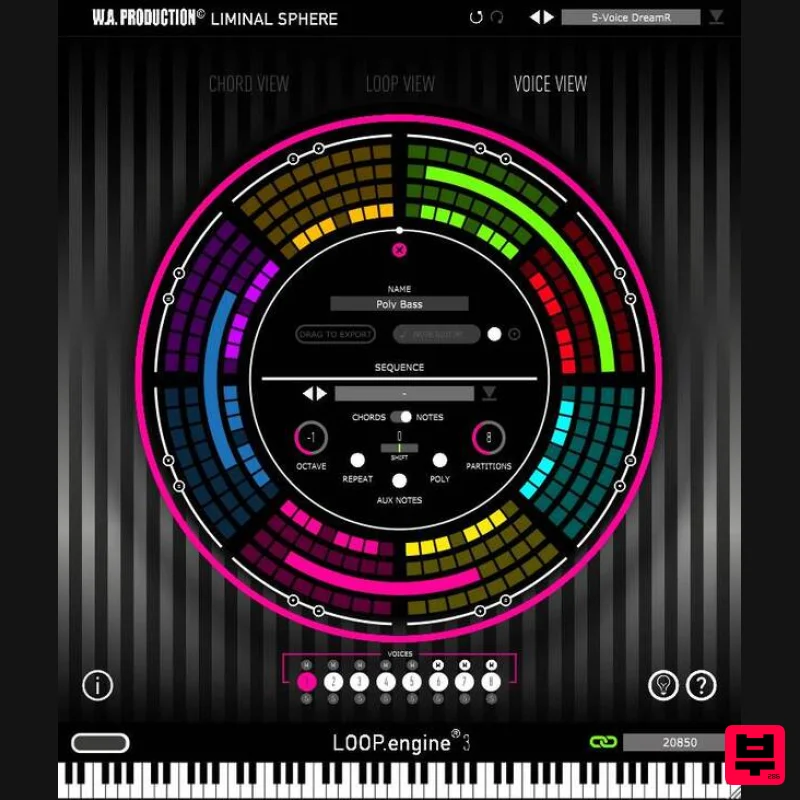
W. A. Production Loop Engine 3 Upgrade from Loop Engine 2
Music Theory Tools
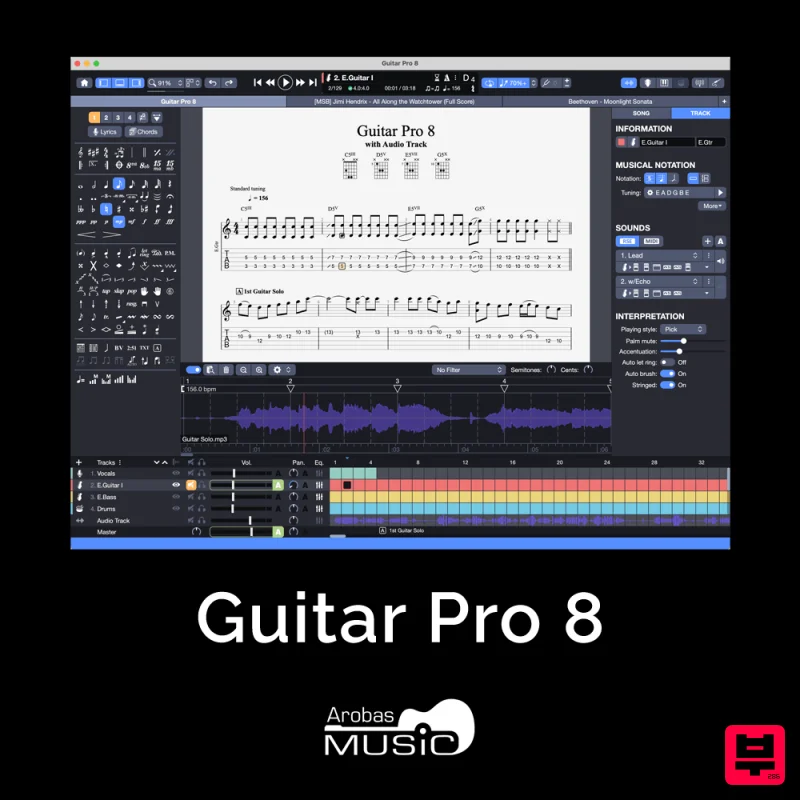
Arobas Music Guitar Pro 8
Music Theory Tools
SongWish InstaComposer 2 Upgrade from InstaComposer 1
Music Theory Tools

