
W. A. Production Bass 2 for Babylon 1
Professional music gear - detailed information and where to buy
W. A. Production
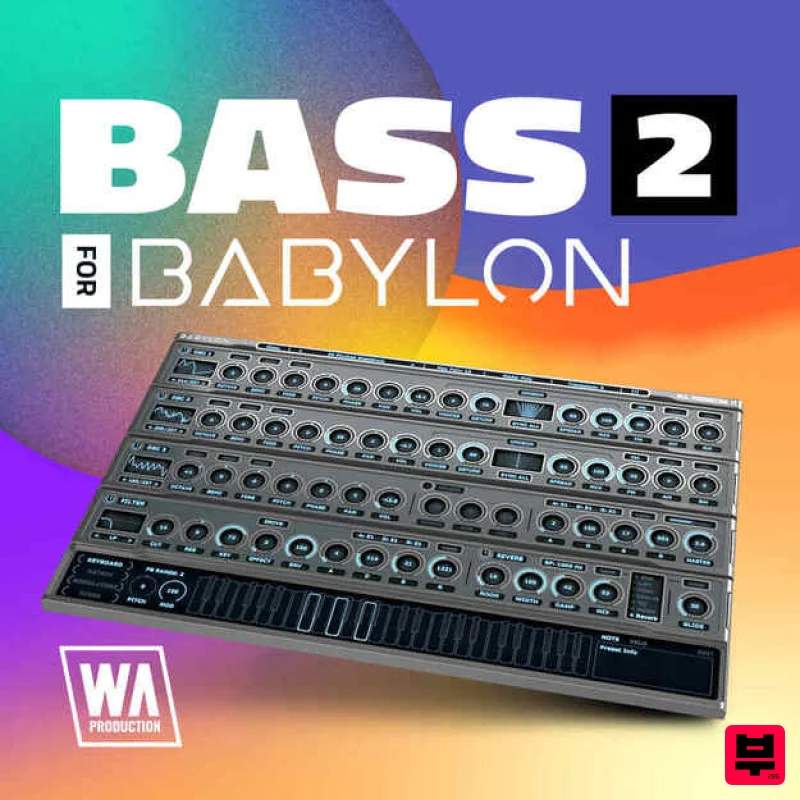
Bass 2 for Babylon 1
Product Info
* Prices may vary. Check retailer for current pricing and availability.
Product Description
- Important Note: This is an expansion for W. A. Production Babylon 1
- and is not compatible with Babylon 2. Bass 2 for Babylon is the ultimate collection for producers focused on the foundational elements of any powerful track: the bass. Whether you’re crafting gritty hip-hop beats
- driving techno rhythms
- or explosive EDM anthems
- this expansive preset pack
- featuring 80 robust bass sounds
- provides the essential range you need to define the low-end of your productions. W. A. Production meticulously engineered each preset in Bass 2 for Babylon to ensure they offer the versatility and depth demanded by today’s diverse music scene. From deep and to aggressive and distorted
- each sound is tailored to help you make a significant impact
- ensuring your tracks resonate with a potent
- ground-shaking bass presence that captures and holds attention. Unlock the full potential of your low-end with Bass 2 for Babylon. These presets are not just sounds; they are powerful tools that will infuse your tracks with the kind of dynamic bass that defines and drives modern music. Dive into this collection and let each bassline you create be a bold statement in your musical expression. Features 80 Babylon Presets 100% Royalty-Free System Requirements W.A Production Babylon Important note: The full version of W.A Production Babylon is required to use this expansion pack. Note: Hardstyle Expansion is used as an example. Mac 1. Download and open the .zip file from within your Plugin Boutique account > Open the folder titled 'Babylon Presets' and copy the folder titled 'Hardstyle Expansion'. 2. Open Babylon inside of your DAW. 3. Click 'Menu' > Click 'Open Preset Folder'. 4. Paste the 'Hardstyle Expansion' Folder inside the Presets folder. 5. Close and then reopen Babylon. Your presets are now ready to be used inside of Babylon! Windows 1. Download and open the .zip file from within your Plugin Boutique account > Open the folder titled 'Babylon Presets' and copy the folder titled 'Hardstyle Expansion'. 2. Open Babylon inside of your DAW. 3. Click 'Menu' > Click 'Open Preset Folder'. 4. Paste the 'Hardstyle Expansion' Folder inside the Preset Folder. 5. Close and then reopen Babylon. Your presets are now ready to be used inside of Babylon!
Additional Information
About the W. A. Production Bass 2 for Babylon 1
The W. A. Production Bass 2 for Babylon 1 combines traditional design with modern performance for Expansion Packs enthusiasts.
Why Choose the W. A. Production Bass 2 for Babylon 1?
- •Authentic W. A. Production craftsmanship and design
- •Versatile sound suitable for multiple musical genres
- •Professional build quality and reliable performance
- •Part of W. A. Production's respected Expansion Packs lineup
Compare & Explore
Browse our complete selection of W. A. Production instruments or explore other Expansion Packs options. Use our comparison tools to find the perfect match for your musical style and budget.
Similar Products

Tracktion Taurinorum Expansion Pack (for Attracktive)
Expansion Packs

Tracktion Suitcase in a Box Expansion Pack (for Attracktive)
Expansion Packs

Tracktion Poly-One Expansion Pack (for Attracktive)
Expansion Packs

Tracktion DG-8000 Expansion Pack (for Attracktive)
Expansion Packs

Tracktion Langweil 150 Expansion Pack (for Attracktive)
Expansion Packs

Tracktion SH-20 Expansion Pack (for Attracktive)
Expansion Packs

Tracktion SA-1000 Expansion Pack (for Attracktive)
Expansion Packs

Tracktion Stonegrabber D-232 Expansion Pack (for Attracktive)
Expansion Packs

