
Venomode Maximal 3
Professional music gear - detailed information and where to buy
Product Description
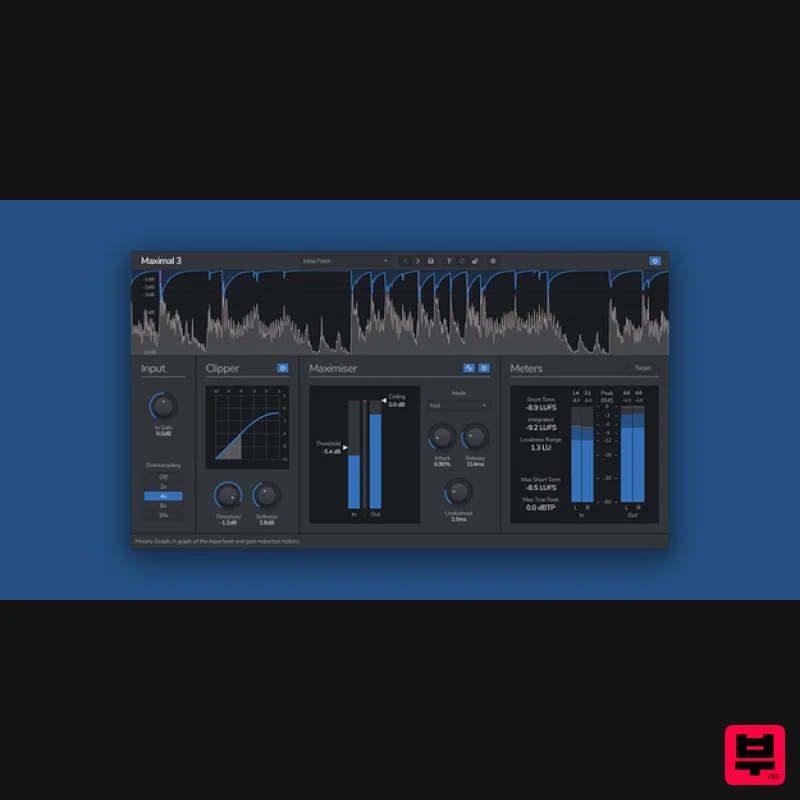
- Loudness Maximiser Maximal 3 is a true-peak brickwall limiter
- soft clipper
- and broadcast standard loudness meter. Maximal 3 is a loudness maximiser
- designed to limit and maximise your track. Featuring both a true-peak brickwall limiter and a variable shape soft clipper
- Maximal 3 can increase the overall loudness of your track
- without destroying the sonic quality. The limiter features true-peak lookahead detection
- meaning inter-sample peaks will never overshoot and clip. With four different modes
- and controls for attack and release
- the shape of the limiter can achieve anything from transparent limiting with transient preservation
- to warm bus gluing or pumping. Features True-Peak Limiting Maximal 3 features true-peak
- lookahead
- brickwall limiting. This means that no matter how hard you push it
- there will never be any overshoots from intersample peaks. With four different limiter modes
- and attack and release controls
- Maximal 3 can be used for anything from clean and transparent loudness maximising
- to gluing a bus together. Variable Soft Clipping Clipping can be used to shave off rampant peaks before limiting
- or used as a creative tool to add a bit of warmth to tracks. An adjustable curve from hard to soft allows chopping transients or adding saturation to both individual tracks and whole mixes. Loudness Metering Maximal 3 features a dedicated loudness metering section
- displaying the LUFS and true-peak value of the signal
- based on the ITU-R BS.1770-4 specification. Additionally
- you can set the target loudness of the meters to any level
- such as for mastering specifically the EBU R128 standard. Oversampling To help limit aliasing and catch inter-sample peaks
- Maximal 3 offers up to 16x oversampling. Using linear-phase resampling filters
- our high-quality oversampling algorithm cleanly upsamples the signal before applying the limiting
- and cleanly bringing the sample rate back to the original. System Requirements Windows Windows 10 and later (64-bit only) VST / VST3 / AAX compatible DAW Mac macOS 10.13 and later (M1 Apple Silicon supported) (64-bit only) VST2
- VST3
- AU & AAX compatible DAW Ubuntu Ubuntu 18.04 and later (64-bit only) VST2 & VST3 Compatible DAW Note: Maximal 3 should work in any DAW that can run VST
- VST3
- or AU plugins
- on any dual-core system with at least 1 GB of RAM. Important note: When accessing this software via a Rent to Own plan or the Beatport Studio membership
- it's installed and run through the Beatport Access portal. An internet connection is required every 30 days to validate your license. Note: Complexer 2 is used as the example. Mac Registration 1. Go to https://venomode.com/redeem 2. Enter your Full Name
- Email Address
- Voucher (found in the 'Serial' section within your Plugin Boutique User Account) and Password > Click 'Register'. Installation 1. Within the section titled 'Registered Products'
- select the Mac OS X installer to download the installer file. 2. Open the .pkg file to begin the installation > Click 'Continue'. 3. Click 'Continue'. 4. Click 'Agree'. 5. Click 'Continue'. 6. Click 'Continue'. 7. Click 'Install'. 8. Enter your computer Username and Password > Click 'Install Software'. 9. The installation is complete > Click 'Close'. Activation Type 1 1. Open your newly-installed plugin in your DAW > Click the Gear icon at the top of the plugin window. 2. Enter your Name
- Email Address and Serial Number found in your Venomode user account > Click 'Register'. 3. Click 'Ok' > Restart your DAW. Activation Type 2 1. Open your newly-installed plugin in your DAW > Click the Gear icon at the top of the plugin window. 2. Go to your Venomode User Account > Click 'Copy' to copy your Keyfile to the clipboard. 3. Go back to the plugin in your DAW > Click 'Paste Keyfile'. 4. Click 'Ok' > Restart your DAW. Your software is now activated and ready to use within your DAW. Windows Registration 1. Go to https: //venomode.com/redeem 2. Enter your Full Name
- Email Address
- Voucher (found in the 'Serial' section within your Plugin Boutique User Account) and Password > Click 'Register'. Installation 1. Within the section titled 'Registered Products'
- select the Windows installer to download the installer file. 2. Open the .exe file to begin the installation > Select 'I Accept the Agreement' and click 'Next'. 3. Click 'Next'. 4. Click 'Next'. 5. Click 'Next'. 6. Click 'Install'. 7. Click 'Finish'. Activation Type 1 1. Open your newly-installed plugin in your DAW > Click the Gear icon at the top of the plugin window. 2. Enter your Name
- Email Address and Serial Number found in your Venomode User Account > Click 'Register'. 3. Click 'Ok' > Restart your DAW. Activation Type 2 1. Open your newly-installed plugin in your DAW > Click the Gear icon at the top of the plugin window. 2. Go to your Venomode User Account > Click 'Copy' to copy your Keyfile to the clipboard. 3. Go back to the plugin in your DAW > Click 'Paste Keyfile'. 4. Click 'Ok' > Restart your DAW. Your software is now activated and ready to use within your DAW.
Additional Information
About the Venomode Maximal 3
Experience the quality and tone that makes the Venomode Maximal 3 a popular choice for musicians.
Why Choose the Venomode Maximal 3?
- •Authentic Venomode craftsmanship and design
- •Versatile sound suitable for multiple musical genres
- •Professional build quality and reliable performance
- •Part of Venomode's respected Limiter lineup
Compare & Explore
Browse our complete selection of Venomode instruments or explore other Limiter options. Use our comparison tools to find the perfect match for your musical style and budget.
Similar Products
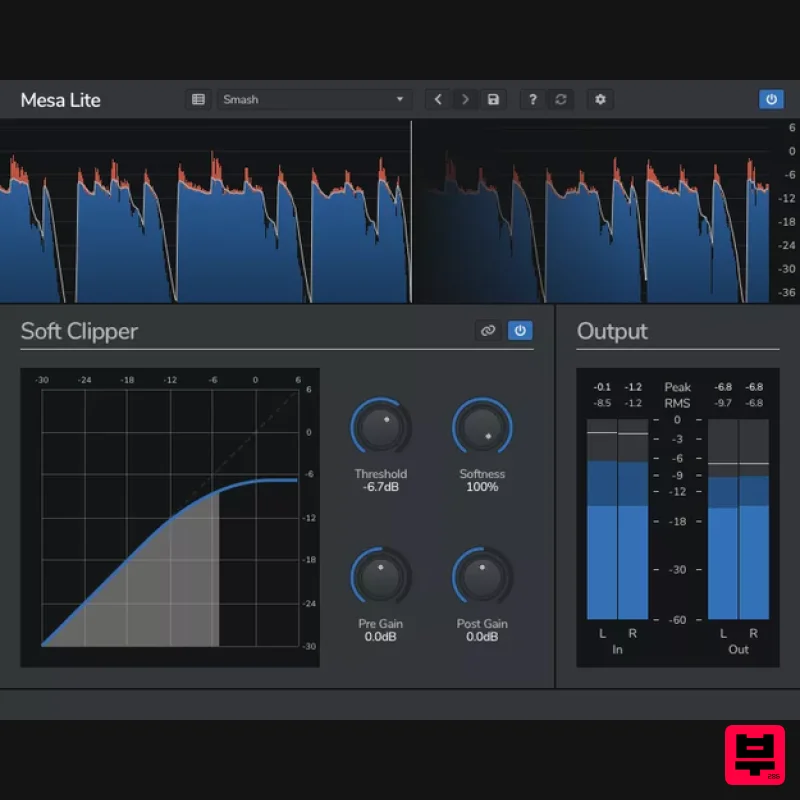
Venomode Mesa Lite
Limiter
Free
Control peaks and increase loudness without pumping Mesa is a free soft clipper designed to increase loudness and...
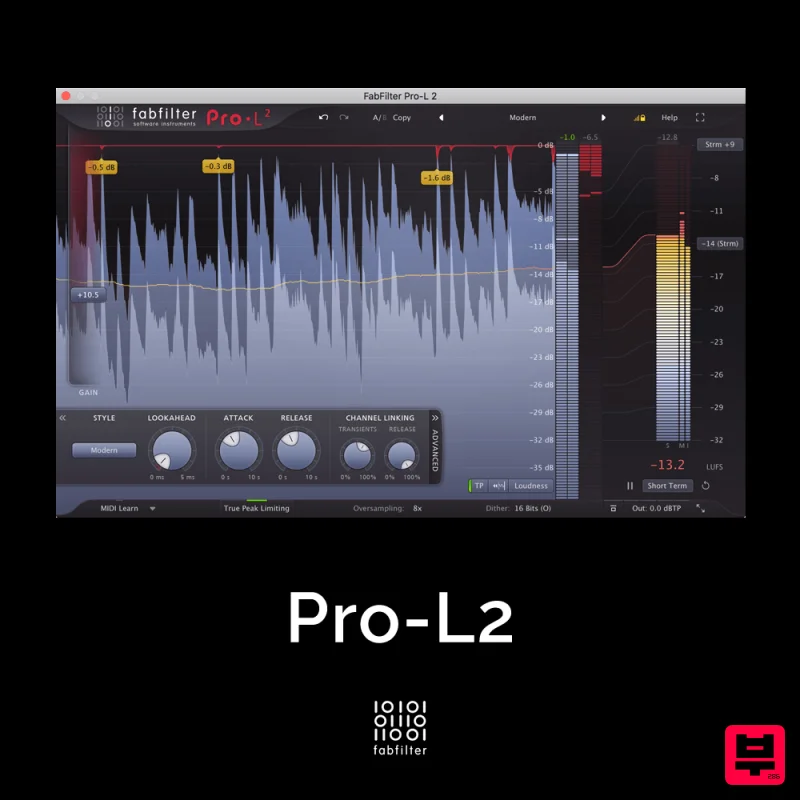
FabFilter Pro-L2
Limiter
$30
A true peak limiter is an essential tool for every mastering or mixing engineer. Are you looking for a professional,...
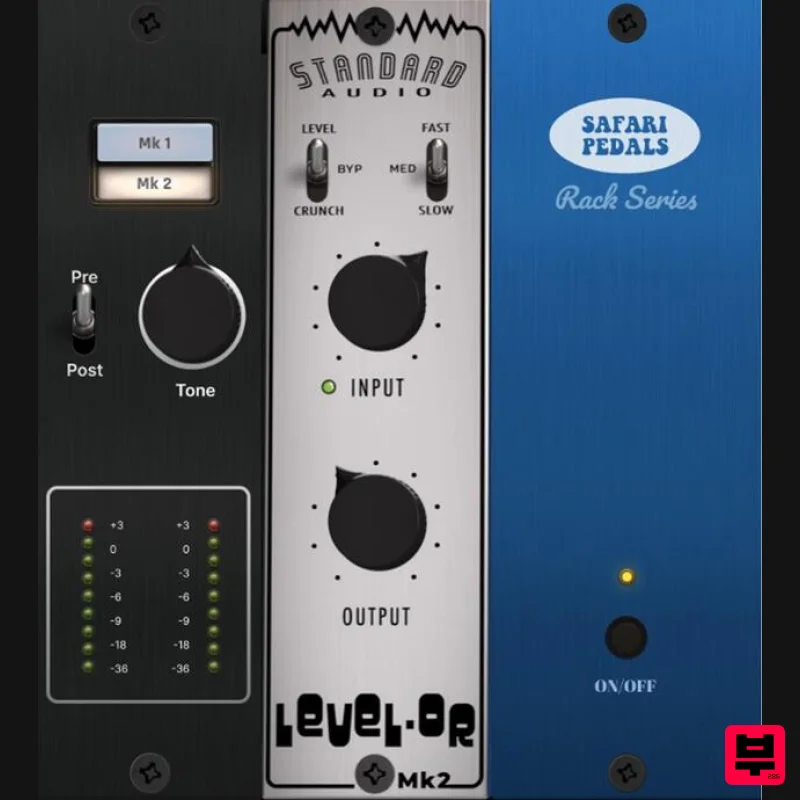
Safari Audio Standard Audio Level-Or
Limiter
$51
Level-Or by Standard Audio x Safari Audio Level-Or is a fierce character compressor/limiter based on the cult-classic...
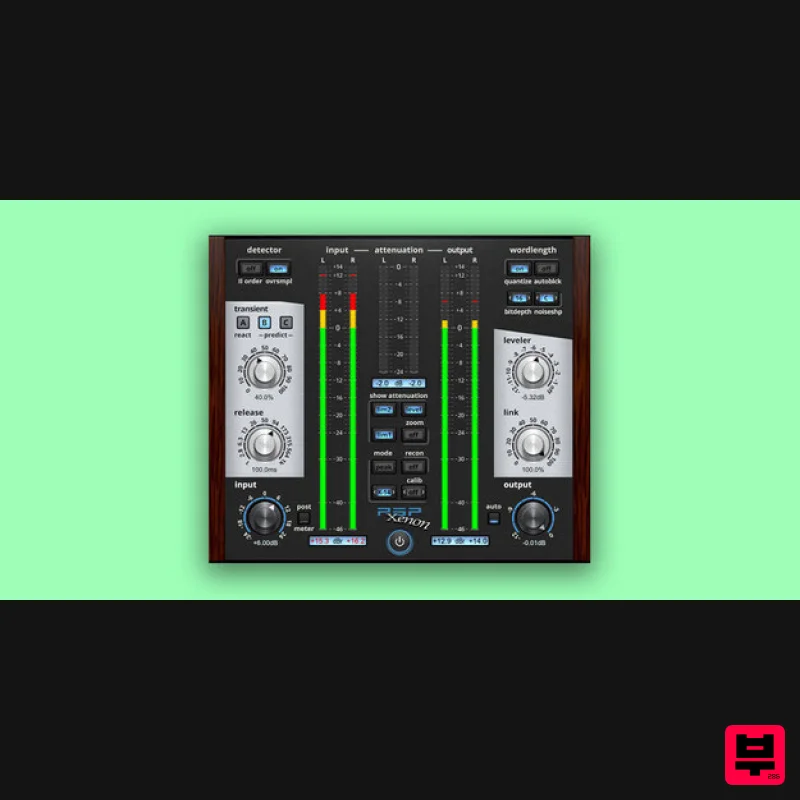
PSP Audioware PSP Xenon
Limiter
$208
PSP Xenon is a full band, dual-stage limiter plug-in featuring an integrated leveler, advanced K-System metering, and...
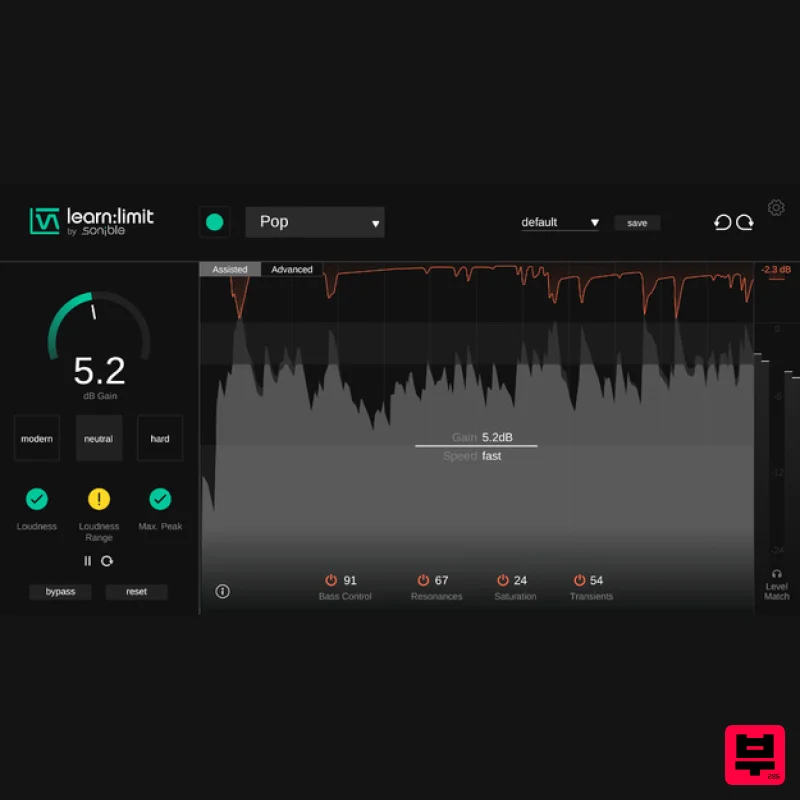
sonible learn:limit
Limiter
$72
An intelligent limiter with built-in loudness monitoring and educational hints learn:limit uses AI to set optimal...
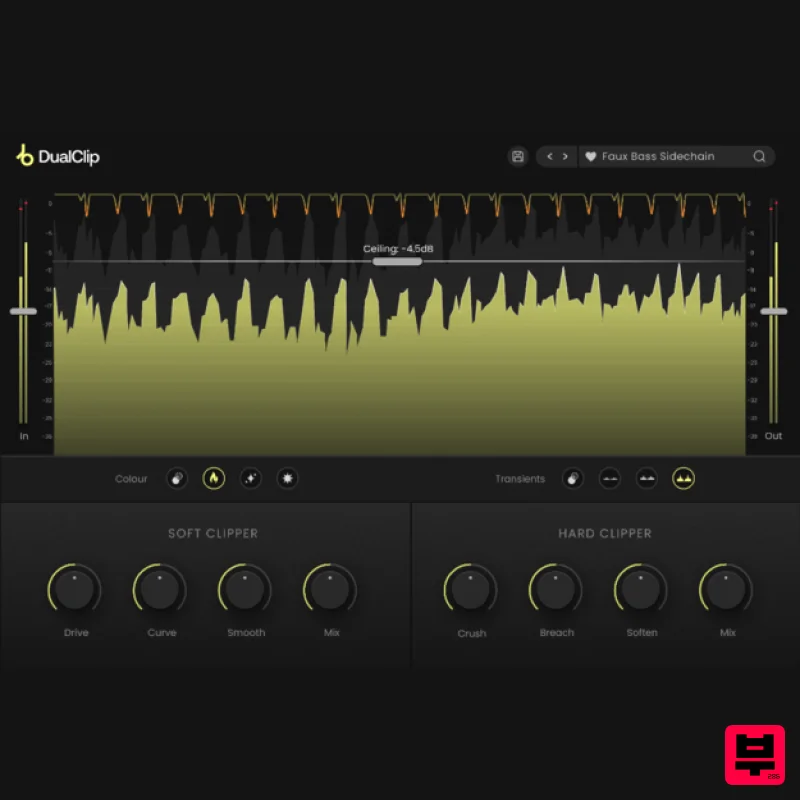
Plugin Boutique DualClip
Limiter
$62
Loudness with Colour Clippers are an essential tool for achieving a huge range of saturation effects. They can...
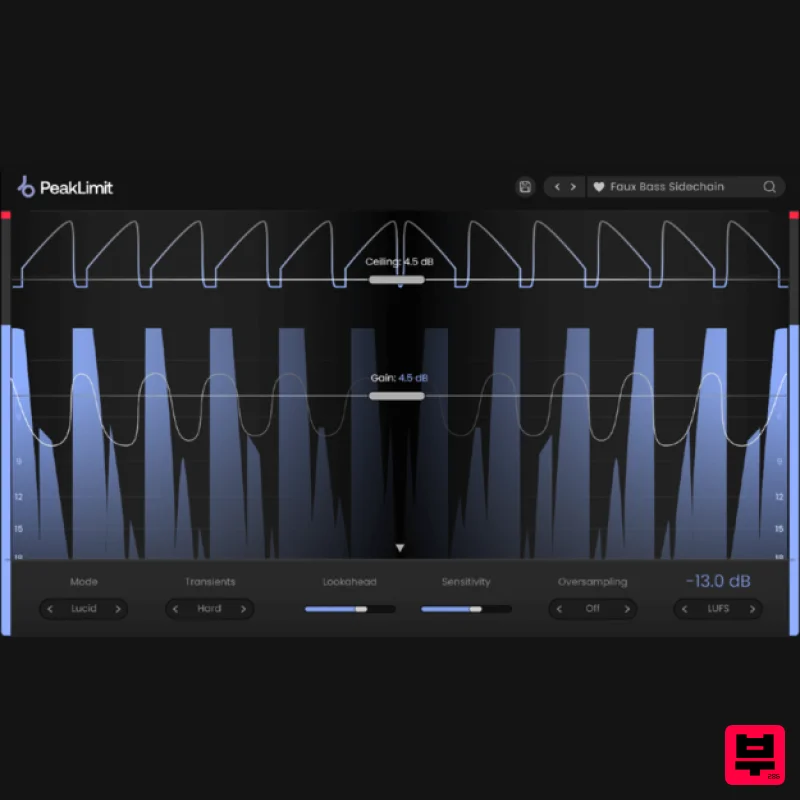
Plugin Boutique PeakLimit
Limiter
$62
Complete your Mastering Chain Before a track is complete and ready for commercial release, the mix has to go through...

Safari Audio Lion Master
Limiter
$51
Precision Limiting with Saturation & Width Control Lion Master by Safari Audio is a powerful limiter designed for...
Frequently Asked Questions
The Venomode Maximal 3 stands out for its exceptional Venomode craftsmanship and innovative design.
Yes! With its affordable price point and quality construction, it's perfect for learning limiter.
Browse the similar products section to see how it stacks up against other limiter.

