
Vengeance Sound Tape Stop
Professional music gear - detailed information and where to buy
Vengeance Sound
Tape Stop
Product Info
* Prices may vary. Check retailer for current pricing and availability.
Product Description
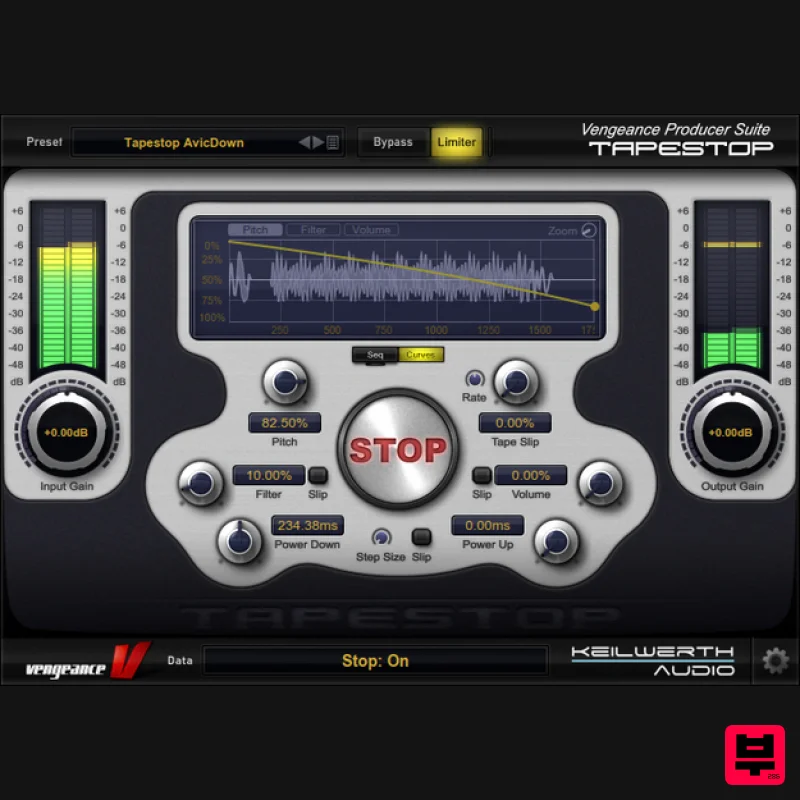
- The Tapestop effect is as old as it is famous
- and Vengeance has the deluxe version of this effect for you: VPS Tapestop is your new favourite tool when it comes to all kinds of pitch effects. But stop
- it can do a lot more: with the built-in sequencer
- volume and filter envelopes or the new "tape slip" feature you can create crazy effects
- way beyond the classic Tapestop pitch-down. Features Simulates Pitch-Down and Pitch-Up LP Filter can be added Volume Fades can be added Tape Slip: simulates worn Tape / Vinyl Stepped or pitch effects Internal sequencer 3 independent envelopes for pitch
- filter and volume Realtime scope 80 presets with pitch
- wobble or special fx presets No clicks and 100% sync with your song The tape stop effect duration can be set in note values System Requirements Mac macOS 10.9 and later (Intel / M1 Apple Silicon supported) (64-bit only) Intel 1.5 GHz or Apple Silicon 2 GB RAM VST2
- VST3
- AU and AAX compliant host required (64-bit only) Windows Windows Vista or higher (64-bit only) OpenGL 3.2 capable GPU 2 GB RAM VST2
- VST3 and AAX compliant host required (64-bit only) Important note: This product licence needs to be refreshed every 90 days and can be done within the Vengeance Sound V-Manager
- or by using an offline key file that can be downloaded from your Vengeance Sound User Account. Computer Music 'Fantastic for conventional tape and vinyl stop sounds.' Please Note: VPS Avenger is used as an example. Registration 1. Click DOWNLOAD in your Plugin Boutique account or go to https://register.vps-avenger.com/login > Click Register (or login to your account and skip to step 3). 2. Enter your details and click 'Register' to create an account. 3. You have now created a Vengeance Sounds account > Click '+ Add New Product' on the left side of the page. 4. Copy and paste the serial number from your Plugin Boutique account > Click 'Look up'. 5. Your license has now been added to your Vengeance Sounds account > Click 'OK'. Mac Installation 1. Go back to https://register.vps-avenger.com/details > Download the V-Manager installer. 2. Open the V-Manager installer once it has downloaded > Enter your email and password > Click 'Login'. 3. Click 'Download Factory Content' (this may take a while to download as it’s a large file). 4. Whilst the Factory Content is downloading
- click ‘Download Keyfile’ > VPS Avenger is now activated. 5. Once the Factory Content has been downloaded
- click ‘Download Installer’ at the top of the window. 6. Click ‘Yes’ to run the installer now > Click ‘Continue’. 7. Click ‘Continue’. 8. Read the Software License Agreement > Click ‘Continue’. 9. Click ‘Agree’. 10. Choose which formats you would like to install (if you're not sure
- check out our Help Centre guide about plugin formats) > Click ‘Continue’. 11. Click ‘Install’. 12. Click 'Close'. Your software is now activated and ready to use in your DAW! Windows Installation 1. Go back to https: //register.vps-avenger.com/details > Download the V-Manager installer. 2. Once the V-Manager installer has downloaded
- run the V-Manager.exe file > Enter your email and password > Click 'Login'. 3. Click 'Download Factory Content' and any other downloads you may have in your account (this may take a while as the factory content is a large file). 4. Whilst the Factory Content is downloading
- click 'Download Keyfile' to activate the software on your system > Click 'OK'. 5. Click 'Download Installer' to download the latest VPS Avenger software. 6. Once the download has completed
- run the .exe file > Read the licensing agreement > Click 'Next >'. 7. Choose the installation location (we recommend leaving this as the default unless you have a customer folder) > Click 'Next >'. 8. Choose which plugin formats you would like to install (AAX for Pro Tools
- VST for other DAWs) > Click 'Next >'. 9. Click 'Install'. 10. Click 'Next >'. 11. Click 'Finish' to restart your computer and complete the installation. Your software is now activated and ready to use in your DAW!
Additional Information
About the Vengeance Sound Tape Stop
The Vengeance Sound Tape Stop combines traditional design with modern performance for Pitch Shifter enthusiasts.
Why Choose the Vengeance Sound Tape Stop?
- •Authentic Vengeance Sound craftsmanship and design
- •Versatile sound suitable for multiple musical genres
- •Professional build quality and reliable performance
- •Part of Vengeance Sound's respected Pitch Shifter lineup
Compare & Explore
Browse our complete selection of Vengeance Sound instruments or explore other Pitch Shifter options. Use our comparison tools to find the perfect match for your musical style and budget.
Similar Products
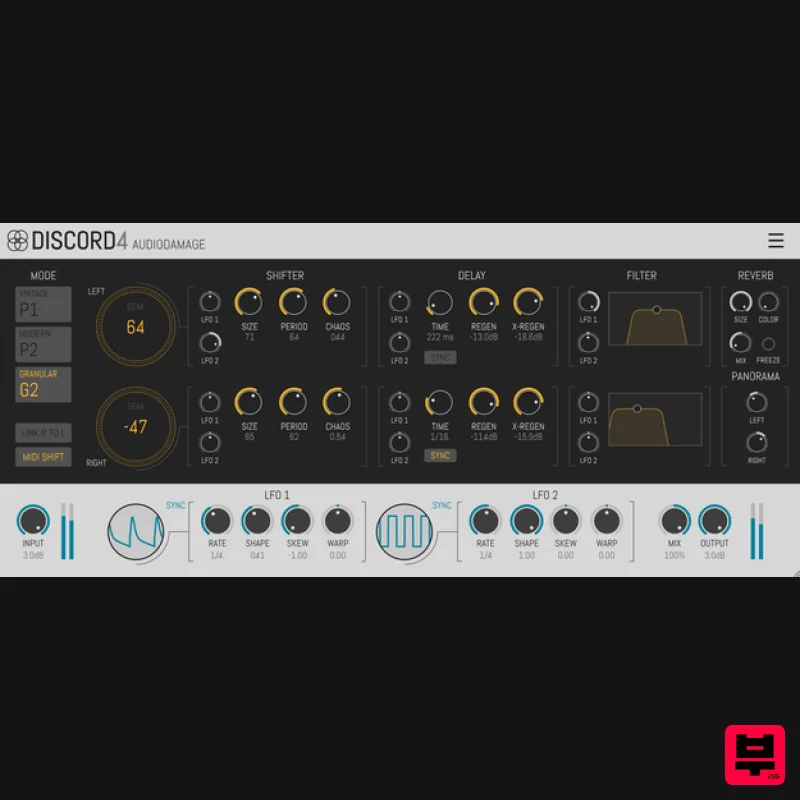
Audio Damage Discord4
Pitch Shifter
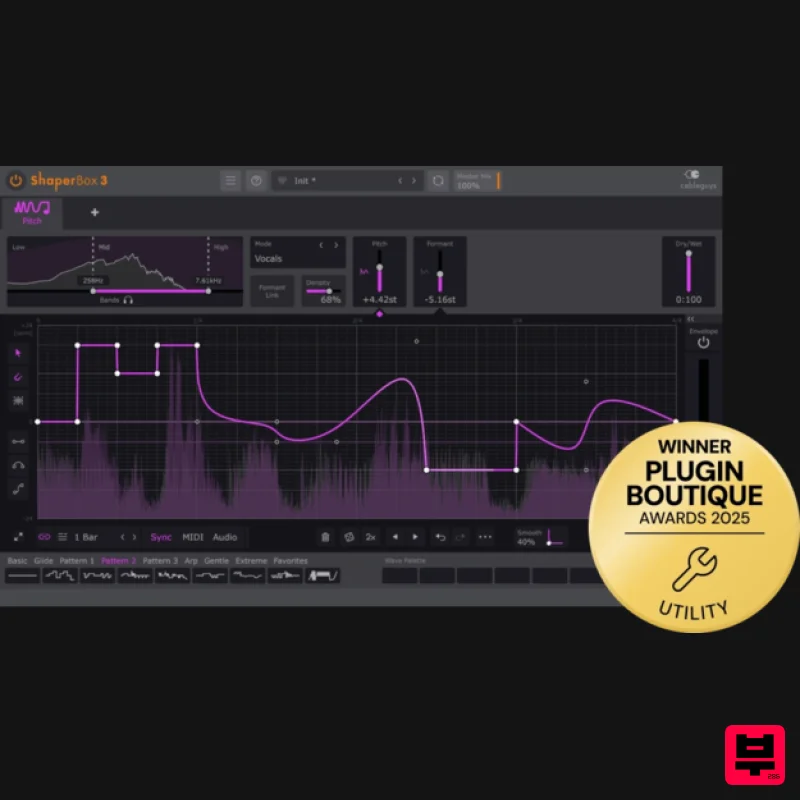
Cableguys PitchShaper
Pitch Shifter
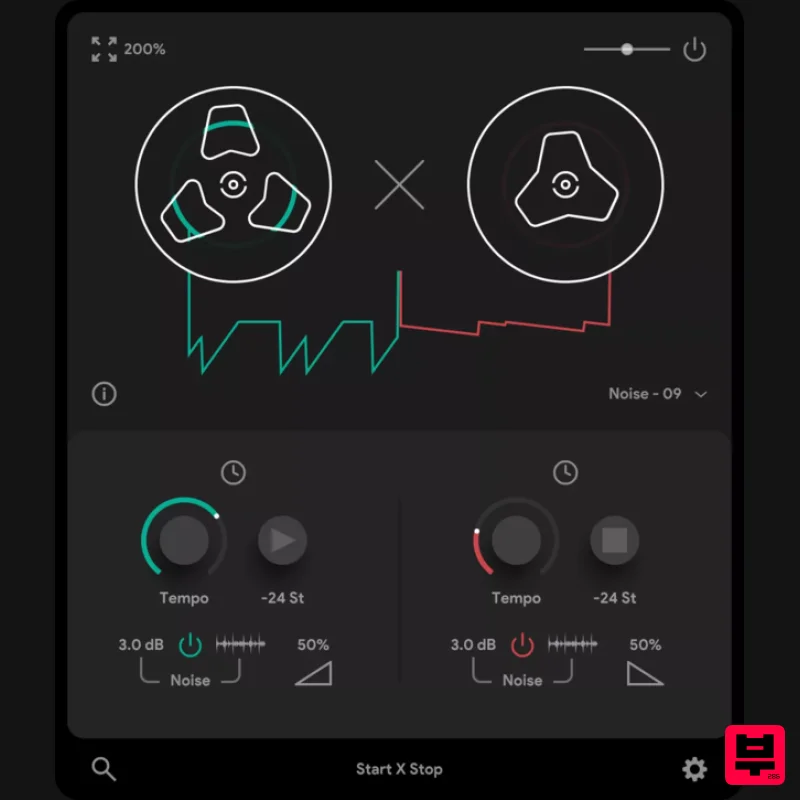
Thenatan Audio TapeStop
Pitch Shifter
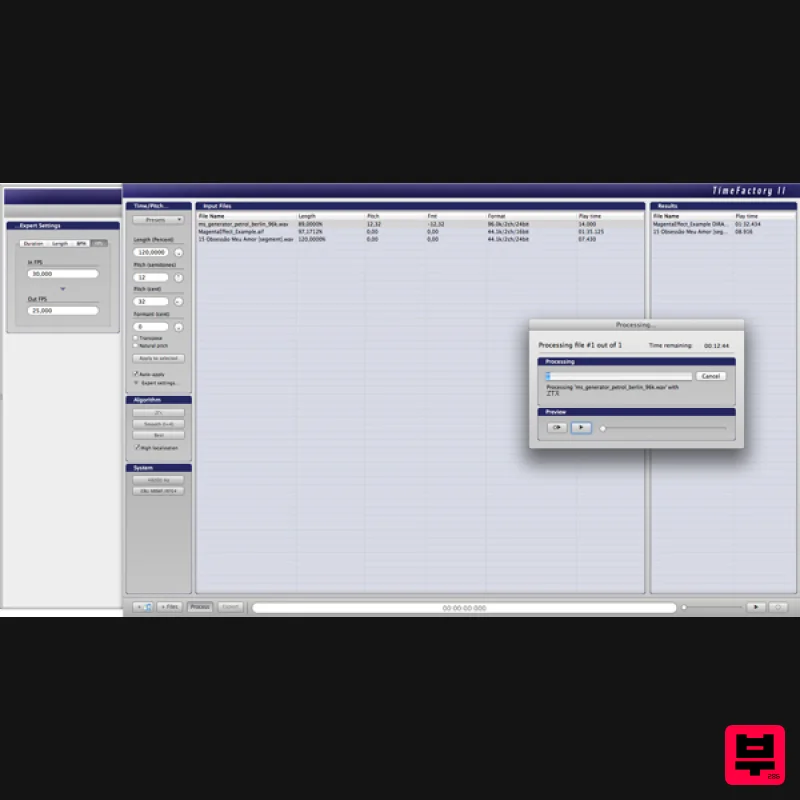
Zynaptiq TIME FACTORY II Educational Version
Pitch Shifter
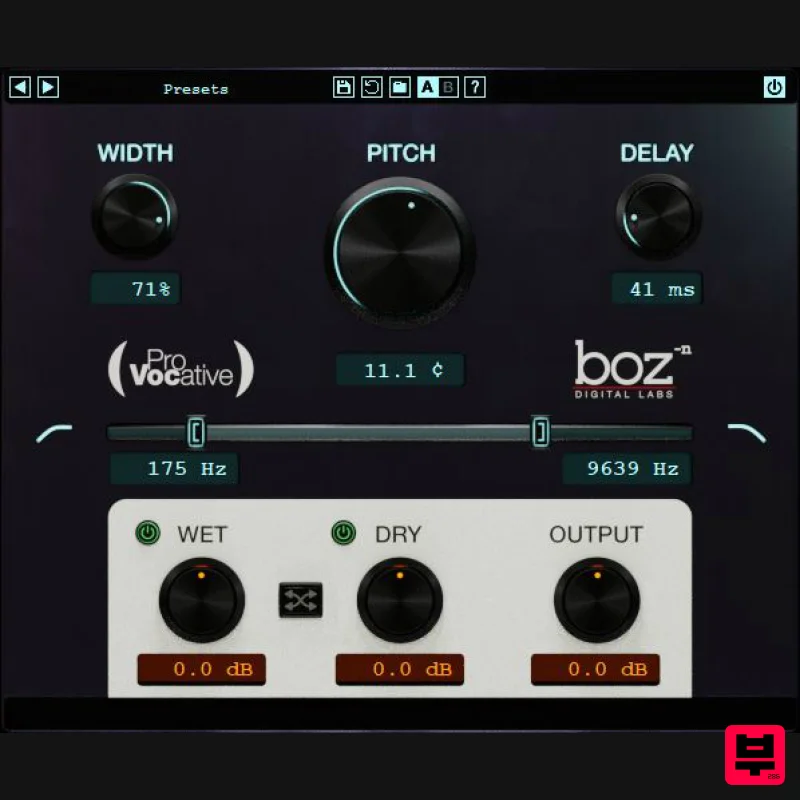
Boz Digital Labs ProVocative
Pitch Shifter
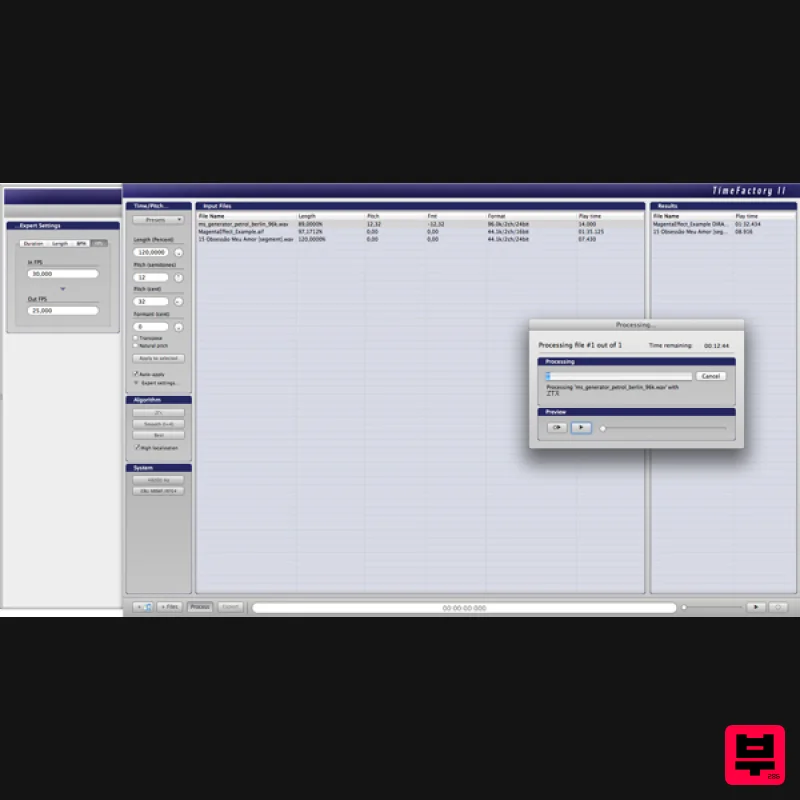
Zynaptiq TIME FACTORY II
Pitch Shifter
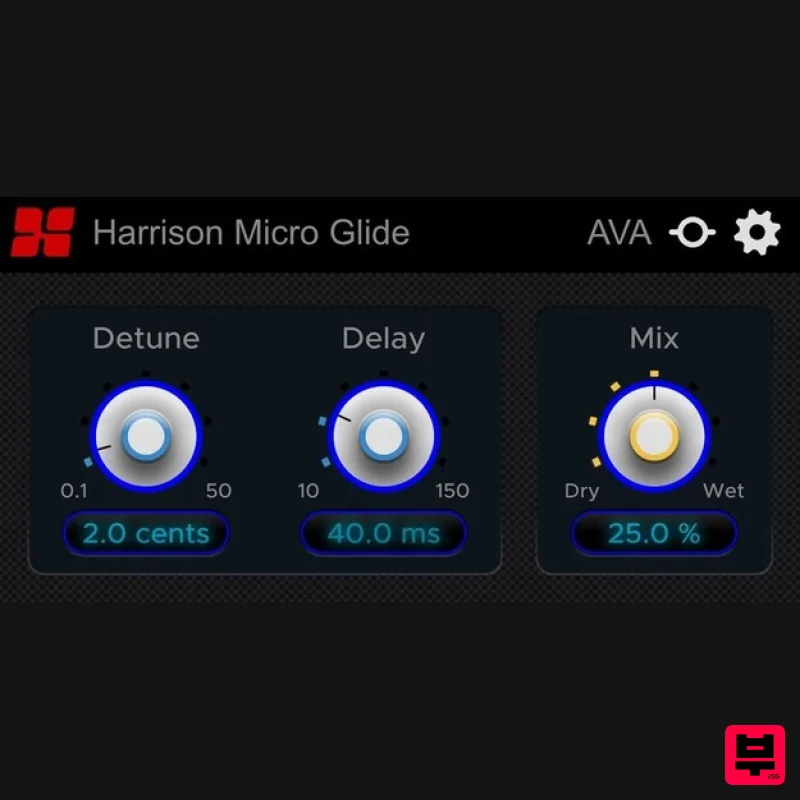
Harrison Consoles Micro Glide
Pitch Shifter
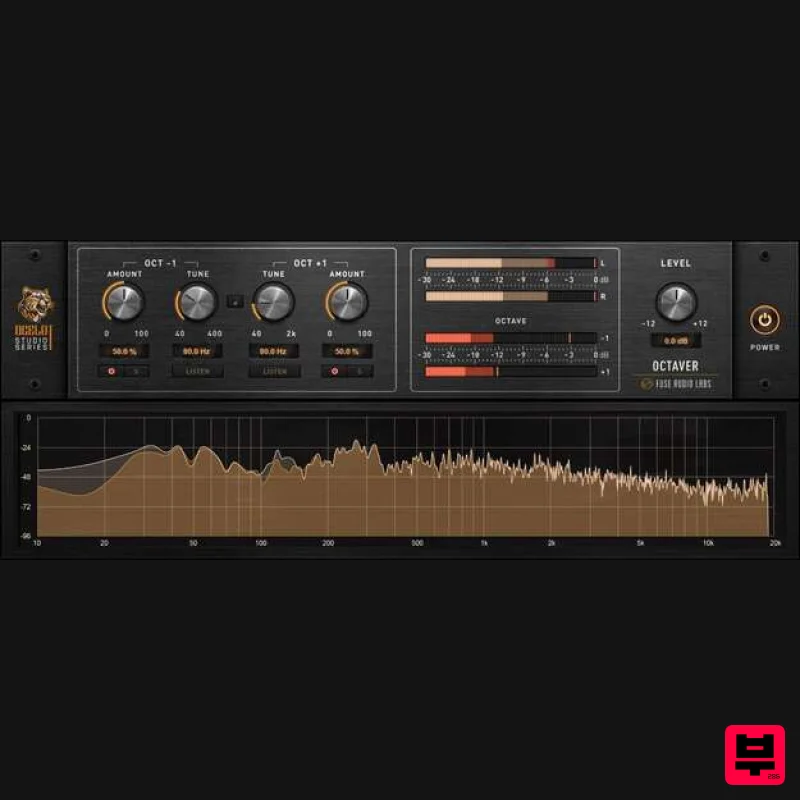
Fuse Audio Labs OCELOT Octaver
Pitch Shifter

