
Vengeance Sound Phalanx
Professional music gear - detailed information and where to buy
Vengeance Sound
Phalanx
Product Info
* Prices may vary. Check retailer for current pricing and availability.
Product Description
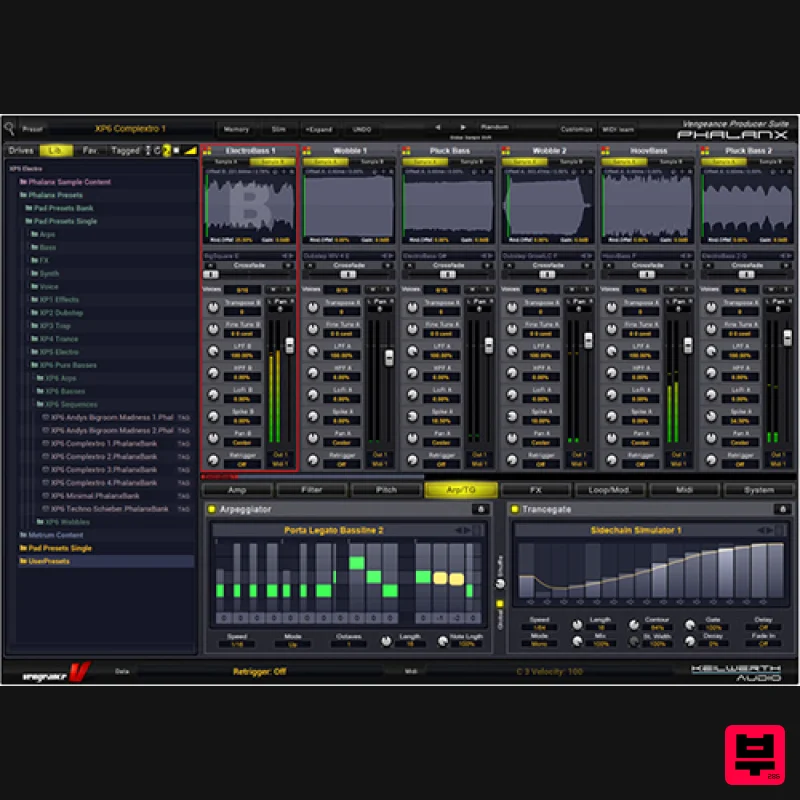
- Meet Vengeance Sound's flagship drum and synth sampler
- with over 6000 samples/sounds. Features Factory content features over 3000 sounds by Manuel Schleis from Vengeance Sound Samples are saved in your projects Samples can be dragged into the sample pads; even from external sources (e.g. DAW or browser) Conveniently large library browser Arrange and save your favourites (incl. 'tag mode') 32 stereo sample slots in 16 channels Each channel routable to up to 16 individual outputs 128 voices (up to 16 times polyphon per pad) 12 types of filters (6 dB
- 12 dB
- 24 dB each) Poly portamento and legato portamento Modi Optional: Anti-alias free sample mode and ultra-high mode for powerful computers Undo / Redo function Graphical real-time display of waveforms Editable envelopes (amp
- filter
- pitch
- ModEnv) Envelopes syncable to BPM Insert FX with 17 effect types Drag and drop to arrange Insert FX Reverb by ArtsAcoustic Four band parametric EQ for each sample pad Mini preset browser with numerous presets for FX and envelopes Compatible with other Vengeance plugins (such as Metrum
- Multiband Sidechain and Philta) MIDI-learn function complex mod matrix: combine anything Two independent LFOs per sample slot (32 total) Three GUI controllers All controllers and MOD matrix settings can be dragged into the custom area for easy access when needed Rename and colour-code individual sample slots for full customization Retrigger: Samples can be accelerated to self-oscillation (tonally playable); see Swedish House Mafia "One" Scratch simulator: Use pitch bend or a MIDI controller like a turntable Crazy loop section: Back and forth in time
- freezes in time
- micro-loops via modwheel
- crossfade looping Convenient arpeggiator Switch between "drumkit mode" and "sample mode" Drumkit mode features "kill notes": A closed hi-hat can stop a fading open hi-hat Slim and full mode: Slim mode displays all 16 pads simultaneously
- full mode offers full editability Single version of Phalanx included (a mini plugin with just one sample pad) VST2
- VST3
- RTAS
- and AAX support; 32-bit and 64-bit System Requirements Mac macOS 10.9 and later (Intel / M1 Apple Silicon supported) (64-bit only) Intel 1.5 GHz or Apple Silicon 2 GB RAM VST2
- VST3
- AU and AAX compliant host required (64-bit only) Windows Windows Vista or higher (64-bit only) OpenGL 3.2 capable GPU 2 GB RAM VST2
- VST3 and AAX compliant host required (64-bit only) Important note: This product licence needs to be refreshed every 90 days and can be done within the Vengeance Sound V-Manager
- or by using an offline key file that can be downloaded from your Vengeance Sound User Account. Awards Keys Magazine 'Phalanx offers an excellent sound and effect environment' Beat Magazine 'Phalanx scores with a gigantic Modulation Matrix and its intuitive workflow' Music Tech Magazine 'It offered a different approach to sampling and the best workflow we’ve experienced in a while' Please Note: VPS Avenger is used as an example. Registration 1. Click DOWNLOAD in your Plugin Boutique account or go to https://register.vps-avenger.com/login > Click Register (or login to your account and skip to step 3). 2. Enter your details and click 'Register' to create an account. 3. You have now created a Vengeance Sounds account > Click '+ Add New Product' on the left side of the page. 4. Copy and paste the serial number from your Plugin Boutique account > Click 'Look up'. 5. Your license has now been added to your Vengeance Sounds account > Click 'OK'. Mac Installation 1. Go back to https://register.vps-avenger.com/details > Download the V-Manager installer. 2. Open the V-Manager installer once it has downloaded > Enter your email and password > Click 'Login'. 3. Click 'Download Factory Content' (this may take a while to download as it’s a large file). 4. Whilst the Factory Content is downloading
- click ‘Download Keyfile’ > VPS Avenger is now activated. 5. Once the Factory Content has been downloaded
- click ‘Download Installer’ at the top of the window. 6. Click ‘Yes’ to run the installer now > Click ‘Continue’. 7. Click ‘Continue’. 8. Read the Software License Agreement > Click ‘Continue’. 9. Click ‘Agree’. 10. Choose which formats you would like to install (if you're not sure
- check out our Help Centre guide about plugin formats) > Click ‘Continue’. 11. Click ‘Install’. 12. Click 'Close'. Your software is now activated and ready to use in your DAW! Windows Installation 1. Go back to https: //register.vps-avenger.com/details > Download the V-Manager installer. 2. Once the V-Manager installer has downloaded
- run the V-Manager.exe file > Enter your email and password > Click 'Login'. 3. Click 'Download Factory Content' and any other downloads you may have in your account (this may take a while as the factory content is a large file). 4. Whilst the Factory Content is downloading
- click 'Download Keyfile' to activate the software on your system > Click 'OK'. 5. Click 'Download Installer' to download the latest VPS Avenger software. 6. Once the download has completed
- run the .exe file > Read the licensing agreement > Click 'Next >'. 7. Choose the installation location (we recommend leaving this as the default unless you have a customer folder) > Click 'Next >'. 8. Choose which plugin formats you would like to install (AAX for Pro Tools
- VST for other DAWs) > Click 'Next >'. 9. Click 'Install'. 10. Click 'Next >'. 11. Click 'Finish' to restart your computer and complete the installation. Your software is now activated and ready to use in your DAW!
Additional Information
About the Vengeance Sound Phalanx
The Vengeance Sound Phalanx represents excellent craftsmanship in the Sampler category.
Why Choose the Vengeance Sound Phalanx?
- •Authentic Vengeance Sound craftsmanship and design
- •Versatile sound suitable for multiple musical genres
- •Professional build quality and reliable performance
- •Part of Vengeance Sound's respected Sampler lineup
Compare & Explore
Browse our complete selection of Vengeance Sound instruments or explore other Sampler options. Use our comparison tools to find the perfect match for your musical style and budget.
Similar Products
New Nation Software Reiya
Sampler
$30
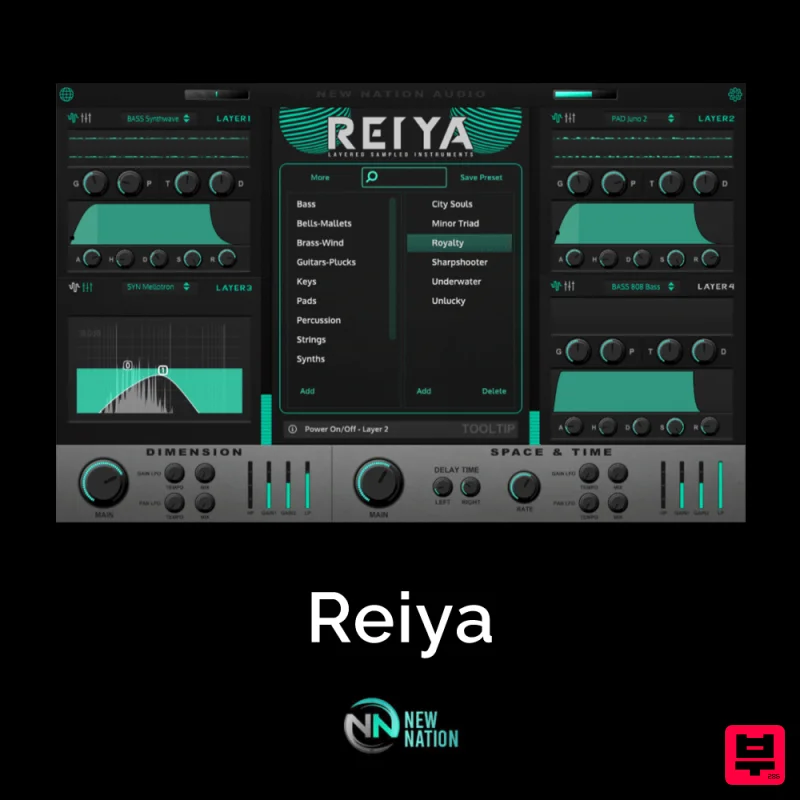
Reiya is a Japanese word meaning “Layers” and is the perfect way to describe the best technique to use with this...
New Nation Software Albanju
Sampler
$30
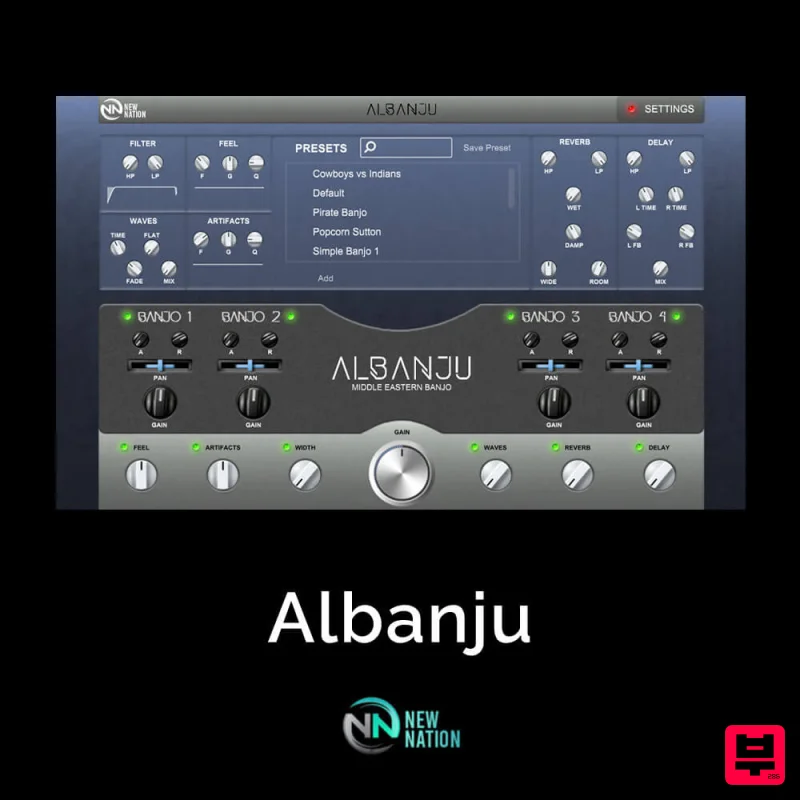
Ethnic Instruments & Sounds have been on the rise year after year. With many producers realizing the individuality you...
New Nation Software Natura
Sampler
$30
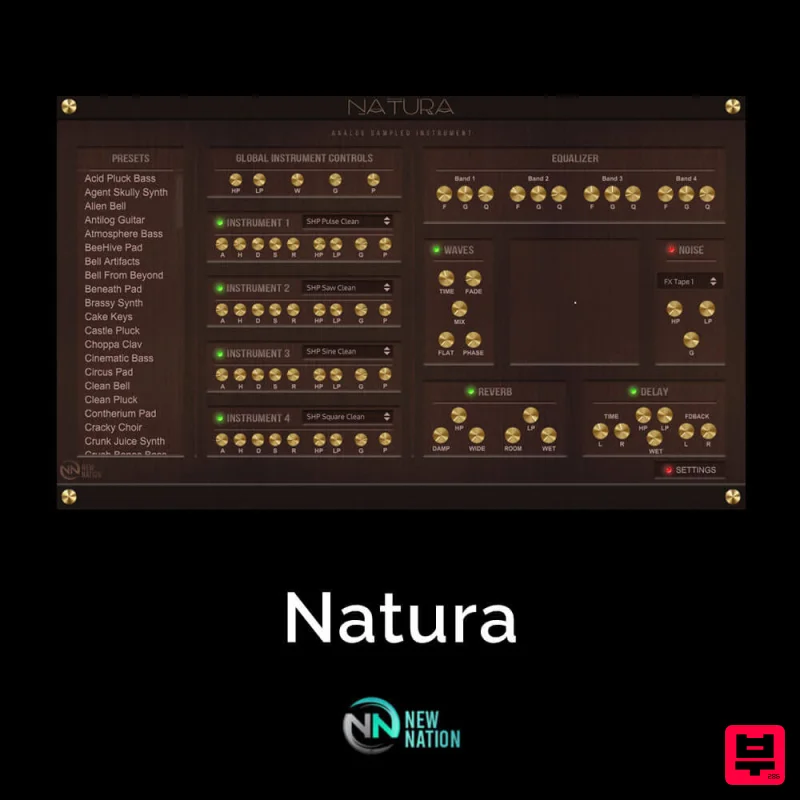
Simple & Unique Analog Sounds. The Natura – Analog Sampled VST will help you get the Analog Sounds you’re looking...
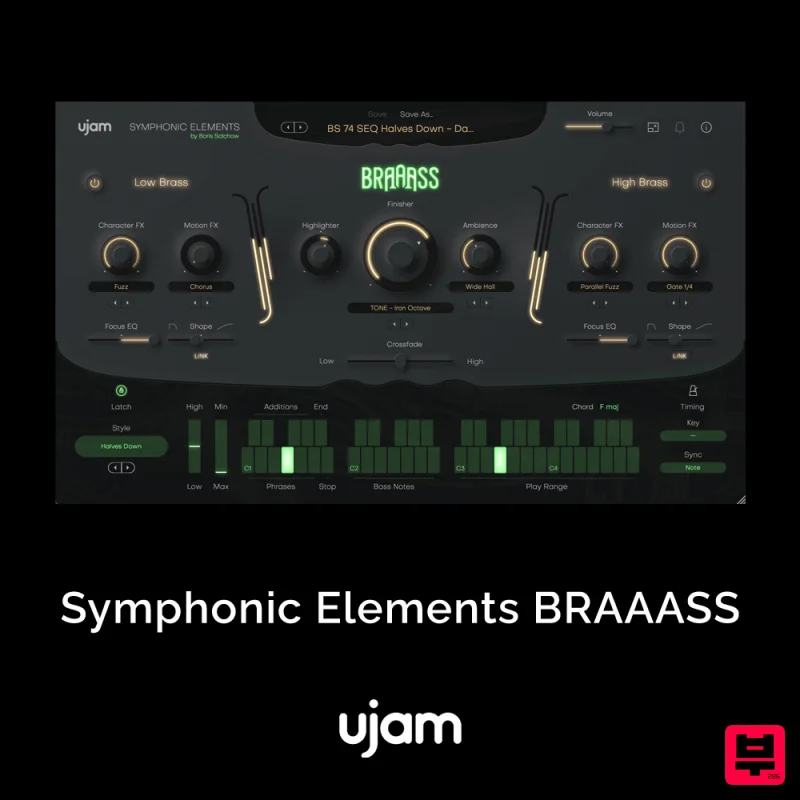
UJAM UJAM BRAAASS
Sampler
$30
The Call to Adventure – Mighty brass from Hans Zimmer’s personal collection Make anything epic! BRAAASS puts Hans...
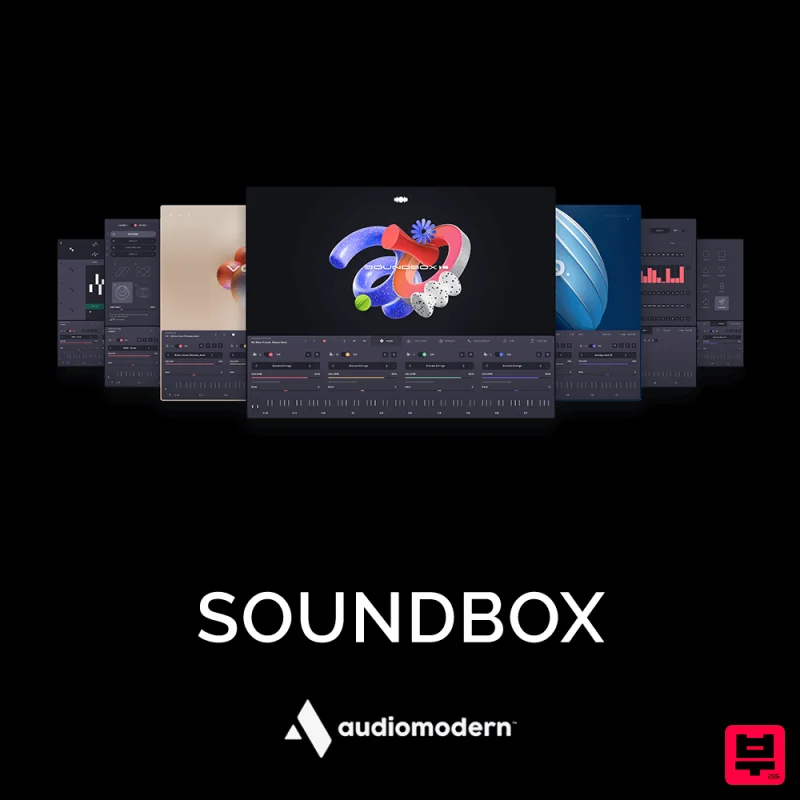
Audiomodern SOUNDBOX
Sampler
$30
Your All-in-One Musical Machine Soundbox is our new fully customizable MPE sampler crafted to introduce cutting-edge...
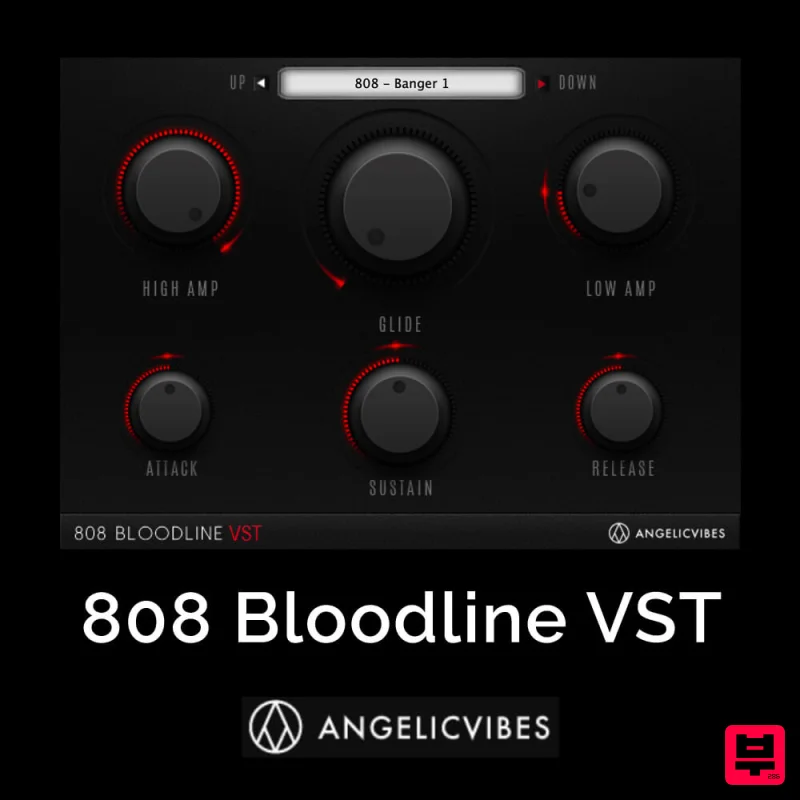
AngelicVibes 808 Bloodline VST
Sampler
$30
Bloodline is a trendy Virtual Instruments designed specifically for 808s. Introducing The 808 Bloodline VST Fully...
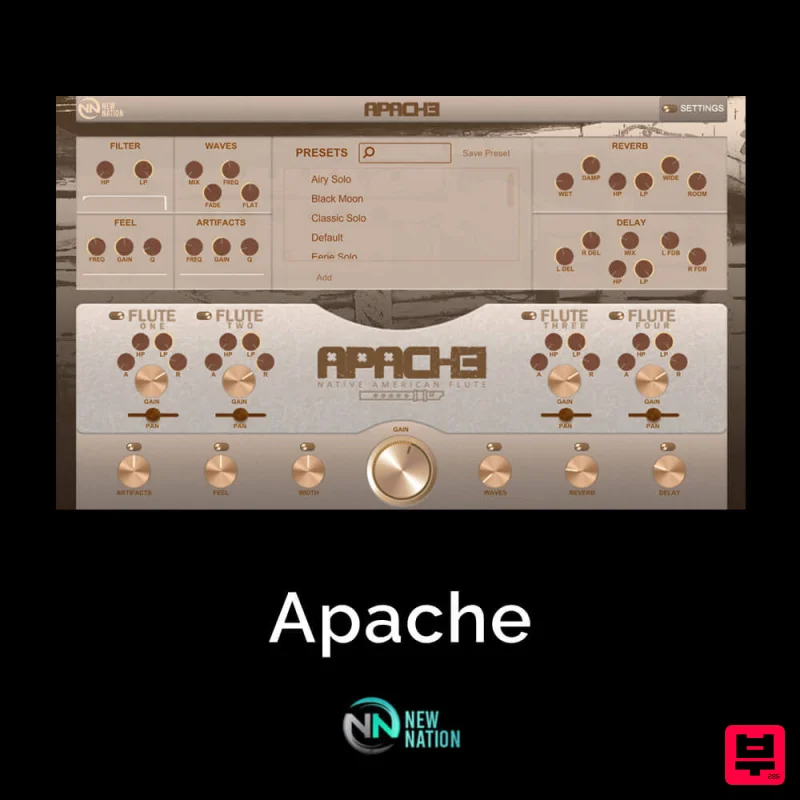
New Nation Software Apache
Sampler
$30
If you’ve been searching for an Authentic, Real & 100% Original Flute VST, look no further! You’ve found ‘Apache...
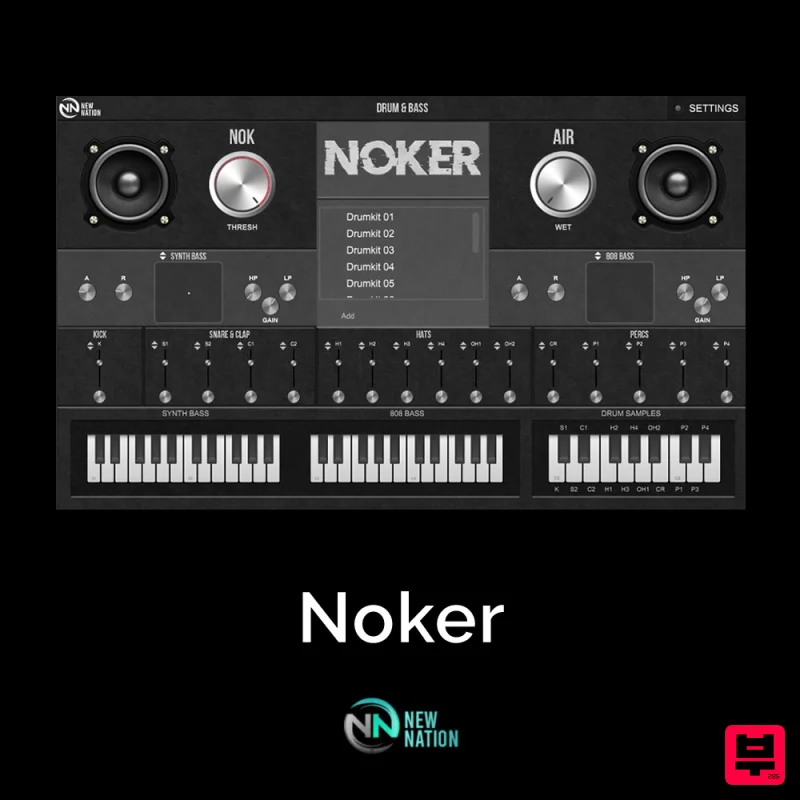
New Nation Software Noker
Sampler
$30
Simple & Unique Drum & Bass Sounds. The Noker – Drum & Bass Instrument VST will help you get the slapping drum sounds...
Frequently Asked Questions
The Vengeance Sound Phalanx stands out for its exceptional Vengeance Sound craftsmanship and innovative design.
Yes! With its affordable price point and quality construction, it's perfect for learning sampler.
Browse the similar products section to see how it stacks up against other sampler.

