
UVI Xtreme FX 2
Professional music gear - detailed information and where to buy

UVI
Xtreme FX 2
Product Info
* Prices may vary. Check retailer for current pricing and availability.
Product Description
- A new experience in sound design and foley Xtreme FX 2 blurs the lines between comprehensive effect library and instrument designer
- with over 4
- 000 samples
- advanced sound shaping tools
- XY performance controls with modulation
- macro effects
- and more. From practical sounds and foley to stylized instrument design
- Xtreme FX 2 is a deep and powerful sonic tool with breathtaking clarity. Extreme Possibilities Xtreme FX 2 is a colossal multitasker
- ready to deliver a massive
- high-quality library of sounds in an inspiring
- creative
- and easy-to-use instrument that plays well with others. Features Massive inspiration with 4
- 000+ high-quality sounds and instruments Easily accessible
- categorized
- with D'n'D and user sample support Advanced sound shaping tools with XY performance control <iframe allow="autoplay" frameborder="no" height="450" src="https://w.soundcloud.com/player/?url=https%3A//api.soundcloud.com/playlists/soundcloud%253Aplaylists%253A1800556581&color=%23ff5500&auto_play=false&hide_related=false&show_comments=true&show_user=true&show_reposts=false&show_teaser=true" width="100%"></iframe> UVI · Xtreme FX 2 Runs in UVI Workstation version 3.1.14
- and Falcon version 3.0.2 iLok account (free
- dongle not required) Internet connection for the license activation Supported Operating Systems: MacOS 10.14 Mojave to macOS 26 Tahoe Windows 10 to Windows 11 (64-bit) 12GB of disk space Hard Drive: 7
- 200 rpm recommended or Solid State Drive (SSD) 4 GB RAM Please note: UVI Falcon is used as the example 1. Visit the UVI website > enter your email address > click Create your account (skip to step 3 if you already have an account) 2. Enter your details > click CREATE YOUR ACCOUNT 3. Visit https://www.uvi.net/uvi-portal#download or click DOWNLOAD in your Plugin Boutique User Account > download the version of UVI portal for your OS > install UVI Portal 4. Open UVI Portal > enter the details used at Step 2 > click Login 5. Click Redeem Serial 6. Enter the serial number found in your Plugin Boutique User Account > click OK 7. If you already have an iLok account click I already have an iLok account and enter your details - if not click Create an iLok account and follow the instructions > agree with UVI's EULA > click REGISTER 8. Click My Products > click Install 9. Click Activate 10. iLok Cloud Manager will open > login if necessary > find your UVI product > right-click > click Activate 11. Select an activation location > click Activate 12. Click OK 13. Return to the UVI Portal > click Synchronize Your software is installed and ready to use. Enjoy!
Additional Information
About the UVI Xtreme FX 2
The UVI Xtreme FX 2 combines traditional design with modern performance for Multi Effect enthusiasts.
Why Choose the UVI Xtreme FX 2?
- •Authentic UVI craftsmanship and design
- •Versatile sound suitable for multiple musical genres
- •Professional build quality and reliable performance
- •Part of UVI's respected Multi Effect lineup
Compare & Explore
Browse our complete selection of UVI instruments or explore other Multi Effect options. Use our comparison tools to find the perfect match for your musical style and budget.
Similar Products
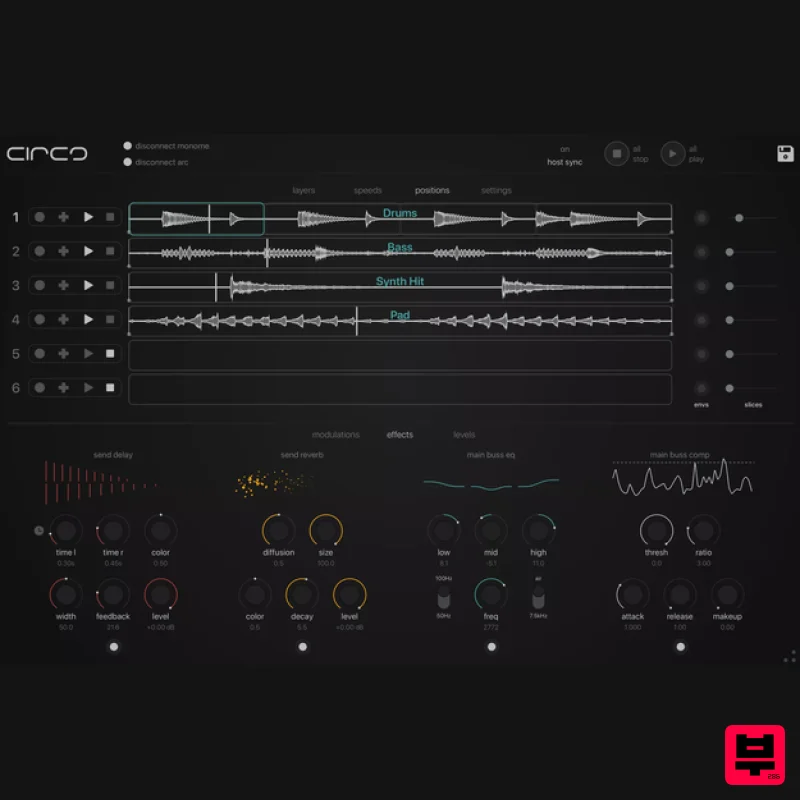
Audio Damage Circa Creative Looper
Multi Effect

Sinevibes Cache
Multi Effect

UVI Whoosh FX
Multi Effect

Jonas Eriksson Tape Fiasco
Multi Effect

Quantum DSP Q-Series Invader
Multi Effect

Jungle Audio DUKE
Multi Effect

UVI Asteroid
Multi Effect

UVI Click
Multi Effect

