
UVI Sweep Machine
Professional music gear - detailed information and where to buy
Product Description
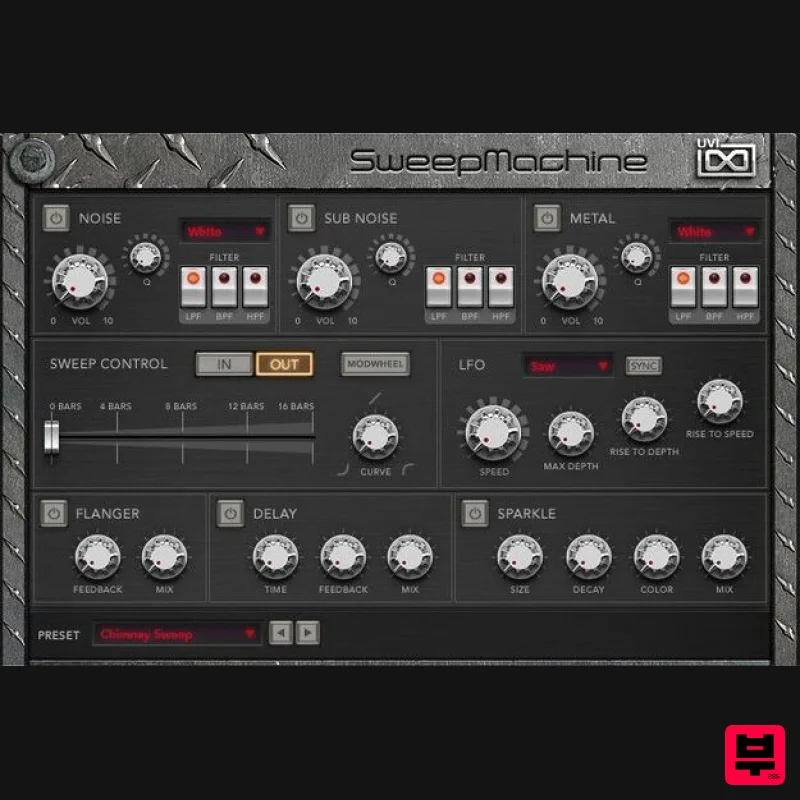
Noise and sweep designer SweepMachine is a straight-forward yet versatile noise and sweep designer. Those looking for typical sweeps can make them in moments while those favoring deeper sound design will find complex, evolving noise beds and a near endless variety of combinations waiting to be explored through an intuitive and easy-to-use interface. Equally suited for both typical and avant-garde uses, SweepMachine is a versatile instrument priced to find a home in any sound design toolbox. Features 3 oscillator-layers with 34 different models Intuitive UI and flexible architecture Automate sweeps or control manually with modwheel <iframe allow="autoplay" frameborder="no" height="450" src="https://w.soundcloud.com/player/?url=https%3A//api.soundcloud.com/playlists/soundcloud%253Aplaylists%253A50177840&color=%23ff5500&auto_play=false&hide_related=false&show_comments=true&show_user=true&show_reposts=false&show_teaser=true" width="100%"></iframe> UVI · SweepMachine Runs in UVI Workstation version 2.6.15, and Falcon version 1.4.1 iLok account (free, dongle not required) Internet connection for the license activation Supported Operating Systems: MacOS 10.14 Mojave to macOS 26 Tahoe Windows 10 to Windows 11 (64-bit) 1GB of disk space Hard Drive: 7,200 rpm recommended or Solid State Drive (SSD) 4 GB RAM Please note: UVI Falcon is used as the example 1. Visit the UVI website > enter your email address > click Create your account (skip to step 3 if you already have an account) 2. Enter your details > click CREATE YOUR ACCOUNT 3. Visit https://www.uvi.net/uvi-portal#download or click DOWNLOAD in your Plugin Boutique User Account > download the version of UVI portal for your OS > install UVI Portal 4. Open UVI Portal > enter the details used at Step 2 > click Login 5. Click Redeem Serial 6. Enter the serial number found in your Plugin Boutique User Account > click OK 7. If you already have an iLok account click I already have an iLok account and enter your details - if not click Create an iLok account and follow the instructions > agree with UVI's EULA > click REGISTER 8. Click My Products > click Install 9. Click Activate 10. iLok Cloud Manager will open > login if necessary > find your UVI product > right-click > click Activate 11. Select an activation location > click Activate 12. Click OK 13. Return to the UVI Portal > click Synchronize Your software is installed and ready to use. Enjoy!
Additional Information
About the UVI Sweep Machine
Experience the quality and tone that makes the UVI Sweep Machine a popular choice for musicians.
Why Choose the UVI Sweep Machine?
- •Authentic UVI craftsmanship and design
- •Versatile sound suitable for multiple musical genres
- •Professional build quality and reliable performance
- •Part of UVI's respected Generator lineup
Compare & Explore
Browse our complete selection of UVI instruments or explore other Generator options. Use our comparison tools to find the perfect match for your musical style and budget.
Similar Products
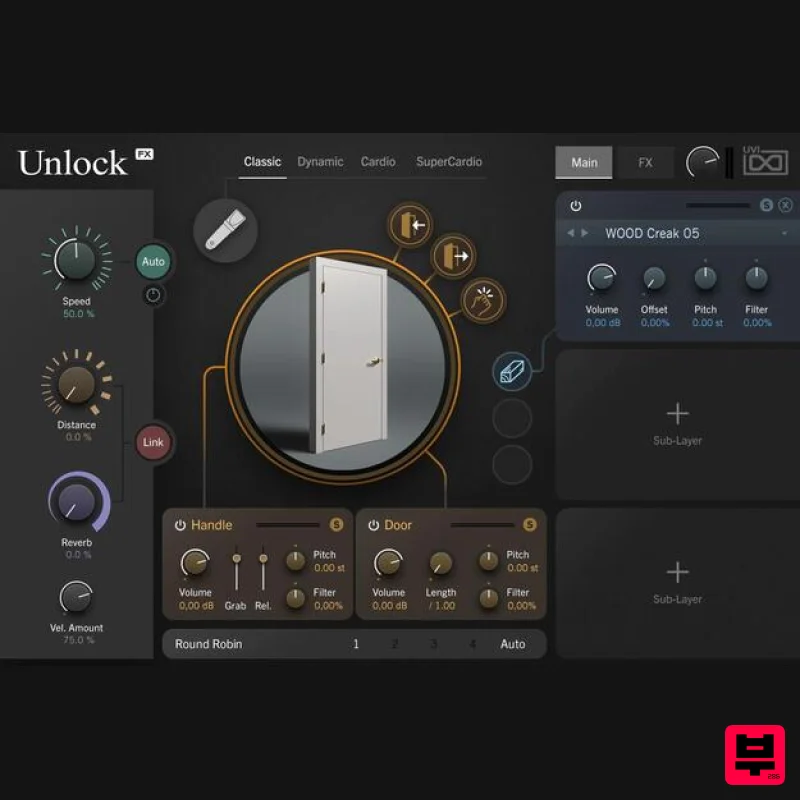
UVI Unlock
Generator
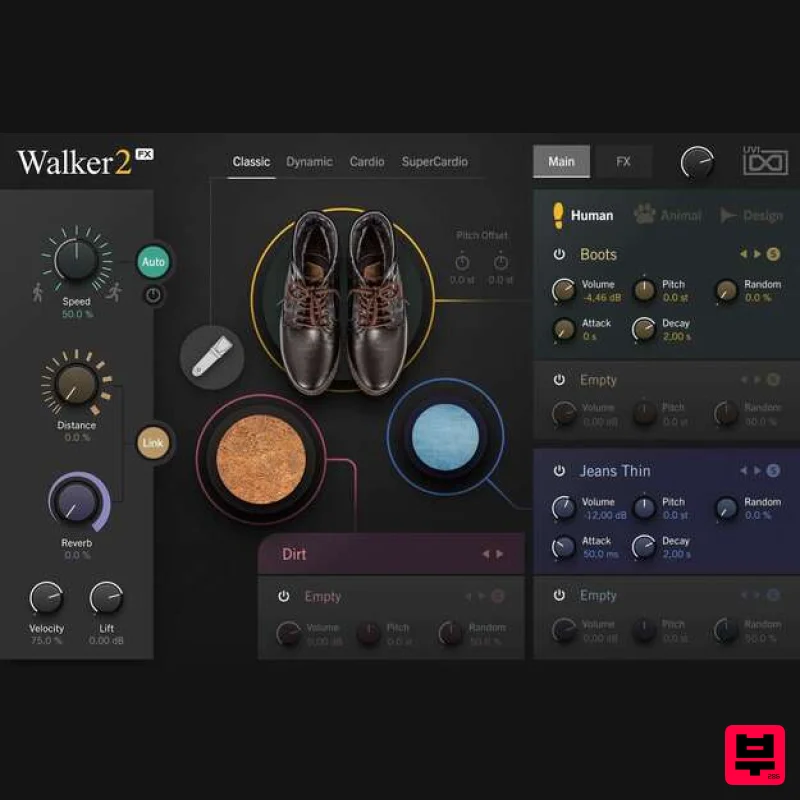
UVI Walker 2
Generator
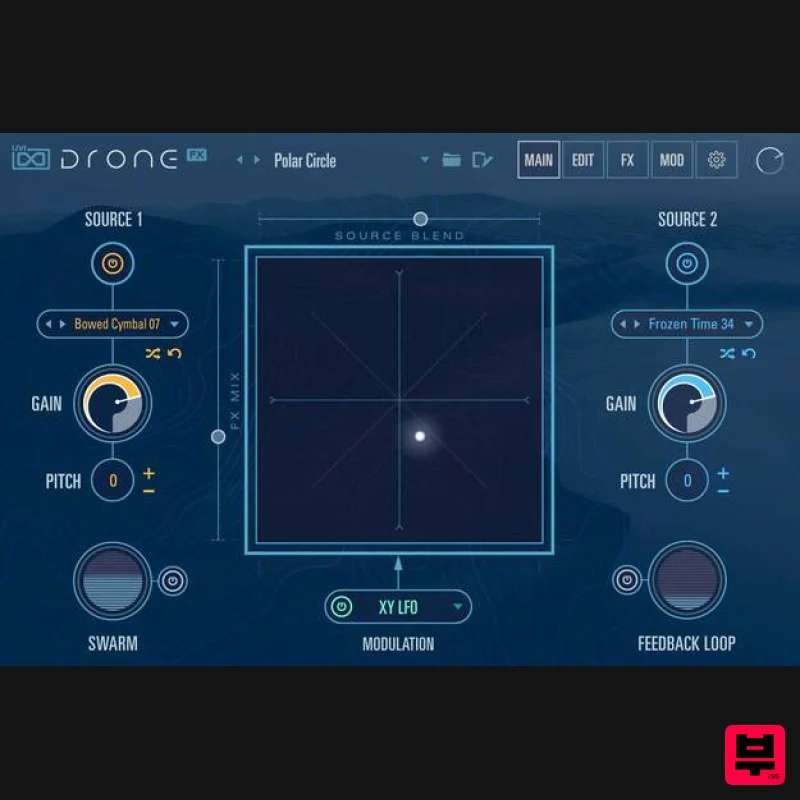
UVI Drone
Generator
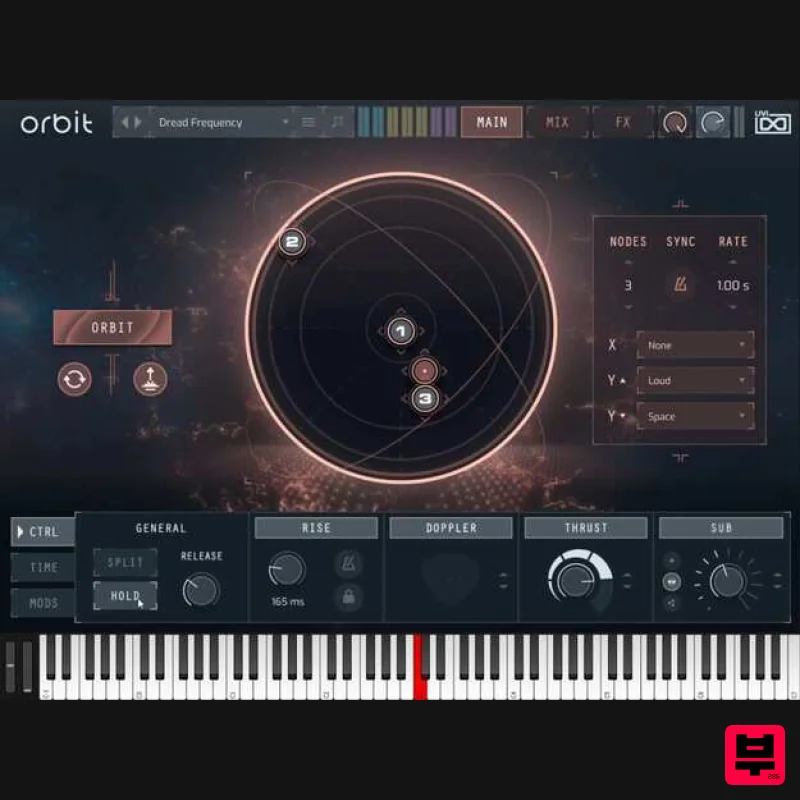
UVI Orbit
Generator
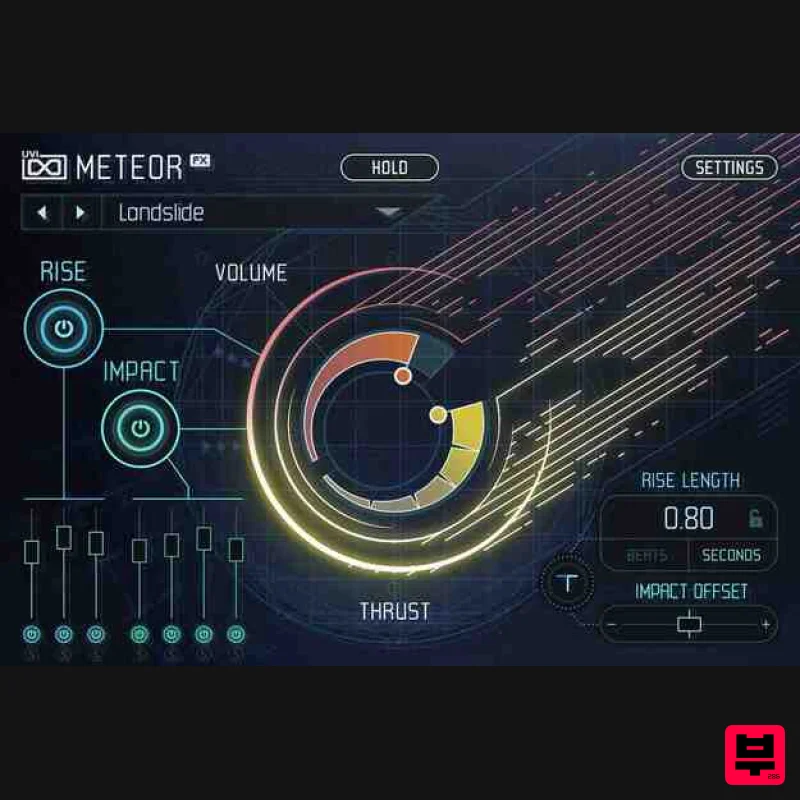
UVI Meteor
Generator
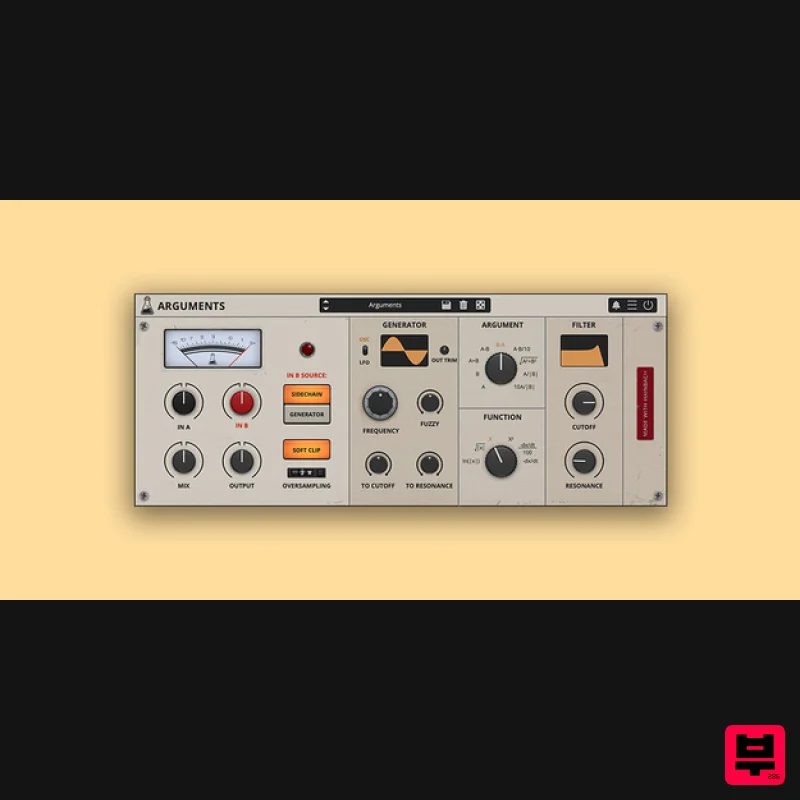
AudioThing Arguments
Generator
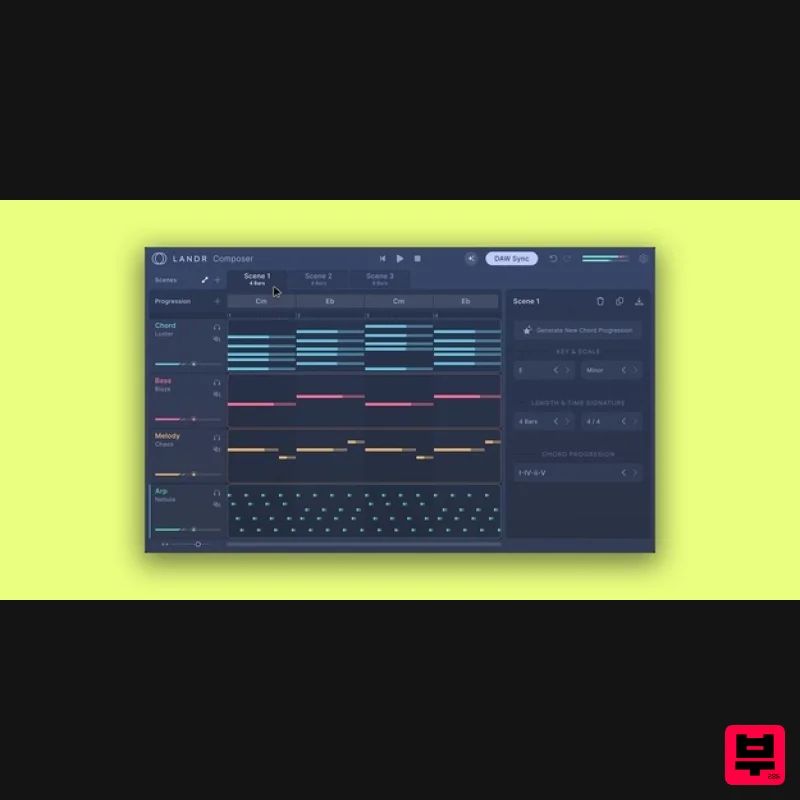
LANDR LANDR Composer
Generator
Sampleson rePEDAL
Generator

