
Tone Empire TapeZoo
Professional music gear - detailed information and where to buy
Tone Empire
TapeZoo
Product Info
* Prices may vary. Check retailer for current pricing and availability.
Product Description
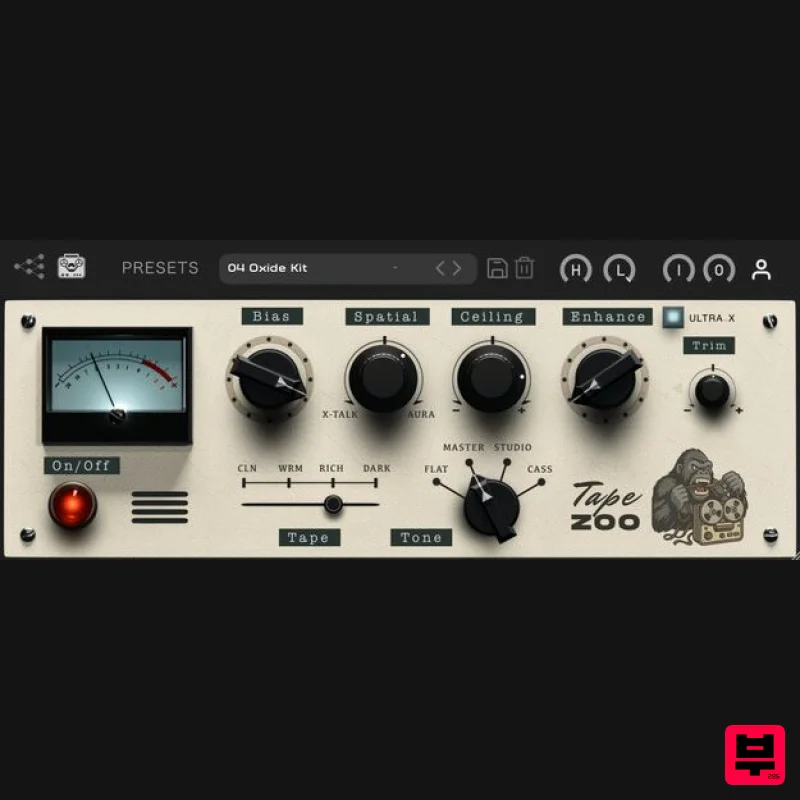
- Passive Tape Emulator Topology Unleash the authentic warmth of analog tape with TapeZoo
- a passive tape coloration plugin engineered to deliver rich harmonic textures and dynamic depth without the need for active electronics or power sources. TapeZoo offers multiple tape profiles and calibration settings to infuse your mixes with vintage character and sonic glue. What It Sounds Like: Rich
- Warm
- and Dynamic: Adds depth
- presence
- and harmonic saturation without harshness. Natural Tape Compression: transients organically
- preserving musicality and vibe. Low-End Glue: Unites kick
- bass
- and subs into a tight
- cohesive foundation. Top-End Softening: Tames digital harshness
- creating a vintage-inspired tonal balance. What It’s Good On: Vocals: sibilance
- adds body and analog flavor without losing clarity. Drums & Percussion: Brings punch and character
- gluing layers without choking dynamics Bass & Synths: Adds focus and vintage weight
- enhancing tonal density. Guitars & Keys: Introduces harmonic sheen and soft rounding of transients. Mix & Master Bus: Cohesive
- tape-like finish with subtle movement and warmth. Ultra X Up to 192k models that minimize aliasing and offer a higher frequency response. The incoming audio is oversampled to run the Ultra X models — requiring more CPU for superior quality
- closest to the original source. <iframe allow="autoplay" frameborder="no" height="450" src="https: //w.soundcloud.com/player/?url=https%3A//api.soundcloud.com/playlists/2009559096&color=%23ff5500&auto_play=false&hide_related=false&show_comments=true&show_user=true&show_reposts=false&show_teaser=true" width="100%"></iframe> Features Bias Control: Adjusts the headroom and saturation intensity
- letting you drive the tape harder or keep it clean. Spatial Control: Blend between vintage Crosstalk for mono glue and Aura
- a subtle stereo width effect inspired by multitrack tape misalignments and pitch shifts. Ceiling Control: Sets the headroom level—lower it to introduce gentle tape compression on peaks. Enhance Control: Blends in a tailored dry signal with added high-frequency sparkle and subtle saturation—perfect for restoring brightness and transients after heavy tape coloration. Tape Models: Choose from four distinct tonal curves—Clean
- Warm
- Rich
- and Dark
- the latter emulating the thick tone of slower tape speeds. Tone: Select from four playback styles—Flat
- Master
- Studio
- and Cassette—each offering unique EQ curves
- compression and coloration/ saturation characteristics. I/O & Filters: Fine-tune your signal with precise Input and Output Trims
- plus High Pass and Low Pass Filters to shape the tone and control unwanted frequencies. System Requirements Mac macOS 10.14 Mojave or later (Intel or Apple Silicon supported) VST3 / AU / AAX (64-bit host required) Apple Silicon / Intel i5 or later 2 GB RAM / 300 MB HD Required Windows Windows 10 or later (64-bit only) VST3 / AAX (64-bit host required) Intel i5 or later / AMD Athlon 64 or equivalent 2 GB RAM / 300 MB HD Required Important Note: Online activation required. Important Note: Chorust is used as an example. Installation Windows 1. Download the installation package from within your Plugin Boutique User Account and extract the contents. Launch the .exe file. 2. Click 'Install'. 3. Once installed
- click 'Finish'. Mac 1. Download the installation package from within your Plugin Boutique User Account and extract the contents. Launch the .pkg file. 2. Click 'Continue'. 3. Click 'Continue'. 4. Click 'Install'. 5. Once installation is complete
- click 'Close'. Activation 1. Open the plugin within your DAW
- and click 'Register'. Alternatively
- if you already have an account on Beatskillz or Tone Empire
- enter your existing email ID and Password
- and click 'Login'. 2. You will be taken to the BeatSkillz/Tone Empire registration page. Enter your details here in the provided boxes
- and click 'Register'. 3. Having input your information
- you will now receive a verification email to your email address. Navigate to this
- and click the 'Click Here' link inside. 4. Head back to the plugin dialogue box within your DAW
- and enter the details exactly as they were input to the BeatSkillz/Tone Empire registration page in step 2. Click 'Login'. 5. Enter the serial number from within your Plugin Boutique User Account
- and click 'Activate'. 6. Your plugin is now activated and ready to use!
Additional Information
About the Tone Empire TapeZoo
The Tone Empire TapeZoo represents excellent craftsmanship in the Tape Emulation category.
Why Choose the Tone Empire TapeZoo?
- •Authentic Tone Empire craftsmanship and design
- •Versatile sound suitable for multiple musical genres
- •Professional build quality and reliable performance
- •Part of Tone Empire's respected Tape Emulation lineup
Compare & Explore
Browse our complete selection of Tone Empire instruments or explore other Tape Emulation options. Use our comparison tools to find the perfect match for your musical style and budget.
Similar Products
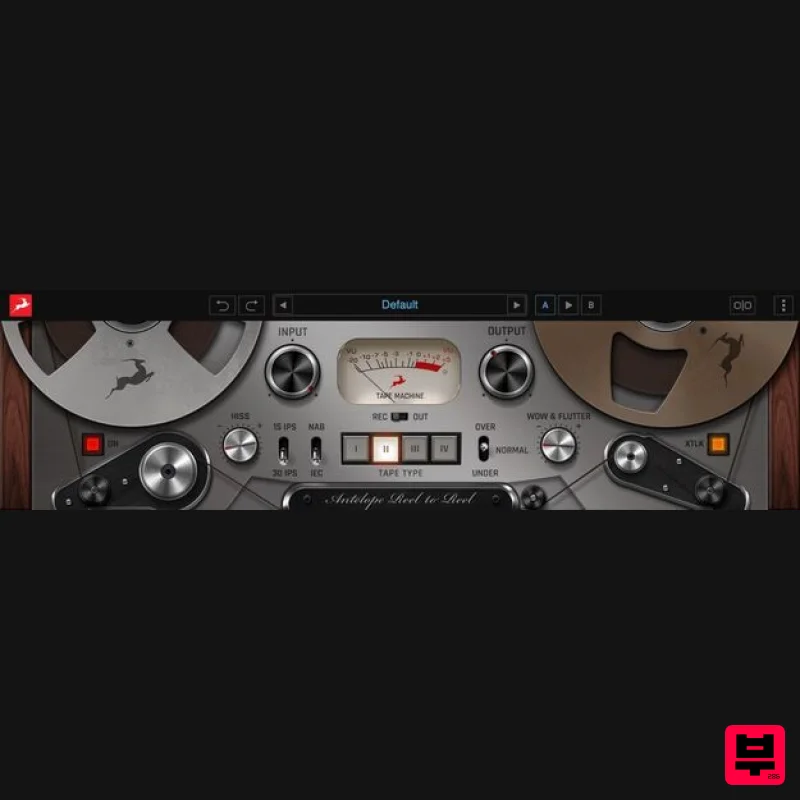
Antelope Audio Reel-To-Reel
Tape Emulation
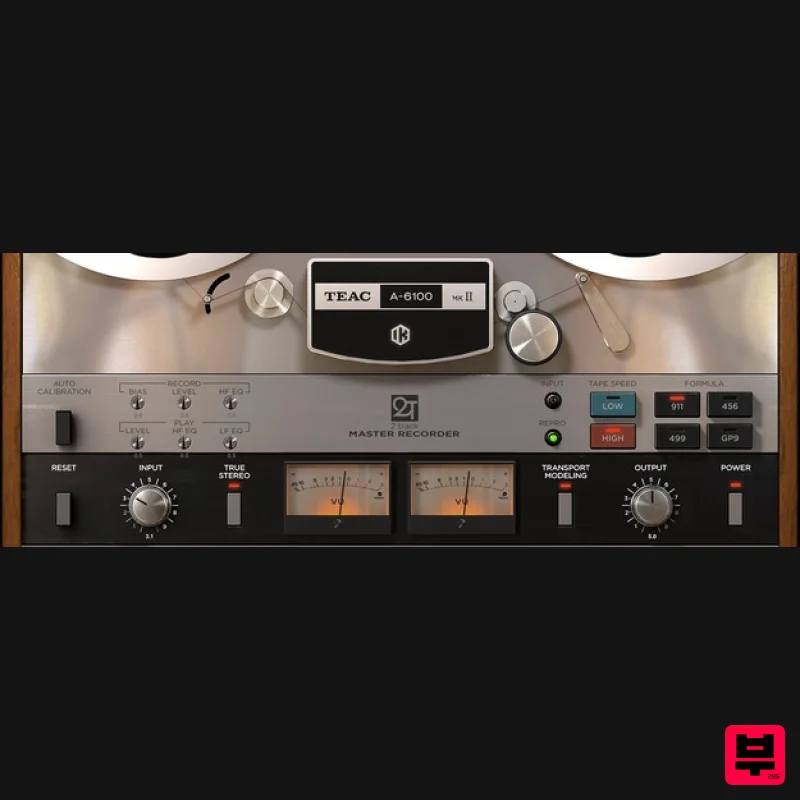
IK Multimedia TEAC A-6100 MKII
Tape Emulation
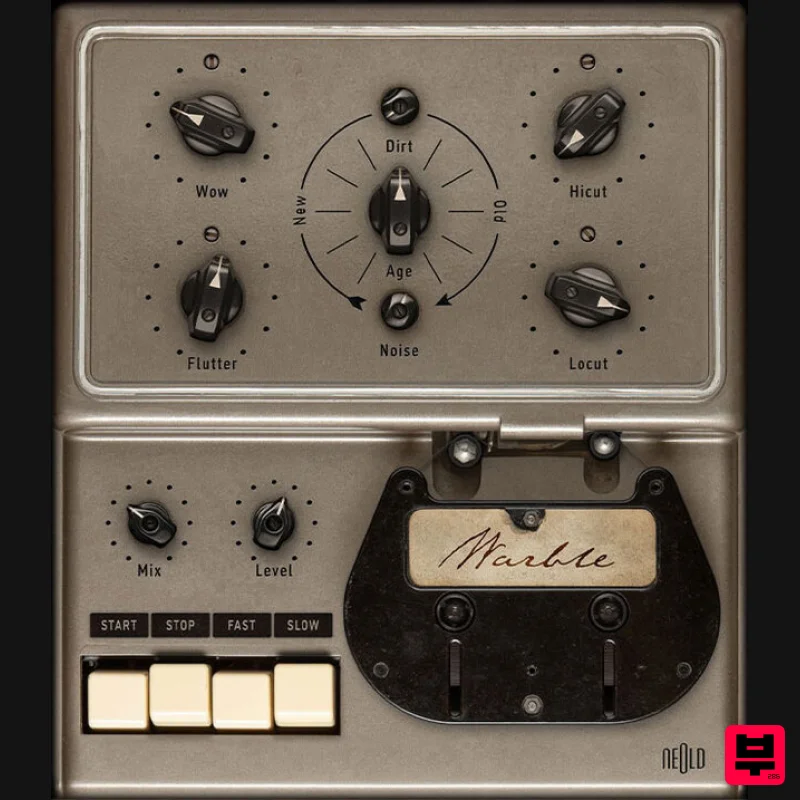
Plugin Alliance NEOLD WARBLE
Tape Emulation
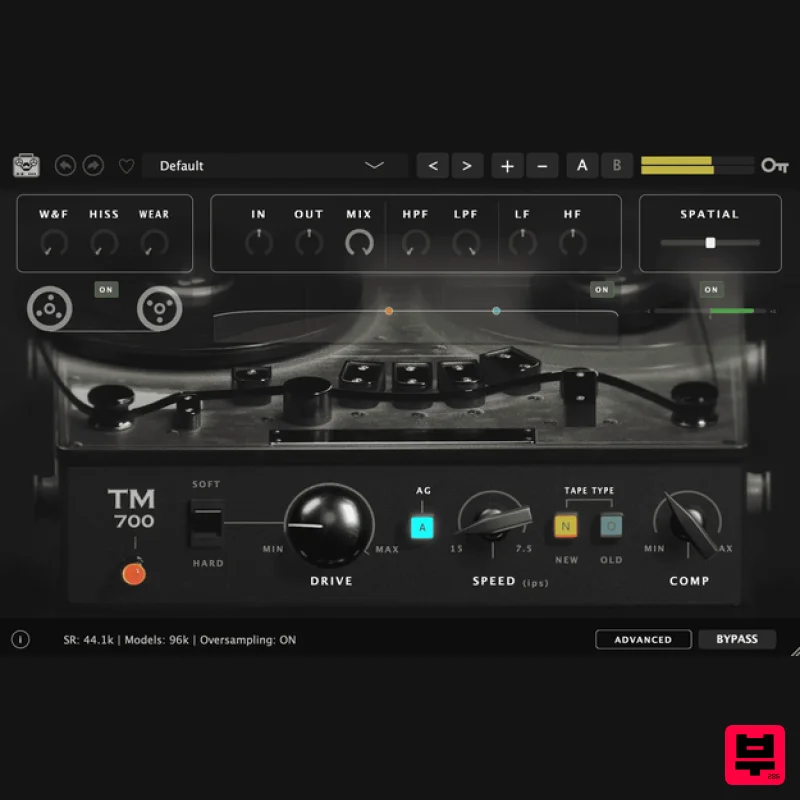
Tone Empire TM700 V3
Tape Emulation
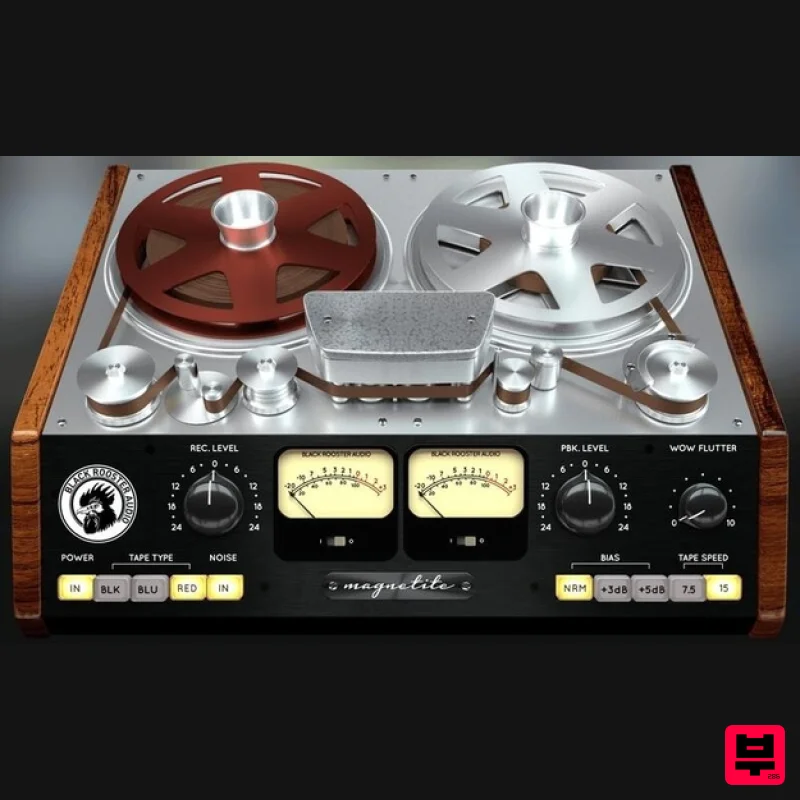
Black Rooster Audio Magnetite
Tape Emulation
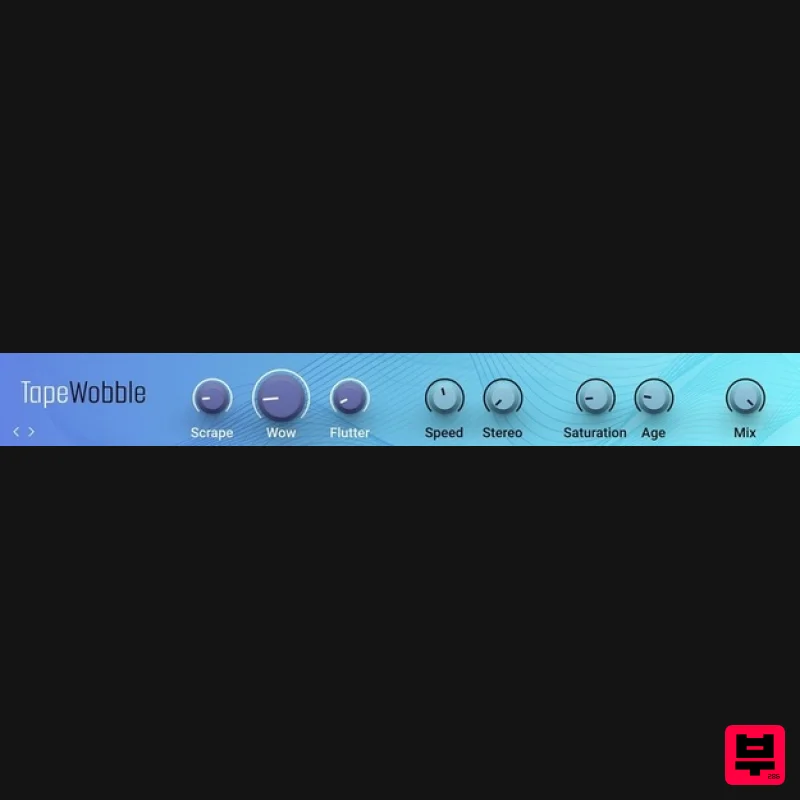
Native Instruments Tape Wobble
Tape Emulation
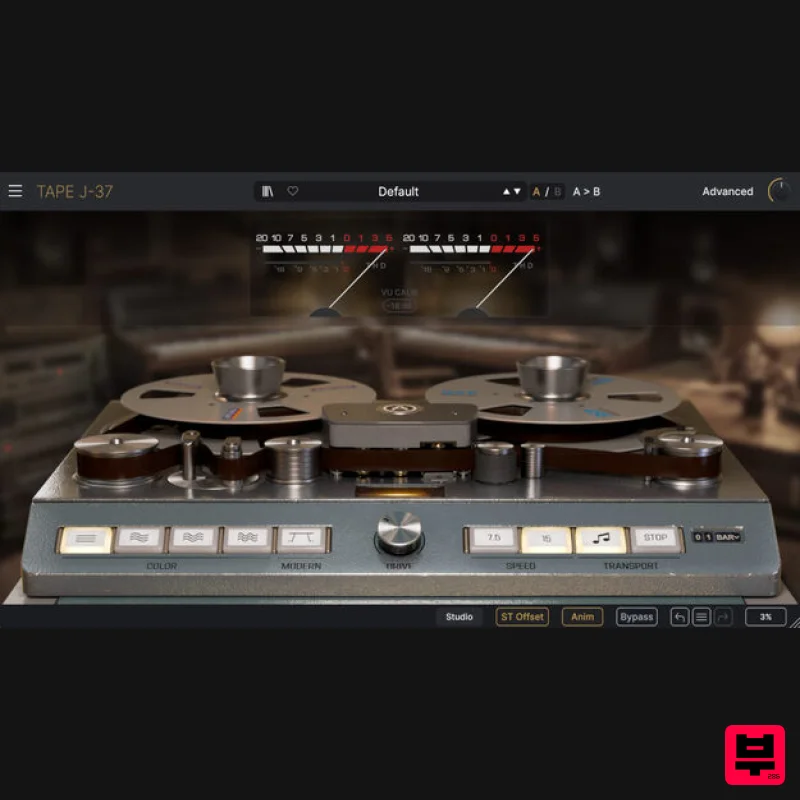
Arturia Tape J-37
Tape Emulation
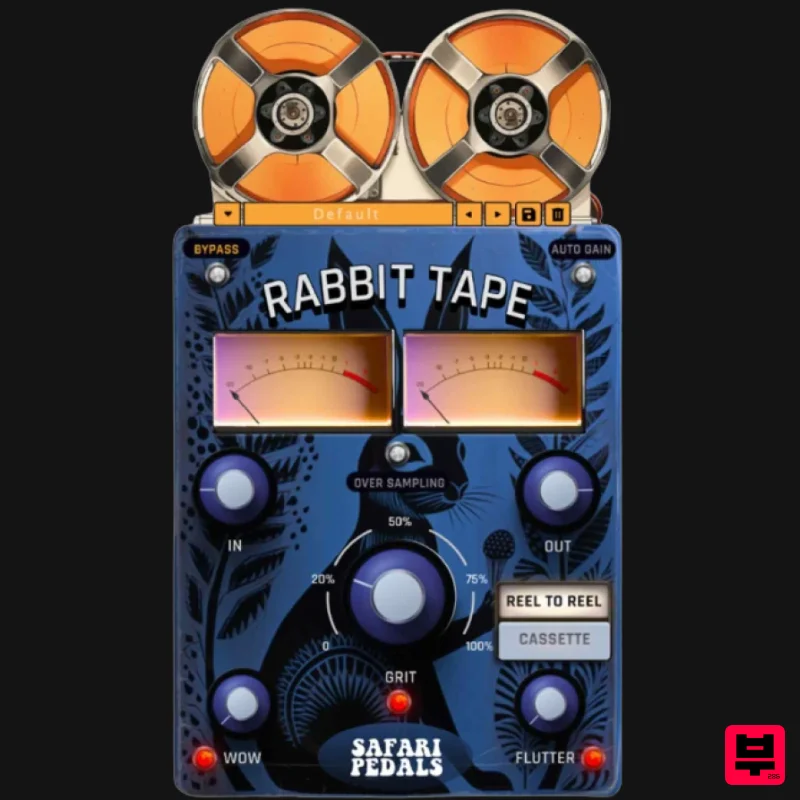
Safari Audio Rabbit Tape
Tape Emulation

