
Tone Empire Res Q
Professional music gear - detailed information and where to buy
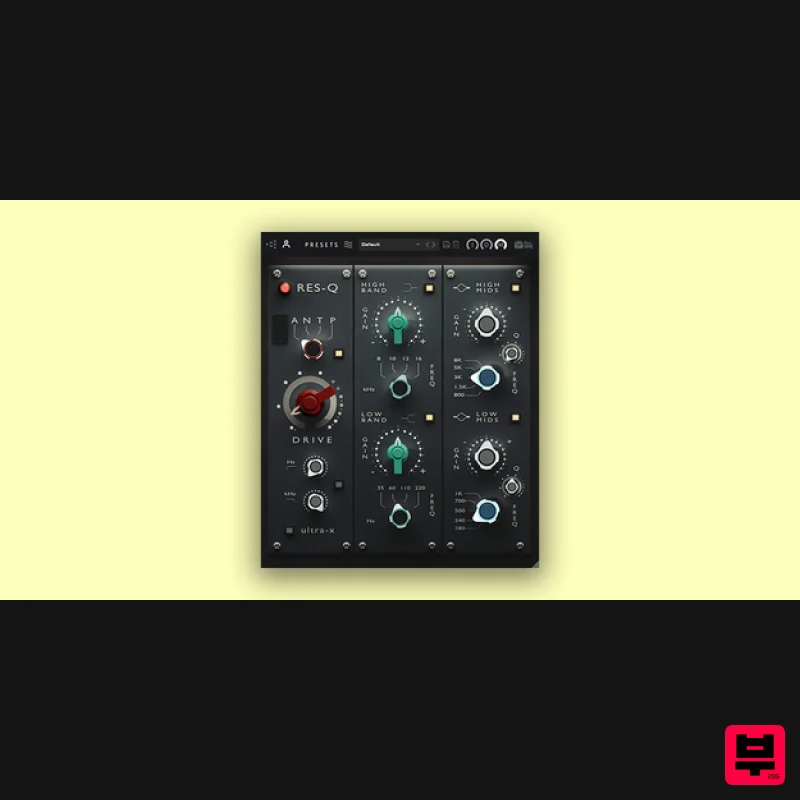
Tone Empire
Res Q
Product Info
* Prices may vary. Check retailer for current pricing and availability.
Product Description
- Res-Q is an EQ plugin that combines classic inspirations into a modern powerhouse tool. ResQ integrates the and robust shelving curves typical of iconic British equalizers with the precise
- surgical mids of their American counterparts. The plugin boasts a versatile four-mode preamp section
- capturing the essence of classic transformer and op-amp designs
- as well as both triode and pentode tube models. These modes enable rich
- harmonic saturation that can either subtly enhance or significantly color your audio. Designed with musical frequency selections in mind
- ResQ ensures that every adjustment is musically coherent
- allowing instruments to seamlessly blend or stand out in a mix. New in v1.3 Massive reduction in CPU use without any loss of quality. (Silicon arm chips - M1
- M3) and Windows intel chips. Up to 60 % improvement in CPU performance. Use at any sample rate without CPU increase and use multiple instances. System Requirements Plugin Formats: MAC OSX – VST3/AU/AAX – 64bit WINDOWS – VST3/AAX – 64 bit Minimum System Requirements: Windows 10 or later MacOS 10.13 or later ( Intel/M1/M2- Native Supported ) Intel i3 / AMD Ryzen or equivalent VST3
- or AAX 64-bit host Important Note: Chorust is used as an example. Installation Windows 1. Download the installation package from within your Plugin Boutique User Account and extract the contents. Launch the .exe file. 2. Click 'Install'. 3. Once installed
- click 'Finish'. Mac 1. Download the installation package from within your Plugin Boutique User Account and extract the contents. Launch the .pkg file. 2. Click 'Continue'. 3. Click 'Continue'. 4. Click 'Install'. 5. Once installation is complete
- click 'Close'. Activation 1. Open the plugin within your DAW
- and click 'Register'. Alternatively
- if you already have an account on Beatskillz or Tone Empire
- enter your existing email ID and Password
- and click 'Login'. 2. You will be taken to the BeatSkillz/Tone Empire registration page. Enter your details here in the provided boxes
- and click 'Register'. 3. Having input your information
- you will now receive a verification email to your email address. Navigate to this
- and click the 'Click Here' link inside. 4. Head back to the plugin dialogue box within your DAW
- and enter the details exactly as they were input to the BeatSkillz/Tone Empire registration page in step 2. Click 'Login'. 5. Enter the serial number from within your Plugin Boutique User Account
- and click 'Activate'. 6. Your plugin is now activated and ready to use!
Additional Information
About the Tone Empire Res Q
The Tone Empire Res Q represents excellent craftsmanship in the EQ category.
Why Choose the Tone Empire Res Q?
- •Authentic Tone Empire craftsmanship and design
- •Versatile sound suitable for multiple musical genres
- •Professional build quality and reliable performance
- •Part of Tone Empire's respected EQ lineup
Compare & Explore
Browse our complete selection of Tone Empire instruments or explore other EQ options. Use our comparison tools to find the perfect match for your musical style and budget.
Similar Products
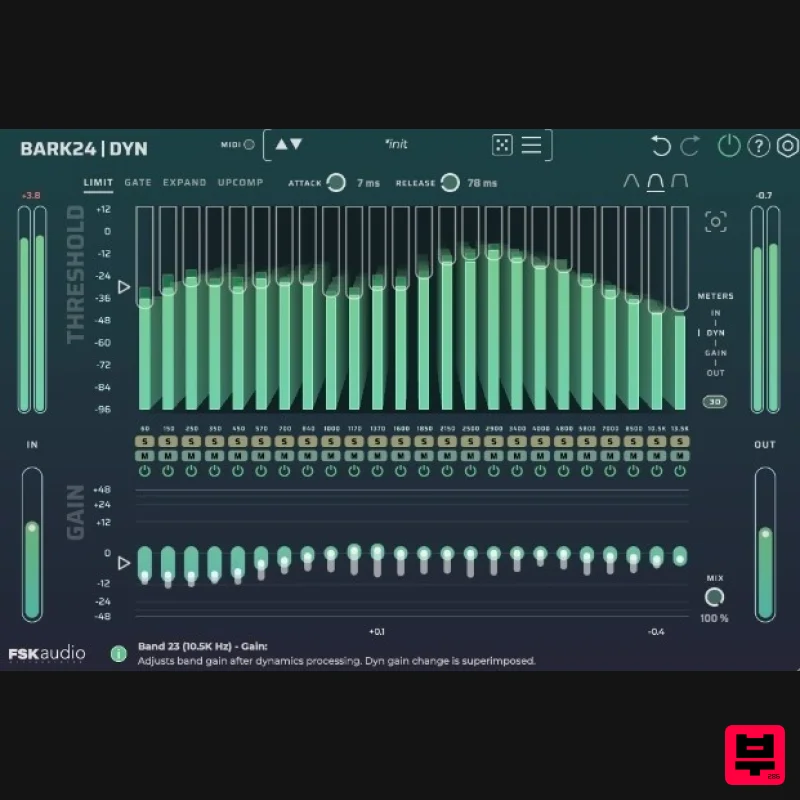
FSK Audio Bark24 | Dyn
EQ
$120
Bark24 | Dyn is a dynamic EQ that takes you far beyond a standard compressor or EQ. Based on the Bark scale - a model...
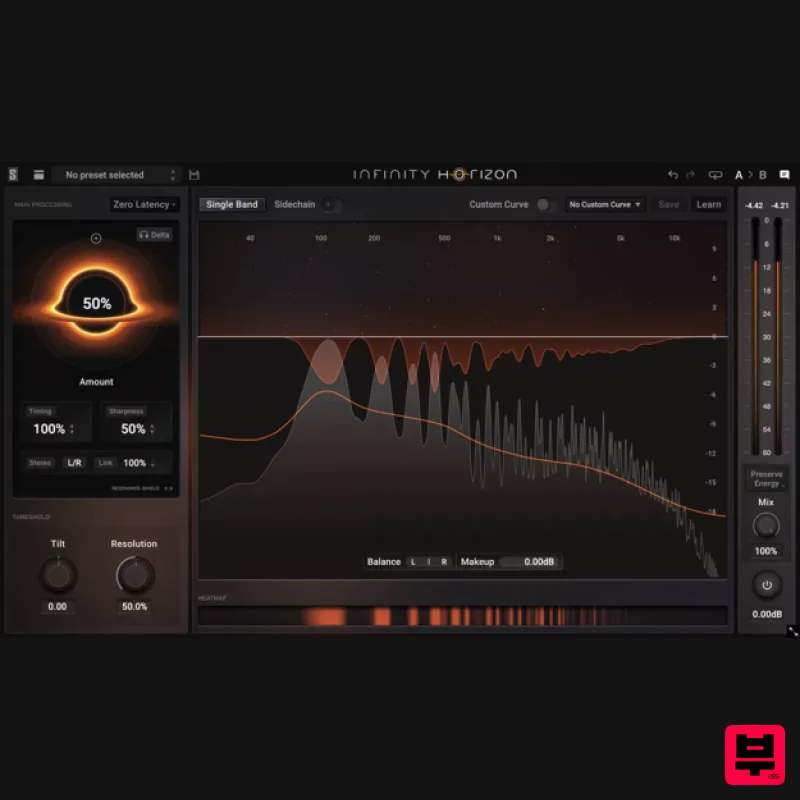
Slate Digital Infinity Horizon
EQ
$156
Rogue Frequencies Cannot Escape Infinity Horizon finds harsh frequency build ups and them in real time. If you're...
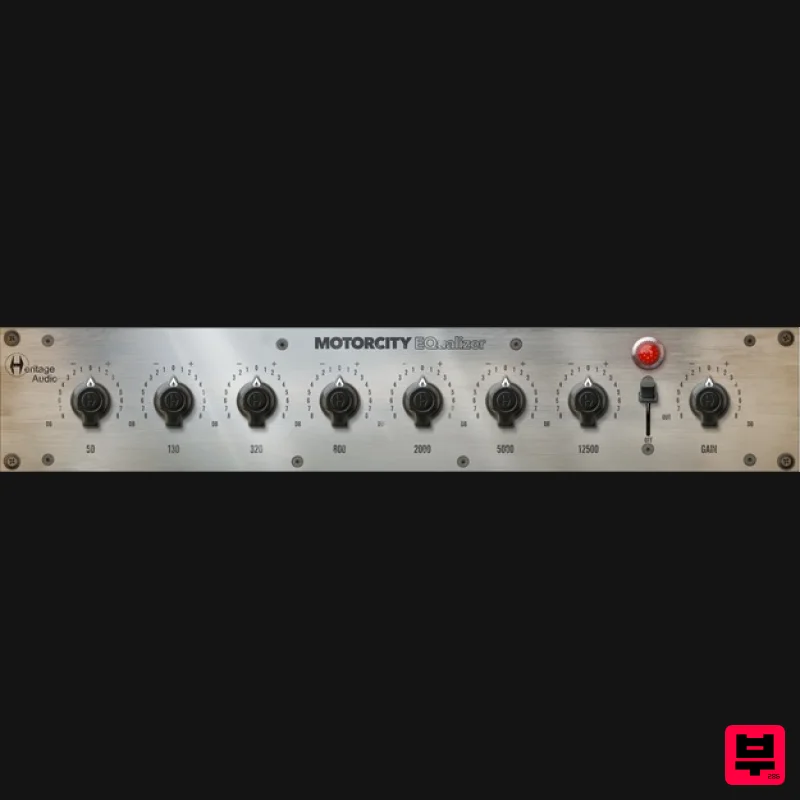
Heritage Audio MOTORCITY EQ
EQ
$104
The classiest EQ ever created finally gets the thorough plugin treatment it so long deserved Recreated from the...
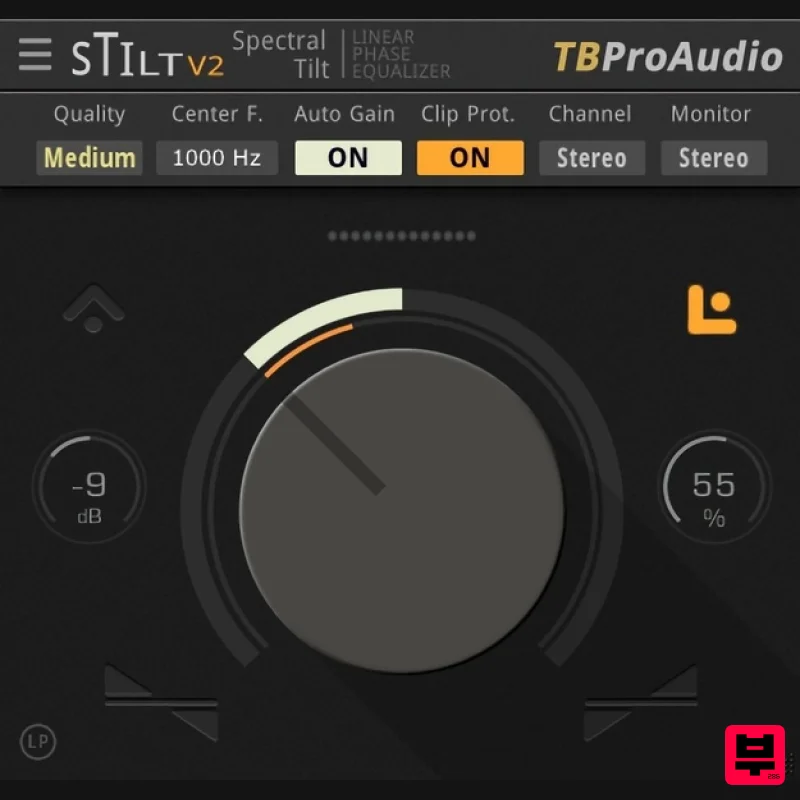
TBProAudio sTiltV2
EQ
Free
sTilt is a linear/minimum phase and IIR filter which tilts the audio spectrum around a given center frequency. Features...
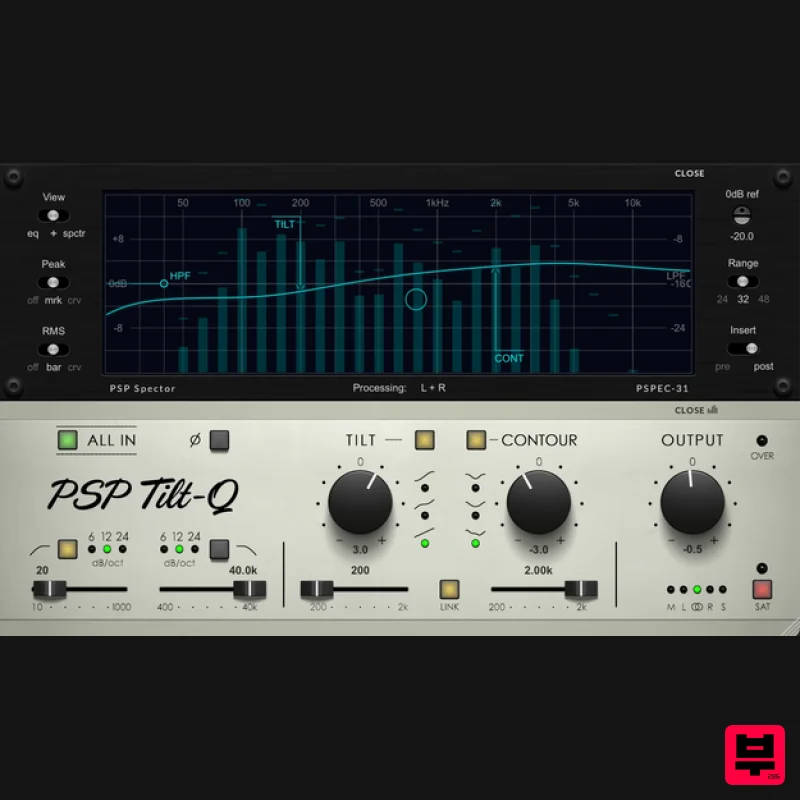
PSP Audioware PSP Tilt-Q
EQ
$72
Tilt Equalizer with Three Characteristics Musical tilt EQ offering three distinct curve shapes, allowing you to quickly...
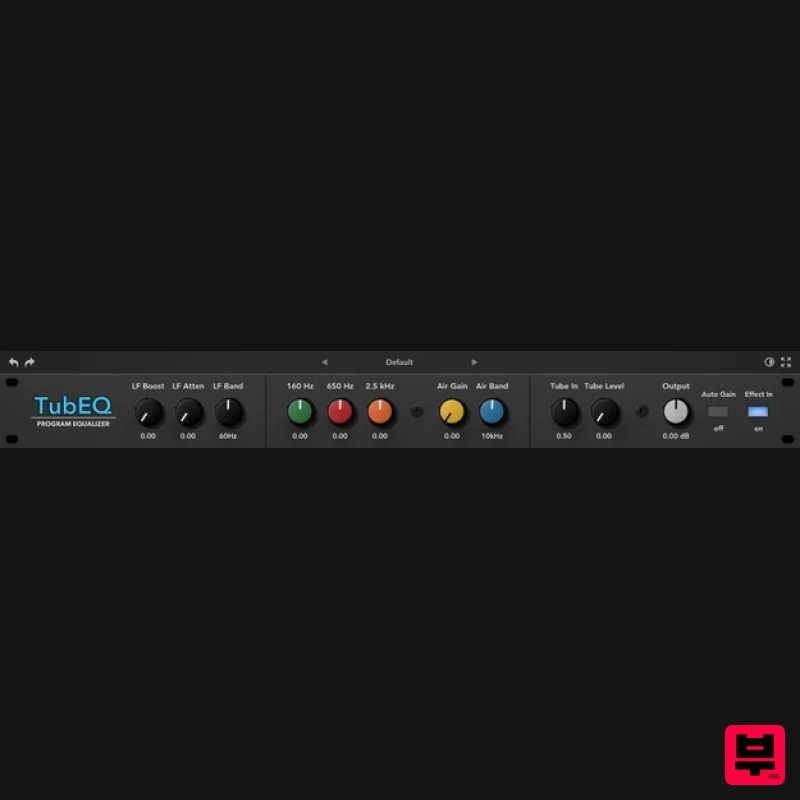
Rave Generation TubEQ
EQ
$42
TubEQ is an authentic analog equalizer plugin that combines the musical character of two legendary EQs in a single...
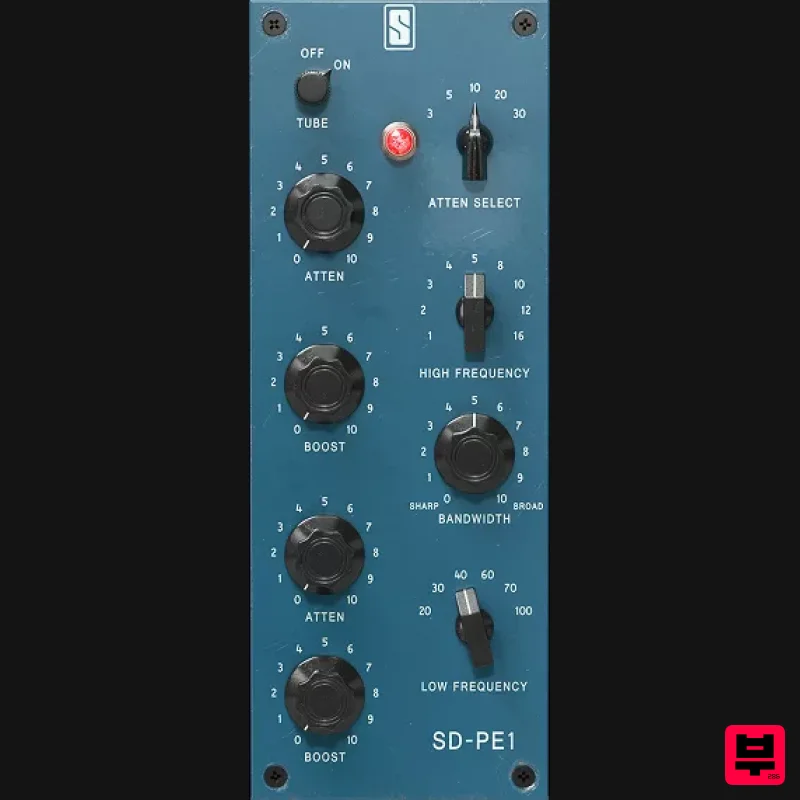
Slate Digital SD-PE1
EQ
$104
Meet SD-PE1! The most unique passive equalizer ever made joins the ever-expanding lineup of processors that make up the...
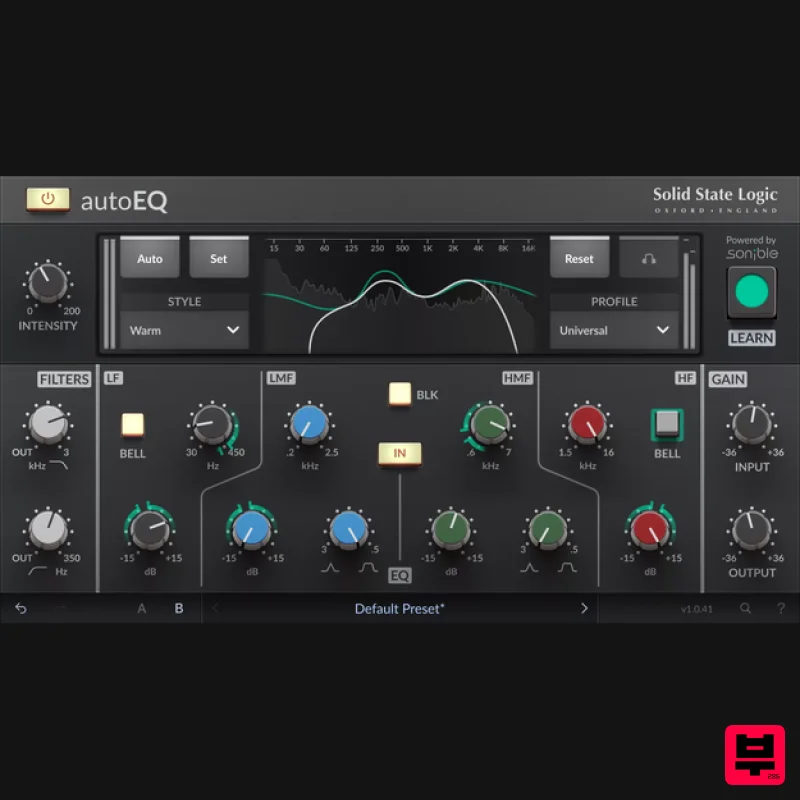
Solid State Logic SSL autoEQ
EQ
$109
SSL 4000E EQ processing with sonible AI assisted analysis Introducing autoEQ, part of the autoSeries with autoDYN and...
Frequently Asked Questions
The Tone Empire Res Q stands out for its exceptional Tone Empire craftsmanship and innovative design.
Yes! With its affordable price point and quality construction, it's perfect for learning eq.
Browse the similar products section to see how it stacks up against other eq.

