
Tone Empire Neural Q V2
Professional music gear - detailed information and where to buy
Tone Empire
Neural Q V2
Product Info
* Prices may vary. Check retailer for current pricing and availability.
Product Description
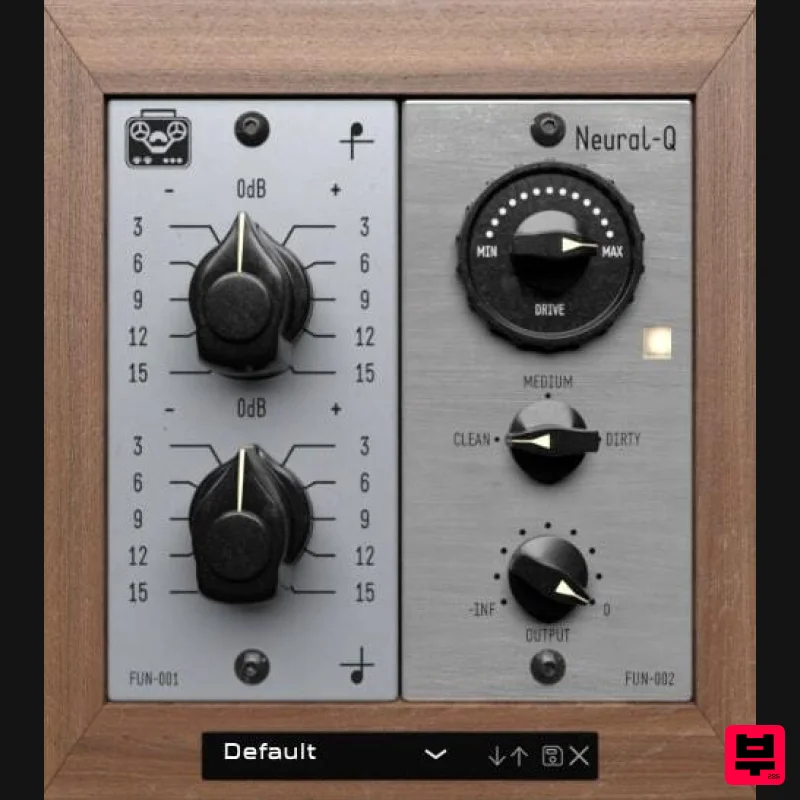
- A.I / Neural Network-Based EQ and Saturation Plugin Neural Q gives your music a very “analog” sounding Top-end sparkle and “heavy” bottom end seldom found in plugin equalizers. What’s Neural Q? The future of Analog Emulation is here. This plugin faithfully captures the dynamic behavior and sound of a well-known Vintage German Equalizer and a modern Solid State Pre-Amp featuring cinemag transformers. Push the parameters to the limits and be “stunned” by the results. Circuit Modelling is a technology of the past and can never produce as authentic an analog emulation as RNN (Recurrent Neural Networks). What's New in Version 2? Introduced a New AI / ML System. Much lower CPU usage than v1 New Reworked Presets Retrained model of the preamp section More accurate reproduction of the original hardware units Resizing Option The pre-amp section has been accurately captured from a solid-state modern pre-amp with CineMag Transformers. Tone Empire's new applications based on AI technologies
- literally train a model and parameters of an analog device by feeding it samples of real music material. They trained the system with vocals
- drums
- guitars
- full mixes
- and other instruments phrases. The Neural Network then creates a model based on weights by replicating the “effect” of the analog gear on the sound. This results in more accurate analog behavior. Hi Band This control boosts the high frequency of the program material in the shape of the original hardware that was captured. The range is -15 dB to +15 dB Lo Band This control boosts the low frequency of the program material in the shape of the original hardware that was captured. The range is -15 dB to +15 dB Pre-Amp Drive This control is used for the drive of the input of the analog pre-amp section. The more you use
- the more saturated the signal. Drive Type This provides 3 types of saturation for the Pre-Amp Module. Clean
- Medium and Dirty. Don’t be afraid to push this plugin! Drive On/Off Button This button can bypass or activate the pre-amp saturation module of the plugin. Output This control is an output trim for the final signal after processing and the range is from -24dB to 0 dB. Autogain has been implemented in the pre-amp section for the convenience of the user. Presets Some presets in a few categories have been provided to get the user started. System Requirements PC Windows 10 or later (64-bit only) Intel i3 / AMD Ryzen or equivalent VST3
- or AAX 64-bit host Screen resolution: 1024×768 2 GB RAM / 300 MB HD Mac OSX 10.13 or later (64-bit only
- Intel/Silicon Supported) Intel i3 / AMD Ryzen or equivalent VST3
- or AAX 64-bit host Screen resolution: 1024×768 2 GB RAM / 300 MB HD Important Note: Chorust is used as an example. Installation Windows 1. Download the installation package from within your Plugin Boutique User Account and extract the contents. Launch the .exe file. 2. Click 'Install'. 3. Once installed
- click 'Finish'. Mac 1. Download the installation package from within your Plugin Boutique User Account and extract the contents. Launch the .pkg file. 2. Click 'Continue'. 3. Click 'Continue'. 4. Click 'Install'. 5. Once installation is complete
- click 'Close'. Activation 1. Open the plugin within your DAW
- and click 'Register'. Alternatively
- if you already have an account on Beatskillz or Tone Empire
- enter your existing email ID and Password
- and click 'Login'. 2. You will be taken to the BeatSkillz/Tone Empire registration page. Enter your details here in the provided boxes
- and click 'Register'. 3. Having input your information
- you will now receive a verification email to your email address. Navigate to this
- and click the 'Click Here' link inside. 4. Head back to the plugin dialogue box within your DAW
- and enter the details exactly as they were input to the BeatSkillz/Tone Empire registration page in step 2. Click 'Login'. 5. Enter the serial number from within your Plugin Boutique User Account
- and click 'Activate'. 6. Your plugin is now activated and ready to use!
Additional Information
About the Tone Empire Neural Q V2
The Tone Empire Neural Q V2 combines traditional design with modern performance for EQ enthusiasts.
Why Choose the Tone Empire Neural Q V2?
- •Authentic Tone Empire craftsmanship and design
- •Versatile sound suitable for multiple musical genres
- •Professional build quality and reliable performance
- •Part of Tone Empire's respected EQ lineup
Compare & Explore
Browse our complete selection of Tone Empire instruments or explore other EQ options. Use our comparison tools to find the perfect match for your musical style and budget.
Similar Products
Slate Digital SD-PE1
EQ
$104
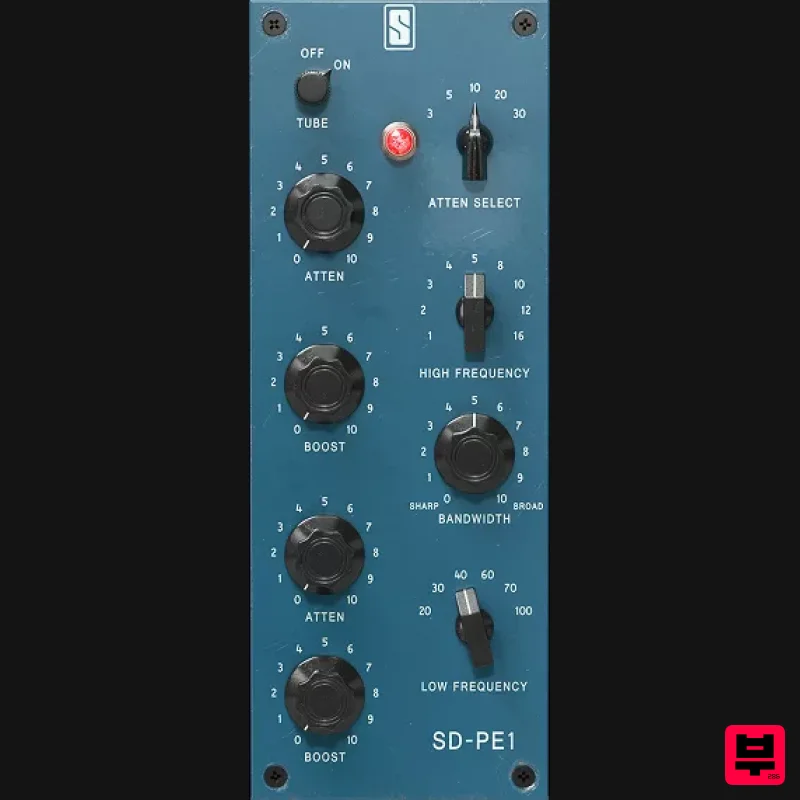
Meet SD-PE1! The most unique passive equalizer ever made joins the ever-expanding lineup of processors that make up the...
FSK Audio Bark24 | Dyn
EQ
$120
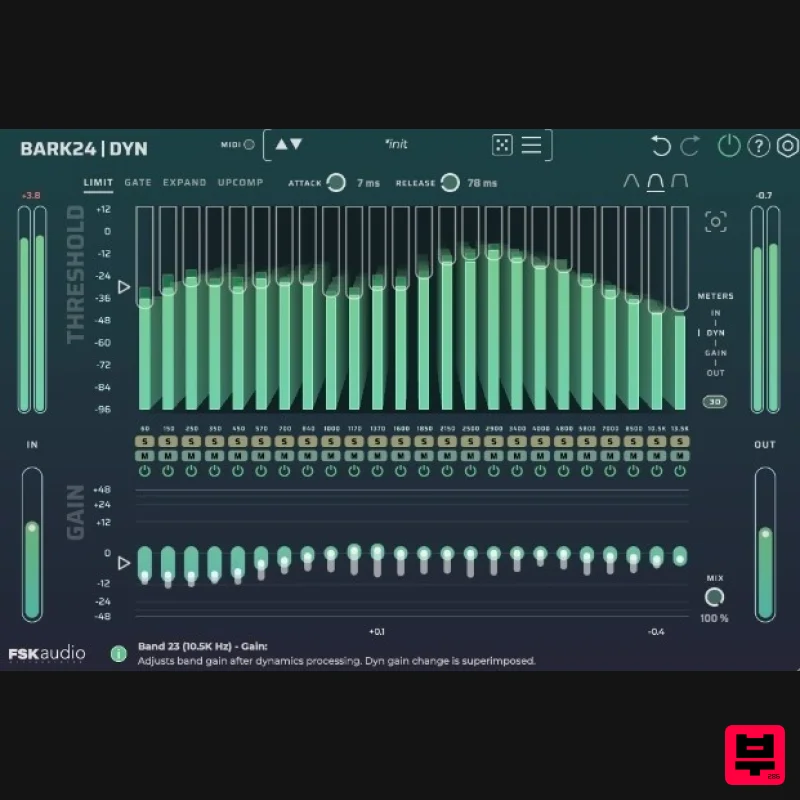
Bark24 | Dyn is a dynamic EQ that takes you far beyond a standard compressor or EQ. Based on the Bark scale - a model...
Rave Generation TubEQ
EQ
$42
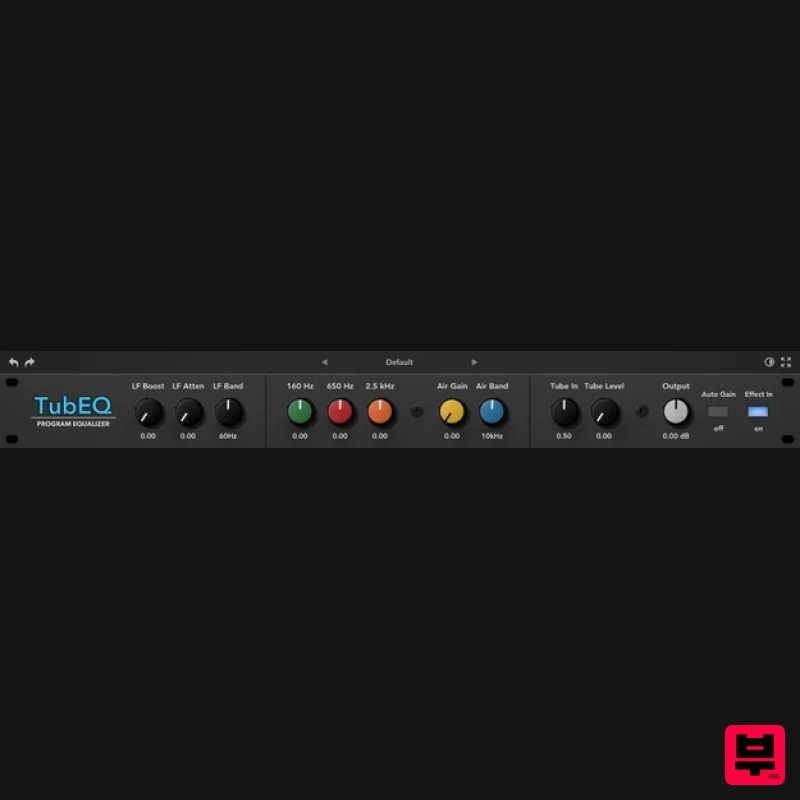
TubEQ is an authentic analog equalizer plugin that combines the musical character of two legendary EQs in a single...
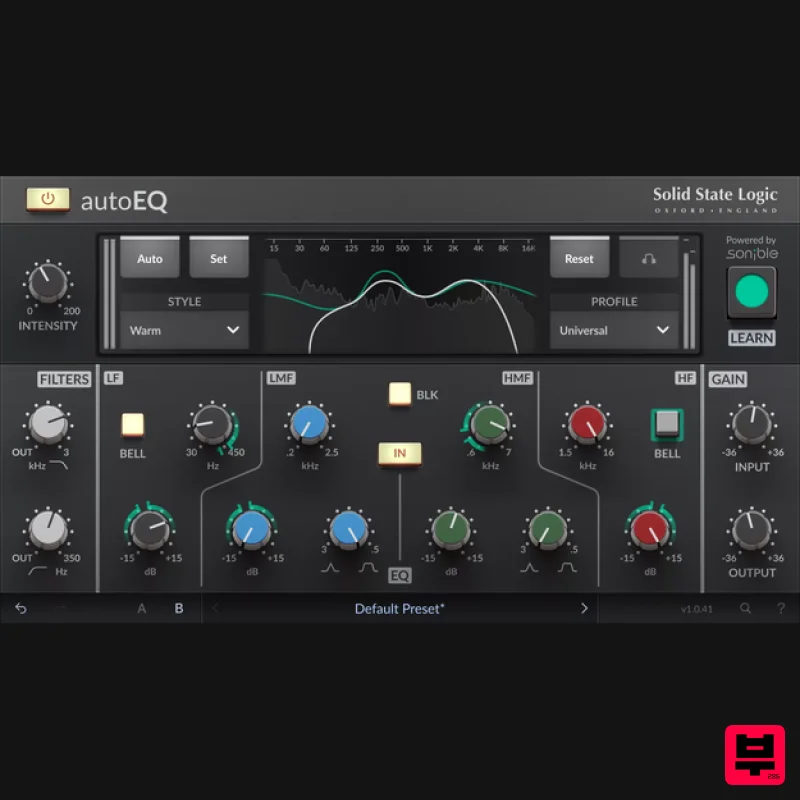
Solid State Logic SSL autoEQ
EQ
$109
SSL 4000E EQ processing with sonible AI assisted analysis Introducing autoEQ, part of the autoSeries with autoDYN and...
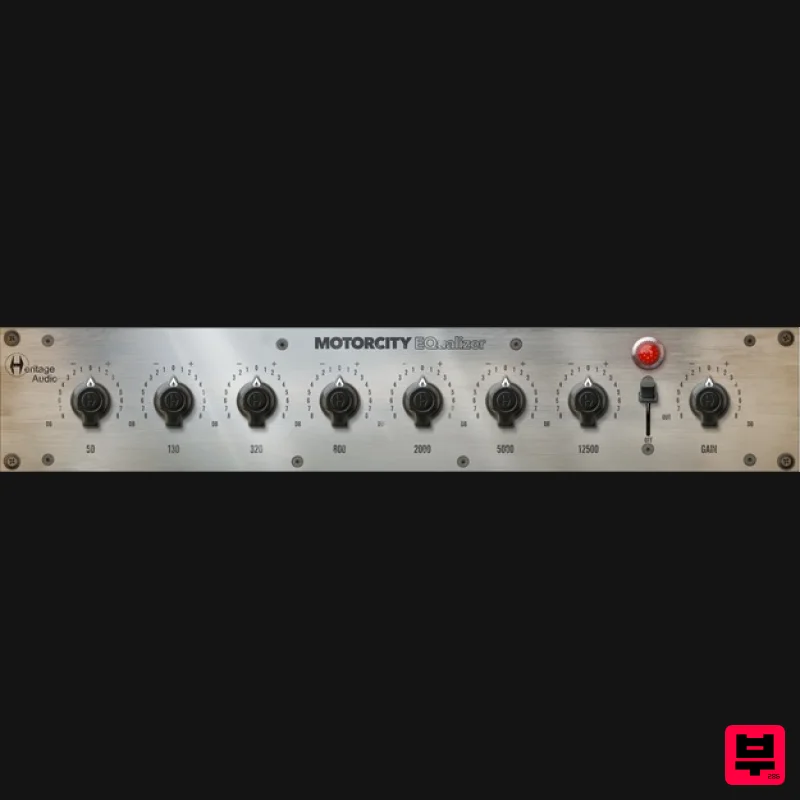
Heritage Audio MOTORCITY EQ
EQ
$104
The classiest EQ ever created finally gets the thorough plugin treatment it so long deserved Recreated from the...
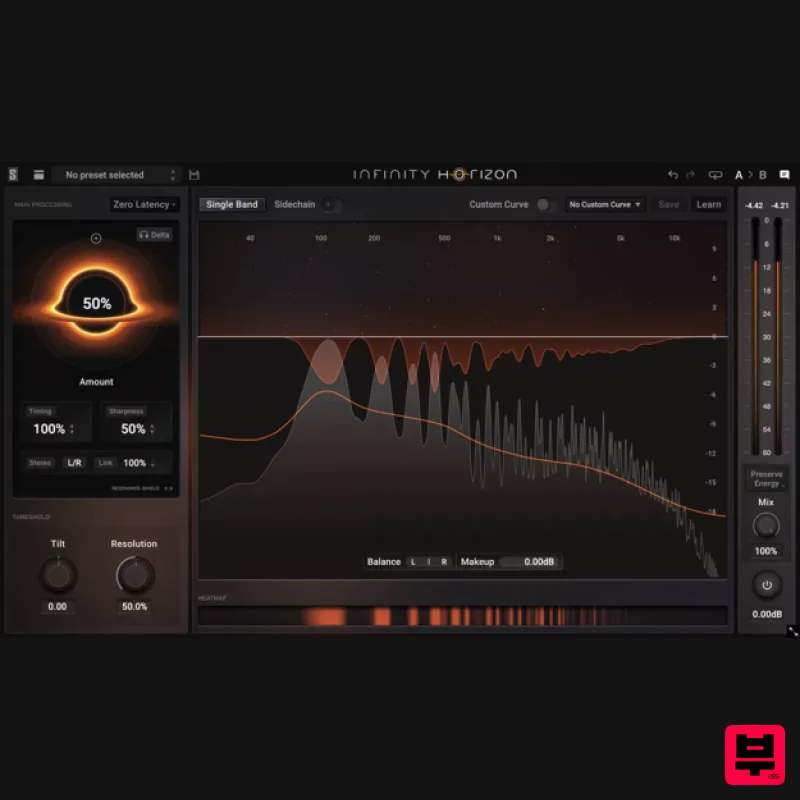
Slate Digital Infinity Horizon
EQ
$156
Rogue Frequencies Cannot Escape Infinity Horizon finds harsh frequency build ups and them in real time. If you're...
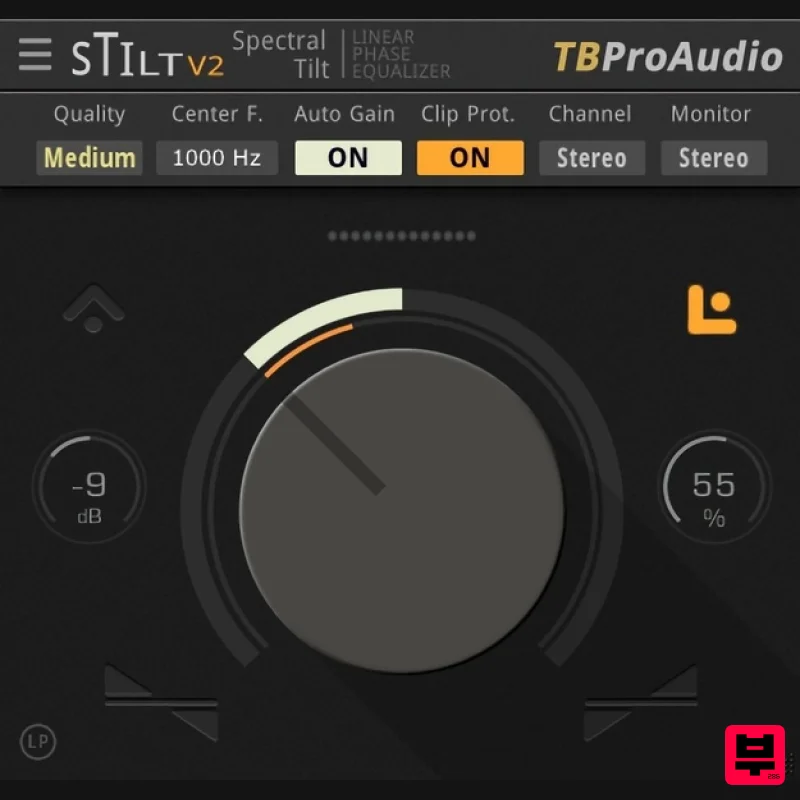
TBProAudio sTiltV2
EQ
Free
sTilt is a linear/minimum phase and IIR filter which tilts the audio spectrum around a given center frequency. Features...
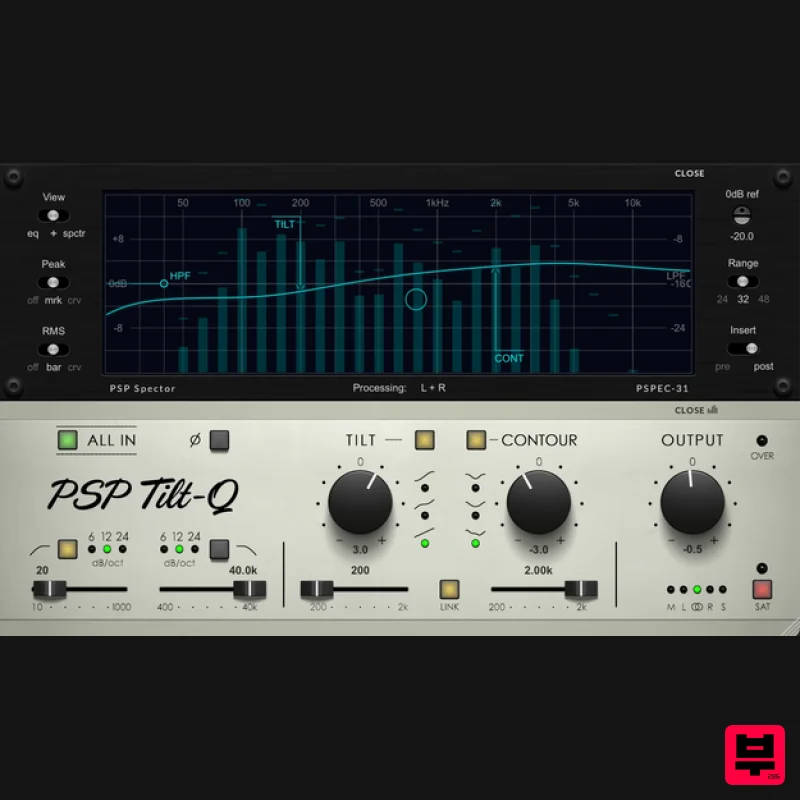
PSP Audioware PSP Tilt-Q
EQ
$72
Tilt Equalizer with Three Characteristics Musical tilt EQ offering three distinct curve shapes, allowing you to quickly...
Frequently Asked Questions
The Tone Empire Neural Q V2 stands out for its exceptional Tone Empire craftsmanship and innovative design.
Yes! With its affordable price point and quality construction, it's perfect for learning eq.
Browse the similar products section to see how it stacks up against other eq.

