
Tokyo Dawn Labs TDR Nova GE
Professional music gear - detailed information and where to buy
Tokyo Dawn Labs
TDR Nova GE
Product Info
* Prices may vary. Check retailer for current pricing and availability.
Product Description
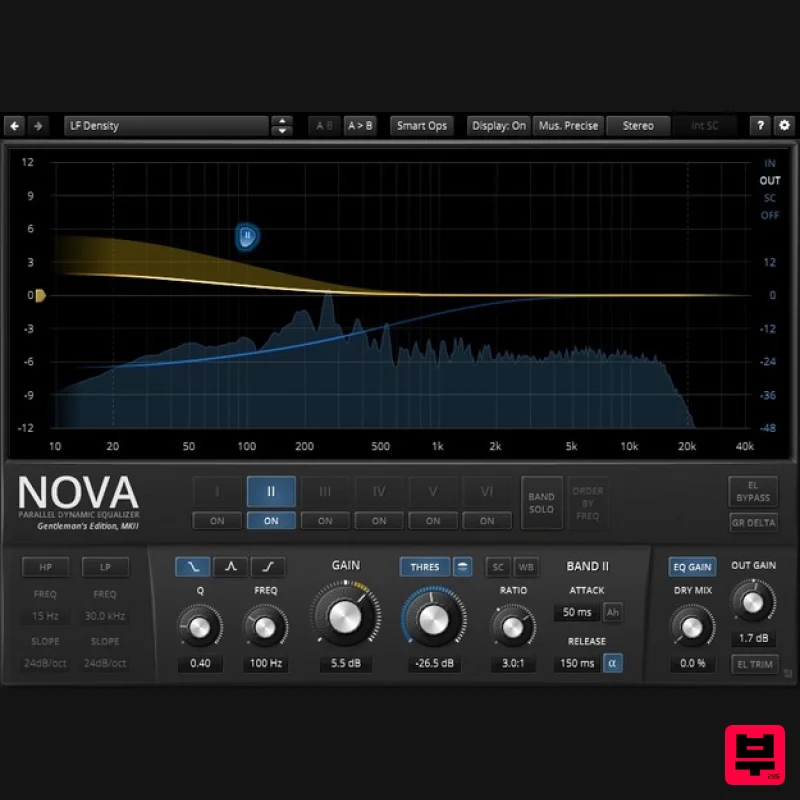
- NOVA GE is a parallel dynamic equalizer. Appearing in the familiar layout of a parametric equalizer
- the plugin also includes flexible dynamics processing options allowing the coverage of an impressively wide range of applications. Be it a master lacking density
- the drum bus asking for more crispiness
- or a sibilance problem in your perfect take: NOVA has an elegant musical answer. NOVA GE includes a total of six dynamic EQ bands
- each with independent dynamics processing ranging from downward compression over upward compression
- upward expansion
- up to downward expansion (incl. gating). Flanked by powerful highpass and lowpass filters
- the processor covers a wide range of tasks: Use-cases: Parametric equalization Dynamic equalization Frequency selective compression/expansion Multiband compression/expansion Wideband compression/expansion In addition
- an advanced “ Operation” panel offers a unique way of automating and orchestrating the plugin for spectral matching
- resonance removal and much more. A user-friendly WYSIWYG drag and drop display paired with a classic “knob” interface gives quick and access to the various parameters driving NOVA’s powerful signal processing. Elaborate equal loudness functions help finding the optimal setting without getting distracted by loudness differences. NOVA GE also features all helpers and workflow enhancements you’ve come to expect in a TDR plugin: A preset manager
- undo/redo
- detailed documentation
- copy & paste
- and much more. System Requirements Windows Win XP SP2 or above VST2 / VST3 (32-bit / 64-bit) AAX (64-bit only) Mac macOS 10.9 or above VST2
- VST3
- AAX (64-bit only) Bedroom Producers Blog "The most impressive thing about TDR Nova is how easily it transforms from a simple parametric EQ into a super-precise dynamic equalizer." Tokyo Dawn Labs Nova Gentleman's Edition review at MusicRadar Dynamic EQ for the price of a night out. Dynamic EQ is a problem-solving process
- whereby the cut or boost of each frequency band is only applied when the input signal crosses a specified volume threshold. The classic application is removing overly harsh frequencies from hi-hats in a full m... Read More Note: TDR Limiter 6 GE is used as the example. Mac Registration 1. Go to your Plugin Boutique User Account > Copy and paste your serial number into your web browser search bar and press 'enter' on your keyboard. 2. Check the box that states 'I'm not a robot' > Click 'Unlock Code'. 3. Enter your Name & email address and select your country from the drop-down menu > Click 'Create Account'. 4. Click 'Ok'. Installation 1. Click the Mac installer link to download the correct installer for your operating system. 2. Open the .dmg file > Click and drag the Component
- VST and AAX Plugin files into their respective folders. 3. Click 'Authenticate'. 4. Enter your computer Username and Password > Click 'Ok'. Online Activation 1. Open the installed software in your DAW > Click the dialogue box at the top of the plugin to open the activation menu. 2. Enter your Tokyo Dawn Labs registered email address and password > Click 'Register'. 3. Click 'Ok'. Your software is now activated and ready to use within your DAW. Offline Activation 1. Go to your Tokyo Dawn Labs User Account > Download the License Key File for your software. 2. Open the installed software in your DAW > Click the dialogue box at the top of the plugin to open the activation menu. 3. Click 'Import Key File'. 4. Select the License Key File > Click 'Open'. 5. Click 'Ok'. Your software is now activated and ready to use within your DAW. Windows Registration 1. Go to your Plugin Boutique User Account > Copy and paste your serial number into your web browser search bar and press 'enter' on your keyboard. 2. Check the box that states 'I'm not a robot' > Click 'Unlock Code'. 3. Enter your Name & email address and select your country from the drop-down menu > Click 'Create Account'. 4. Click 'Ok'. Installation 1. Click the Windows installer link to download the correct installer for your operating system. 2. Double-click the .zip file to extract the contents and open the .exe file to begin the installation > Click 'Next'. 3. Select 'I accept the agreement' > Click 'Next'. 4. Click 'Next'. 5. Click 'Next'. 6. Click 'Next'. 7. Click 'Next'. 8. Click 'Next'. 9. Click 'Next'. 10. Click 'Install'. 11. Click 'Finish'. Online Activation 1. Open the installed software in your DAW > Click the dialogue box at the top of the plugin to open the activation menu. 2. Enter your Tokyo Dawn Labs registered email address and password > Click 'Register'. 3. Click 'Ok'. Your software is now activated and ready to use within your DAW. Offline Activation 1. Go to your Tokyo Dawn Labs User Account > Download the License Key File for your software. 2. Open the installed software in your DAW > Click the dialogue box at the top of the plugin to open the activation menu. 3. Click 'Import Key File'. 4. Select the License Key File > Click 'Open'. 5. Click 'Ok'. Your software is now activated and ready to use within your DAW.
Additional Information
About the Tokyo Dawn Labs TDR Nova GE
The Tokyo Dawn Labs TDR Nova GE combines traditional design with modern performance for EQ enthusiasts.
Why Choose the Tokyo Dawn Labs TDR Nova GE?
- •Authentic Tokyo Dawn Labs craftsmanship and design
- •Versatile sound suitable for multiple musical genres
- •Professional build quality and reliable performance
- •Part of Tokyo Dawn Labs's respected EQ lineup
Compare & Explore
Browse our complete selection of Tokyo Dawn Labs instruments or explore other EQ options. Use our comparison tools to find the perfect match for your musical style and budget.
Similar Products
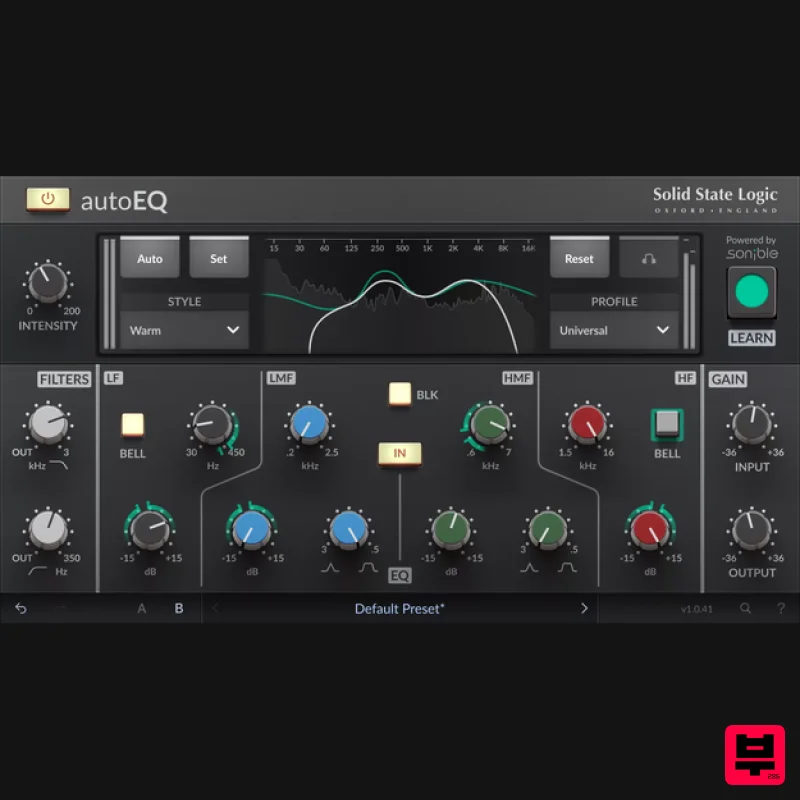
Solid State Logic SSL autoEQ
EQ
$109
SSL 4000E EQ processing with sonible AI assisted analysis Introducing autoEQ, part of the autoSeries with autoDYN and...
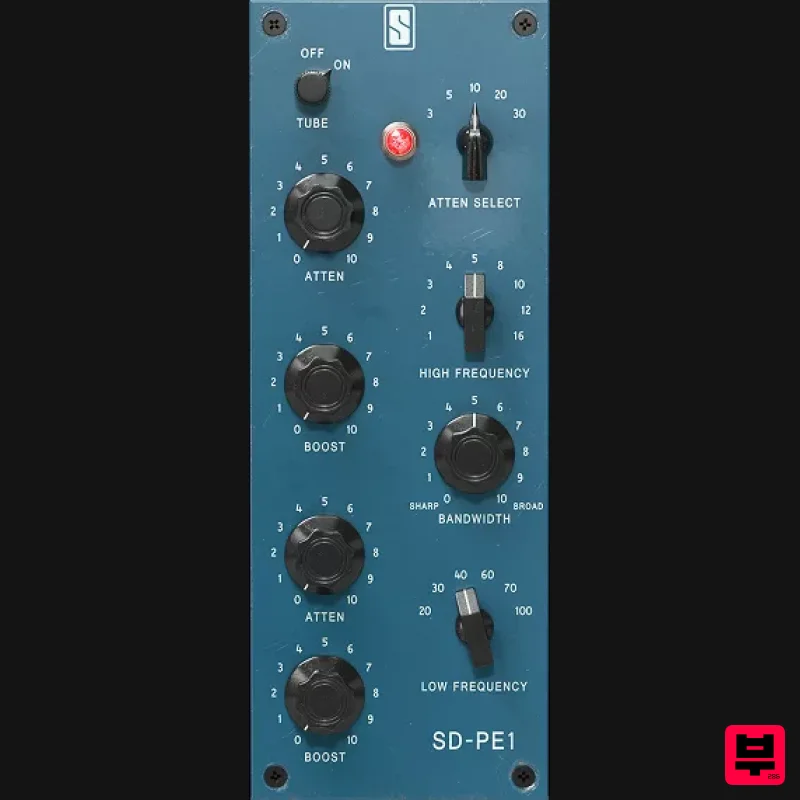
Slate Digital SD-PE1
EQ
$104
Meet SD-PE1! The most unique passive equalizer ever made joins the ever-expanding lineup of processors that make up the...
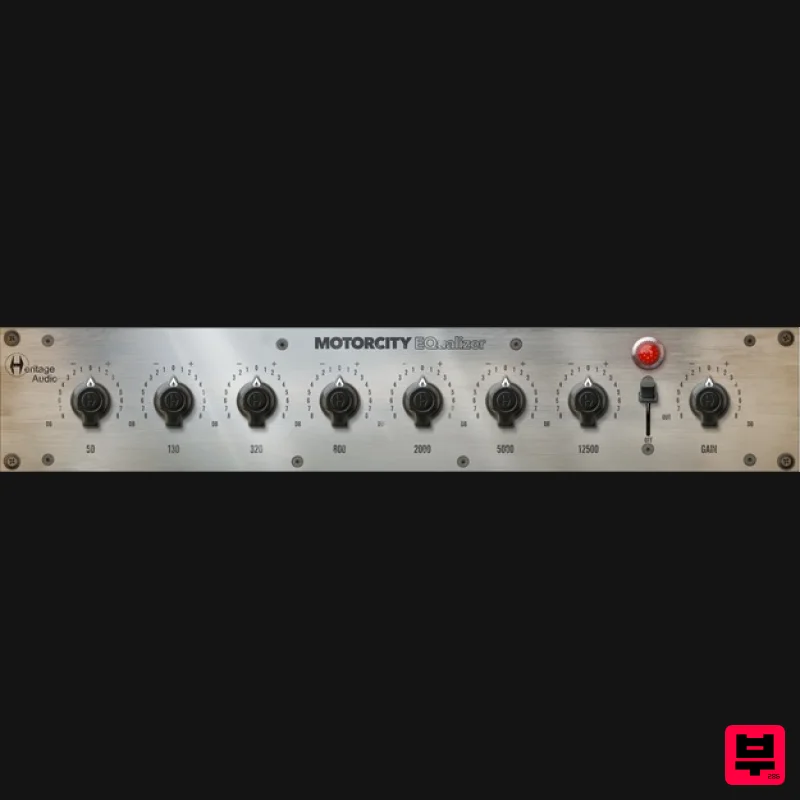
Heritage Audio MOTORCITY EQ
EQ
$104
The classiest EQ ever created finally gets the thorough plugin treatment it so long deserved Recreated from the...
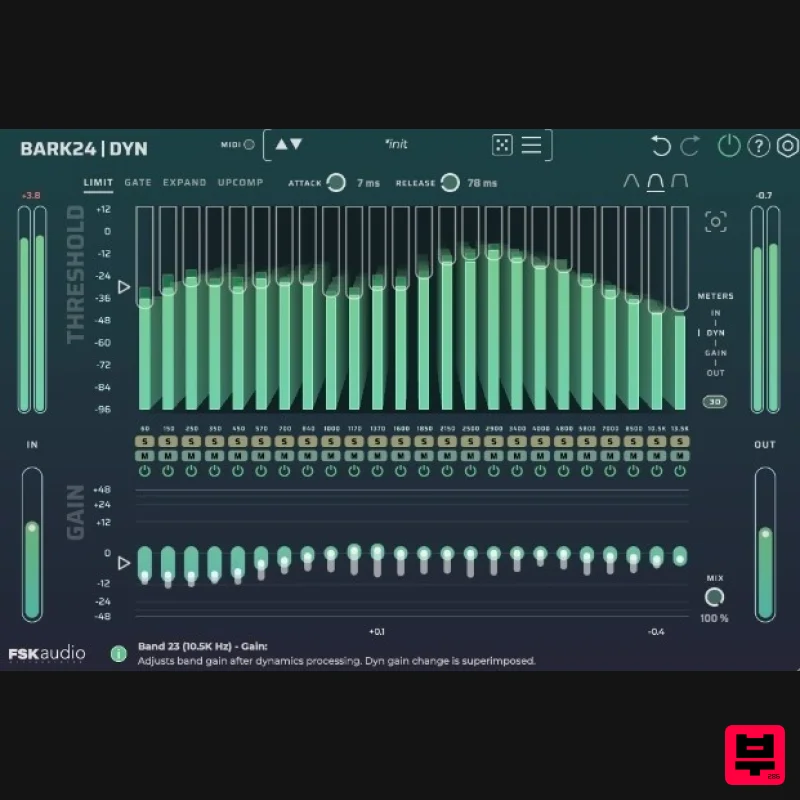
FSK Audio Bark24 | Dyn
EQ
$120
Bark24 | Dyn is a dynamic EQ that takes you far beyond a standard compressor or EQ. Based on the Bark scale - a model...
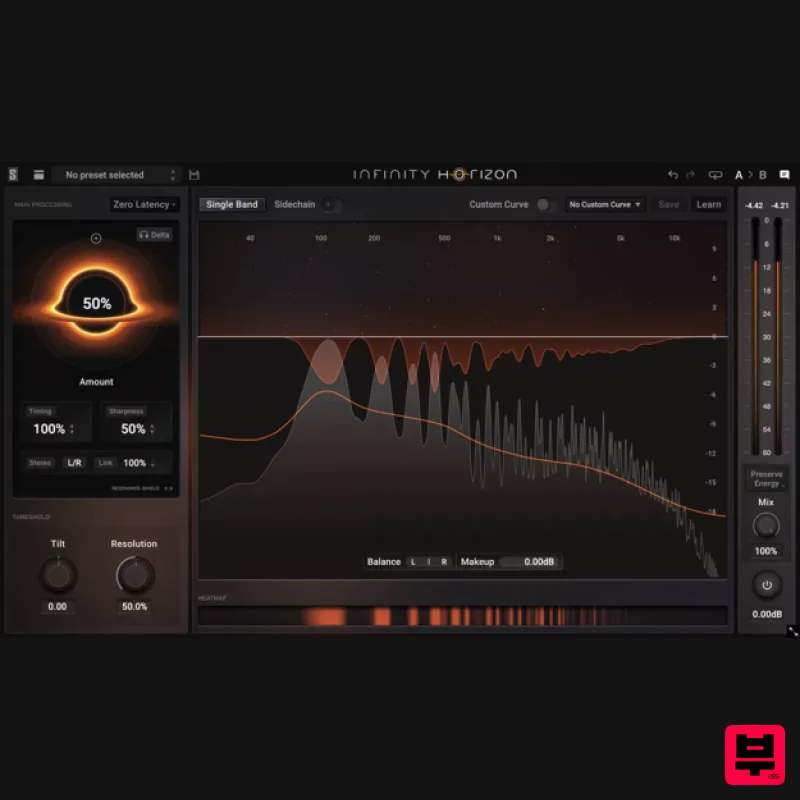
Slate Digital Infinity Horizon
EQ
$156
Rogue Frequencies Cannot Escape Infinity Horizon finds harsh frequency build ups and them in real time. If you're...
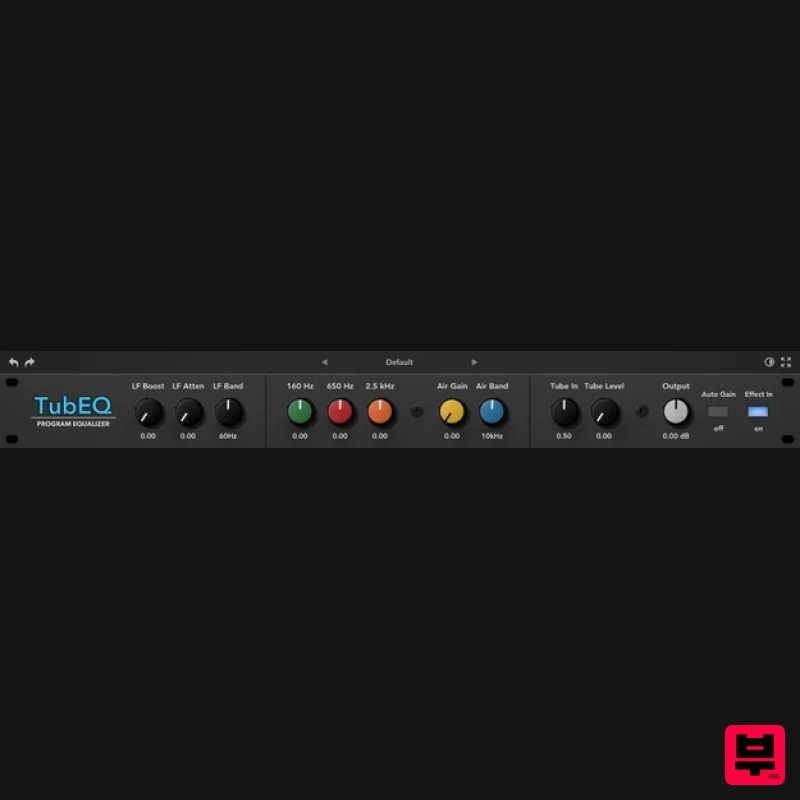
Rave Generation TubEQ
EQ
$42
TubEQ is an authentic analog equalizer plugin that combines the musical character of two legendary EQs in a single...
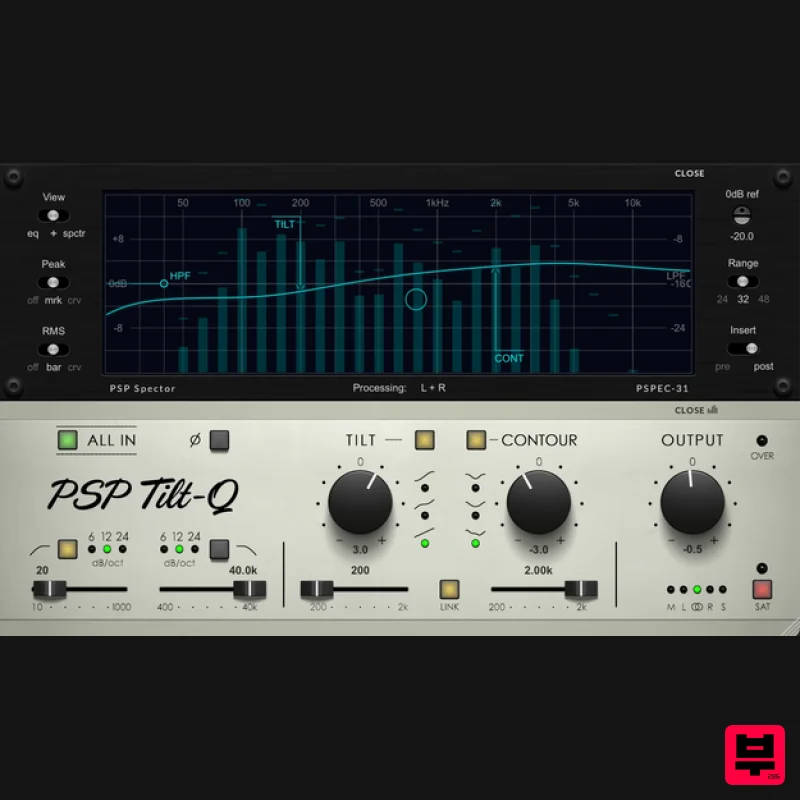
PSP Audioware PSP Tilt-Q
EQ
$72
Tilt Equalizer with Three Characteristics Musical tilt EQ offering three distinct curve shapes, allowing you to quickly...
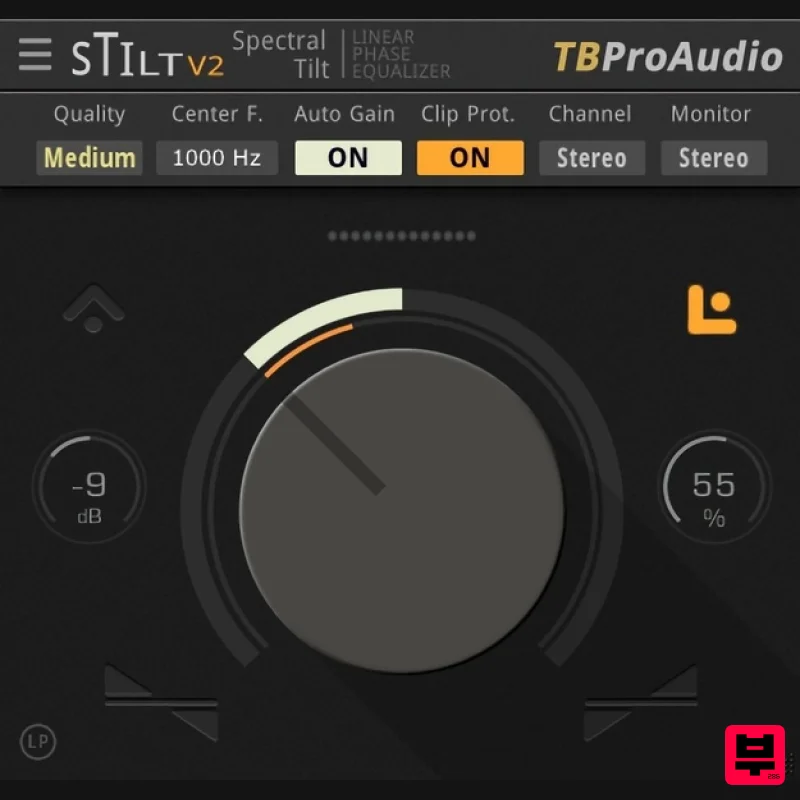
TBProAudio sTiltV2
EQ
Free
sTilt is a linear/minimum phase and IIR filter which tilts the audio spectrum around a given center frequency. Features...
Frequently Asked Questions
The Tokyo Dawn Labs TDR Nova GE stands out for its exceptional Tokyo Dawn Labs craftsmanship and innovative design.
Yes! With its affordable price point and quality construction, it's perfect for learning eq.
Browse the similar products section to see how it stacks up against other eq.

