
Tokyo Dawn Labs TDR Arbiter
Professional music gear - detailed information and where to buy
Tokyo Dawn Labs
TDR Arbiter
Product Info
* Prices may vary. Check retailer for current pricing and availability.
Product Description
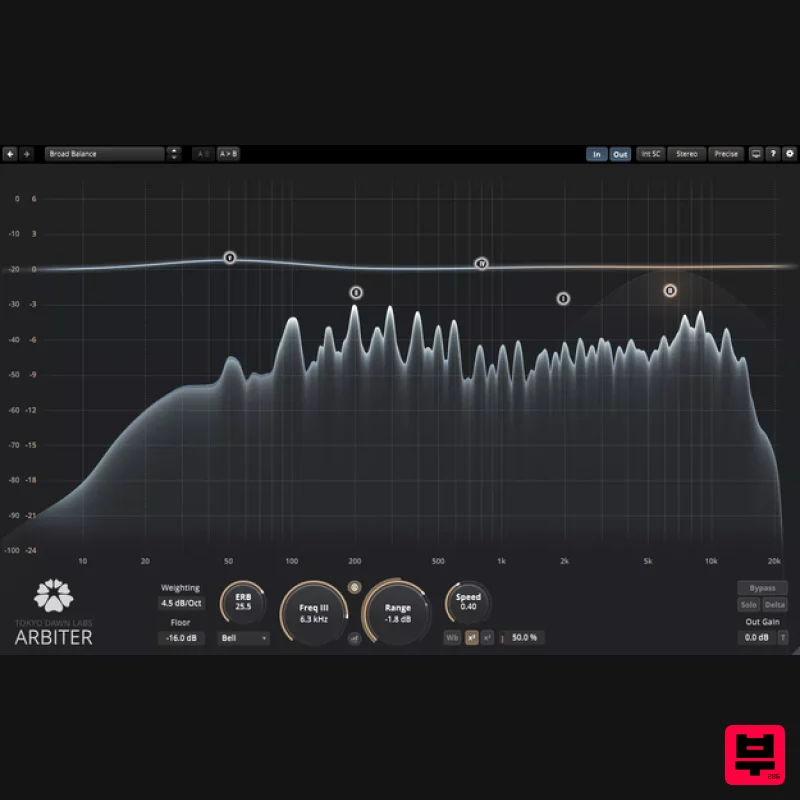
- TDR Arbiter is a frequency-specific spectral balancer. Acting independently of absolute level
- this audio plugin makes an ideal solution for a wide range of typical audio mixing
- restoration
- and mastering challenges. Be it De-Essing
- the attenuation of plosives
- or a correction of broad frequency balance issues
- the level independent nature of the algorithm achieves musically convincing results within shortest time
- and maintains them through the mix. Up to six bands can be specified in the form of bell
- flat top
- and traditional shelving shapes. Range and reaction speed controls permit fine-tuning processing depth and timing. A set of harmonic generators allow to creatively compensate for any loss introduced by the filtering
- extending an otherwise mostly transparent filtering process with a useful range of sonic alternatives. The plugin comes with a modern
- freely resizable full-screen capable user interface. A wideband spectral analyzer offers insight into the momentary filter magnitude and how it affects the signal from input to output. Features Musically convincing spectral balance control
- independent of absolute level Three freely adjustable bands Largely preserves the original dynamic structure Wide operational range Antialiased
- very low distortion algorithm Support for bell
- flat top
- low and high shelf shapes Band specific and Wideband modulation modes Band solo and Delta Freely resizable user interface
- fullscreen capable Windows Win 7 or above VST2 / VST3 (32-bit / 64-bit) AAX (64-bit only) Mac macOS 10.9 or above VST2
- VST3
- AAX (64-bit only) Note: TDR Limiter 6 GE is used as the example. Mac Registration 1. Go to your Plugin Boutique User Account > Copy and paste your serial number into your web browser search bar and press 'enter' on your keyboard. 2. Check the box that states 'I'm not a robot' > Click 'Unlock Code'. 3. Enter your Name & email address and select your country from the drop-down menu > Click 'Create Account'. 4. Click 'Ok'. Installation 1. Click the Mac installer link to download the correct installer for your operating system. 2. Open the .dmg file > Click and drag the Component
- VST and AAX Plugin files into their respective folders. 3. Click 'Authenticate'. 4. Enter your computer Username and Password > Click 'Ok'. Online Activation 1. Open the installed software in your DAW > Click the dialogue box at the top of the plugin to open the activation menu. 2. Enter your Tokyo Dawn Labs registered email address and password > Click 'Register'. 3. Click 'Ok'. Your software is now activated and ready to use within your DAW. Offline Activation 1. Go to your Tokyo Dawn Labs User Account > Download the License Key File for your software. 2. Open the installed software in your DAW > Click the dialogue box at the top of the plugin to open the activation menu. 3. Click 'Import Key File'. 4. Select the License Key File > Click 'Open'. 5. Click 'Ok'. Your software is now activated and ready to use within your DAW. Windows Registration 1. Go to your Plugin Boutique User Account > Copy and paste your serial number into your web browser search bar and press 'enter' on your keyboard. 2. Check the box that states 'I'm not a robot' > Click 'Unlock Code'. 3. Enter your Name & email address and select your country from the drop-down menu > Click 'Create Account'. 4. Click 'Ok'. Installation 1. Click the Windows installer link to download the correct installer for your operating system. 2. Double-click the .zip file to extract the contents and open the .exe file to begin the installation > Click 'Next'. 3. Select 'I accept the agreement' > Click 'Next'. 4. Click 'Next'. 5. Click 'Next'. 6. Click 'Next'. 7. Click 'Next'. 8. Click 'Next'. 9. Click 'Next'. 10. Click 'Install'. 11. Click 'Finish'. Online Activation 1. Open the installed software in your DAW > Click the dialogue box at the top of the plugin to open the activation menu. 2. Enter your Tokyo Dawn Labs registered email address and password > Click 'Register'. 3. Click 'Ok'. Your software is now activated and ready to use within your DAW. Offline Activation 1. Go to your Tokyo Dawn Labs User Account > Download the License Key File for your software. 2. Open the installed software in your DAW > Click the dialogue box at the top of the plugin to open the activation menu. 3. Click 'Import Key File'. 4. Select the License Key File > Click 'Open'. 5. Click 'Ok'. Your software is now activated and ready to use within your DAW.
Additional Information
About the Tokyo Dawn Labs TDR Arbiter
Discover the distinctive sound and feel of the Tokyo Dawn Labs TDR Arbiter, a standout choice among Filter.
Why Choose the Tokyo Dawn Labs TDR Arbiter?
- •Authentic Tokyo Dawn Labs craftsmanship and design
- •Versatile sound suitable for multiple musical genres
- •Professional build quality and reliable performance
- •Part of Tokyo Dawn Labs's respected Filter lineup
Compare & Explore
Browse our complete selection of Tokyo Dawn Labs instruments or explore other Filter options. Use our comparison tools to find the perfect match for your musical style and budget.
Similar Products
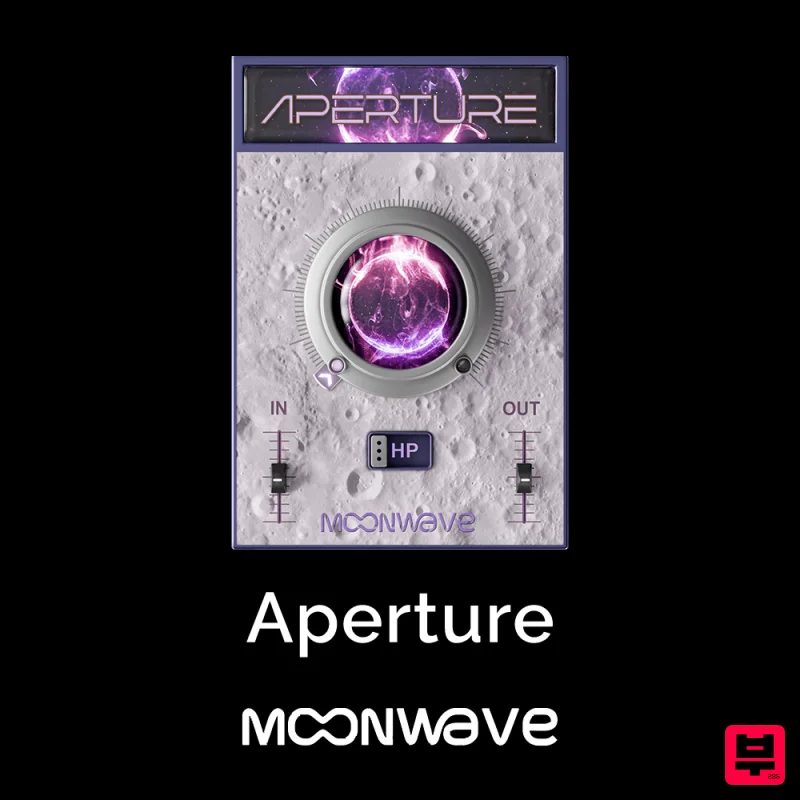
Moonwave Aperture
Filter
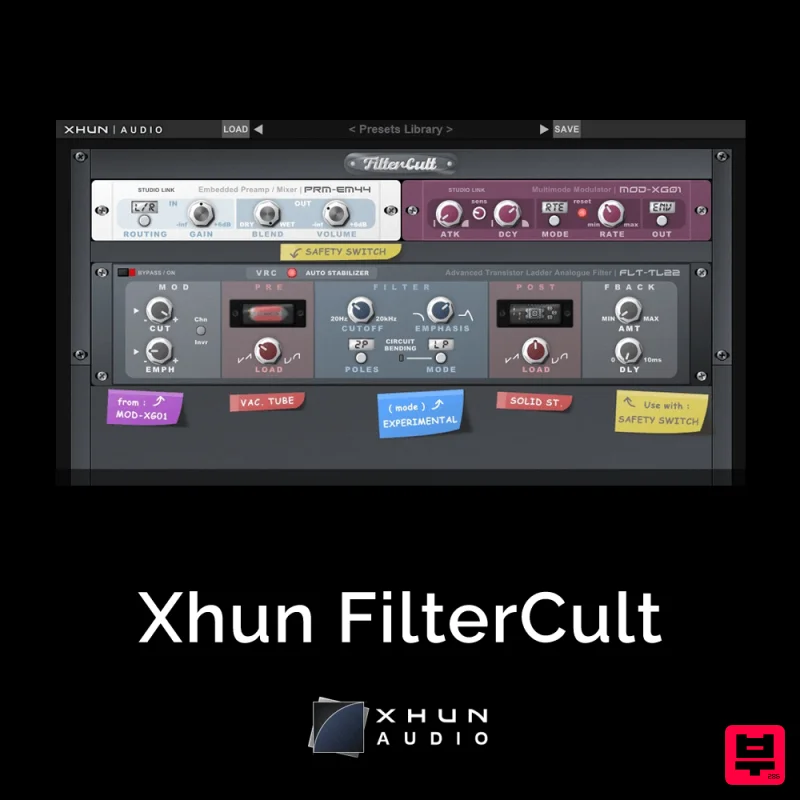
XHUN Audio Xhun FilterCult
Filter
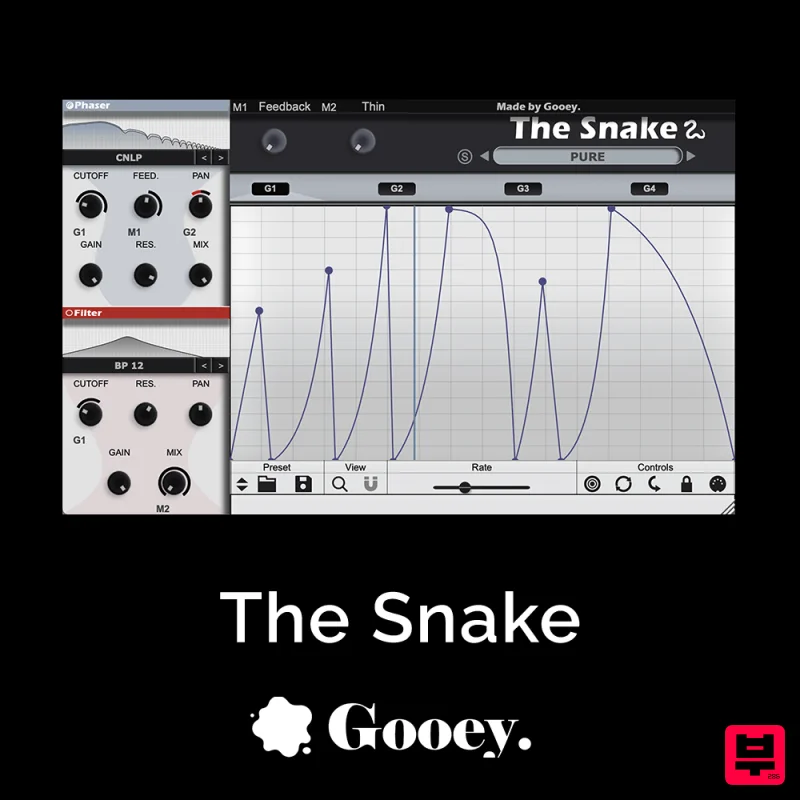
Gooey Audio The Snake
Filter
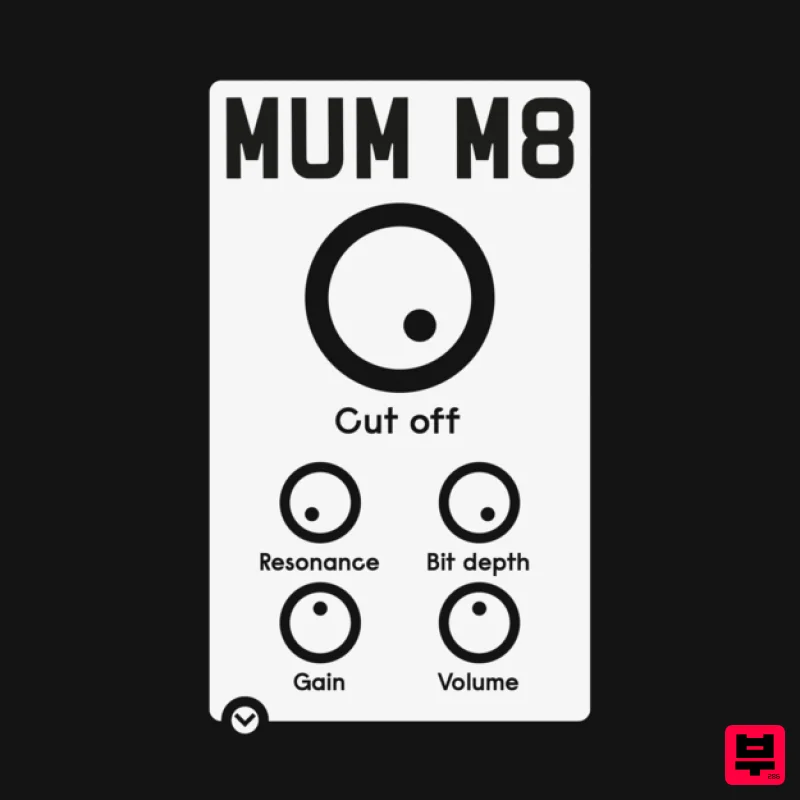
ALM / Busy Circuits MUM M8 DSP
Filter
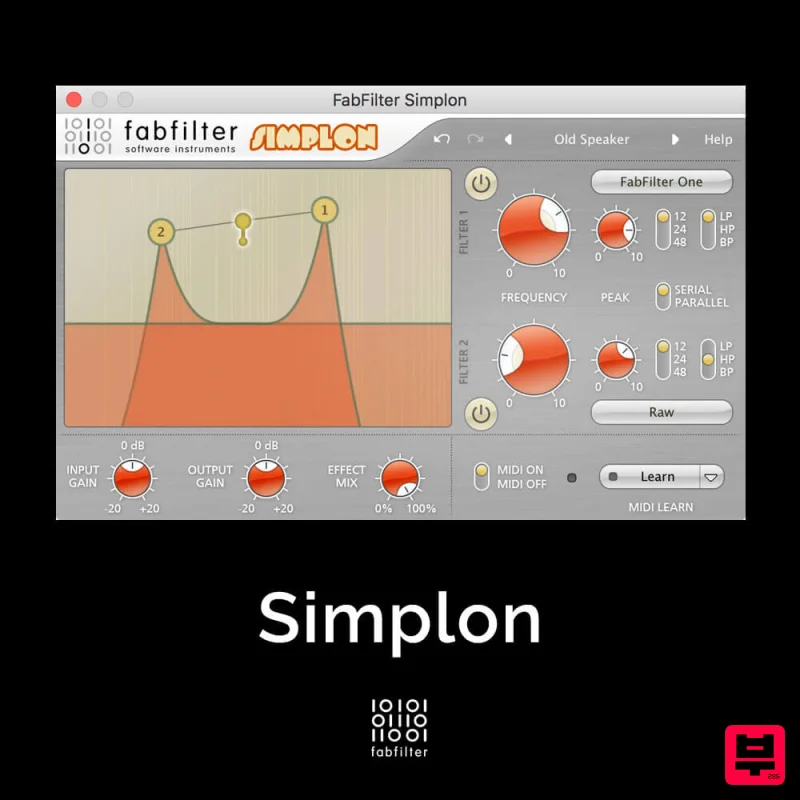
FabFilter Simplon
Filter

Red Sounds Modern Vox Engine
Filter
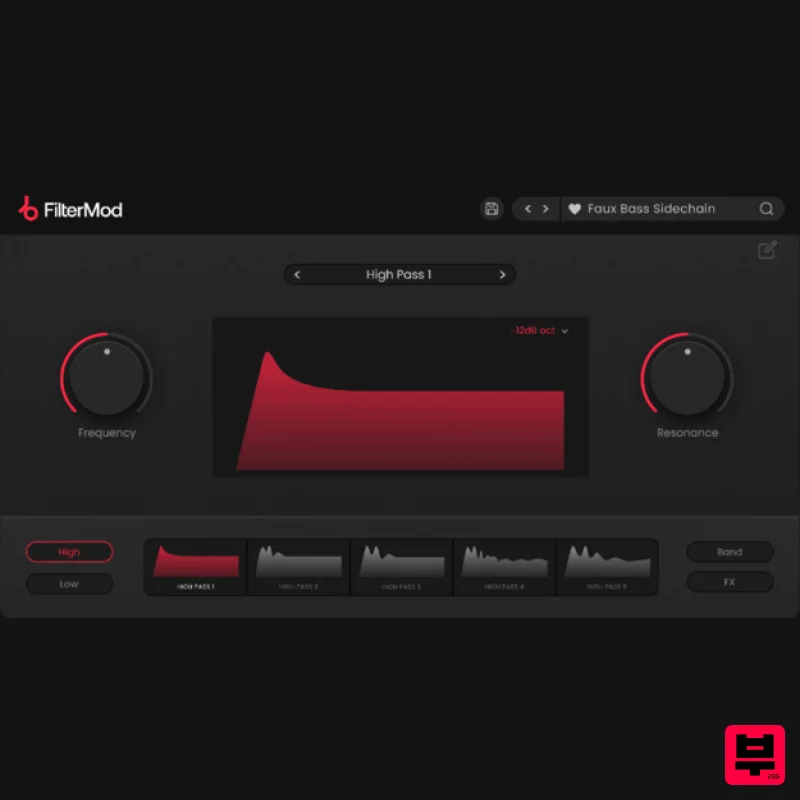
Plugin Boutique FilterMod
Filter

NoiseAsh Action Filter
Filter

