
THEPHONOLOOP Cassette Keys.02 for Ableton
Professional music gear - detailed information and where to buy
THEPHONOLOOP
Cassette Keys.02 for Ableton
Product Info
* Prices may vary. Check retailer for current pricing and availability.
Product Description
- The Idea & Process Cassette Keys.02
- a successor of Cassette Keys.01
- wasn't created to replace it
- but rather to make things different
- bigger
- and to make use of the new .02 interface. In fact
- both of those instruments complement each other very well. Cassette Keys.02 contains two instruments
- both inspired by classic FM keys from the 80s
- but expanded with other synthesis techniques plus even a little sampling to achieve interesting transient sounds. Each instrument contains 5 dynamic layers and was recorded with 3 different cassette decks. Overall
- there are 2193 samples - 365 samples per deck
- plus 3 noise samples from each deck (5
- 73 GB of uncompressed 24-bit WAV files). The End Result Useful and Fun Production Tool: If you like vintage sounds and you're looking for something to enhance your production toolbox
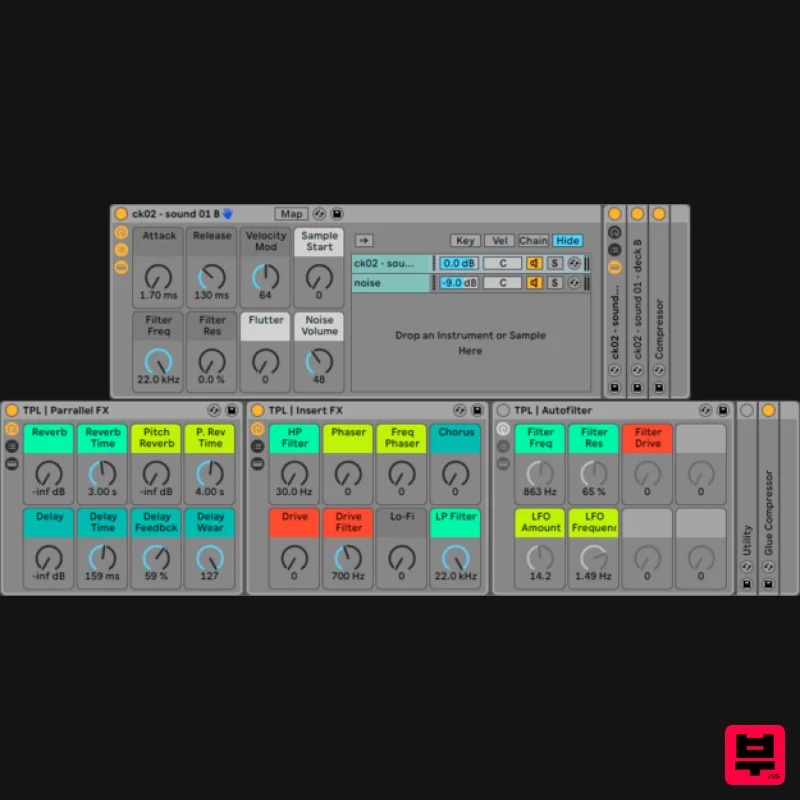
- then this product will be for you. Variety of Sounds: Aside from the sound of a cassette record with this instrument you can easily create some weird sounds and there are already quite a few presets included to get you started (Kontakt & Ableton Live versions only). Features 52 Instrument Racks: 12 basic + 40 additional presets (both with mapped macros) Custom Effect Racks System Requirements: Full version of Live 9.7 (or higher) required Note: The full version of Live 9.7 (or higher) required to run this software. Installation Instructions (Please Note: Cassette Keys.01 is being used as the example) 1. Download the 'tpl_cassette-keys-01-v1-1_live.zip' folder from your User Account
- and double-click the zip folder to extract and reveal its files. 2. Double-click on the 'Cassette Keys 01.alp' file and choose where you wish to save the instrument. 3. On the left side of Live there is a browser option - click on the 'Add Folder' icon and then locate the 'Cassette Keys 01.alp' file > click on it and select 'Open.' Or... 1. Double-click on the 'Cassette Keys 01.alp' file and choose where you wish to save the instrument. 2. Drag and Drop the 'Cassette Keys 01.alp' file under the 'Places' option within Live's Browser. The Software is now Ready for Use Within your DAW!
Additional Information
About the THEPHONOLOOP Cassette Keys.02 for Ableton
Experience the quality and tone that makes the THEPHONOLOOP Cassette Keys.02 for Ableton a popular choice for musicians.
Why Choose the THEPHONOLOOP Cassette Keys.02 for Ableton?
- •Authentic THEPHONOLOOP craftsmanship and design
- •Versatile sound suitable for multiple musical genres
- •Professional build quality and reliable performance
- •Part of THEPHONOLOOP's respected Ableton Racks lineup
Compare & Explore
Browse our complete selection of THEPHONOLOOP instruments or explore other Ableton Racks options. Use our comparison tools to find the perfect match for your musical style and budget.
Similar Products

Loopmasters Loopmasters Ultimate Ableton Racks Vol1
Ableton Racks
THEPHONOLOOP Cassette Vibraphone for Ableton
Ableton Racks
THEPHONOLOOP Cassette Mallets.01 for Ableton
Ableton Racks
THEPHONOLOOP Cassette Plucks.01 for Ableton
Ableton Racks
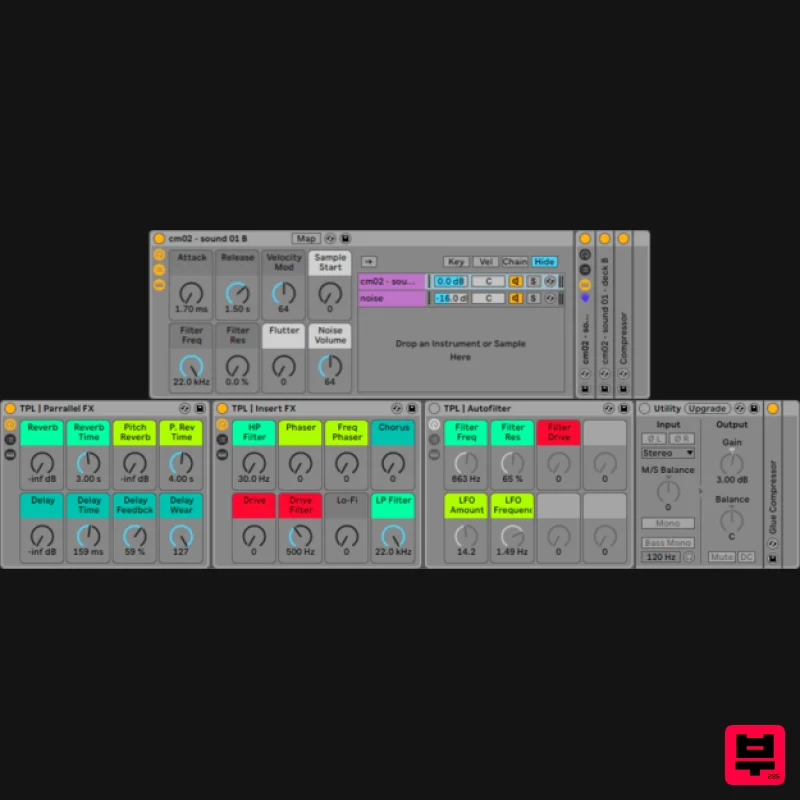
THEPHONOLOOP Cassette Mallets.02 for Ableton
Ableton Racks
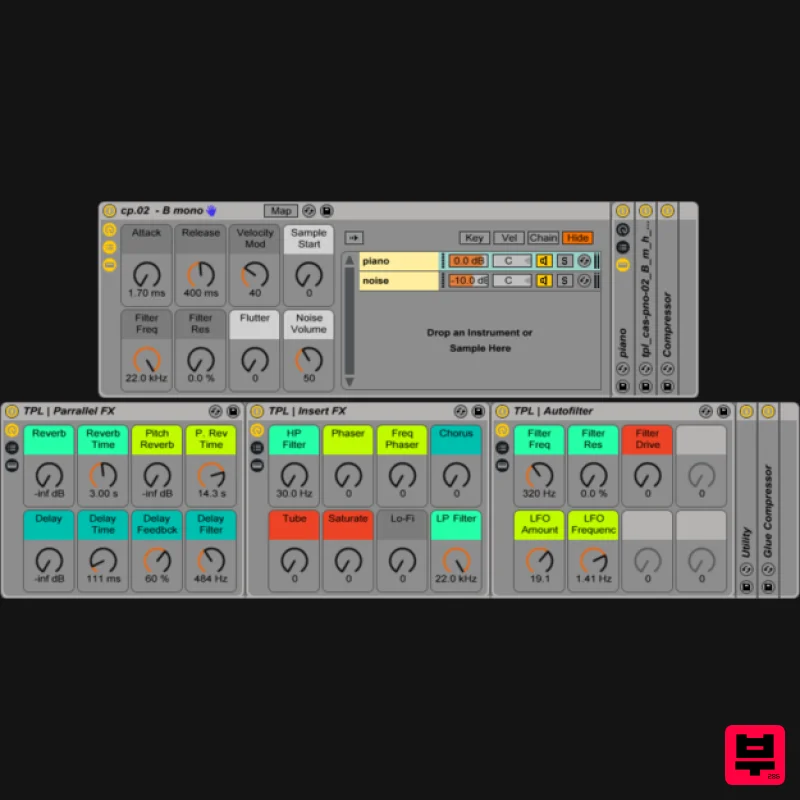
THEPHONOLOOP Cassette Piano.02 Ableton
Ableton Racks
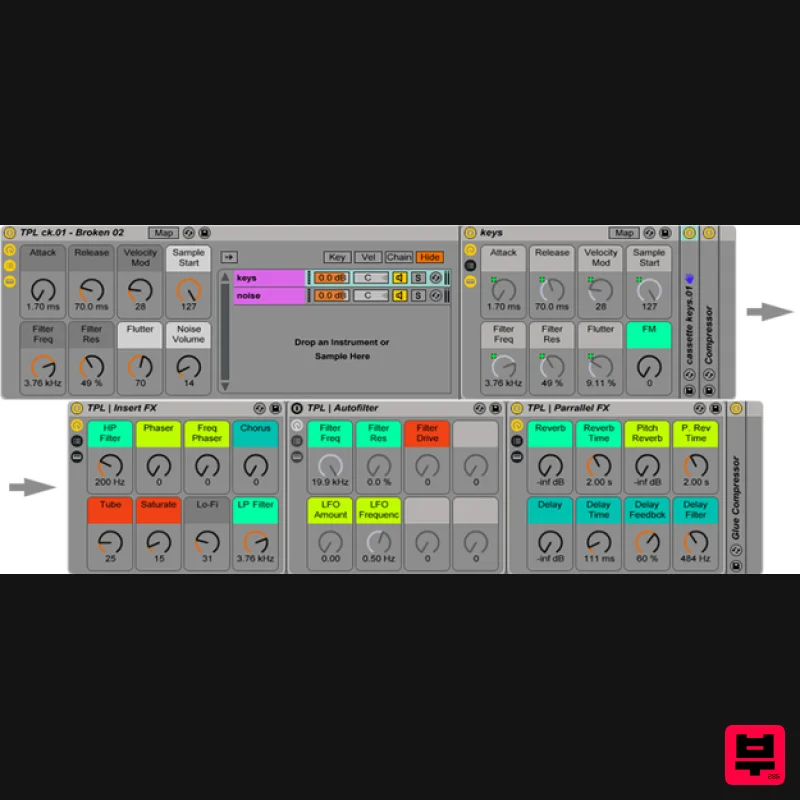
THEPHONOLOOP Cassette Keys.01 for Ableton
Ableton Racks
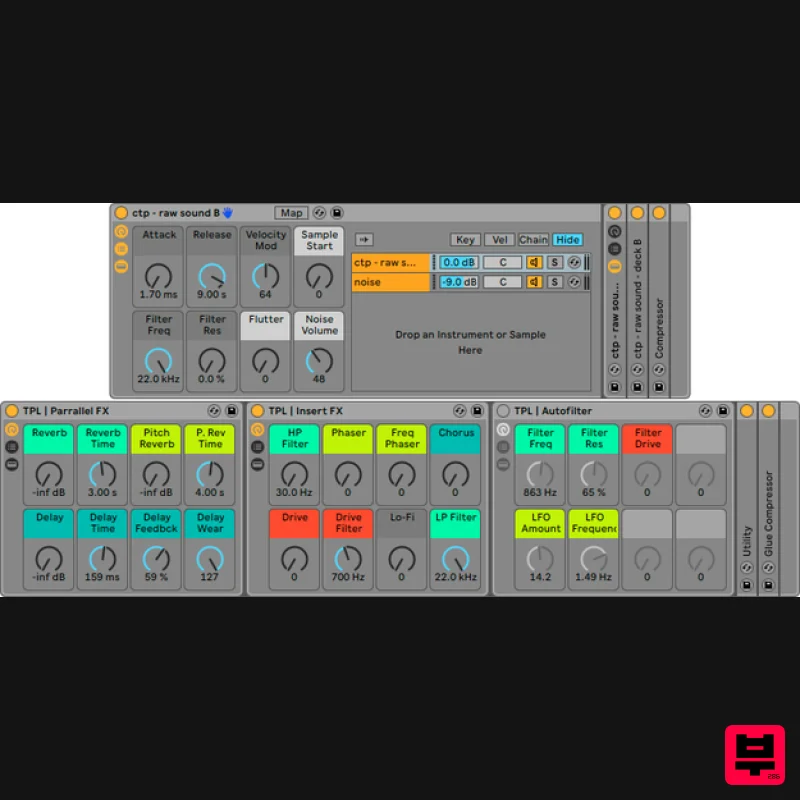
THEPHONOLOOP Cassette Toy Piano for Ableton
Ableton Racks

