
THEPHONOLOOP Cassette Keys.01 for Ableton
Professional music gear - detailed information and where to buy
THEPHONOLOOP
Cassette Keys.01 for Ableton
Product Info
* Prices may vary. Check retailer for current pricing and availability.
Product Description
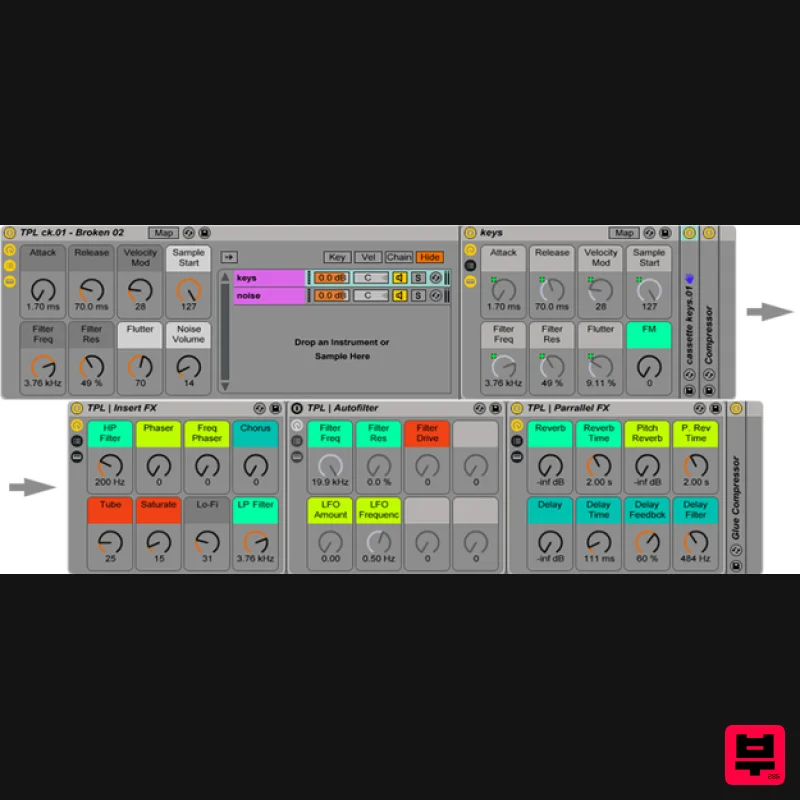
- The Idea & Process It's a unique mixture of physical modelling and fm synths recorded on a cassette with an old & wonky cassette recorder. It has a range from C0 to E6 and 4 carefully designed velocity layers. The GUI is very simple (Kontakt version)
- yet useful and almost synth-like - so just like its predecessor Cassette Piano
- it’s very easy and fun to work with. Every note of this instrument has been carefully de-noised with a high quality algorithm to avoid noise stacking when playing more than one note. Noise can still be added with the noise slider - it’s much more flexible this way and allows the ability to adjust the volume of the noise independently whilst also applying parameters such as filtering. It also creates a more realistic sound
- so when playing a five voice chord
- only one sample of noise instead of five stacked on top of each other will be heard. The End Result Useful and Fun Production Tool: If you like vintage sounds and you're looking for something to enhance your production toolbox
- then this product will be for you. Simple
- One Page Interface: Everything is laid out on one page allowing fast sound design possibilities. Simulated Round Robin: Makes notes sound realistic when played ostinato (even when playing fast). Variety of Sounds: With this instrument you can easily create some weird sounds. Features: 848 MB of samples (366 MB after lossless Live compression) Editable 'Sample Start' parameter REV (reverse) mode 4 velocity layers 30 Instrument Racks (presets) with mapped macros Custom Effect Racks System Requirements: Note: The full version of Live 9.7 (or higher) is required to run this software. Installation Instructions 1. Download the 'tpl_cassette-keys-01-v1-1_live.zip' folder from your User Account
- and double-click the zip folder to extract and reveal its files. 2. Double-click on the 'Cassette Keys 01.alp' file and choose where you wish to save the instrument. 3. On the left side of Live there is a browser option - click on the 'Add Folder' icon and then locate the 'Cassette Keys 01.alp' file > click on it and select 'Open.' Or... 1. Double-click on the 'Cassette Keys 01.alp' file and choose where you wish to save the instrument. 2. Drag and Drop the 'Cassette Keys 01.alp' file under the 'Places' option within Live's Browser. The Software is now Ready for Use Within your DAW!
Additional Information
About the THEPHONOLOOP Cassette Keys.01 for Ableton
The THEPHONOLOOP Cassette Keys.01 for Ableton combines traditional design with modern performance for Ableton Racks enthusiasts.
Why Choose the THEPHONOLOOP Cassette Keys.01 for Ableton?
- •Authentic THEPHONOLOOP craftsmanship and design
- •Versatile sound suitable for multiple musical genres
- •Professional build quality and reliable performance
- •Part of THEPHONOLOOP's respected Ableton Racks lineup
Compare & Explore
Browse our complete selection of THEPHONOLOOP instruments or explore other Ableton Racks options. Use our comparison tools to find the perfect match for your musical style and budget.
Similar Products
THEPHONOLOOP Cassette Mallets.02 for Ableton
Ableton Racks
THEPHONOLOOP Cassette Keys.02 for Ableton
Ableton Racks
THEPHONOLOOP Cassette Plucks.01 for Ableton
Ableton Racks

Loopmasters Loopmasters Ultimate Ableton Racks Vol1
Ableton Racks
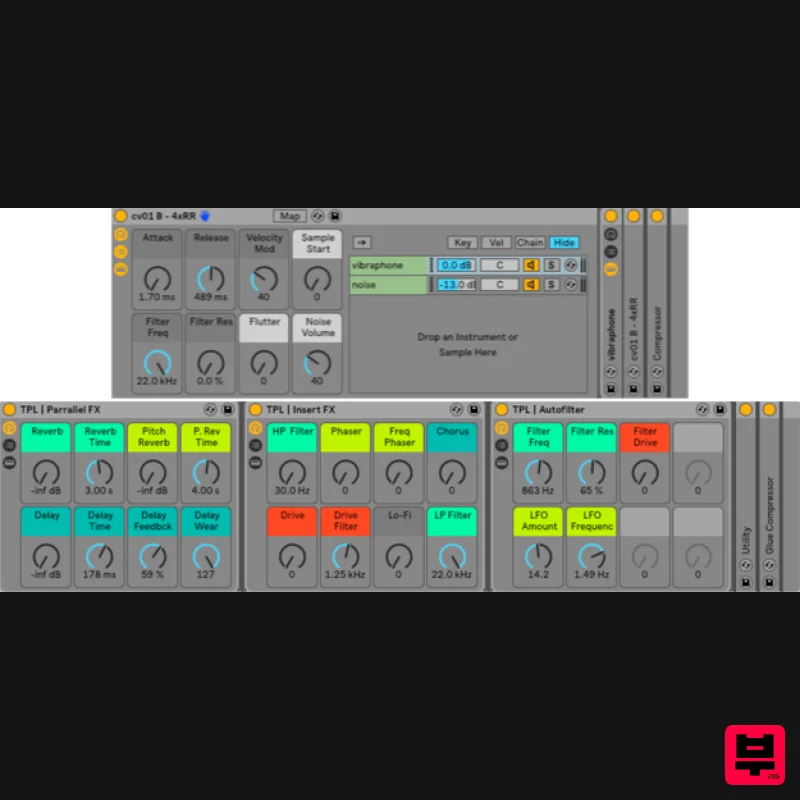
THEPHONOLOOP Cassette Vibraphone for Ableton
Ableton Racks
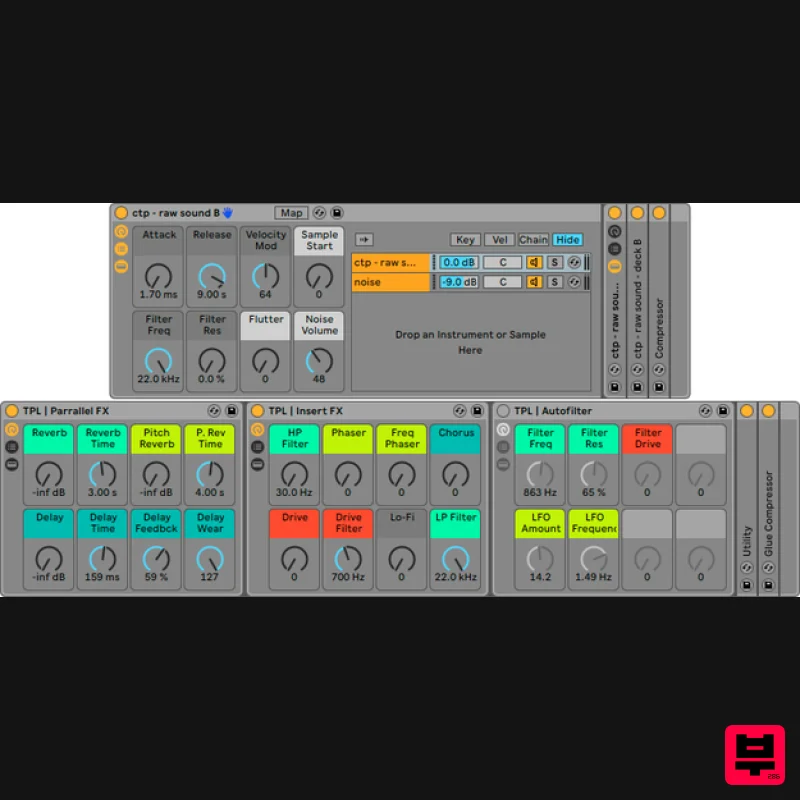
THEPHONOLOOP Cassette Toy Piano for Ableton
Ableton Racks
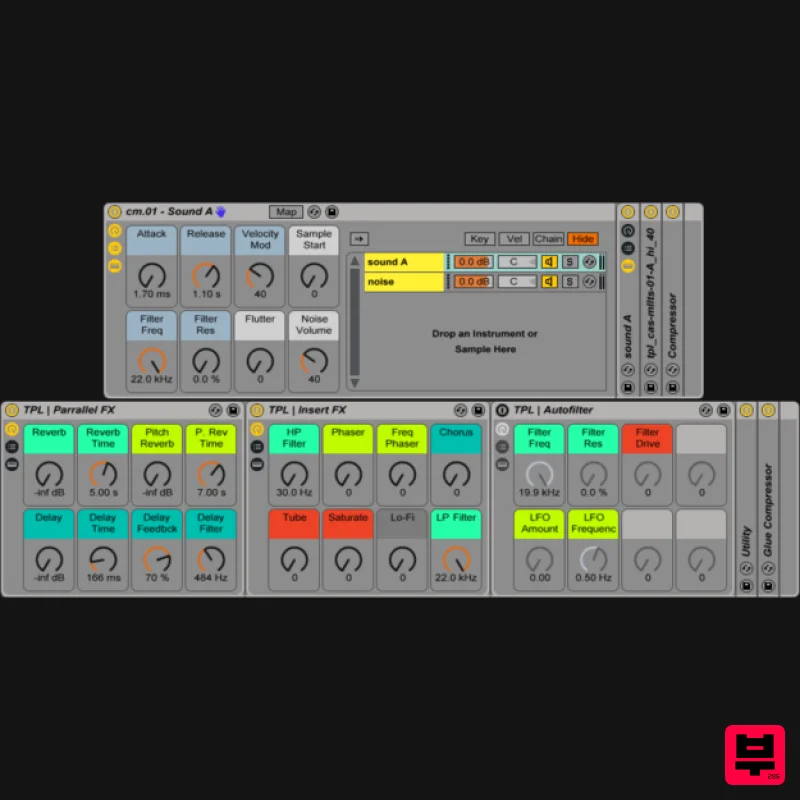
THEPHONOLOOP Cassette Mallets.01 for Ableton
Ableton Racks
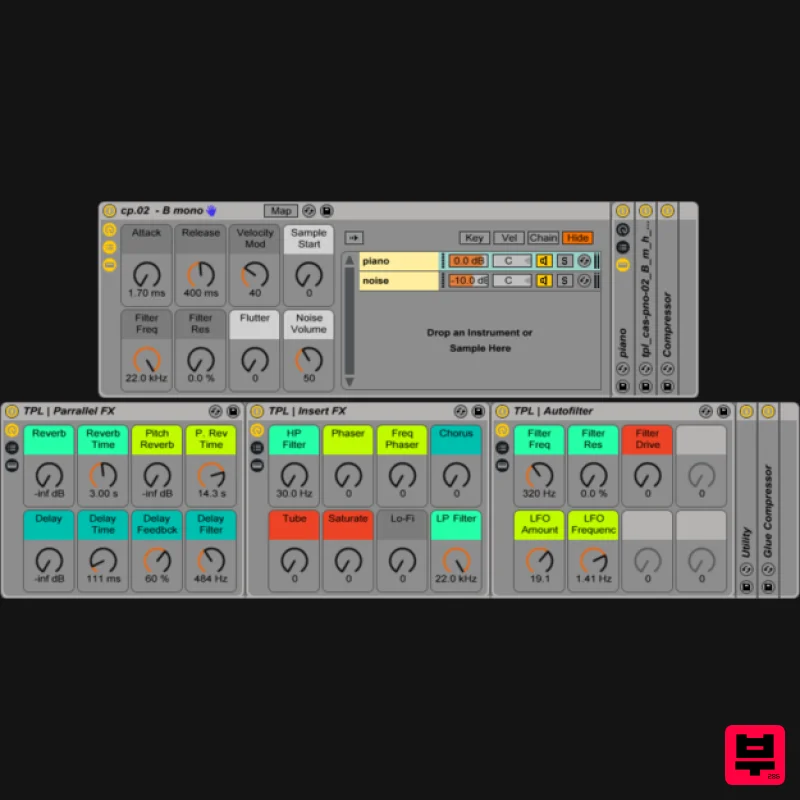
THEPHONOLOOP Cassette Piano.02 Ableton
Ableton Racks

