
The Him DSP Sub Ninja
Professional music gear - detailed information and where to buy
The Him DSP
Sub Ninja
Product Info
* Prices may vary. Check retailer for current pricing and availability.
Product Description
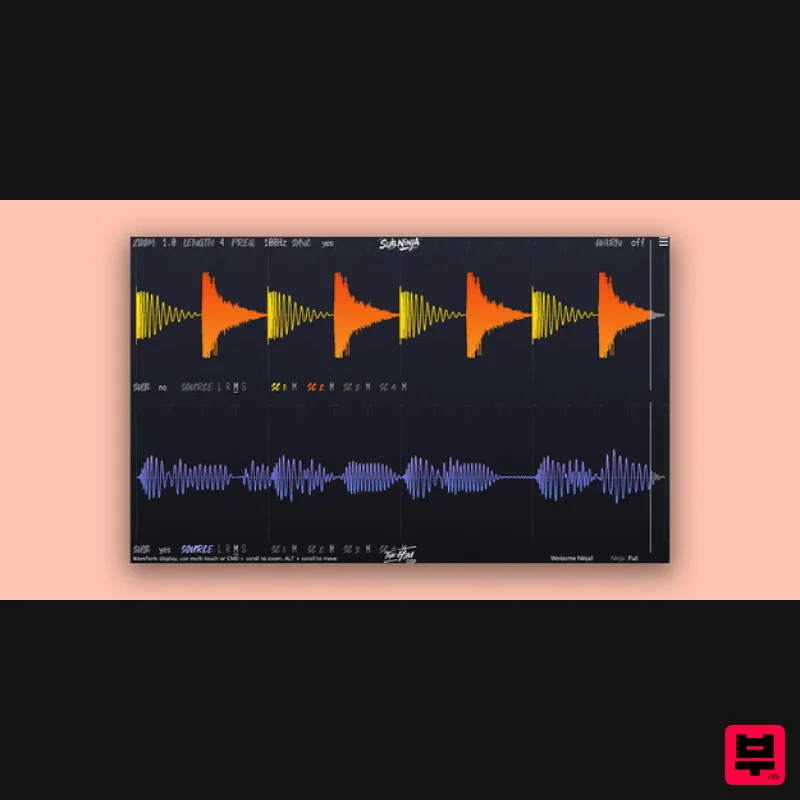
- Do you want a perfect low-end every mix? Sub Ninja is the perfect visual tool to help you nail the mix of your sub/bass and kicks. It helps you by showing you exactly what's going on in your low-end
- making it easy to get a great mix. Synced Visualization Experience real-time audio-waveform synchronization
- bringing your project’s bass to life. Waveform vs. Spectrum See why Sub Ninja’s waveform visualization outperforms traditional spectrum analyzers for bass level insight. A spectrum only shows you brief snapshots of your frequency response
- and doesn't nearly have enough detail to accurately display what's going on in the bass area. Sub Ninja shows you your bass over time
- in great detail giving you crucial insight into the balance
- levels
- length and frequency of the foundation of your mix. Instant Filter Control Tailor your lowpass filter on-the-fly. Redraw waveforms instantly
- even in silence
- for precise frequency tuning. Sidechain Inputs Route individual channels into the 4 separate sidechain inputs and visualize them where you want to know exactly what is happening. Microscopic Detail Zoom in to the sample level with unmatched visual clarity. Intuitive controls for in-depth waveform analysis. Features Visual tool for perfecting sub/bass and kick mixes Real-time synced audio-waveform visualization for low-end clarity Waveform visualization offers more detailed bass insight than traditional spectrum analyzers Displays bass over time with crucial detail on balance
- levels
- length
- and frequency Instant lowpass filter control for precise frequency tuning Four separate sidechain inputs for visualizing individual channels Zoom in to sample-level detail with unmatched visual clarity Intuitive controls for in-depth waveform analysis Hardwell “Great scope plugin
- a valuable tool for my production process. Congrats!” Phil Greis “Beautiful plugin truly
- instant buy.” Nicky Romero “Super useful tool
- I was waiting for a plugin like this for a while
- easy to use and very effective.” macOS Mojave 10.14 and above Intel Core i5 or better Apple Silicon M1 or better Formats: AU
- VST3
- AAX Internet connection Windows Windows 7 64 bit and up Formats: VST3
- AAX Internet connection Please note that in Logic Pro
- Bitwig and Pro Tools
- you can only use 1 sidechain input. This is a limitation of the DAW :( 1. Click Download in your Plugin Boutique user account or head to https://dsp.thehim.com/redeem/ 2. Enter your email > enter the Licence Code found in your Plugin Boutique user account > click Redeem Code! 3. Open the email from The Him DSP > Copy your unlock key > click the link to download the plugin installer Please note: Kick Ninja is used as the example. macOS: 1. Install the .pkg 2. Open your DAW > Launch plugin 3. Paste the Unlock key from your email earlier > Click Unlock > Click OK Your software is installed and ready to use. Enjoy! Windows: 1. Download .zip file 2. Double-click unzipped .exe file > Install 3. Open your DAW > Open plugin 4. Paste the Unlock key from your email earlier > Click Unlock > Click OK Your software is installed and ready to use. Enjoy!
Additional Information
About the The Him DSP Sub Ninja
The The Him DSP Sub Ninja combines traditional design with modern performance for Spectral Analysis enthusiasts.
Why Choose the The Him DSP Sub Ninja?
- •Authentic The Him DSP craftsmanship and design
- •Versatile sound suitable for multiple musical genres
- •Professional build quality and reliable performance
- •Part of The Him DSP's respected Spectral Analysis lineup
Compare & Explore
Browse our complete selection of The Him DSP instruments or explore other Spectral Analysis options. Use our comparison tools to find the perfect match for your musical style and budget.
Similar Products
McDSP SA-3 Spectral Processor
Spectral Analysis
Blue Cat Audio Blue Cat's FreqAnalyst Pro
Spectral Analysis
Blue Cat Audio Blue Cat's FreqAnalyst
Spectral Analysis
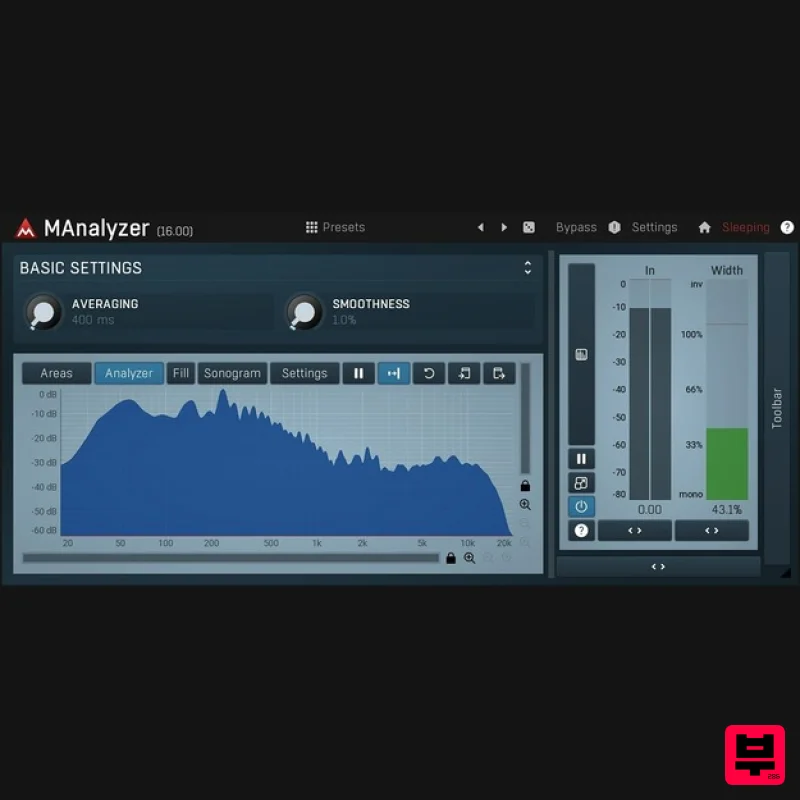
MeldaProduction MAnalyzer
Spectral Analysis
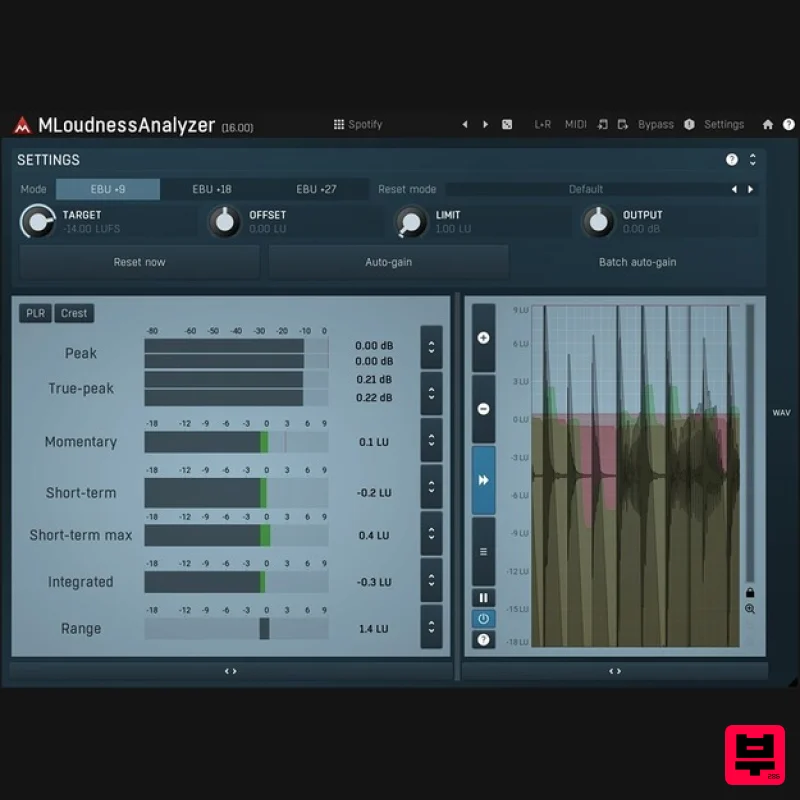
MeldaProduction MLoudnessAnalyzer
Spectral Analysis
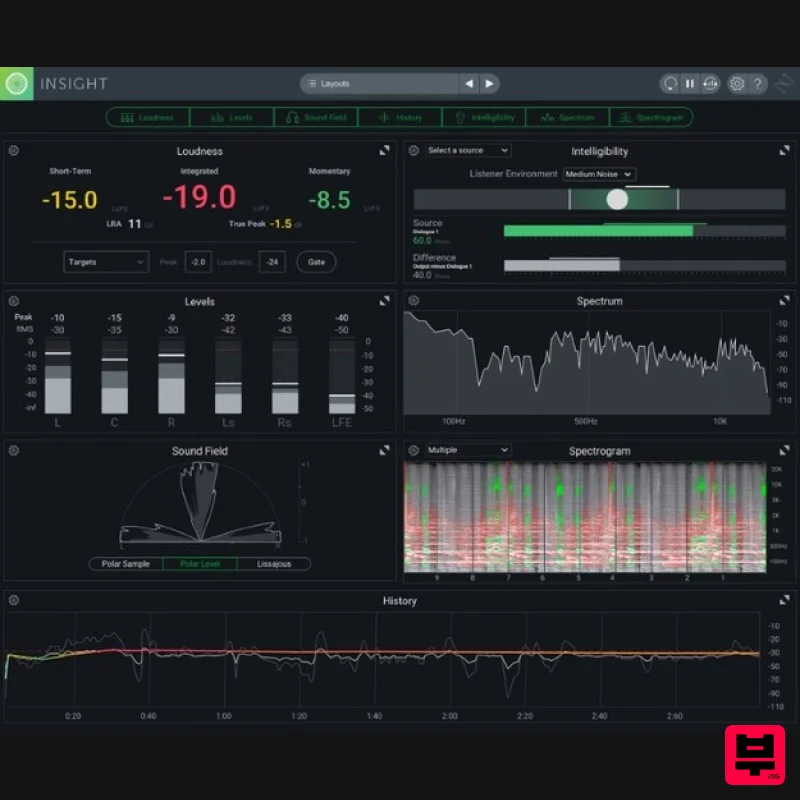
iZotope Insight 2 Educational Version
Spectral Analysis
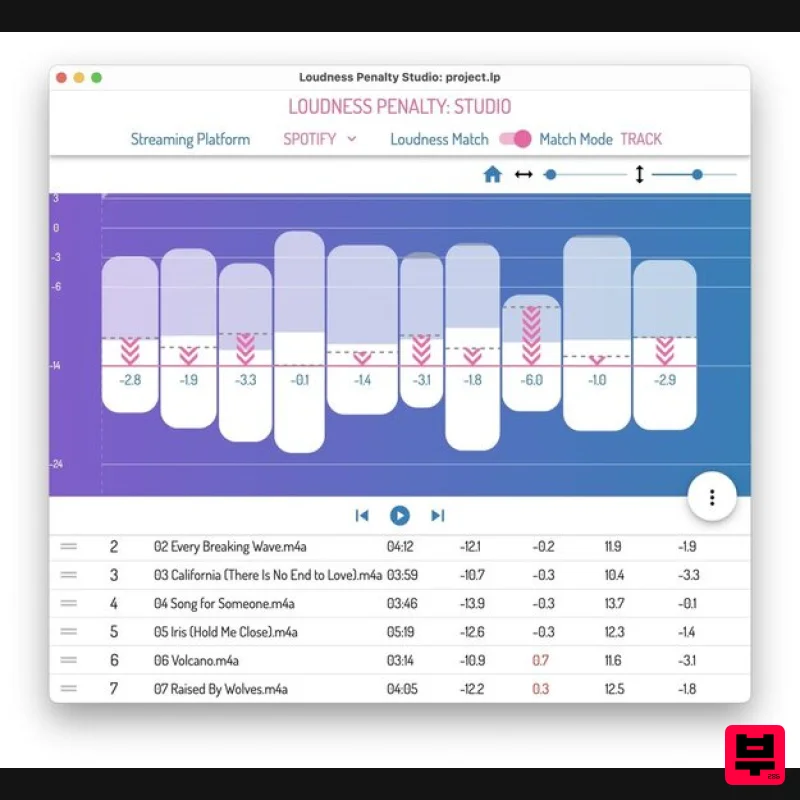
MeterPlugs Loudness Penalty Studio
Spectral Analysis
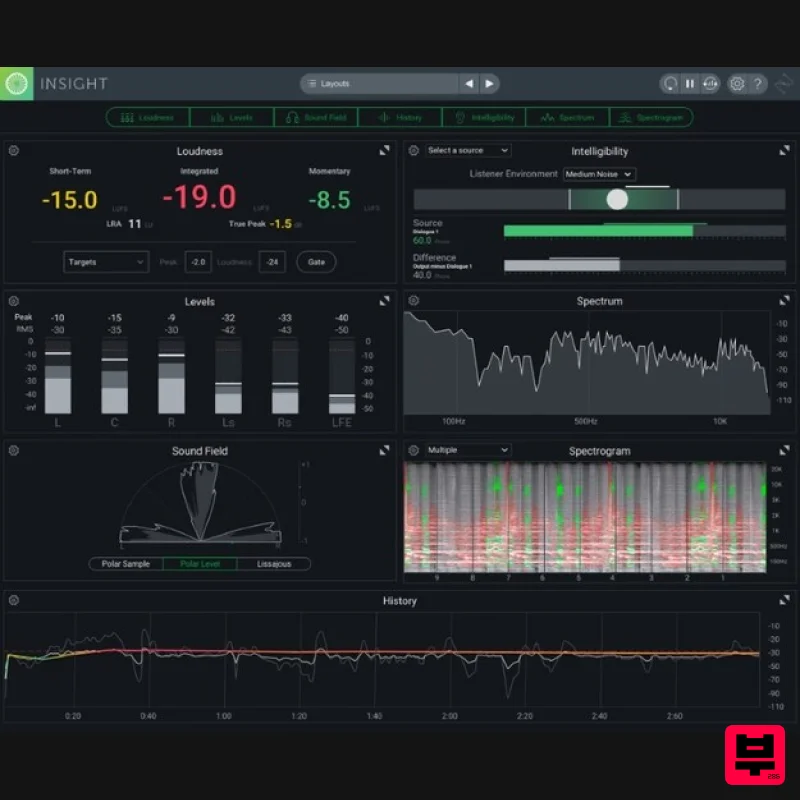
iZotope Insight 2
Spectral Analysis

