
Supertone CLEAR
Professional music gear - detailed information and where to buy
Supertone
CLEAR
Product Info
* Prices may vary. Check retailer for current pricing and availability.
Product Description
- Super Clear
- Simply Powerful Supertone CLEAR is a de-noise and de-reverb voice separator audio plugin. Powered by cutting edge neural network models
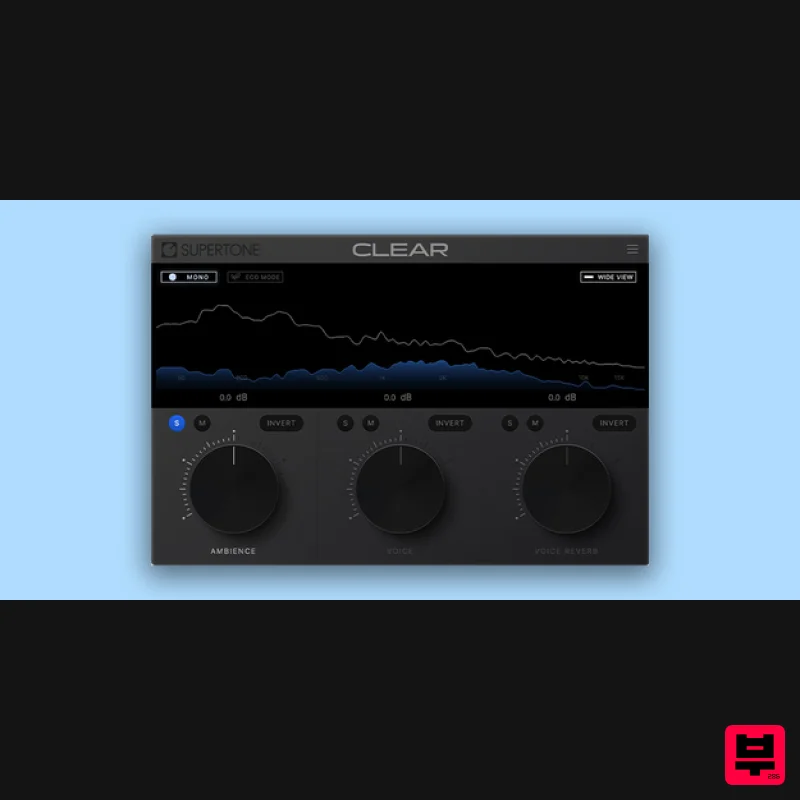
- CLEAR separates audio into three channels: ambience
- voice
- and voice reverb. The simple and intuitive three channel allows you to instantly take full control of the clarity of your voice. Powered by Supertone AI
- CLEAR’s separation algorithm offers the highest performance
- leaving minimal artifacts in the result. Features Best-in-class De-Noise and De-Reverb performance Intuitive three-knob control Combined and split three-channel audio visualization Low CPU option for wider use Powerful channel controls for quick and accurate monitoring Online & offline workflow System Requirements macOS 10.13 and above (Native support for Apple Silicon) Windows 10 and above (64-bit only) AU
- VST3
- and AAX Sample Rate and Buffer Size - 44100Hz
- 48000Hz
- and 96000Hz Supertone recommend using an I/O buffer size of 256 or higher. Installation PC 1. Click 'Download' in your Plugin Boutique User Account to download the installer. 2. Double-click the downloaded .exe file to begin the installation process. 3. Click 'I accept the agreement' > Click 'Next'. 4. Click 'Next'. 5. Click 'Install'. 6. Click 'Finish'. 7. Open your DAW > Locate and open CLEAR. 8. Click the 3 bars in the top right corner > Click on the 'Activation' tab. 9. Click 'Enter License Key'. 10. Enter the serial number found in your Plugin Boutique User Account > Click 'Activate'. Your plugin is now activated and ready for use in your DAW! Mac 1. Click 'Download' in your Plugin Boutique User Account to download the installer. 2. Double-click the downloaded .pkg file to begin the installation process. 3. Click 'Continue'. 4. Click 'Continue'. 5. Click 'Agree'. 6. Click 'Install'. 7. Click 'Close'. 8. Open your DAW > Locate and open CLEAR. 9. Click the 3 bars in the top right corner > Click on the 'Activation' tab. 10. Click 'Enter License Key'. 11. Enter the serial number found in your Plugin Boutique User Account > Click 'Activate'. Your plugin is now activated and ready for use in your DAW!
Additional Information
About the Supertone CLEAR
The Supertone CLEAR combines traditional design with modern performance for Vocal Processing enthusiasts.
Why Choose the Supertone CLEAR?
- •Authentic Supertone craftsmanship and design
- •Versatile sound suitable for multiple musical genres
- •Professional build quality and reliable performance
- •Part of Supertone's respected Vocal Processing lineup
Compare & Explore
Browse our complete selection of Supertone instruments or explore other Vocal Processing options. Use our comparison tools to find the perfect match for your musical style and budget.
Similar Products
Antares DUO
Vocal Processing
Antares MUTATOR
Vocal Processing
Karanyi Sounds Cloudmax Breeze Black Edition
Vocal Processing
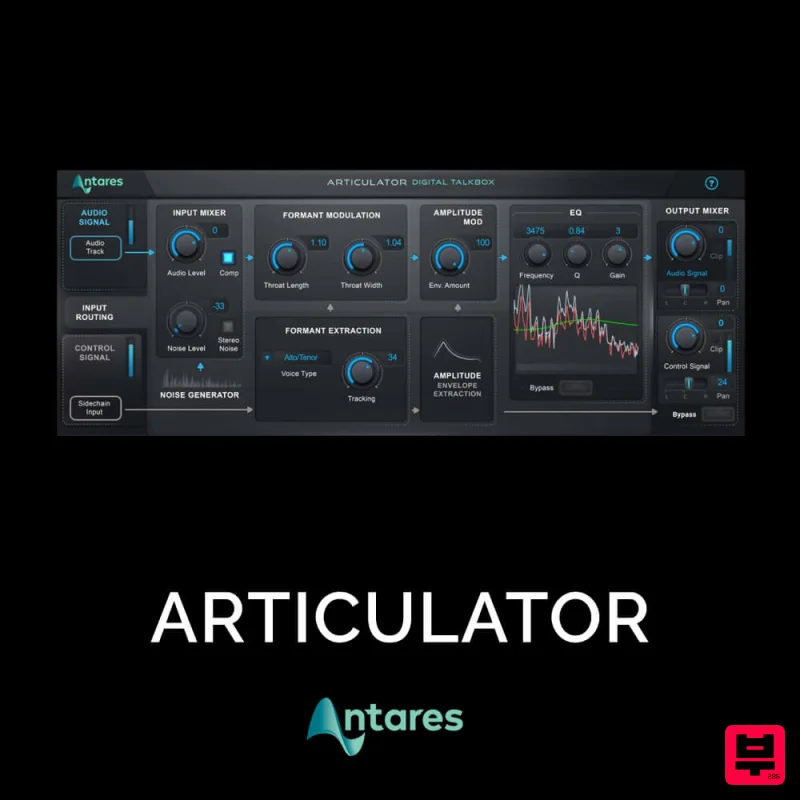
Antares ARTICULATOR
Vocal Processing
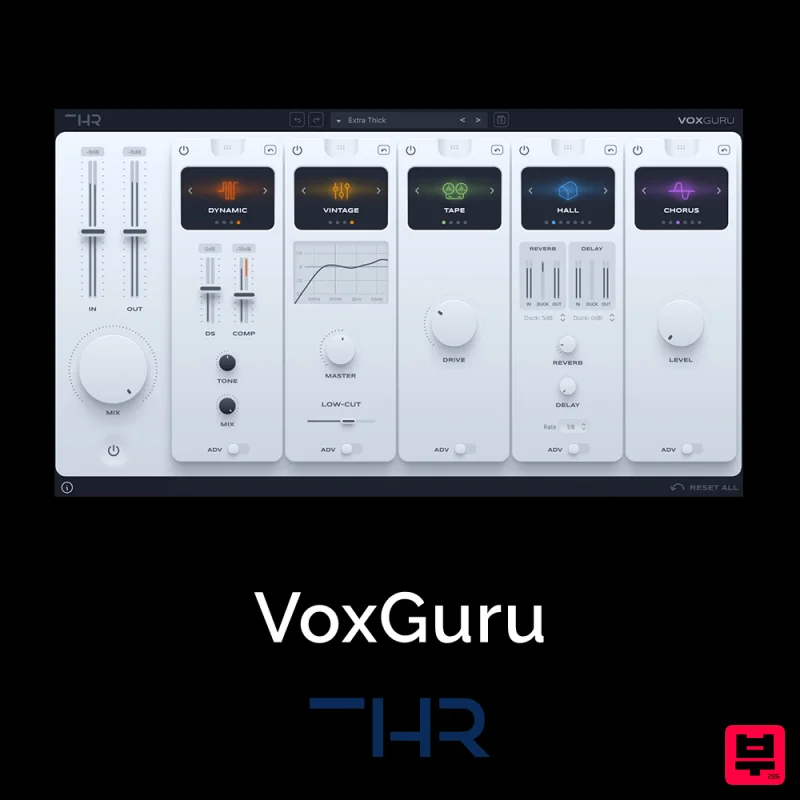
THR VoxGuru
Vocal Processing
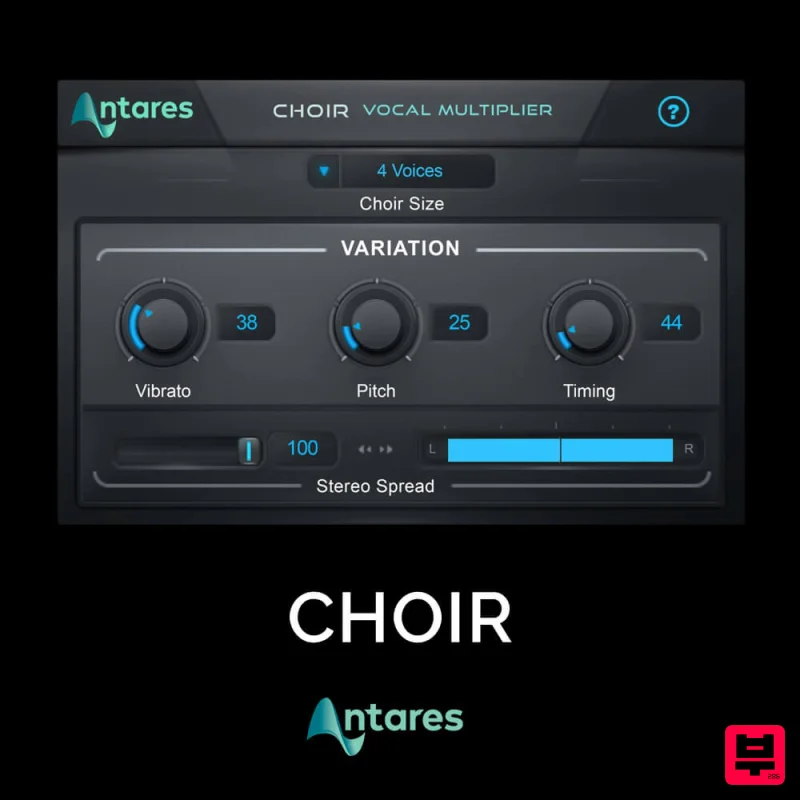
Antares CHOIR
Vocal Processing
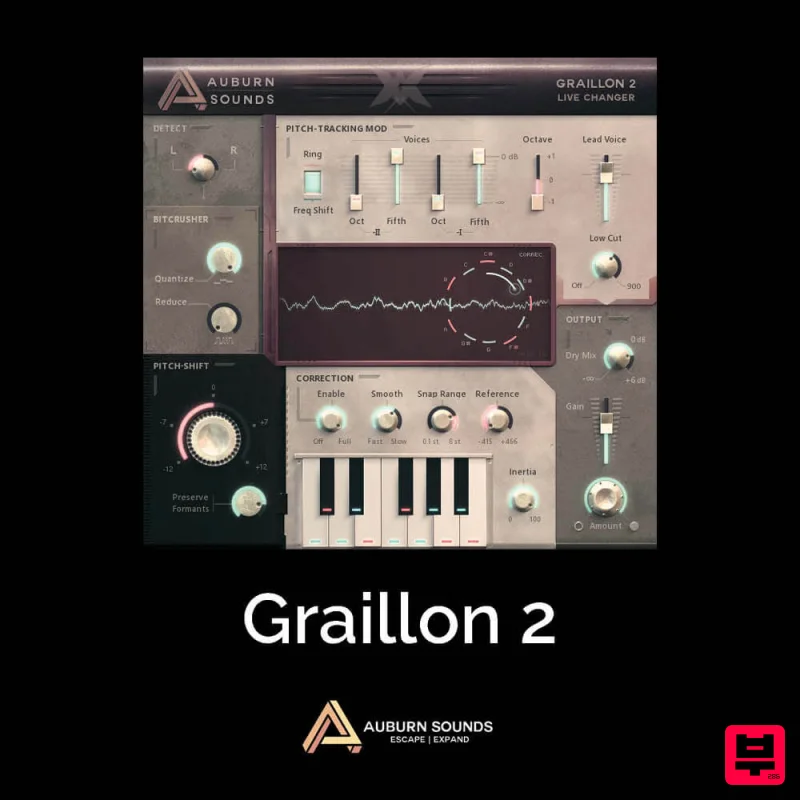
Auburn Sounds Graillon 2
Vocal Processing

