
Sugar Bytes Nest
Professional music gear - detailed information and where to buy
Sugar Bytes
Nest
Product Info
* Prices may vary. Check retailer for current pricing and availability.
Product Description
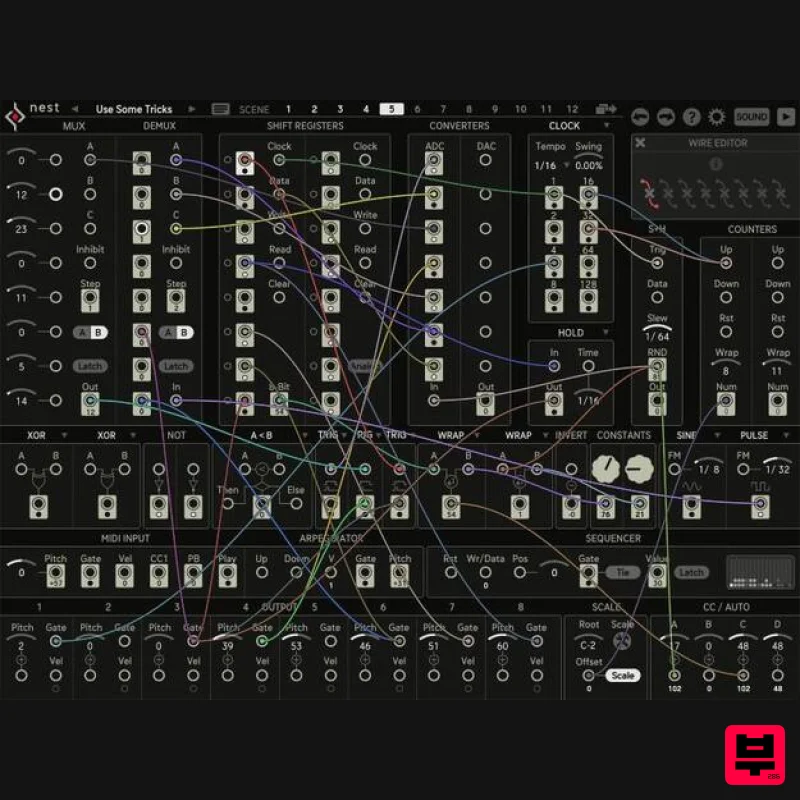
- The DIY Sequencer A Rule-Based MIDI Sequencer Nest is a modular system that gravitates around the creation of MIDI. The basic ingredients are 20 modules inspired by classic integrated circuits and today's computer features
- a clever voice to synth assignment
- 12 patch scenes and a quad VST/Synth/MIDI Interface. What is Nest? Nest is a modular sequencer. It offers all kinds of modules to generate and process triggers and numbers. You can build highly complex sequencing environments with the aim to produce music with a life of its own. Nest is equipped with resemblings of classical
- transistor-based integrated circuits like Shift Registers or Multiplexers
- plus programming tools like the if/else and math modules. Also
- a writable Sequencer and flexible Arpeggiator are on board
- to make life easy when needed. A clever voice assignment distributes the 8 possible MIDI voices to up to 4 different sound generators like VSTs
- internal Synths and Drums or MIDI channels. This can make Nest not only fun when hosting your favourite plugins
- but you can also use it to drive your hardware park. A New Sequencer Everyday Hardware is made of interesting components
- and tinkering with them is loads of fun
- now Nest provides this experience without sourcing parts and magic It provides access to the main building blocks of modern electronics
- and it allows for free patching and experimenting. You can throw circuits together like Lego bricks
- and with that
- sheer endless possibilities open up. Create beats from numbers and numbers from beats
- distribute patterns across multiple sound sources
- build intelligent song machines. Nest is a super flexible composition tool
- which brings together classical transistor logic with modern computer functions. The wire-patching offers endless possibilities and surprises. With 12 patch scenes and a powerful sound interface
- Nest is a little laboratory for complex
- intelligent music machines. The Two Faces of Nest - Wire and Sound On the Wire page
- Sugar Bytes created an awesome patch and send it to up to 8 voice slots. The range of possibilities is sheer endless. More than 20 modules to combine
- some rather for numbers (pitch
- velocity
- modulation)
- some for gates (triggers
- rhythms). With 12 Scenes
- a patch can have many variations and allows for playing with songs structures. On the Sound page
- you can receive these 8 voices and assign them freely to 4 channels. So you could have a huge layered 8 voice chord
- or 3 voices could be drums
- another 3 would be a chord and the last two might be a bassline and some samples. Each Channel can be an internal Synth
- a VST Plugin or MIDI Out. A fine reverb puts your patch into perspective and adds a silver lining to even the most simple sounds. With the multiple audio outs
- each sound channel plus the reverb channel can be routed to an individual DAW channel. The Nest Story "Nest has an actual hardware background
- as it originates from different hobbyist euro rack modules
- which I built over time. Shift Registers and multiplexers are loads of fun on the breadboard
- not to forget the Nandulator. There was a hardware sequencer
- which would put out off-steps as gates too
- and would also provide the internal counter´s binary address as 4 gate sources. So there were plenty of eye-openers along the way and a deep interest in logic circuits. But still
- building my dream module would be close to impossible in hardware. And then came the idea to actually emulate the who-is-who of sequencing and logic IC´s in software. Prototypes quickly uncovered great potential
- and so Nest was born." (Rico Baade) Features Build your own sequencer! More than 20 different modules Generate 8 MIDI voices and assign to 4 targets Host up to 4 VST2 plug-ins Use internal synths and drums Recall 12 scenes via MIDI Send to 16 MDI channels Plus MIDI CCs and automation Multi audio outs (5 Stereo) Flexible scale system System Requirements Mac macOS 10.12 or higher (Apple Silicon M1 supported) (64-bit only) VST2
- VST3
- AAX & Standalone Application Windows Windows 7 or higher (64-bit only) VST2
- VST3
- AAX & Standalone Application Important note: This software is only available in 64-bit format for both Windows and macOS and will not function on 32-bit systems. Notes: Looperator is used as the example Pop up windows must be allowed within your browser's 'Settings' for the download link to be triggered Mac 1. After purchasing your product
- visit Sugar Bytes to register your software. 2. Enter the email address that you wish to register the software to
- as well as copy and paste/manually enter the serial number provided within your User Account > click ‘Register’. 3. Your software has successfully been registered > download your Apple (Mac) installer. Note: An email containing your Sugar Bytes login details and temporary password (in the form of a code) will be sent to the inbox of the email that you used to register the software with > this may have landed in the junk/spam folder of your email. After logging into your account
- you can select the 'Change Password' option to personalise your secret password. 4. Double-click the .dmg installer file to begin the installation process > click ‘Continue’. 5. Read the Software License Agreement > click ‘Continue’ and then ‘Agree’. 6. Copy and paste/manually enter the 8-digit serial code that exists in your Sugar Bytes account. 7. Select the software format (s) that you wish to install
- depending upon the DAW (s) you are using > click ‘Continue’. 8. Review the installation and click ‘Install’. 9. The installation of the software has successfully completed > click ‘Close’. 10. Restart your DAW and locate/open your purchased Sugar Bytes software from the plug-in selection. Note: You may need to Refresh/Rescan your DAW's Plug-in List
- if the software fails to appear. The Software is now Activated and Ready for Use Within Your DAW! Windows 1. After purchasing your product
- visit Sugar Bytes to register your software. 2. Enter the email address that you wish to register the software to
- as well as copy and paste/manually enter the serial number provided within your User Account > click ‘Register’. 3. Your software has successfully been registered > download your Windows (PC) installer. Note: An email containing your Sugar Bytes login details and temporary password (in the form of a code) will be sent to the inbox of the email that you used to register the software with > this may have landed in the junk/spam folder of your email. After logging into your account
- you can select the 'Change Password' option to personalise your secret password. 4. Double-click the .zip folder to extract and reveal its contents. 5. Double-click the .exe installer file to begin the installation process > click ‘Next’. 6. Select 'I accept the agreement’ > click ‘Next’. 7. Copy and paste/manually enter the 8-digit serial code that exists in your Sugar Bytes account. 8. Select the format (s) that you wish to install > click ‘Next’. 9. Select the software directories in which to install the software formats (32 and/or 64-Bit) to > click ‘Next’. 10. Select a folder in which to install the software to > click ‘Next’. 11. Review the installation and click ‘Install’. 12. The installation of the software has successfully completed > click ‘Finish’. 13. Restart your DAW and locate/open your purchased Sugar Bytes software from the plug-in selection. Note: You may need to Refresh/Rescan your DAW's Plug-in List
- if the software fails to appear. The Software is now Activated and Ready for Use Within Your DAW!
Additional Information
About the Sugar Bytes Nest
The Sugar Bytes Nest represents excellent craftsmanship in the Sequencer category.
Why Choose the Sugar Bytes Nest?
- •Authentic Sugar Bytes craftsmanship and design
- •Versatile sound suitable for multiple musical genres
- •Professional build quality and reliable performance
- •Part of Sugar Bytes's respected Sequencer lineup
Compare & Explore
Browse our complete selection of Sugar Bytes instruments or explore other Sequencer options. Use our comparison tools to find the perfect match for your musical style and budget.
Similar Products
Sinevibes Switch v3
Sequencer
HY-Plugins HY-MPS3
Sequencer
Audiomodern Freezr
Sequencer
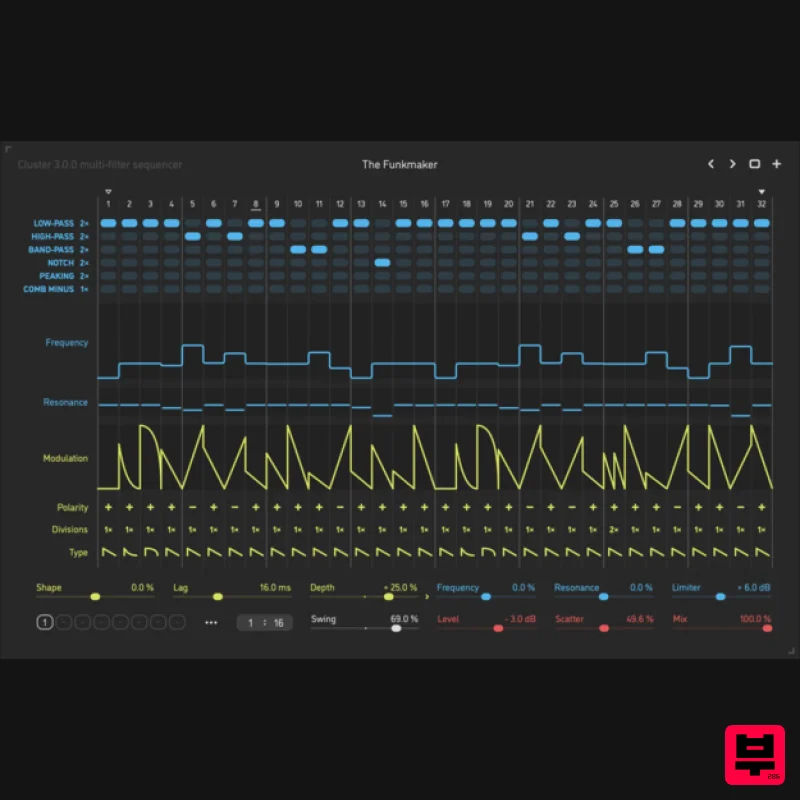
Sinevibes Cluster v3
Sequencer
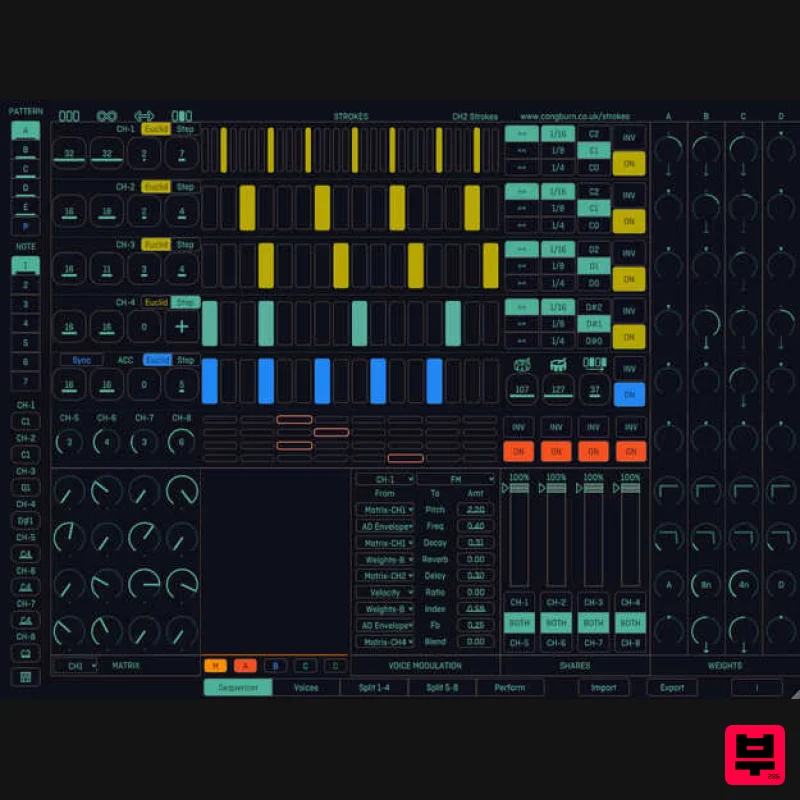
Cong Burn Strokes
Sequencer
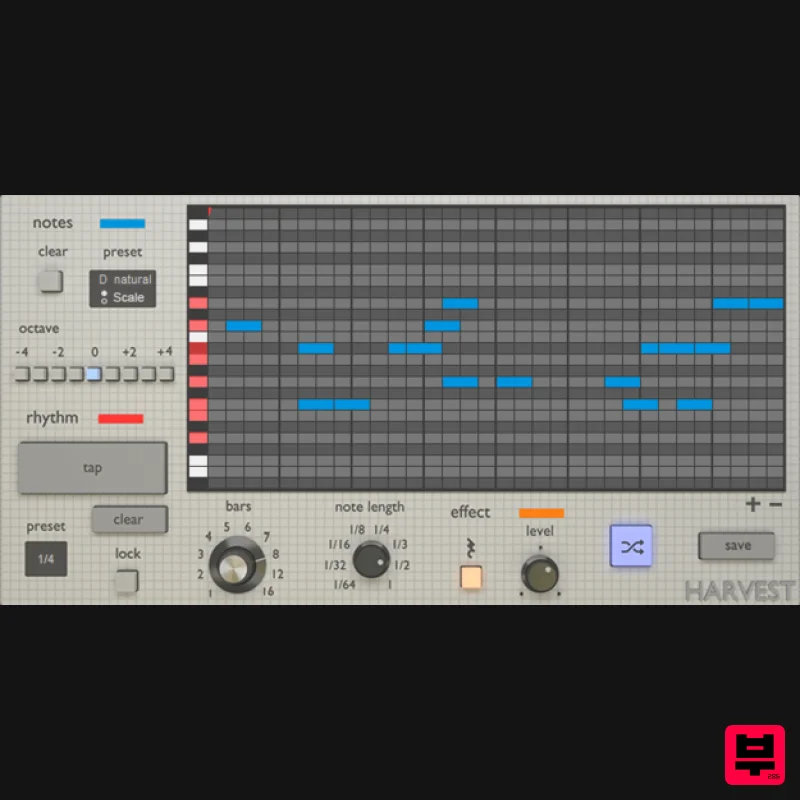
Harvest Plugins Harvest Mini
Sequencer
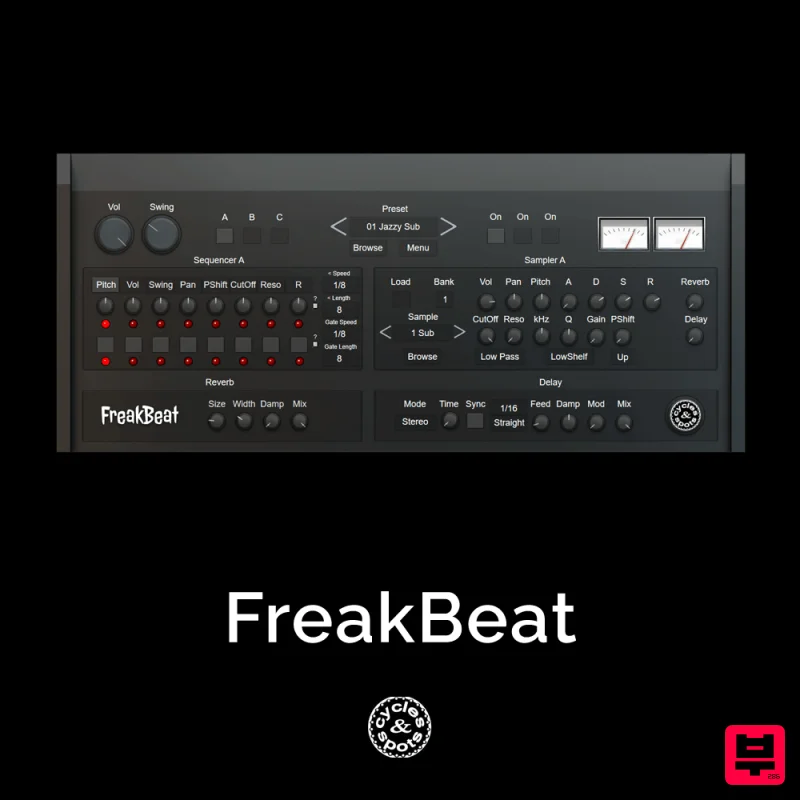
Cycles & Spots FreakBeat
Sequencer
Gooey Audio Next
Sequencer

