
Steinberg WaveLab Elements 13 Educational Edition
Professional music gear - detailed information and where to buy
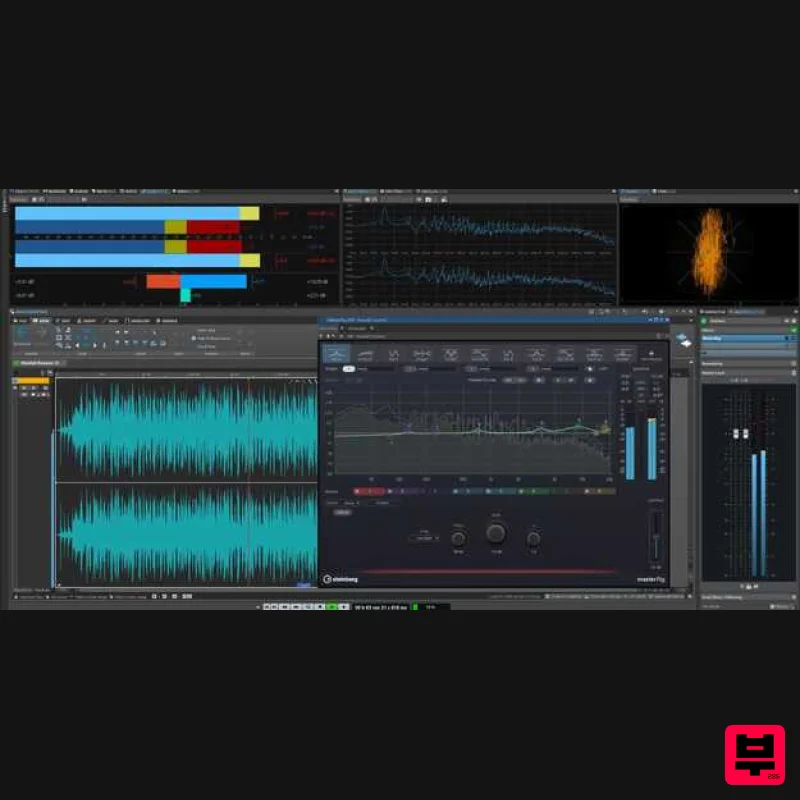
Steinberg
WaveLab Elements 13 Educational Edition
Product Info
* Prices may vary. Check retailer for current pricing and availability.
Product Description
- Important note: This is an education version and requires proof of educational status after purchase
- the standard purchase path can be found HERE. The whole world of WaveLab The Global Mastering Standard WaveLab is the ultimate solution for professional audio mastering
- its modern user interface and intuitive workflows making it fast and simple to achieve great results. It features dedicated workspaces — such as the Audio Editor for sample-level editing and refinement of single audio files and the Audio Montage for finalizing full albums — and offers a complete Dolby Atmos mastering workflow
- where a single ADM can be mastered or an entire Atmos album compiled from multiple ADM files. It includes a wide range of real-time plug-in effects and processes
- which can be implemented per clip
- per track or across a whole album. Support for third-party VST 3 plug-ins and round trip signal routing also means that favorite effects and hardware devices are easy to include at any step in the mastering chain. With precise metering tools and audio analysis functions
- including loudness control
- along with metadata editing and management
- masters produced with WaveLab satisfy the requirements for any format or distribution platform. Audio Editing WaveLab offers a wide variety of surgical sound shaping functions
- using either destructive or non-destructive editing
- allowing the most appropriate choice for any project. Precision tools include level
- time and pitch processing
- high-resolution spectral editing
- audio inpainting
- mid/side processing (left
- right or both channels)
- and much more
- all assisted by a range of visualization options. With a large selection of included plug-ins
- third-party VST plug-ins
- and even external editing software and hardware effects devices can be integrated into the WaveLab workflow. Meanwhile
- ARA support means all of WaveLab’s advanced editing tools can be used within projects in any compatible DAW. Features MasterRig 2 - The next-generation mastering pro plug-in suite has undergone a major update and is now available in WaveLab Elements for the first time. Dynamic Clip Toolbar - It is now possible to access clip-related menus instantly
- reducing clicks
- and accelerating editing workflows. Remove plug-ins with drag&drop - Plug-Ins can be removed from a slot by dragging them outside it. Quick Clip Gain Adjustment - Clip gain can be easily adjusted pre- or post-effects using pop-up sliders
- accelerating the workflow. Color Management - Random colors can now be applied to all tracks. WaveLab comparison chart
- Pro 13 can be found here. MAC macOS Tahoe macOS Sonoma macOS Sequoia Rosetta 2 App (Silicon Mac) Native App (Silicon Mac) PC Windows 11 (version 24H2 or higher) 64-bit Windows 10 (version 22H2 or higher) Windows: ® Intel Core i5 Series (8th generation) or AMD RyzenSeries 3000 Mac: ® Intel Core i5 (late 2018) or Apple silicon 4 CPU cores or more 8 GB RAM | 84 GB free HD space Windows graphics (minimum): Graphics card with native Windows 10 support (Microsoft Basic Display drive not recommended) Windows graphics (recommended): AMD R or RX series and later or NVIDIA Series 700 and later Mac graphics: Graphic Card with Metal support OS-compatible audio hardware ASIO-compatible audio hardware recommended for low-latency performance Internet connection is required for download of installation package
- license activation
- account setup and personal/product registration Activation 1. Go to https: //www.steinberg.net/go/ or click 'Download' in your Plugin Boutique User Account. 2. Download the relevant installer > Complete the installation of the Steinberg Download Assistant. 3. Click 'Sign in'. 4. Click 'Create an account' > if you already have a Steinberg account
- login and skip to step 5. Enter the requested details > Click 'Next'. 6. Enter the verification code found in your email from Steinberg > Click 'Next'. 7. Click 'Open Steinberg Web Launcher'. 8. Click 'Enter your Download Access Code'. 9. Enter the serial number found in your Plugin Boutique User Account. 10. Download/Install the relevant products. Your software is now installed and ready to be used!
Additional Information
About the Steinberg WaveLab Elements 13 Educational Edition
Discover the distinctive sound and feel of the Steinberg WaveLab Elements 13 Educational Edition, a standout choice among Mastering Suite.
Why Choose the Steinberg WaveLab Elements 13 Educational Edition?
- •Authentic Steinberg craftsmanship and design
- •Versatile sound suitable for multiple musical genres
- •Professional build quality and reliable performance
- •Part of Steinberg's respected Mastering Suite lineup
Compare & Explore
Browse our complete selection of Steinberg instruments or explore other Mastering Suite options. Use our comparison tools to find the perfect match for your musical style and budget.
Similar Products
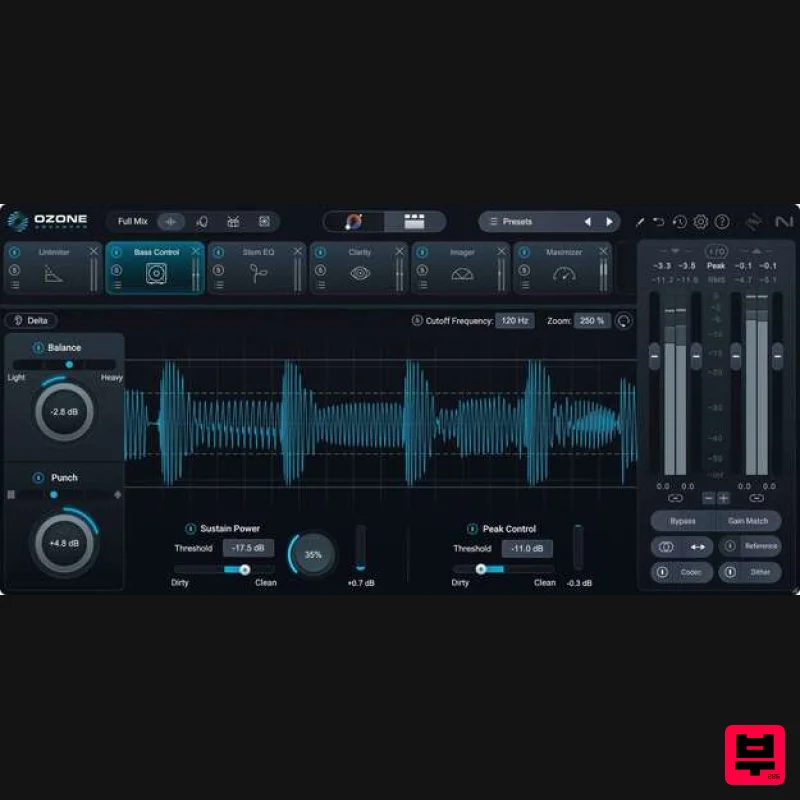
iZotope Ozone 12 Advanced Educational Version
Mastering Suite
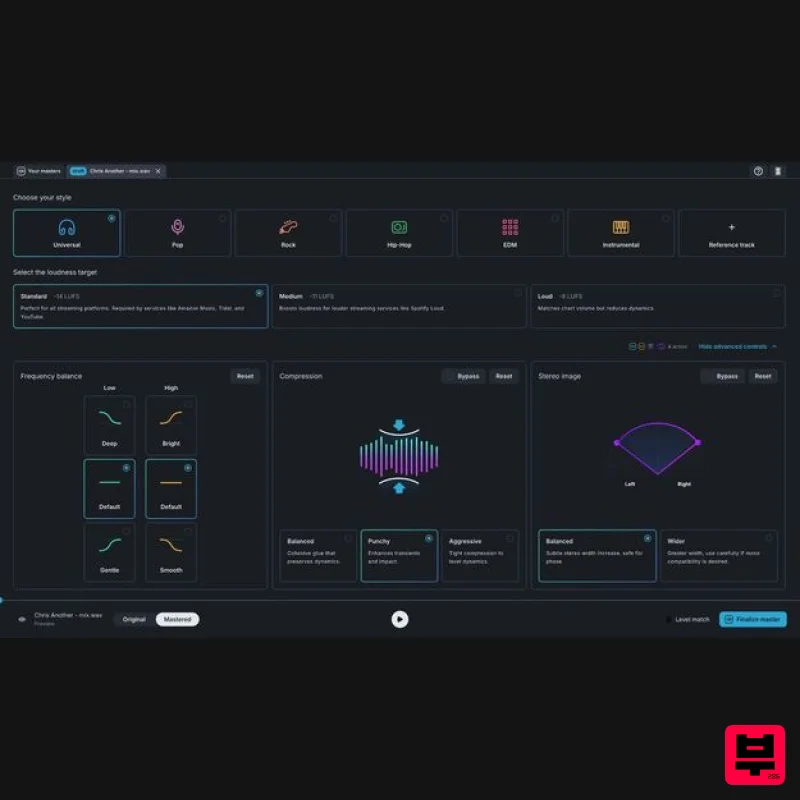
Slate Digital Virtu
Mastering Suite
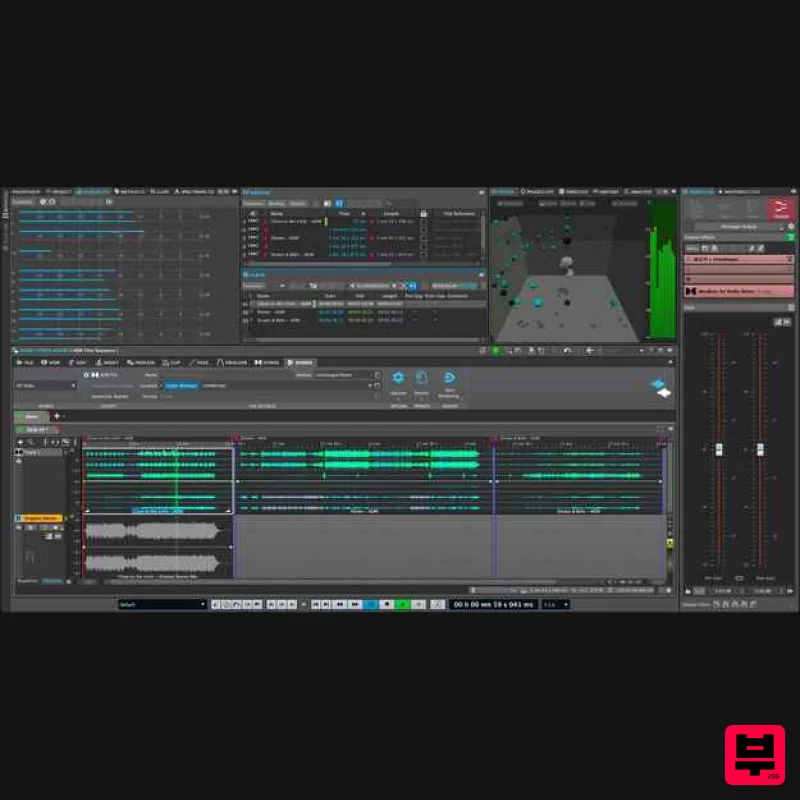
Steinberg WaveLab Pro 13
Mastering Suite
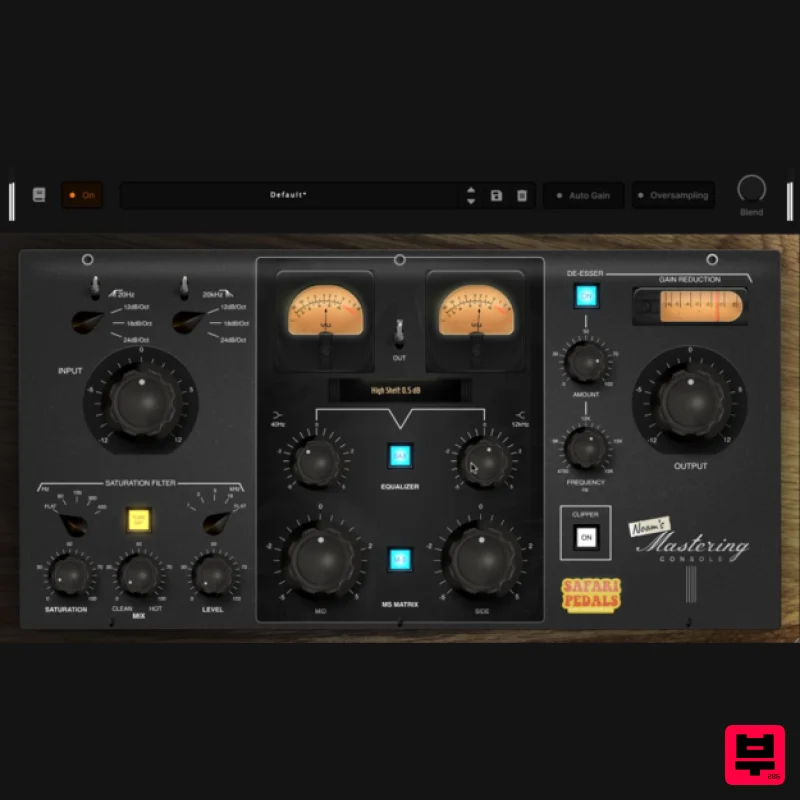
Safari Audio Noam's Mastering Console
Mastering Suite
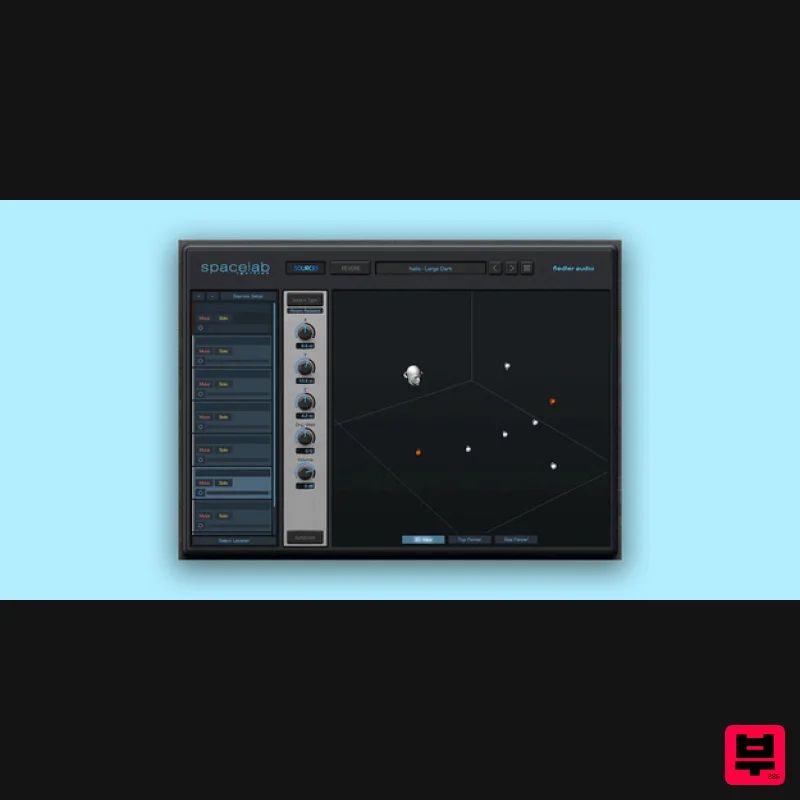
Fiedler Audio Spacelab Ignition
Mastering Suite
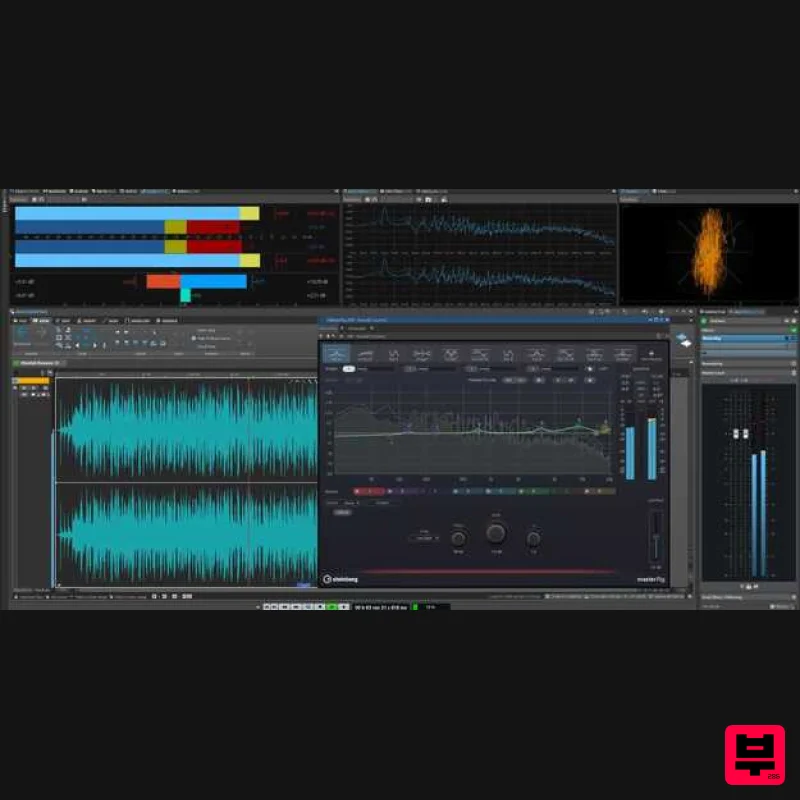
Steinberg WaveLab Elements 13
Mastering Suite
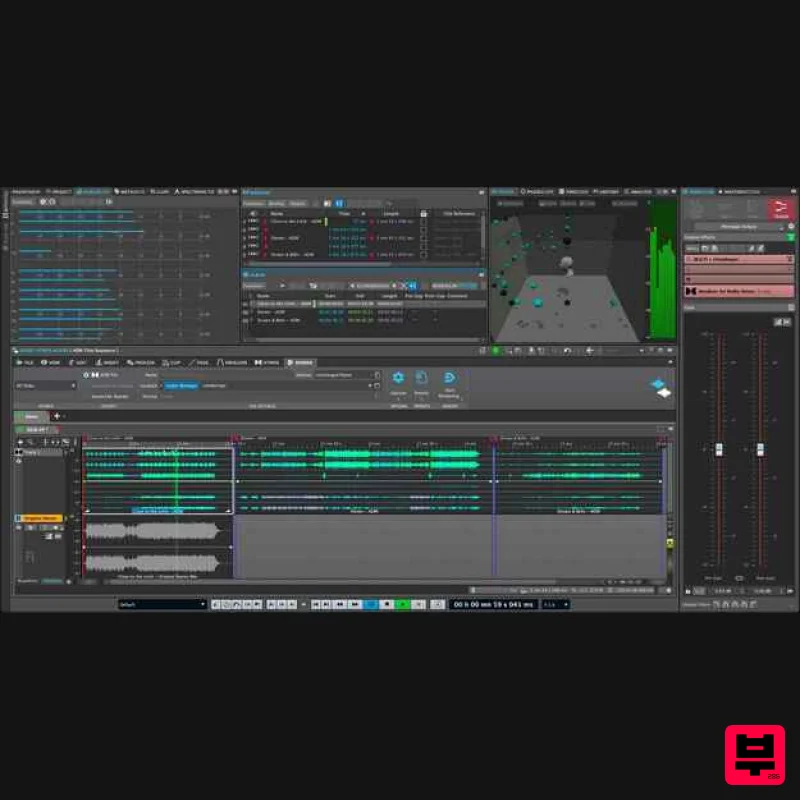
Steinberg WaveLab Pro 13 Educational Edition
Mastering Suite
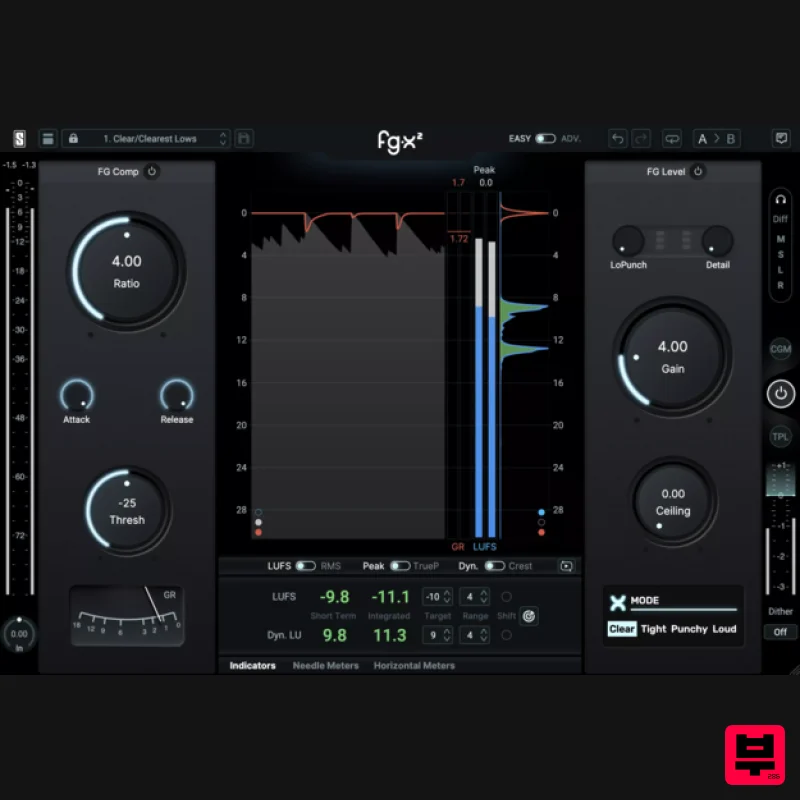
Slate Digital FG-X 2
Mastering Suite

