
Steinberg Dorico Elements 6
Professional music gear - detailed information and where to buy
Product Description
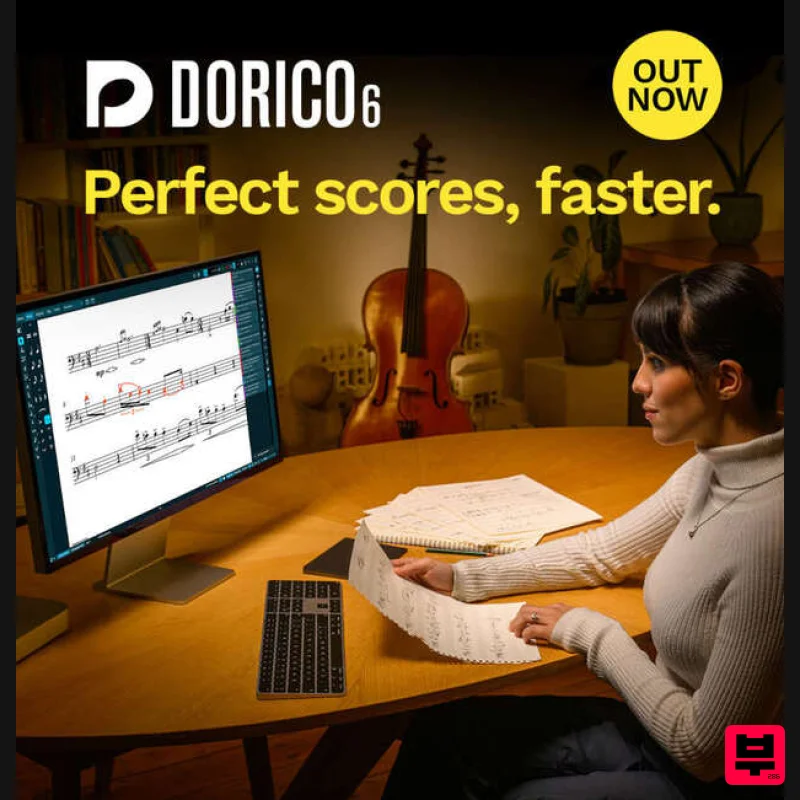
- Perfect Scores
- Faster More time for music Whether you’re writing your first song or scoring the latest blockbuster
- Dorico is the choice for composition and music notation. With a complete family of apps
- there’s a version of Dorico that’s perfect for you today and will grow with you tomorrow. Every version of Dorico is packed with time-saving features to help you spend less time in front of your computer and more time doing what you love: making music. Fast
- flexible workflows Ideal for teaching and learning Unrivalled musical intelligence Beautiful
- modern design Free for everyone For students and home use For professional use Write for up to 8 players Easy and fast to learn Input via mouse
- keyboard or MIDI keyboard Flexible note input and editing Sequencer-style Key Editor Unique popovers for efficient input Effortlessly create publication- quality music Import MIDI
- MusicXML Export PDF
- MusicXML Everything in Dorico SE
- plus: Write for ensembles of any size Iconica Sketch orchestral sound library Groove Agent SE drum plug-in MIDI trigger regions Fully customizable chord symbols Make graphical tweaks in Engrave mode Change music and text fonts Configurable Playback Options Everything in Dorico Elements
- plus: Automatic condensed conductor scores linked cues Cutaways and other modern notations DTP-style page templates Ossias
- divisi and staff management Powerful arranging tools HALion Symphonic Orchestra sound library New in Dorico 6 Perfect scores
- faster Dorico 6 expands your engraving horizons and assists you in producing peerless peformance materials faster than ever before. With its unique new Proofreading panel
- Dorico 6 can help you identify issues that could cost rehearsal time before you ever hand your parts to performers. And with huge improvements to engraving – including one-click cutaways and custom chord symbols – plus workflow improvements throughout the application
- your intelligent assistant just got a whole lot Proofreading Expert Eyes Dorico automatically checks your score as you edit
- highlighting issues that could raise questions in rehearsal and recording sessions in the new Proofreading panel. Cycle Playback Play It Again Loop any section of your score during playback
- and hear your edits live in the next cycle. Fill View Sight Reading Fill view makes maximum use of your available display
- flexibly flowing as many systems of music as possible into the width and height of the window. Opentype Features Just My Type (Pro + Elements Only) Access enhanced typographical control with full support for OpenType glyph positioning and glyph substitution features. Properties Power User Filtering Use the keyboard to access the Properties panel filter
- and show properties for all selected items for power user control. Workflow Easy Editing Double-click staff labels and player group labels to directly edit instrument and player group names. Double-click Project Info placeholders to directly edit title
- composer
- lyricist and copyright information. System Requirements 8GB RAM recommended (4GB minimum) 6GB free storage space (SSD recommended) OS-compatible audio hardware (ASIO-compatible audio hardware recommended for low-latency performance) An internet connection is required for download
- activation
- account setup and personal/product registration. Note: this software version does not support 32-bit plug-ins. Mac macOS 12 Monterey / 13 Ventura / 14 Sonoma / 15 Sequoia Apple silicon ARM processor or 64-bit Intel multi-core processor Windows 64-bit Windows 10 (1809
- October 2018 or later) / Windows 11 64-bit Intel or AMD multi-core processor (Intel i5 or faster recommended) Activation 1. Go to https: //www.steinberg.net/go/ or click 'Download' in your Plugin Boutique User Account. 2. Download the relevant installer > Complete the installation of the Steinberg Download Assistant. 3. Click 'Sign in'. 4. Click 'Create an account' > if you already have a Steinberg account
- login and skip to step 5. Enter the requested details > Click 'Next'. 6. Enter the verification code found in your email from Steinberg > Click 'Next'. 7. Click 'Open Steinberg Web Launcher'. 8. Click 'Enter your Download Access Code'. 9. Enter the serial number found in your Plugin Boutique User Account. 10. Download/Install the relevant products. Your software is now installed and ready to be used!
Additional Information
About the Steinberg Dorico Elements 6
Experience the quality and tone that makes the Steinberg Dorico Elements 6 a popular choice for musicians.
Why Choose the Steinberg Dorico Elements 6?
- •Authentic Steinberg craftsmanship and design
- •Versatile sound suitable for multiple musical genres
- •Professional build quality and reliable performance
- •Part of Steinberg's respected DAW lineup
Compare & Explore
Browse our complete selection of Steinberg instruments or explore other DAW options. Use our comparison tools to find the perfect match for your musical style and budget.
Similar Products
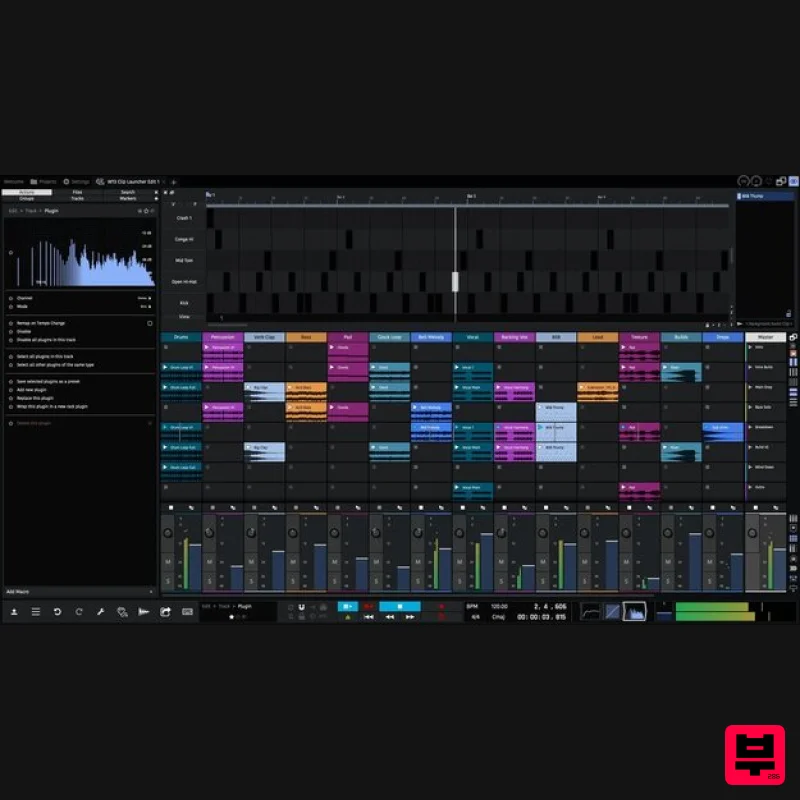
Tracktion Waveform Pro 13
DAW
$187
The most creative, inspirational and affordable digital audio workstation ever created; Waveform is laser focused on...
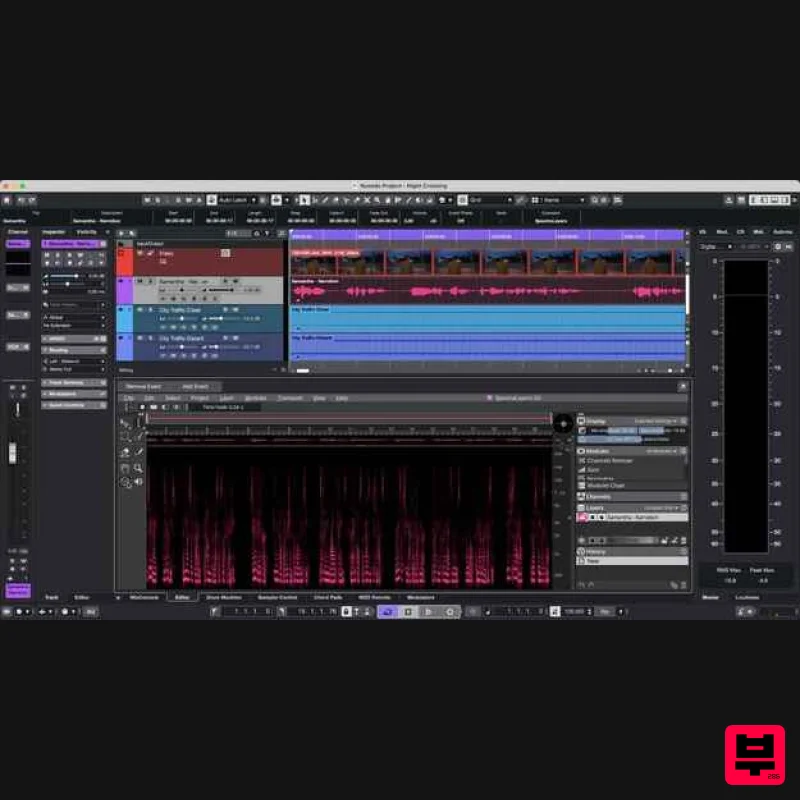
Steinberg Nuendo 15
DAW
$1,045
The new evolution in audio post-production Nuendo 15 represents the next evolution in audio post-production, offering...
Steinberg Steinberg Cubase 15
DAW
$37
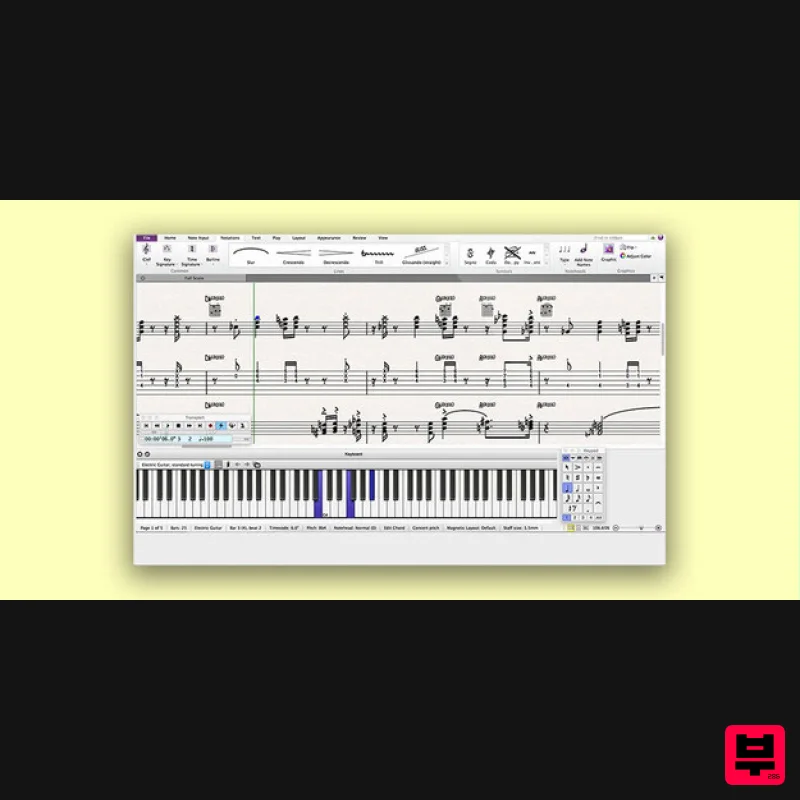
Avid Sibelius Ultimate 1 Year Subscription Educational Version
DAW
$149
Important Note: This is an educationally discounted version of Sibelius Ultimate 1 Year Subscription and is available...
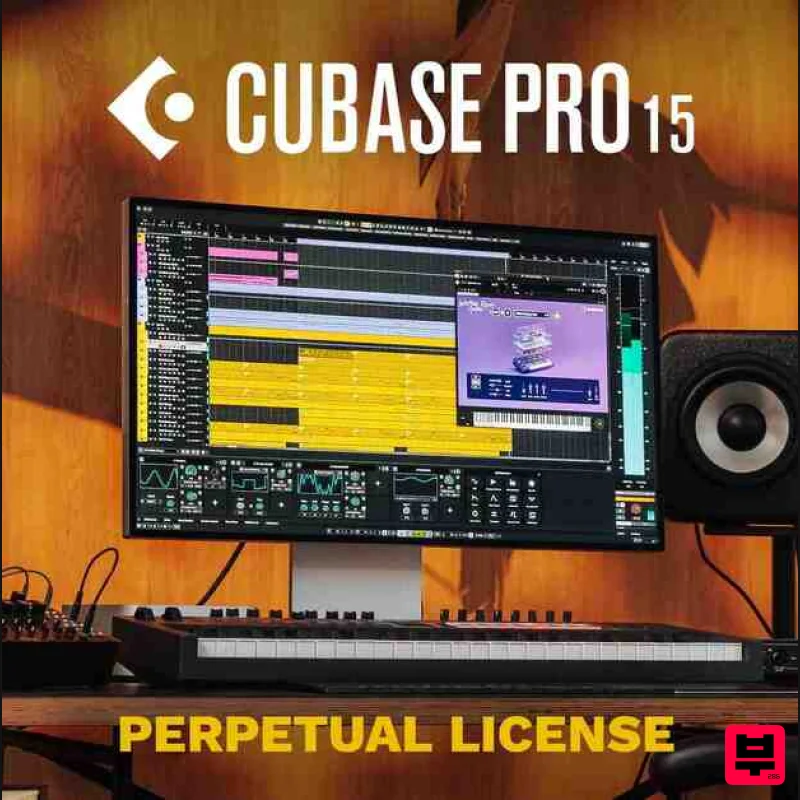
Steinberg Cubase Pro 15 Educational
DAW
$263
Important Note: This is an educational version and requires proof of educational status after purchase, the standard...
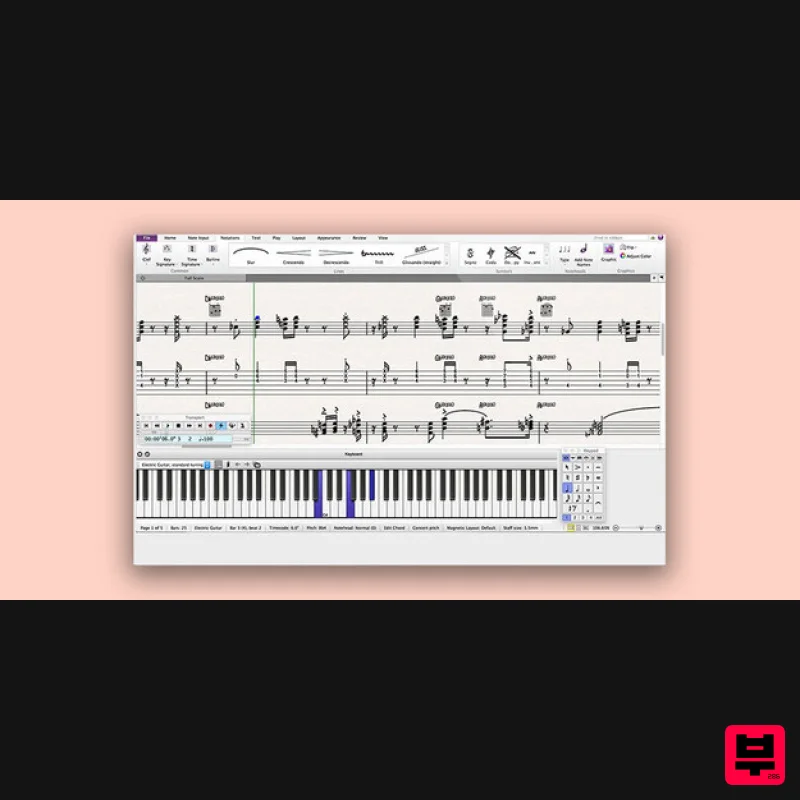
Avid Sibelius Artist 1 Year Subscription
DAW
$119
Please Note: All of the differences between versions of Sibelius can be found in detail HERE. Empowering Creative...
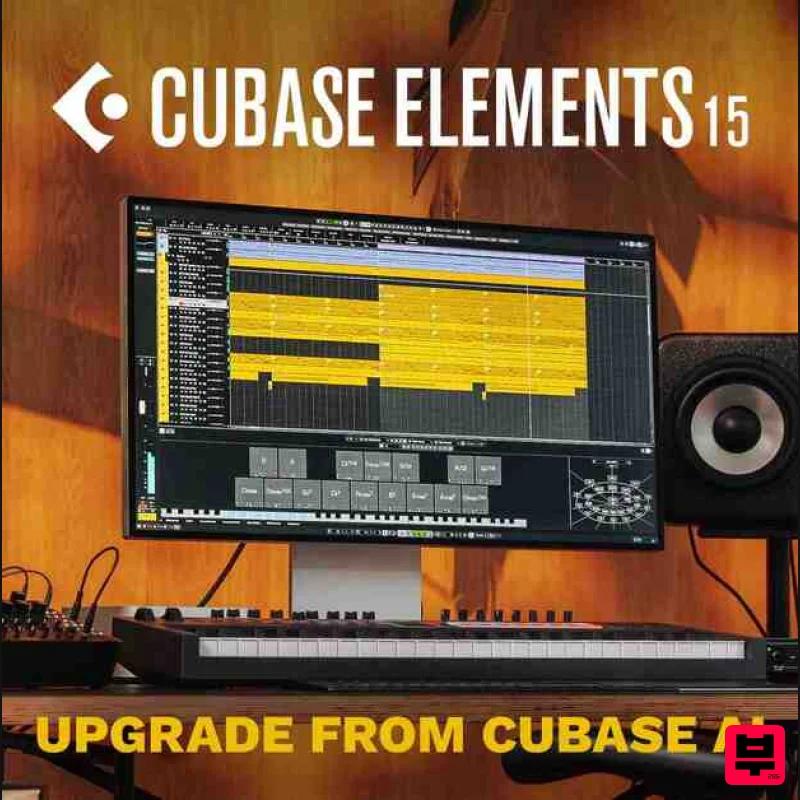
Steinberg Cubase Elements 15 Educational
DAW
$49
Important Note: This is an educational version and requires proof of educational status after purchase, the standard...
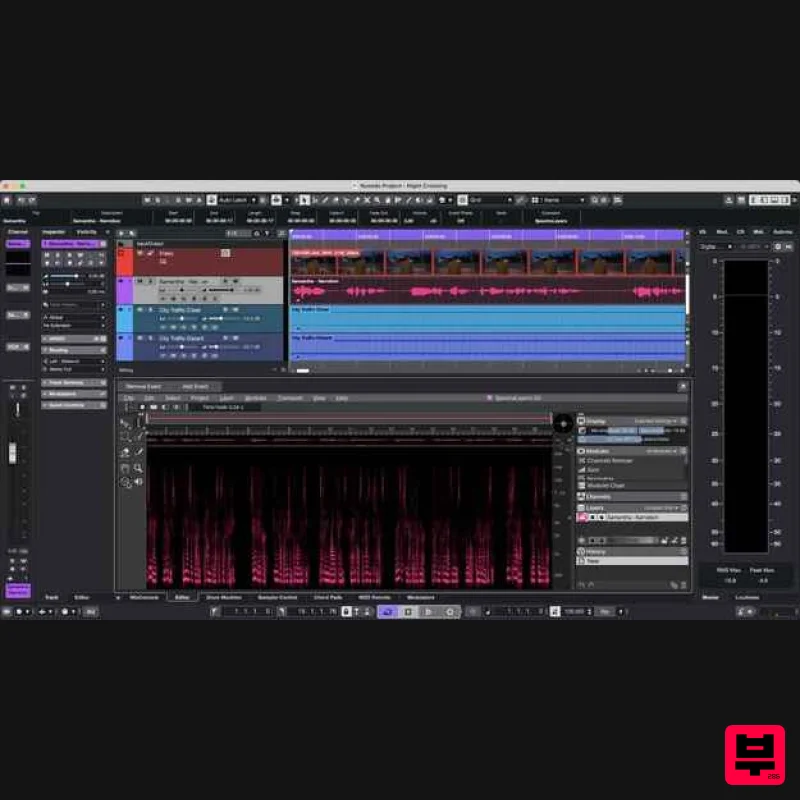
Steinberg Nuendo 15 Educational Edition
DAW
$522
Important Note: This is an educational version and requires proof of educational status after purchase, the standard...
Frequently Asked Questions
The Steinberg Dorico Elements 6 stands out for its exceptional Steinberg craftsmanship and innovative design.
Yes! With its affordable price point and quality construction, it's perfect for learning daw.
Browse the similar products section to see how it stacks up against other daw.

