
Soundtoys Sie-Q
Professional music gear - detailed information and where to buy
Product Description
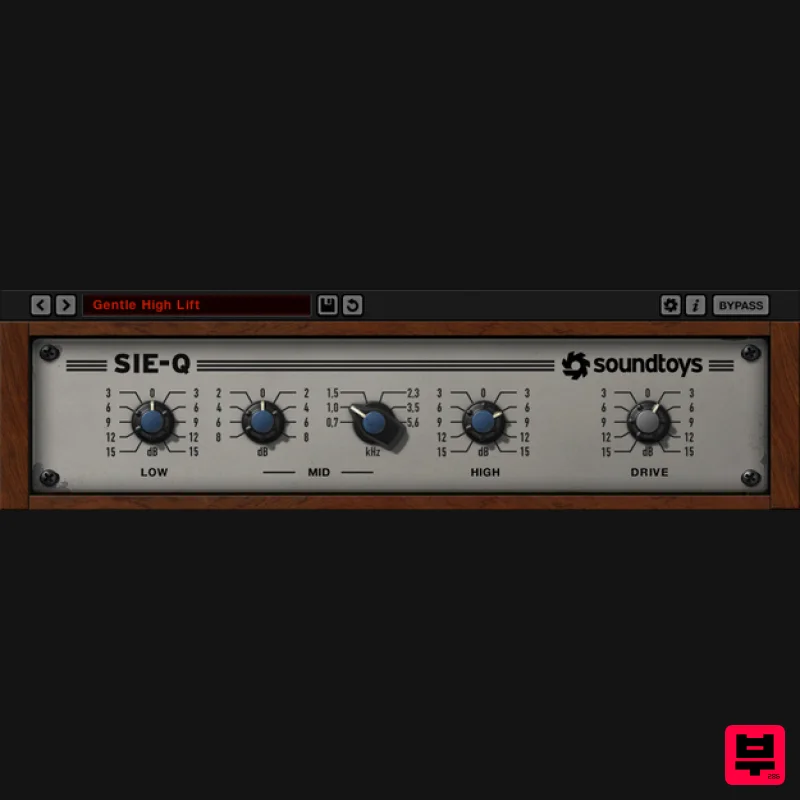
- A Very Boutique EQ Achieve Spacious Highs
- Lows
- and Great Tones Fast. This Model of German Engineering Brings a Whole New Colour to your EQ Palette. Classic Color In Soundtoys' quest to capture unique tones and colours from the world of hardware
- Soundtoys dug deep into the Soundtoys gear museum and found a little-known gem: the Siemens W295b. It impressed us so much that it became the inspiration for Soundtoys' first EQ. Sie-Q faithfully captures the hardware’s curves
- airy highs and ease of use
- allowing you to get the tone you want fast
- without a lot of hassle. Of course
- in classic Soundtoys tradition
- they have also carefully modelled its saturation character so you can hit it hard and get the real analog vibe of the hardware. The magic of this classic piece is now in your hands and in your mix. Great Highs The stand-out feature of Sie-Q
- like the original
- is its amazing high-end. It adds space and air
- and feels perfect on any track
- no matter how much you boost. Turn up the High knob to breathe life into vocals
- or pull it back on bright acoustic guitars and cymbals to create a silky sheen. Sie-Q is also a fantastic addition to your master bus–just a touch of the High band can add life and openness.
- Is your mix sounding a little too digital? Combining Sie-Q and Decapitator in the Soundtoys Effect Rack is the perfect remedy. EQ with IQ Like the original
- Sie-Q is an EQ that’s hard to make sound bad. One of the things Soundtoys love so much about the W295b is that even though it’s over half a century old
- the design is as intelligent today as it was back in the 60s. When you use it
- it just feels like all the hard work has been done for you. Designed for broadcast
- its frequencies and curves were carefully chosen to keep things sounding good no matter what. And this clever design translates perfectly to tracking and mixing records
- too. From full mixes to sub-mixes
- to vocals and guitars
- to drums and percussion this EQ helps you find the sweetness without the hassle. Features Get an airy top end with the super- High band Accentuate or tame mid-range details with the switched Mid band Carve out some space or add rich bass with the Low band Push the Drive control to recreate the colour of the original EQ System Requirements Mac macOS 10.12 Sierra and later (Intel / Apple Silicon supported) (64-bit only) VST2
- VST3
- AAX Native
- AAX AudioSuite Windows Windows 7 and later (64-bit only) VST2
- VST3
- AAX Native
- AAX AudioSuite Supported Sample Rates: Minimum - 44.1 kHz Maximum - 192 kHz Important Notes: A FREE account at ilok.com is required (a physical USB iLok is not required) This software is 64-bit only and is not compatible with 32-bit systems. Officially Supported Host Applications: All version 5 Soundtoys products come in 64-bit VST2
- VST3
- AU and AAX Native plugin formats. Supported DAWs: Pro Tools: 12 or higher (Mac & PC: AAX Native and AudioSuite) Logic Pro X: 10.7 or higher (Mac: AudioUnits) Ableton Live: 10.0 or higher (Mac: AudioUnits
- VST2 & VST3; Windows: VST2 & VST3) Studio One: 4.5 or higher (Mac: AudioUnits
- VST2 & VST3; Windows: VST2 & VST3) Cubase: 9.5 or higher (Mac & PC: VST3) Nuendo: 8 or higher (Mac & PC: VST3) Reaper: 6 or higher (Mac: AudioUnits
- VST2 & VST3; Windows: VST2 & VST3) Bitwig: 4 or higher (Mac & PC: VST2 & VST3) Notes: You need to have an iLok account in order to use the trial and purchased versions of any Soundtoys software. Decapitator is used as an example. Registration 1. First you will need to create a Soundtoys account. Go to https://accounts.soundtoys.com/#/dealer-purchases > Enter your email address > Click Continue. 1. Enter your details and select your marketing preferences > Click 'I'm not a robot' > Click Create Account. 2. Your account has been created. 3. Go to your inbox and click the orange verification link > You will be redirected to a sign-in page. 4. Enter your email and password > Click Sign In > You will be directed to your My Products page. 5. Click Dealer Purchases > Copy and paste the 10-digit code from your Plugin Boutique account > Click Submit. 6. Your new license is now registered in your Soundtoys account. 7. Click My Products > You will now see your activation code and installers. Mac Installation 1. Download the macOS installer from your Soundtoys My Products page by clicking the Apple logo > Double-click the .dmg file then double-click the pkg file to begin the installation process. 2. Click Continue. 3. Click Continue. 4. Click Continue. 5. Click Agree. 6. Click Install. 7. Enter your computer username and password > Click Install Software. 8. Click Close. Activation 1. Open the iLok License Manager > Click Sign In. 2. Enter your iLok User ID and Password > Click Sign In. 3. Click the '• • Ɪ' icon. 4. Enter the activation code found on your Soundtoys My Products page > Click Next. 5. Select your computer as the activation location > Click Activate. 6. Click OK. Your software is now activated and ready to use in your DAW. Windows Installation 1. Download the Windows installer from your Soundtoys User Account by clicking the Windows icon. 2. Double-click it to extract the contents and double-click your required installer to begin the installation process > Click Next. 3. Read the License Agreement and select 'I accept the agreement' > Click Next. 4. Click Next. 5. Click Next. 6. Click Install. 7. Click Finish (If you already have the iLok License Manager installed on your computer
- feel free to deselect the tick box). Activation 1. Open the iLok License Manager > Click Sign In. 2. Enter your iLok User ID and Password > Click Sign In. 3. Click the '• • Ɪ' icon. 4. Enter the activation code found on your Soundtoys My Products page > Click Next. 5. Select your computer as the activation location > Click Activate. 6. Click OK. Your software is now activated and ready to use in your DAW.
Additional Information
About the Soundtoys Sie-Q
Experience the quality and tone that makes the Soundtoys Sie-Q a popular choice for musicians.
Why Choose the Soundtoys Sie-Q?
- •Authentic Soundtoys craftsmanship and design
- •Versatile sound suitable for multiple musical genres
- •Professional build quality and reliable performance
- •Part of Soundtoys's respected EQ lineup
Compare & Explore
Browse our complete selection of Soundtoys instruments or explore other EQ options. Use our comparison tools to find the perfect match for your musical style and budget.
Similar Products
Solid State Logic SSL autoEQ
EQ
$109
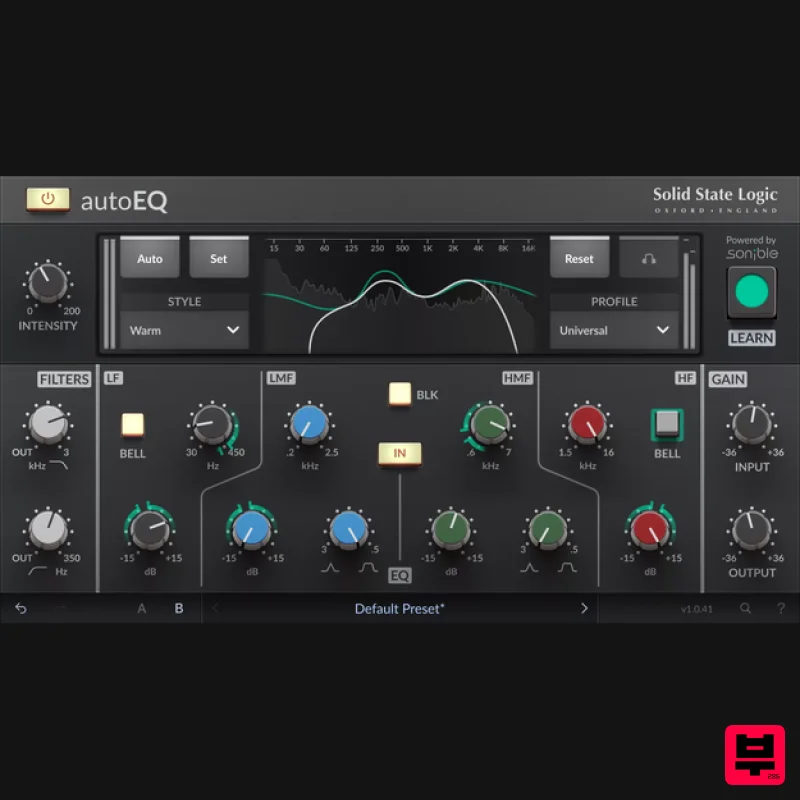
SSL 4000E EQ processing with sonible AI assisted analysis Introducing autoEQ, part of the autoSeries with autoDYN and...
Slate Digital Infinity Horizon
EQ
$156
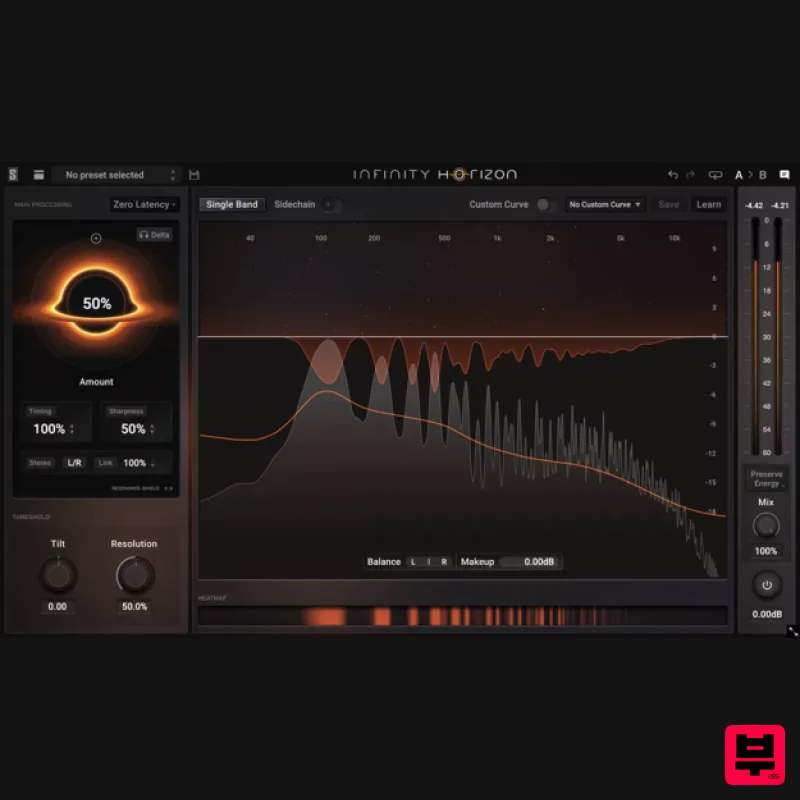
Rogue Frequencies Cannot Escape Infinity Horizon finds harsh frequency build ups and them in real time. If you're...
PSP Audioware PSP Tilt-Q
EQ
$72
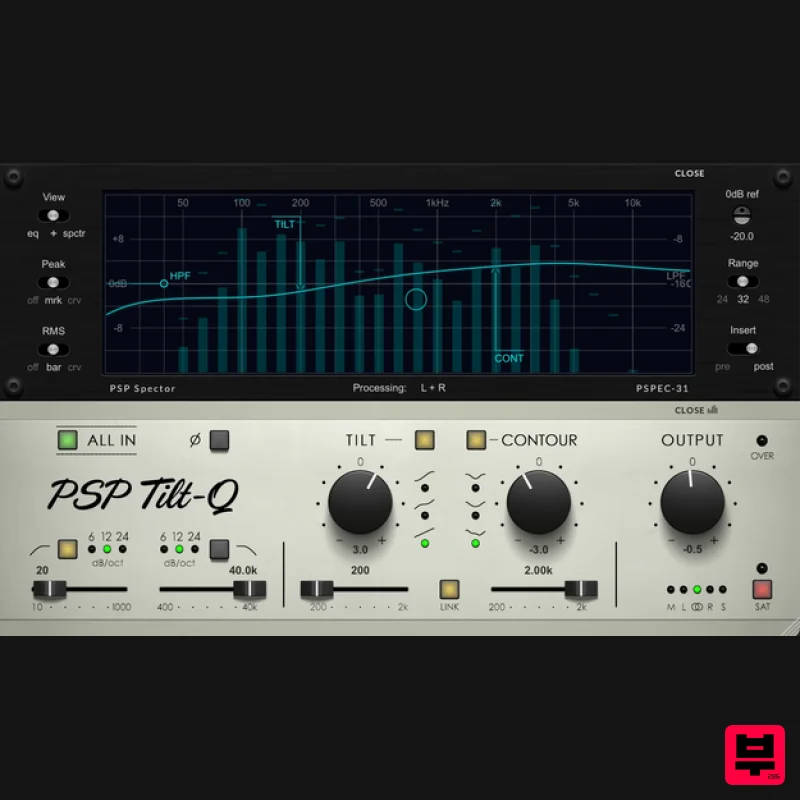
Tilt Equalizer with Three Characteristics Musical tilt EQ offering three distinct curve shapes, allowing you to quickly...
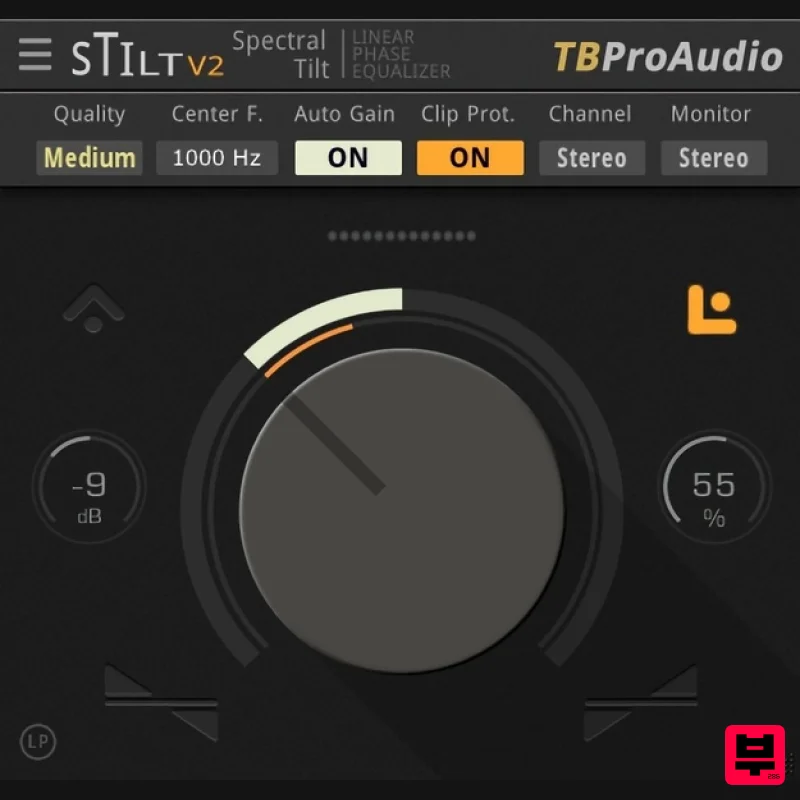
TBProAudio sTiltV2
EQ
Free
sTilt is a linear/minimum phase and IIR filter which tilts the audio spectrum around a given center frequency. Features...
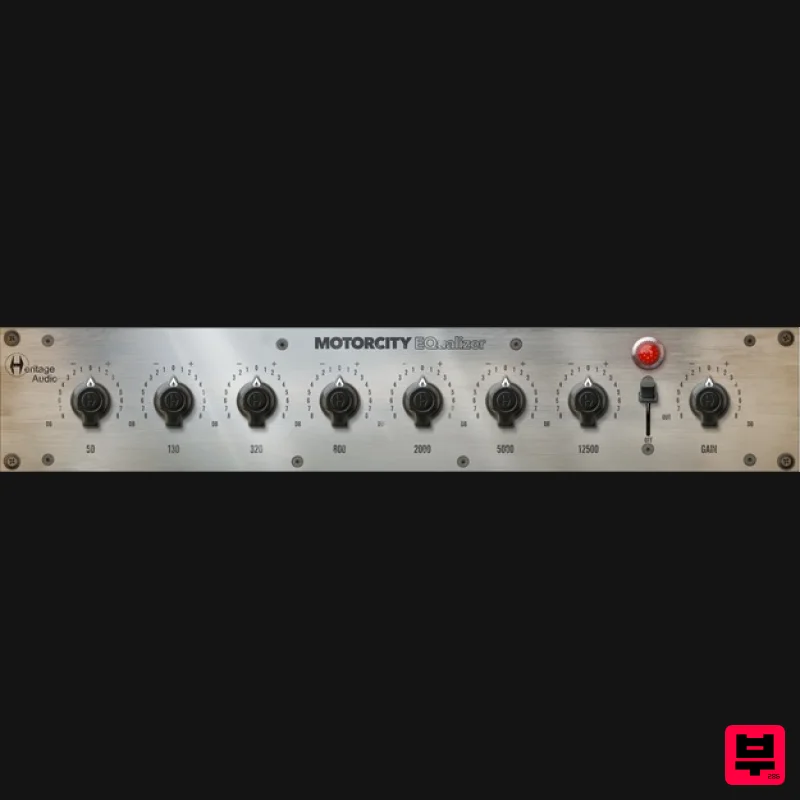
Heritage Audio MOTORCITY EQ
EQ
$104
The classiest EQ ever created finally gets the thorough plugin treatment it so long deserved Recreated from the...
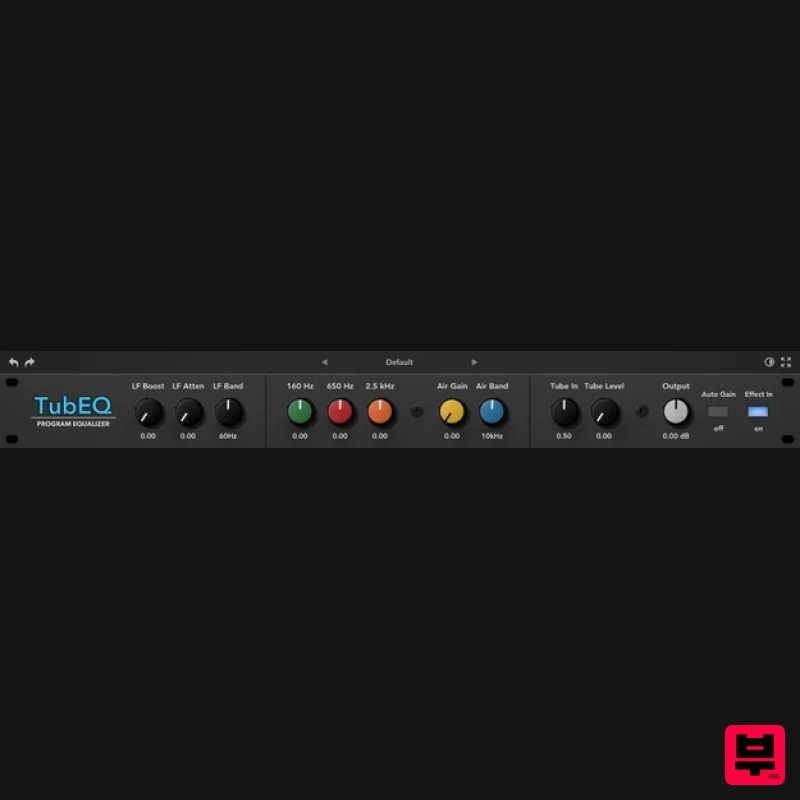
Rave Generation TubEQ
EQ
$42
TubEQ is an authentic analog equalizer plugin that combines the musical character of two legendary EQs in a single...
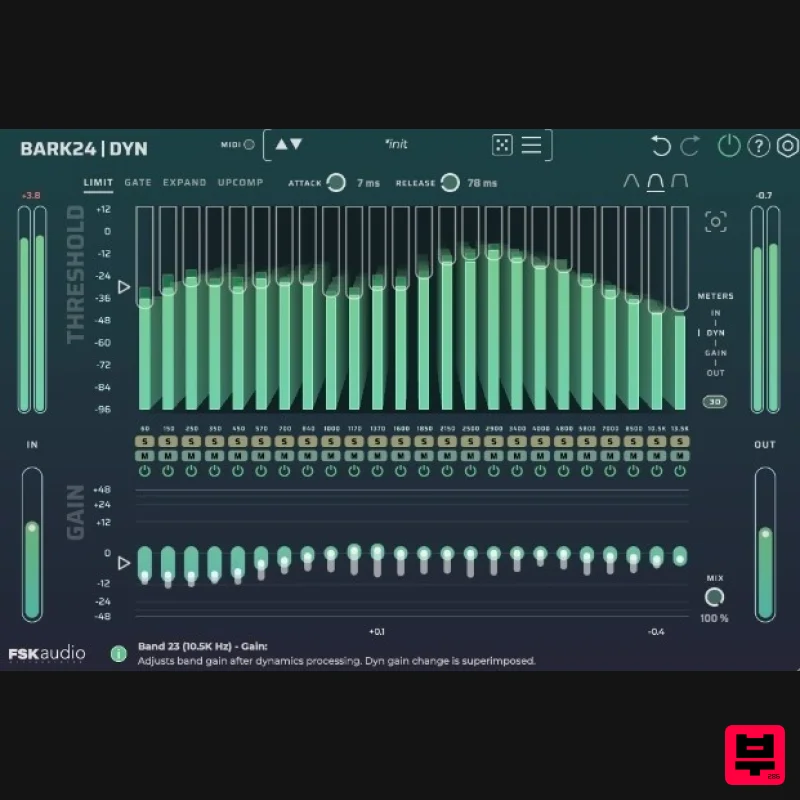
FSK Audio Bark24 | Dyn
EQ
$120
Bark24 | Dyn is a dynamic EQ that takes you far beyond a standard compressor or EQ. Based on the Bark scale - a model...
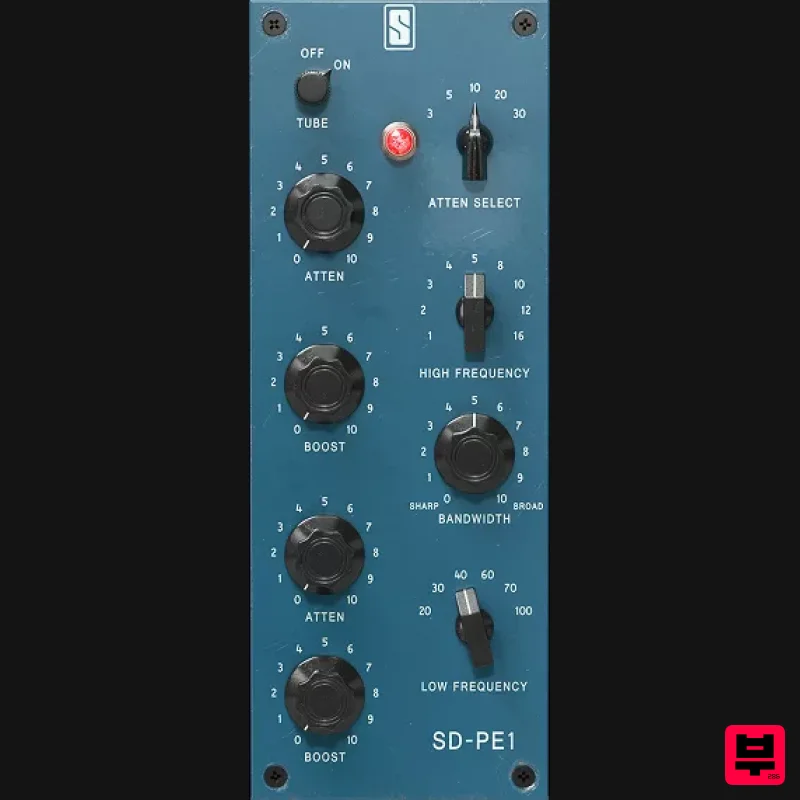
Slate Digital SD-PE1
EQ
$104
Meet SD-PE1! The most unique passive equalizer ever made joins the ever-expanding lineup of processors that make up the...
Frequently Asked Questions
The Soundtoys Sie-Q stands out for its exceptional Soundtoys craftsmanship and innovative design.
Yes! With its affordable price point and quality construction, it's perfect for learning eq.
Browse the similar products section to see how it stacks up against other eq.

