
Soundiron UFO 61
Professional music gear - detailed information and where to buy
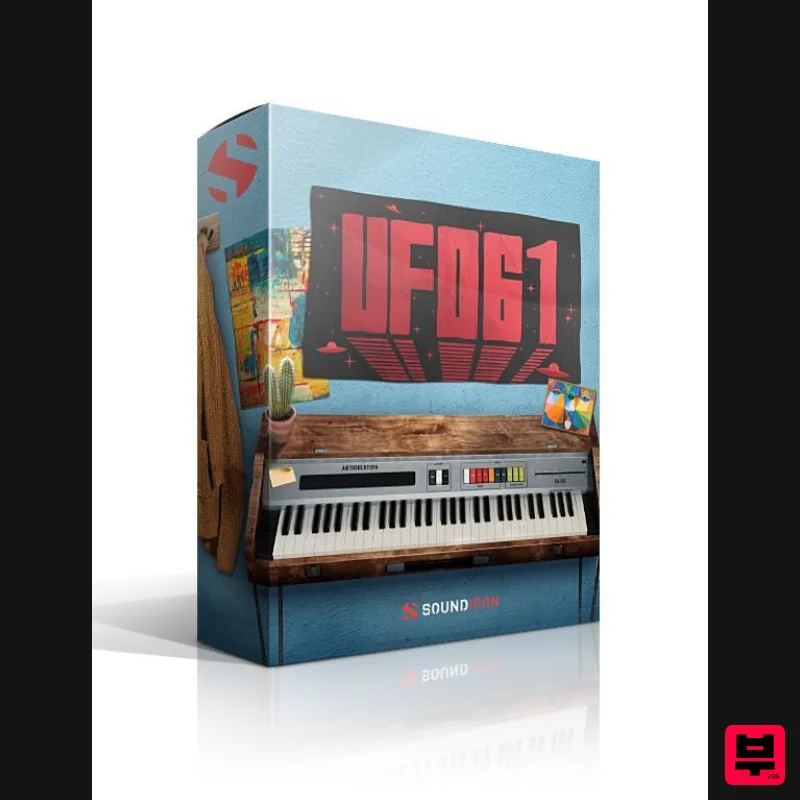
Soundiron
UFO 61
Product Info
* Prices may vary. Check retailer for current pricing and availability.
Product Description
- UFO 61 was recorded in a dry studio using a pair of Neumann TLM 103 large diaphragm microphones. Soundiron recorded its stock presets with sustains and staccato samples for each key. The included octave
- vibrato and FX rack give you an easy-to-use interface to completely customize and shape its fat analog sound to fit a variety of creative styles. The library comes equipped with flexible control features
- like Swell
- pitch Glide
- Attack
- Release
- Vibrato
- and Octave. There’s also a complete DSP effects rack
- including convolution reverb with dozens of unique spaces
- such as cathedrals
- churches
- halls
- bunkers
- garages
- tunnels
- chambers
- rooms and plenty of otherworldly FX impulses to fully explore an endless variety of strange and unexpected sonic manipulations. 2 Main Instrument Presets with advanced performance controls
- vibrato
- glide speed
- Filter
- Arp and full FX rack. 20 Custom Sound-Designed FX and Ambient presets. Sustains
- staccatos and sound-designed samples. Turn the Glide slider up for monophonic legato functionality
- or turn it down to 0 for standard polyphonic mode. The Octave knob gradually adds a lower and higher octave doubling effect for more body and power. Convolution Reverb with 119 different cathedrals
- churches
- chambers
- rooms
- halls and special effect impulses. A full multi-effects rack
- with EQ
- filter
- phaser
- flanger
- delay
- distortion
- amp & speaker simulation and more. Kontakt Format This library is designed for the full retail version of Native Instruments Kontakt 5.5 or later. Kontakt is an industry-standard advanced virtual instrument software platform. This library is packed with features to provide you a wide range of sound shaping parameter controls
- each one totally automation-ready in your host environment or Kontakt's stand-alone mode. This is a standard Kontakt open-format library
- so the free Kontakt Player does not fully support it and can only run it in a limited "demo mode". However
- the sample directories are unlocked so you can use them in other wav-compatible software
- sampler and synth formats. The special Libraries tab doesn't support this open-format Kontakt library
- but you can use the standard File browser tab and import this library into the Kontakt Quickload window for easy loading and navigation. Product Specs 2 main powerful open-format Kontakt .nki instruments 20 Custom Sound-Designed FX and Ambient presets 1.74 GB Installed 544 Stereo Samples 24 bit / 48kHz Stereo uncompressed PCM wav audio Unlocked wav samples can be directly imported into almost any wav-compatible plugin or DAW System Requirements Windows 7 or higher. Mac OSX 10.9 or higher. Dual Core CPU
- 2 GB System Ram
- SATA or SSD hard drive recommended for this library. Important Note: The full retail version of Native Instruments Kontakt version 5.5+ is required to use .nki instrument presets included in this library. The free Kontakt "Player" and "Add Library" import process do not support this standard open-format Kontakt library. Note: Sonespheres 1 - Distance is used as the example. Mac Installation 1. Download the installer from within your Plugin Boutique User Account > double-click the .zip file to extract the contents. 2. Double-click the .dmg file to begin the installation. 3. Enter your serial number
- found within your Plugin Boutique User Account > Click 'Verify'. 4. Click 'Okay'. 5. Read the Software Licensing Agreement > Click 'I Agree'. 6. Enter your name and email address > Click 'Confirm'. 7. Choose the download and install locations > Click 'Install'. 8. The installation is complete > Click 'Exit'. 9. Open Kontakt and click on the 'Files' tab. 10. Navigate to the location you chose to install your product in step 7 > Select the 'Instruments' folder. 11. Click and drag the .nki file into the main empty window in Kontakt. Your software is now ready to use in standalone or in your DAW! Windows Installation 1. Download the installer from within your Plugin Boutique User Account > Double-click the .exe file to begin the installation. 2. Enter your serial number
- found within your Plugin Boutique User Account > Click 'Verify'. 3. Click 'Okay'. 4. Read the Software Licensing Agreement > Click 'I Agree'. 5. Enter your name and email address > Click 'Confirm'. 6. Choose the download and install locations > Click 'Install'. 7. The installation is complete > Click 'Exit'. 8. Open Kontakt and click on the 'Files' tab. 9. Navigate to the location you chose to install your product in step 7 > Select the 'Instruments' folder. 10. Click and drag the .nki file into the main empty window in Kontakt. Your software is now ready to use in standalone or in your DAW!
Additional Information
About the Soundiron UFO 61
Discover the distinctive sound and feel of the Soundiron UFO 61, a standout choice among Kontakt Instrument.
Why Choose the Soundiron UFO 61?
- •Authentic Soundiron craftsmanship and design
- •Versatile sound suitable for multiple musical genres
- •Professional build quality and reliable performance
- •Part of Soundiron's respected Kontakt Instrument lineup
Compare & Explore
Browse our complete selection of Soundiron instruments or explore other Kontakt Instrument options. Use our comparison tools to find the perfect match for your musical style and budget.
Similar Products

DoubleBang Software Plugged
Kontakt Instrument

HD Instruments ZoneMatrix
Kontakt Instrument

Audiofier Aerkord
Kontakt Instrument

Ecliptiq Audio Hexa Rhythm Designer
Kontakt Instrument

The Beat House LE HITS THE ESSENTIALS
Kontakt Instrument

Aria Sounds Hybrichord
Kontakt Instrument

Audiofier Sequi2r EX
Kontakt Instrument

Rigid Audio Retrocade
Kontakt Instrument

