
Sound Particles Space Controller Studio
Professional music gear - detailed information and where to buy
Sound Particles
Space Controller Studio
Product Info
* Prices may vary. Check retailer for current pricing and availability.
Product Description
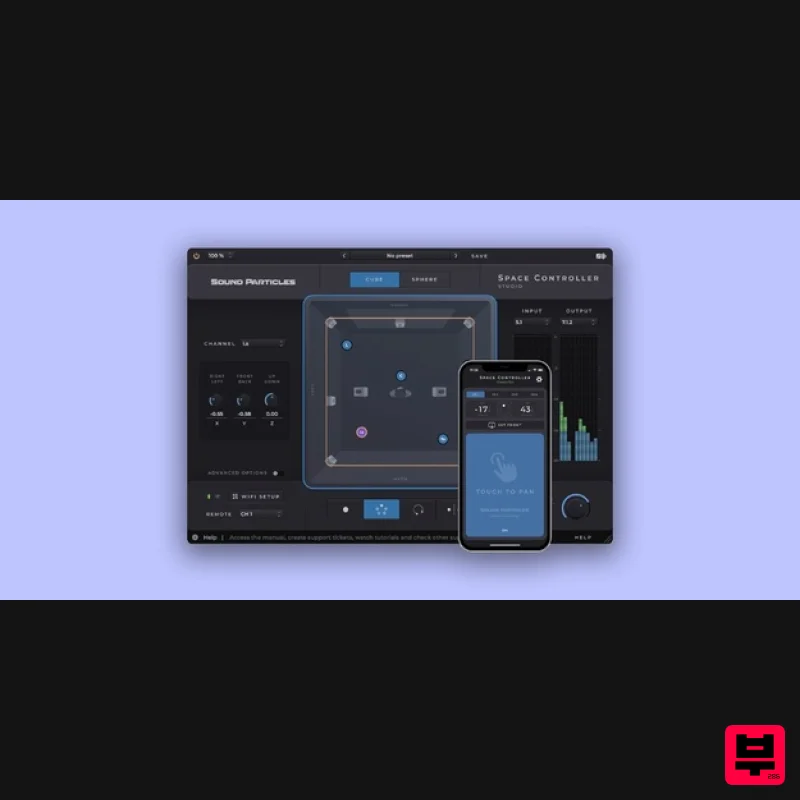
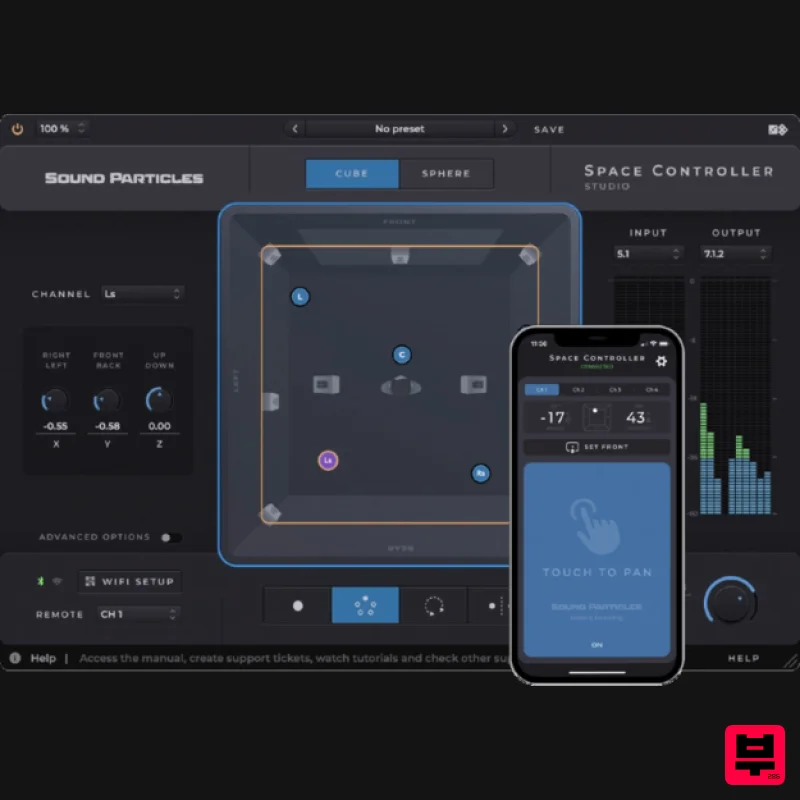
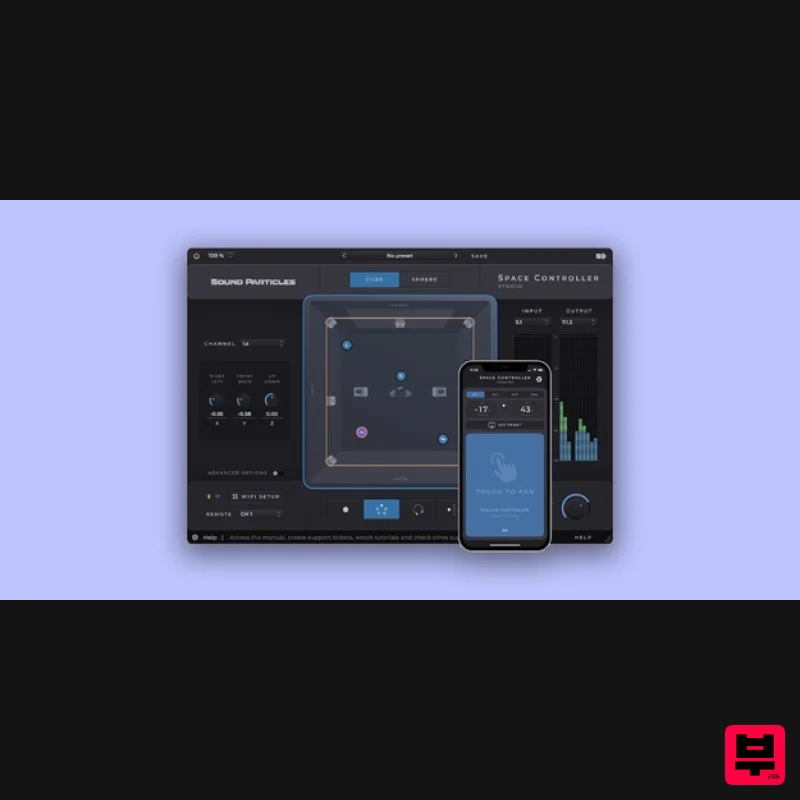
- Space Controller is the best way to pan sounds in surround and immersive. Simply connect your mobile device to a DAW
- use it as a movement reader and pan the sounds to where you’re pointing. Panning with knobs in stereo is perfectly fine. However
- when working with surround or 3D sound
- even when using joysticks
- it’s much harder to get the results you're looking for. By connecting a mobile device and its motion sensors with any DAW
- Sound Particles’ patent-pending technology offers a highly efficient and intuitive way to pan sounds to where you point the device. Every movement you can imagine is now possible
- easier than ever - and just a touch away. Space Controller is a plugin and an app
- that together allow you to pan sound from stereo to any immersive format
- either in a home studio or mixing stage. Space Controller Studio Benefits: Bluetooth + Wi-Fi Any Audio Format Perfect for a Mixing Stage Features Size - Space Controller allows changing the size of sources
- which will control the width of each sound. Higher sizes will make a sound reach for more speakers
- whereas sounds with sizes will reach less speakers. Locks - It is possible to individually hold each position-related parameters
- either as coordinates in Cube mode or angles in Sphere. Modes - Choose from four different modes - Mono
- Dual
- Rotation and Symmetric - to place and move each source independently
- control and rotate the entire sound field
- or even use the Symmetric Mode to control the width of a 5.1 recording. Cube vs Sphere - Space Controller offers the possibility of panning either in Cube or Sphere Mode
- depending on your preferred workflow. Multiple Views - It is possible to select between the top and rear views to get consistent visual cues of where the sound is being placed. Stereo
- Multichannel and Immersive Support - From stereo to 5.1
- from HOA to Binaural
- from 7.1 to Dolby Atmos
- Space Controller Studio provides several output options for the panner. iPod Support - Do you want a cheap dedicated controller for your studio? You can use an iPod touch instead of a mobile phone. Dolby Atmos Objects - Copy and paste automation to Dolby Atmos Objects Pan in even more audio formats - Quad
- LCRS
- 5.0.2
- 5.1.2
- 5.0.4
- 5.1.4
- 7.0.4
- 7.0.6
- 7.1.6
- 9.0.8
- 9.1.8
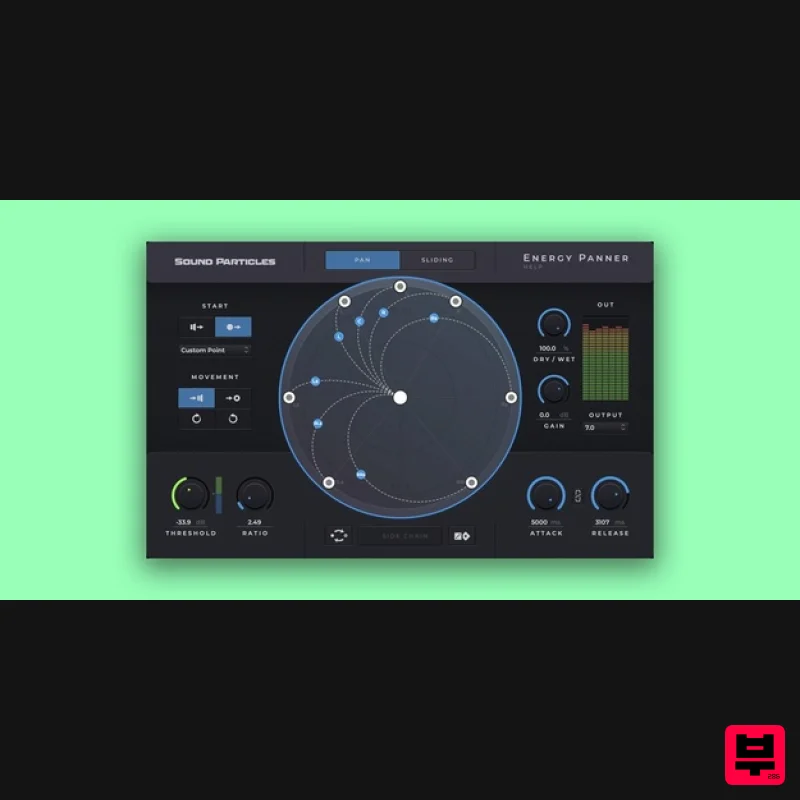
- 11.1.8 LFE - Control the LFE channel Links - Work with an increased number of communication links (128) System Requirements Mac macOS 10.12 or higher (64-bit only) (Intel / M1 Apple Silicon supported) AAX Native / AU / VST / VST3 Windows Windows 10 SP1 or above AAX Native / VST / VST3 Minimum Requirements 2-core CPU or higher 4GB RAM or higher 600 MB of Disk Space Recommended Requirements 4-core CPU or higher 8GB RAM or higher 600 MB of Disk Space Audio Plugin Guy "I was consumed by how much fun it was. Space Controller is a 10/10 must-try plugin." Please Note: Energy Panner is used as an example. Windows Registration 1. Go to https://soundparticles.com/register > Enter your Name
- Email Address
- Password and Country > click 'REGISTER'. 2. Click 'CLAIM VOUCHER'. 3. Enter your voucher code
- found in the serial number section of your Plugin Boutique Account > click 'CLAIM'. Installation 1. Click 'DOWNLOAD'. 2. Select the version of the product you wish to install > click 'DOWNLOAD'. 3. Open the downloaded .zip folder and click > the .msi file. To begin the installation process > Click 'Next'. 4. Select 'I accept the terms in the License Agreement' > Click 'Next'. 5. Choose the plugin formats you would like to be installed > Click 'Next'. 6. Click 'Install' > click 'Allow' to begin the installation process. 7. Click 'Finish'. Your software is now activated and ready to use. Mac Registration 1. Go to https: //soundparticles.com/register > Enter your Name
- Email Address
- Password and Country > click 'REGISTER'. 2. Click 'CLAIM VOUCHER'. 3. Enter your voucher code
- found in the serial number section of your Plugin Boutique Account > click 'CLAIM'. Installation 1. Click 'DOWNLOAD'. 2. Select the version of the product you wish to install > click 'DOWNLOAD'. 3. Open the downloaded .dmg file > click 'Agree' on the User Agreement to begin the installation process. 4. Select 'Install'. 5. Click 'Continue'. 6. Choose the plugin formats you would like to be installed > click 'Continue'. 7. Choose your preferred 'Install Location' > click 'Install' 8. Once the software is installed > click 'Close'. Your software is now activated and ready to use.
Additional Information
About the Sound Particles Space Controller Studio
The Sound Particles Space Controller Studio represents excellent craftsmanship in the Stereo Width category.
Why Choose the Sound Particles Space Controller Studio?
- •Authentic Sound Particles craftsmanship and design
- •Versatile sound suitable for multiple musical genres
- •Professional build quality and reliable performance
- •Part of Sound Particles's respected Stereo Width lineup
Compare & Explore
Browse our complete selection of Sound Particles instruments or explore other Stereo Width options. Use our comparison tools to find the perfect match for your musical style and budget.
Similar Products
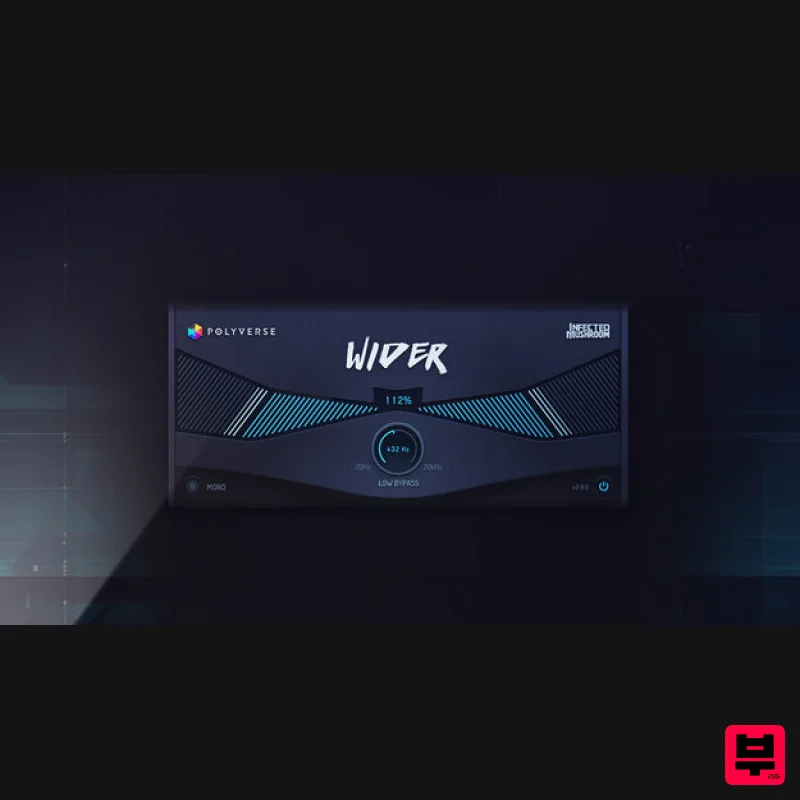
Polyverse Wider 2
Stereo Width
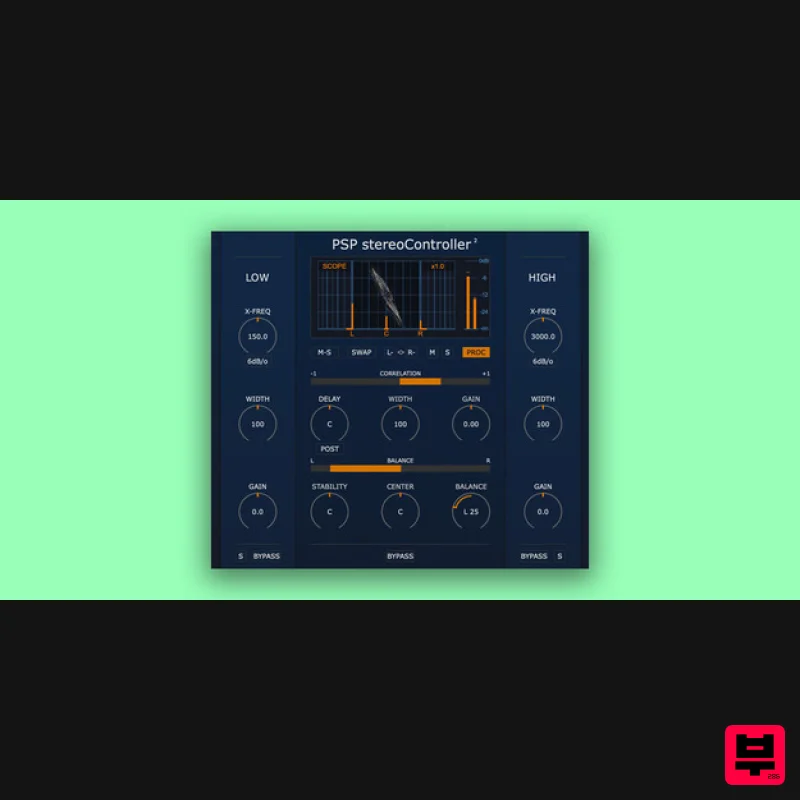
PSP Audioware PSP StereoController2
Stereo Width
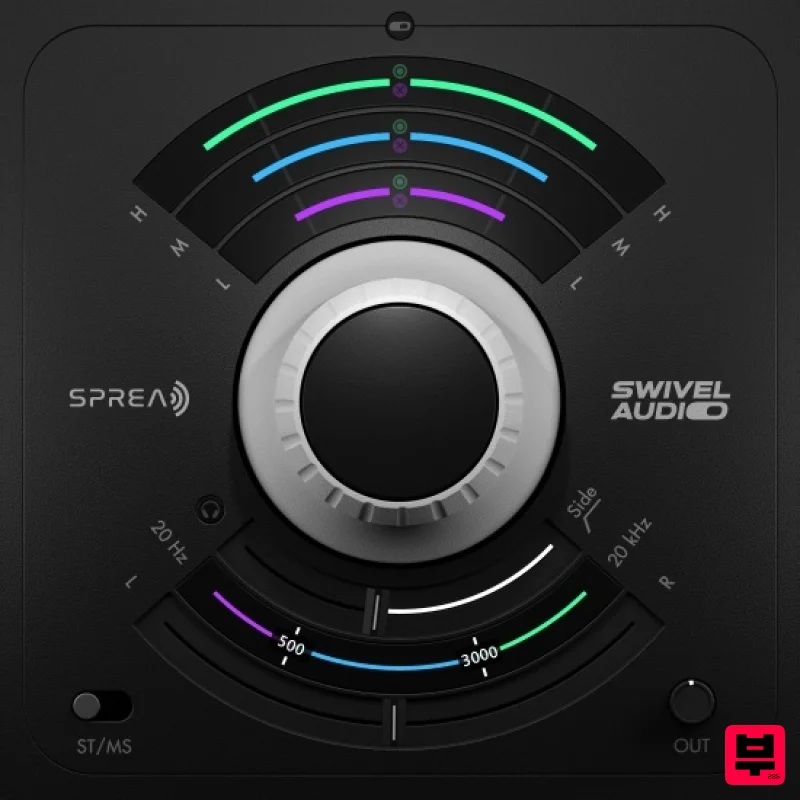
Plugin Alliance Swivel Audio Spread
Stereo Width
Sound Particles Space Controller Standard | Educational Version
Stereo Width
Sound Particles Brightness Panner | Educational Version
Stereo Width
Sound Particles Energy Panner | Educational Version
Stereo Width
Harrison Consoles Tremolo Panner
Stereo Width
Sound Particles Space Controller Studio | Educational Version
Stereo Width

