
Sound Particles Sound Particles Indie
Professional music gear - detailed information and where to buy
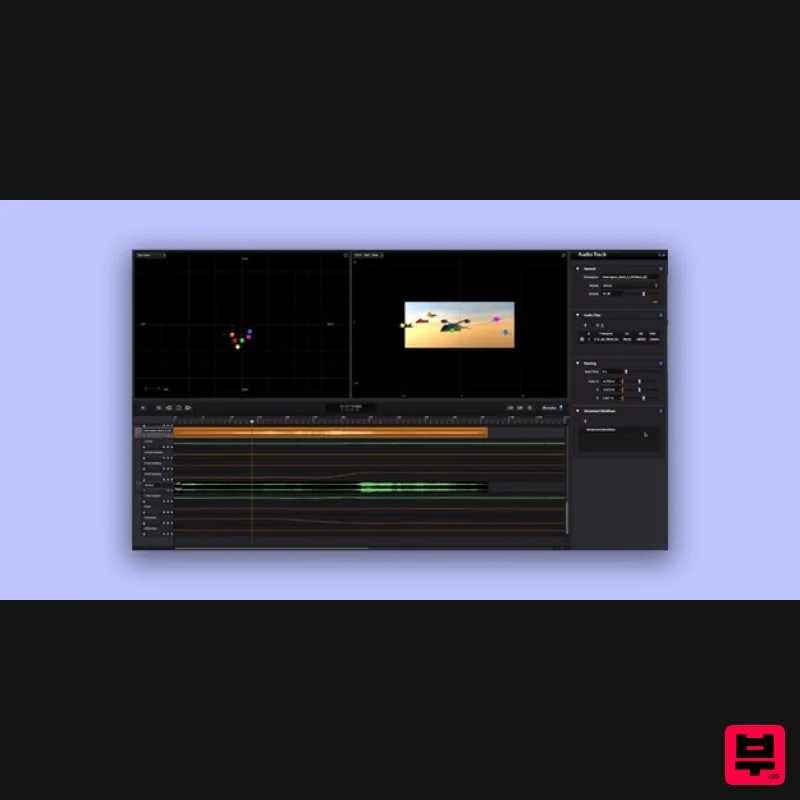
Sound Particles
Sound Particles Indie
Product Info
* Prices may vary. Check retailer for current pricing and availability.
Product Description
- The Ultimate 3D Audio Software Sound Particles is an audio software application capable of generating thousands (even millions) of sounds in a virtual 3D audio world. This immersive audio application will enable you to create highly complex sounds on the fly
- which will ultimately enable you to create new sounds better and faster than ever. Sound Particles has been nominated for an 'Outstanding Product' award by the Cinema Audio Society. This is the Indie version of Sound Particles - the Sound Particles Pro is also available
- which includes the Doppler + Air plugins. All-New Engine The 2.1 update incorporates a new audio engine
- responding to real-time changes with optimized iterations
- delivering your sound design in the best audio quality possible. Batch Processing Create your session and set Sound Particles to output hundreds of different renders in one pass. This feature makes mass production of sound effects a reality. Track Presets Create and save an infinite number of track and microphone settings
- recall track setups with just two mouse clicks. Includes 100+ professionally crafted presets. User Templates Save your sessions as templates. Include any number of tracks or microphones
- never start from scratch again. Enable / Disable Enable or disable audio files
- movement or audio modifiers. Experimenting with different techniques was never as easy as it is with version 2.1. Sound Particles is something completely different from any other professional 3D audio software that exists today. Sound Particles uses the concept of computer graphics
- but for audio: each particle represents a 3D sound source (instead of a 3D object) and a virtual microphone captures the virtual sound of the particles (instead of the virtual CGI camera). Imagine that you want to create the sound of a battlefield with Sound Particles. You could create 10.000 particles (sound sources)
- spread them over a square mile
- pick 50 war-related sounds from your sound library and render the entire scene with a virtual microphone (5.1
- Dolby Atmos 9.1 bed
- etc.). Each particle would randomly select one of the war-related sounds for reproduction
- which means that some particles would reproduce the 1st audio files
- other particles would reproduce the 2nd audio files
- and so on. Also
- each particle (sound source) would be positioned randomly on a square with a length of 1 mile. To obtain more interesting results
- movement modifiers would add motion to the particles and audio modifiers would apply random gains
- delays
- EQ or time/pitch variations. The virtual microphone will be responsible for capturing the virtual sound of the scene
- based on its position
- direction and the position of all particles. The sound of all particles is rendered
- taking into consideration things like propagation attenuation
- speed of sound and Doppler effect. There's more! CGI Integration Working on animations or cinematics? Import 3D information from animations or visual effects into Sound Particles and attach sound to 3D objects in order to make your mix quicker than ever. Real-time Rendering Sound Particles now lets you hear
- in real-time
- the changes you perform. Adjust every parameter you desire
- and the rendering process will automatically adapt to the changes. Binaural Monitoring Sound Particles will let you monitor binaural audio by decoding any type of audio format. Additionally
- by using Ambisonics virtual microphones and the VR Client application
- you can monitor your mix with head-tracking while watching a 360 video. VR Client App Test Sound Particles virtual reality projects on your Android device using this mobile application which communicates directly with the desktop application via IP. Includes 360 video
- Ambisonics and head-tracking support. Windows Support The ultimate 3D audio software now supports both macOS and Windows. Now
- by using these two operative systems
- you can get the best out of two worlds with full compatibility between projects. Sound Particles Indie vs. Pro Comparison Chart System Requirements Operating System Mac OSX 10.9 or higher Windows 7/8/10 Minimum Requirements CPU - 2-core or higher RAM - 4 GB or higher Disk Space 620 MB Recommended Requirements CPU - 4-core or higher RAM - 8 GB or higher Disk Space - 620 MB Awards Benjamin Cook "We’re able to do all sorts of really challenging soundscapes using particles. It’s a fascinating tool that I’ve used a lot on the show to build elements." Jason W. Jennings "I can honestly say that I’ve never used software like Sound Particles before. It is really quite extraordinary - I’m fascinated by it." David Farmer "Sound Particles produces audio content in a fresh and innovative way." Note: Energy Panner is used as an example. Windows Registration 1. Go to https://soundparticles.com/register > Enter your Name
- Email Address
- Password and Country > click 'REGISTER'. 2. Click 'CLAIM VOUCHER'. 3. Enter your voucher code
- found in the serial number section of your Plugin Boutique Account > click 'CLAIM'. Installation 1. Click 'DOWNLOAD'. 2. Select the version of the product you wish to install > click 'DOWNLOAD'. 3. Open the downloaded .zip folder and click > the .msi file. To begin the installation process > Click 'Next'. 4. Select 'I accept the terms in the License Agreement' > Click 'Next'. 5. Choose the plugin formats you would like to be installed > Click 'Next'. 6. Click 'Install' > click 'Allow' to begin the installation process. 7. Click 'Finish'. Your software is now activated and ready to use. Mac Registration 1. Go to https: //soundparticles.com/register > Enter your Name
- Email Address
- Password and Country > click 'REGISTER'. 2. Click 'CLAIM VOUCHER'. 3. Enter your voucher code
- found in the serial number section of your Plugin Boutique Account > click 'CLAIM'. Installation 1. Click 'DOWNLOAD'. 2. Select the version of the product you wish to install > click 'DOWNLOAD'. 3. Open the downloaded .dmg file > click 'Agree' on the User Agreement to begin the installation process. 4. Select 'Install'. 5. Click 'Continue'. 6. Choose the plugin formats you would like to be installed > click 'Continue'. 7. Choose your preferred 'Install Location' > click 'Install' 8. Once the software is installed > click 'Close'. Your software is now activated and ready to use.
Additional Information
About the Sound Particles Sound Particles Indie
The Sound Particles Sound Particles Indie combines traditional design with modern performance for Audio Editor enthusiasts.
Why Choose the Sound Particles Sound Particles Indie?
- •Authentic Sound Particles craftsmanship and design
- •Versatile sound suitable for multiple musical genres
- •Professional build quality and reliable performance
- •Part of Sound Particles's respected Audio Editor lineup
Compare & Explore
Browse our complete selection of Sound Particles instruments or explore other Audio Editor options. Use our comparison tools to find the perfect match for your musical style and budget.
Similar Products
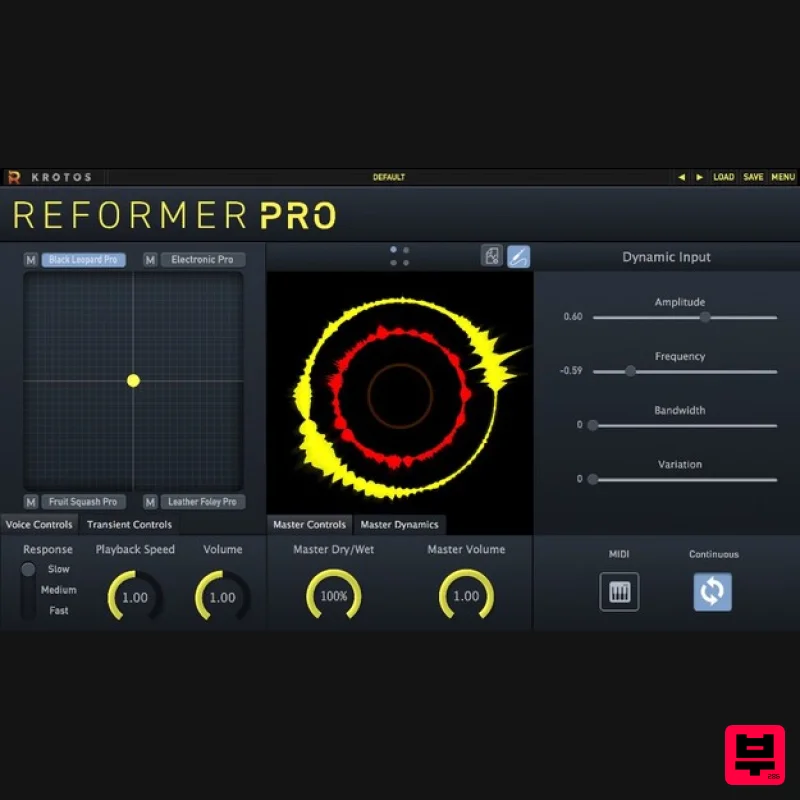
Krotos Reformer Pro
Audio Editor
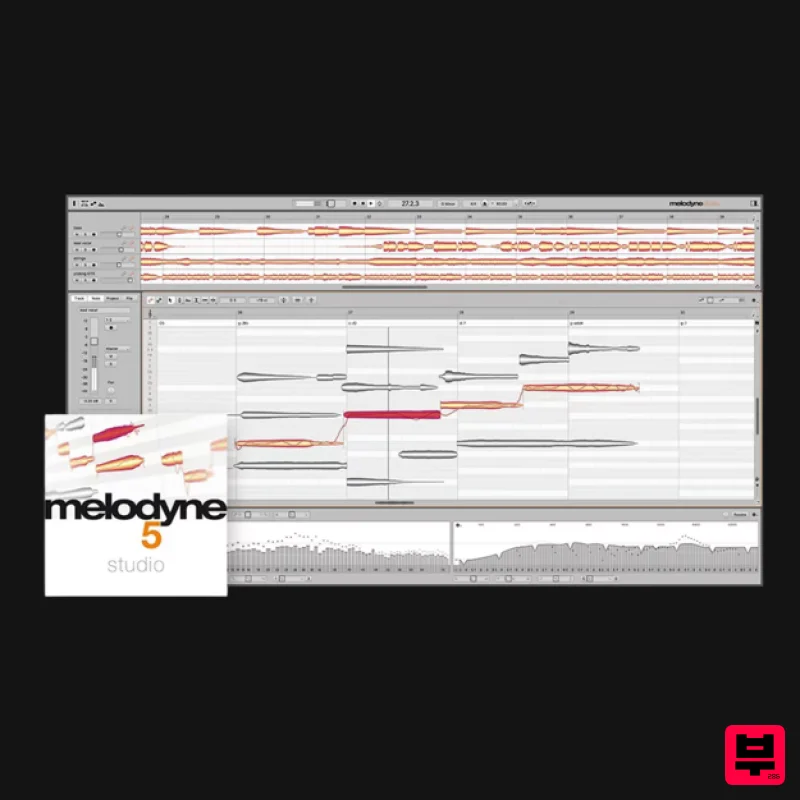
Celemony Melodyne 5 Studio
Audio Editor
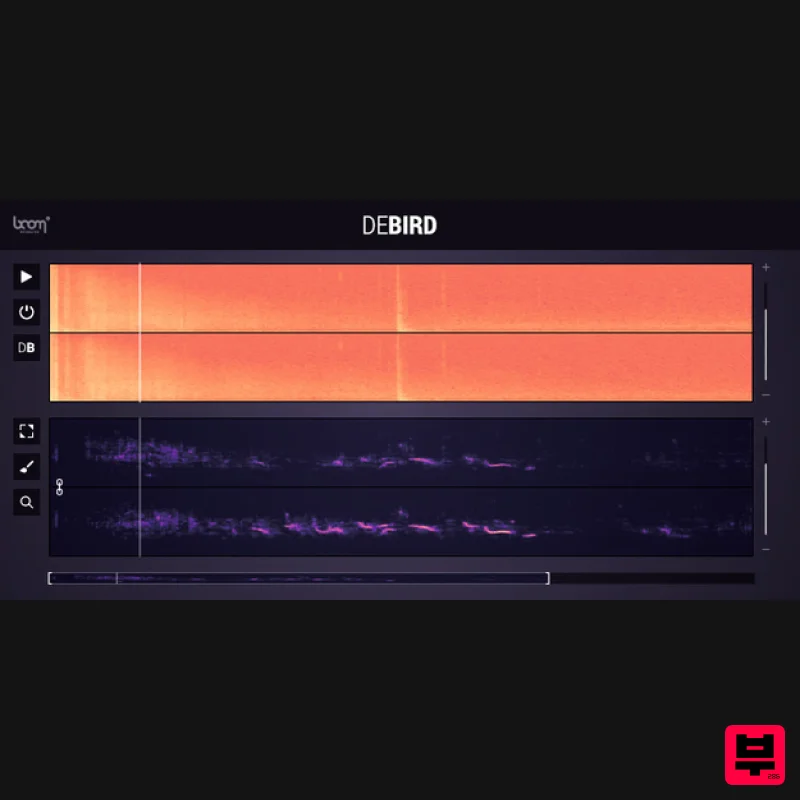
Boom DEBIRD
Audio Editor
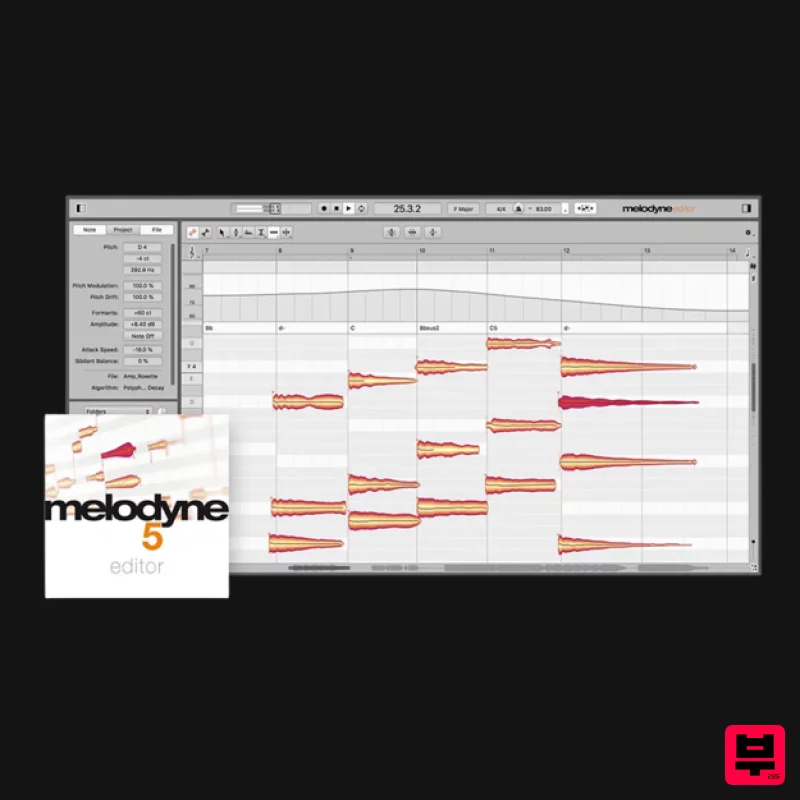
Celemony Melodyne 5 Editor
Audio Editor
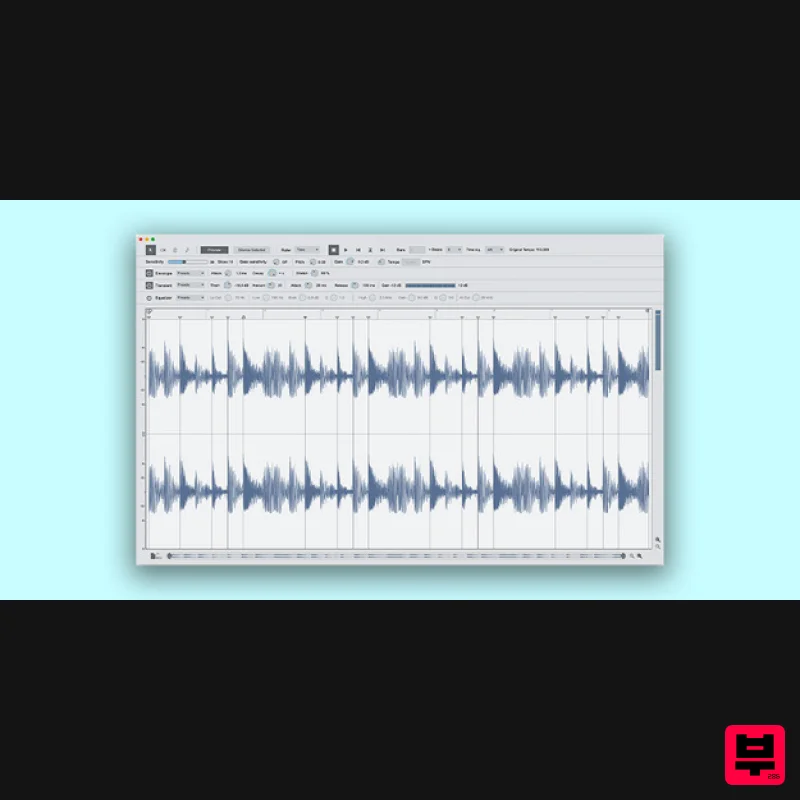
Reason Studios ReCycle 2.5
Audio Editor
Celemony Celemony Melodyne 5 Assistant
Audio Editor

Yum Audio Extractor
Audio Editor
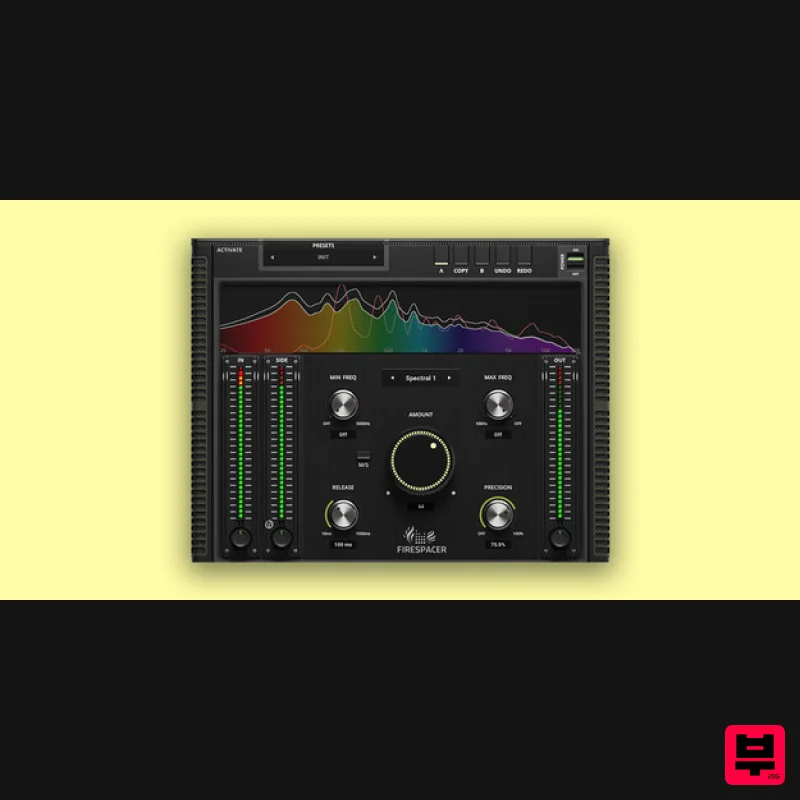
United Plugins FireSpacer
Audio Editor

