
Sound Particles inDelay
Professional music gear - detailed information and where to buy
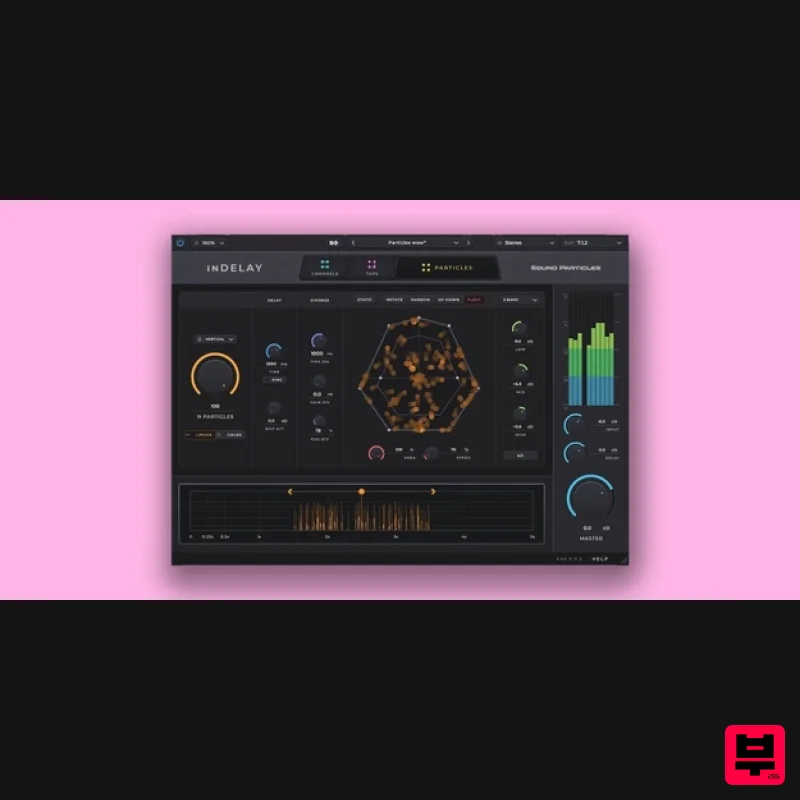
Sound Particles
inDelay
Product Info
* Prices may vary. Check retailer for current pricing and availability.
Product Description
- inDelay is a modern delay plugin with groundbreaking advanced features never seen before. Particle-ize your delays with a click
- add Air simulation to create more realism or go under the hood and customize independent channel sources for each of the 16 taps available. Fast. Easy. Unlimited creative options. Features Dynamic Particles System - Experience the power of Sound Particles' 3D engine
- loved by Hollywood
- Bollywood & beyond
- running in your delay. Add a touch of magic to your sounds. Up to 100 Delays - Create up to 100 delays simultaneously for unparalleled depth and complexity in your audio projects. Delay Movements - Bring life to your mixes by adding movement to your delays. Intuitive Time Editor - Easily shape your delays using the visual time editor. Click and drag to adjust multiple parameters effortlessly
- managing present and past delays with precision. Air Simulation - Achieve the most natural-sounding delays with air absorption
- simulating the depth and distance of each delay particle for realistic audio effects. Soundscape Mode - Discover the secrets of crafting the perfect soundscape with inDelay
- turning your audio into an immersive experience. Channel Customization - Gain maximum spatial control by positioning your delays exactly where you want them within your audio environment. Random Presets - With a click of a button
- get the creative gold mine in your search for “happy accidents”. Craziness - Transform your mix with the "Craziness" knob
- turning your delays into rich
- lush reverbs with a simple twist. 30+ output formats - Acquire complete flexibility by supporting all major output formats
- from mono to stereo
- High Order Ambisonics
- Sony 360 or Dolby Atmos. System Requirements Operating System Mac OSX 10.15 or higher (Intel and native Apple Silicon Macs supported) Windows 10 or higher Minimum Requirements CPU - 2-core or higher RAM - 4 GB or higher Disk Space 600 MB Recommended Requirements CPU - 4-core or higher RAM - 8 GB or higher Disk Space - 600 MB Formats AAX Native AU AUv3 VST VST3 Note: Pro Tools 64-bit compatible (PT11 and above) required for AAX Important note: Energy Panner is used as an example as the installation process is the same for all Sound Particles products. Windows Registration 1. Go to https://soundparticles.com/register > Enter your Name
- Email Address
- Password and Country > click 'REGISTER'. 2. Click 'CLAIM VOUCHER'. 3. Enter your voucher code
- found in the serial number section of your Plugin Boutique Account > click 'CLAIM'. Installation 1. Click 'DOWNLOAD'. 2. Select the version of the product you wish to install > click 'DOWNLOAD'. 3. Open the downloaded .zip folder and click > the .msi file. To begin the installation process > Click 'Next'. 4. Select 'I accept the terms in the License Agreement' > Click 'Next'. 5. Choose the plugin formats you would like to be installed > Click 'Next'. 6. Click 'Install' > click 'Allow' to begin the installation process. 7. Click 'Finish'. Your software is now activated and ready to use. Mac Registration 1. Go to https: //soundparticles.com/register > Enter your Name
- Email Address
- Password and Country > click 'REGISTER'. 2. Click 'CLAIM VOUCHER'. 3. Enter your voucher code
- found in the serial number section of your Plugin Boutique Account > click 'CLAIM'. Installation 1. Click 'DOWNLOAD'. 2. Select the version of the product you wish to install > click 'DOWNLOAD'. 3. Open the downloaded .dmg file > click 'Agree' on the User Agreement to begin the installation process. 4. Select 'Install'. 5. Click 'Continue'. 6. Choose the plugin formats you would like to be installed > click 'Continue'. 7. Choose your preferred 'Install Location' > click 'Install' 8. Once the software is installed > click 'Close'. Your software is now activated and ready to use.
Additional Information
About the Sound Particles inDelay
The Sound Particles inDelay combines traditional design with modern performance for Delay enthusiasts.
Why Choose the Sound Particles inDelay?
- •Authentic Sound Particles craftsmanship and design
- •Versatile sound suitable for multiple musical genres
- •Professional build quality and reliable performance
- •Part of Sound Particles's respected Delay lineup
Compare & Explore
Browse our complete selection of Sound Particles instruments or explore other Delay options. Use our comparison tools to find the perfect match for your musical style and budget.
Similar Products
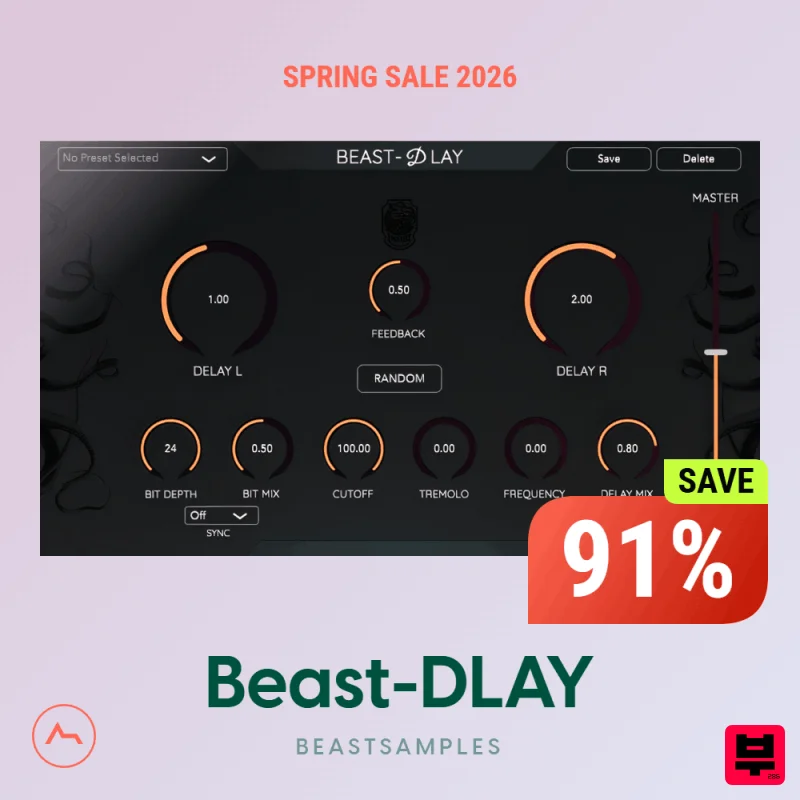
Beastsamples Beast-DLAY
Delay
$30
Beast-Dlay is a game-changer delay VST plugin with unprecedented processing power ready to add the hardware realism and...

Korneff Audio Micro Digital Reverberator
Delay
$30
Nerdy. Easy. Super Cool. The Micro Digital Reverberator combines killer reverb and delay effects with a super friendly...
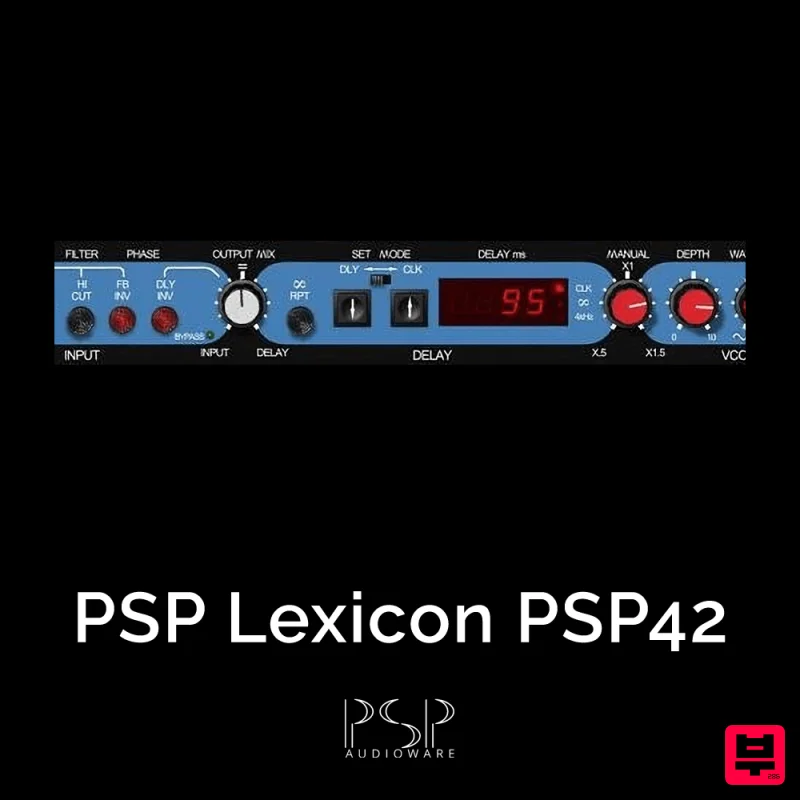
PSP Audioware PSP Lexicon PSP42x
Delay
$30
Lexicon PSP 42 is a high-quality digital stereo delay and phrase sampler plug-in based on the legendary Lexicon PCM42...
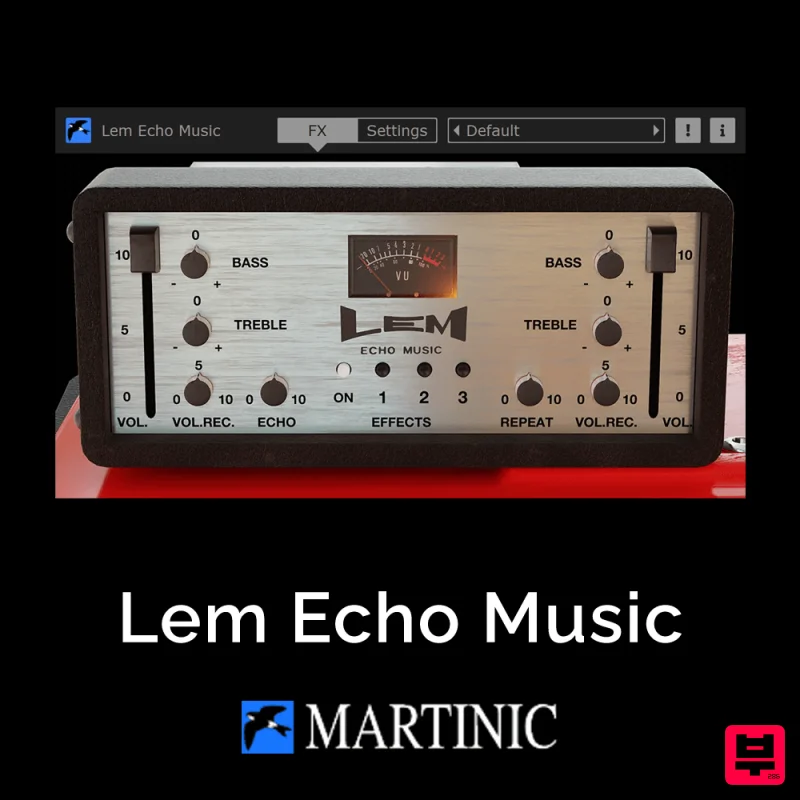
Martinic Lem Echo Music
Delay
$30
Authentic Vintage Tape Delay Emulation with Added Customization The Lem Echo Music plugin recreates the nostalgic tones...
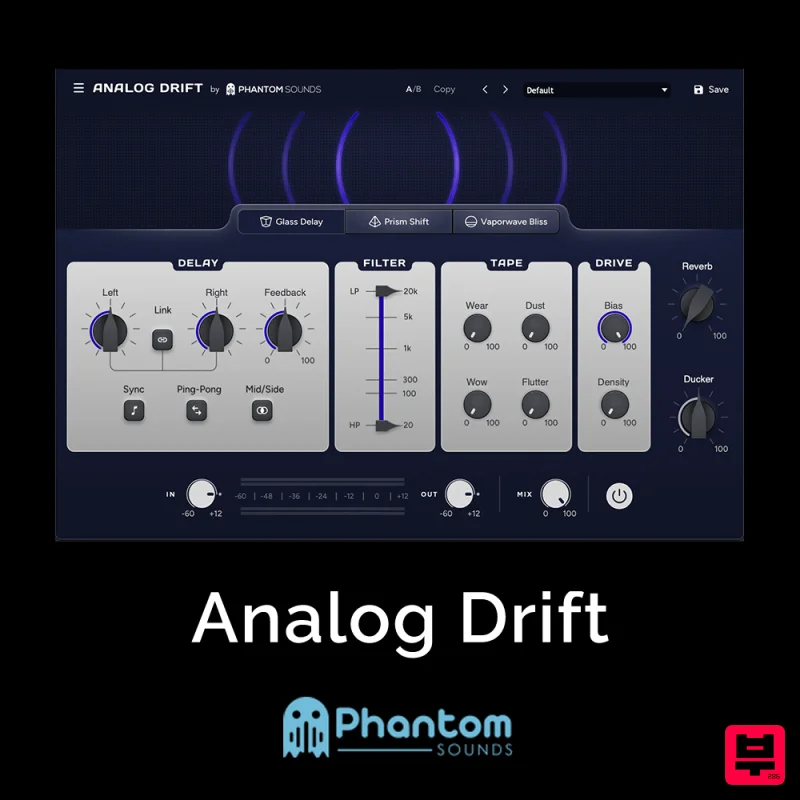
Phantom Sounds Analog Drift
Delay
$30
Redefine Your Sound with Distinctive Delays Analog Drift is a delay plugin that combines the pristine clarity of...
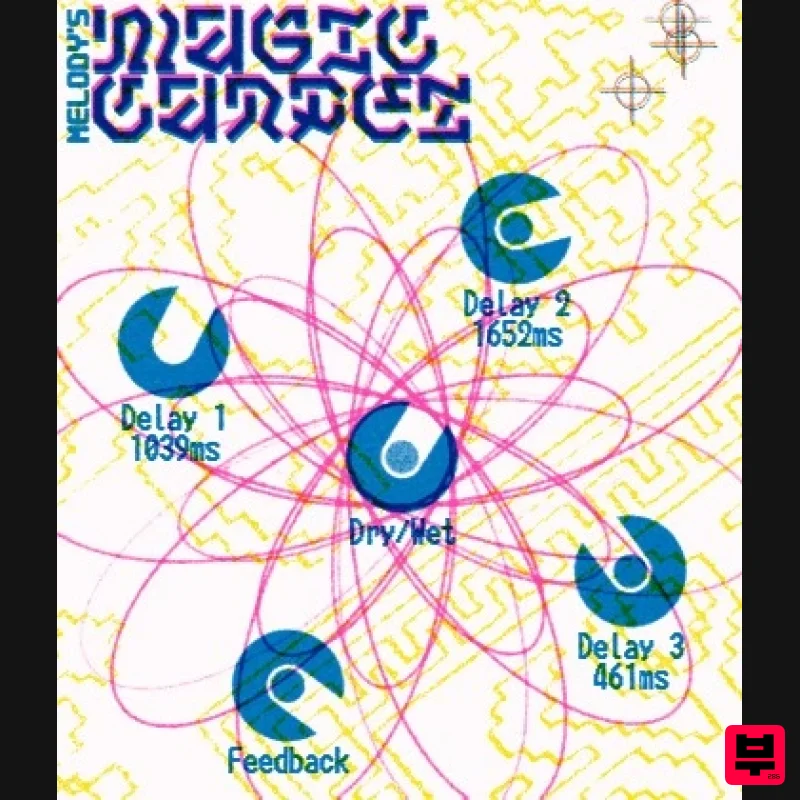
UnplugRed Magic Carpet
Delay
Free
Three delay lines with a shared feedback path, makes a delay that starts sparse but continues to get denser with each...
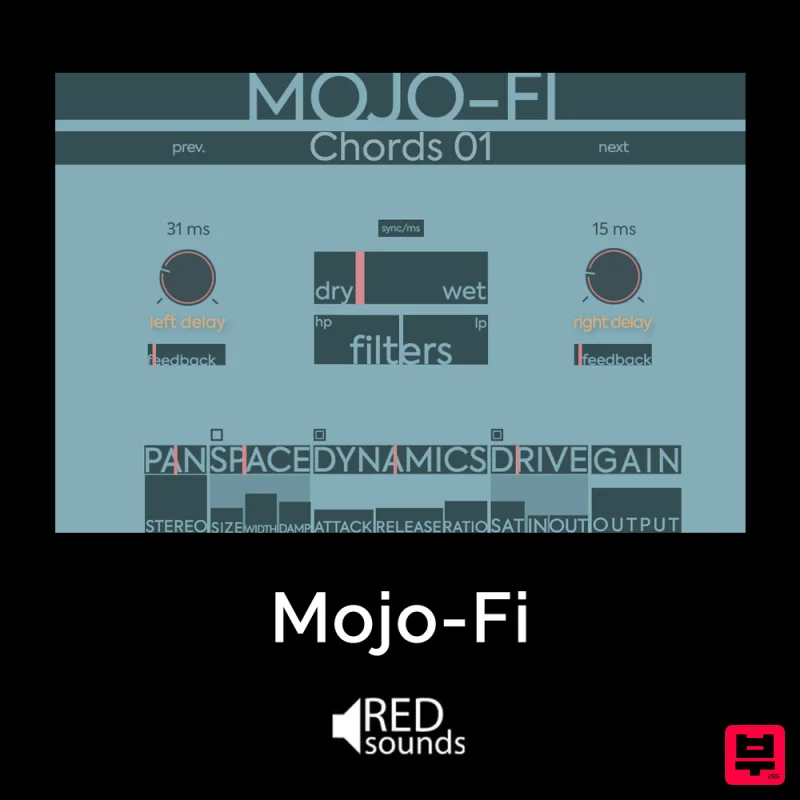
Red Sounds Mojo-Fi
Delay
$30
Multi-effect Delay Plugin On Steroids Great for adding life and texture to your boring soft synths, pianos, drums, and...
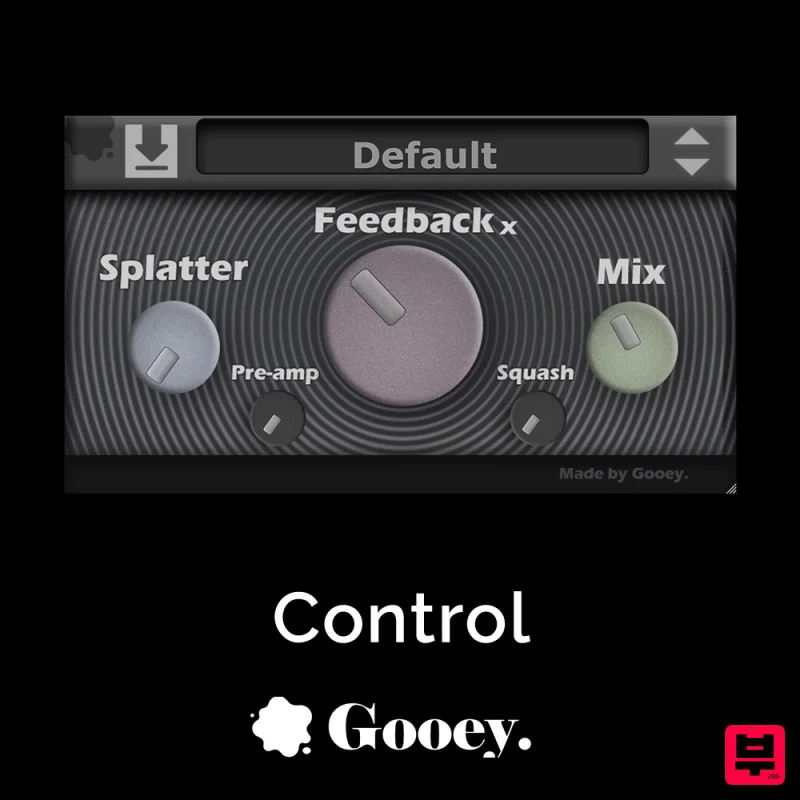
Gooey Audio Control
Delay
$30
Control by Gooey Audio is a feedback delay network plugin built for experimental sound designers, ambient composers,...
Frequently Asked Questions
The Sound Particles inDelay stands out for its exceptional Sound Particles craftsmanship and innovative design.
Yes! With its affordable price point and quality construction, it's perfect for learning delay.
Browse the similar products section to see how it stacks up against other delay.

