
Sound Particles Brightness Panner
Professional music gear - detailed information and where to buy
Sound Particles
Brightness Panner
Product Info
* Prices may vary. Check retailer for current pricing and availability.
Product Description
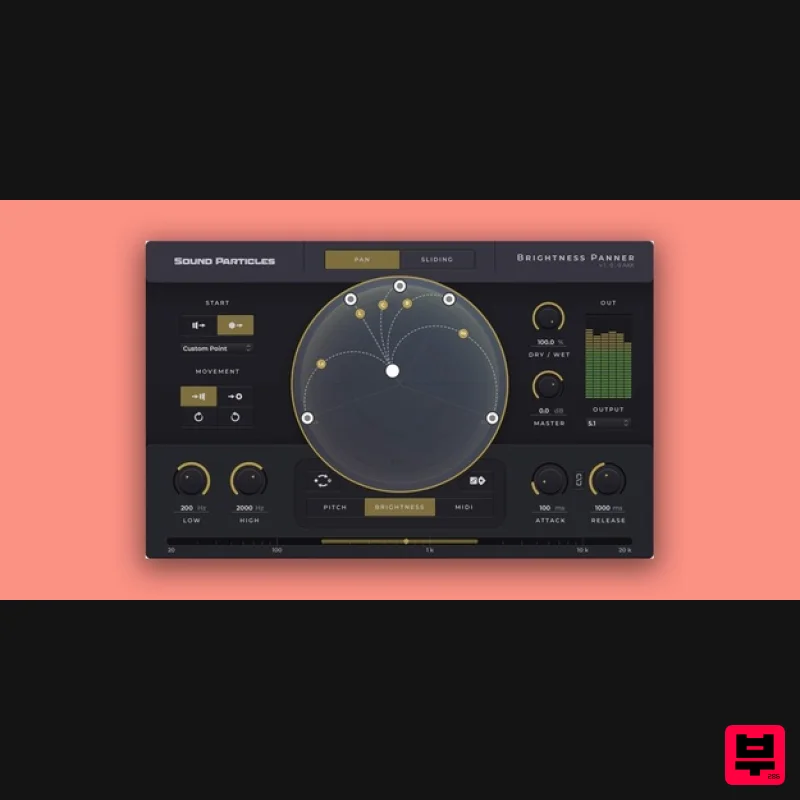
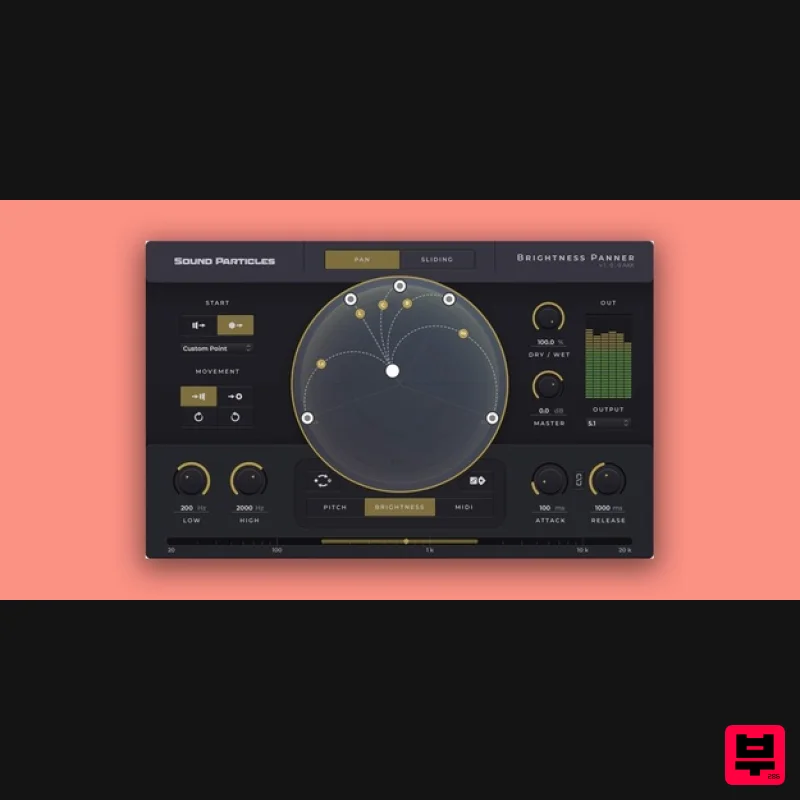
- Brightness Panner will change the way you use sound in space
- enriching your mixes by spreading sound around you. This unique audio plugin makes panning easier than ever
- by applying movement to your sounds using Brightness
- Pitch and MIDI analysis. Brightness Panner dynamically pans sound based on frequency
- pitch or MIDI notes
- using the familiar dynamics parameters of threshold
- ratio
- attack and release to pan channel outputs to any speaker configuration. From stereo to Atmos
- from 5.1 to binaural or Ambisonics Brightness Panner enables music
- post-production and game audio professionals to simply and creatively add dynamic movement to their mixes. Brightness Analysis Brightness Panner analyzes the spectrum of sounds in order to pan them in 3D according to a range of frequencies set by the user. Pitch Analysis Brightness Panner identifies the pitch of individual notes and pans them in 3D according to a range of pitch values set by the user. MIDI Analysis Brightness Panner receives MIDI notes and pans sounds in 3D according to a range of MIDI notes set by the user. Features Dynamic Movement: Easily set how the sounds will move. For instance
- will they move from the speaker's position to the centre or will they move clockwise starting from a custom position? Visualization Dome: Track every single movement the sounds are making through the main component of the plugin’s UI: the dome. Randomization: Running out of ideas? Don’t worry! The Brightness Panner has a randomize option that outputs a new result each time you click it. System Requirements Operating System Mac OSX 10.11 or higher (Intel and native Apple Silicon Macs supported) Windows 10 or higher Minimum Requirements CPU - 2-core or higher RAM - 4 GB or higher Disk Space 600 MB Recommended Requirements CPU - 4-core or higher RAM - 8 GB or higher Disk Space - 600 MB Formats AAX Native AU AUv3 VST VST3 Note: Pro Tools 64-bit compatible (PT11 and above) required for AAX Important note: Energy Panner is used as an example as the installation process is the same for all Sound Particles products. Windows Registration 1. Go to https://soundparticles.com/register > Enter your Name
- Email Address
- Password and Country > click 'REGISTER'. 2. Click 'CLAIM VOUCHER'. 3. Enter your voucher code
- found in the serial number section of your Plugin Boutique Account > click 'CLAIM'. Installation 1. Click 'DOWNLOAD'. 2. Select the version of the product you wish to install > click 'DOWNLOAD'. 3. Open the downloaded .zip folder and click > the .msi file. To begin the installation process > Click 'Next'. 4. Select 'I accept the terms in the License Agreement' > Click 'Next'. 5. Choose the plugin formats you would like to be installed > Click 'Next'. 6. Click 'Install' > click 'Allow' to begin the installation process. 7. Click 'Finish'. Your software is now activated and ready to use. Mac Registration 1. Go to https: //soundparticles.com/register > Enter your Name
- Email Address
- Password and Country > click 'REGISTER'. 2. Click 'CLAIM VOUCHER'. 3. Enter your voucher code
- found in the serial number section of your Plugin Boutique Account > click 'CLAIM'. Installation 1. Click 'DOWNLOAD'. 2. Select the version of the product you wish to install > click 'DOWNLOAD'. 3. Open the downloaded .dmg file > click 'Agree' on the User Agreement to begin the installation process. 4. Select 'Install'. 5. Click 'Continue'. 6. Choose the plugin formats you would like to be installed > click 'Continue'. 7. Choose your preferred 'Install Location' > click 'Install' 8. Once the software is installed > click 'Close'. Your software is now activated and ready to use.
Additional Information
About the Sound Particles Brightness Panner
Discover the distinctive sound and feel of the Sound Particles Brightness Panner, a standout choice among Stereo Width.
Why Choose the Sound Particles Brightness Panner?
- •Authentic Sound Particles craftsmanship and design
- •Versatile sound suitable for multiple musical genres
- •Professional build quality and reliable performance
- •Part of Sound Particles's respected Stereo Width lineup
Compare & Explore
Browse our complete selection of Sound Particles instruments or explore other Stereo Width options. Use our comparison tools to find the perfect match for your musical style and budget.
Similar Products
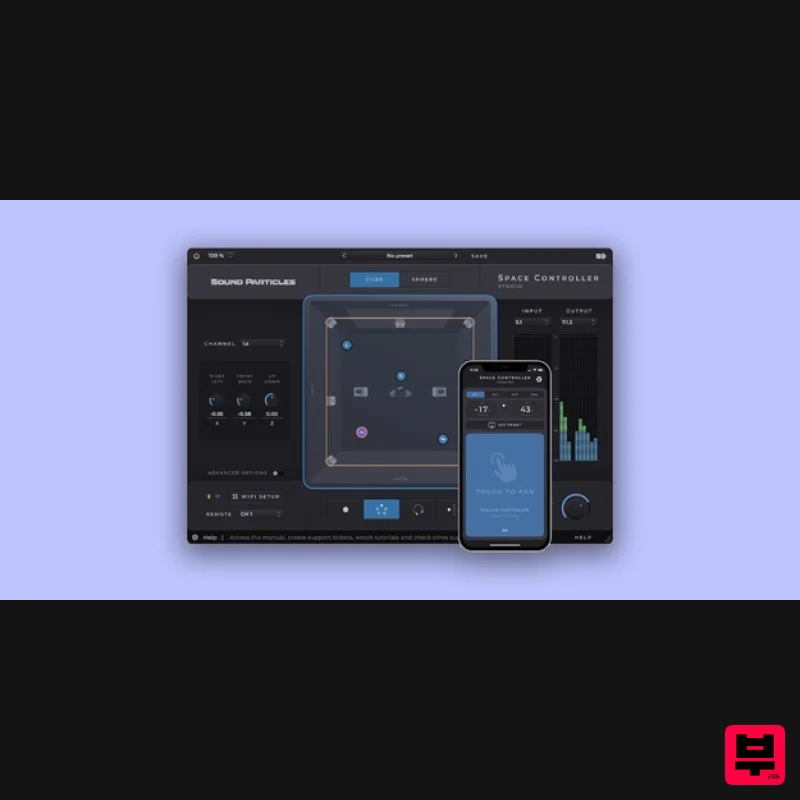
Sound Particles Space Controller Studio | Educational Version
Stereo Width
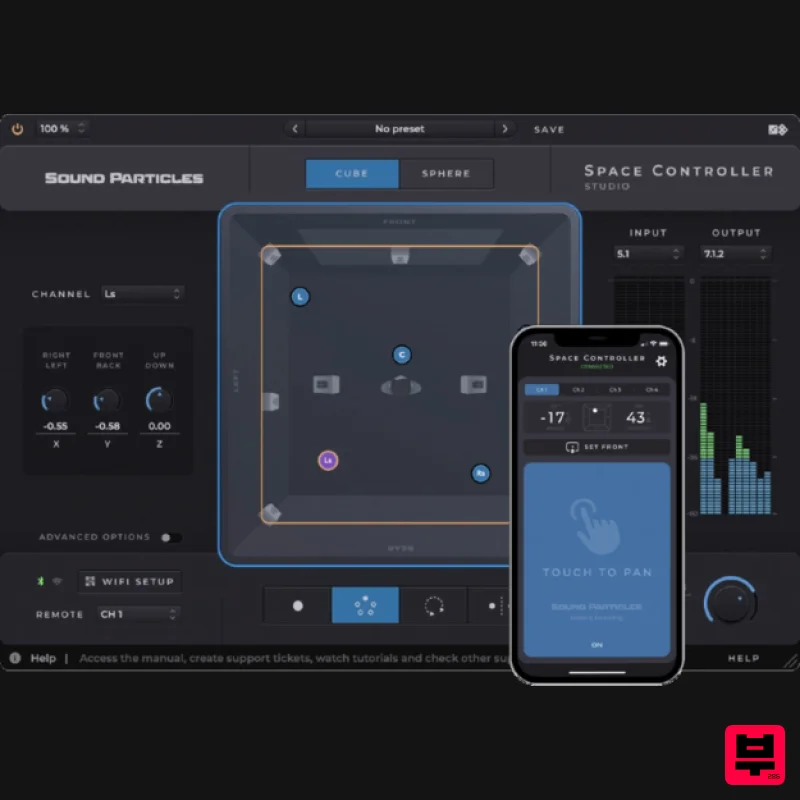
Sound Particles Space Controller Standard | Educational Version
Stereo Width
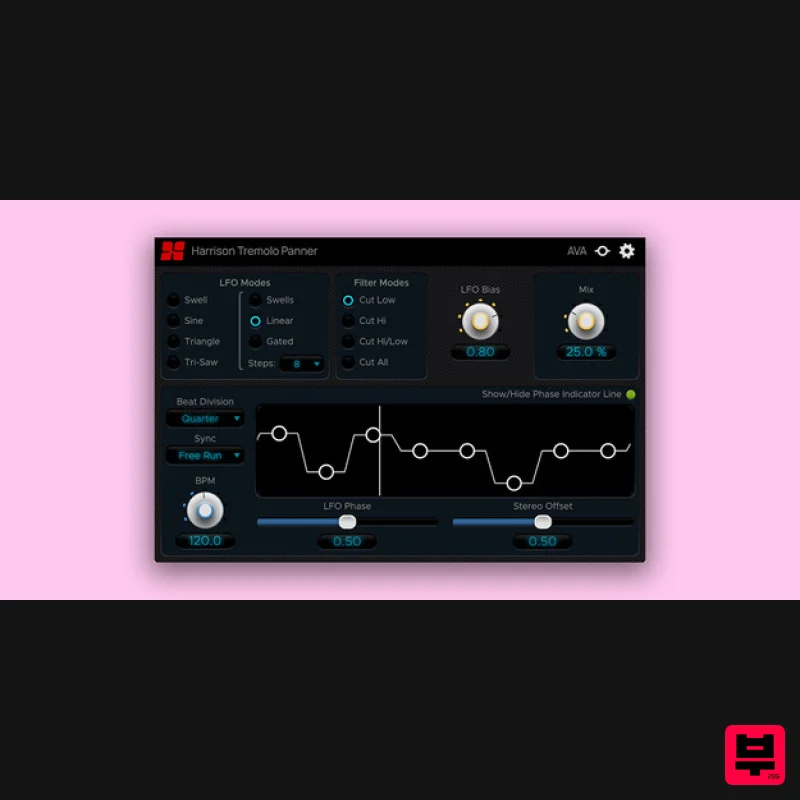
Harrison Consoles Tremolo Panner
Stereo Width
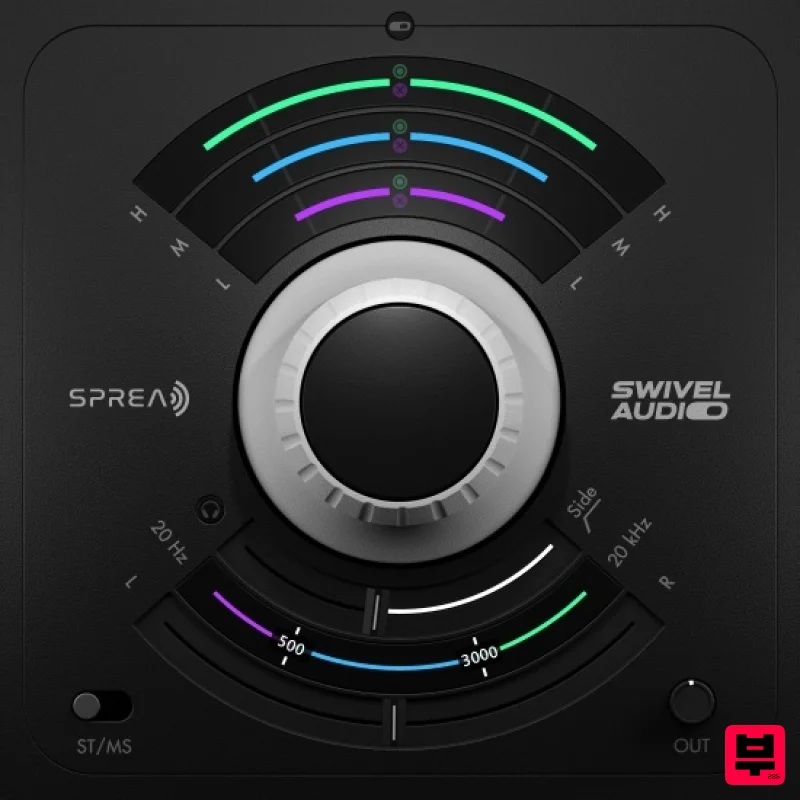
Plugin Alliance Swivel Audio Spread
Stereo Width
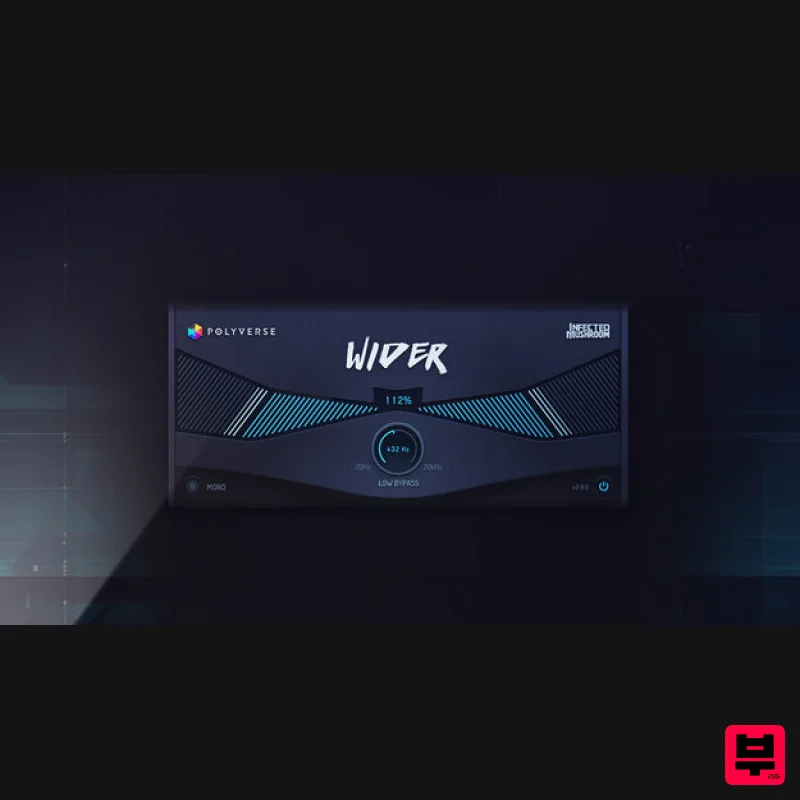
Polyverse Wider 2
Stereo Width
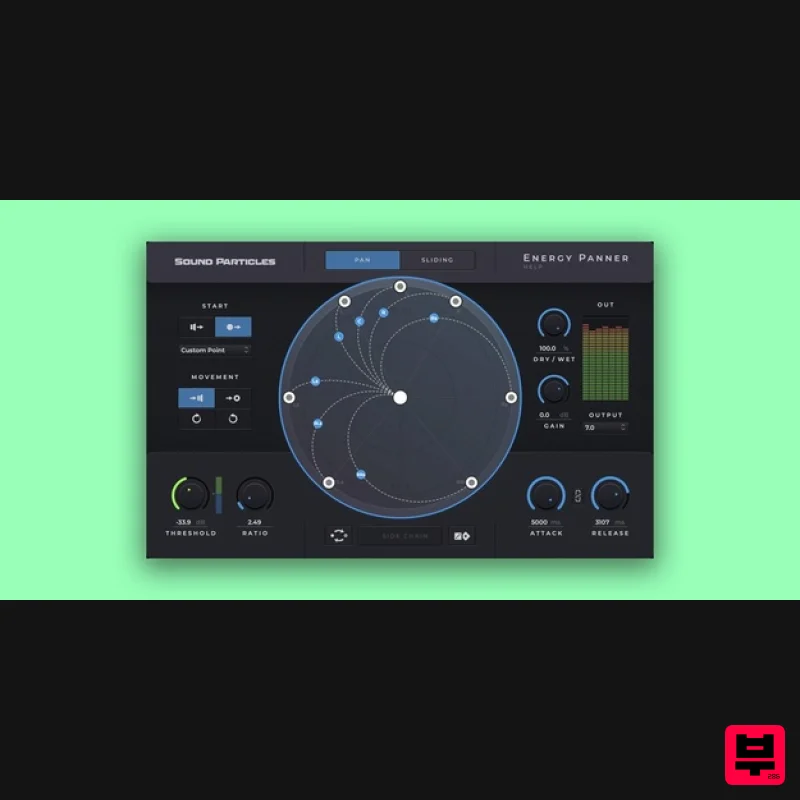
Sound Particles Energy Panner | Educational Version
Stereo Width
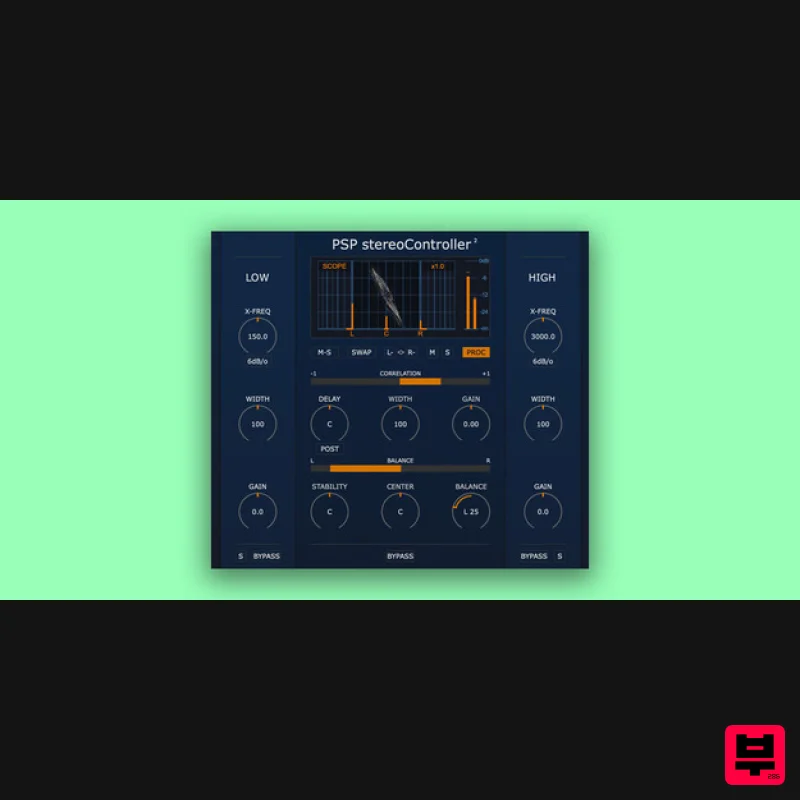
PSP Audioware PSP StereoController2
Stereo Width
Sound Particles Brightness Panner | Educational Version
Stereo Width

