
Sonic Charge Microtonic
Professional music gear - detailed information and where to buy
Sonic Charge
Microtonic
Product Info
* Prices may vary. Check retailer for current pricing and availability.
Product Description
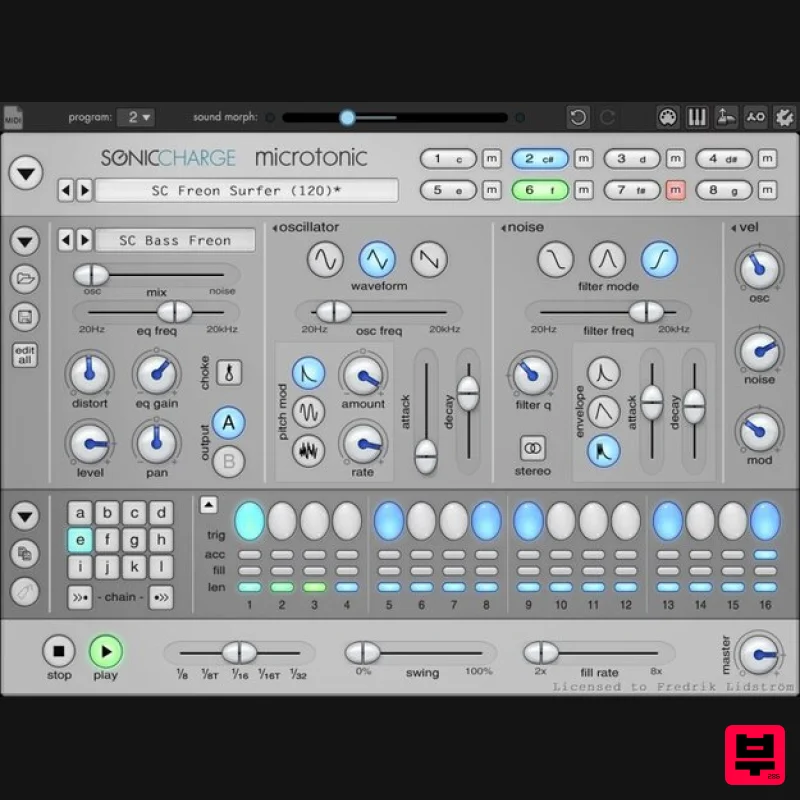
- Sonic Charge Microtonic is a VST / AU plug-in for Windows and Mac featuring a unique drum and percussion synthesizer combined with a pattern based drum-machine engine. You can use Microtonic as a sound module to play drum sounds from your MIDI keyboard or sequencer
- or you can use the built-in pattern engine to play drum patterns in sync with your sequencer. The sound of Microtonic is 100% synthetic and rendered in real-time. No samples or pre-rendered waveforms are used. Sonic Charge Microtonic was created by Magnus Lidström. Magnus is known for his work with Propellerhead Software and XLN Audio. In particular
- he was the brain behind the highly acclaimed Malström synthesizer introduced in Reason 2.0. Microtonic is thoroughly unlike anything you have heard or worked with so far. Features Eight-channel drum and percussion synthesizer. Pattern-based drum-machine engine
- synced to the host. 100% synthetic sound
- rendered in real-time. No samples! Over-sampled oscillators and sample-accurate triggering. Extremely low CPU utilization
- less than 5% on any low-end system. Easy to use interface with context menus
- popup hints etc. Plenty of creative editing options like morphing
- alteration and randomization. Comes bundled with loads of factory sounds and patterns. System Requirements Windows Windows 7 or later 2GHz Pentium IV processor or equivalent A host that supports 32-bit or 64-bit VST 2.4 plugins 60MB free disk space Formats: VST 2.4 macOS macOS 10.13 High Sierra or later Intel or Apple Silicon processor A host application that supports 64-bit VST 2.4 or AudioUnit 2 plugins 60MB free disk space Formats: AU
- VST 2.4 Lenny Dee Sonic Charge Micro Tonic is one of thee best drum synths you can get for the Price. it delivers a big sound with flexible programming. It is really great for EDM production and sound design work. I reviewed this product for Big Shot Mag when it was released many years ago
- and I must say i still use this product. It has with stood the test of time for a reason. It rocks! MusicRadar review: Sonic Charge Microtonic Sonic Charge - Microtonic Pros - Huge range of sonic possibilities. Powerful sound. Great drum presets. Versatile sequencer. MIDI keyboard mode Cons - No output effects. Verdict - Not a huge update
- but then MicroTonic was already - and continues to be - one of the best beatbox... Read More Mac 1. Download the Sonic Charge Plugins installer from your Plugin Boutique account > Double click the PKG file. 2. Click 'Continue'. 3. Read the Software License Agreement > Click 'Continue'. 4. Click 'Agree'. 5. Select the plugin you wish to install > Click 'Continue'. 6. Click 'Install' (or change install location if you have a customer plugin folder). 7. Launch the Sonic Charge Authenticator by clicking 'Yes'. 8. Click 'Begin' > You will be redirected to the Sonic Charge website. 9. On the webpage you have been sent to
- enter your email address and click 'Sign up'. 10. Check your emails for the verification link and click it. 11. Enter your details > Click 'Sign up'. 12. Once logged in
- go to My Account > Click 'Add License'. 13. Enter the serial number found in your Plugin Boutique account > Click 'Continue'. 14. Go back to the Authenicator > Click 'Retry' > Your software is now activated and ready to use in your DAW. Windows 1. Download the Sonic Charge Plugins installer from your Plugin Boutique account > Run the installer > Click 'Next >'. 2. Read the License Agreement > Click 'I agree'. 3. Select the plugin you wish to install > Click 'Next >'. 4. Ensure the correct location for your plugins is selected > Click 'Install'. Note: Select the 32-bit option if you are using a 32-bit PC/DAW. 5. Your download is now complete > Click 'Next >'. 6. Select 'Launch Authenticator to authorize purchased products.' > Click 'Finish'. 7. Click 'Begin'. 8. On the webpage you have been sent to
- enter your email address and click 'Sign up'. 9. Check your emails for the verification link and click it. 10. Enter your details > Click 'Sign up'. 11. Once logged in
- go to My Account > Click 'Add License'. 12. Enter the serial number found in your Plugin Boutique account > Click 'Continue'. 13. Go back to the Sonic Charge Authenticator Application > Click 'Retry'. 14. Your software will now be activated. Your software is now ready to use in your DAW!
Additional Information
About the Sonic Charge Microtonic
The Sonic Charge Microtonic represents excellent craftsmanship in the Drum Synth category.
Why Choose the Sonic Charge Microtonic?
- •Authentic Sonic Charge craftsmanship and design
- •Versatile sound suitable for multiple musical genres
- •Professional build quality and reliable performance
- •Part of Sonic Charge's respected Drum Synth lineup
Compare & Explore
Browse our complete selection of Sonic Charge instruments or explore other Drum Synth options. Use our comparison tools to find the perfect match for your musical style and budget.
Similar Products
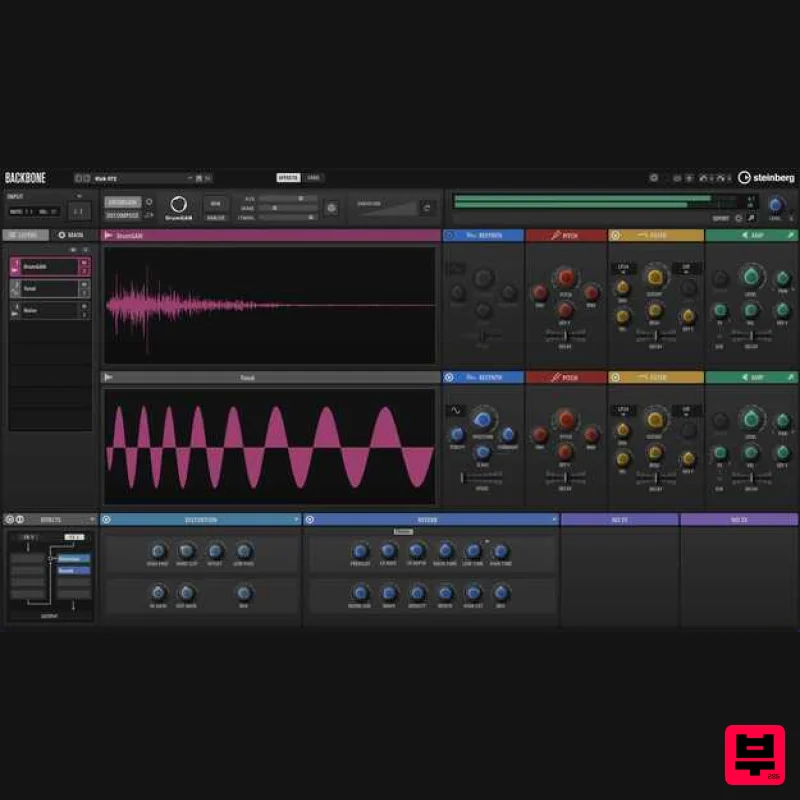
Steinberg Backbone
Drum Synth
$156
A Revolutionary Way To Design Your Own Drums Backbone is your new, innovative drum designer for single kicks, snares,...
UVI Drum Designer
Drum Synth
$156
Created for producers and sound designer of any genre, Drum Designer 1.5 provides innovative tools allowing you to...
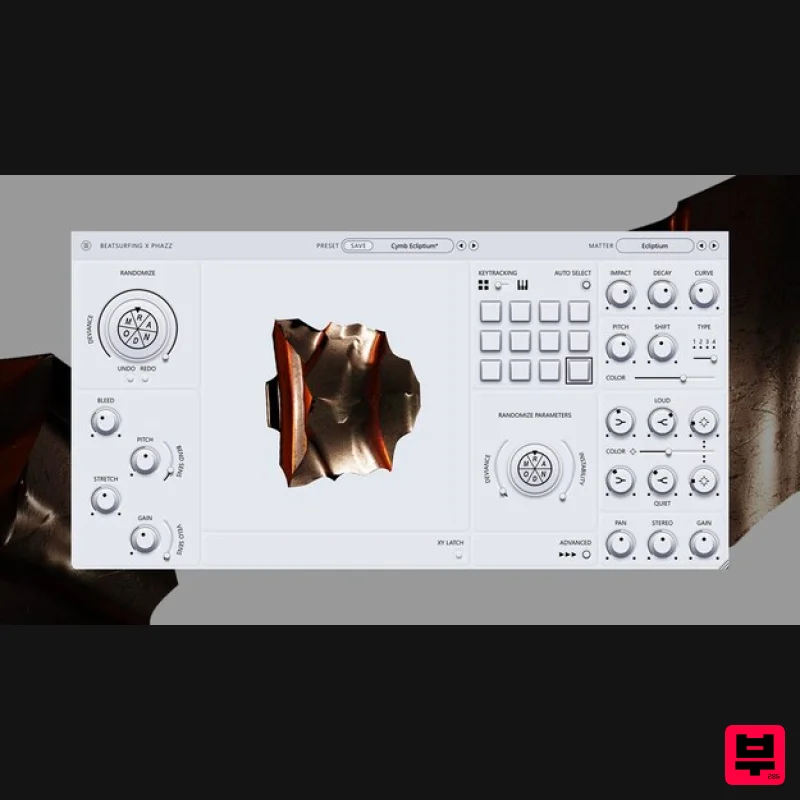
BEATSURFING RANDOM Metal
Drum Synth
$156
Infinite Percussive Sounds Inspire creativity and exploration with percussive chaos RANDOM Metal is a unique percussive...
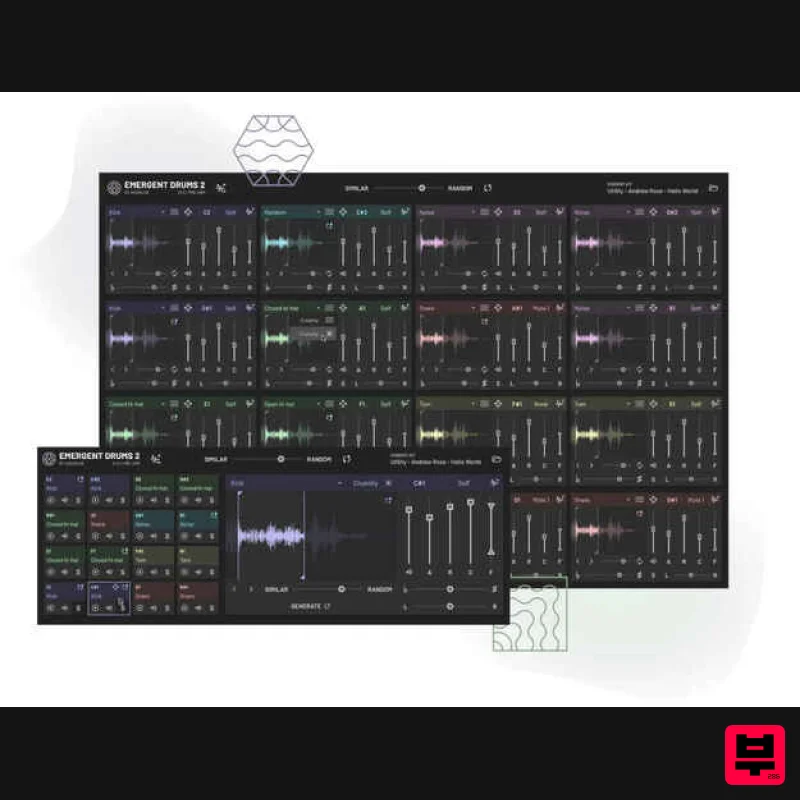
Audialab Emergent Drums 2
Drum Synth
$292
Revolutionize Your Sound with Emergent Drums 2 Experience the future of sound design with Emergent Drums 2, an...
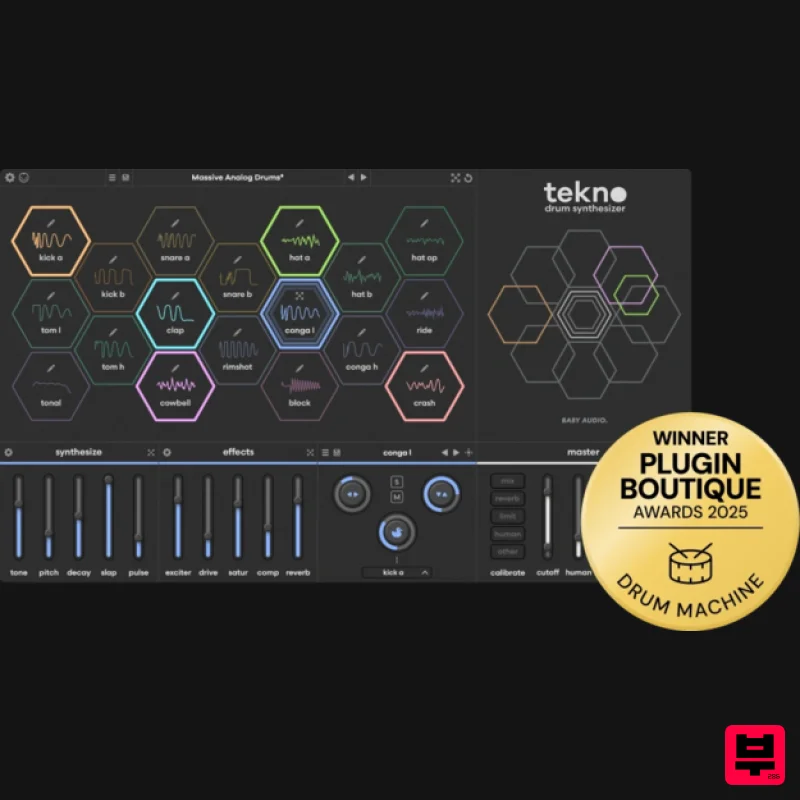
Audio Tekno
Drum Synth
$124
Supercharge your drum sound Create sequences that never repeat Tekno v1.1 includes a brand-new creative sequencer built...
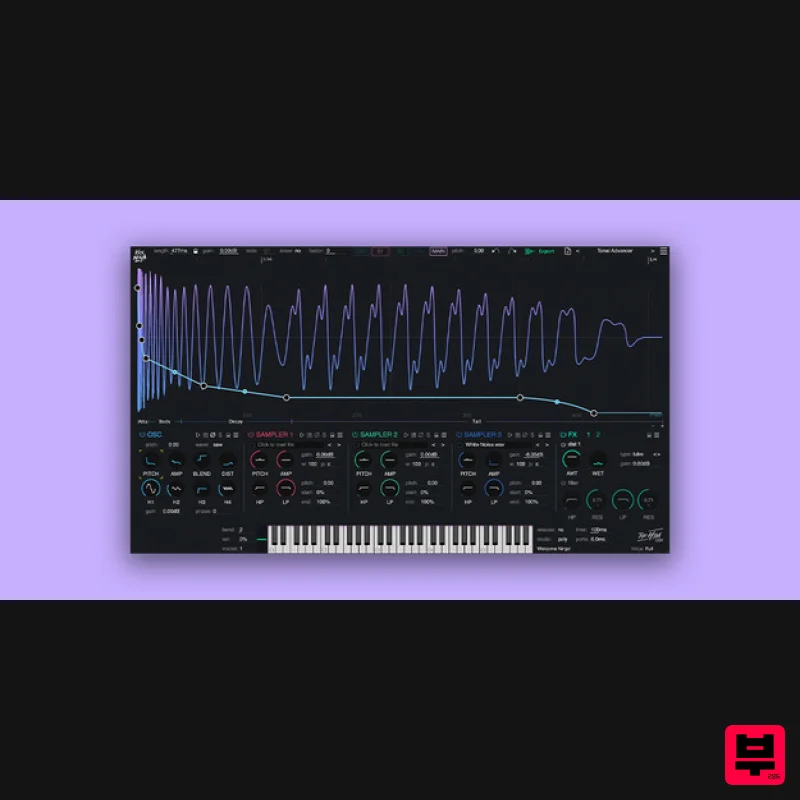
The Him DSP Kick Ninja
Drum Synth
$63
Do you want perfect kicks? Kick Ninja gives you full control over every aspect of your kick drums. With AI...
Frequently Asked Questions
The Sonic Charge Microtonic stands out for its exceptional Sonic Charge craftsmanship and innovative design.
Yes! With its affordable price point and quality construction, it's perfect for learning drum synth.
Browse the similar products section to see how it stacks up against other drum synth.

