
Sonic Charge Echobode
Professional music gear - detailed information and where to buy
Sonic Charge
Echobode
Product Info
* Prices may vary. Check retailer for current pricing and availability.
Product Description
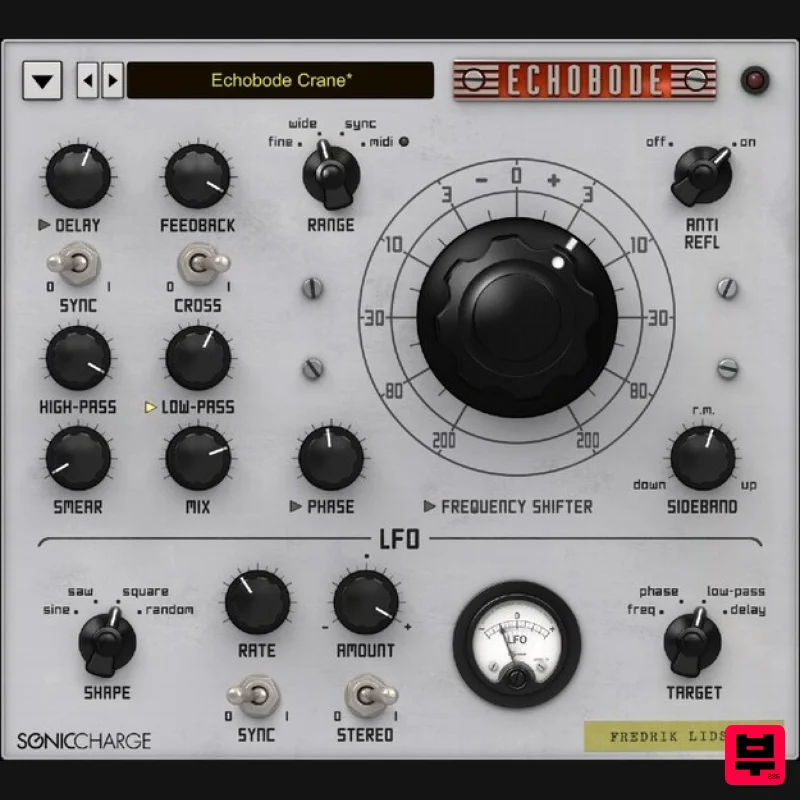
- Echobode is a delay effect with a frequency shifter placed inside the feedback loop. The frequency shifter algorithm is inspired by the classic Bode Frequency Shifter (named after its inventor Harald Bode). The difference between a frequency shifter and a pitch shifter is that it shifts the audio spectrum linearly. E.g. an overtone series of 100
- 300 Hz can be shifted by 50 Hz to 150
- 350 Hz
- making the overtones inharmonic. This effect in itself is great for creating metallic bell timbres
- but putting it inside a delayed feedback loop opens up many other possibilities. System Requirements Windows Windows 7 or later 2GHz Pentium IV processor or equivalent A host that supports 32-bit or 64-bit VST 2.4 plugins 30MB free disk space Formats: VST 2.4 macOS macOS 10.13 High Sierra or later Intel or Apple Silicon processor A host application that supports 64-bit VST 2.4 or AudioUnit 2 plugins 30MB free disk space Formats: AU
- VST 2.4 Please note: Microtonic is used as an example. Mac 1. Download the Sonic Charge Plugins installer from your Plugin Boutique account > Double click the PKG file. 2. Click 'Continue'. 3. Read the Software License Agreement > Click 'Continue'. 4. Click 'Agree'. 5. Select the plugin you wish to install > Click 'Continue'. 6. Click 'Install' (or change install location if you have a customer plugin folder). 7. Launch the Sonic Charge Authenticator by clicking 'Yes'. 8. Click 'Begin' > You will be redirected to the Sonic Charge website. 9. On the webpage you have been sent to
- enter your email address and click 'Sign up'. 10. Check your emails for the verification link and click it. 11. Enter your details > Click 'Sign up'. 12. Once logged in
- go to My Account > Click 'Add License'. 13. Enter the serial number found in your Plugin Boutique account > Click 'Continue'. 14. Go back to the Authenicator > Click 'Retry' > Your software is now activated and ready to use in your DAW. Windows 1. Download the Sonic Charge Plugins installer from your Plugin Boutique account > Run the installer > Click 'Next >'. 2. Read the License Agreement > Click 'I agree'. 3. Select the plugin you wish to install > Click 'Next >'. 4. Ensure the correct location for your plugins is selected > Click 'Install'. Note: Select the 32-bit option if you are using a 32-bit PC/DAW. 5. Your download is now complete > Click 'Next >'. 6. Select 'Launch Authenticator to authorize purchased products.' > Click 'Finish'. 7. Click 'Begin'. 8. On the webpage you have been sent to
- enter your email address and click 'Sign up'. 9. Check your emails for the verification link and click it. 10. Enter your details > Click 'Sign up'. 11. Once logged in
- go to My Account > Click 'Add License'. 12. Enter the serial number found in your Plugin Boutique account > Click 'Continue'. 13. Go back to the Sonic Charge Authenticator Application > Click 'Retry'. 14. Your software will now be activated. Your software is now ready to use in your DAW!
Additional Information
About the Sonic Charge Echobode
Experience the quality and tone that makes the Sonic Charge Echobode a popular choice for musicians.
Why Choose the Sonic Charge Echobode?
- •Authentic Sonic Charge craftsmanship and design
- •Versatile sound suitable for multiple musical genres
- •Professional build quality and reliable performance
- •Part of Sonic Charge's respected Frequency Shifter lineup
Compare & Explore
Browse our complete selection of Sonic Charge instruments or explore other Frequency Shifter options. Use our comparison tools to find the perfect match for your musical style and budget.
Similar Products
MeldaProduction MTransformer
Frequency Shifter
$72
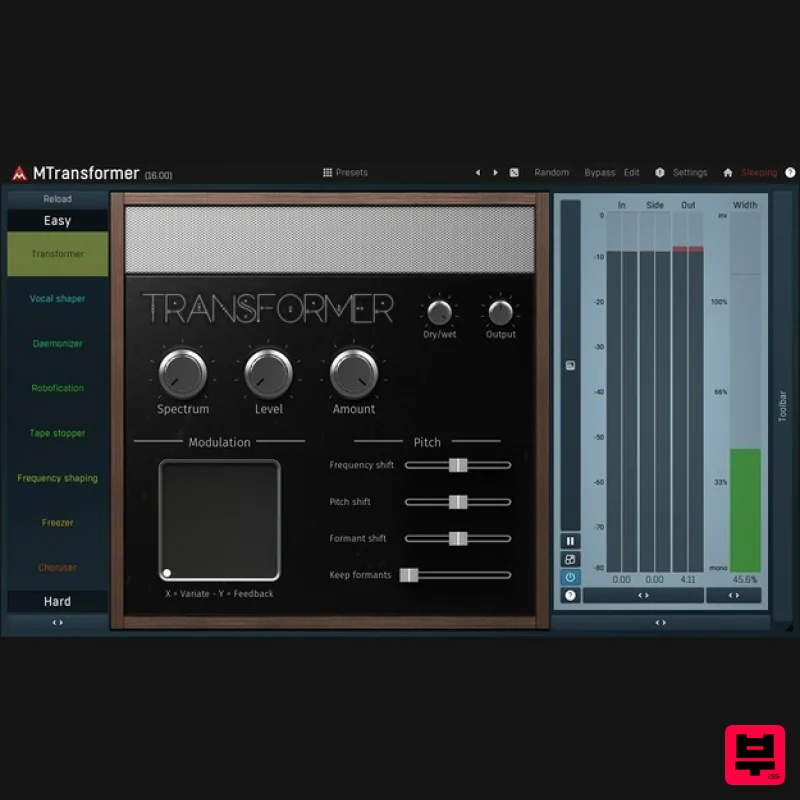
Pitch shifting, frequency shifting, daemonic and robotic voices... that's MTransformer, a unique spectral processor,...
MeldaProduction MFreqShifterMB
Frequency Shifter
$51
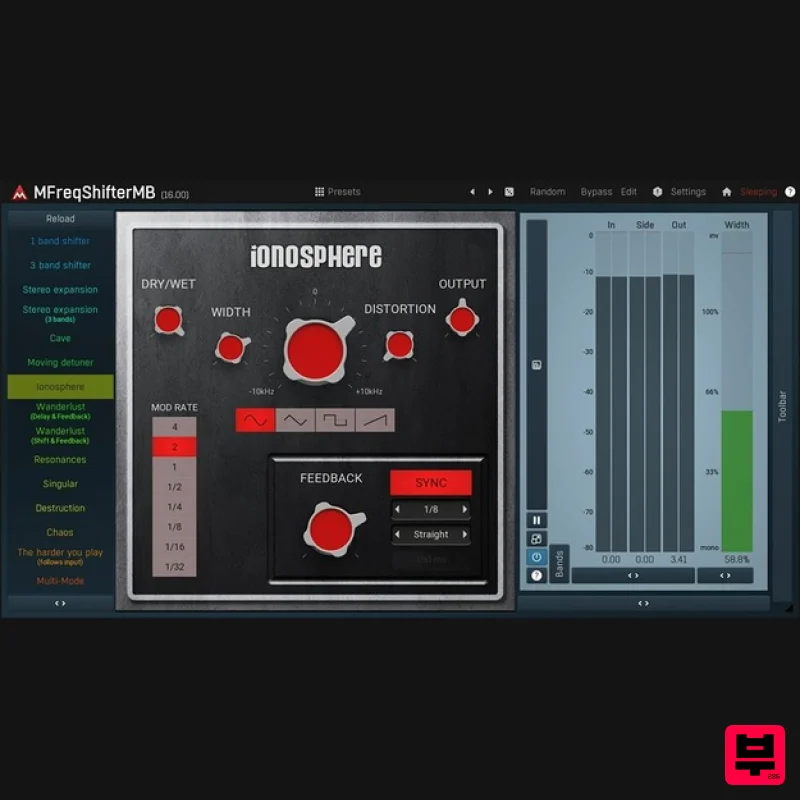
MFreqShifterMB is a revolutionary frequency shifting plugin which breaks down the harmonic content of the audio. Use it...
Thenatan Audio RingerShifter
Frequency Shifter
$35
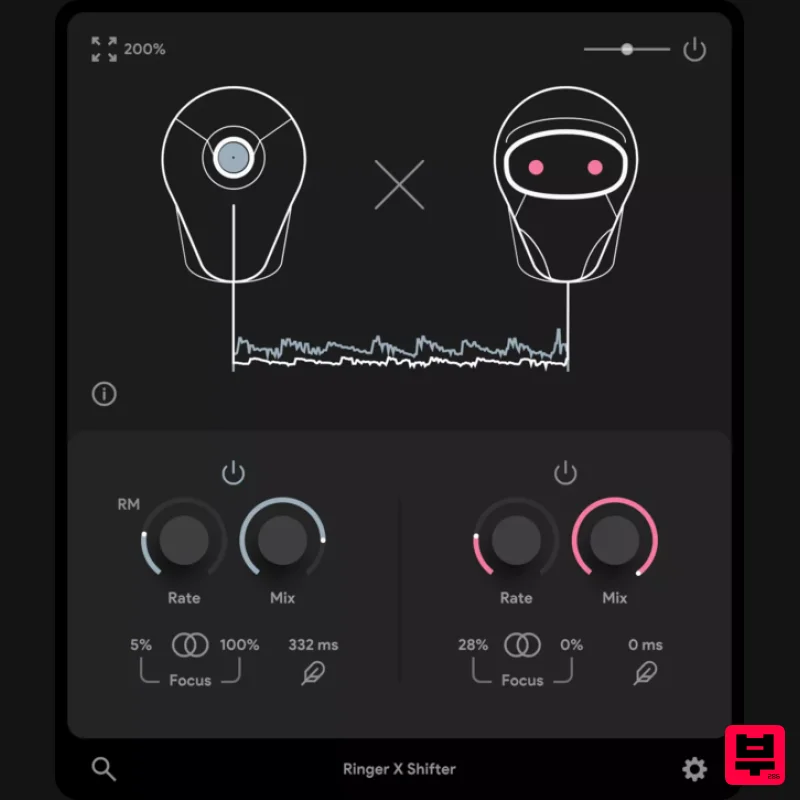
RingerShifter is a tool designed to enhance the quality of music by introducing variations and interesting textures...
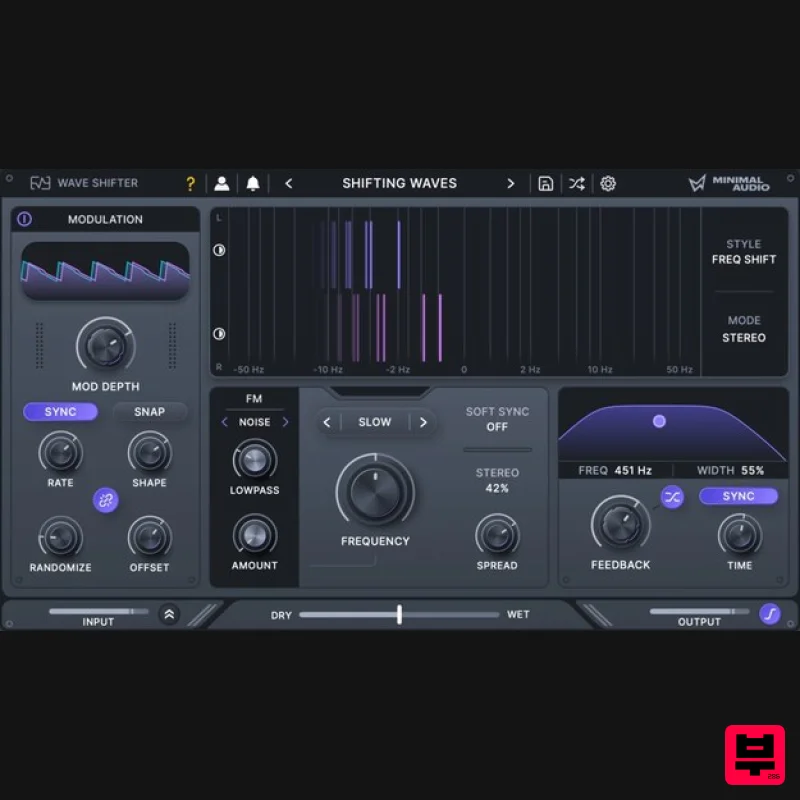
Minimal Audio Wave Shifter
Frequency Shifter
$51
Warped frequency modulation Create high-tech sound effects and unique harmonic distortion. Transform your sound....
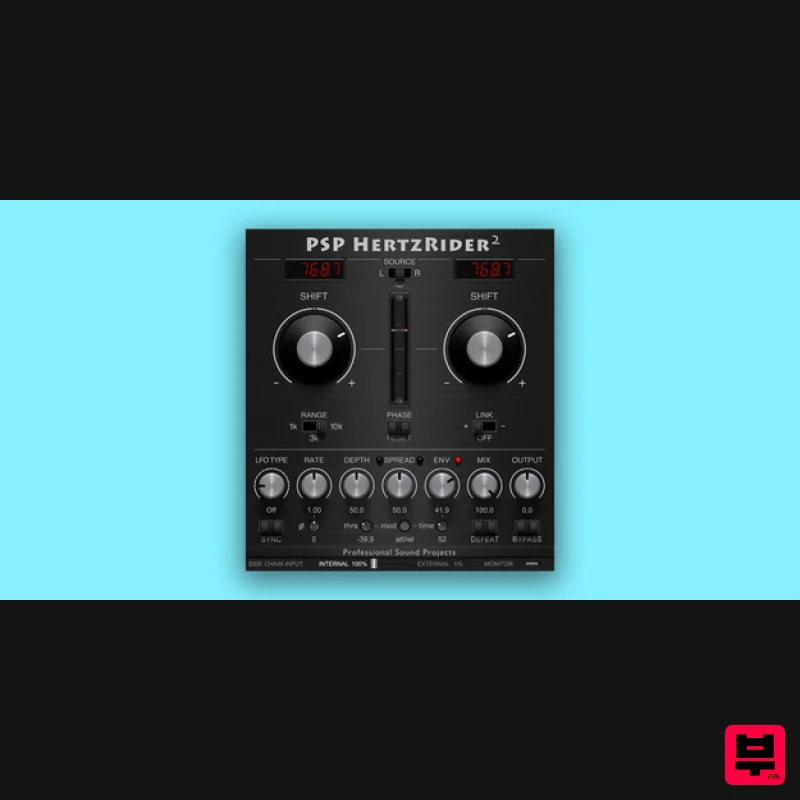
PSP Audioware PSP HertzRider2
Frequency Shifter
$72
PSP HertzRider2 is a frequency shifter plug-in. It can be an incredible tool for tuning inharmonic sounds like snares,...
Frequently Asked Questions
The Sonic Charge Echobode stands out for its exceptional Sonic Charge craftsmanship and innovative design.
Yes! With its affordable price point and quality construction, it's perfect for learning frequency shifter.
Browse the similar products section to see how it stacks up against other frequency shifter.

