
Sonic Charge Bitspeek
Professional music gear - detailed information and where to buy
Sonic Charge
Bitspeek
Product Info
* Prices may vary. Check retailer for current pricing and availability.
Product Description
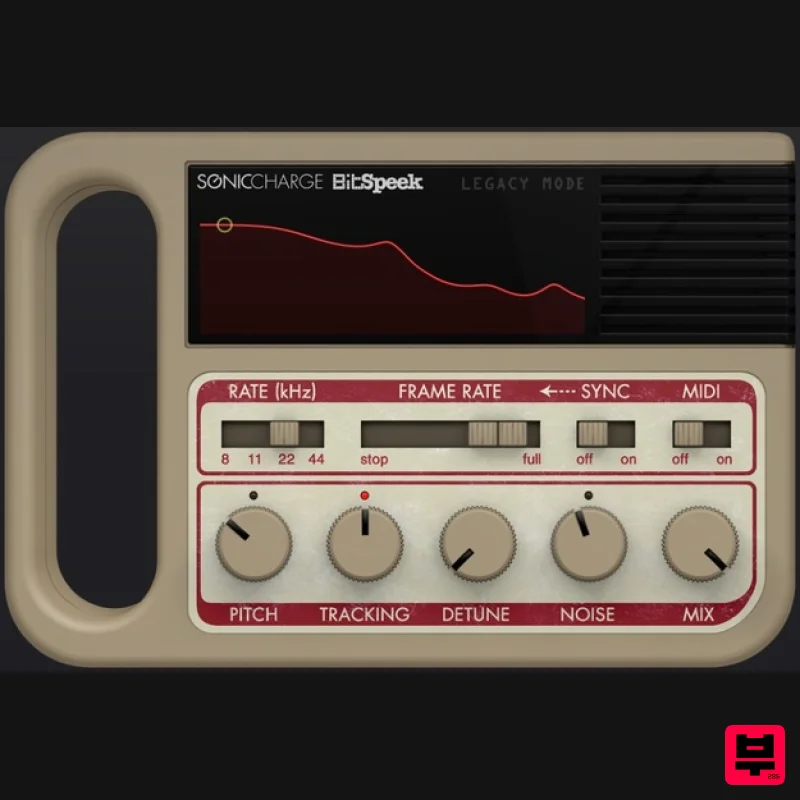
- Bitspeek is a real-time pitch-excited linear prediction codec effect. Right now you are probably thinking
- another one of those"? Or perhaps not. Chances are that you have never heard about "linear prediction"
- although most of us use it daily when we talk on our cell phones. Linear prediction coding is a voice compression technology that appeared in commercial products in the seventies and was implemented in some well-known speaking toys of the early eighties. Sonic Charge have applied this technology to create a VST / AU effect plug-in that analyzes audio
- extracts a number of parameters (including pitch
- volume and formant data) and then resynthesizes the audio using a simple oscillator
- noise and filter architecture. A number of playback parameters that adjust the pitch and tonal quality of the sound as well as support for MIDI and a beat-synchronized "formant freezing effect" have been added. Despite having only a few simple controls
- this box can produce a broad range of sounds from cheap speaking toys to high-end vocoder and talkbox effects. System Requirements Windows Windows 7 or later 2GHz Pentium IV processor or equivalent A host that supports 32-bit or 64-bit VST 2.4 plugins 20MB free disk space Formats: VST 2.4 macOS macOS 10.13 High Sierra or later Intel or Apple Silicon processor A host application that supports 64-bit VST 2.4 or AudioUnit 2 plugins 20MB free disk space Formats: AU
- VST 2.4 Residentadvisor Review: Sonic Charge Bitspeek Sonic Charge has spent the last few years gathering well-deserved plaudits for developing a range of musically interesting tools. Its product list includes Synplant
- the synth which "grows" sounds from core cells
- and µTonic (pronounced MicroTonic)
- which is an impressive sounding electronic drum... Read More Sonic Charge Bitspeek Review At The Audio News Room Sonic Charge
- creators of the inventive synth Synplant
- have updated a real-time pitch-excited linear prediction codec effect plugin
- apparently based on the same technology that's used in cell phones to make 1's and 0's sound like your voice at the other end. For people like me
- who have no idea... Read More Please note: Microtonic is used as an example. Mac 1. Download the Sonic Charge Plugins installer from your Plugin Boutique account > Double click the PKG file. 2. Click 'Continue'. 3. Read the Software License Agreement > Click 'Continue'. 4. Click 'Agree'. 5. Select the plugin you wish to install > Click 'Continue'. 6. Click 'Install' (or change install location if you have a customer plugin folder). 7. Launch the Sonic Charge Authenticator by clicking 'Yes'. 8. Click 'Begin' > You will be redirected to the Sonic Charge website. 9. On the webpage you have been sent to
- enter your email address and click 'Sign up'. 10. Check your emails for the verification link and click it. 11. Enter your details > Click 'Sign up'. 12. Once logged in
- go to My Account > Click 'Add License'. 13. Enter the serial number found in your Plugin Boutique account > Click 'Continue'. 14. Go back to the Authenicator > Click 'Retry' > Your software is now activated and ready to use in your DAW. Windows 1. Download the Sonic Charge Plugins installer from your Plugin Boutique account > Run the installer > Click 'Next >'. 2. Read the License Agreement > Click 'I agree'. 3. Select the plugin you wish to install > Click 'Next >'. 4. Ensure the correct location for your plugins is selected > Click 'Install'. Note: Select the 32-bit option if you are using a 32-bit PC/DAW. 5. Your download is now complete > Click 'Next >'. 6. Select 'Launch Authenticator to authorize purchased products.' > Click 'Finish'. 7. Click 'Begin'. 8. On the webpage you have been sent to
- enter your email address and click 'Sign up'. 9. Check your emails for the verification link and click it. 10. Enter your details > Click 'Sign up'. 11. Once logged in
- go to My Account > Click 'Add License'. 12. Enter the serial number found in your Plugin Boutique account > Click 'Continue'. 13. Go back to the Sonic Charge Authenticator Application > Click 'Retry'. 14. Your software will now be activated. Your software is now ready to use in your DAW!
Additional Information
About the Sonic Charge Bitspeek
The Sonic Charge Bitspeek combines traditional design with modern performance for Vocoder enthusiasts.
Why Choose the Sonic Charge Bitspeek?
- •Authentic Sonic Charge craftsmanship and design
- •Versatile sound suitable for multiple musical genres
- •Professional build quality and reliable performance
- •Part of Sonic Charge's respected Vocoder lineup
Compare & Explore
Browse our complete selection of Sonic Charge instruments or explore other Vocoder options. Use our comparison tools to find the perfect match for your musical style and budget.
Similar Products
Zynaptiq PITCHMAP::COLORS
Vocoder
Waves Morphoder
Vocoder
Arturia Vocoder V
Vocoder
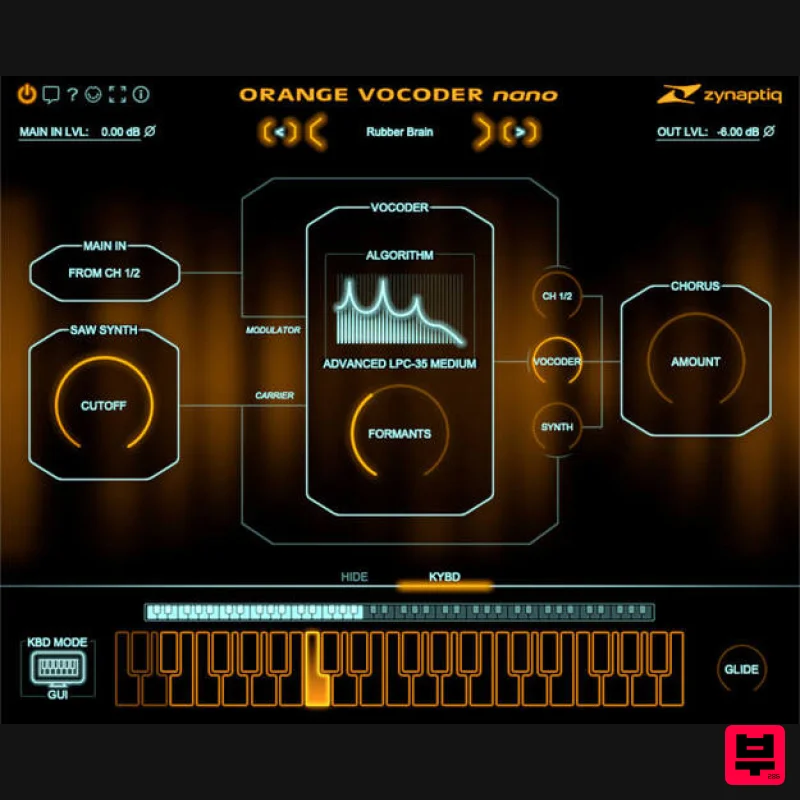
Zynaptiq ORANGE VOCODER NANO
Vocoder
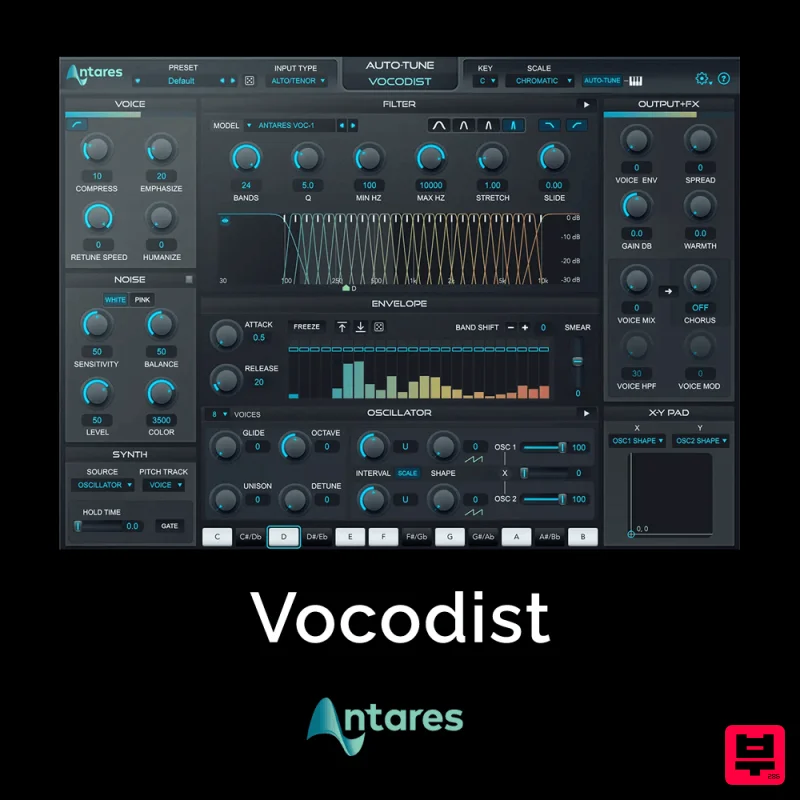
Antares Vocodist
Vocoder
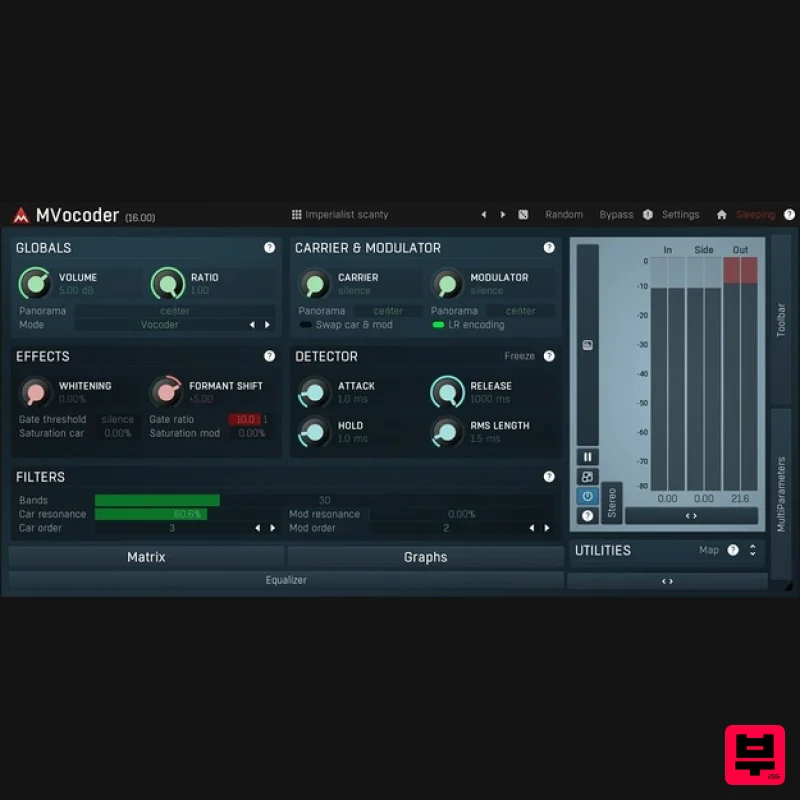
MeldaProduction MVocoder
Vocoder
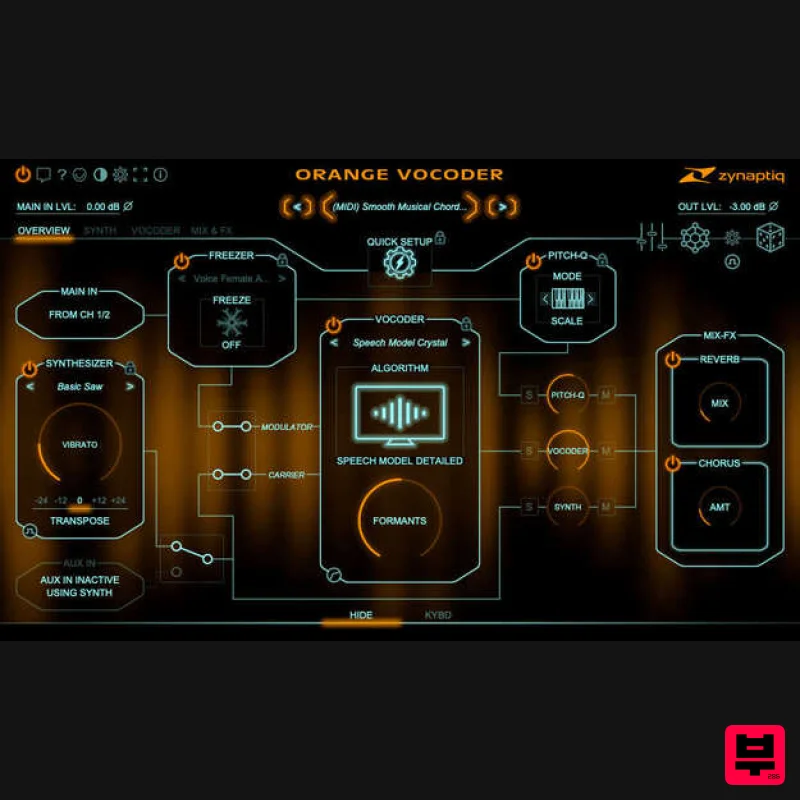
Zynaptiq ORANGE VOCODER IV
Vocoder
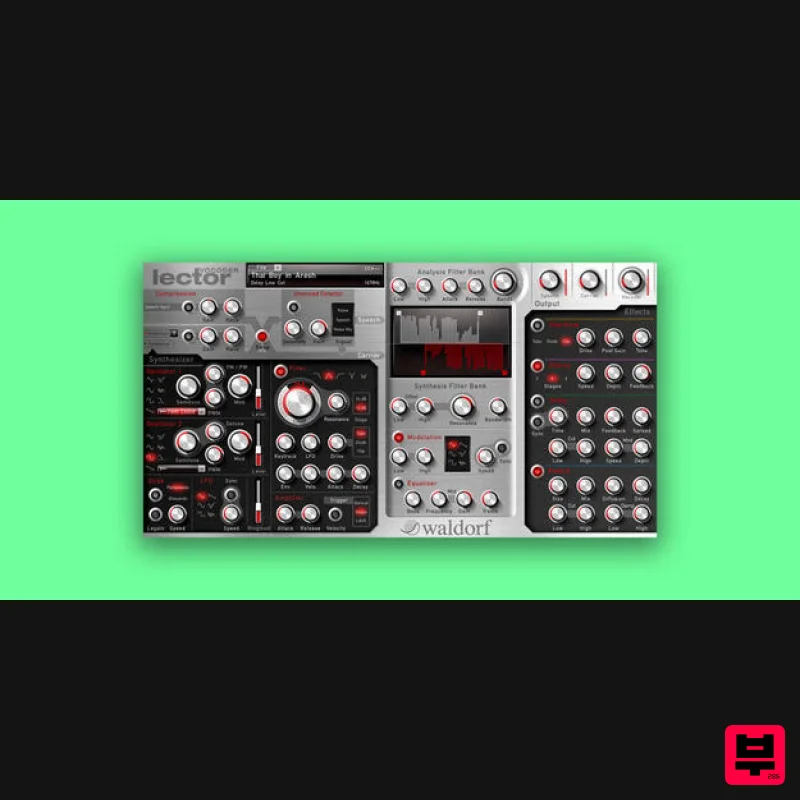
Waldorf Lector
Vocoder

