
sonible smart:gate
Professional music gear - detailed information and where to buy
Product Description
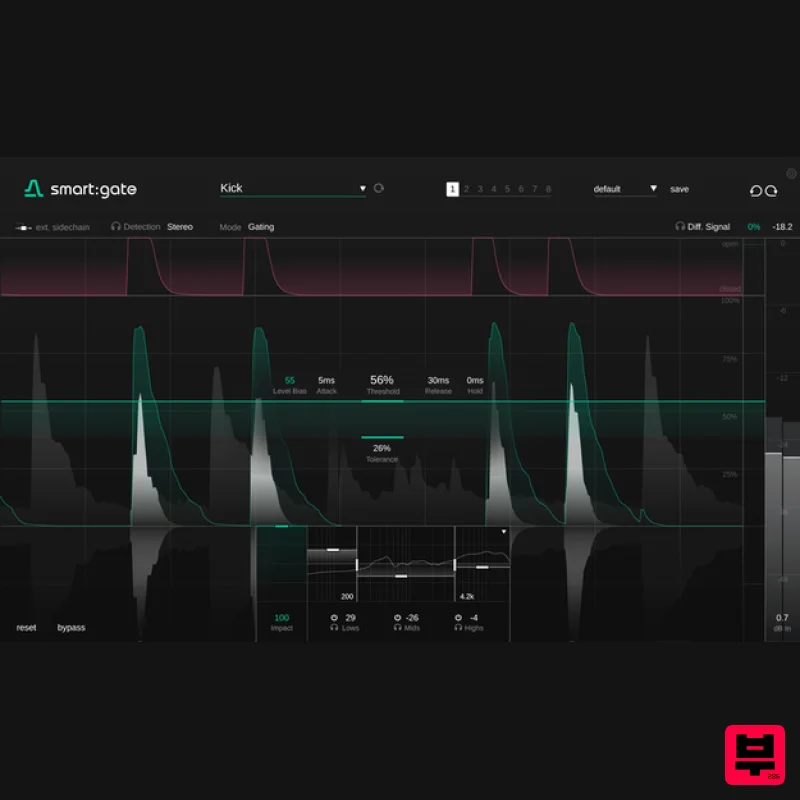
- <iframe allow="accelerometer; autoplay; clipboard-write; encrypted-media; gyroscope; picture-in-picture; web-share" allowfullscreen="" frameborder="0" height="315" src="https: //www.youtube.com/embed/2wrp9rg_Now?si=jBhCCAQCFi_TGaMr" title="YouTube video player" width="560"></iframe> is the answer to reliable gating. The plug-in automatically detects the presence of a chosen target source (e.g. vocals
- keys
- kick) and allows to focus on this source when gating. Unlike conventional gates
- does not open or close depending on the overall level of the input signal
- but it only reacts to signal components belonging to the target. This content-awareness helps to make the gate much more stable and easier to parametrize than conventional gates and it even allows to use the gate
- if some background signal occasionally exceeds the level of the target source. Now for the first time
- gating can be as simple as selecting a target source from a drop-down menu. Whether you’re targeting vocals
- electric guitar
- piano or a suite of other options
- the result is a gate that delivers reliably even if a target source varies in level
- or if a competing instrument is louder than the signal you want to keep. Simple Setup
- Powerful Control visualizer traces the level of the detected target signal
- not the entire input signal
- making parametrization straightforward and faster. With sonible’s ‘Instant Replay’
- when you change a parameter
- the visualized signal changes the whole signal history
- predicting the impact on the entire signal. With Level Bias
- the gating behavior can follow the detected signal more or less closely – great for refining the response on transient material like drums
- or keeping non-transient material like vocalsmore natural. You can also use without its content-aware AI features
- for operation as a conventional gate. Gating response can be customized further with the ‘Impact control’
- which scales back the amount of gain reduction applied when the gate is closed. also offers a Ducking mode to reduce the target signal instead of passing it through. A three-band suppression network helps to weight gating across the frequency spectrum. Going For The Signal Source Gating can be a tricky task – with it’s as simple as selecting a target source from a drop-down menu. Whether you’re targeting vocals
- electric guitar
- piano or one of many other options
- the intelligent gate reliably delivers even when the target source varies in level
- or a competing instrument is louder than the signal you want to keep. content-aware processing unlocks its full power where conventional gate plug-ins struggle. Insights For Faster Workflows Finally
- a gate that is truly able to differentiate between a mix and the signal component contained within it. Both the target signal’s activity and the gating are visualized in detail. Together with Instant Replay
- you are provided with all the insights you need to get your parametrization and tweaking done much faster – all with familiar controls and without any guesswork. Intuitive Interface Packed With Great Features Besides its intelligent target source detection
- sports a host of features for fine-tuning
- such as a three-band suppression network for weighting the gating across the frequency spectrum. The level bias enables you to increase the level-dependency of the processing – extremely handy when you want refine the response to transient target sources. And
- since gating and ducking are closely related in their processing
- the gate plug-in can be switched to ducking mode
- offering you the same target-focused functionality. You can also use without its content-aware AI features as a conventional gate. Features Content-aware gate processing Wide range of instrument and sound profiles to determine the target source Familiar control over gating response: Threshold
- Attack/Release
- Hold
- Tolerance Visual guidance on target source detection for easier parametrization ‘Instant replay’ prediction after parameter changes With ‘No Target’
- conventional
- non-AI gating is still possible Content-aware ducking mode to reduce selected target signal Tailor gating across the frequency spectrum with three-band suppression control External sidechain input; detection in mono/mid or side signals Available Formats: AAX
- VST3 and AU Apple Silicon: native support for M1 and M2 chips (including AAX) System Requirements Mac macOS 10.13+ (M1 Apple Silicon supported) (64-bit only) RAM - at least 4 GB (recommended) CPU - at least Intel DualCore i5 (recommended) Plugin Formats - AU
- VST2
- VST3
- MultiRack Native Supported Sample Rates - 44.1 kHz to 192 kHz PC Windows 10+ (64-bit only) RAM - at least 4 GB (recommended) CPU - at least Intel DualCore i5 (recommended) Plugin Formats - VST2
- VST3
- MultiRack Native Supported Sample Rates - 44.1 kHz to 192 kHz Compatible DAW's: Logic Pro Ableton Live Pro Tools 11+ Reaper Cubase Nuendo FL Studio Studio One Please Note: frei:raum is used as an example. Mac Installation 1. Download the installer file from your Plugin Boutique account. 2. Double Click and open the installer file > Double-click the ‘frei:raum installer mac.mpkg’ file. 3. Begin the Installation Process > Click Continue. 4. Read through the Terms & Conditions of the Licence Agreement > Click Continue > Click Agree. 5. Select which software formats you wish to Install > Click Continue. 6. Confirm the Installation > Click Install. 7. The Installation of your software has completed > Click Close. 8. Open/restart your DAW and load your sonible software. Please note that you may need to refresh/rescan your DAW plugin list if you can't locate it. Standard Activation Instructions 1. Locate and open the sonible software in your DAW. 2. Copy & paste/manually enter the licence key/serial code that is available in your Plugin Boutique account > Click Register. 3. Your sonible software has now been successfully registered and authorised > Click Close. Your software is now activated and ready to use in your DAW! PC Installation 1. Download the installer file from your Plugin Boutique account. 2. Unzip the downloaded folder and Double click the file to open/run the installer. 3. Select which version or versions of the software that you wish to install (32/64-Bit) > Click Next. 5. Read the Terms & Conditions of the Licence Agreement > Select 'I Accept the Agreement' if you accept the terms > Click Next. 6. Your software is now ready to install on your computer > Click Install. 7. Your software is now installed > Click Finish. 8. Open/restart your DAW and open your sonible software. Please note that you may need to refresh/rescan your DAW plugin list if the software fails to appear. Standard Activation Instructions 1. Locate and open the sonible software in your DAW. 2. Copy & paste or manually enter the licence key/serial code that is available in your Plugin Boutique account > Click Register. 3. Your sonible software has now been successfully registered and authorised > Click Close. Your software is now activated and ready to use in your DAW!
Additional Information
About the sonible smart:gate
The sonible smart:gate combines traditional design with modern performance for Gate enthusiasts.
Why Choose the sonible smart:gate?
- •Authentic sonible craftsmanship and design
- •Versatile sound suitable for multiple musical genres
- •Professional build quality and reliable performance
- •Part of sonible's respected Gate lineup
Compare & Explore
Browse our complete selection of sonible instruments or explore other Gate options. Use our comparison tools to find the perfect match for your musical style and budget.
Similar Products
Harrison Consoles Spectral Gate
Gate
$54
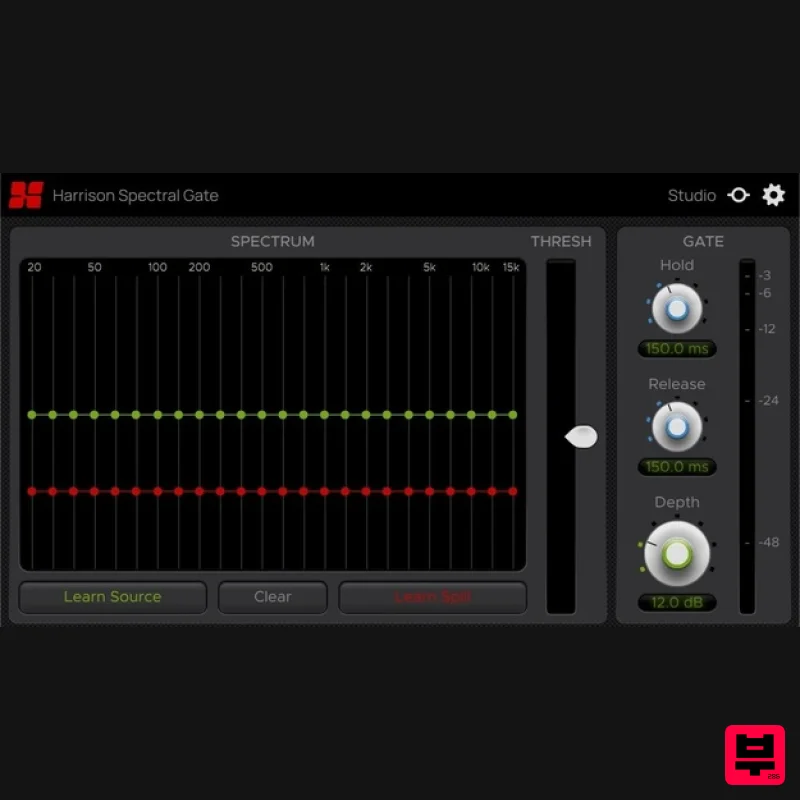
Intelligent Frequency Dependent Noise Gate Experience surgical-level noise gating with the Harrison Spectral Gate, an...
SIMPLE Plugins SIMPLE Stutter
Gate
$30
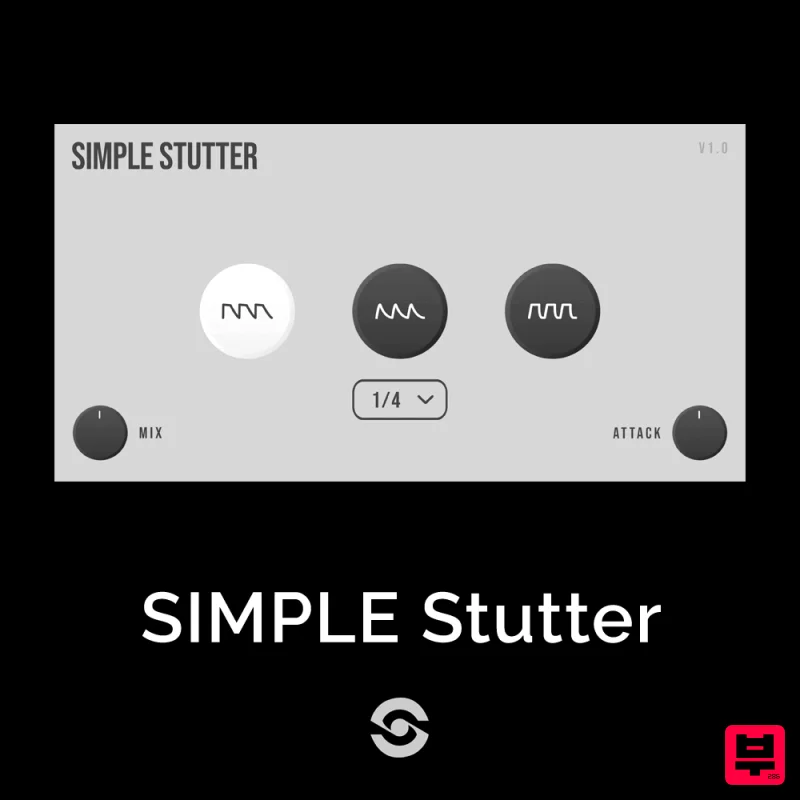
SIMPLE Stutter brings creative rhythmic gating to your fingertips. Whether you want to add glitchy stutter effects or...
Plugin Alliance Unfiltered Audio G8
Gate
$33
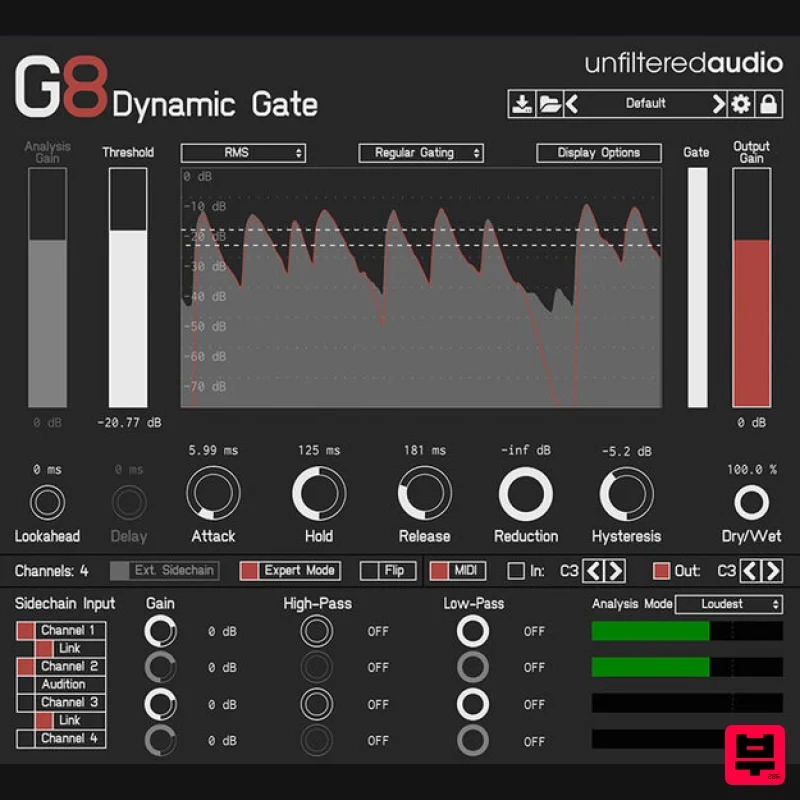
Creative gating meets powerful modulation The Unfiltered Audio G8 takes dynamic sound shaping to the next level....

UnplugRed PNCH
Gate
Free
A type of effect that causes added harmonics as well as a gating effect. compared to typical gates and expanders, this...
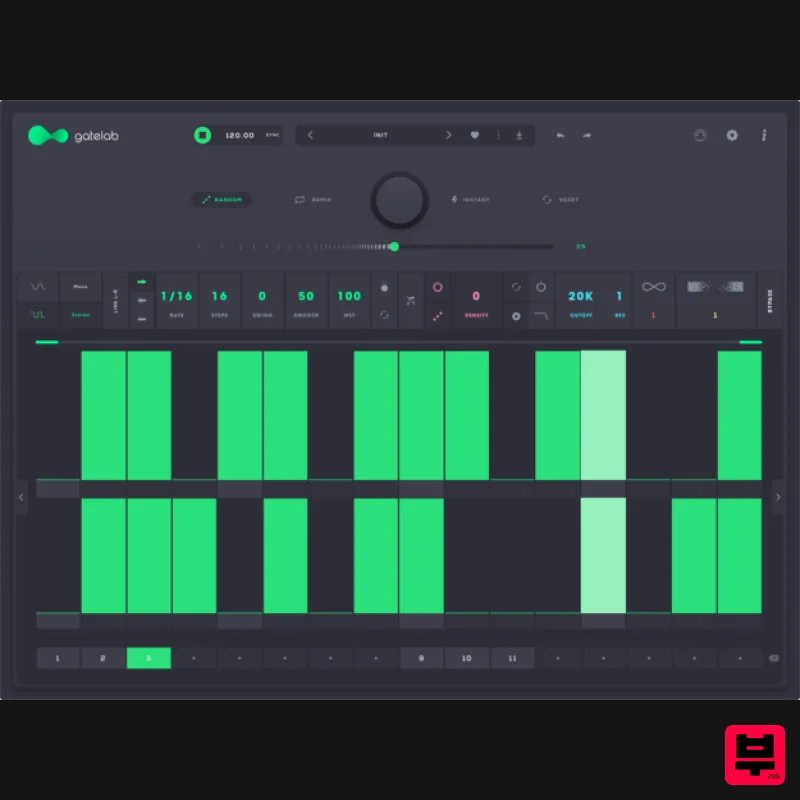
Audiomodern Gatelab 2
Gate
$30
Turn silence into rhythm. Animate audio like never before. Gatelab is a playful and powerful gate sequencer, volume...
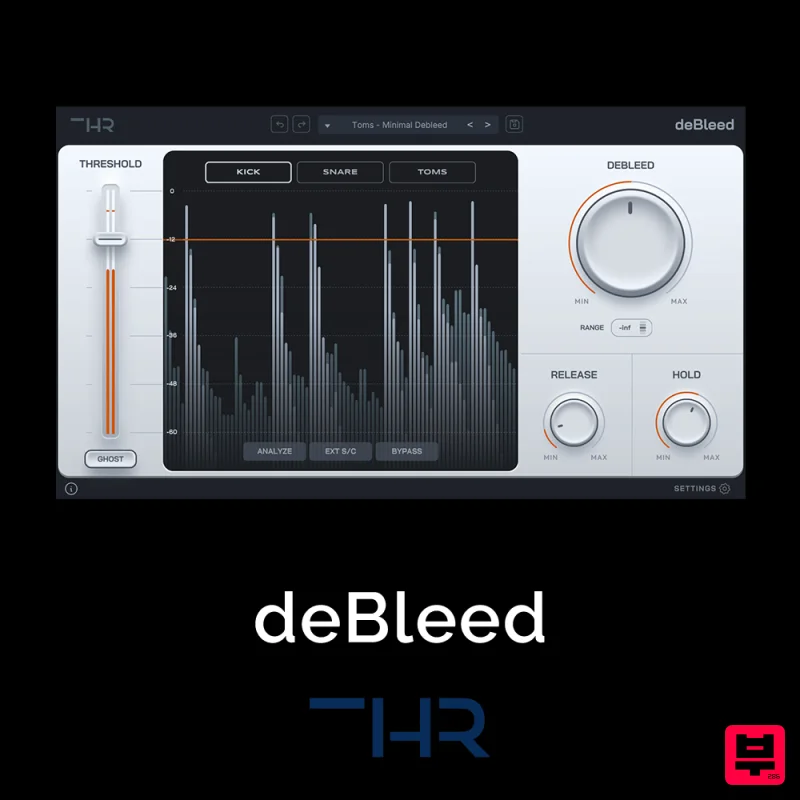
THR deBleed
Gate
$30
Say Goodbye to Cymbal Bleed – deBleed is no traditional noise gate! It has been designed from the ground up to remove...
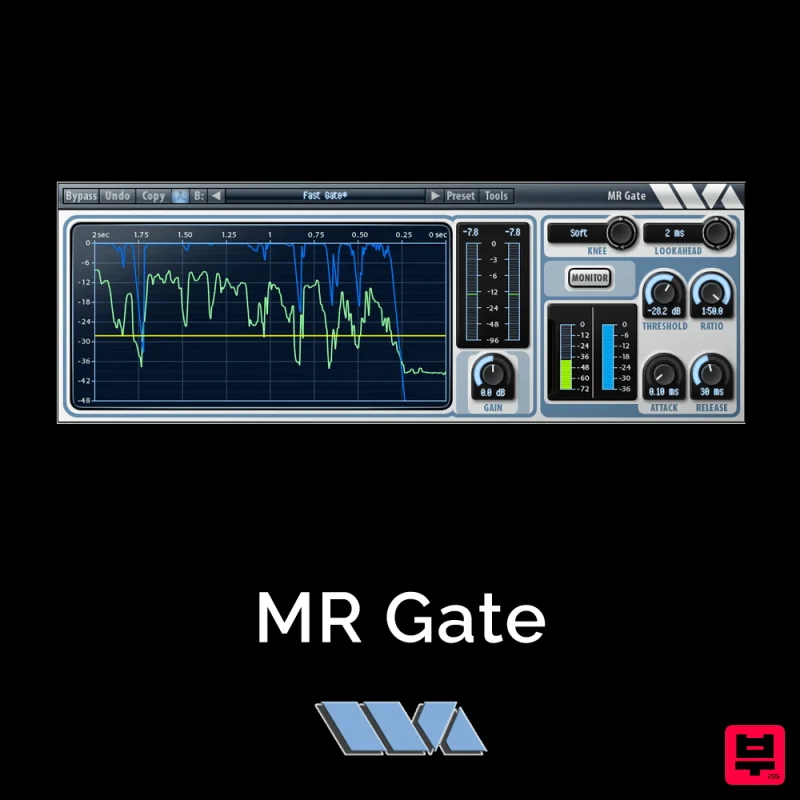
Wave Arts MR Gate
Gate
$30
MR Gate is a full featured expander/gate that can be used to gate noise during quiet sections. It’s a very...
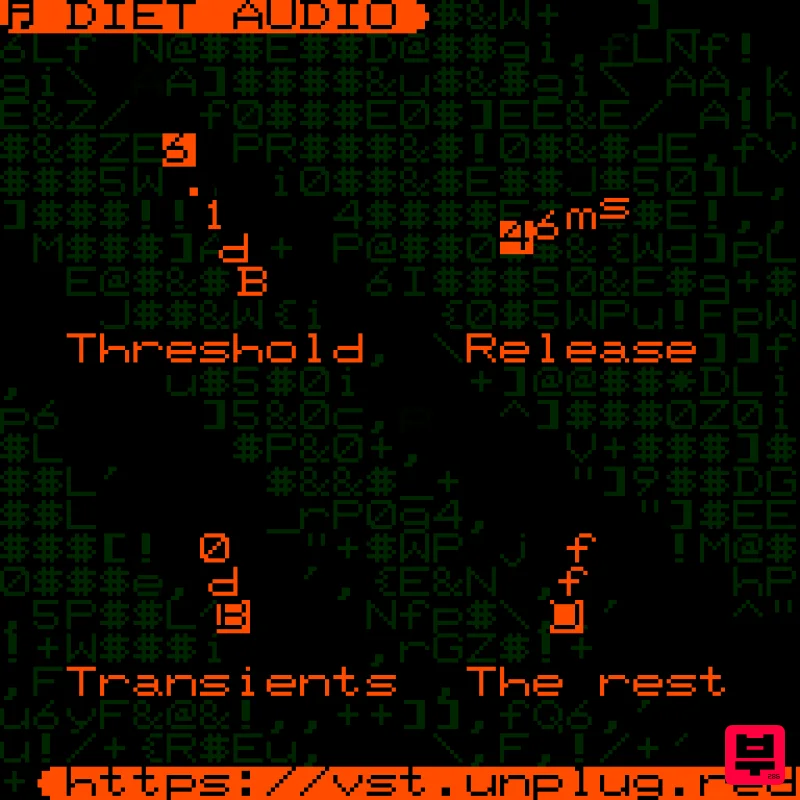
UnplugRed Diet Audio
Gate
Free
A spectral gate plugin with a unique sound, very good at separating transient information from the rest of the audio....
Frequently Asked Questions
The sonible smart:gate stands out for its exceptional sonible craftsmanship and innovative design.
Yes! With its affordable price point and quality construction, it's perfect for learning gate.
Browse the similar products section to see how it stacks up against other gate.

