
sonible pure:limit
Professional music gear - detailed information and where to buy
Product Description
- A Limiter for Plug-In Creators With pure: limit
- sonible has developed a new limiter for users who want to achieve the best possible sound without having to tweak too many complex parameters. Although this AI-powered plug-in is compact on the outside
- it packs a powerful punch within. pure: limit effortlessly tames peaks
- balances dynamics and finds the right level for a mix – all at the touch of a single button. pure: limit ensures that the level and dynamics of every mix are in the sweet spot before any track leaves the creator’s studio. No matter whether the audio material features soulful vocals
- bass-heavy samples
- distorted guitars or a podcast voice – the right amount of limiting is essential for any track to sound great on all speaker systems. In every scenario
- pure: limit delivers. Maximum impact without any of the guesswork Sometimes maintaining a workflow requires a tool that delivers straightforward results. With its automatic parametrization
- broad range of genre-based profiles and instant replay
- sonible's new limiter plug-in takes hassle-free
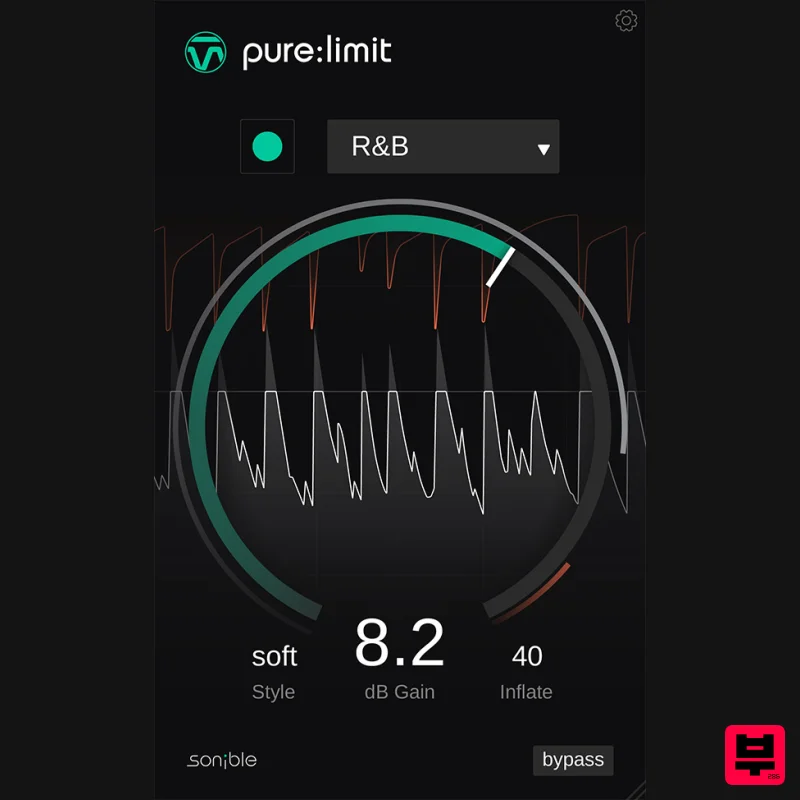
- efficient limiting to the next level. pure: limit is the right tool for creators who want to put the finishing touches on their mix without delving into parametric details. This limiter features a clean interface design that interactively visualizes the limited audio signal. Additionally
- pure: limit offers two effective sound-shaping tools: to enhance the desired vibe
- the “style selector” lets the user determine how forcefully the limiter should hit the signal
- and the “inflate parameter” offers the option to create a richer
- more vibrant sound. Features Automatic parametrization for high-quality results AI-powered processing and genre-based profiles Sound-shaping features – style selector and inflate parameter User-centred
- clean interface design Important note: pure:limit licenses received as a part of a transaction giveaway cannot be transferred to a PACE iLok account. System Requirements Mac macOS 10.12+ (M1 Apple Silicon supported) (64-bit only) RAM - at least 4 GB (recommended) CPU - at least Intel DualCore i5 (recommended) Plugin Formats - AU
- VST2
- VST3
- MultiRack Native Supported Sample Rates - 44.1 kHz to 192 kHz PC Windows 10+ (64-bit only) RAM - at least 4 GB (recommended) CPU - at least Intel DualCore i5 (recommended) Plugin Formats - VST2
- VST3
- MultiRack Native Supported Sample Rates - 44.1 kHz to 192 kHz Compatible DAWs: Logic Pro Ableton Live Pro Tools 11+ Reaper Cubase Nuendo FL Studio Studio One Please Note: frei:raum is used as an example. Mac Installation 1. Download the installer file from your Plugin Boutique account. 2. Double Click and open the installer file > Double-click the ‘frei:raum installer mac.mpkg’ file. 3. Begin the Installation Process > Click Continue. 4. Read through the Terms & Conditions of the Licence Agreement > Click Continue > Click Agree. 5. Select which software formats you wish to Install > Click Continue. 6. Confirm the Installation > Click Install. 7. The Installation of your software has completed > Click Close. 8. Open/restart your DAW and load your sonible software. Please note that you may need to refresh/rescan your DAW plugin list if you can't locate it. Standard Activation Instructions 1. Locate and open the sonible software in your DAW. 2. Copy & paste/manually enter the licence key/serial code that is available in your Plugin Boutique account > Click Register. 3. Your sonible software has now been successfully registered and authorised > Click Close. Your software is now activated and ready to use in your DAW! PC Installation 1. Download the installer file from your Plugin Boutique account. 2. Unzip the downloaded folder and Double click the file to open/run the installer. 3. Select which version or versions of the software that you wish to install (32/64-Bit) > Click Next. 5. Read the Terms & Conditions of the Licence Agreement > Select 'I Accept the Agreement' if you accept the terms > Click Next. 6. Your software is now ready to install on your computer > Click Install. 7. Your software is now installed > Click Finish. 8. Open/restart your DAW and open your sonible software. Please note that you may need to refresh/rescan your DAW plugin list if the software fails to appear. Standard Activation Instructions 1. Locate and open the sonible software in your DAW. 2. Copy & paste or manually enter the licence key/serial code that is available in your Plugin Boutique account > Click Register. 3. Your sonible software has now been successfully registered and authorised > Click Close. Your software is now activated and ready to use in your DAW!
Additional Information
About the sonible pure:limit
The sonible pure:limit represents excellent craftsmanship in the Limiter category.
Why Choose the sonible pure:limit?
- •Authentic sonible craftsmanship and design
- •Versatile sound suitable for multiple musical genres
- •Professional build quality and reliable performance
- •Part of sonible's respected Limiter lineup
Compare & Explore
Browse our complete selection of sonible instruments or explore other Limiter options. Use our comparison tools to find the perfect match for your musical style and budget.
Similar Products

Safari Audio Lion Master
Limiter
$51
Precision Limiting with Saturation & Width Control Lion Master by Safari Audio is a powerful limiter designed for...
FabFilter Pro-L2
Limiter
$30
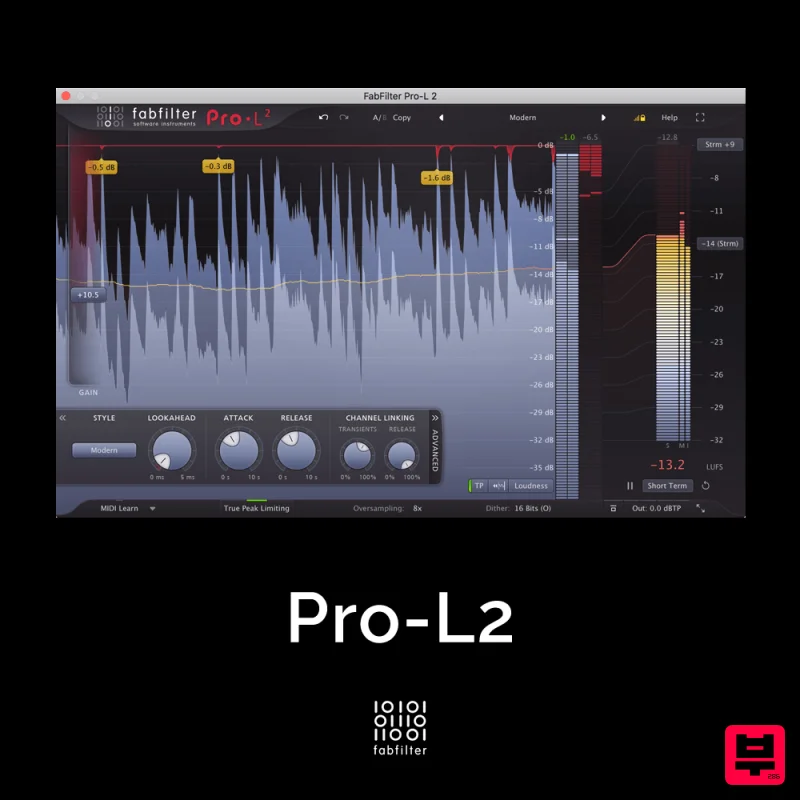
A true peak limiter is an essential tool for every mastering or mixing engineer. Are you looking for a professional,...
Safari Audio Standard Audio Level-Or
Limiter
$51
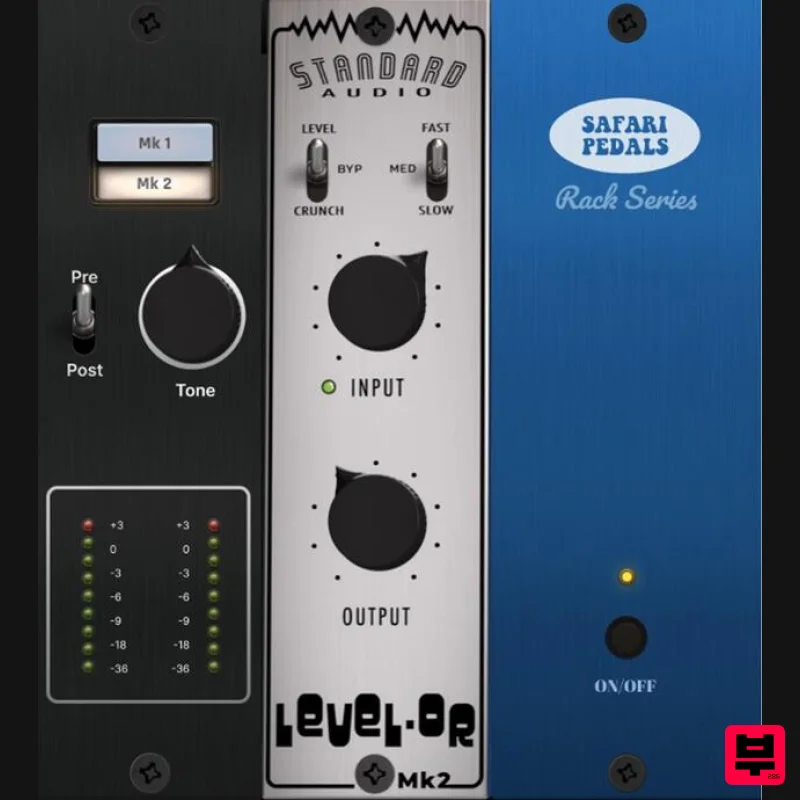
Level-Or by Standard Audio x Safari Audio Level-Or is a fierce character compressor/limiter based on the cult-classic...
PSP Audioware PSP Xenon
Limiter
$208
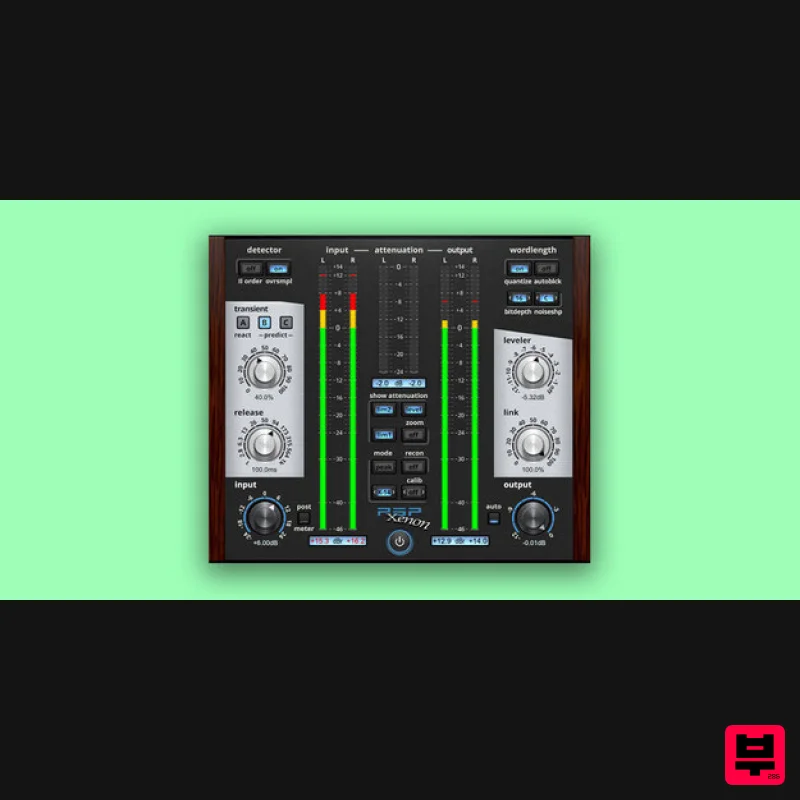
PSP Xenon is a full band, dual-stage limiter plug-in featuring an integrated leveler, advanced K-System metering, and...
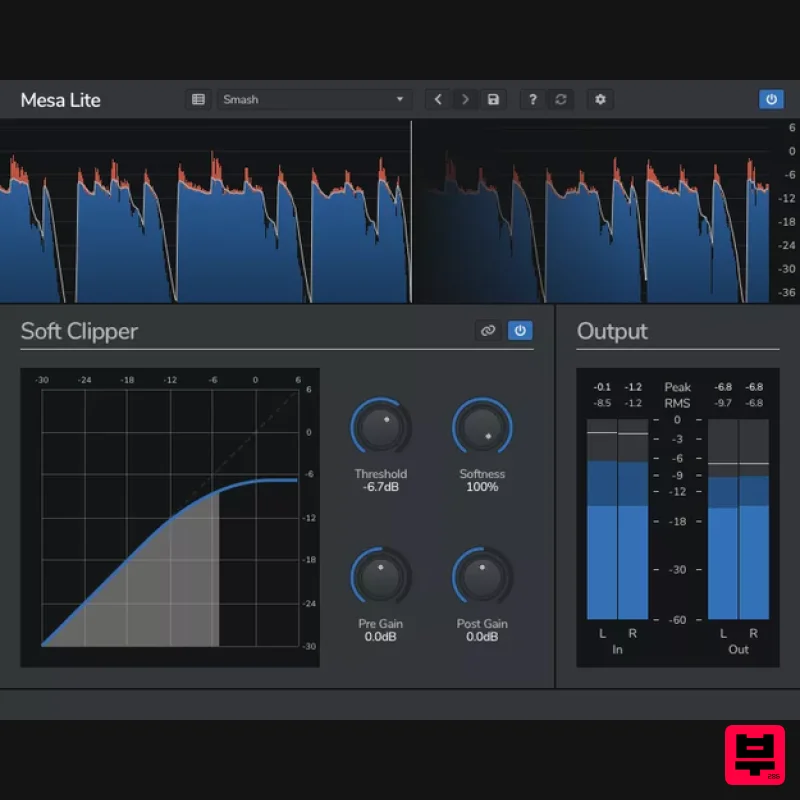
Venomode Mesa Lite
Limiter
Free
Control peaks and increase loudness without pumping Mesa is a free soft clipper designed to increase loudness and...
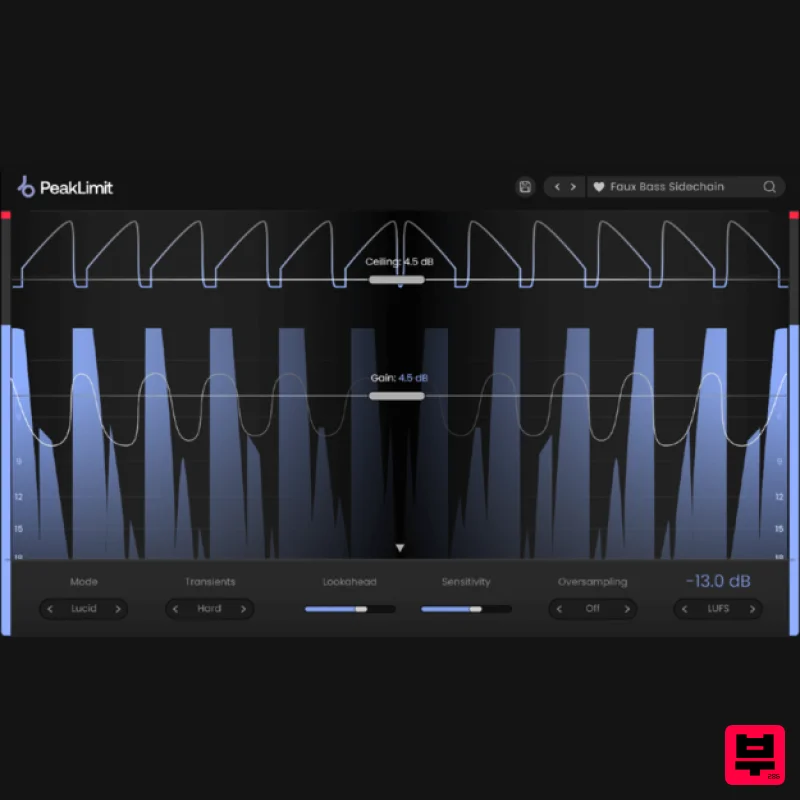
Plugin Boutique PeakLimit
Limiter
$62
Complete your Mastering Chain Before a track is complete and ready for commercial release, the mix has to go through...
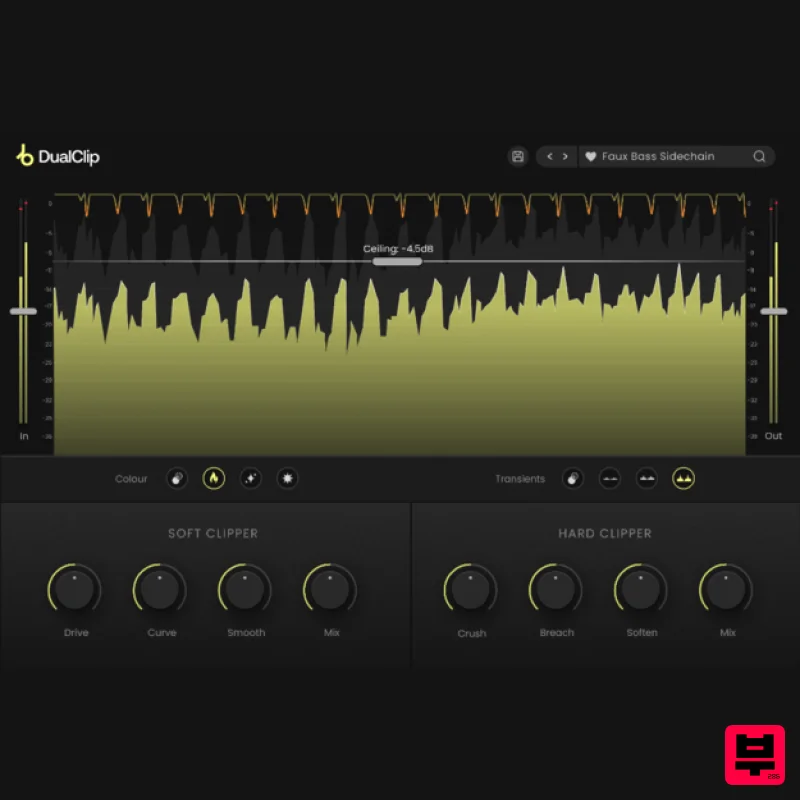
Plugin Boutique DualClip
Limiter
$62
Loudness with Colour Clippers are an essential tool for achieving a huge range of saturation effects. They can...
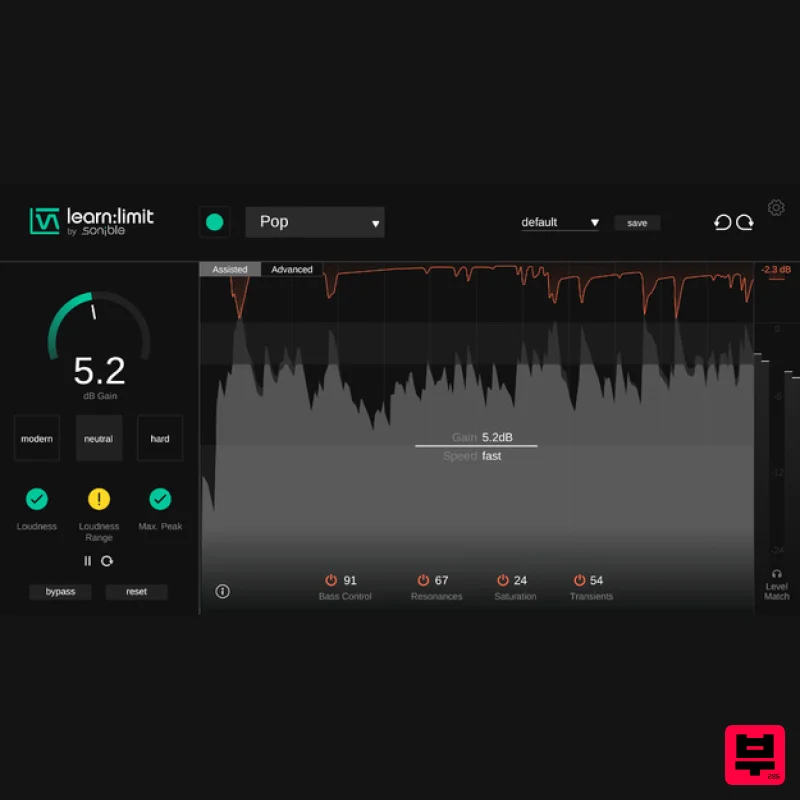
sonible learn:limit
Limiter
$72
An intelligent limiter with built-in loudness monitoring and educational hints learn:limit uses AI to set optimal...
Frequently Asked Questions
The sonible pure:limit stands out for its exceptional sonible craftsmanship and innovative design.
Yes! With its affordable price point and quality construction, it's perfect for learning limiter.
Browse the similar products section to see how it stacks up against other limiter.

