
Sonarworks SoundID Reference for Multichannel
Professional music gear - detailed information and where to buy
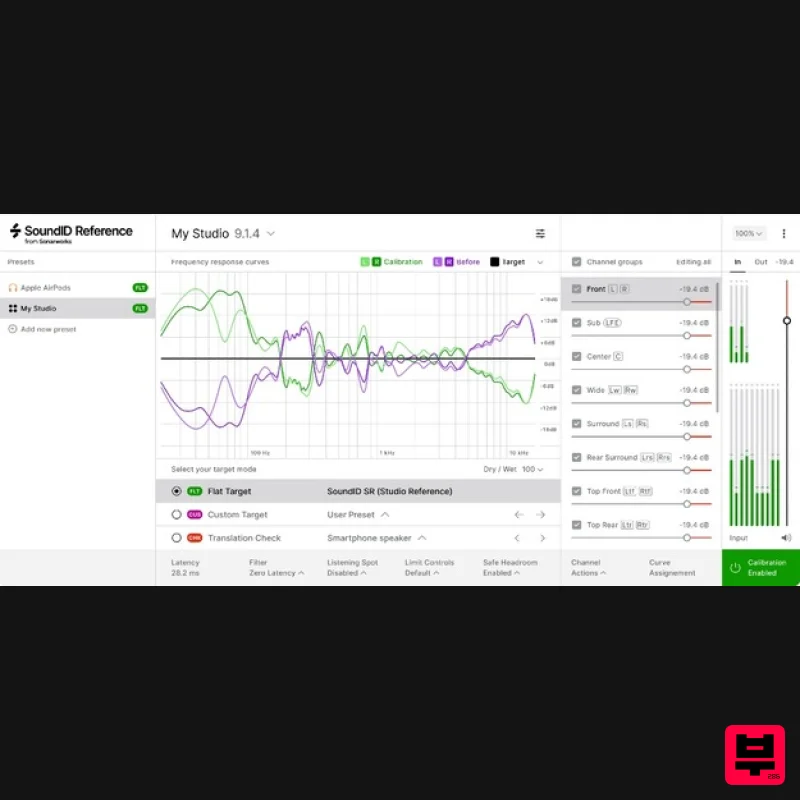
Sonarworks
SoundID Reference for Multichannel
Product Info
* Prices may vary. Check retailer for current pricing and availability.
Product Description
- Reliable Reference Sound for Multichannel Setups A headphone calibration software delivers consistently accurate studio reference sound on your existing headphones. The software includes presets of more than 500 headphone calibration profiles. With an applied headphone calibration profile the software sets the frequency response target to be completely flat across all audible frequencies. The headphone frequency response target is designed to emulate neutral-sounding speakers. With calibrated headphones
- you’ll hear a flat
- consistent sound wherever you go. Create with Ease on any Setup - Accurate speaker measurements and calibration for audio systems from stereo up to 9.1.6 channels. Mix with Confidence - Perfect translation with accurate frequency response and sharp soundstage. Calibrate any Multichannel Setups up to 9.1.6 Atmos Rooms - Compatible with most popular hardware setups and all major DAWs. Supported plugin formats include VST2
- VST3 AAX
- and AU. Intuitive Speaker Measurement Through a user-friendly measurement process
- an intuitive guide helps you to calibrate studio speakers with an individually calibrated measurement microphone with ease. Perfect Time Alignment Phase based time alignment of your satellite & LFE channels with sub-millisecond accuracy for perfect sound staging. Choose Your Target Mode Correct for the Dolby Atmos Music curve
- flat frequency response
- or create a custom profile. Versatile Export Possibilities In a few simple steps apply a calibration profile via the plugin or export to supported hardware devices. How It Works Starting with SoundID Reference for Multichannel Step 1 - Measure Speakers Using an individually calibrated SoundID Reference measurement mic that offers multi-angle microphone calibration curves for accurate measurements. Step 2 - Calibrate with Hardware or Plugin Run the SoundID Reference plugin in your preferred DAW or export the calibration profile to supported hardware units. Step 3 - Hear the Difference Begin and complete a project from A-Z and compare it to your reference tracks to experience better translation across devices. Step 4 - Adjust Your Target Create a custom target curve and limit the calibration range for your whole setup or separate channel groups. Key Features Reliable
- Consistent
- Easy- to-Use Calibration Software for All of Your Audio Systems: Accurate speaker measurements and calibration for audio systems from stereo up to 9.1.6 channels High-accuracy SoundID Reference Measurement Microphone with individual multi-angle calibration curves Ready-to-use headphone calibration for 480+ models Control Your Target Sound: Flat target curve used by over 100k music creators globally Customise your target by limiting the calibration frequency range or adjusting the target curve manually High Performance and Flexibility: Zero latency plugin DSP for Multichannel Phase alignment of channels for high accuracy time delay calibration Native support for the Apple Silicon platforms / M1 chip Export your Calibration Profile to Supported Hardware: AVID MTRX with SPQ DSP AVID MTRX Studio DAD AX32 with SPQ DSP Dolby Atmos Renderer Mastering suite Jones-Scanlon Studio Monitors What's Included? Activation key for the product license: the product can be activated and used on 3 machines SoundID Reference DAW plugin for Multichannel (AAX
- VST2
- VST3) SoundID Reference standalone app for Stereo (ASIO
- WASAPI
- HAL) System Requirements Operating Systems: macOS 10.14 Mojave - macOS 12 Monterey Windows 10 - Windows 11 Sample Rates: 44.1 kHz
- 48 kHz
- 88 kHz
- 96 kHz
- 192 kHz Drivers: Multichannel Measurements - ASIO Stereo Measurement - ASIO
- WASAPI Plugin Types: VST 2.4v
- VST3
- AAX Export: Avid MTRX with SPQ DSP Avid MTRX Studio DAD AX32 with SPQ DSP Dolby Atmos Mastering Suite Wayne Jones AUDIO Studio Monitors Supported Audio Setups: 2.0 (Stereo speakers)
- 2.1.2
- 3.1.2
- 4.1.2
- 4.1.4
- 5.1.2
- 5.1.4
- 7.1.2
- 7.1.4
- 7.1.6
- 9.1.2
- 9.1.4
- 9.1.6 Supported Headphones or Individually Calibrated Headphones Audio Interface Requirements (During the Speaker Measurement Process): +48v Phantom Power Support The same audio interface must be used for input-output The audio hardware setup must consist of a single external hardware device only (additional preamp units are supported) Richard Furch “Sonarworks software provided the missing puzzle piece I was searching for... The combination of measurements and target curves provided focus and clarity and really tied the room together. The translation is excellent. Bravo.” Aaron Mattes "SoundID Reference for Multichannel is a game-changer! It gives me added confidence in knowing that what I'm hearing out of my monitors is correct
- which allows me to spend more time on the creative process and finishing my mixes faster." Registration 1. Go to https: //www.sonarworks.com/account/signup > Enter your email address & password > Click 'Sign up'. 2. You will have received a confirmation email from Sonarworks > Go to your email and click 'Verify this email address'. 3. From within your Sonarworks account
- click 'Register key or code ->' or go to https: //www.sonarworks.com/account/add-license 4. Enter the 24-digit key found in the serial number section of your Plugin Boutique User Account > Click 'Add'. Mac Installation 1. Download the installer from within your Plugin Boutique User Account and open the .dmg file > Double-click the installer icon to begin the installation. 2. Enter your computer username and password > Click 'Ok'. 3. Click 'Install SoundID Reference'. 4. Click 'Accept'. 5. Click 'Install' for the purchased product that you wish to install. 6. Click 'Launch SoundID Reference'. 7. Click 'Sign in to SoundID Reference'. 8. From within your Sonarworks Account
- click 'Activate on this device'. Your software is now activated and ready to use. Windows Installation 1. Download the installer from within your Plugin Boutique User Account and double-click the zip file to extract the contents > Open the .exe file to begin the installation > Click 'Install SoundID Reference'. 2. Click 'Accept'. 3. Click 'Install' for the purchased product that you wish to install. 4. Click 'Install'. 5. Click 'Launch SoundID Reference'. 6. Click 'Sign in to SoundID Reference'. 7. From within your Sonarworks Account
- click 'Activate on this device'. Your software is now activated and ready to use.
Additional Information
About the Sonarworks SoundID Reference for Multichannel
Experience the quality and tone that makes the Sonarworks SoundID Reference for Multichannel a popular choice for musicians.
Why Choose the Sonarworks SoundID Reference for Multichannel?
- •Authentic Sonarworks craftsmanship and design
- •Versatile sound suitable for multiple musical genres
- •Professional build quality and reliable performance
- •Part of Sonarworks's respected Referencing Tools lineup
Compare & Explore
Browse our complete selection of Sonarworks instruments or explore other Referencing Tools options. Use our comparison tools to find the perfect match for your musical style and budget.
Similar Products
Sonarworks Sonarworks SoundID Reference
Referencing Tools
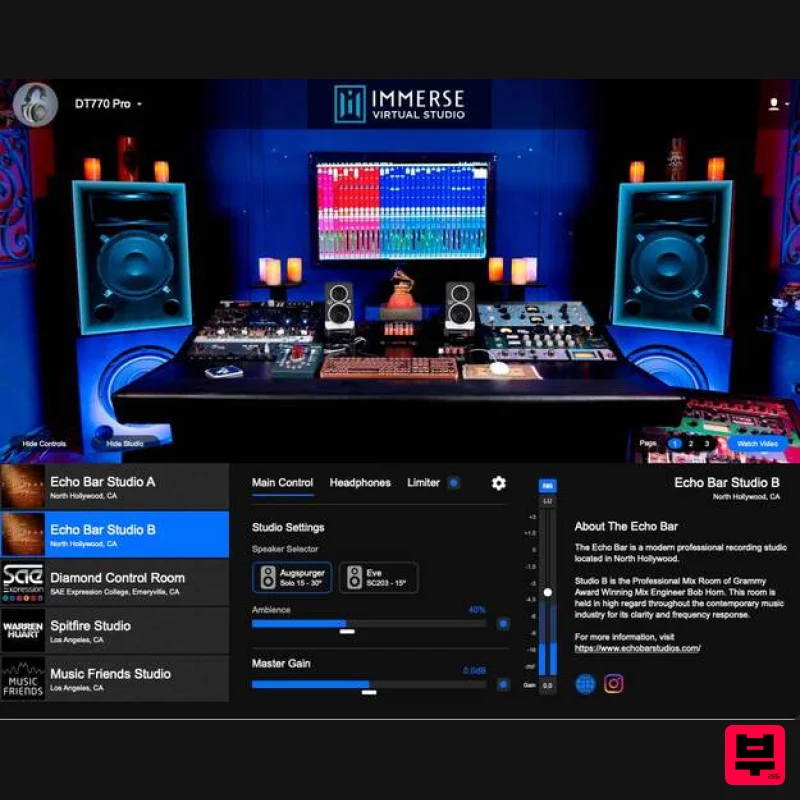
Embody Immerse Virtual Studio | All Access
Referencing Tools
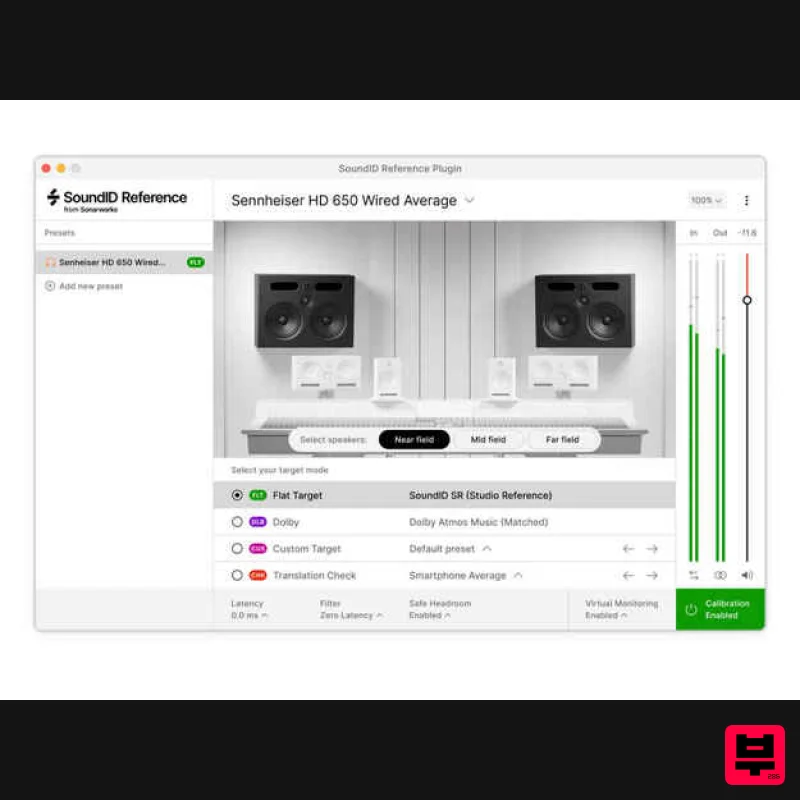
Sonarworks Virtual Monitoring Add-On for SoundID Reference
Referencing Tools
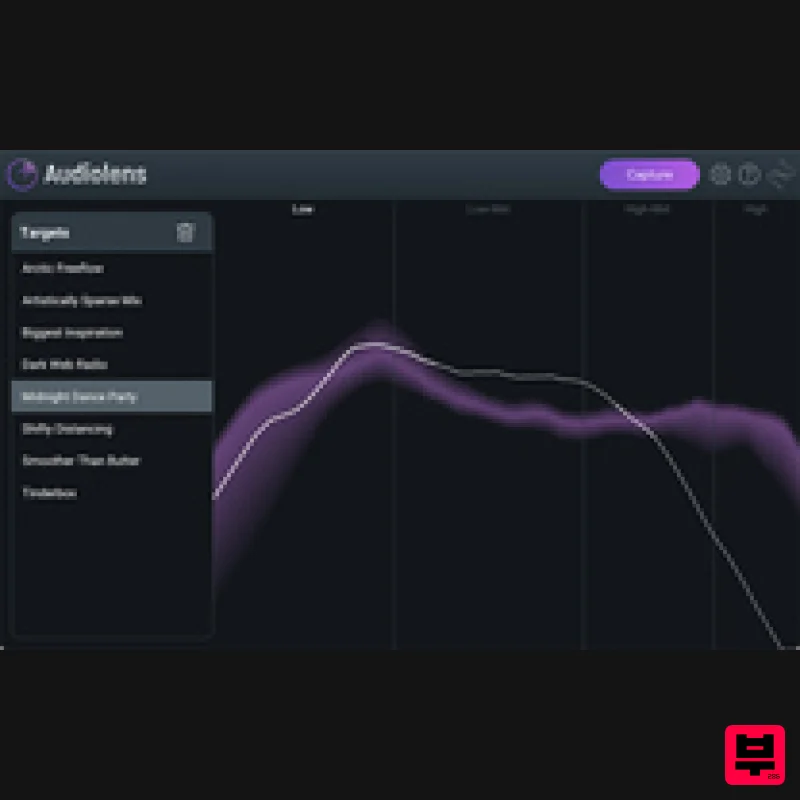
iZotope iZotope Audiolens
Referencing Tools
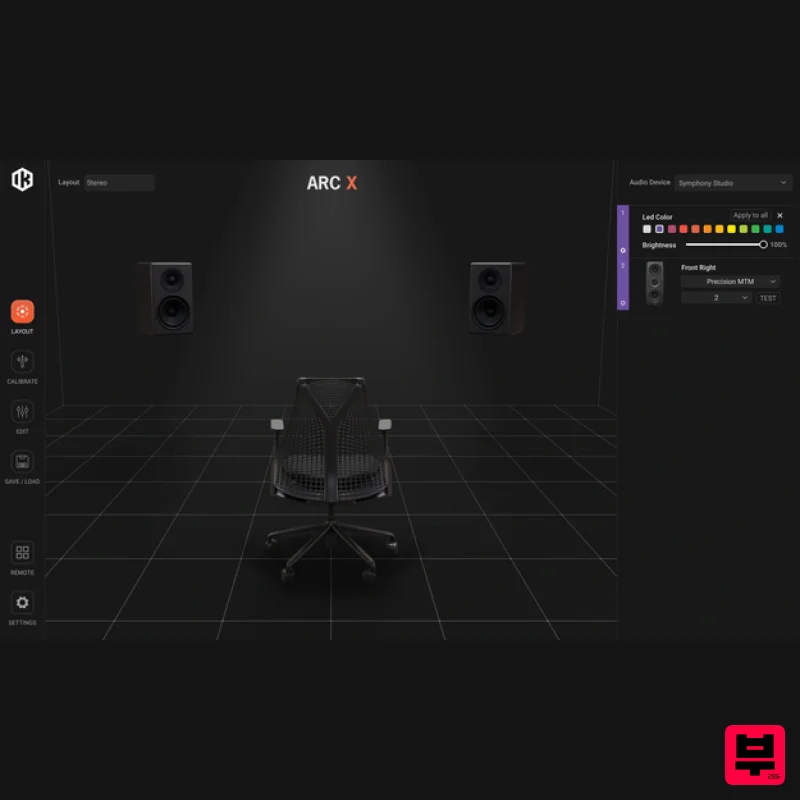
IK Multimedia ARC X
Referencing Tools
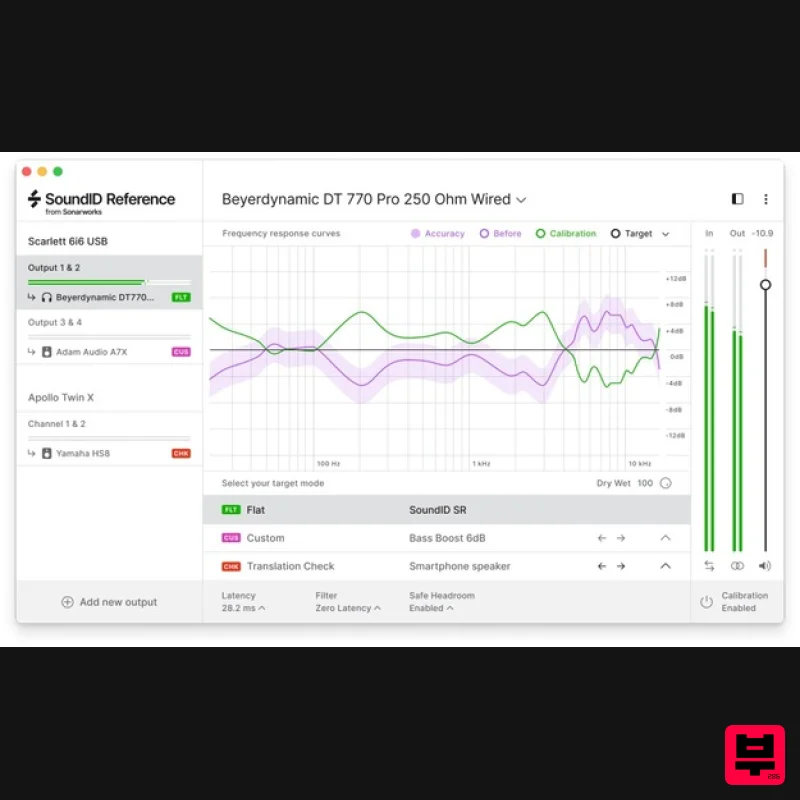
Sonarworks SoundID Reference for Headphones
Referencing Tools
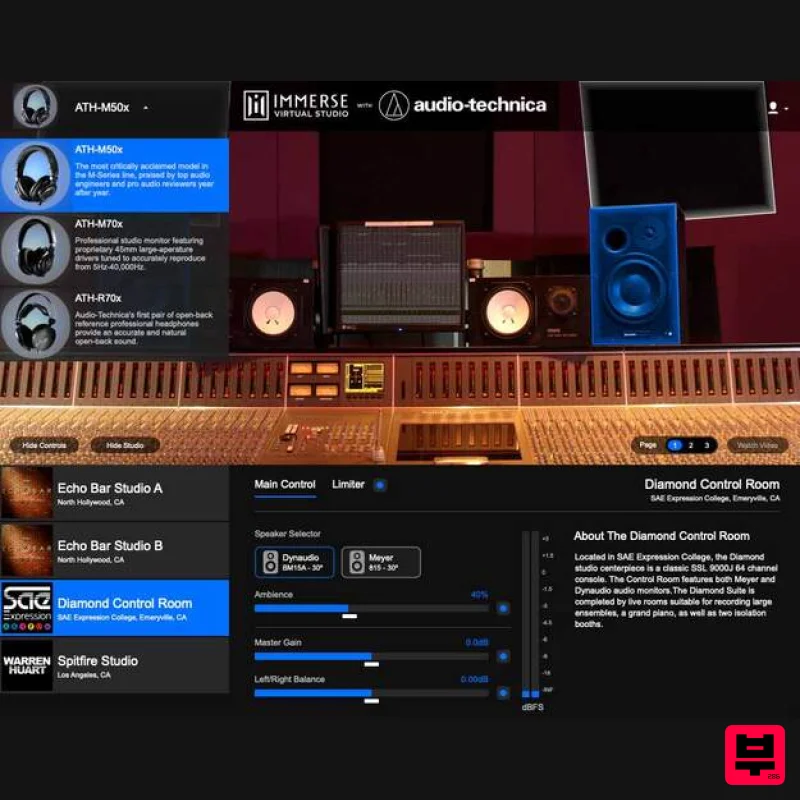
Embody Immerse Virtual Studio | Audio-Technica
Referencing Tools
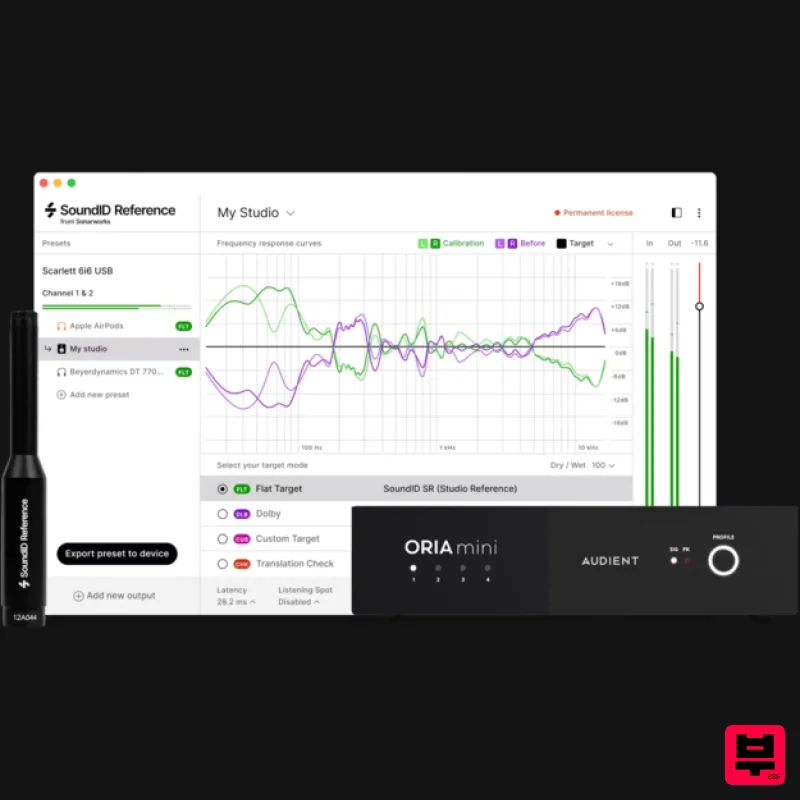
Sonarworks SoundID Reference Add-on for ORIA Mini
Referencing Tools

