
Softube Vocoder
Professional music gear - detailed information and where to buy
Product Description
- Vocalize Your Vision Developed by Bell Labs and used by the military to obscure voiced messages during World War II
- the vocoder has had a clandestine foothold in music culture since the 1970s. With subtlety
- or not
- the vocoder appears on a parade of favorites from Electric Light Orchestra
- Imogen Heap
- Daft Punk
- Herbie Hancock
- Kraftwerk
- Beastie Boys
- Laurie Anderson
- Kanye West
- Mogwai
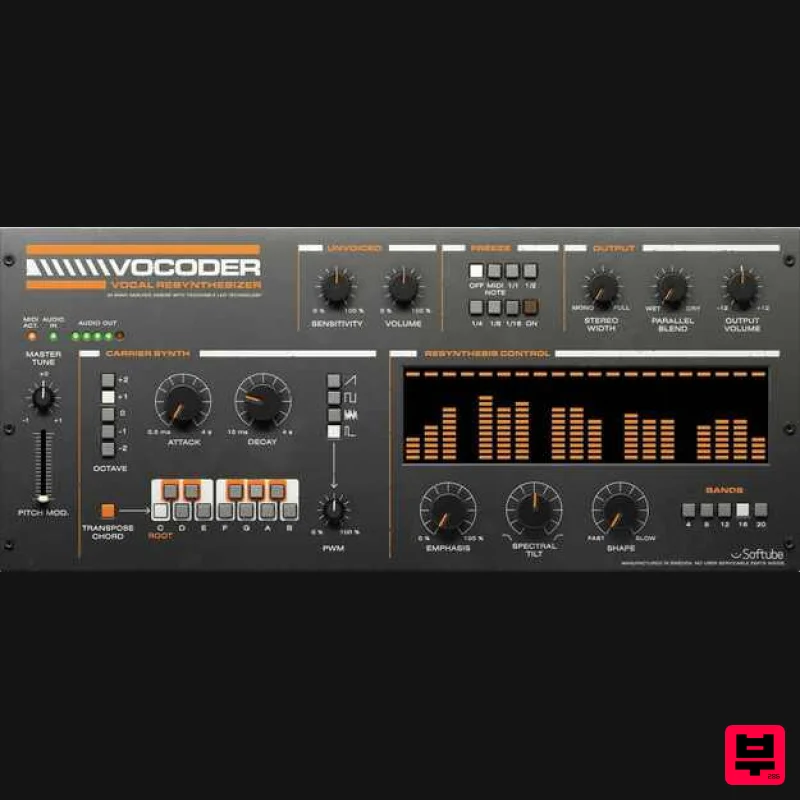
- and more. Softube Vocoder delivers the sensations of vintage machines with Softube sound quality and workflow. A built-in six-voice carrier synth with MIDI capability and an easy-to-use Attack Hold Decay Envelope
- plus a visionary Freeze section
- mean that you’re in for an array of sonic spectacle and revelry. Which is to say
- you’re gonna have a real good time. The Art of Rock & Roll Science When it comes to creating equipment that improves workflow and offers the highest quality sound
- our reputation is rock solid—and long. Our partnerships with premium brands like Marshall
- Buchla
- Doepfer
- Mutronics
- and OTO go back nearly twenty years. Softube Vocoder is built on this legacy of creativity
- passion
- and attention to detail. Because to create tools that innovate
- you have to have heart
- soul
- and Rock & Roll Science. Robot Rock Softube Vocoder hooks the imagination with the look and feel of vintage vocoders. MIDI capability enables you to record and reproduce the notes that the stellar carrier synth will perform. Softube Vocoder is not an effect that mimics vocoding sounds. Softube Vocoder is true vocoding. Masterful on a multitude of sources—including drums—Vocoder's vintage tone and ease of use make Vocoder suited to electronic and pop music production. Play outside of the box in the box—or live—with a futuristic instrument that has become a retro classic. Computer Love A pivotal element of Softube Vocoder is the excellent six-voice polyphonic carrier synth. Move between four distinct waveforms—Saw
- Square
- Noise
- and Pulse—with the ability to select octave adjustments
- pitch modulation
- and Pulse Wave Modulation. The Attack Hold Decay Envelope is simple-to-use and replaces traditional ADSR for in-themoment performance. While the Unvoiced section provides control of plosive and high-frequency consonant sounds
- bringing realism back to drum transients or vocal syllables that might be hard to comprehend. With a sonic swirl of classic vocoding and Softube innovation
- Vocoder lets you articulate your dream sounds in full color. Jam the Box Create everything from full-spectrum synth sounds to android exclamations with variable band selection of four
- eight
- twelve
- sixteen
- and twenty. Build stereo width by assigning bands left to right based on odd-even numbering. Three knobs make it simple to adjust the sound of the resynthesis section. Control resonance
- tilt to favor higher or lower bands
- and adjust the speed versus slop of all the bands at once. And with the fantastical Freeze section
- you can free your creative flow. Use the Freeze section to manually make a rhythmic hold of specific formants or employ a DAW sync to set subdivisions of a beat. With unique features and an intuitive workflow
- Vocoder inspires artistry of a higher plane. Features The look and feel of vintage vocoding with Softube innovations High-quality Softube sound
- excellent shaping tools
- and an inspiring workflow A superb six-voice polyphonic carrier synth with four selectable waveforms and MIDI capability An easy-to-use Attack Hold Decay Envelope Transpose Chord Mode lets you create a chord with the on-screen keyboard and then transpose it via MIDI Notes Control of plosive and high-frequency consonant sound reproduction via the Unvoiced section Stereo widening that adjusts the amount of spread between even and odd bands Spectral Tilt to swiftly set the spectral weight of the vocoder output Variable band selection between 4
- and 20 bands Unique Freeze section that allows rhythmic hold of certain formants manually and via MIDI Notes or a DAW Sync Shape section that controls slop of resynthesis and Emphasis section to manage the response of each band Add subtle vibrato to dramatic wobble effects with the Pitch Modulation section System Requirements macOS Big Sur 11
- Monterey 12
- Ventura 13 Windows 10 (64-bit)
- Windows 11 Softube account iLok account Computer with AU
- VST3
- and/or AAX-compatible DAW host software Internet access (for downloading installers and managing licenses) Supported CPU Families Apple macOS computers with Intel Core i3/i5/i7 or Apple silicon (M1 or newer) CPU. Apple silicon is supported natively. Windows computers with quad-core Intel Core i3/i5/i7 or AMD quad-core processors with SSE 4.2 support. Other Intel processors (Celeron
- Pentium
- and Xeon) are compatible if they support SSE 4.2 instructions. Supported Host Software (DAW) Any 64-bit VST
- VST3
- or AAX (Pro Tools 11.0.2 or higher) compatible host application should work. However
- due to plug-in host differences between DAWs—and our rigorous standards—Softube only officially test their plug-ins and instruments in the most recent versions of Pro Tools
- Logic Pro
- Cubase
- Ableton Live
- Studio One
- and Reaper. Softube plug-ins are not tested regularly in non-listed systems. They will likely work if the system requirements are met. However
- the manufacturer cannot guarantee a solution for issues in unsupported systems. Softube strongly recommend using VST3
- as some of their plug-ins have features that are not present in the older VST format. Supported sample rates: 44.1
- 88.2
- 176.4
- and 192 kHz
- in both mono and stereo. The most recent maintenance release of your DAW application is recommended. AAX DSP is not currently in active development. TDM/VENUE/RTAS are no longer supported. See Legacy Installers. Important Note: Make sure that you always use the latest iLok License Manager. It is not included in the Softube installer but can be downloaded from www.ilok.com Important Note: Spring Reverb is used as the example Installation Video <iframe frameborder="0" height="315" src="https://www.youtube.com/embed/8bY_0kx5bzw" width="560"></iframe> Note: Before starting the installation
- you are required to create a FREE iLok user ID and install the iLok License Manager. Please take a look at this Help Centre Guide for more information. Registration 1. Click 'DOWNLOAD' in your Plugin Boutique Account. This will direct you to the Softube login page. 2. Enter your details > tick the Privacy Policy box > click 'Sign up' to create an account. (If you already have a Softube account
- please log in and skip to step 5). 3. Go to your email account > find the Softube registration email > click 'ACTIVATE MY ACCOUNT'. (Your account has now been successfully created) 4. Go back to www.softube.com (you should now be logged in) > click 'MY ACCOUNT'. 5. Click 'REGISTER LICENSE'. 6. Enter the License Code (referred to as serial number on our site) found in your Plugin Boutique User Account > click 'REGISTER LICENSE'. 7. Click 'GO FOR IT!'. Your product is now registered. Mac 1. On the My Products page
- click 'MAC' > you will be directed to the Mac Installation page. 2. Click 'HERE (highlighted in orange) to start downloading Softube Central. 3. Once it has downloaded
- open the Softube Central PKG file > click 'Continue'. 4. Read through the Software License Agreement > click 'Continue'. 5. Click 'Agree'. 6. Click 'Install'. 7. Enter your password > click 'Install Software'. 8. Click 'Close'. 9. Open Softube Central > click 'INSTALL' to install all the necessary iLok licensing components. (This may take a few minutes) 10. Sign in to your Softube account. 11. Your product will now be displayed in Softube Central. Please note: if it says 'DISCONNECTED' at the top of the window
- please go to the settings and click 'RESTART'
- close Softube Central and then open it again. Your software is now activated and ready for use within your DAW. Windows 1. On the My Products page
- click 'WINDOWS' > you will be directed to the Windows Installation page. 2. Click 'here' (highlighted in orange) to start downloading Softube Central. 3. Once it has downloaded
- open the Softube Central download > click 'Yes'. 4. Read through the Software License Agreement > click 'I Agree'. 5. Softube Central will now open > click 'Install' to download the necessary iLok licensing components. 6. Please wait for the iLok licensing components to download. (This may take up to 5 minutes). 7. Click 'Yes' > the Softube Installer Helper Setup will now run. 8. Click 'Next >'. 9. Read through the License Agreement > click 'I Agree'. 10. Click 'Next >'. 11. Choose the VST file path (we recommend the default location) > click 'Install'. 12. Click 'Finish'. 13. Softube Central has now been successfully installed > click 'START'. 14. Sign in to your Softube account. 15. Click 'INSTALL'. Your software is now activated and ready for use within your DAW.
Additional Information
About the Softube Vocoder
The Softube Vocoder represents excellent craftsmanship in the Vocoder category.
Why Choose the Softube Vocoder?
- •Authentic Softube craftsmanship and design
- •Versatile sound suitable for multiple musical genres
- •Professional build quality and reliable performance
- •Part of Softube's respected Vocoder lineup
Compare & Explore
Browse our complete selection of Softube instruments or explore other Vocoder options. Use our comparison tools to find the perfect match for your musical style and budget.
Similar Products
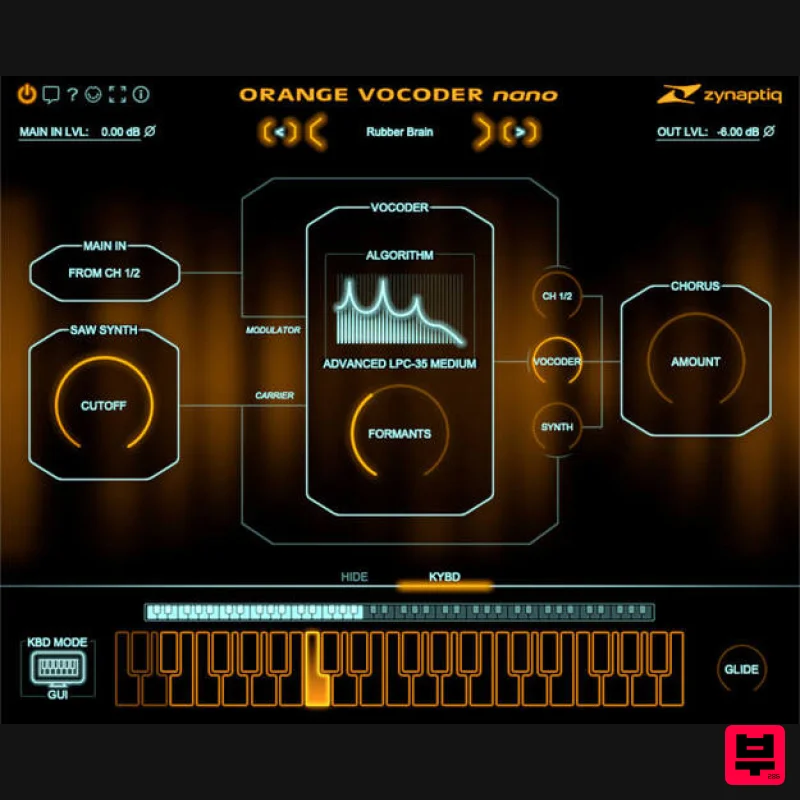
Zynaptiq ORANGE VOCODER NANO
Vocoder
$59
Orange Vocoder Nano Awesome Vocoding, Streamlined Add pristine vocoder sounds to your projects quickly and easily with...
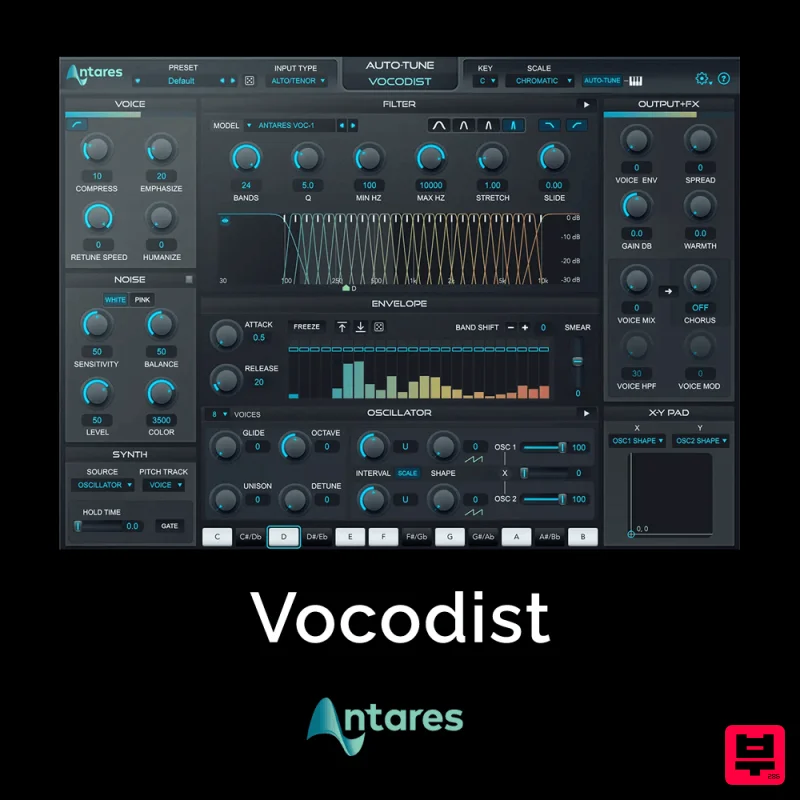
Antares Vocodist
Vocoder
$30
The Human Voice. Synthesized Immediately recognizable, always unforgettable. Produce the unmistakable effect made...
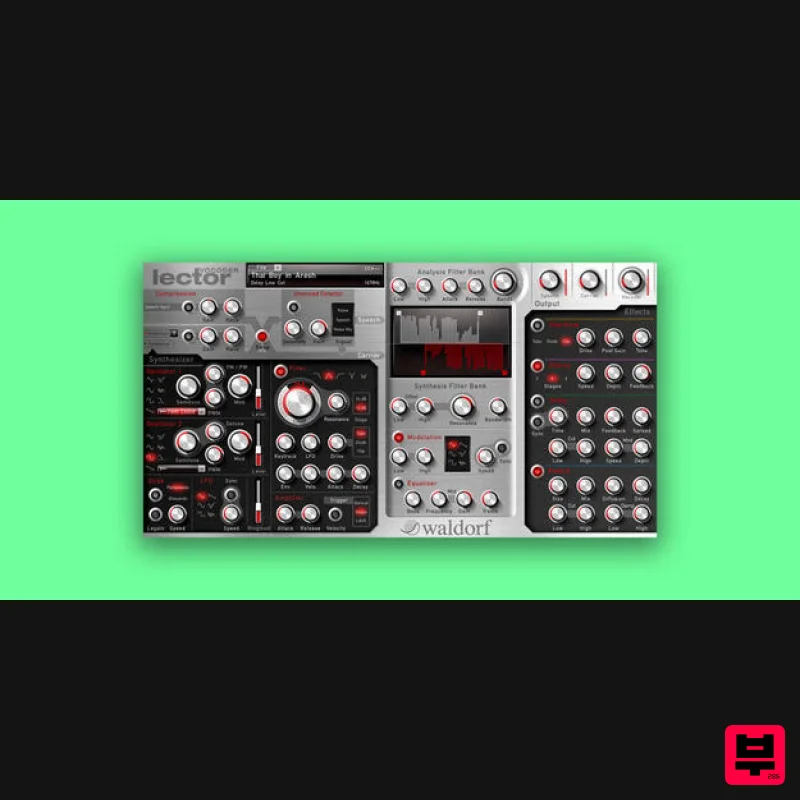
Waldorf Lector
Vocoder
$169
Lector is a vocoder with superior intelligibility and performance. The 100 band stereo vocoder core is flanked by a...
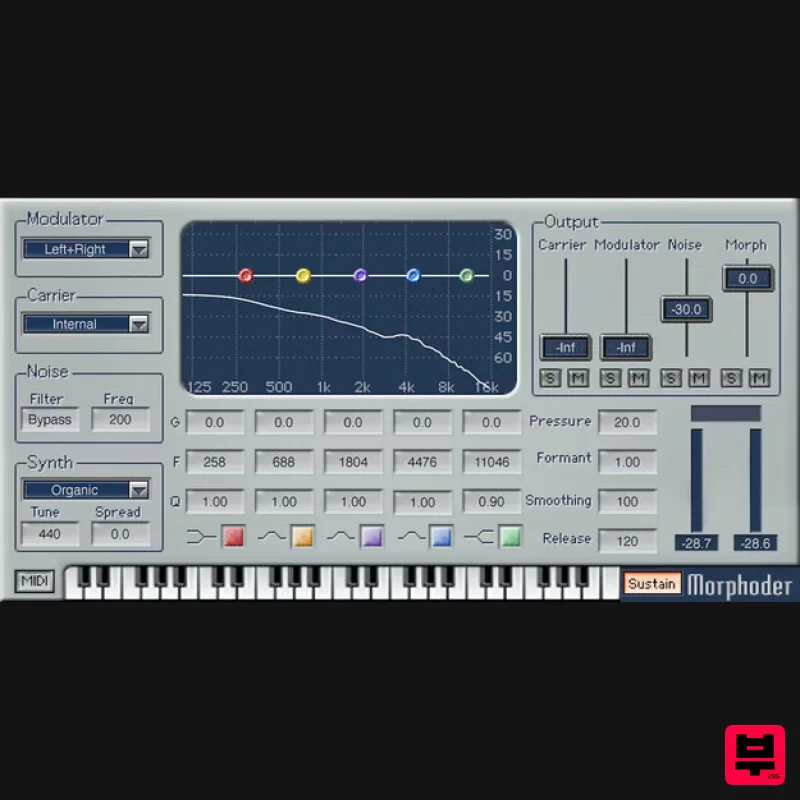
Waves Morphoder
Vocoder
$44
Morphoder A Sound Designer’s Paradise, with Built-In Vocoder This is the vocoder that goes beyond vocoding. It’s...
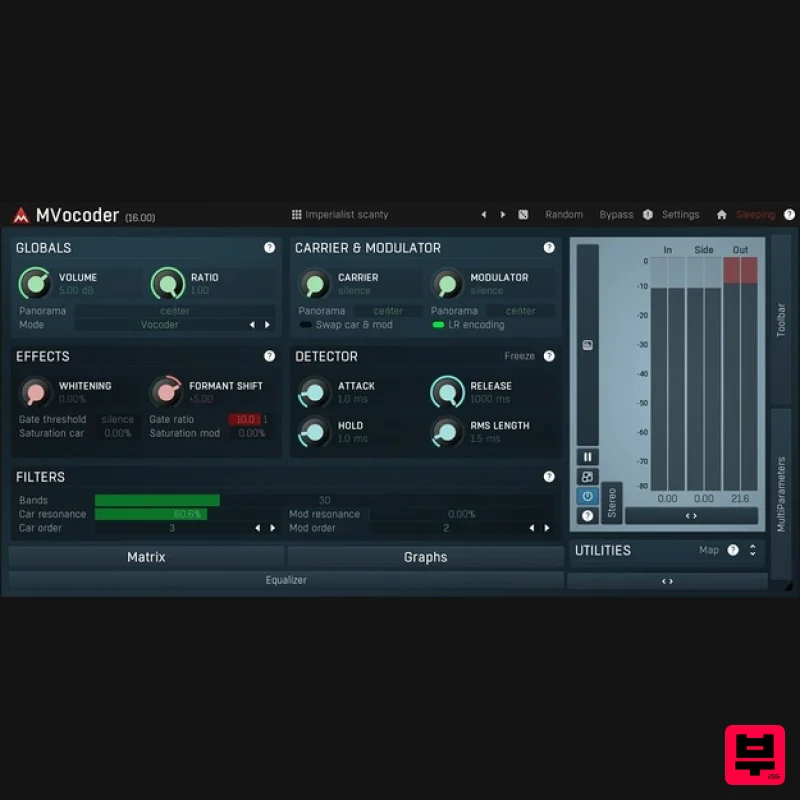
MeldaProduction MVocoder
Vocoder
$51
Robotic voices, singing synthesizers, morphing between multiple audio materials. That's MVocoder, a vocoder with...
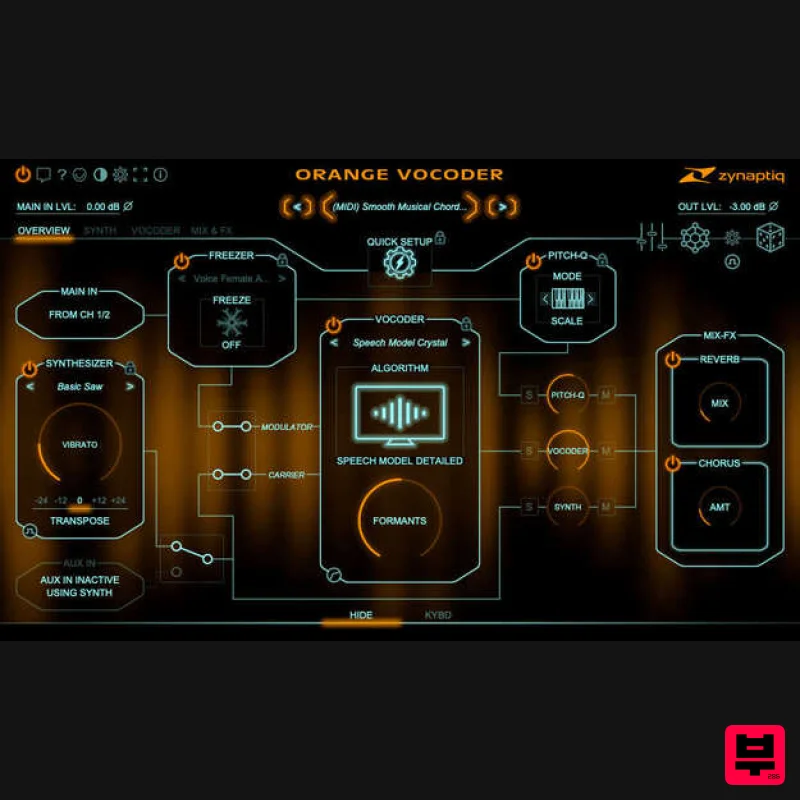
Zynaptiq ORANGE VOCODER IV
Vocoder
$179
Orange Vocoder IV Vocoding, Zynaptified Combining the most comprehensive and best-sounding set of vocoding algorithms...
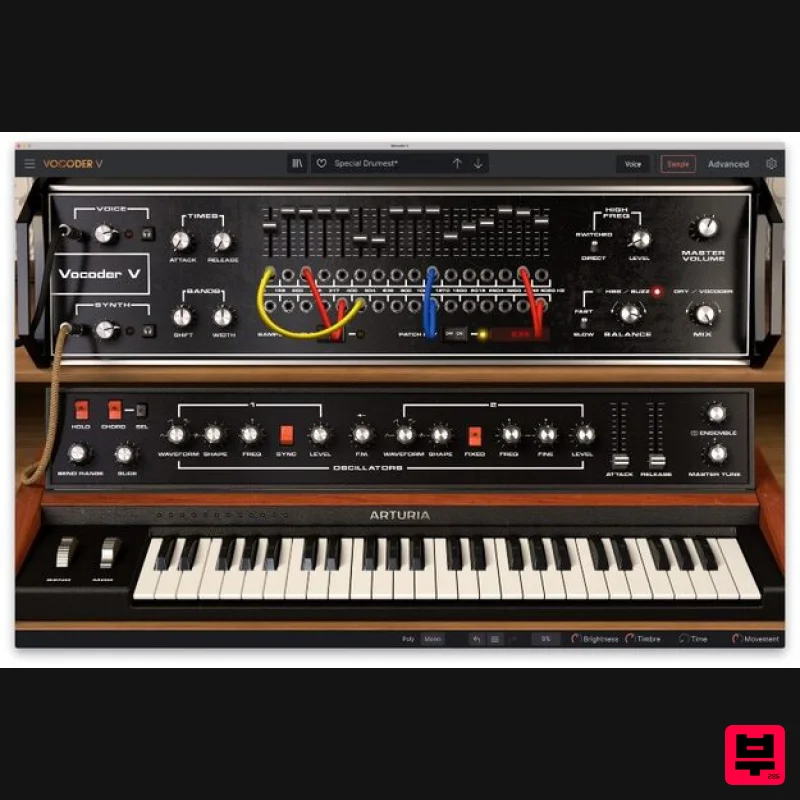
Arturia Vocoder V
Vocoder
$156
Ultimate Voice Electrifier Vocoder V takes the iconic 16-Band Vocoder and retrofits it with advanced synth, sampler,...
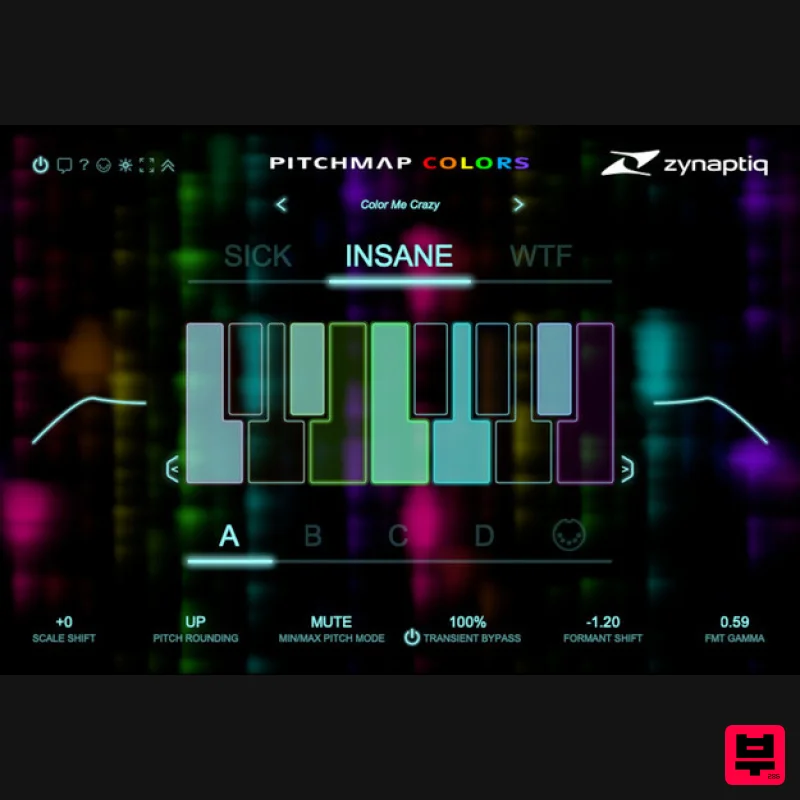
Zynaptiq PITCHMAP::COLORS
Vocoder
$119
Pitchmap::Colors Bring COLOR to Your Sound Conform audio to your song's key/scale, colorize your basses and synths, and...
Frequently Asked Questions
The Softube Vocoder stands out for its exceptional Softube craftsmanship and innovative design.
Yes! With its affordable price point and quality construction, it's perfect for learning vocoder.
Browse the similar products section to see how it stacks up against other vocoder.

