
Softube Tube-Tech Complete Collection 2
Professional music gear - detailed information and where to buy
Softube
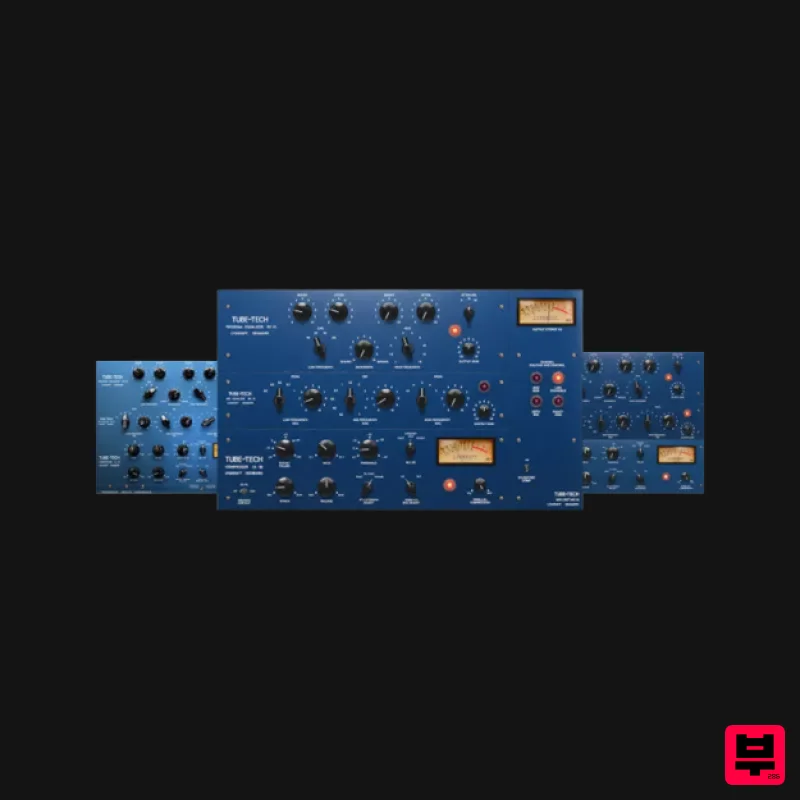
Tube-Tech Complete Collection 2
Product Info
* Prices may vary. Check retailer for current pricing and availability.
Product Description
- There’s no such thing as too much Tube-Tech All of Softube's exclusive
- officially licensed Tube-Tech plug-ins in one bundle. New: Tube-Tech Blue Tone New: Tube-Tech 2B Multiband Compressor — fidelity & flexibility for your processing tasks Updated: Tube-Tech CL 1B Mk II and Tube-Tech Classic Channel Mk II Tube-Tech Equalizers Mk II — Pultec-style that’s perfect for timeless analog tone-shaping An indispensable set of true-blue tools
- Tube-Tech Complete Collection 2 gives you all Softube's exclusive
- officially licensed TubeTech plug-ins. The latest in the series
- 2B Multiband Compressor
- is an expert emulation of the renowned three-band opto comp. Not your typical channel strip
- the updated Classic Channel Mk II delivers tasteful warmth and saturation for any sound source. You'll also get the passive tube-driven PE 1C and ME 1B Pultec-style equalizers. Last but certainly not least is the world-famous optical compressor CL 1B Mk II
- which brings punchy analog sound to your productions. The collection represents the highest quality and versatility available for the modern studio. Or anywhere
- for that matter. Softube & Tube-Tech: Making Modern Classics Softube's partnership with Tube-Tech goes back to 2006
- when they began work on the definitive plug-in representations of the Danish company's best and most highly prized analog hardware units. In 2018
- Softube utilized their latest signal processing technology and released Mk II versions of CL 1B and Classic Channel. The super stunning highresolution graphics and additional features made the best even better. Never ones to rest on their laurels
- Softube bring you the only officially licensed Tube-Tech 2B Multiband Compressor plug-in
- the new Tube-Tech Complete Collection 2
- and additional updates to CL 1B Mk II. Improved Control Across the Collection The original Tube-Tech plug-ins were a success. To improve the workflow of these popular tools
- Softube have added modern features
- like parallel blend and side-chain low cut for the CL 1B
- a Generation Switch for easy access to the Mk I and Mk II versions of CL 1B (and Classic Channel)
- and stereo processing via linked or selectable Dual Mono operation for 2B Multiband Compressor. The addition of mid/side processing opens Classic Channel up to serious applications of stereo-image management. Compress and EQ your kick and snare differently from your overheads for a wider or more compact drum mix. Or
- when mastering
- gently balance the vocal against the rest of the track by low cutting the detector circuit of the ‘mid’ portion of the signal and homing in on exactly what you need. Classic Channel: A Collection Exclusive The Tube-Tech Classic Channel combines both generations of the CL 1B optical compressor with the Generation Switch
- plus PE 1C and ME 1B
- two complementary tube-driven passive equalizers. The CL 1B is a modern classic for a good reason. Across genres
- it brings warmth through its tube stages
- transparent operation on transients through its quick attack
- and musical levelling due to the slow reset characteristics of its gain reduction element. With the equalizers
- you can shape the sound of a track
- a bus
- or a whole mix within seconds. The highs sound and gentle
- the mid-range airy and focused
- and the lows full and fat. What's Included NEW: Blue Tone Blue Tone packs an incredible amount of processing into a simple interface. Behind a few easy-to-dial-in knobs lies the powerful multiband compression of Tube-Tech 2B and the legendary Pultec-style EQs Tube-Tech PE 1C and ME 1B. Blue Tone is designed for getting amazing results quickly and easily without needing to start from zero and dial in multiple parameters in multiple plug-ins on each bus or channel. NEW: 2B Multiband Compressor Remarkable fidelity and extreme versatility. This three-band opto comp is the choice of top engineers
- producers
- studios
- and mastering houses worldwide. It gives you flexibility and high fidelity for dynamic processing tasks
- mix buses
- and vocal
- drum
- and bass buses. CL 1B Mk II Softube's CL 1B Mk II plug-in includes the legacy CL 1B compressor plus a total sonic remodel done with the latest signal processing technology. Just hit the Generation Switch to go from the sound of Mk I to the sound of Mk II. Whichever you choose
- it will be perfect for hip hop
- vocals
- drums
- and bass. Equalizers Mk II Tube-Tech equalizers are perfect for timeless analog toneshaping. This collection includes the classic PE 1C and ME 1B combined
- plus legacy versions of each. Use them to give character and style to drums
- synths
- vocals
- guitars
- strings
- bass
- and more. Classic Channel Mk II Sotube's beloved
- updated Tube-Tech Classic Channel combines both generations of the heroic CL 1B optical compressor
- plus PE 1C and ME 1B
- two complementary tube-driven passive equalizers. The addition of the Generation Switch means you can toggle between CL 1B Mk I and MK II with ease. Legacy Products Tube-Tech Complete Collection 2 includes four legacy products: Tube-Tech CL 1B Mk I
- Tube-Tech Classic Channel Mk 1
- TubeTech PE 1C
- and Tube-Tech ME 1B. Softube have included these discontinued legacy products to ensure your existing projects are safe when upgrading. Please note that some legacy products may be unsupported. Features Created in partnership with and endorsed by Tube-Tech NEW: Blue Tone NEW: Tube-Tech 2B Multiband Compressor Updated: Tube-Tech CL 1B Mk II Updated: Tube-Tech Classic Channel Mk II Tube-Tech Equalizers Mk II A Generation Switch to toggle between the sound of the CL 1B versions while using the CL 1B Mk II and Classic Channel Mk II plug-ins Modern features
- such as mid/side processing and
- in the CL 1B
- side-chain low-cut filters and parallel blend Console 1-ready: Tube-Tech CL 1B Mk II and Tube-Tech Equalizers Mk II work both as native plug-ins and in Console 1. Learn more about Console 1 Legacy plug-ins included System Requirements macOS Big Sur 11
- Monterey 12
- Ventura 13 Windows 10 (64-bit)
- Windows 11 Softube account iLok account Computer with AU
- VST3
- and/or AAX-compatible DAW host software Internet access (for downloading installers and managing licenses) Supported CPU Families Apple macOS computers with Intel Core i3/i5/i7 or Apple silicon (M1 or newer) CPU. Apple silicon is supported natively. Windows computers with quad-core Intel Core i3/i5/i7 or AMD quad-core processors with SSE 4.2 support. Other Intel processors (Celeron
- Pentium
- and Xeon) are compatible if they support SSE 4.2 instructions. Supported Host Software (DAW) Any 64-bit VST
- VST3
- or AAX (Pro Tools 11.0.2 or higher) compatible host application should work. However
- due to plug-in host differences between DAWs—and our rigorous standards—Softube only officially test their plug-ins and instruments in the most recent versions of Pro Tools
- Logic Pro
- Cubase
- Ableton Live
- Studio One
- and Reaper. Softube plug-ins are not tested regularly in non-listed systems. They will likely work if the system requirements are met. However
- the manufacturer cannot guarantee a solution for issues in unsupported systems. Softube strongly recommend using VST3
- as some of their plug-ins have features that are not present in the older VST format. Supported sample rates: 44.1
- 88.2
- 176.4
- and 192 kHz
- in both mono and stereo. The most recent maintenance release of your DAW application is recommended. AAX DSP is not currently in active development. TDM/VENUE/RTAS are no longer supported. See Legacy Installers. Important Note: Make sure that you always use the latest iLok License Manager. It is not included in the Softube installer but can be downloaded from www.ilok.com Important Note: Spring Reverb is used as the example Installation Video <iframe frameborder="0" height="315" src="https://www.youtube.com/embed/8bY_0kx5bzw" width="560"></iframe> Note: Before starting the installation
- you are required to create a FREE iLok user ID and install the iLok License Manager. Please take a look at this Help Centre Guide for more information. Registration 1. Click 'DOWNLOAD' in your Plugin Boutique Account. This will direct you to the Softube login page. 2. Enter your details > tick the Privacy Policy box > click 'Sign up' to create an account. (If you already have a Softube account
- please log in and skip to step 5). 3. Go to your email account > find the Softube registration email > click 'ACTIVATE MY ACCOUNT'. (Your account has now been successfully created) 4. Go back to www.softube.com (you should now be logged in) > click 'MY ACCOUNT'. 5. Click 'REGISTER LICENSE'. 6. Enter the License Code (referred to as serial number on our site) found in your Plugin Boutique User Account > click 'REGISTER LICENSE'. 7. Click 'GO FOR IT!'. Your product is now registered. Mac 1. On the My Products page
- click 'MAC' > you will be directed to the Mac Installation page. 2. Click 'HERE (highlighted in orange) to start downloading Softube Central. 3. Once it has downloaded
- open the Softube Central PKG file > click 'Continue'. 4. Read through the Software License Agreement > click 'Continue'. 5. Click 'Agree'. 6. Click 'Install'. 7. Enter your password > click 'Install Software'. 8. Click 'Close'. 9. Open Softube Central > click 'INSTALL' to install all the necessary iLok licensing components. (This may take a few minutes) 10. Sign in to your Softube account. 11. Your product will now be displayed in Softube Central. Please note: if it says 'DISCONNECTED' at the top of the window
- please go to the settings and click 'RESTART'
- close Softube Central and then open it again. Your software is now activated and ready for use within your DAW. Windows 1. On the My Products page
- click 'WINDOWS' > you will be directed to the Windows Installation page. 2. Click 'here' (highlighted in orange) to start downloading Softube Central. 3. Once it has downloaded
- open the Softube Central download > click 'Yes'. 4. Read through the Software License Agreement > click 'I Agree'. 5. Softube Central will now open > click 'Install' to download the necessary iLok licensing components. 6. Please wait for the iLok licensing components to download. (This may take up to 5 minutes). 7. Click 'Yes' > the Softube Installer Helper Setup will now run. 8. Click 'Next >'. 9. Read through the License Agreement > click 'I Agree'. 10. Click 'Next >'. 11. Choose the VST file path (we recommend the default location) > click 'Install'. 12. Click 'Finish'. 13. Softube Central has now been successfully installed > click 'START'. 14. Sign in to your Softube account. 15. Click 'INSTALL'. Your software is now activated and ready for use within your DAW.
Additional Information
About the Softube Tube-Tech Complete Collection 2
Experience the quality and tone that makes the Softube Tube-Tech Complete Collection 2 a popular choice for musicians.
Why Choose the Softube Tube-Tech Complete Collection 2?
- •Authentic Softube craftsmanship and design
- •Versatile sound suitable for multiple musical genres
- •Professional build quality and reliable performance
- •Part of Softube's respected Channel Strip lineup
Compare & Explore
Browse our complete selection of Softube instruments or explore other Channel Strip options. Use our comparison tools to find the perfect match for your musical style and budget.
Similar Products
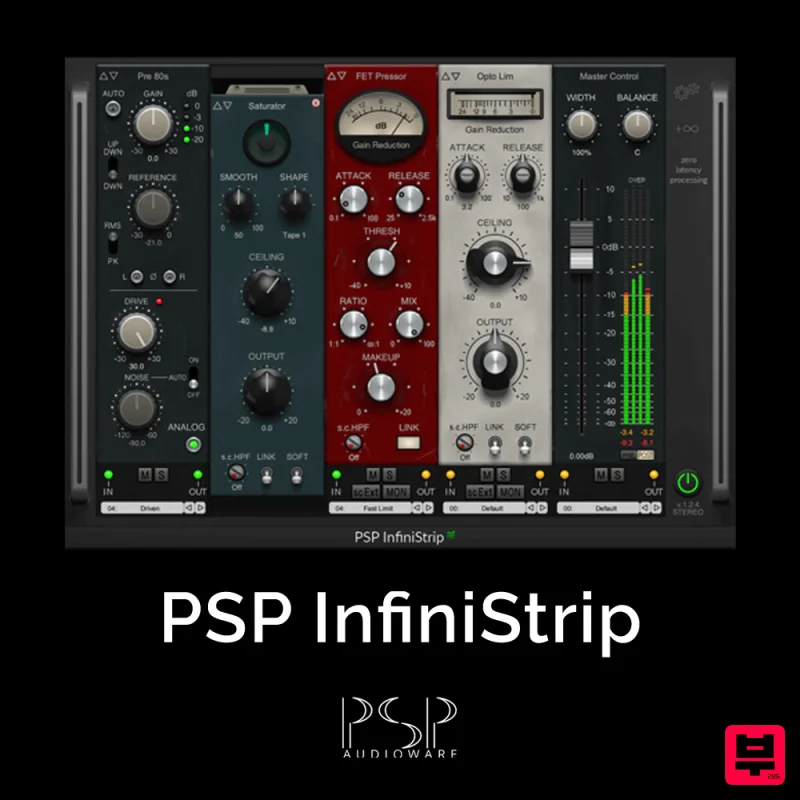
PSP Audioware PSP InfiniStrip
Channel Strip
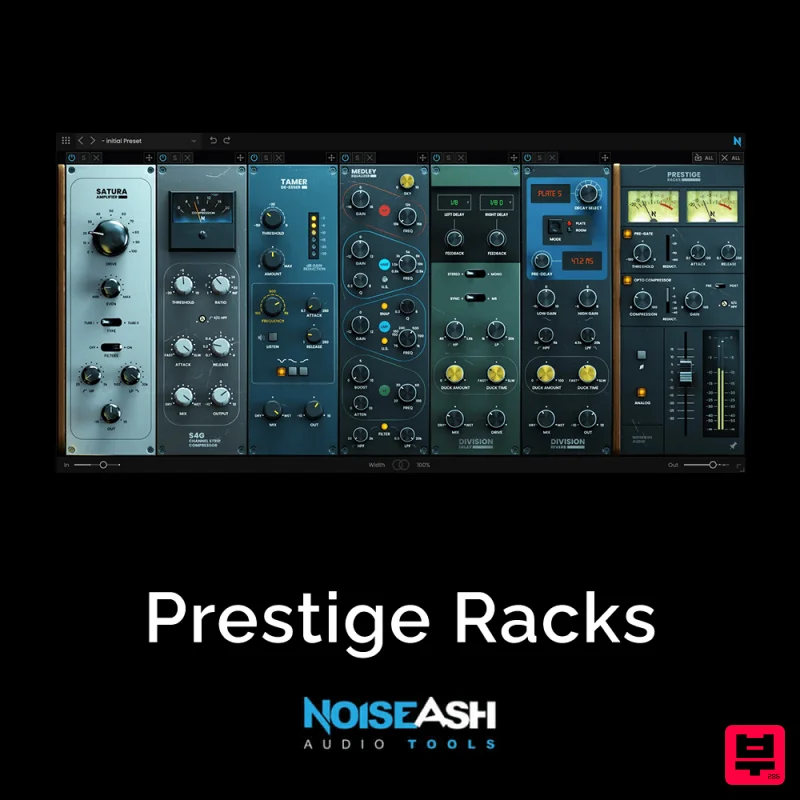
NoiseAsh Prestige Racks
Channel Strip
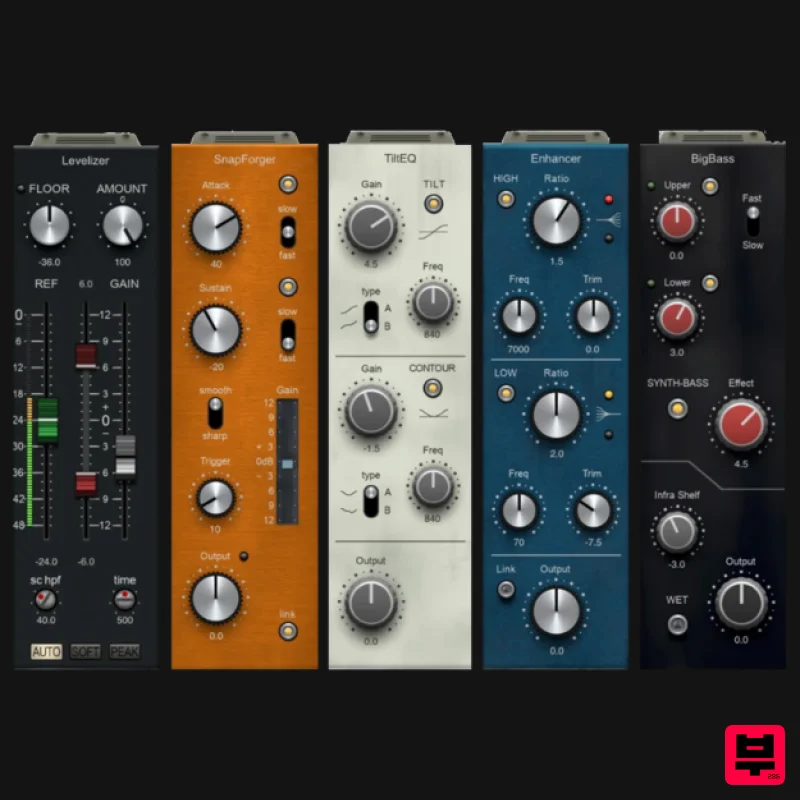
PSP Audioware PSP InfiniStrip Earth Edition
Channel Strip
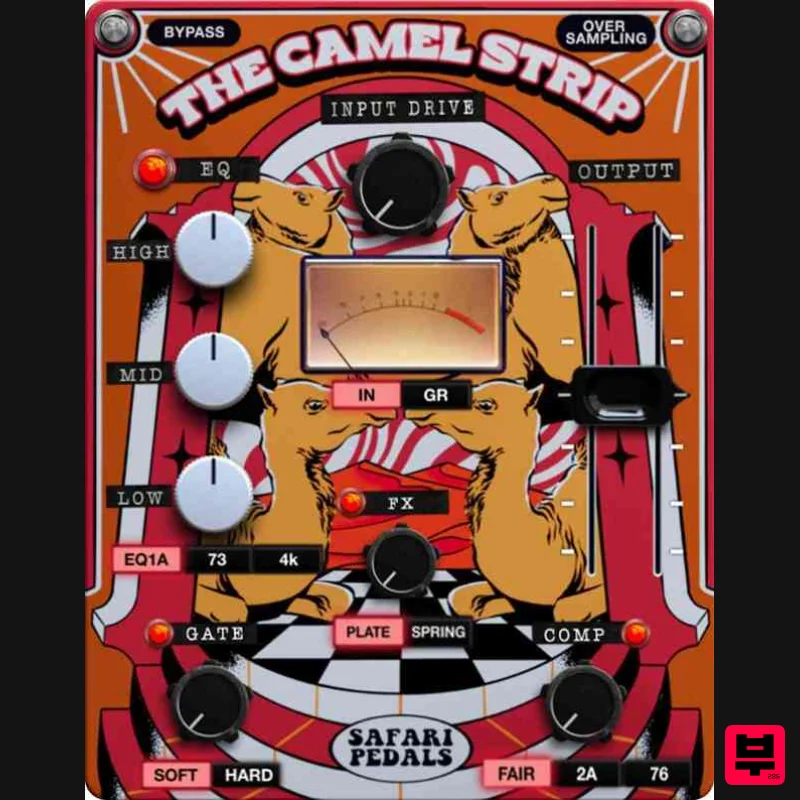
Safari Audio The Camel Strip
Channel Strip
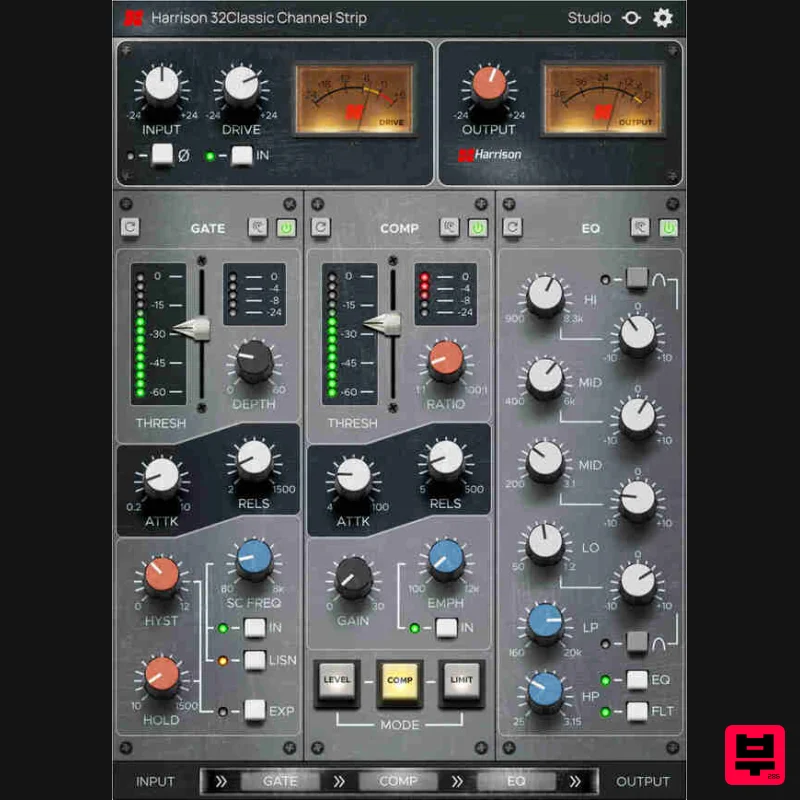
Harrison Consoles 32Classic Channel
Channel Strip
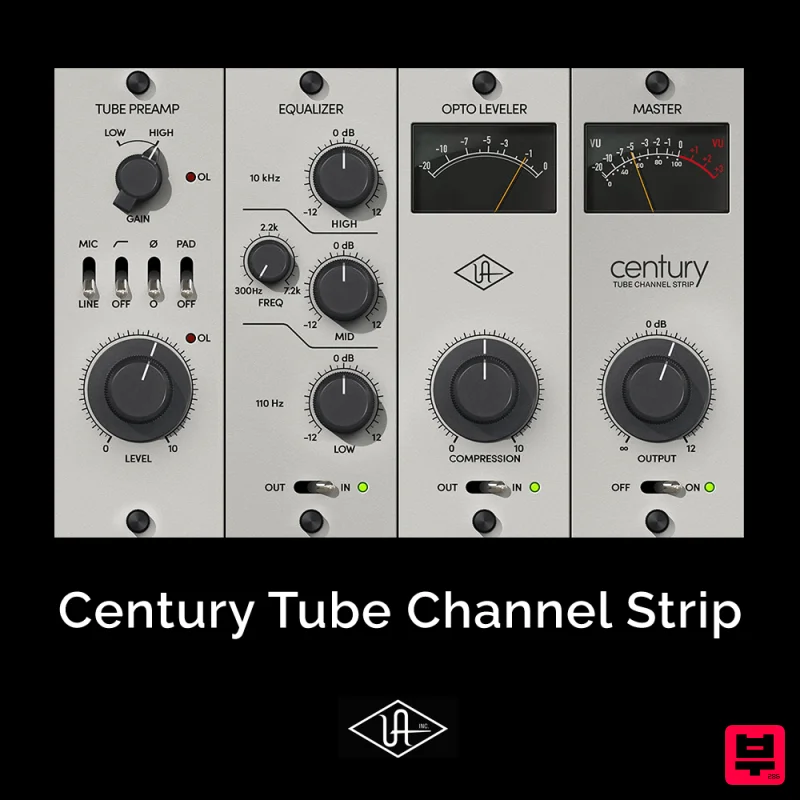
Universal Audio Century Tube Channel Strip
Channel Strip
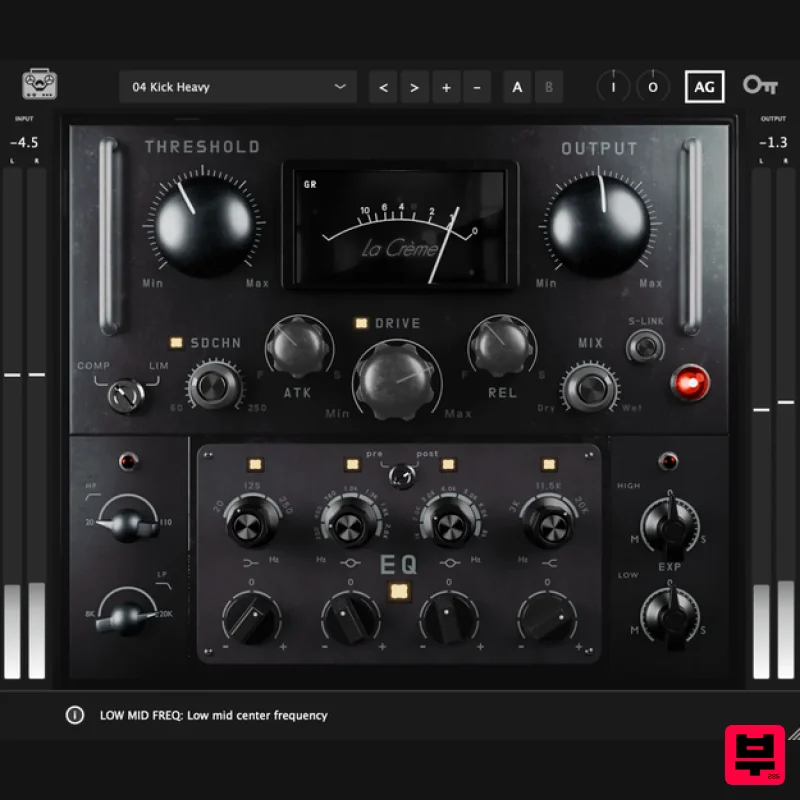
Tone Empire La Crème 3
Channel Strip
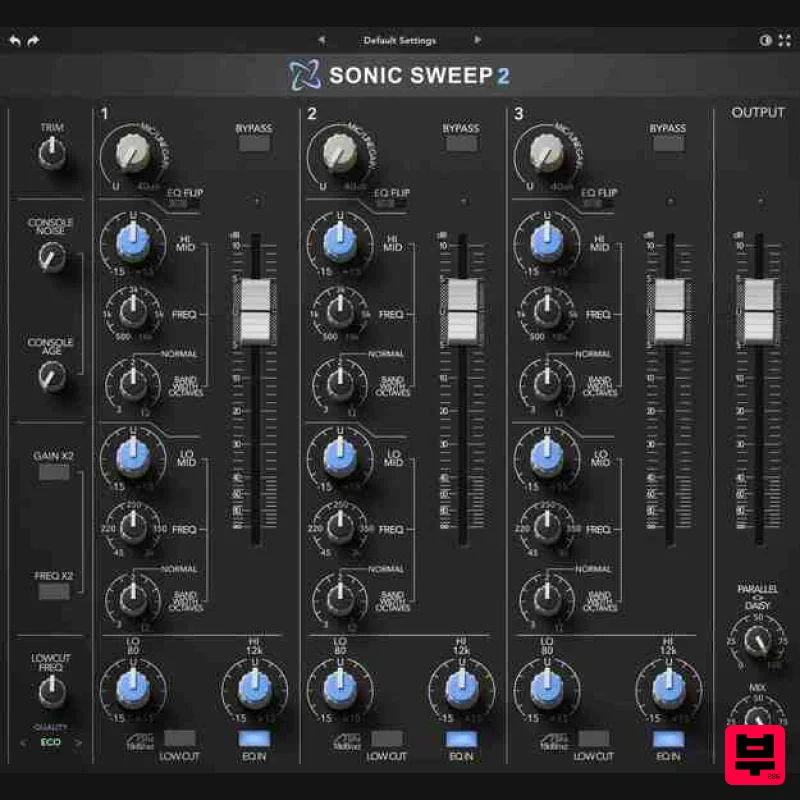
Rave Generation Sonic Sweep 2
Channel Strip

