
Softube Modular Add-On: Mutable Instruments Clouds
Professional music gear - detailed information and where to buy
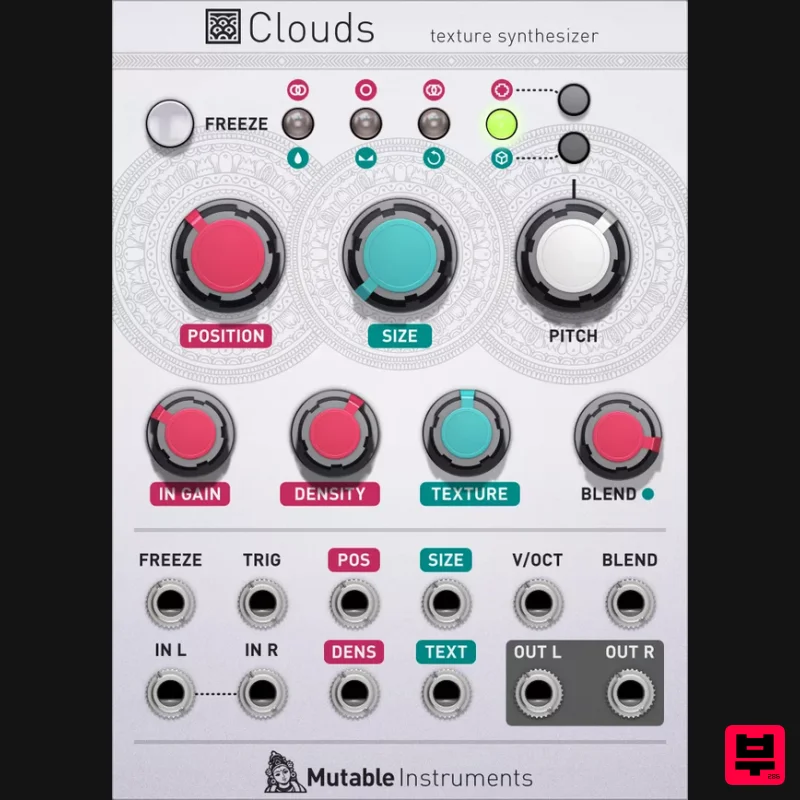
Product Description
- This product is an expansion for Softube Modular. If you do not currently own Modular
- you can purchase it HERE. Mutable Instruments Clouds Make It Rain In the world of modular synthesis there are certain names that command veneration and respect; Moog
- Buchla
- Doepfer
- Serge; but there are others that inspire the kind of fizzing delight and excitement that simply won’t leave you alone until you’ve filled your bedroom and half the hallway too. Mutable Instruments have been making Eurorack modules in that latter category for almost a decade
- and now Clouds — the texturizing module which sold like crazy in hardware and became a firm favourite of enthusiasts around the world — is available for Modular. Clouds allows the user to divide incoming signals into audio droplets between 16ms and 1 second long; like using a tap to create a controlled drip from the audio stream; and manipulate those droplets in so many different ways you could easily pass a rainy weekend or two examining the capabilities of this module alone. Scrub through the audio buffer. Change the sample size and texture. Create choppy rhythmic mayhem out of the input. Alternatively
- mutate a snare drum into an ambient drone or soundscape by stacking droplets more and more densely until a reverb-like storm-system builds. Shift pitch
- stretch time
- feed back
- until the tone you want shines through. A digital module
- Clouds hides hidden depths behind its every control
- and learning its limits and possibilities is an adventure in itself. It’s great for mangling incoming drum loops into trippy
- jerking breakouts. It can be used as a kind of one-shot sampler by freezing the buffer
- allowing you to play with the same chunk of audio indefinitely. It can robotize an input signal
- by using an external oscillator to quickly freeze and un-freeze the audio stream. It can be used like a wavetable by populating the buffer with multiple different tones. It can even simply add some grit and texture to a signal by generating a granular
- irregular delay tail and blending it in parallel with the audio stream passing through. A kind of organic sonic friction. If Modular synthesis is all about creating the broadest
- deepest
- densest
- and most diverse palettes possible for sound design
- then no system is complete without Clouds. Add it to your setup today
- and make it rain. In short A granular texturizer
- which processes an audio stream into manipulable droplets. Control speed
- size
- texture and more of the flow of droplets. Can be used simply as a reverb
- or a delay. Freeze function allows use as a simple one-shot sampler. Four audio quality modes
- including appealing lo-fi 8-bit options. Stereo spread can send droplets firing left and right. An awesome module to experiment with – find a use no one else has. Requires Modular Please Note: Modular (cross-platform modular synthesizer) is required to run this software! System Requirements macOS Big Sur 11
- Monterey 12
- Ventura 13 Windows 10 (64-bit)
- Windows 11 Softube account iLok account Computer with AU
- VST3
- and/or AAX-compatible DAW host software Internet access (for downloading installers and managing licenses) Supported CPU Families Apple macOS computers with Intel Core i3/i5/i7 or Apple silicon (M1 or newer) CPU. Apple silicon is supported natively. Windows computers with quad-core Intel Core i3/i5/i7 or AMD quad-core processors with SSE 4.2 support. Other Intel processors (Celeron
- Pentium
- and Xeon) are compatible if they support SSE 4.2 instructions. Supported Host Software (DAW) Any 64-bit VST
- VST3
- or AAX (Pro Tools 11.0.2 or higher) compatible host application should work. However
- due to plug-in host differences between DAWs—and our rigorous standards—Softube only officially test their plug-ins and instruments in the most recent versions of Pro Tools
- Logic Pro
- Cubase
- Ableton Live
- Studio One
- and Reaper. Softube plug-ins are not tested regularly in non-listed systems. They will likely work if the system requirements are met. However
- the manufacturer cannot guarantee a solution for issues in unsupported systems. Softube strongly recommend using VST3
- as some of their plug-ins have features that are not present in the older VST format. Supported sample rates: 44.1
- 88.2
- 176.4
- and 192 kHz
- in both mono and stereo. The most recent maintenance release of your DAW application is recommended. AAX DSP is not currently in active development. TDM/VENUE/RTAS are no longer supported. See Legacy Installers. Softube Modular is required to run this software. Make sure that you always use the latest iLok License Manager. It is not included in the Softube installer but can be downloaded from www.ilok.com Important Note: Spring Reverb is used as the example Installation Video <iframe frameborder="0" height="315" src="https://www.youtube.com/embed/8bY_0kx5bzw" width="560"></iframe> Note: Before starting the installation
- you are required to create a FREE iLok user ID and install the iLok License Manager. Please take a look at this Help Centre Guide for more information. Registration 1. Click 'DOWNLOAD' in your Plugin Boutique Account. This will direct you to the Softube login page. 2. Enter your details > tick the Privacy Policy box > click 'Sign up' to create an account. (If you already have a Softube account
- please log in and skip to step 5). 3. Go to your email account > find the Softube registration email > click 'ACTIVATE MY ACCOUNT'. (Your account has now been successfully created) 4. Go back to www.softube.com (you should now be logged in) > click 'MY ACCOUNT'. 5. Click 'REGISTER LICENSE'. 6. Enter the License Code (referred to as serial number on our site) found in your Plugin Boutique User Account > click 'REGISTER LICENSE'. 7. Click 'GO FOR IT!'. Your product is now registered. Mac 1. On the My Products page
- click 'MAC' > you will be directed to the Mac Installation page. 2. Click 'HERE (highlighted in orange) to start downloading Softube Central. 3. Once it has downloaded
- open the Softube Central PKG file > click 'Continue'. 4. Read through the Software License Agreement > click 'Continue'. 5. Click 'Agree'. 6. Click 'Install'. 7. Enter your password > click 'Install Software'. 8. Click 'Close'. 9. Open Softube Central > click 'INSTALL' to install all the necessary iLok licensing components. (This may take a few minutes) 10. Sign in to your Softube account. 11. Your product will now be displayed in Softube Central. Please note: if it says 'DISCONNECTED' at the top of the window
- please go to the settings and click 'RESTART'
- close Softube Central and then open it again. Your software is now activated and ready for use within your DAW. Windows 1. On the My Products page
- click 'WINDOWS' > you will be directed to the Windows Installation page. 2. Click 'here' (highlighted in orange) to start downloading Softube Central. 3. Once it has downloaded
- open the Softube Central download > click 'Yes'. 4. Read through the Software License Agreement > click 'I Agree'. 5. Softube Central will now open > click 'Install' to download the necessary iLok licensing components. 6. Please wait for the iLok licensing components to download. (This may take up to 5 minutes). 7. Click 'Yes' > the Softube Installer Helper Setup will now run. 8. Click 'Next >'. 9. Read through the License Agreement > click 'I Agree'. 10. Click 'Next >'. 11. Choose the VST file path (we recommend the default location) > click 'Install'. 12. Click 'Finish'. 13. Softube Central has now been successfully installed > click 'START'. 14. Sign in to your Softube account. 15. Click 'INSTALL'. Your software is now activated and ready for use within your DAW.
Additional Information
About the Softube Modular Add-On: Mutable Instruments Clouds
The Softube Modular Add-On: Mutable Instruments Clouds combines traditional design with modern performance for Modulator enthusiasts.
Why Choose the Softube Modular Add-On: Mutable Instruments Clouds?
- •Authentic Softube craftsmanship and design
- •Versatile sound suitable for multiple musical genres
- •Professional build quality and reliable performance
- •Part of Softube's respected Modulator lineup
Compare & Explore
Browse our complete selection of Softube instruments or explore other Modulator options. Use our comparison tools to find the perfect match for your musical style and budget.
Similar Products
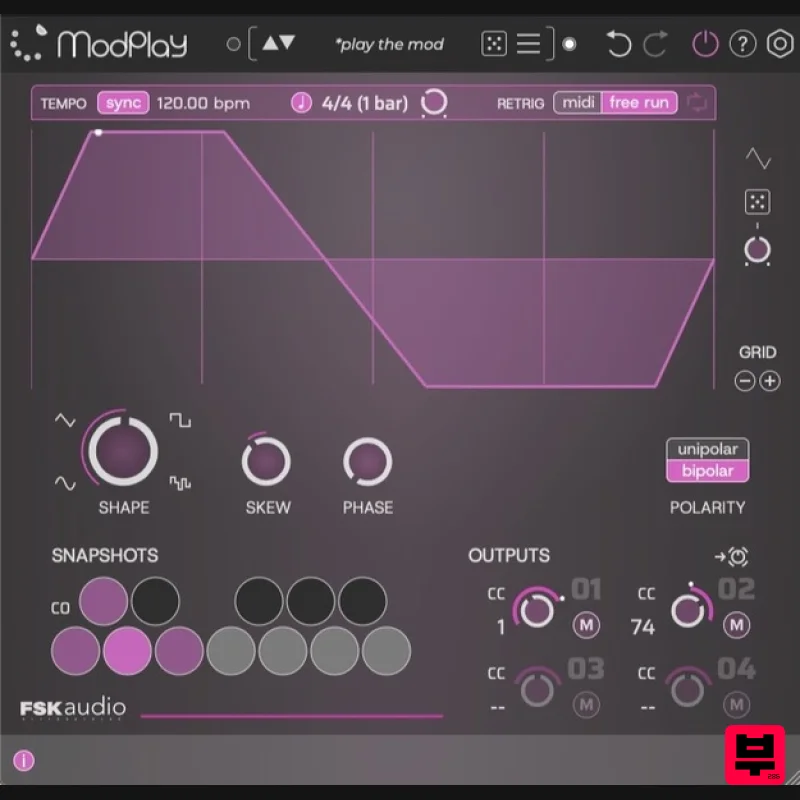
FSK Audio ModPlay
Modulator
$47
ModPlay is a unique MIDI LFO plug-in purpose built to super charge your favorite plug-ins! It is a “plug-in for your...
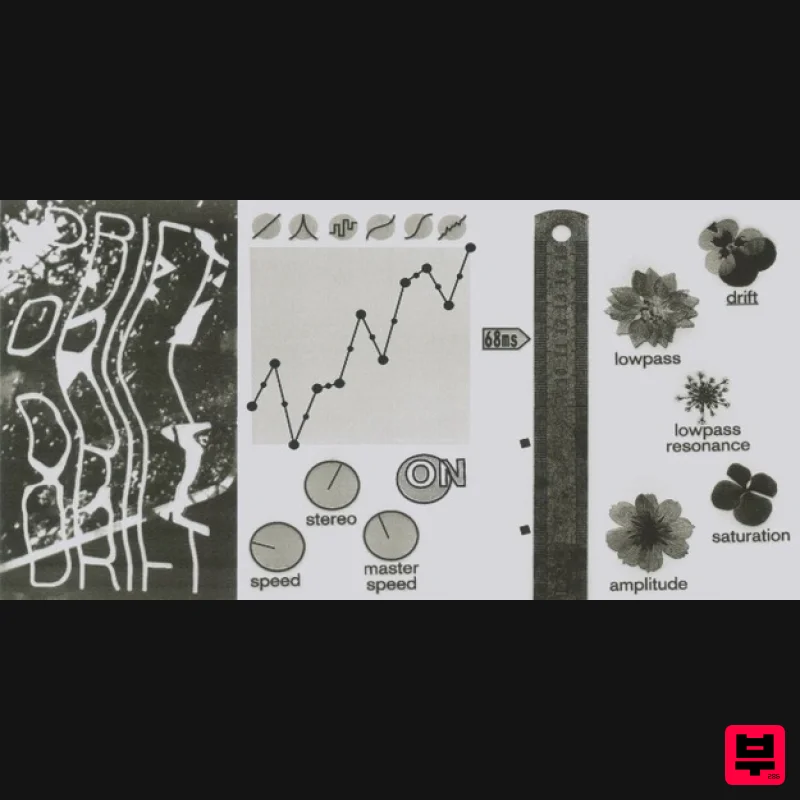
UnplugRed ModMan
Modulator
Free
Modulation effect that produces organic and ever changing randomized movements, based on a perlin noise algorithm....
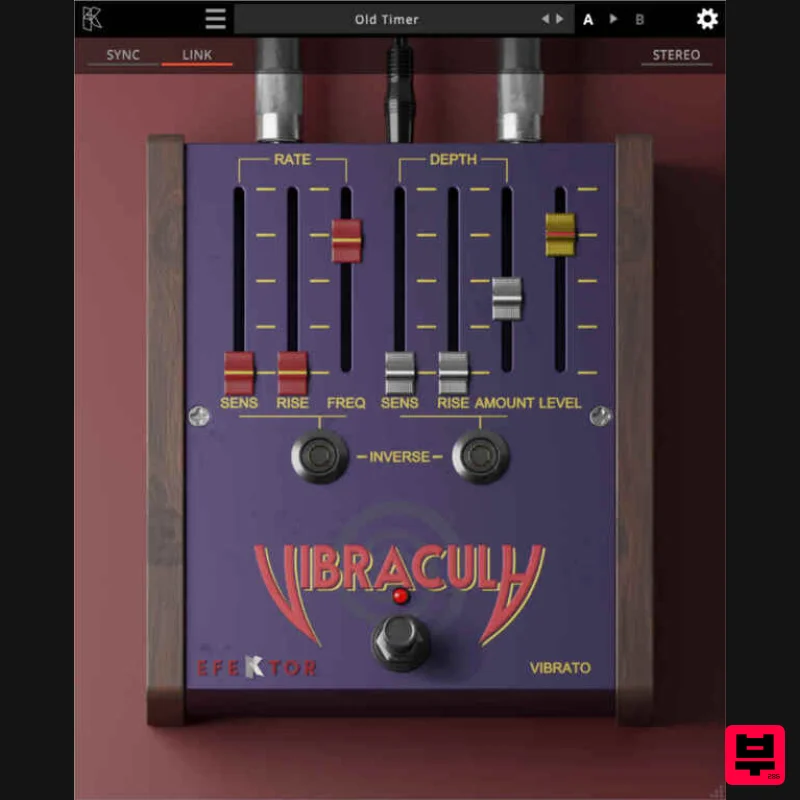
Kuassa EFEKTOR Vibracula
Modulator
$20
Modulate your notes with a classic, lush vibrato effect. From subtle, emotional waves to intense pitch fluctuations...
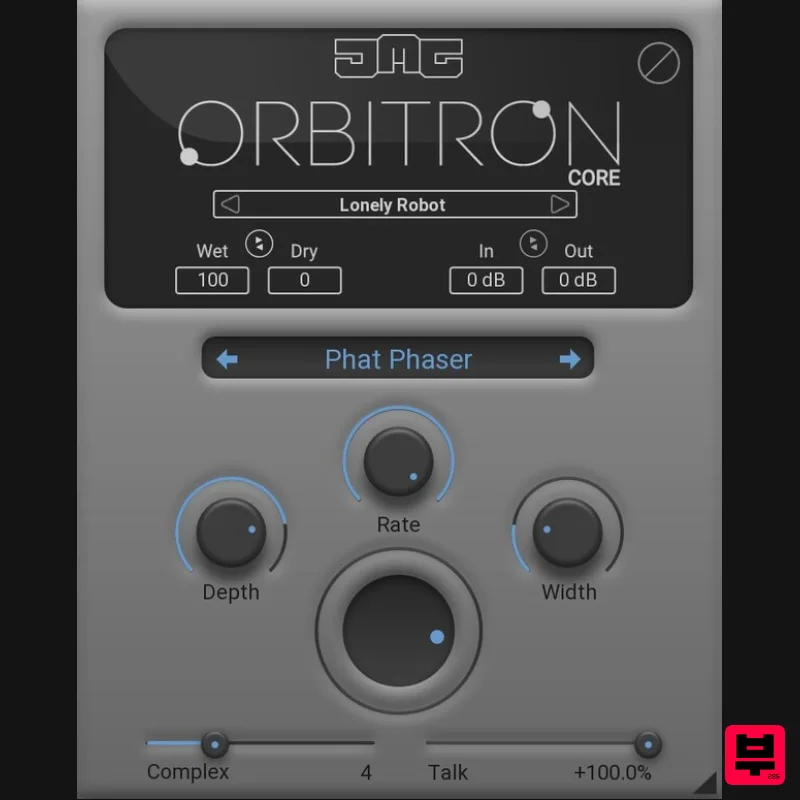
United Plugins Orbitron Core
Modulator
$30
Essential Modulation, Elevated Sound Orbitron Core is the streamlined gateway to JMG Sound's revolutionary modulation...
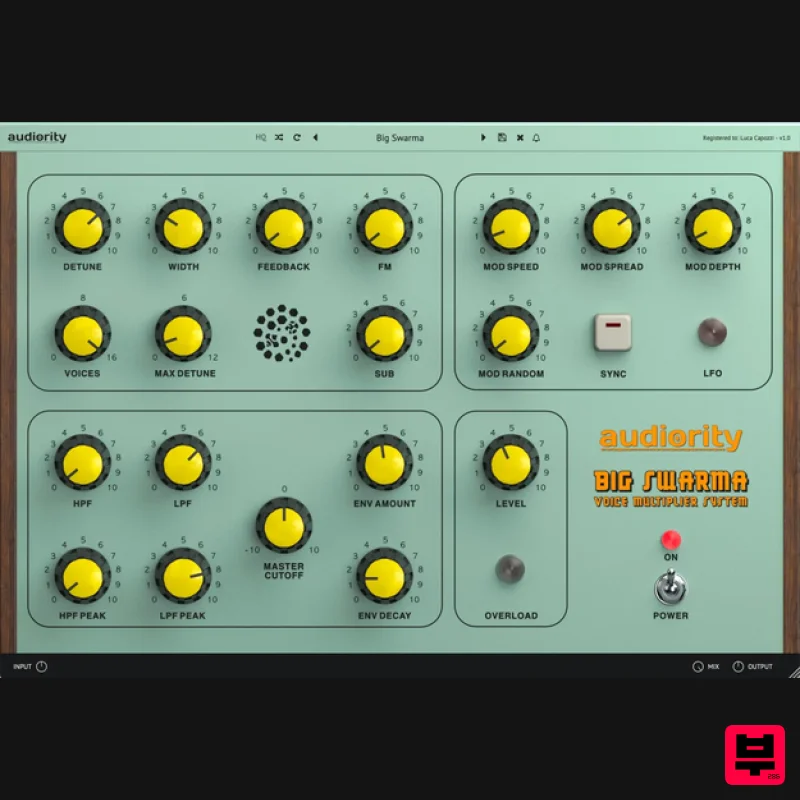
Audiority Big Swarma
Modulator
$62
The Ultimate Voice Multiplier & Feedback Plugin Big Swarma is a powerful voice multiplier and feedback unit designed to...
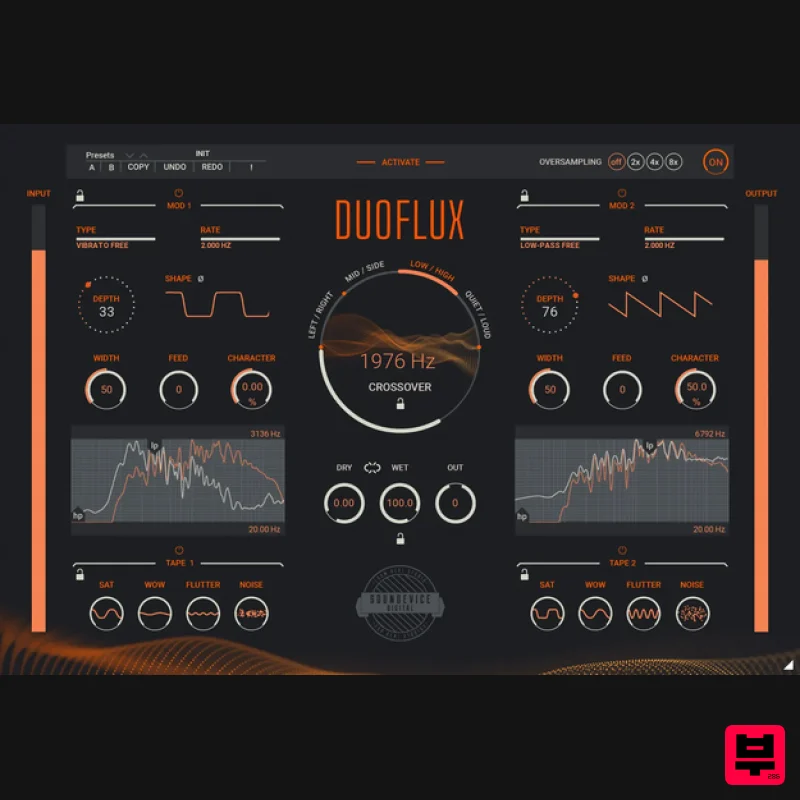
United Plugins DuoFlux
Modulator
$83
Double Modulation, Infinite Movement There are tasks a single modulation plugin cannot handle. Unless it is Duoflux....
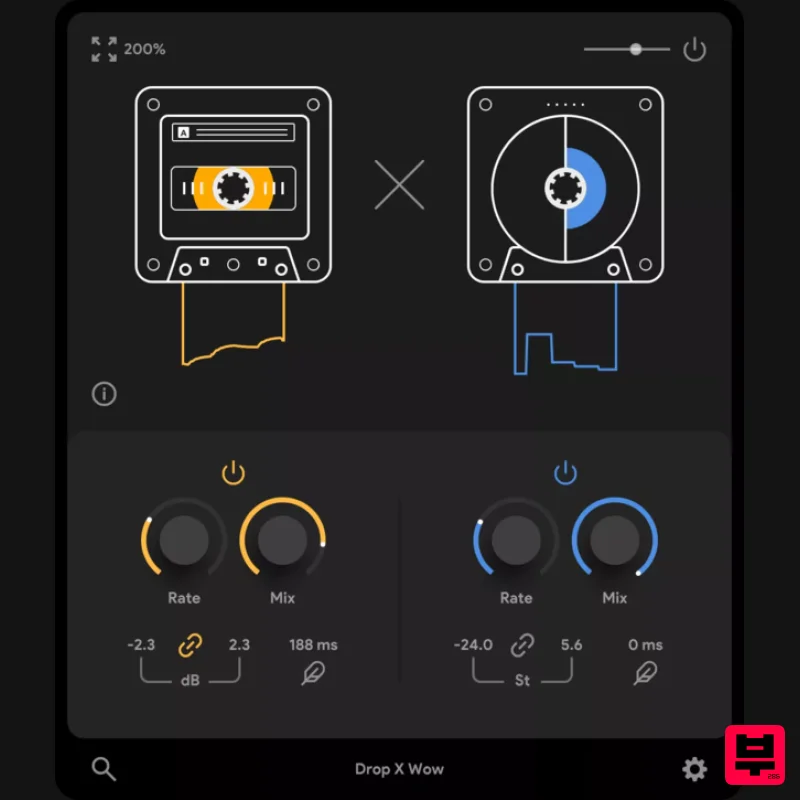
Thenatan Audio DropWow
Modulator
$35
DropWow is a simple yet highly effective tool designed to help you create interesting LoFi imperfections. With just...
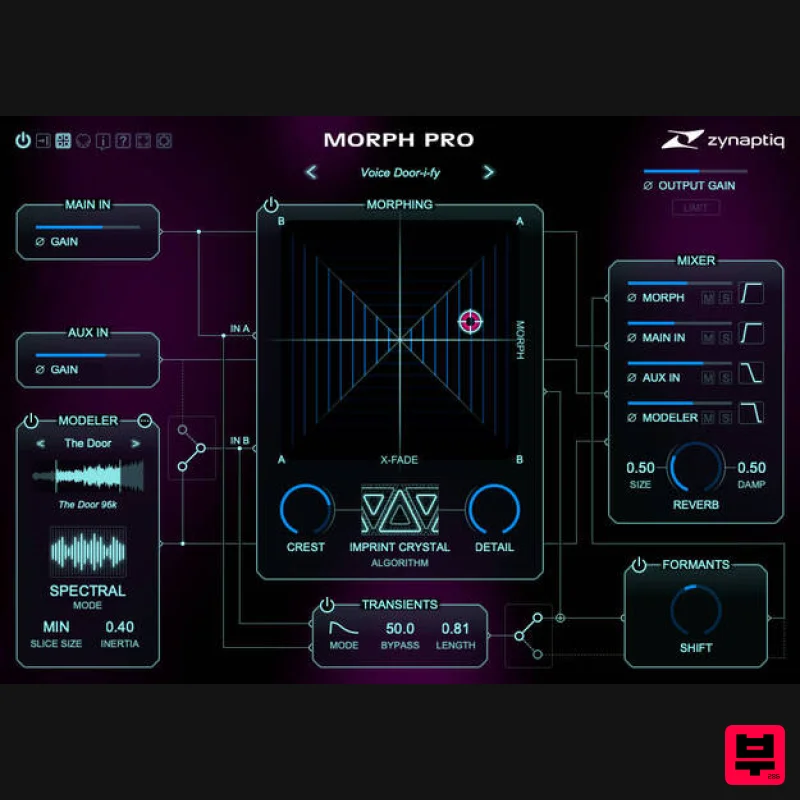
Zynaptiq MORPH 3 PRO
Modulator
$323
Note: Customers who purchased MORPH 2 on or after January 1st, 2024 are eligible for a free MORPH 3 upgrade via the...
Frequently Asked Questions
The Softube Modular Add-On: Mutable Instruments Clouds stands out for its exceptional Softube craftsmanship and innovative design.
Yes! With its affordable price point and quality construction, it's perfect for learning modulator.
Browse the similar products section to see how it stacks up against other modulator.

