
Softube Marshall Plexi Super Lead 1959
Professional music gear - detailed information and where to buy
Softube
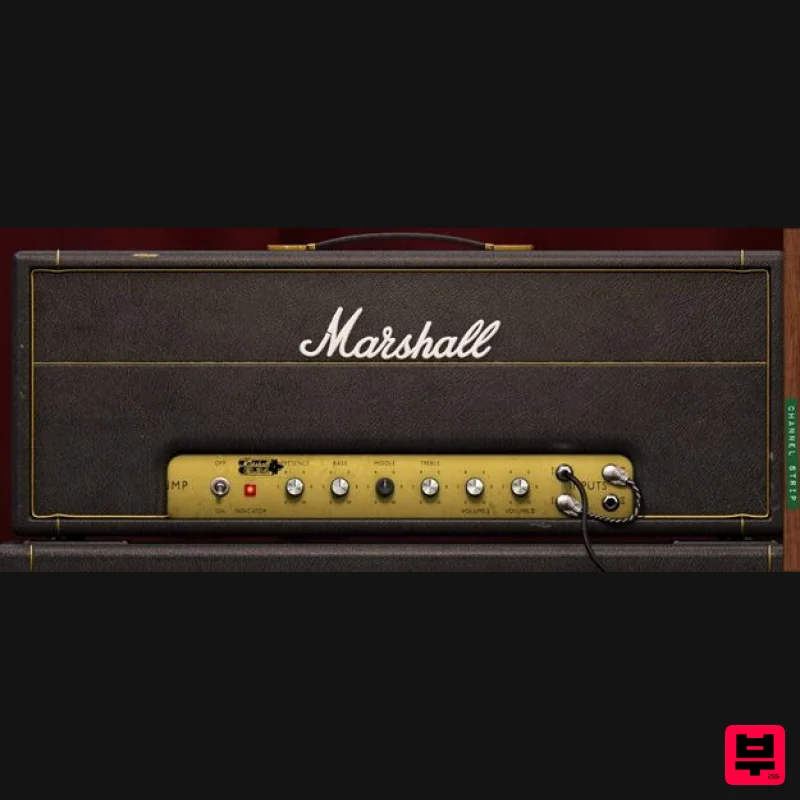
Marshall Plexi Super Lead 1959
Product Info
* Prices may vary. Check retailer for current pricing and availability.
Product Description
- A classic from Marshall’s museum. There is perhaps no other amplifier more vital to the history of rock & roll than the Marshall Plexi Super Lead 1959. Softube took Marshall’s own museum-piece Plexi (a pristine model from 1967) under extremely careful security and supervision and modelled each and every component to produce the most textured
- detailed software version imaginable. At any setting
- it responds exactly like the hardware
- and it’s sensitive to your playing style like you wouldn’t believe. Extreme Sound Quality and Authenticity: Component-modeled for the most accurate possible recreation of Marshall's own reference unit. AC/DC's own Engineer: Cabinet responses recorded at Kore Studio
- London
- with mic selections and positions by AC/DC engineer Tony Platt (Highway to Hell
- Back in Black). The Guitar Hero's Choice: Angus Young
- Jimmy Page
- Graham Coxon
- Johnny Ramone
- John Frusciante
- Slash
- Pete Townshend
- Eric Clapton
- Jimi Hendrix – they all used a Plexi Super Lead. The History of Rock & Roll The Plexi’s design was essentially commissioned by Pete Townshend of The Who
- looking for more power
- volume
- and grunt as true high-voltage rock began to explode in the mid ’60s. Eric Clapton traded in his ‘Bluesbreaker’ combo for a Super Lead when he founded Cream in 1966. Jimi Hendrix
- for goodness sake
- played a Super Lead at Woodstock. The first Marshall full stack was created for the Plexi. Initially
- the super-powerful
- 100-watt amp was paired with a huge 8x12 speaker cabinet
- but soon the preference shifted to two 4x12s
- one straight and one angled. It’s hard to overstate how much of a cornerstone this amp is. Rock simply wouldn’t look or sound the same without it. Your Own Personal Legendary Engineer Softube retained the services of Tony Platt
- engineer for AC/DC on some of the most face-meltingly rocktastic albums of all time
- to capture impulse responses from a perfect era-appropriate 1960BHW cabinet with a variety of expertly placed vintage microphones. Nothing comes close to the mix-ready magic of these sounds. They've built a world-class engineer
- who knows the amp like an old friend
- right into the plug-in. The Channel Strip In addition to the amp itself
- the plug-in provides a complete setup and workflow for getting mix-ready sounds. Three different microphone combos – FET
- Valve
- and Dynamic – were recorded by Platt at Kore Studios in London
- and the results can be blended and tweaked in the side panel of the plug-in. Each microphone has its own volume and pan settings
- just as you'd expect from working in a top-class studio
- so you can mix your own ideal sound right there in the plug-in. This is more than just an amp sim. It's a complete workflow for an amazing mix-ready guitar tone. Detailed and Versatile Tone Two channels
- a lead and a rhythm
- each with both high and low gain inputs
- can be combined (or 'jumped') for a wide-range of sounds. Go from a warm
- gritty twang right up to a searing wailing rock god solo scream
- and never let The Man stand in your way. Angus Young played one in AC/DC. Jimmy Page played one in Led Zeppelin. Graham Coxon
- Johnny Ramone
- John Frusciante
- Slash. The versatility of the 1959 (‘1959’
- by the way
- being a model number rather than a production year)
- and the ease with which it produces fantastic harmonically rich sounds
- defined a genre and a movement. Don’t compromise with lesser rigs. Don’t put up with pretenders. Get the one and only Plexi Super Lead 1959
- and ground your tone in pure rock. Features A faithful emulation of Marshall’s own reference Plexi Super Lead 1959 amplifier from their museum
- built in 1967
- combined with an era-correct 1960BHW speaker cabinet recorded by famous engineer/producer Tony Platt Microphone selections and placements by Tony Platt
- captured in famous Kore Studios
- London Over 50 finely tuned presets designed by AC/DC engineer Tony Platt Three different microphone combination setups available — FET
- Valve
- and Dynamic Three separate mics per setting
- two close and one room 'Channel Strip' includes pans
- volume faders
- and solo for each mic
- plus a two band 'Main Out' EQ System Requirements macOS Big Sur 11
- Monterey 12
- Ventura 13 Windows 10 (64-bit)
- Windows 11 Softube account iLok account Computer with AU
- VST3
- and/or AAX-compatible DAW host software Internet access (for downloading installers and managing licenses) Supported CPU Families Apple macOS computers with Intel Core i3/i5/i7 or Apple silicon (M1 or newer) CPU. Apple silicon is supported natively. Windows computers with quad-core Intel Core i3/i5/i7 or AMD quad-core processors with SSE 4.2 support. Other Intel processors (Celeron
- Pentium
- and Xeon) are compatible if they support SSE 4.2 instructions. Supported Host Software (DAW) Any 64-bit VST
- VST3
- or AAX (Pro Tools 11.0.2 or higher) compatible host application should work. However
- due to plug-in host differences between DAWs—and our rigorous standards—Softube only officially test their plug-ins and instruments in the most recent versions of Pro Tools
- Logic Pro
- Cubase
- Ableton Live
- Studio One
- and Reaper. Softube plug-ins are not tested regularly in non-listed systems. They will likely work if the system requirements are met. However
- the manufacturer cannot guarantee a solution for issues in unsupported systems. Softube strongly recommend using VST3
- as some of their plug-ins have features that are not present in the older VST format. Supported sample rates: 44.1
- 88.2
- 176.4
- and 192 kHz
- in both mono and stereo. The most recent maintenance release of your DAW application is recommended. AAX DSP is not currently in active development. TDM/VENUE/RTAS are no longer supported. See Legacy Installers. Important Note: Make sure that you always use the latest iLok License Manager. It is not included in the Softube installer but can be downloaded from www.ilok.com Important Note: Spring Reverb is used as the example Installation Video <iframe frameborder="0" height="315" src="https://www.youtube.com/embed/8bY_0kx5bzw" width="560"></iframe> Note: Before starting the installation
- you are required to create a FREE iLok user ID and install the iLok License Manager. Please take a look at this Help Centre Guide for more information. Registration 1. Click 'DOWNLOAD' in your Plugin Boutique Account. This will direct you to the Softube login page. 2. Enter your details > tick the Privacy Policy box > click 'Sign up' to create an account. (If you already have a Softube account
- please log in and skip to step 5). 3. Go to your email account > find the Softube registration email > click 'ACTIVATE MY ACCOUNT'. (Your account has now been successfully created) 4. Go back to www.softube.com (you should now be logged in) > click 'MY ACCOUNT'. 5. Click 'REGISTER LICENSE'. 6. Enter the License Code (referred to as serial number on our site) found in your Plugin Boutique User Account > click 'REGISTER LICENSE'. 7. Click 'GO FOR IT!'. Your product is now registered. Mac 1. On the My Products page
- click 'MAC' > you will be directed to the Mac Installation page. 2. Click 'HERE (highlighted in orange) to start downloading Softube Central. 3. Once it has downloaded
- open the Softube Central PKG file > click 'Continue'. 4. Read through the Software License Agreement > click 'Continue'. 5. Click 'Agree'. 6. Click 'Install'. 7. Enter your password > click 'Install Software'. 8. Click 'Close'. 9. Open Softube Central > click 'INSTALL' to install all the necessary iLok licensing components. (This may take a few minutes) 10. Sign in to your Softube account. 11. Your product will now be displayed in Softube Central. Please note: if it says 'DISCONNECTED' at the top of the window
- please go to the settings and click 'RESTART'
- close Softube Central and then open it again. Your software is now activated and ready for use within your DAW. Windows 1. On the My Products page
- click 'WINDOWS' > you will be directed to the Windows Installation page. 2. Click 'here' (highlighted in orange) to start downloading Softube Central. 3. Once it has downloaded
- open the Softube Central download > click 'Yes'. 4. Read through the Software License Agreement > click 'I Agree'. 5. Softube Central will now open > click 'Install' to download the necessary iLok licensing components. 6. Please wait for the iLok licensing components to download. (This may take up to 5 minutes). 7. Click 'Yes' > the Softube Installer Helper Setup will now run. 8. Click 'Next >'. 9. Read through the License Agreement > click 'I Agree'. 10. Click 'Next >'. 11. Choose the VST file path (we recommend the default location) > click 'Install'. 12. Click 'Finish'. 13. Softube Central has now been successfully installed > click 'START'. 14. Sign in to your Softube account. 15. Click 'INSTALL'. Your software is now activated and ready for use within your DAW.
Additional Information
About the Softube Marshall Plexi Super Lead 1959
Experience the quality and tone that makes the Softube Marshall Plexi Super Lead 1959 a popular choice for musicians.
Why Choose the Softube Marshall Plexi Super Lead 1959?
- •Authentic Softube craftsmanship and design
- •Versatile sound suitable for multiple musical genres
- •Professional build quality and reliable performance
- •Part of Softube's respected Amp Simulator lineup
Compare & Explore
Browse our complete selection of Softube instruments or explore other Amp Simulator options. Use our comparison tools to find the perfect match for your musical style and budget.
Similar Products
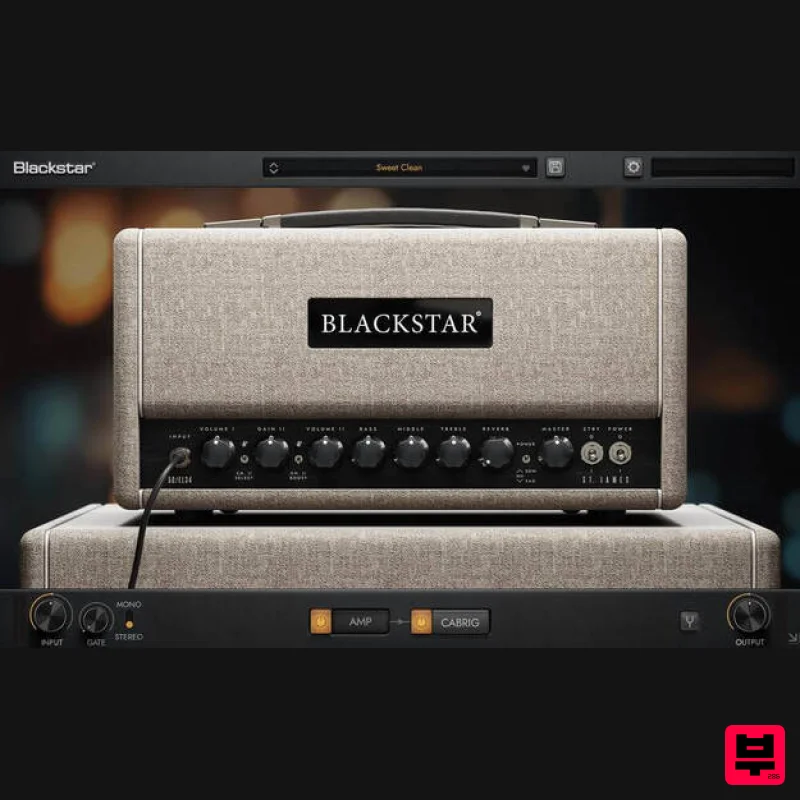
Blackstar St. James EL34
Amp Simulator
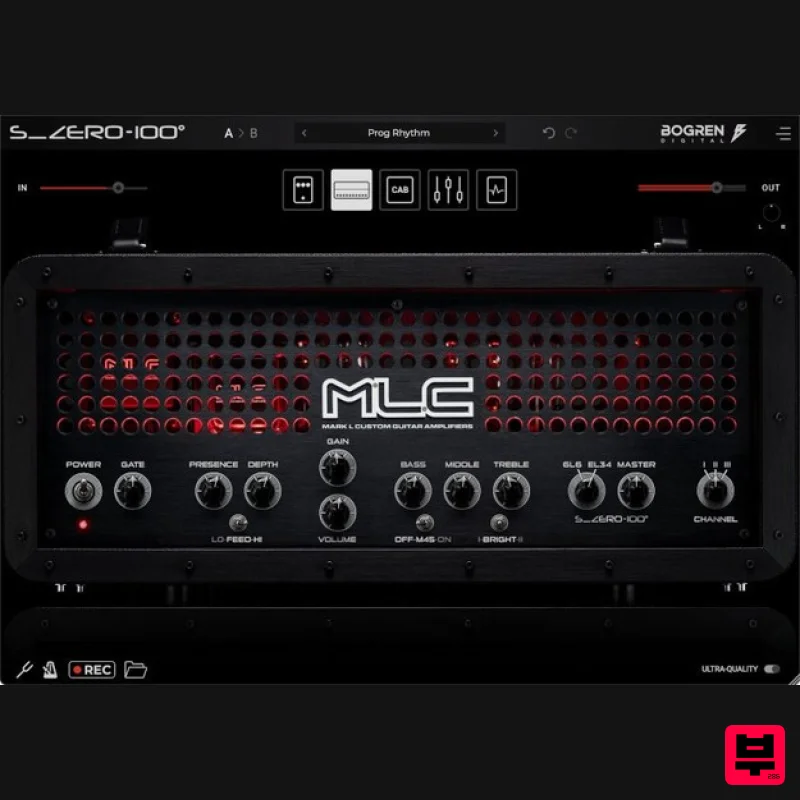
Bogren Digital MLC S_Zero 100
Amp Simulator

Two Notes Audio Engineering Torpedo Wall of Sound | Plugin Boutique Edition
Amp Simulator
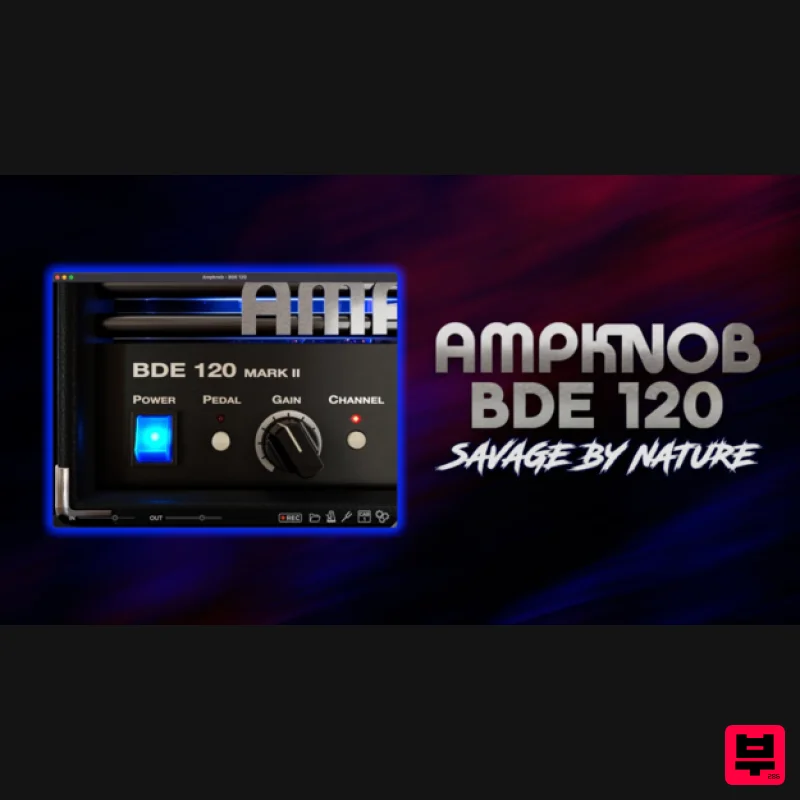
Bogren Digital AmpKnob BDE 120
Amp Simulator
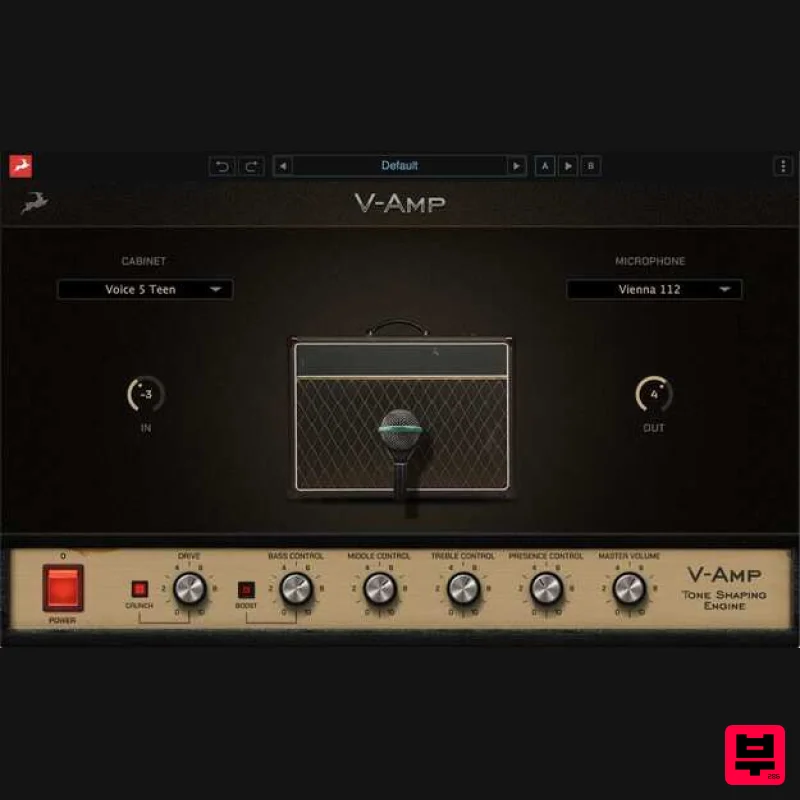
Antelope Audio V-AMP
Amp Simulator
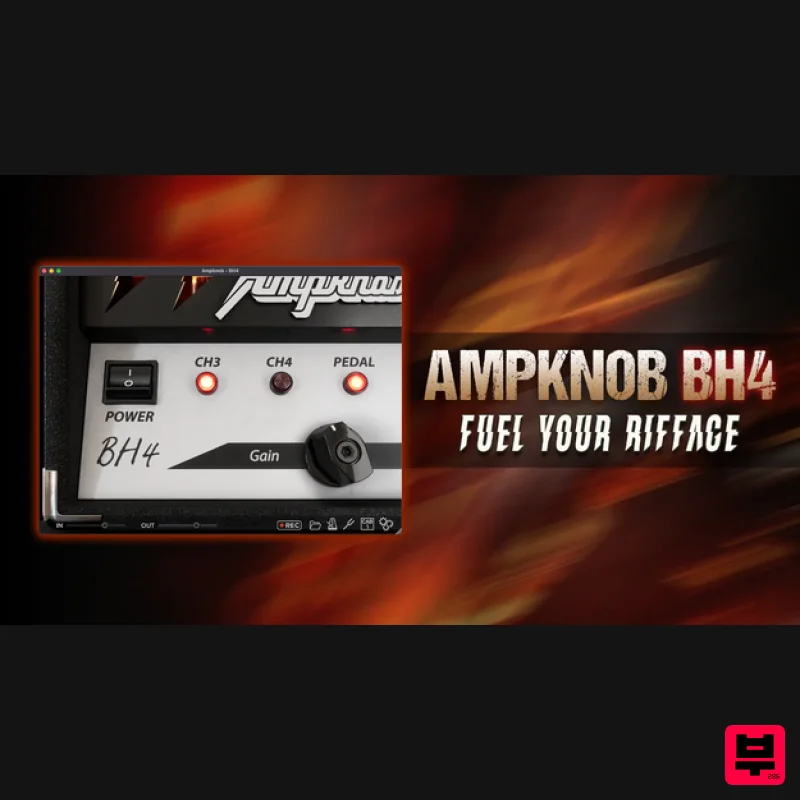
Bogren Digital AmpKnob BH4
Amp Simulator
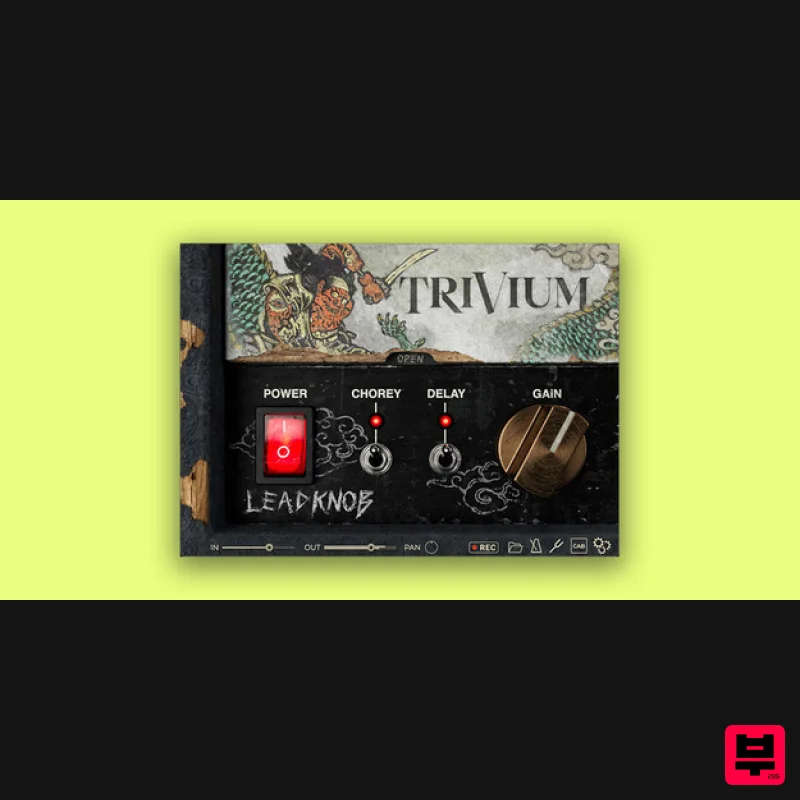
Bogren Digital AmpKnob Trivium Lead
Amp Simulator
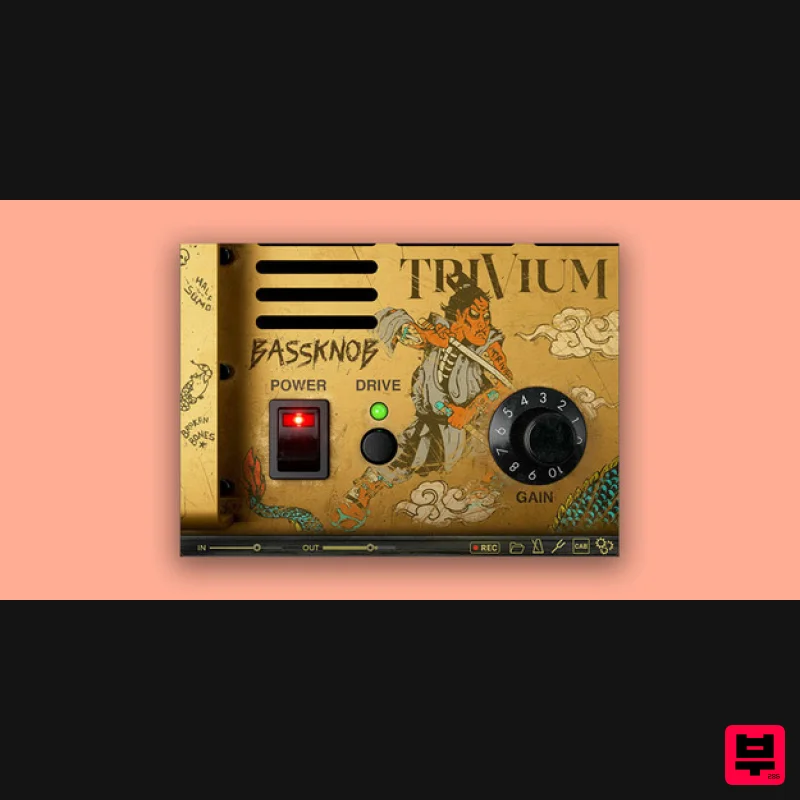
Bogren Digital BassKnob Trivium
Amp Simulator

