
Softube Harmonics
Professional music gear - detailed information and where to buy
Softube
Harmonics
Product Info
* Prices may vary. Check retailer for current pricing and availability.
Product Description
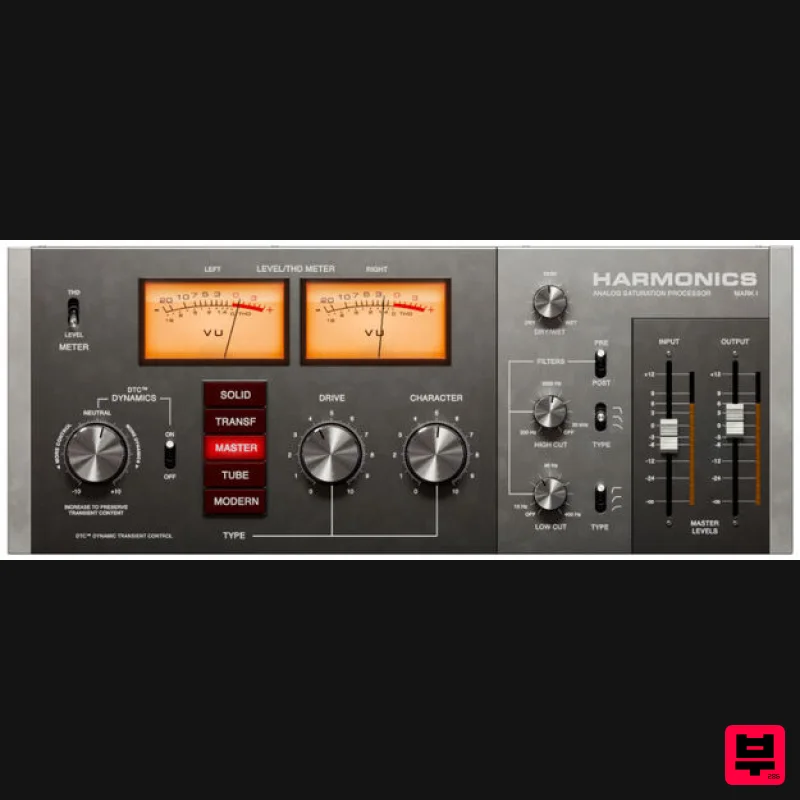
- Harmonics Analog Saturation Processor Did you ever try to give a track attitude by adding distortion
- but then wind up with a washed out
- lifeless sound instead? Harmonics
- with its never-before-heard approach to dynamics in distortion
- is the answer. Guitars
- vocals
- drums
- bass
- even synths often need some extra grunt to push them over the edge
- but distortion can destroy dynamics and cause more problems than it solves. Too little and your sound doesn’t cut through and fill its space. Too much and you lose the light and shade
- the attack and decay. Transients blend into tails
- and detail and definition go out the window. But with Harmonics
- you get much more than just five awesome-sounding analog distortion models. You also get a revolutionary new approach to handling dynamics during the process of distorting the sound. The input signal is listened to and analysed by the plug-in
- allowing the dynamics and detail to be preserved and enhanced even after heavy distortion is applied. Add to that the fact that Harmonics has five totally different-sounding component-modelled distortion styles
- high and low cut filters
- a mix knob and more
- and you end up with a very powerful secret weapon indeed. Features Five genuinely different component-modelled distortion sounds Revolutionary ‘Dynamic Transient Control’ technology ‘Amount’ knob to control the amount of saturation ‘Character’ knob controls tone or color of the distortion High and low cut filters can be placed before or after distortion Wet/dry blend knob for parallel processing THD meter allows fine control of subtle saturation All of the grunt
- none of the drawbacks Includes presets by Joe Chiccarelli and Howard Willing System Requirements macOS Big Sur 11
- Monterey 12
- Ventura 13 Windows 10 (64-bit)
- Windows 11 Softube account iLok account Computer with AU
- VST3
- and/or AAX-compatible DAW host software Internet access (for downloading installers and managing licenses) Supported CPU Families Apple macOS computers with Intel Core i3/i5/i7 or Apple silicon (M1 or newer) CPU. Apple silicon is supported natively. Windows computers with quad-core Intel Core i3/i5/i7 or AMD quad-core processors with SSE 4.2 support. Other Intel processors (Celeron
- Pentium
- and Xeon) are compatible if they support SSE 4.2 instructions. Supported Host Software (DAW) Any 64-bit VST
- VST3
- or AAX (Pro Tools 11.0.2 or higher) compatible host application should work. However
- due to plug-in host differences between DAWs—and our rigorous standards—Softube only officially test their plug-ins and instruments in the most recent versions of Pro Tools
- Logic Pro
- Cubase
- Ableton Live
- Studio One
- and Reaper. Softube plug-ins are not tested regularly in non-listed systems. They will likely work if the system requirements are met. However
- the manufacturer cannot guarantee a solution for issues in unsupported systems. Softube strongly recommend using VST3
- as some of their plug-ins have features that are not present in the older VST format. Supported sample rates: 44.1
- 88.2
- 176.4
- and 192 kHz
- in both mono and stereo. The most recent maintenance release of your DAW application is recommended. AAX DSP is not currently in active development. TDM/VENUE/RTAS are no longer supported. See Legacy Installers. Important Note: Make sure that you always use the latest iLok License Manager. It is not included in the Softube installer but can be downloaded from www.ilok.com Warren Sokol "I'm really impressed with how much you can control the sound you are shaping & the results you can get
- with such a simple & easy to use interface! Will definitely be getting some milage out of this one!!" Kevin Kadish "I love this plugin! It's so versatile! It's perfect for just adding a little grit to the mix
- overdriving a vocal
- or making anything lo-fi." Howard Willing "Fantastic plug-in - super versatile and musical. Love the thickness it creates..." Softube Harmonics review by MusicRadar A new spin on analogue saturation modelling The latest release from analogue modelling wizard Softube presents five distinct styles of harmonic saturation in a single plugin. Having spent the last ten years poring over a ‘what’s what’ of vintage hardware processors
- the Swedish developer has... Read More Important Note: Spring Reverb is used as the example Installation Video <iframe frameborder="0" height="315" src="https://www.youtube.com/embed/8bY_0kx5bzw" width="560"></iframe> Note: Before starting the installation
- you are required to create a FREE iLok user ID and install the iLok License Manager. Please take a look at this Help Centre Guide for more information. Registration 1. Click 'DOWNLOAD' in your Plugin Boutique Account. This will direct you to the Softube login page. 2. Enter your details > tick the Privacy Policy box > click 'Sign up' to create an account. (If you already have a Softube account
- please log in and skip to step 5). 3. Go to your email account > find the Softube registration email > click 'ACTIVATE MY ACCOUNT'. (Your account has now been successfully created) 4. Go back to www.softube.com (you should now be logged in) > click 'MY ACCOUNT'. 5. Click 'REGISTER LICENSE'. 6. Enter the License Code (referred to as serial number on our site) found in your Plugin Boutique User Account > click 'REGISTER LICENSE'. 7. Click 'GO FOR IT!'. Your product is now registered. Mac 1. On the My Products page
- click 'MAC' > you will be directed to the Mac Installation page. 2. Click 'HERE (highlighted in orange) to start downloading Softube Central. 3. Once it has downloaded
- open the Softube Central PKG file > click 'Continue'. 4. Read through the Software License Agreement > click 'Continue'. 5. Click 'Agree'. 6. Click 'Install'. 7. Enter your password > click 'Install Software'. 8. Click 'Close'. 9. Open Softube Central > click 'INSTALL' to install all the necessary iLok licensing components. (This may take a few minutes) 10. Sign in to your Softube account. 11. Your product will now be displayed in Softube Central. Please note: if it says 'DISCONNECTED' at the top of the window
- please go to the settings and click 'RESTART'
- close Softube Central and then open it again. Your software is now activated and ready for use within your DAW. Windows 1. On the My Products page
- click 'WINDOWS' > you will be directed to the Windows Installation page. 2. Click 'here' (highlighted in orange) to start downloading Softube Central. 3. Once it has downloaded
- open the Softube Central download > click 'Yes'. 4. Read through the Software License Agreement > click 'I Agree'. 5. Softube Central will now open > click 'Install' to download the necessary iLok licensing components. 6. Please wait for the iLok licensing components to download. (This may take up to 5 minutes). 7. Click 'Yes' > the Softube Installer Helper Setup will now run. 8. Click 'Next >'. 9. Read through the License Agreement > click 'I Agree'. 10. Click 'Next >'. 11. Choose the VST file path (we recommend the default location) > click 'Install'. 12. Click 'Finish'. 13. Softube Central has now been successfully installed > click 'START'. 14. Sign in to your Softube account. 15. Click 'INSTALL'. Your software is now activated and ready for use within your DAW.
Additional Information
About the Softube Harmonics
Experience the quality and tone that makes the Softube Harmonics a popular choice for musicians.
Why Choose the Softube Harmonics?
- •Authentic Softube craftsmanship and design
- •Versatile sound suitable for multiple musical genres
- •Professional build quality and reliable performance
- •Part of Softube's respected Saturation lineup
Compare & Explore
Browse our complete selection of Softube instruments or explore other Saturation options. Use our comparison tools to find the perfect match for your musical style and budget.
Similar Products
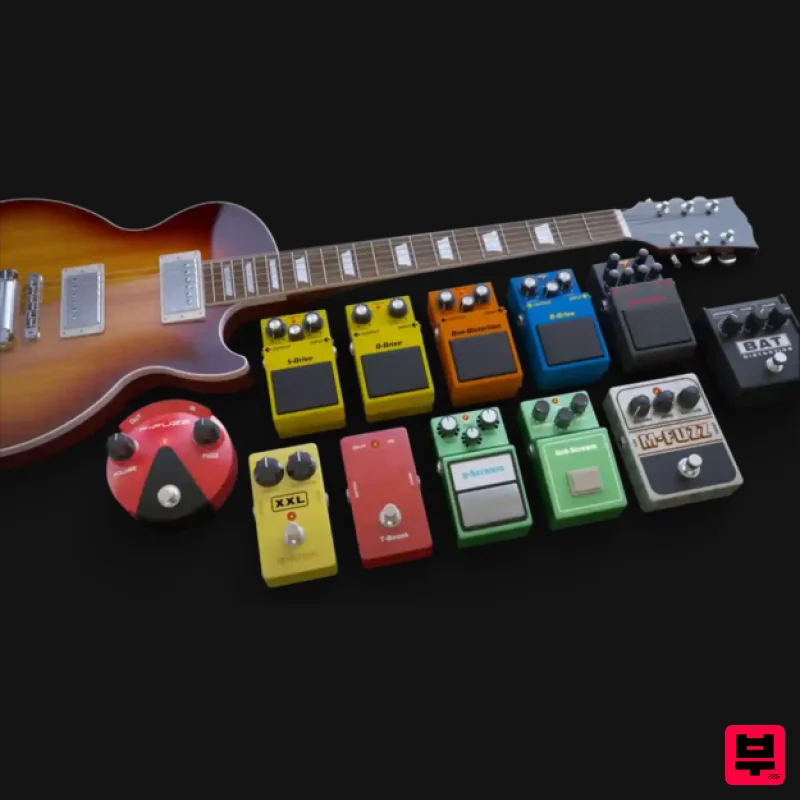
Audified MultiDrive PRO
Saturation
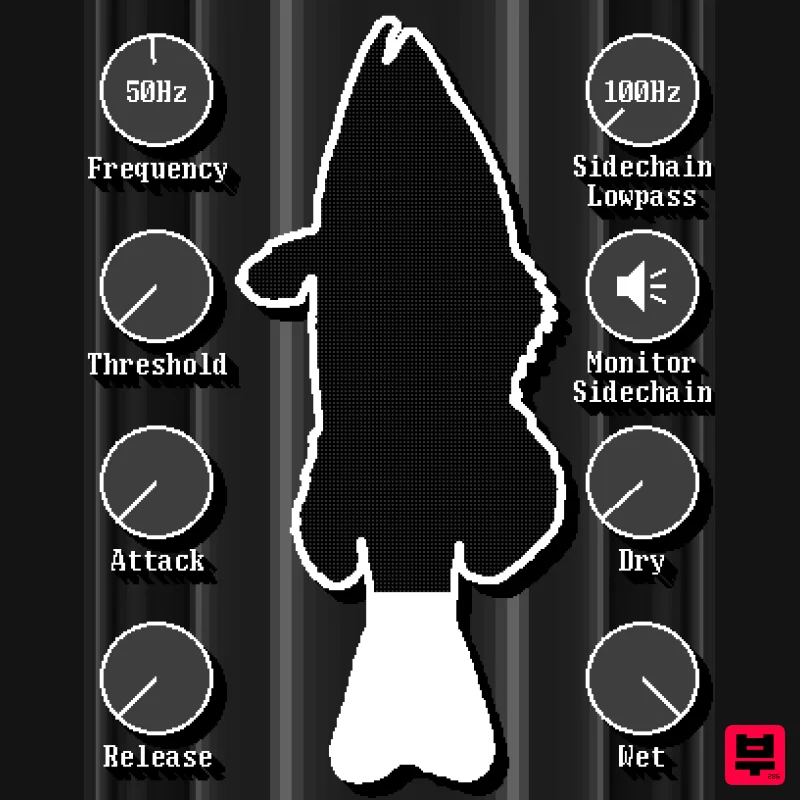
UnplugRed Red Bass
Saturation
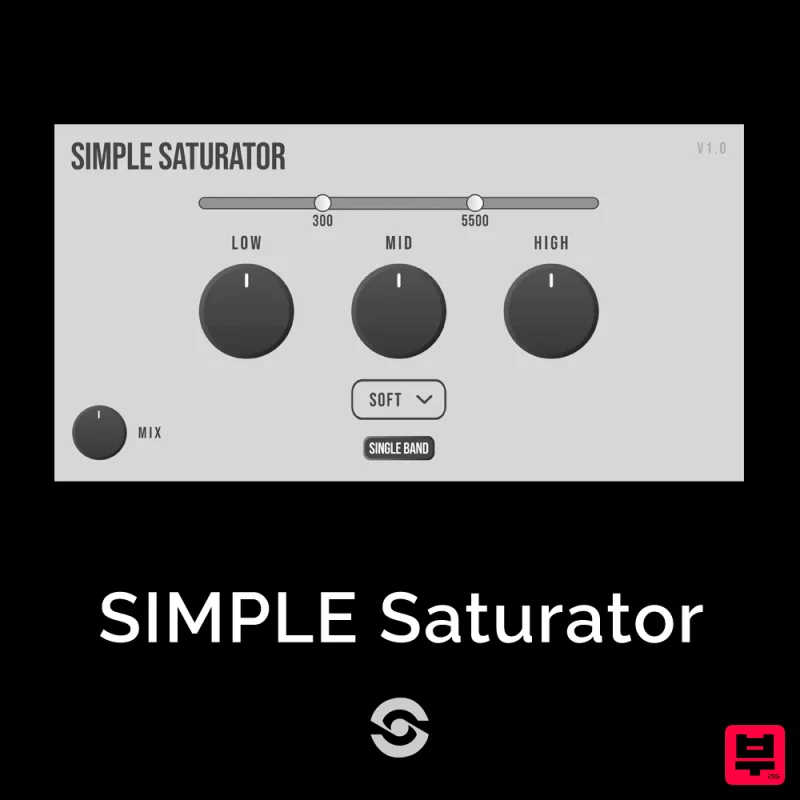
SIMPLE Plugins SIMPLE Saturator
Saturation
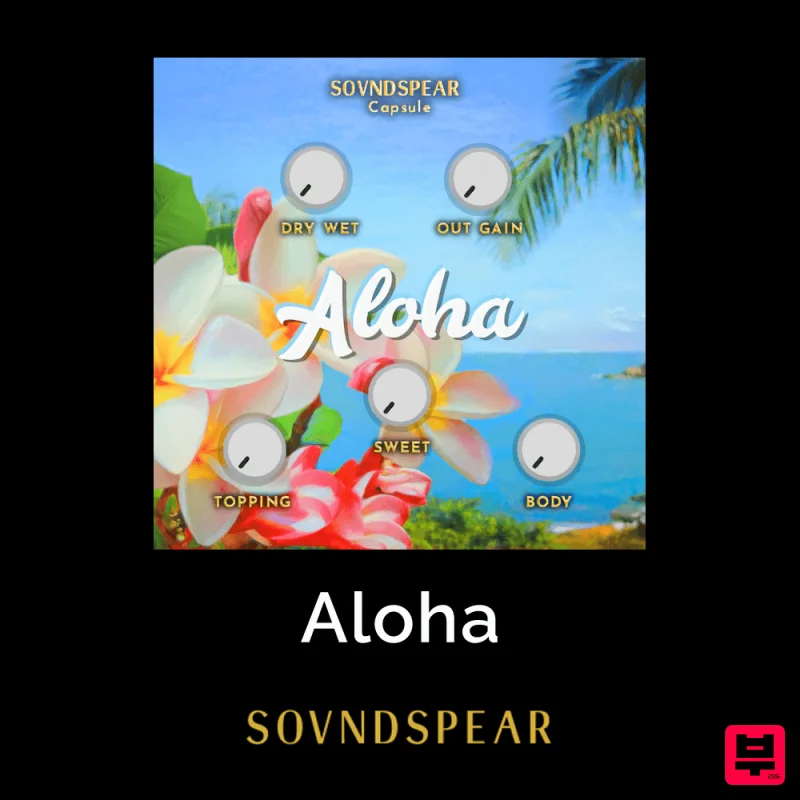
Soundspear Aloha
Saturation
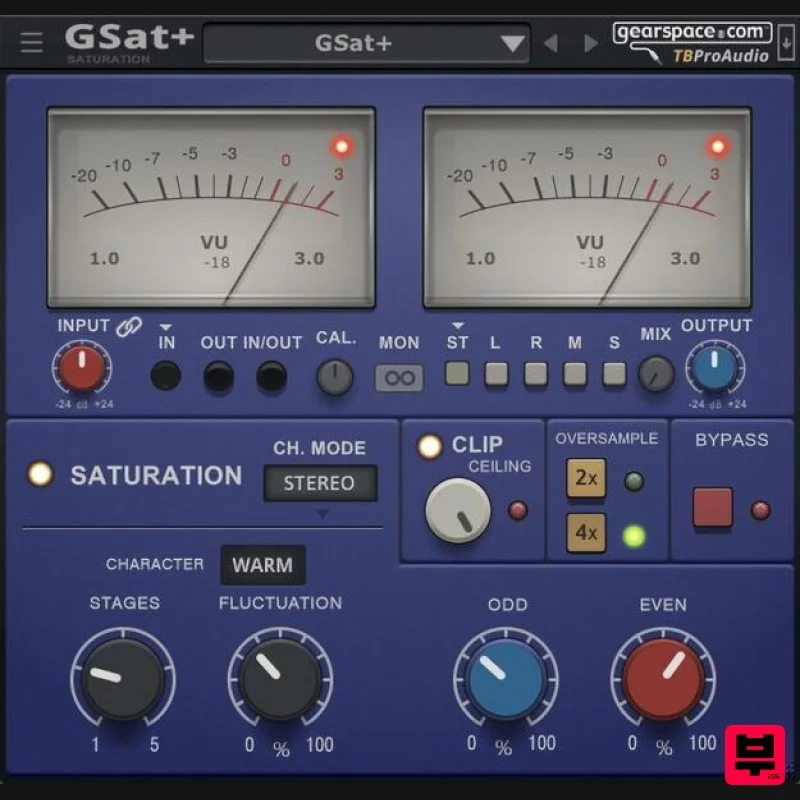
TBProAudio GSat+
Saturation
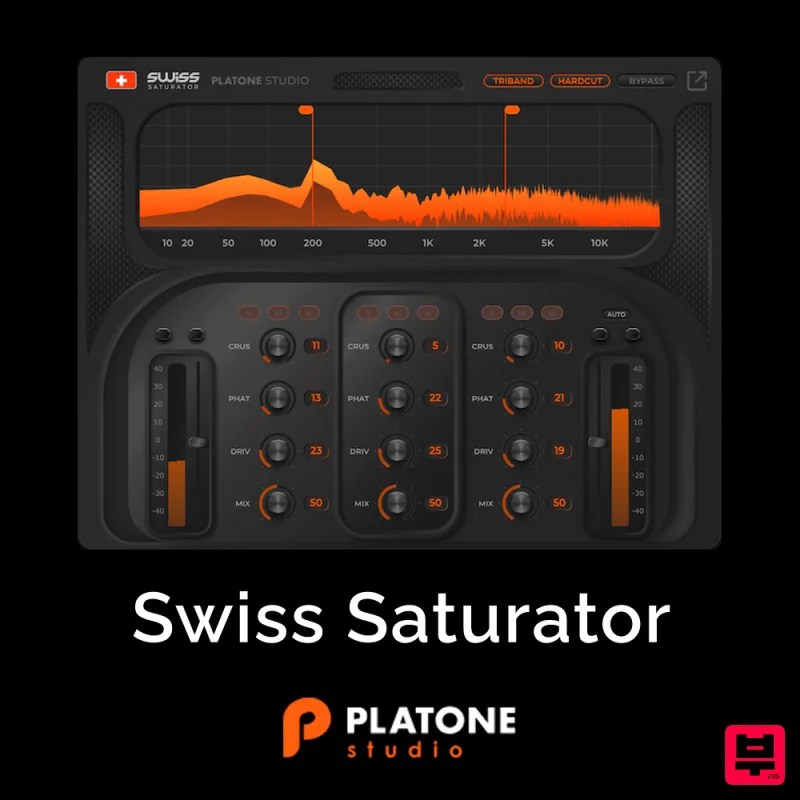
Platone Studio Swiss Saturator
Saturation
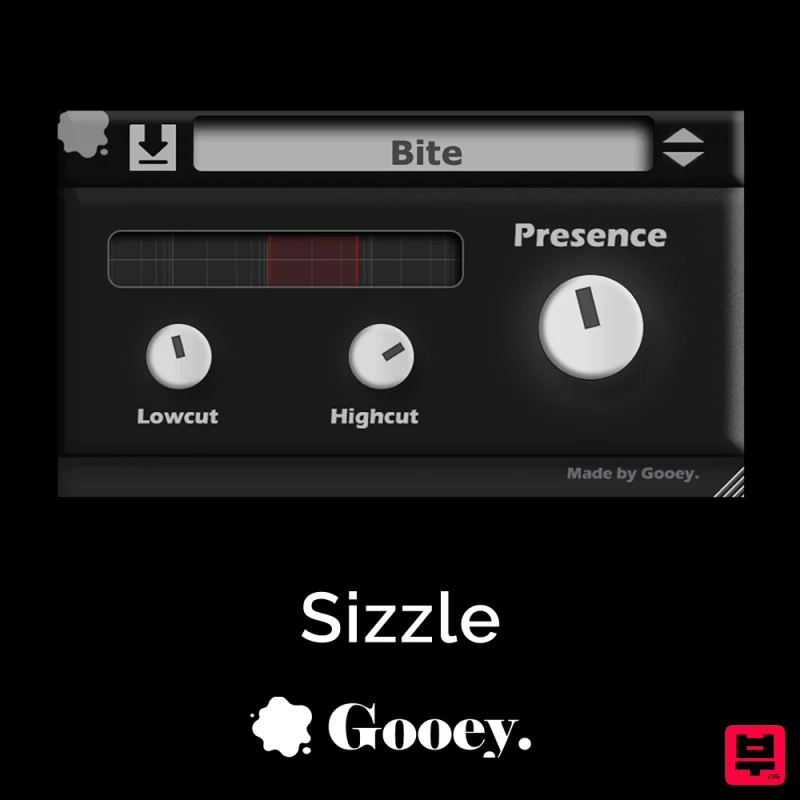
Gooey Audio Sizzle
Saturation
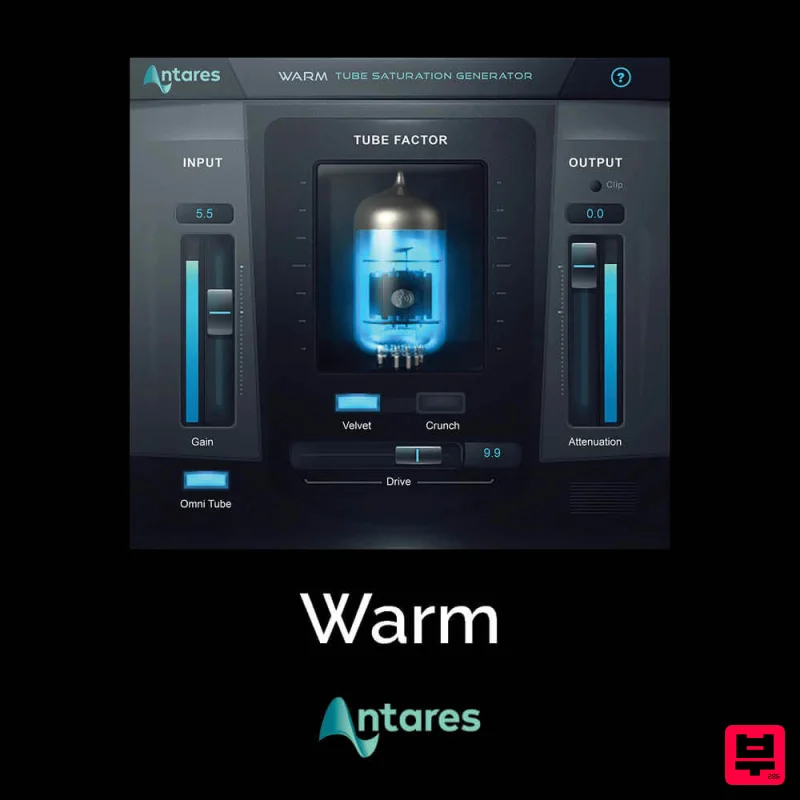
Antares Warm
Saturation

