
Softube Echoes
Professional music gear - detailed information and where to buy
Product Description
- Help yourself to a rich sonic palette of musical and rhythmic stereo delay sounds. Plunge into the depths of delay design with serious adjustability options and intuitive visualizations. Play with presets that cover the most common delay uses in modern productions. Paint with the colors of six distinct modes
- from classic Tape sounds to gritty BBD delays. Echoes invites you to explore
- experiment
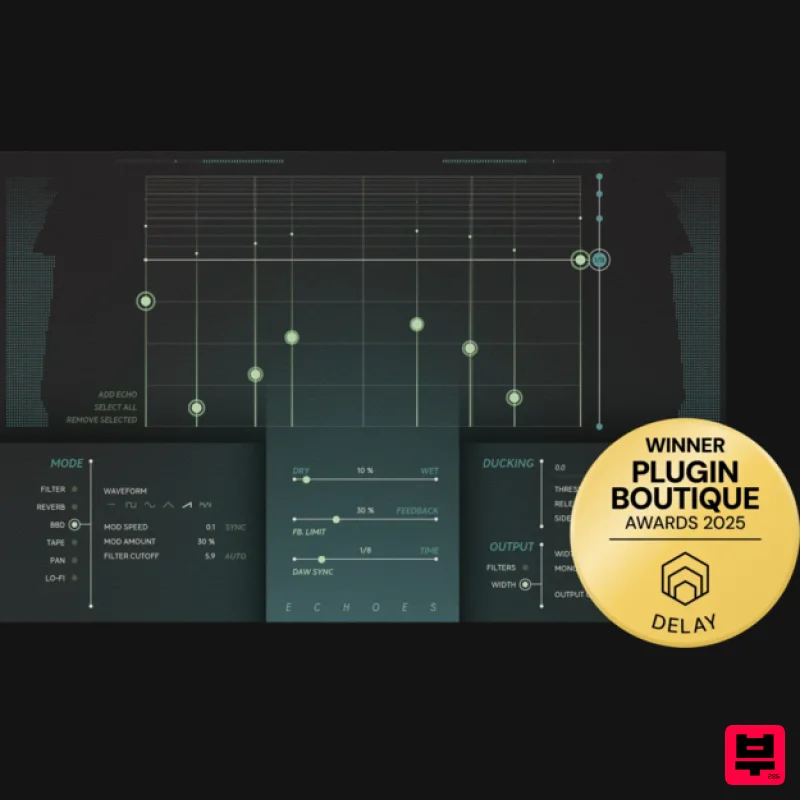
- and go deep. Expansive presets & visualizations Echoes' comprehensive preset collection is designed to cover most delay needs with in your productions. Any one of the presets can be used as a starting point to explore all of Echoes’ different modes. The X and Y axes on the Echoes interface offer a visual representation of the taps in the stereo field. You can load a preset and then go deeper by simply moving the echoes around and experimenting to find your perfect delay sound. Six distinct modes Echoes features six different modes that provide you with a variety of colors to choose from: Filter is a normal delay mode with filtered feedback that’s perfect for vocals. Utilizing the echo taps to provide an algorithmic reverb effect
- Reverb mode is great for synths and guitars. BBD
- or Bucket Brigade Device
- is the technology behind those famous warm-sounding stompboxes from the 70s
- complete with the desired aliasing artifacts. Based on tape echo machines immortalized by countless records
- Tape mode is a classic sound on vocals and allows users to control drive
- dirt
- and wobble. Pan widens mono sources and adds movement to static sounds
- such as a sustained keyboard. Excellent for getting creative
- the dirty degradation Lo-fi mode combines bit crushing and modeled synth 4-pole filtering. Interfacing with Echoes Echoes is outfitted with parameters that let you tweak your sound to perfection. You can adjust time in milliseconds or sync it to your DAW tempo and set the amount of Feedback you want. (To ensure your repeats never exceed -6 dB
- Softube included a feedback limiter.) And you'll never have your vocals obscured by your delay again. By adjusting the threshold in the built-in ducking feature
- most echoes are ducked under the vocals
- and you get the full sound of the echo trail off at the end of each verse. The Output section lets you widen your stereo image
- collapse low frequencies to mono
- or filter your echoes to fit your track perfectly. The Art of Rock & Roll Science When it comes to creating equipment that enhances workflow and offers supreme sound quality
- Softube's reputation is rock solid and illustriously long. Their partnerships with premium brands like Tube-Tech
- Solid State Logic
- Chandler Limited
- Weiss Engineering
- and Trident have spanned decades. Echoes was built on this legacy of creativity
- passion
- and obsession with details. Because to create tools that innovate and elevate
- you have to have heart
- soul
- and Rock & Roll Science. Features Musical and rhythmic stereo delay soun ds Presets to cover most delay needs within a production Six delay types : Filter
- Reverb
- Tape
- and Lo-fi Intuitive visualizations and easy workflow Automatic feedback limiting Built-in ducking compressor and output filters System Requirements macOS Monterey 12
- Ventura 13
- Sonoma 14 Windows 10 (64-bit)
- Windows 11 Softube account iLok account Computer with AU
- VST3
- and/or AAX-compatible DAW host software Internet access (for downloading installers and managing licenses) Supported CPU Families Apple macOS computers with Intel Core i3/i5/i7 or Apple silicon (M1 or newer) CPU. Apple silicon is supported natively. Windows computers with quad-core Intel Core i3/i5/i7 or AMD quad-core processors with SSE 4.2 support. Other Intel processors (Celeron
- Pentium
- and Xeon) are compatible if they support SSE 4.2 instructions. Supported Host Software (DAW) Any 64-bit VST
- VST3
- or AAX (Pro Tools 11.0.2 or higher) compatible host application should work. However
- due to plug-in host differences between DAWs—and rigorous standards—Softube only officially test their plug-ins and instruments in the most recent versions of Pro Tools
- Logic Pro
- Cubase
- Ableton Live
- Studio One
- and Reaper. Softube plug-ins are not tested regularly in non-listed systems. They will likely work if the system requirements are met. However
- Softube cannot guarantee a solution for issues in unsupported systems. Softube strongly recommend using VST3
- as some of Softube's plug-ins have features that are not present in the older VST format. Supported sample rates: 44.1
- 88.2
- 176.4
- and 192 kHz
- in both mono and stereo. The most recent maintenance release of your DAW application is recommended. AAX DSP is not currently in active development. TDM/VENUE/RTAS are no longer supported. Important Note: Spring Reverb is used as the example Installation Video <iframe frameborder="0" height="315" src="https://www.youtube.com/embed/8bY_0kx5bzw" width="560"></iframe> Note: Before starting the installation
- you are required to create a FREE iLok user ID and install the iLok License Manager. Please take a look at this Help Centre Guide for more information. Registration 1. Click 'DOWNLOAD' in your Plugin Boutique Account. This will direct you to the Softube login page. 2. Enter your details > tick the Privacy Policy box > click 'Sign up' to create an account. (If you already have a Softube account
- please log in and skip to step 5). 3. Go to your email account > find the Softube registration email > click 'ACTIVATE MY ACCOUNT'. (Your account has now been successfully created) 4. Go back to www.softube.com (you should now be logged in) > click 'MY ACCOUNT'. 5. Click 'REGISTER LICENSE'. 6. Enter the License Code (referred to as serial number on our site) found in your Plugin Boutique User Account > click 'REGISTER LICENSE'. 7. Click 'GO FOR IT!'. Your product is now registered. Mac 1. On the My Products page
- click 'MAC' > you will be directed to the Mac Installation page. 2. Click 'HERE (highlighted in orange) to start downloading Softube Central. 3. Once it has downloaded
- open the Softube Central PKG file > click 'Continue'. 4. Read through the Software License Agreement > click 'Continue'. 5. Click 'Agree'. 6. Click 'Install'. 7. Enter your password > click 'Install Software'. 8. Click 'Close'. 9. Open Softube Central > click 'INSTALL' to install all the necessary iLok licensing components. (This may take a few minutes) 10. Sign in to your Softube account. 11. Your product will now be displayed in Softube Central. Please note: if it says 'DISCONNECTED' at the top of the window
- please go to the settings and click 'RESTART'
- close Softube Central and then open it again. Your software is now activated and ready for use within your DAW. Windows 1. On the My Products page
- click 'WINDOWS' > you will be directed to the Windows Installation page. 2. Click 'here' (highlighted in orange) to start downloading Softube Central. 3. Once it has downloaded
- open the Softube Central download > click 'Yes'. 4. Read through the Software License Agreement > click 'I Agree'. 5. Softube Central will now open > click 'Install' to download the necessary iLok licensing components. 6. Please wait for the iLok licensing components to download. (This may take up to 5 minutes). 7. Click 'Yes' > the Softube Installer Helper Setup will now run. 8. Click 'Next >'. 9. Read through the License Agreement > click 'I Agree'. 10. Click 'Next >'. 11. Choose the VST file path (we recommend the default location) > click 'Install'. 12. Click 'Finish'. 13. Softube Central has now been successfully installed > click 'START'. 14. Sign in to your Softube account. 15. Click 'INSTALL'. Your software is now activated and ready for use within your DAW.
Additional Information
About the Softube Echoes
Experience the quality and tone that makes the Softube Echoes a popular choice for musicians.
Why Choose the Softube Echoes?
- •Authentic Softube craftsmanship and design
- •Versatile sound suitable for multiple musical genres
- •Professional build quality and reliable performance
- •Part of Softube's respected Delay lineup
Compare & Explore
Browse our complete selection of Softube instruments or explore other Delay options. Use our comparison tools to find the perfect match for your musical style and budget.
Similar Products

Korneff Audio Micro Digital Reverberator
Delay
$30
Nerdy. Easy. Super Cool. The Micro Digital Reverberator combines killer reverb and delay effects with a super friendly...
Martinic Lem Echo Music
Delay
$30
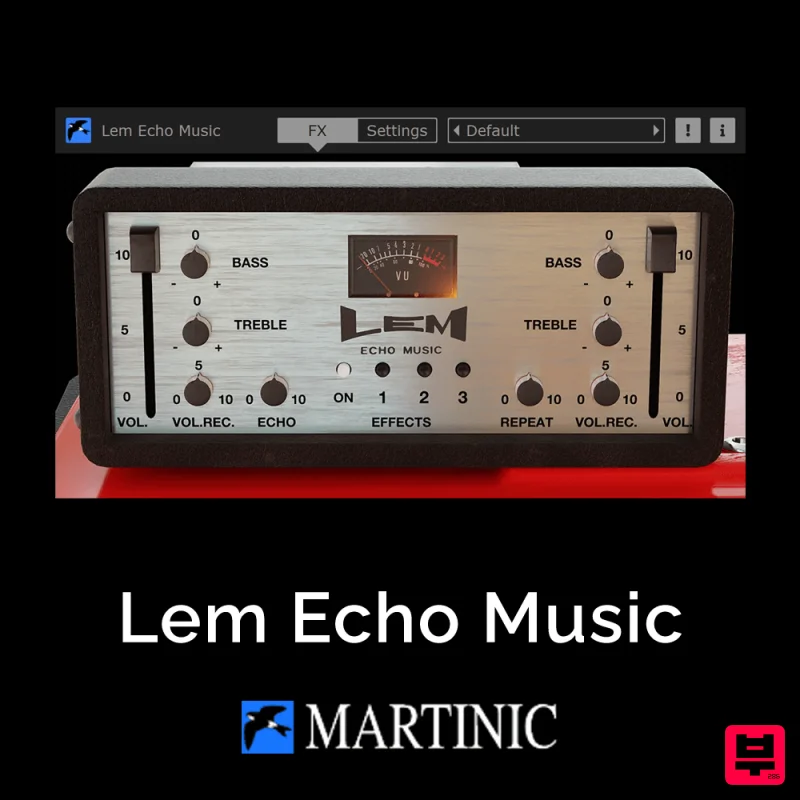
Authentic Vintage Tape Delay Emulation with Added Customization The Lem Echo Music plugin recreates the nostalgic tones...
Phantom Sounds Analog Drift
Delay
$30
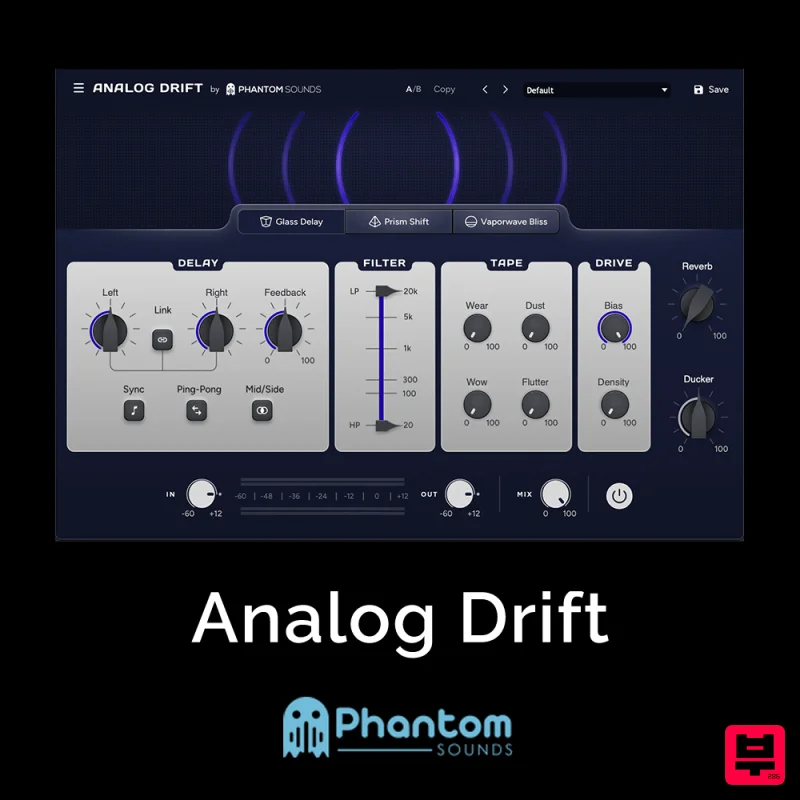
Redefine Your Sound with Distinctive Delays Analog Drift is a delay plugin that combines the pristine clarity of...
PSP Audioware PSP Lexicon PSP42x
Delay
$30
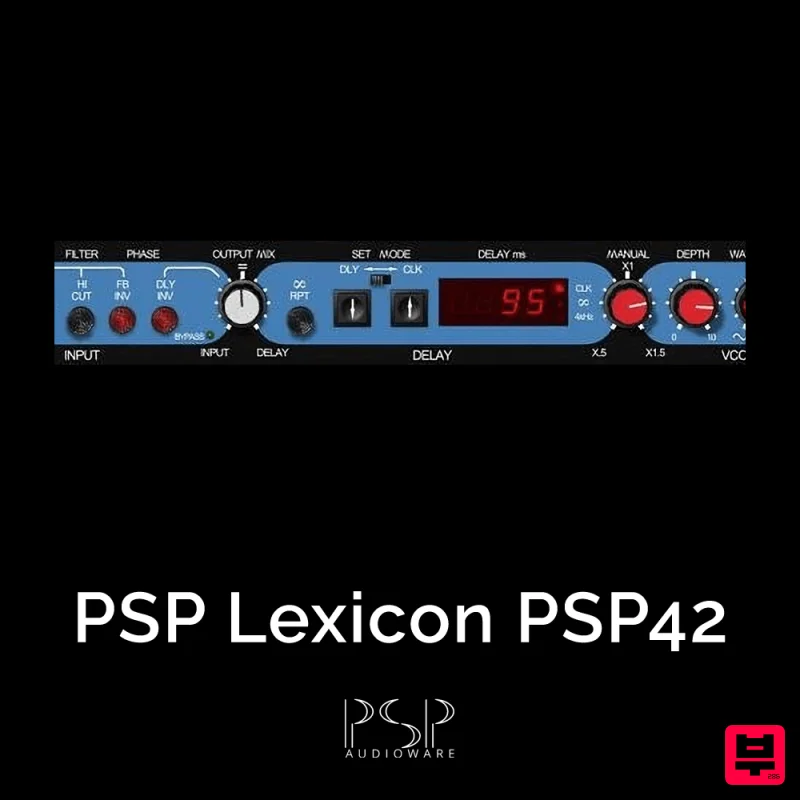
Lexicon PSP 42 is a high-quality digital stereo delay and phrase sampler plug-in based on the legendary Lexicon PCM42...
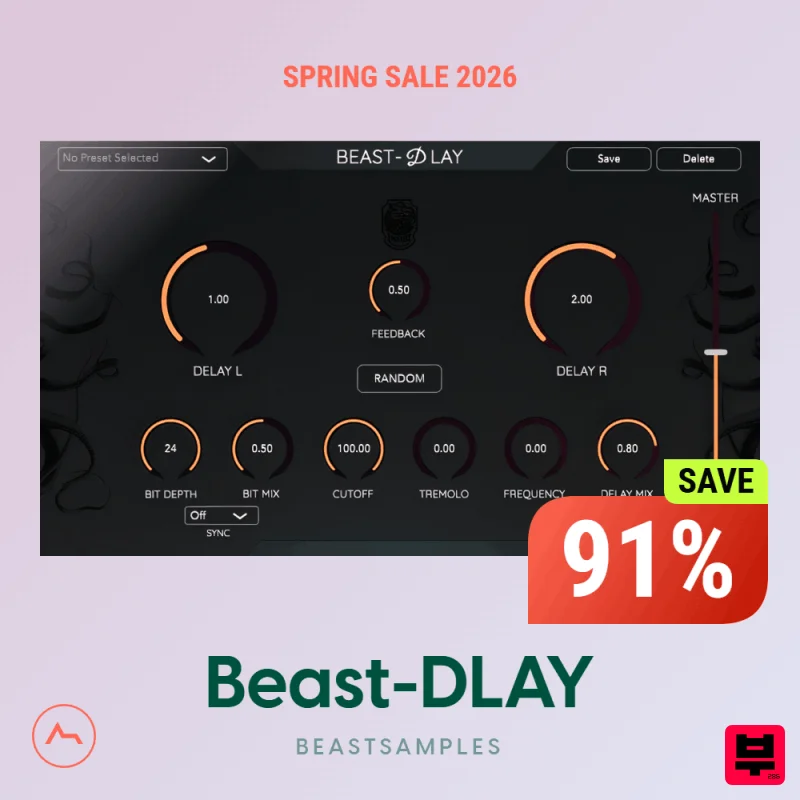
Beastsamples Beast-DLAY
Delay
$30
Beast-Dlay is a game-changer delay VST plugin with unprecedented processing power ready to add the hardware realism and...
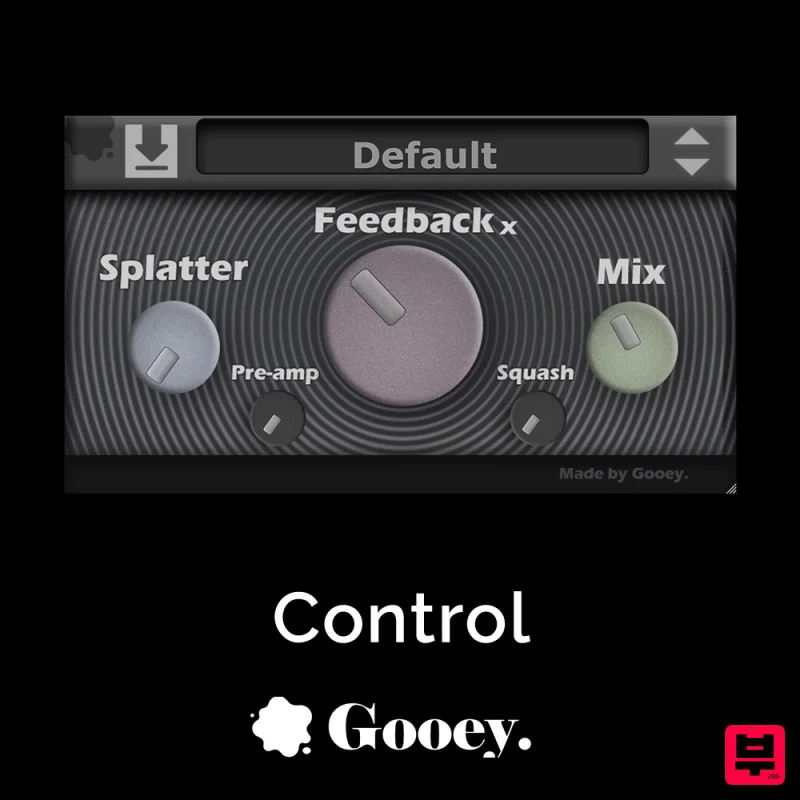
Gooey Audio Control
Delay
$30
Control by Gooey Audio is a feedback delay network plugin built for experimental sound designers, ambient composers,...
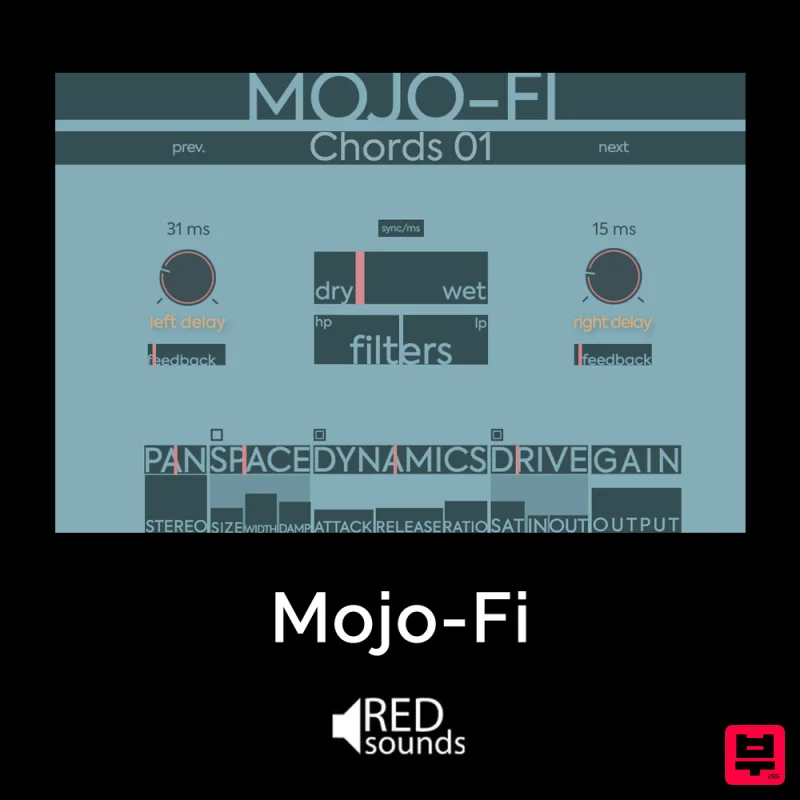
Red Sounds Mojo-Fi
Delay
$30
Multi-effect Delay Plugin On Steroids Great for adding life and texture to your boring soft synths, pianos, drums, and...
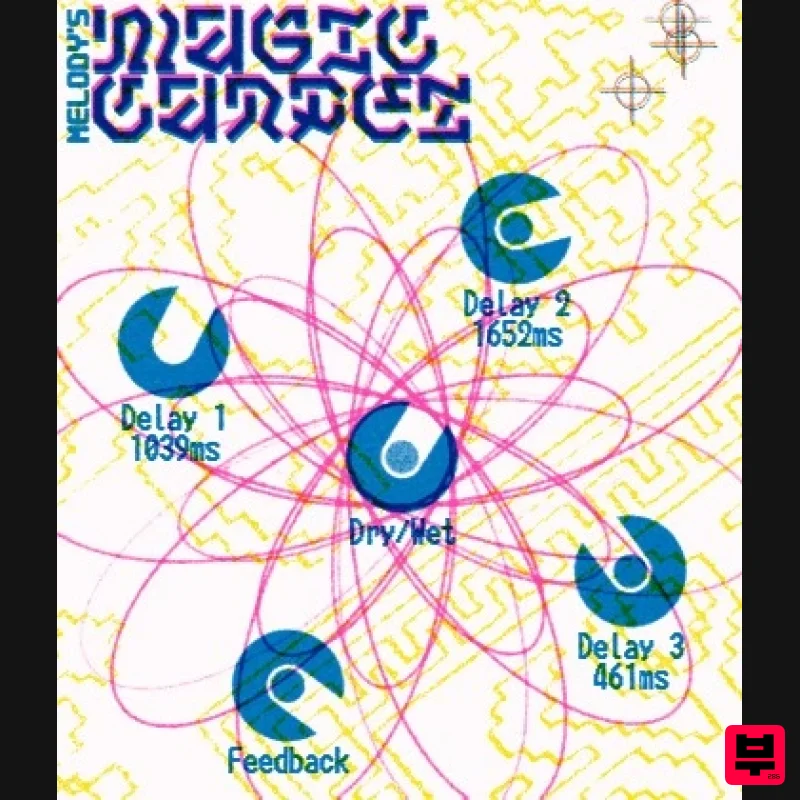
UnplugRed Magic Carpet
Delay
Free
Three delay lines with a shared feedback path, makes a delay that starts sparse but continues to get denser with each...
Frequently Asked Questions
The Softube Echoes stands out for its exceptional Softube craftsmanship and innovative design.
Yes! With its affordable price point and quality construction, it's perfect for learning delay.
Browse the similar products section to see how it stacks up against other delay.

