
Singomakers Phat Booster
Professional music gear - detailed information and where to buy
Singomakers
Phat Booster
Product Info
* Prices may vary. Check retailer for current pricing and availability.
Product Description
- IQ Samples are very proud to present a new plugin
- Phat Booster. Simple in use
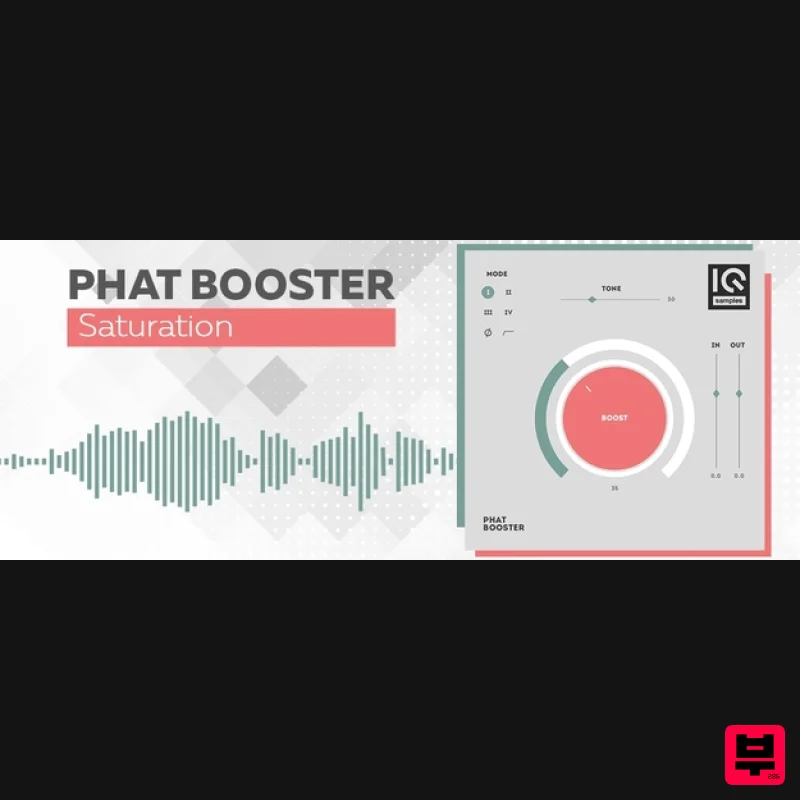
- Phat Booster has a modern scalable design with a PHAT sound. Phat Booster is a one-knob plugin with 4 different algorithms to add fatness and power to your sound. Expect to find 4 different Algorithms (modes)
- Tone Fader
- Phase Reverse Button and Pre-Fader Filters (Off / 45 Hz cut / 60 Hz cut). Phat Booster is a powerful tool to add some fatness to basses
- synths
- drums and even powerful low-end to vocals. Features 4 Modes / Algorithms scalable design Input Volume +6 -12 db Output Volume +6 - 12 Tone Fader Phase Reverse Button Pre-Fader Filters (Off / 45 Hz cut / 60 Hz cut) System Requirements Mac macOS 10.11 or higher (Intel only) Formats: VST
- AU Apple Silicon Macs supported natively Windows Windows 7 or higher Formats: VST 2
- VST 3 Pavel Khvaleev "Just wow! This plugin lets you turn any cheap sound into a great
- massive and rich tone! Magic of the future!" 813 "A great tool for quick help at different stages of production and getting more phatness easily!" PROXY "Great plugin for Monstrous Fatness! Added to my arsenal." Note: Magic Stereo is used as the example. Mac 1. Download the .zip folder from your User Account and double-click it to open and reveal the installer file. 2. Double-click the extracted software file to begin the installation process > click ‘Continue’. 3. Read the Software License Agreement > click ‘Continue’. 4. Click ‘Agree’. 5. Review the installation and click ‘Install’. 6. The installation of your software has successfully completed > click ‘Close’. 7. Locate and open the software within your DAW. Note: Restart your DAW
- and rescan the plug-in selection to show the new installation (in the event it fails to appear). The Software is now Ready for Use Within Your DAW! Windows 1. Download the .zip folder from your User Account and double-click it to open and reveal the installer files. 2. Double-click the relevant extracted .exe (32 or 64-bit) file to begin the installation process > click ‘Next’. 3. Read through the license agreement and click ‘I accept the agreement’ > click ‘Next’. 4. Read through the information > click ‘Next’. 64-Bit Installation: Choose and confirm the plug-in (64-Bit VST) directory in which to save your software to > click ‘Next’. Select ‘Yes’ if prompted with the window below. 32-Bit Installation: Choose and confirm the plug-in (32-Bit VST) directory in which to save your software to > click ‘Next’. Select ‘Yes’ if prompted with the window below. 5. Create/select a folder in which to setup a shortcut path for your new installation. 6. Review the installation and click ‘Install’. 7. The installation of the software has successfully completed > click ‘Finish’. 8. Locate and open the software within your DAW. Note: Restart your DAW
- and rescan the plug-in selection to show the new installation (in the event it fails to appear). The Software is now Ready for Use Within Your DAW!
Additional Information
About the Singomakers Phat Booster
The Singomakers Phat Booster represents excellent craftsmanship in the Saturation category.
Why Choose the Singomakers Phat Booster?
- •Authentic Singomakers craftsmanship and design
- •Versatile sound suitable for multiple musical genres
- •Professional build quality and reliable performance
- •Part of Singomakers's respected Saturation lineup
Compare & Explore
Browse our complete selection of Singomakers instruments or explore other Saturation options. Use our comparison tools to find the perfect match for your musical style and budget.
Similar Products
Gooey Audio Sizzle
Saturation

Antares Warm
Saturation
TBProAudio GSat+
Saturation
Audified MultiDrive PRO
Saturation
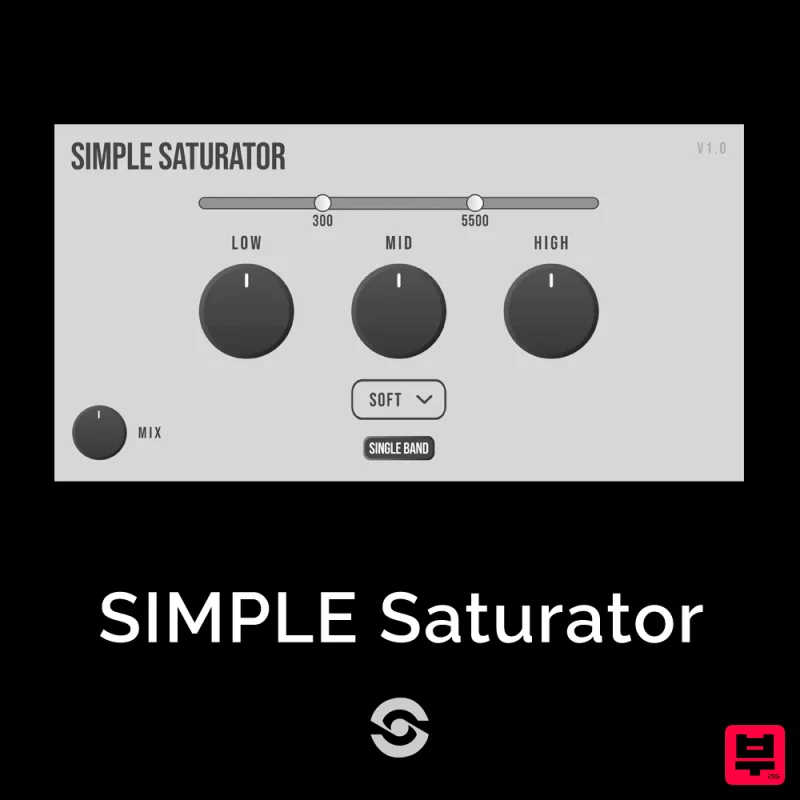
SIMPLE Plugins SIMPLE Saturator
Saturation
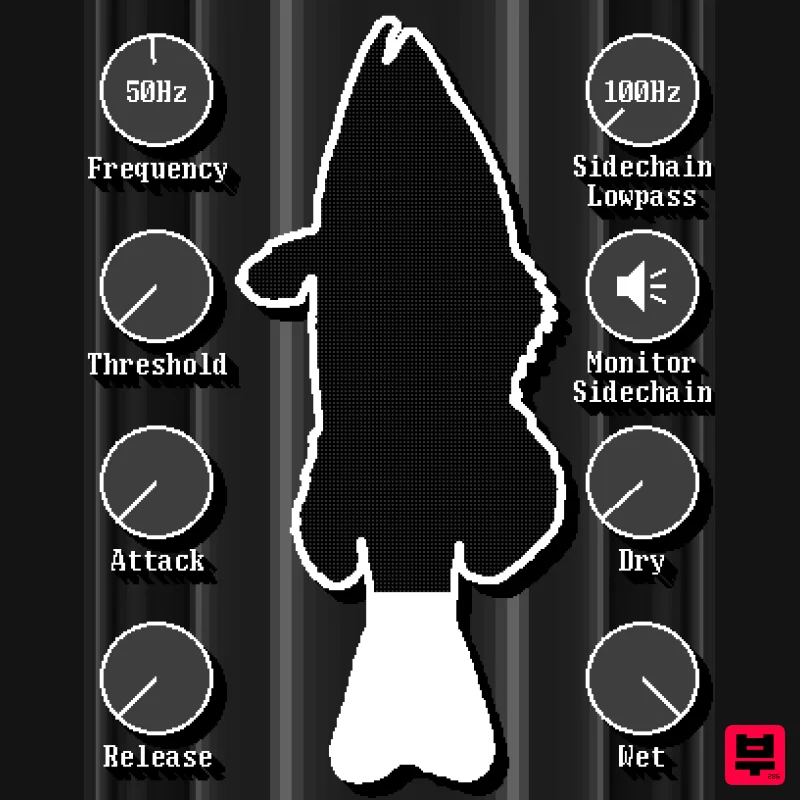
UnplugRed Red Bass
Saturation
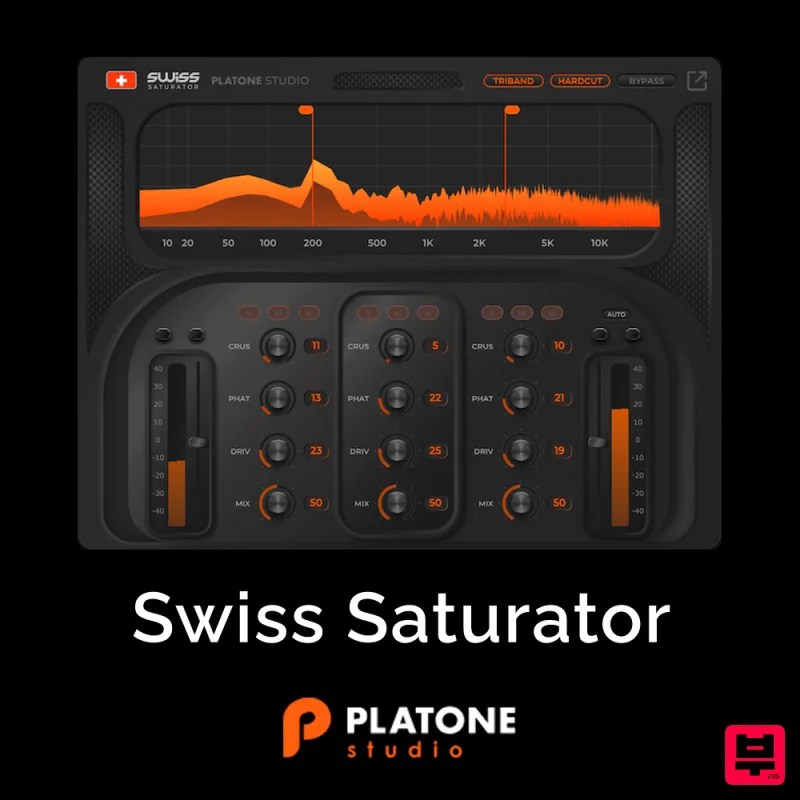
Platone Studio Swiss Saturator
Saturation
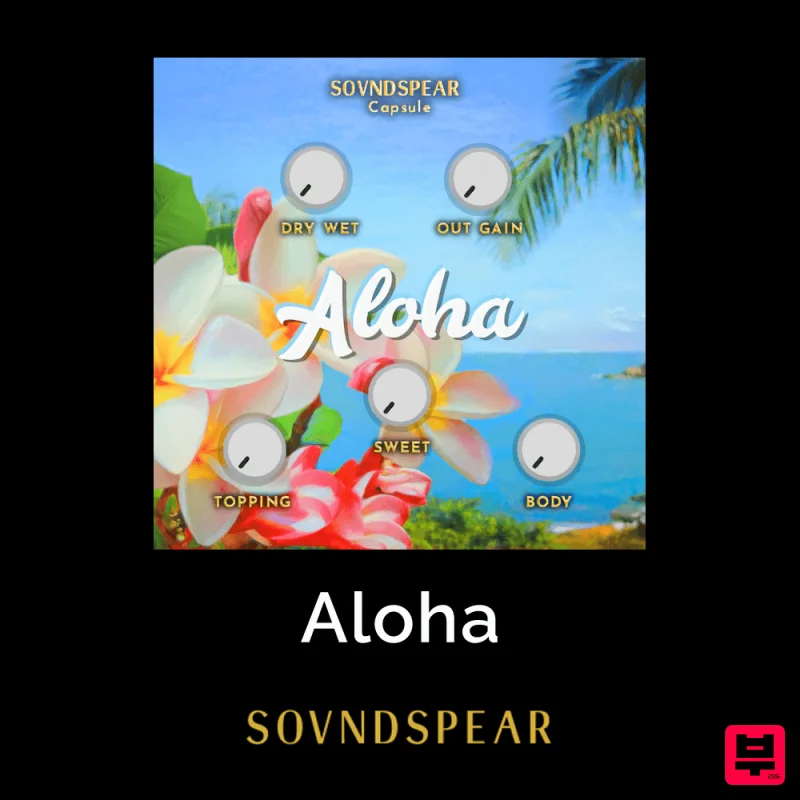
Soundspear Aloha
Saturation

