
Sinevibes Whirl
Professional music gear - detailed information and where to buy
Product Description
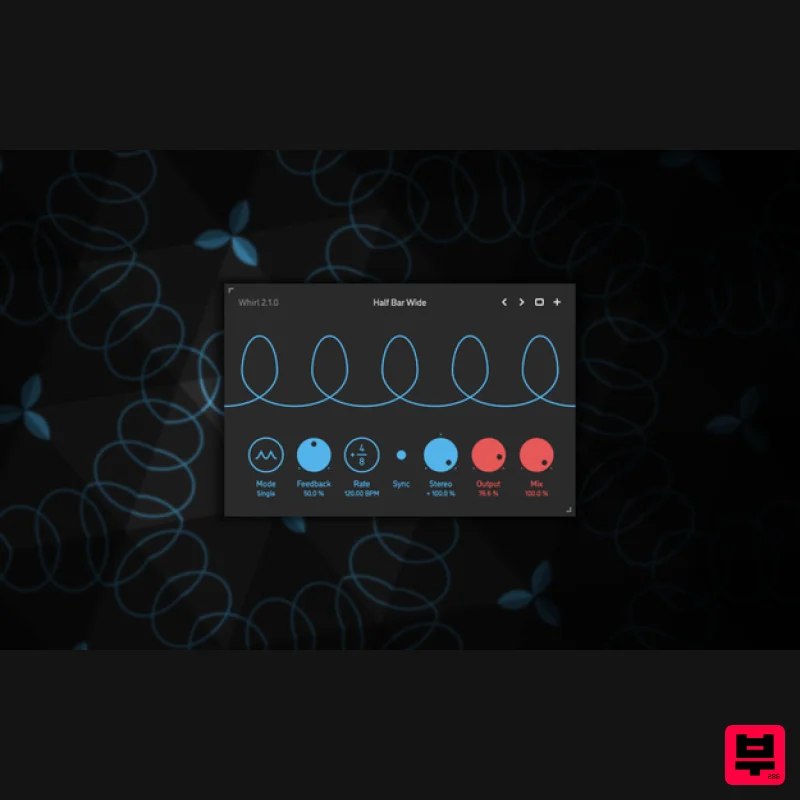
- Whirl is a barber-pole phaser. It is based on a Bode frequency shifter model with a feedback line
- an algorithm that creates unique spectrum peaks and notches that move upwards or downwards in a seemingly endless fashion – with one spectrum sweep morphing into the next one
- like an audible illusion. Whirl features up to three fully synchronized barber-pole phaser stages: this allows you to control how gentle or dramatic the effect is. At its most extreme settings
- Whirl is capable of deeply resonant filtering. It almost individually suppresses and accentuates different frequency harmonics. By design
- the spectrum sweep frequency is bipolar - and can go from downwards to upwards motion and back completely seamlessly. As always with a Sinevibes product
- Whirl has a carefully crafted
- clean and intuitive user interface. It features colour-coded graphics for consistency with other plugins in their collection and well-calibrated contrast for optimal visibility in most lighting conditions. The interface supports retina resolution and also uses GPU-accelerated rendering
- never impairing audio processing. Features Sound engine Barber-pole phaser based on Bode frequency shifter
- with up to three sequential stages and progressive feedback Variable stereo phase offset Lag filters on all continuous parameters for click-free adjustment Supports mono › mono
- mono › stereo
- and stereo › stereo channel configurations Graphic interface Colour-coded graphic elements Consistent name
- mapping
- value
- and unit implemented for all parameters in both graphic user interface and host control/automation Built-in preset management functions Supports window size scaling up to 200% System Requirements Mac macOS 10.9 or later (64-bit only) Intel or M1 Apple processor. AU / AAX / VST3 Windows Windows 8.1 or later (64-bit only) PC computer with x86 processor. AAX / VST3 Please note: Rerun v2 is used as an example. Mac Installation 1. Download the ZIP folder from your Plugin Boutique account > Open. 2. Double-click the PKG installer file > Click 'Continue'. 3. Read the Software License Agreement > Click 'Continue'. 4. Click 'Agree'. 5. Choose the install location > Click 'Install'. 6. Click 'Close'. Your software is now installed and ready to use in your DAW. Windows Installation 1. Download the installer from your Plugin Boutique account > Extract the folder. 2. Double-click the Windows installation file to run the installer > Click 'Next'. 3. Read the License Agreement > Select 'I accept the agreement' > Click 'Next'. 4. Click Install to start the installation. Your new software is now installed and ready to use in your DAW.
Additional Information
About the Sinevibes Whirl
The Sinevibes Whirl represents excellent craftsmanship in the Phaser category.
Why Choose the Sinevibes Whirl?
- •Authentic Sinevibes craftsmanship and design
- •Versatile sound suitable for multiple musical genres
- •Professional build quality and reliable performance
- •Part of Sinevibes's respected Phaser lineup
Compare & Explore
Browse our complete selection of Sinevibes instruments or explore other Phaser options. Use our comparison tools to find the perfect match for your musical style and budget.
Similar Products
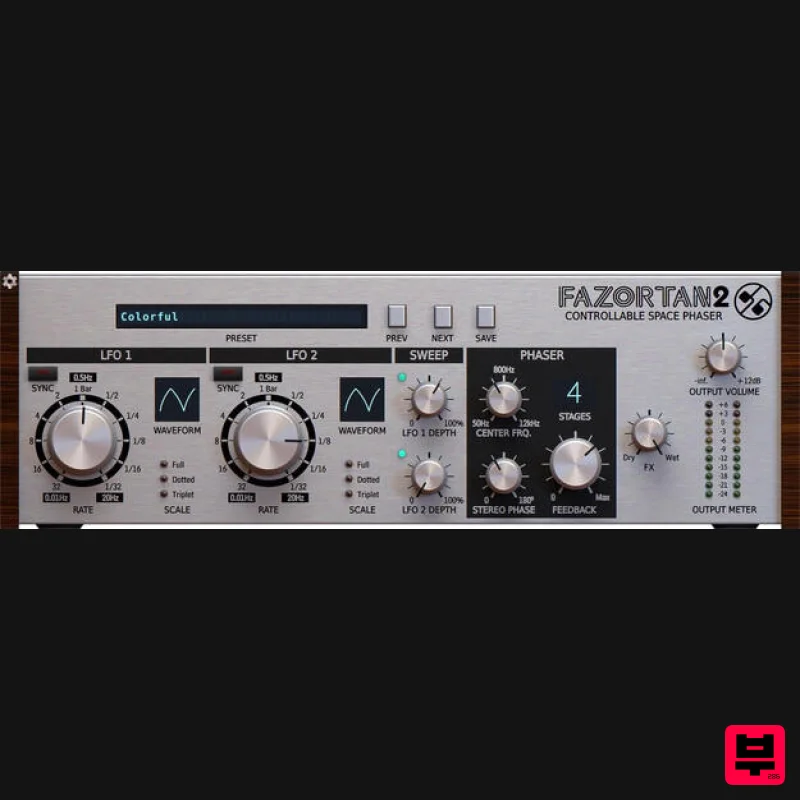
D16 Group Fazortan 2
Phaser
$62
Have you ever wanted to replicate that unique, magical breeze floating through most of Jean Michael Jarre's music?...
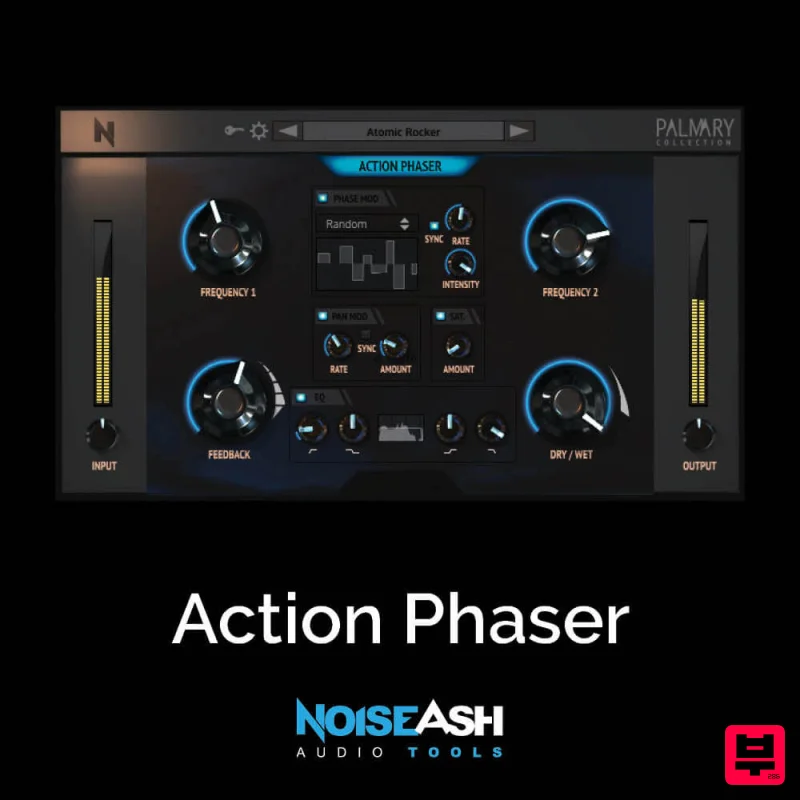
NoiseAsh Action Phaser
Phaser
$30
STRENGTH, SIMPLICITY, DEEPLY CUSTOMIZABLE These words are the summary of Action Phaser. We wanted to build a phaser...
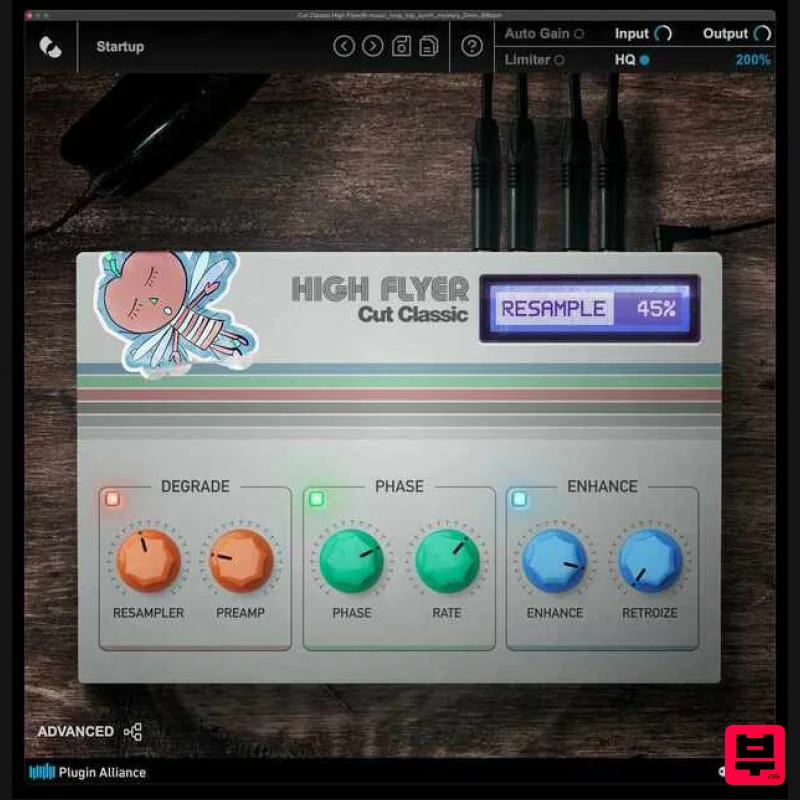
Plugin Alliance Cut Classic High Flyer
Phaser
$21
Cut Classic High Flyer is a next-generation phaser plugin that blends classic vintage character with modern digital...
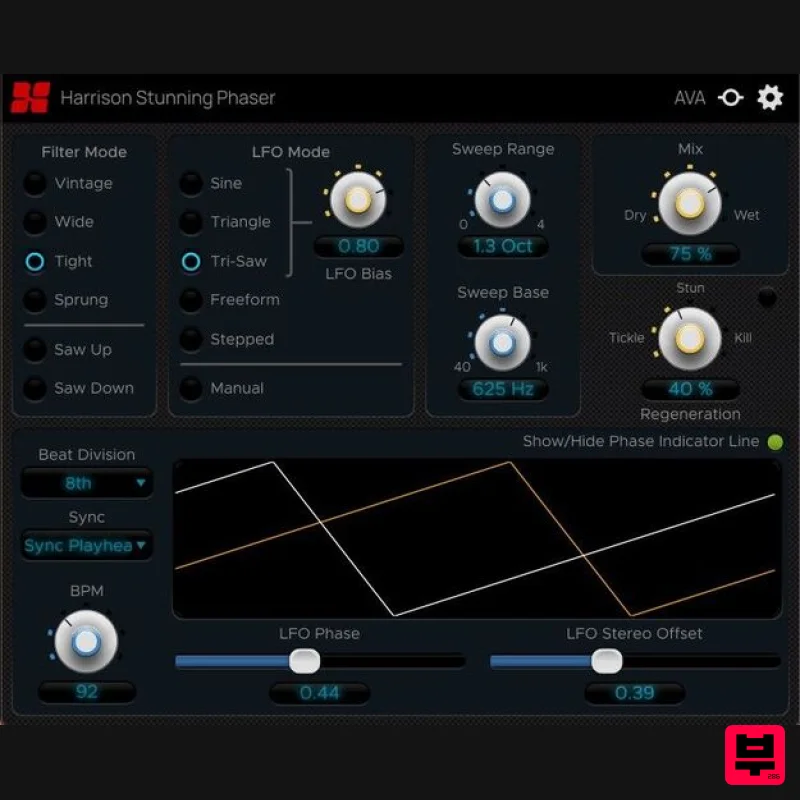
Harrison Consoles Stunning Phaser
Phaser
$54
Warp Your Audio World Inject ‘stunning’ movement, character, and depth into your mixes. The Harrison Stunning...
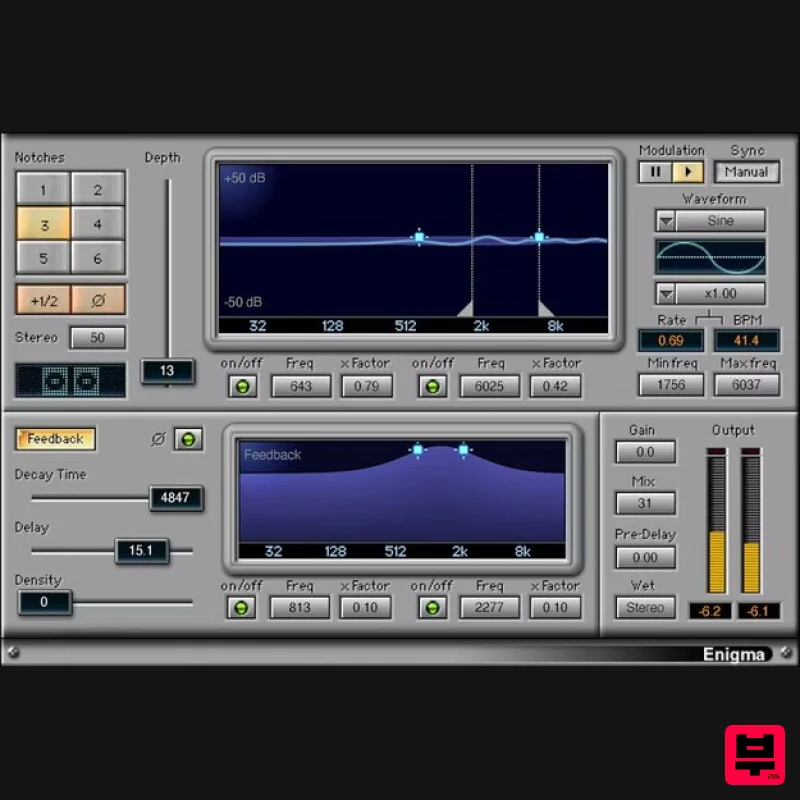
Waves Enigma
Phaser
$44
Enigma A Dream Machine for Scintillating Sound Design Enigma combines comb filtering, modulation, filtered feedback, a...
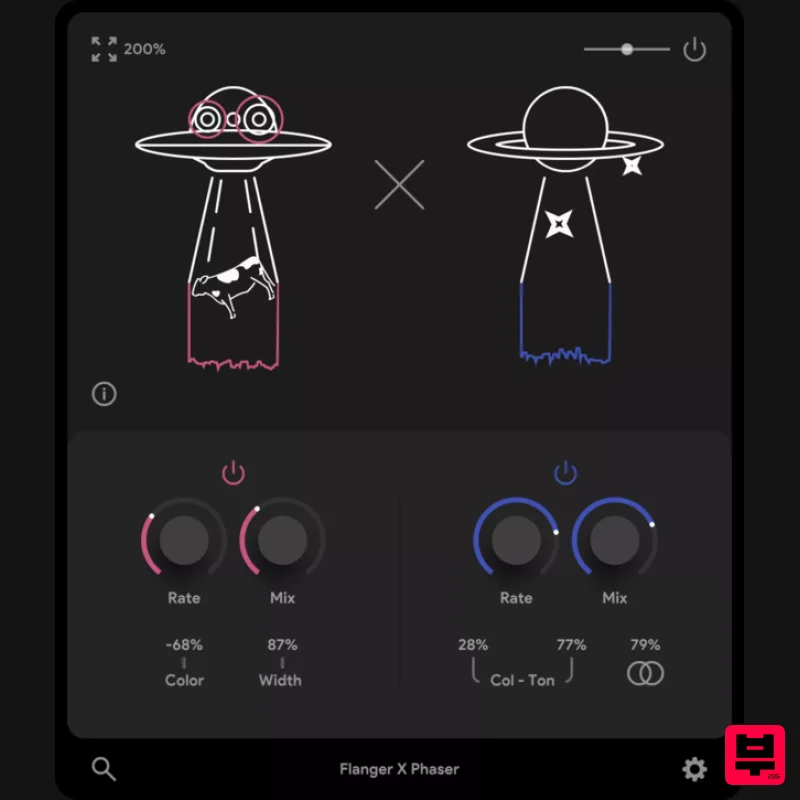
Thenatan Audio FlangerPhaser
Phaser
$35
This plugin is an excellent tool for enhancing your music with classic effects that stand the test of time. It is...
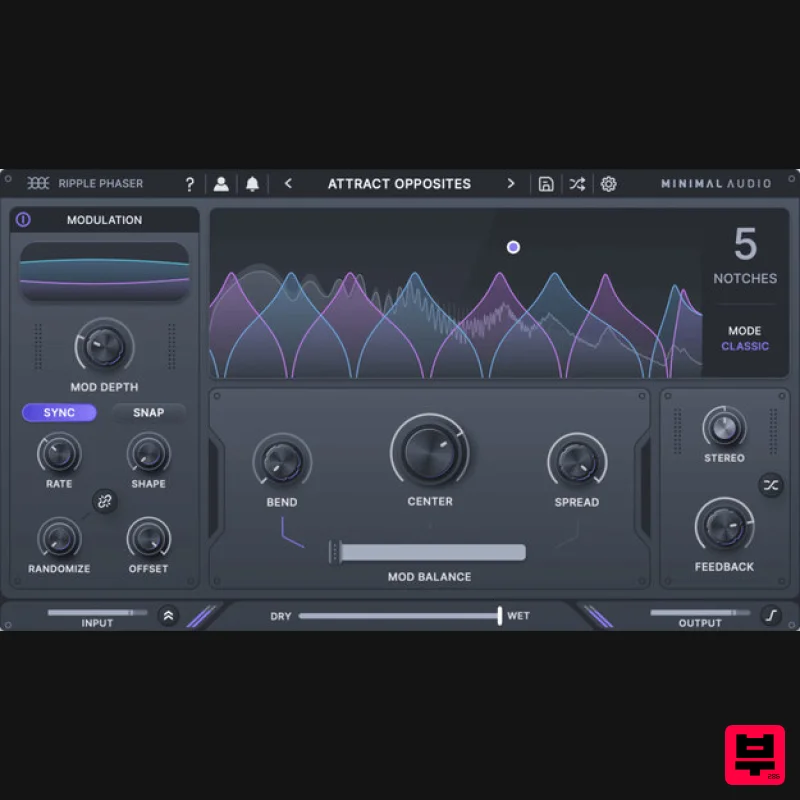
Minimal Audio Ripple Phaser
Phaser
$51
Multi-Mode Phase Manipulator More than just another phaser, Ripple Phaser injects liquid character and animated...
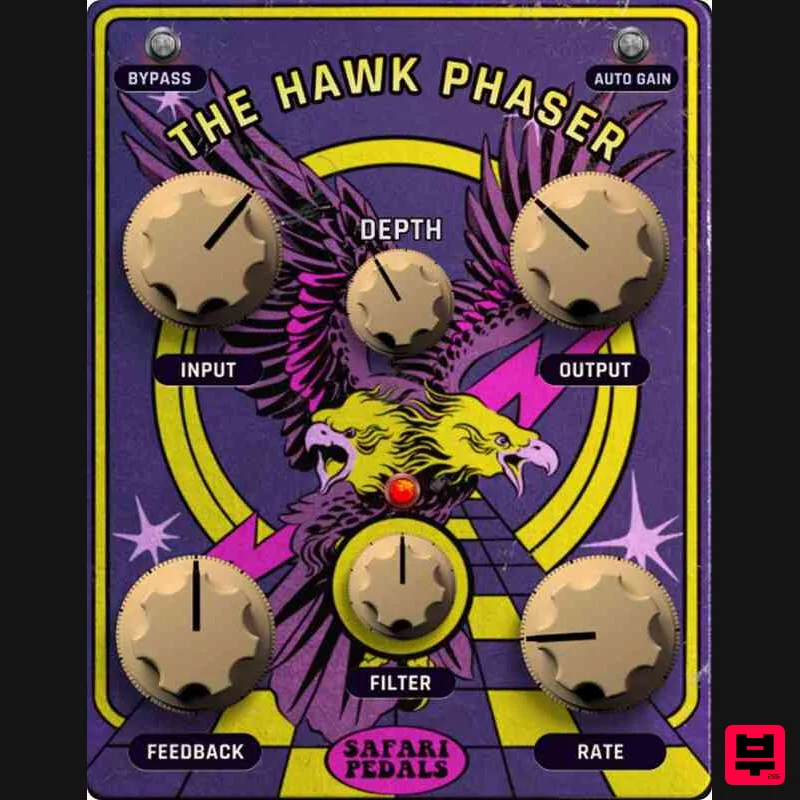
Safari Audio Hawk Phaser
Phaser
$51
A High-Flying Phaser with Precision & Power Hawk Phaser is ready to soar into your rig, delivering everything from...
Frequently Asked Questions
The Sinevibes Whirl stands out for its exceptional Sinevibes craftsmanship and innovative design.
Yes! With its affordable price point and quality construction, it's perfect for learning phaser.
Browse the similar products section to see how it stacks up against other phaser.

