
Sinevibes Stator
Professional music gear - detailed information and where to buy
Sinevibes
Stator
Product Info
* Prices may vary. Check retailer for current pricing and availability.
Product Description
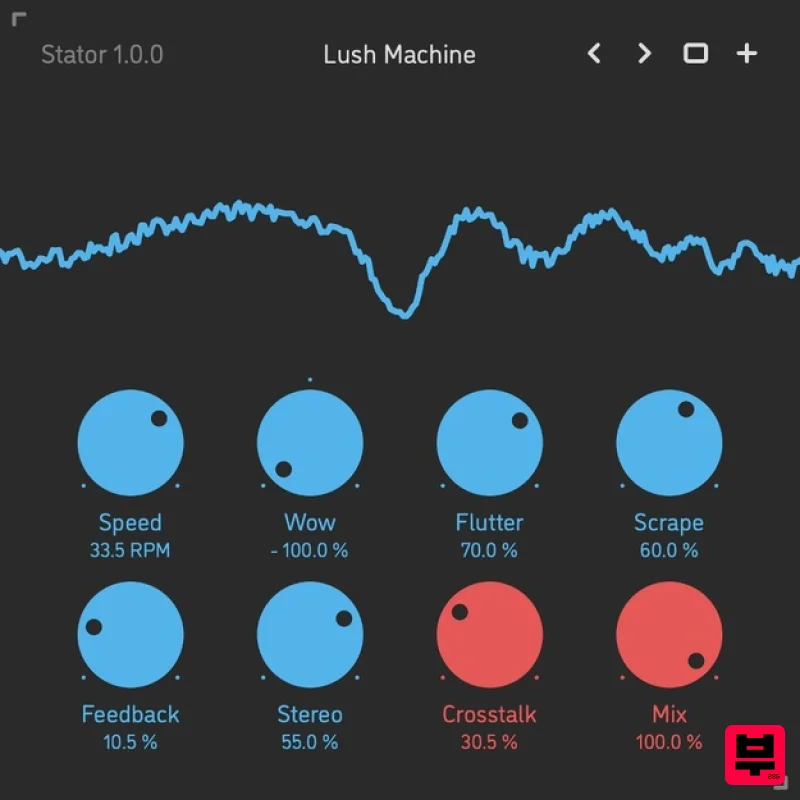
- Tape Wobble Simulator Stator is a tape wobble simulator. It uses a creative approach to replicate the effects of speed fluctuations in tape machines: wow and flutter coming from uneven electric motor rotation and tape feed
- as well as scrape flutter caused by the friction of the tape against the tape head. The result is a complex speed modulation signal that produces a wide variety of pitch drift and lo-fi jitter effects – similar to the sound of worn-out
- unstable audio and video cassette players. Stator also employs individual stereo widening formulas in each of its three modulation components
- plus it has variable channel crosstalk for adding chorusing and phasing artefacts – and creating sounds with a truly beautiful vintage vibe. Sound Engine Combination of 13 fine-tuned DSP algorithms for simulating tape machine speed wobble Separate modulation depth adjustment for pitch wow
- flutter
- and scrape flutter Variable stereo phase offset with individual calibration for each modulation source Variable stereo crosstalk for chorusing and phasing artefacts Built-in adjustable feedback loop for additional sound colouration Lag filters on all continuous parameters for click-free adjustment Supports mono › mono
- mono › stereo
- and stereo › stereo channel configurations Graphic Interface Colour-coded graphic elements Consistent name
- mapping
- value
- and unit implemented for all parameters in both graphic user interface and host control/automation Built-in preset management functions Supports window size scaling up to 200% System Requirements Mac macOS 10.9 or later (64-bit only) Intel or M1 Apple processor. AU / AAX / VST3 Windows Windows 8.1 or later (64-bit only) PC computer with x86 processor. AAX / VST3 Please note: Rerun v2 is used as an example. Mac Installation 1. Download the ZIP folder from your Plugin Boutique account > Open. 2. Double-click the PKG installer file > Click 'Continue'. 3. Read the Software License Agreement > Click 'Continue'. 4. Click 'Agree'. 5. Choose the install location > Click 'Install'. 6. Click 'Close'. Your software is now installed and ready to use in your DAW. Windows Installation 1. Download the installer from your Plugin Boutique account > Extract the folder. 2. Double-click the Windows installation file to run the installer > Click 'Next'. 3. Read the License Agreement > Select 'I accept the agreement' > Click 'Next'. 4. Click Install to start the installation. Your new software is now installed and ready to use in your DAW.
Additional Information
About the Sinevibes Stator
The Sinevibes Stator represents excellent craftsmanship in the Saturation category.
Why Choose the Sinevibes Stator?
- •Authentic Sinevibes craftsmanship and design
- •Versatile sound suitable for multiple musical genres
- •Professional build quality and reliable performance
- •Part of Sinevibes's respected Saturation lineup
Compare & Explore
Browse our complete selection of Sinevibes instruments or explore other Saturation options. Use our comparison tools to find the perfect match for your musical style and budget.
Similar Products
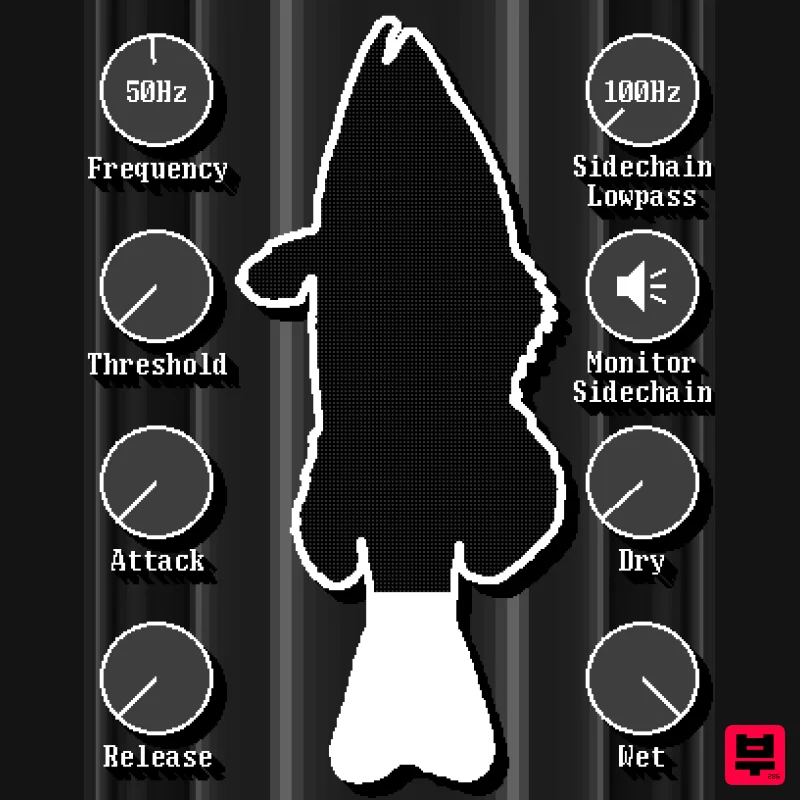
UnplugRed Red Bass
Saturation
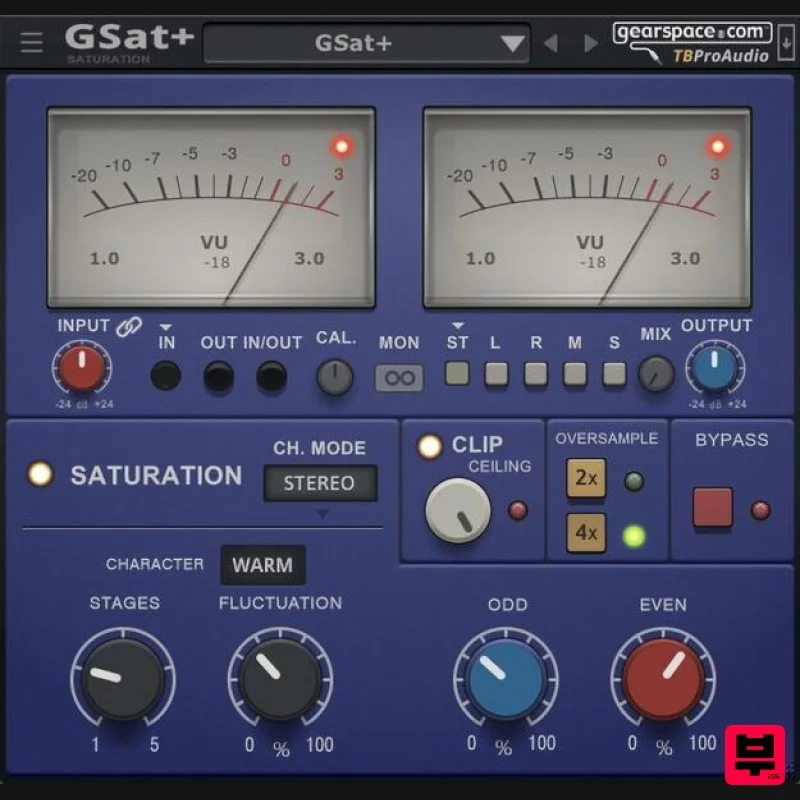
TBProAudio GSat+
Saturation
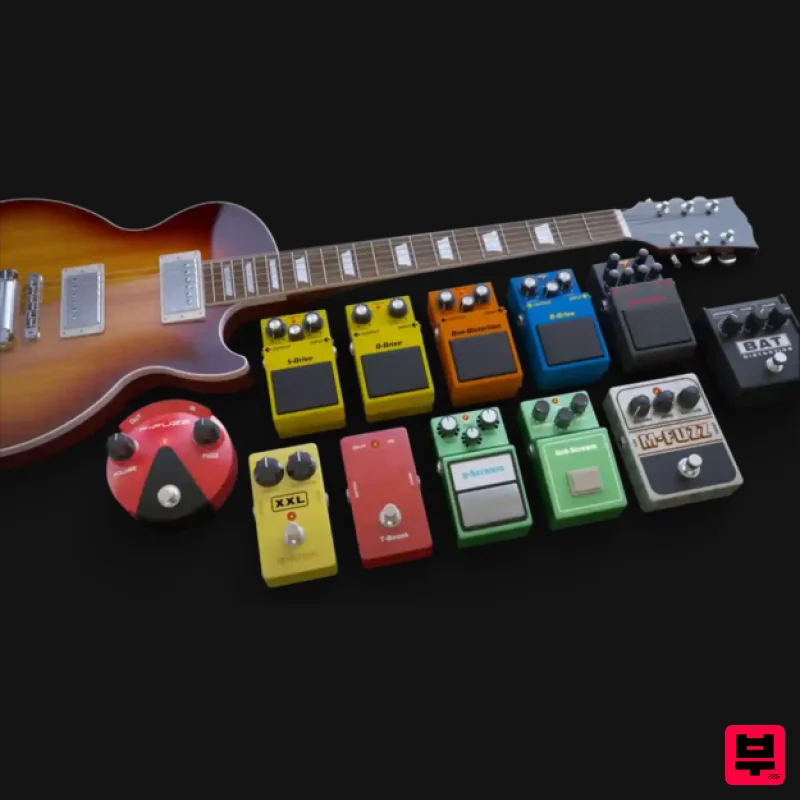
Audified MultiDrive PRO
Saturation
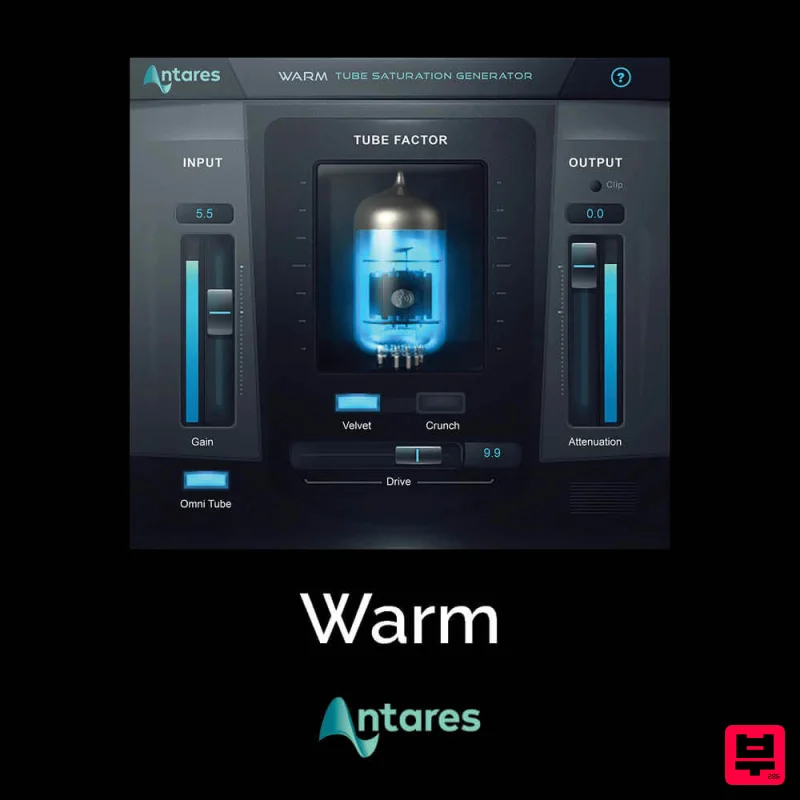
Antares Warm
Saturation
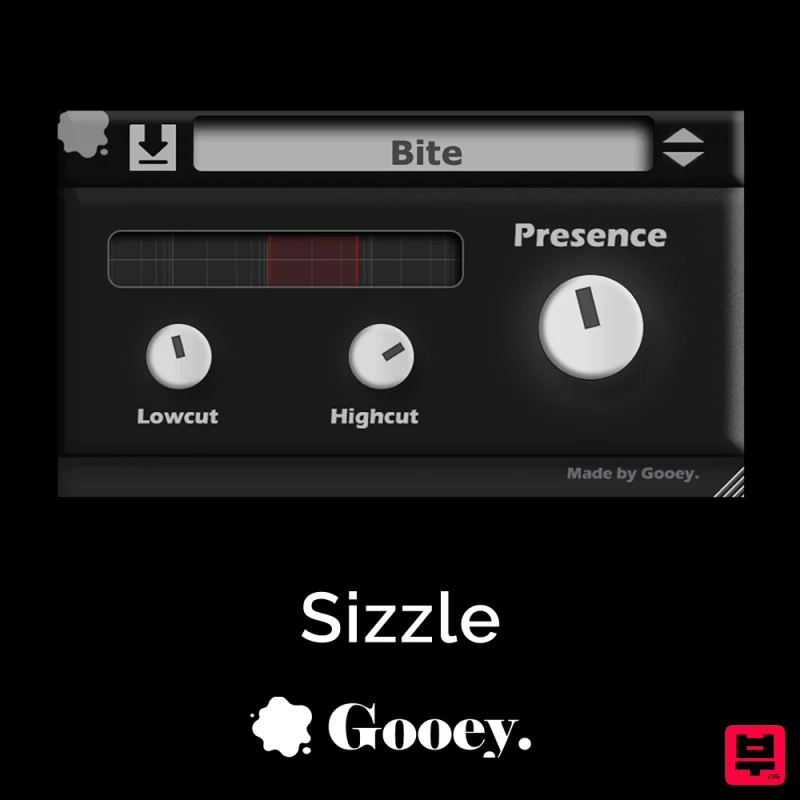
Gooey Audio Sizzle
Saturation
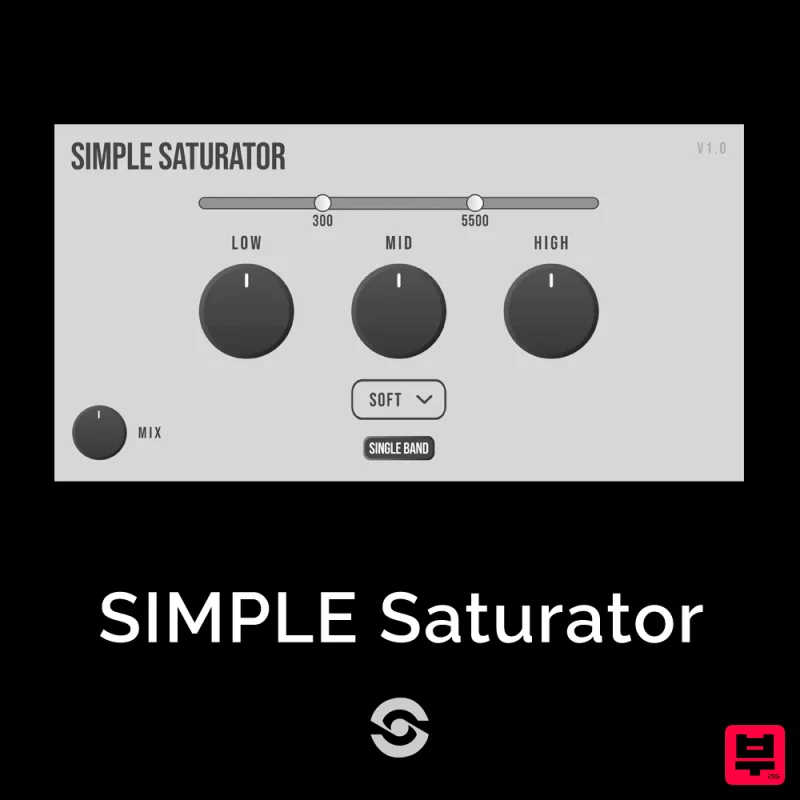
SIMPLE Plugins SIMPLE Saturator
Saturation
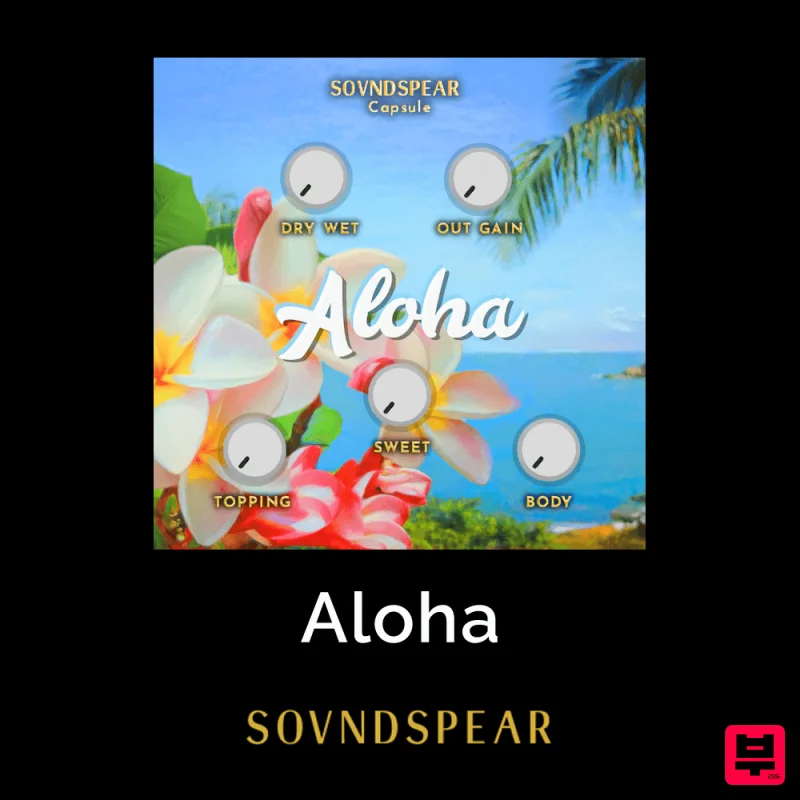
Soundspear Aloha
Saturation
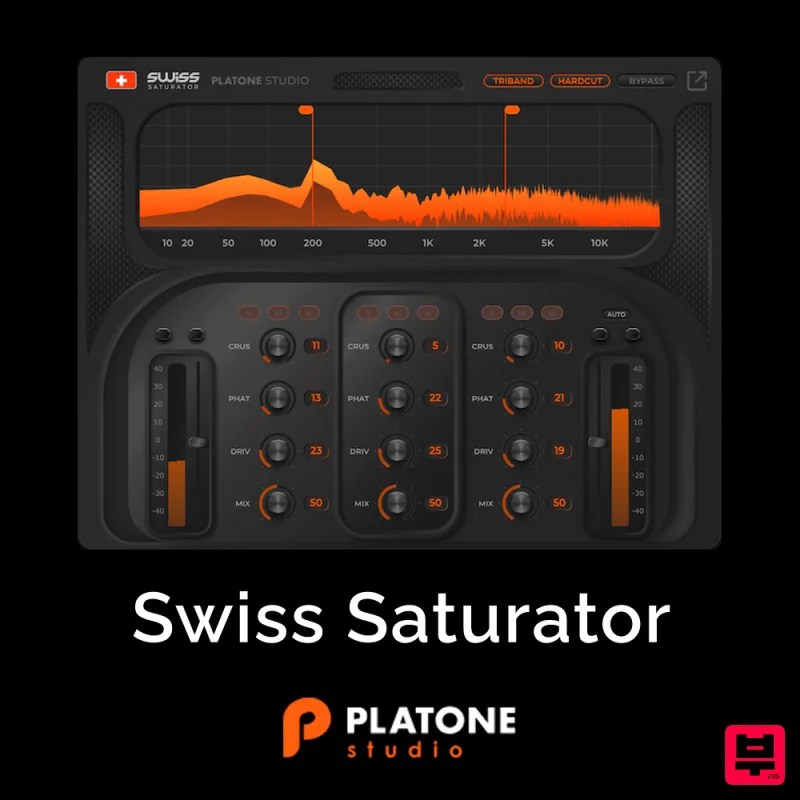
Platone Studio Swiss Saturator
Saturation

