
Sinevibes Rerun v2
Professional music gear - detailed information and where to buy
Sinevibes
Rerun v2
Product Info
* Prices may vary. Check retailer for current pricing and availability.
Product Description
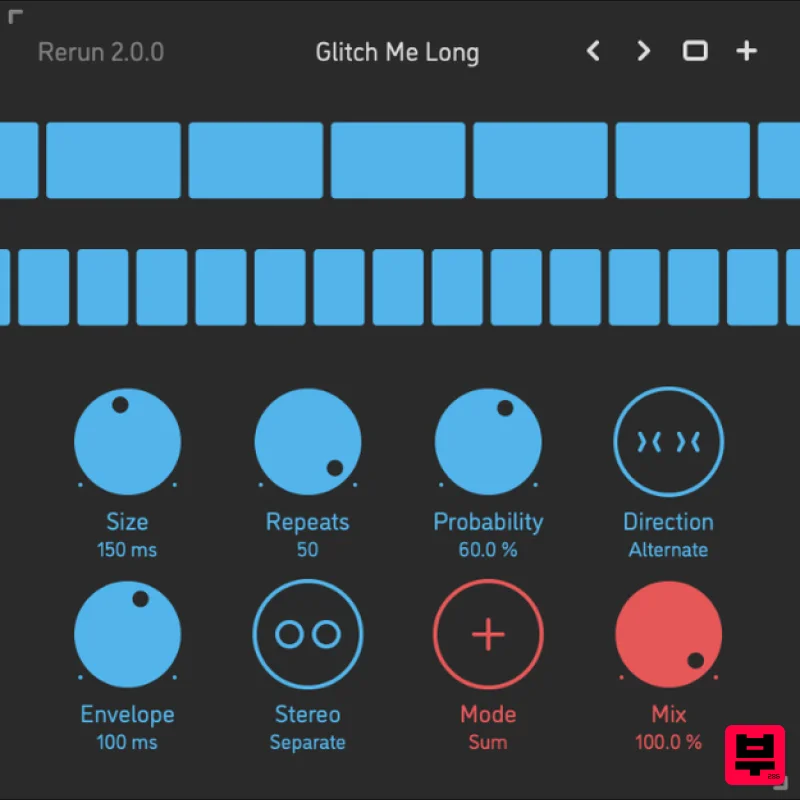
- Self-Randomizing Audio Repeater Rerun is a self-randomizing repeater effect plugin for Mac. It constantly samples slices of incoming audio
- plays them back a number of times
- and then starts over again. Each time it switches to the next round of sampling-repetition
- Rerun randomizes the slice size and the number of repeats
- and is then engages or pauses depending on the probability parameter. The effect includes multiple playback modes – forward
- reverse
- alternating – as well as adjustment of slice envelope time and stereo link. Via a very streamlined set of controls
- Rerun can be configured to produce a very wide range of experimental
- always-changing sounds: chaotic rhythms
- erratic glitches
- randomized reversing
- or time-stretched textures. Features Sound Engine Self-randomizing sampler-repeater with up to 600 ms slice size and up to 50x repetitions Variable repeater engagement probability
- with summed or gated mode Forward
- reverse
- alternating playback modes Adjustable slice envelope Separate or stereo-linked operation Lag filters on all continuous parameters for click-free adjustment Supports mono › mono
- mono › stereo
- and stereo › stereo channel configurations Graphic Interface Colour-coded graphic elements Consistent name
- mapping
- value
- and unit implemented for all parameters in both graphic user interface and host control/automation Built-in preset management functions Supports window size scaling up to 200% System Requirements Mac macOS 10.9 or later (64-bit only) Intel or M1 Apple processor. AU / AAX / VST3 Windows Windows 8.1 or later (64-bit only) PC with x64 processor. AAX / VST3 Mac Installation 1. Download the ZIP folder from your Plugin Boutique account > Open. 2. Double-click the PKG installer file > Click 'Continue'. 3. Read the Software License Agreement > Click 'Continue'. 4. Click 'Agree'. 5. Choose the install location > Click 'Install'. 6. Click 'Close'. Your software is now installed and ready to use in your DAW. Windows Installation 1. Download the installer from your Plugin Boutique account > Extract the folder. 2. Double-click the Windows installation file to run the installer > Click 'Next'. 3. Read the License Agreement > Select 'I accept the agreement' > Click 'Next'. 4. Click Install to start the installation. Your new software is now installed and ready to use in your DAW.
Additional Information
About the Sinevibes Rerun v2
Experience the quality and tone that makes the Sinevibes Rerun v2 a popular choice for musicians.
Why Choose the Sinevibes Rerun v2?
- •Authentic Sinevibes craftsmanship and design
- •Versatile sound suitable for multiple musical genres
- •Professional build quality and reliable performance
- •Part of Sinevibes's respected Randomiser lineup
Compare & Explore
Browse our complete selection of Sinevibes instruments or explore other Randomiser options. Use our comparison tools to find the perfect match for your musical style and budget.
Similar Products
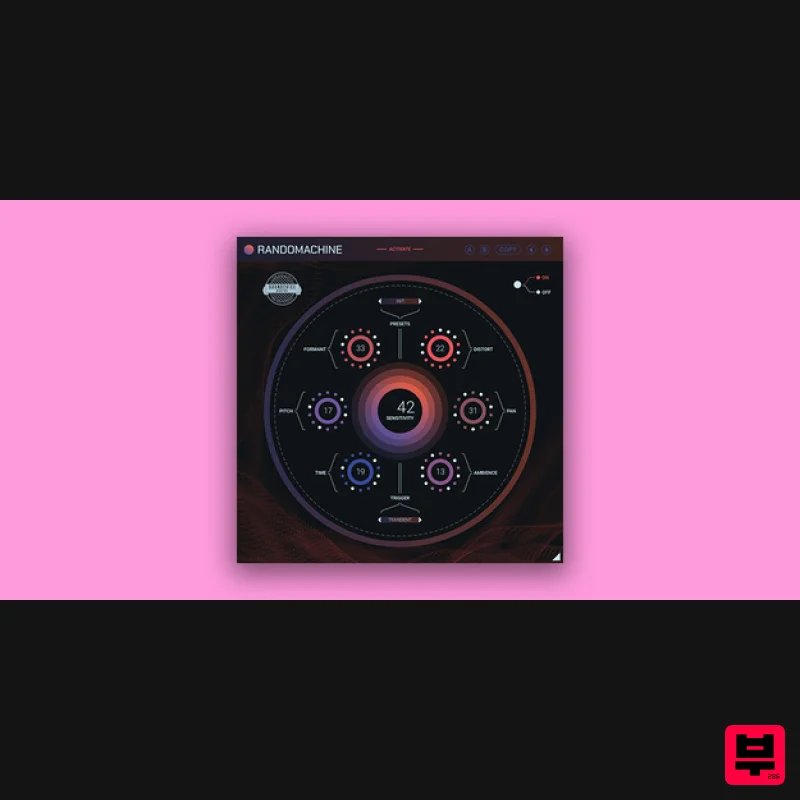
United Plugins Randomachine
Randomiser
$51
Out of one, many Precise and perfect are not always desired. Sometimes, you need to apply little imperfections to your...
Frequently Asked Questions
The Sinevibes Rerun v2 stands out for its exceptional Sinevibes craftsmanship and innovative design.
Yes! With its affordable price point and quality construction, it's perfect for learning randomiser.
Browse the similar products section to see how it stacks up against other randomiser.

