
Sinevibes Dispersion
Professional music gear - detailed information and where to buy
Product Description
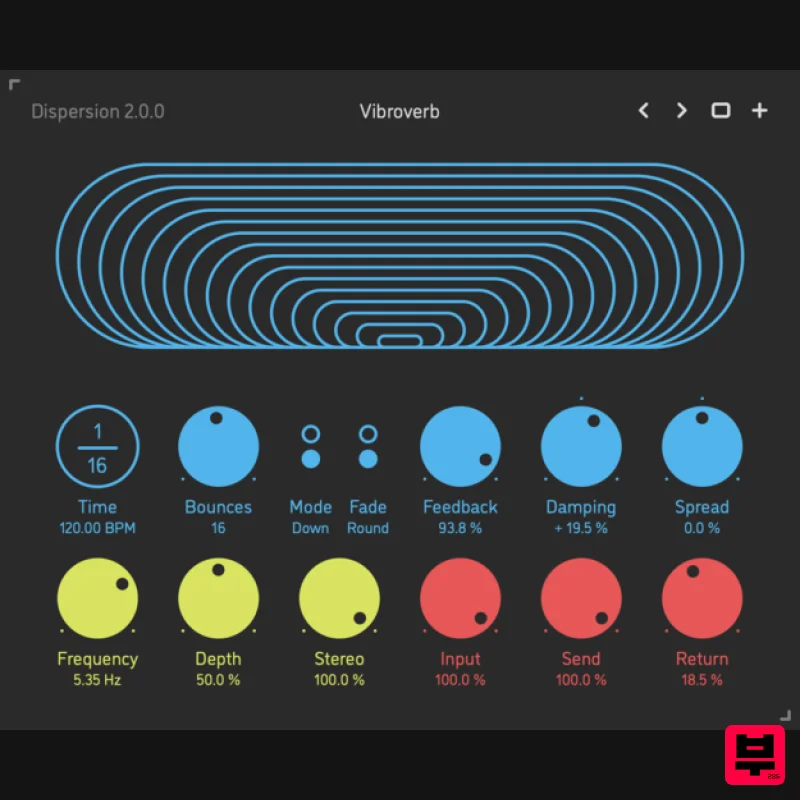
- Bouncing Ball Delay Dispersion is a bouncing ball delay effect plugin for Mac. It has up to 32 sequential delay lines whose times are spread exponentially via a special formula developed at Sinevibes
- in order to produce sound repetitions akin to a bouncing ball. The key feature is that a single round of such delay bounces is always summing up to a precise tempo fraction - making this a rhythmical effect. Dispersion can also gradually spread the pan of the bounces left to right and vice versa so that the imaginary ball moves within the stereo field. With an optional inverse time spread
- multiple feedback shaping features
- and trademark alternating-polarity modulation
- Dispersion is capable of a whole universe of unusual yet musically rich effects which simultaneously combine the characteristics of delay
- reverb
- chorus ensemble
- and stereo widening. Features Sound Engine Up to 32 sequential delay lines with tempo-synchronized “bouncing ball” time spread Gradual and stepped feedback modes Optional two-pole low-pass or high-pass feedback damping filter Adjustable delay bounce stereo pan spread Delay time modulation with unique alternating-polarity routing and variable stereo phase offset Lag filters on all continuous parameters for click-free adjustment Supports mono › mono
- mono › stereo
- and stereo › stereo channel configurations Graphic Interface Colour-coded graphic elements Consistent name
- mapping
- value
- and unit implemented for all parameters in both graphic user interface and host control/automation Built-in preset management functions Supports window size scaling up to 200% System Requirements Mac macOS 10.9 or later (64-bit only) Intel or M1 Apple processor. AU / AAX / VST3 Windows Windows 8.1 or later (64-bit only) PC computer with x86 processor. AAX / VST3 Please note: Rerun v2 is used as an example. Mac Installation 1. Download the ZIP folder from your Plugin Boutique account > Open. 2. Double-click the PKG installer file > Click 'Continue'. 3. Read the Software License Agreement > Click 'Continue'. 4. Click 'Agree'. 5. Choose the install location > Click 'Install'. 6. Click 'Close'. Your software is now installed and ready to use in your DAW. Windows Installation 1. Download the installer from your Plugin Boutique account > Extract the folder. 2. Double-click the Windows installation file to run the installer > Click 'Next'. 3. Read the License Agreement > Select 'I accept the agreement' > Click 'Next'. 4. Click Install to start the installation. Your new software is now installed and ready to use in your DAW.
Additional Information
About the Sinevibes Dispersion
The Sinevibes Dispersion represents excellent craftsmanship in the Delay category.
Why Choose the Sinevibes Dispersion?
- •Authentic Sinevibes craftsmanship and design
- •Versatile sound suitable for multiple musical genres
- •Professional build quality and reliable performance
- •Part of Sinevibes's respected Delay lineup
Compare & Explore
Browse our complete selection of Sinevibes instruments or explore other Delay options. Use our comparison tools to find the perfect match for your musical style and budget.
Similar Products
Red Sounds Mojo-Fi
Delay
$30
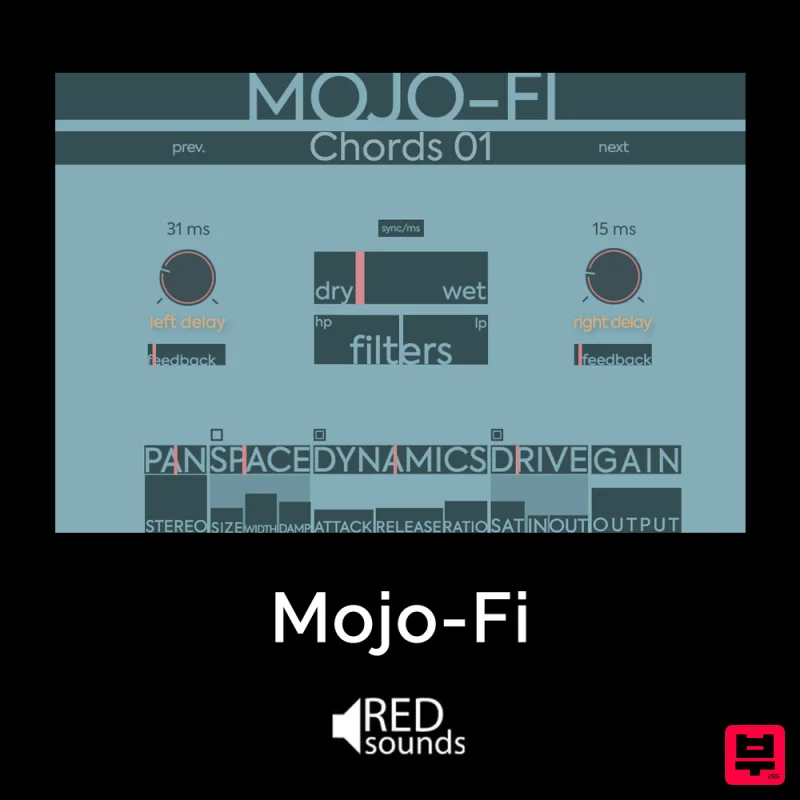
Multi-effect Delay Plugin On Steroids Great for adding life and texture to your boring soft synths, pianos, drums, and...

Korneff Audio Micro Digital Reverberator
Delay
$30
Nerdy. Easy. Super Cool. The Micro Digital Reverberator combines killer reverb and delay effects with a super friendly...
Gooey Audio Control
Delay
$30
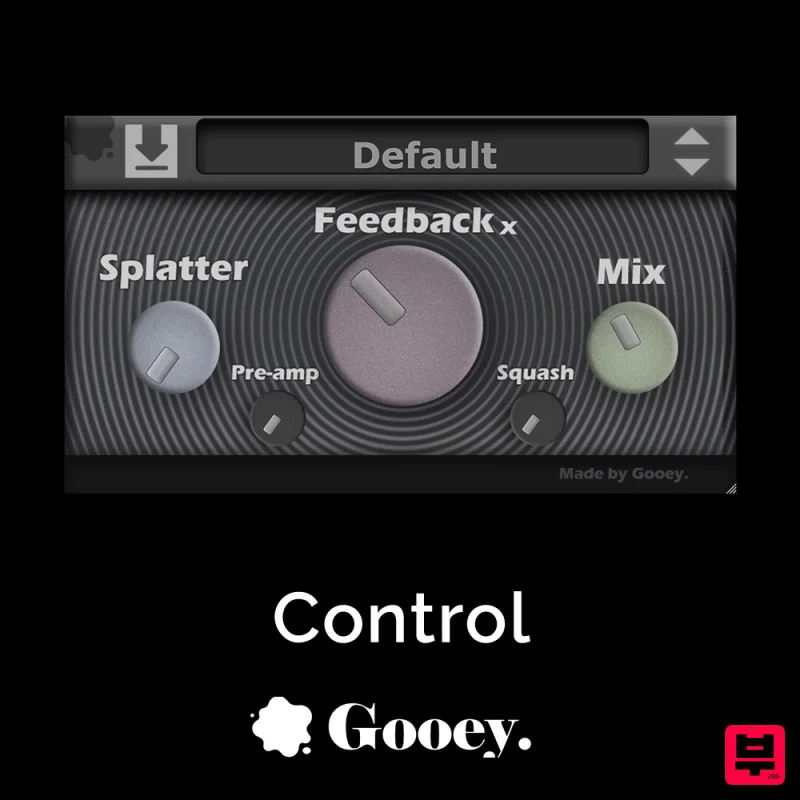
Control by Gooey Audio is a feedback delay network plugin built for experimental sound designers, ambient composers,...
PSP Audioware PSP Lexicon PSP42x
Delay
$30
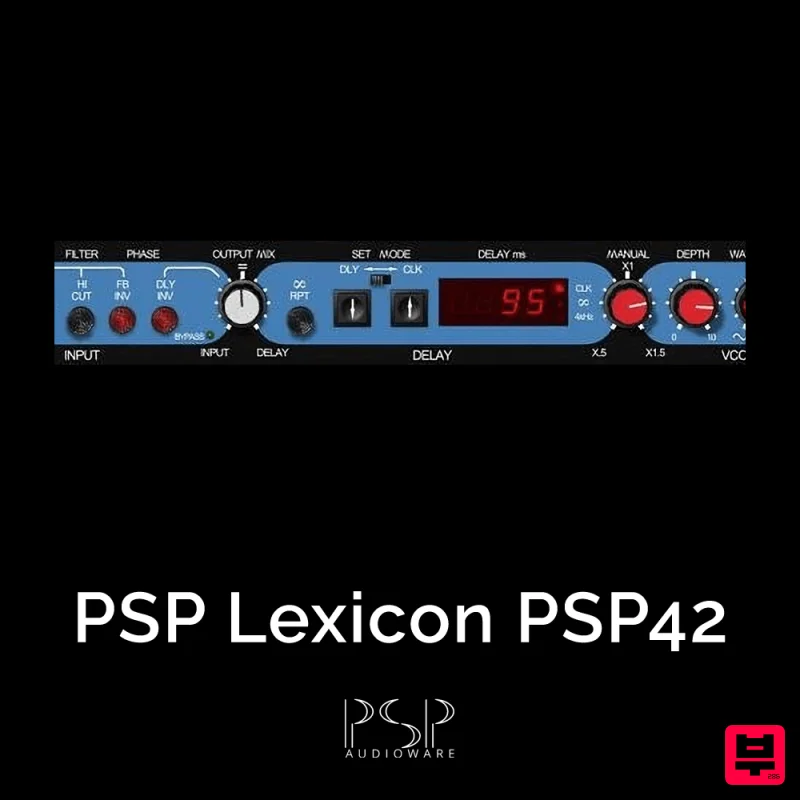
Lexicon PSP 42 is a high-quality digital stereo delay and phrase sampler plug-in based on the legendary Lexicon PCM42...
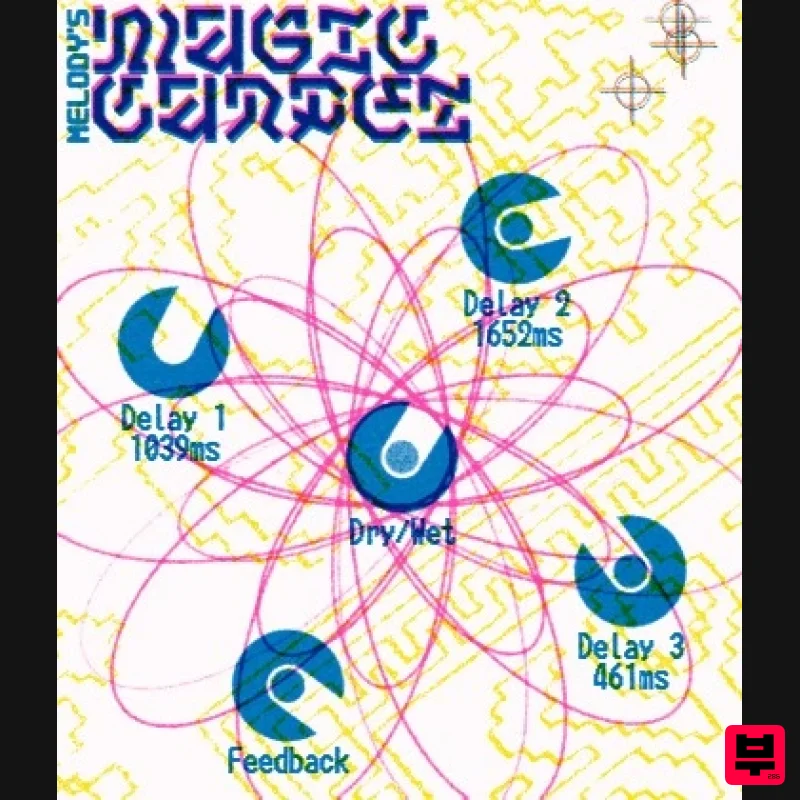
UnplugRed Magic Carpet
Delay
Free
Three delay lines with a shared feedback path, makes a delay that starts sparse but continues to get denser with each...
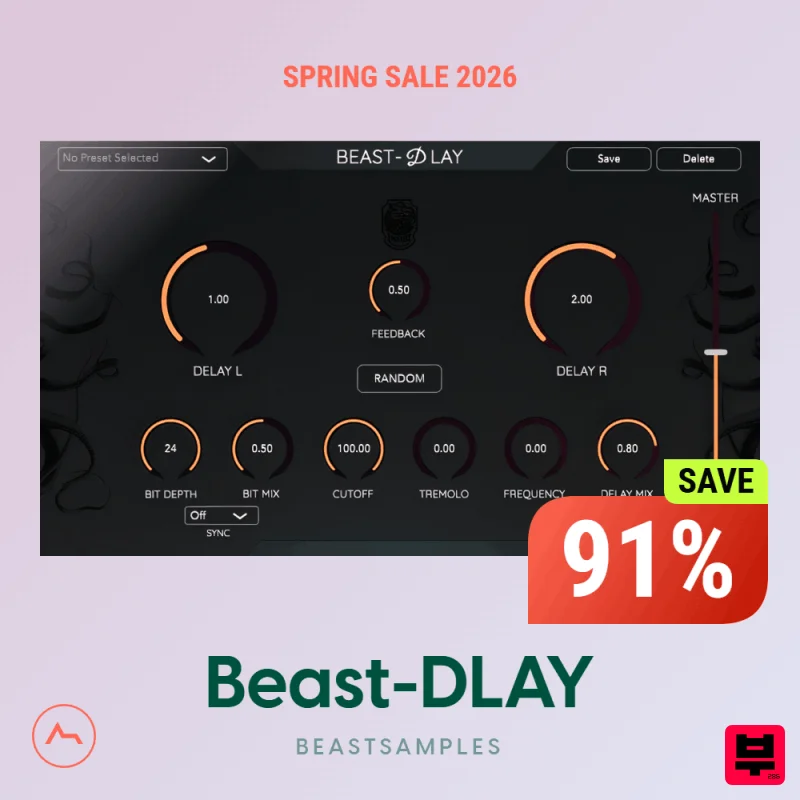
Beastsamples Beast-DLAY
Delay
$30
Beast-Dlay is a game-changer delay VST plugin with unprecedented processing power ready to add the hardware realism and...
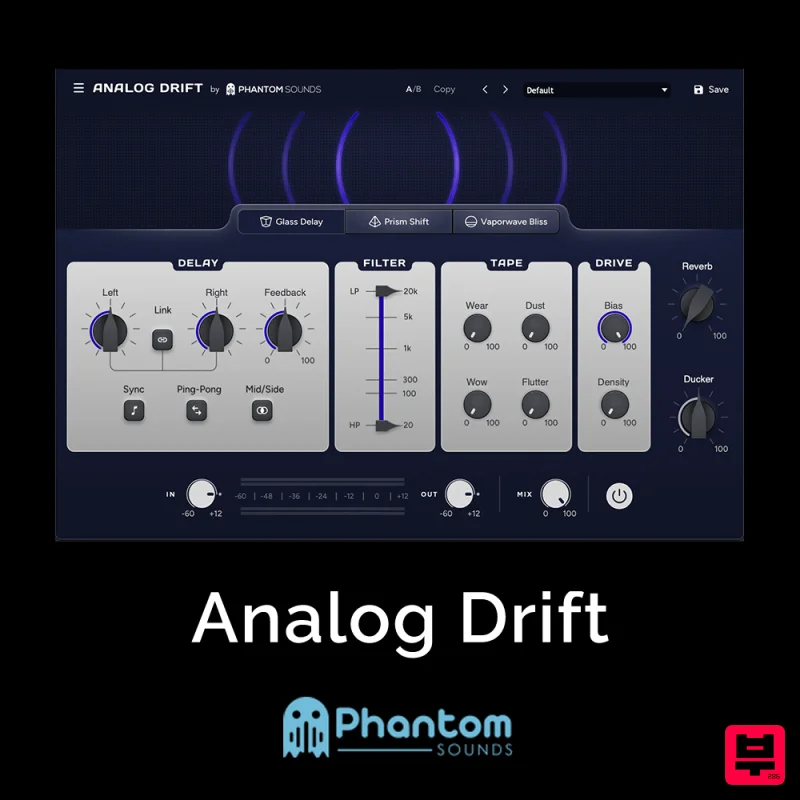
Phantom Sounds Analog Drift
Delay
$30
Redefine Your Sound with Distinctive Delays Analog Drift is a delay plugin that combines the pristine clarity of...
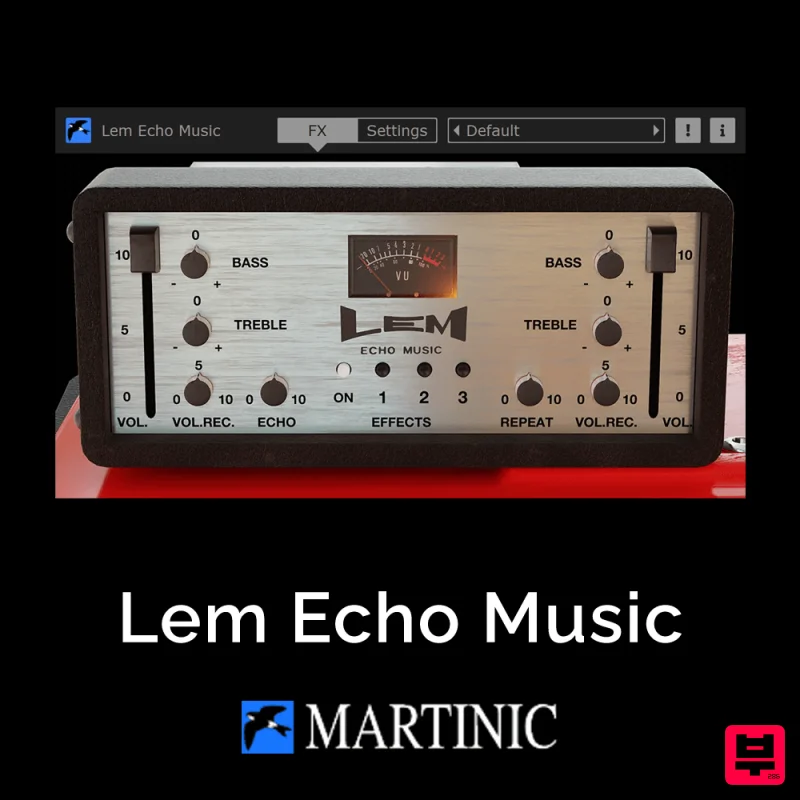
Martinic Lem Echo Music
Delay
$30
Authentic Vintage Tape Delay Emulation with Added Customization The Lem Echo Music plugin recreates the nostalgic tones...
Frequently Asked Questions
The Sinevibes Dispersion stands out for its exceptional Sinevibes craftsmanship and innovative design.
Yes! With its affordable price point and quality construction, it's perfect for learning delay.
Browse the similar products section to see how it stacks up against other delay.

