
Sinevibes Blend
Professional music gear - detailed information and where to buy
Product Description
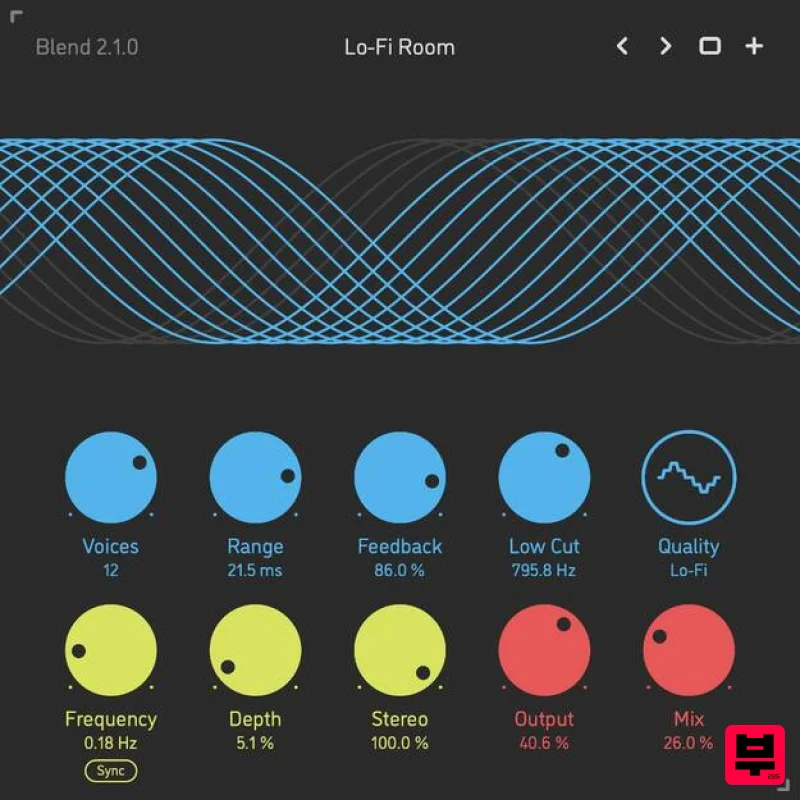
- Multi-Voice Chorus Blend is a multi-voice chorus comprised of up to 16 separate layers. Each of them actually is a chorus effect on its own – complete with a dedicated modulation generator and a feedback loop. Even with all 16 layers activated
- the resulting mix is dense yet always silky and musical – thanks to clever proportional modulation phase offsets. Blend also has three different interpolation algorithms
- each giving it a slightly different sound character. And as much as it excels at creating delicious chorus and ensemble effects of many
- many styles
- Blend’s unusual flexibility allows it to easily go into much further territory
- so effects like vibrato
- tape wow
- flanger
- dissonance
- even reverb – are just a few tweaks away. Features Sound Engine Up to 16 chorus layers
- each with its own individual feedback line Individual modulation generator per each layer
- with phase offsets creating an ensemble effect Optional modulation generator tempo and transport location sync Variable modulation stereo phase offset Three selectable interpolation algorithms Adjustable input low-frequency cut filter Lag filters on all continuous parameters for click-free adjustment Supports mono › mono
- mono › stereo
- and stereo › stereo channel configurations Graphic Interface Colour-coded graphic elements Consistent name
- mapping
- value
- and unit implemented for all parameters in both graphic user interface and host control/automation Built-in preset management functions Supports window size scaling up to 200% System Requirements Mac macOS 10.9 or later (64-bit only) Intel or M1 Apple processor. AU / AAX / VST3 Windows Windows 8.1 or later (64-bit only) PC computer with x86 processor. AAX / VST3 Please note: Rerun v2 is used as an example. Mac Installation 1. Download the ZIP folder from your Plugin Boutique account > Open. 2. Double-click the PKG installer file > Click 'Continue'. 3. Read the Software License Agreement > Click 'Continue'. 4. Click 'Agree'. 5. Choose the install location > Click 'Install'. 6. Click 'Close'. Your software is now installed and ready to use in your DAW. Windows Installation 1. Download the installer from your Plugin Boutique account > Extract the folder. 2. Double-click the Windows installation file to run the installer > Click 'Next'. 3. Read the License Agreement > Select 'I accept the agreement' > Click 'Next'. 4. Click Install to start the installation. Your new software is now installed and ready to use in your DAW.
Additional Information
About the Sinevibes Blend
The Sinevibes Blend combines traditional design with modern performance for Chorus enthusiasts.
Why Choose the Sinevibes Blend?
- •Authentic Sinevibes craftsmanship and design
- •Versatile sound suitable for multiple musical genres
- •Professional build quality and reliable performance
- •Part of Sinevibes's respected Chorus lineup
Compare & Explore
Browse our complete selection of Sinevibes instruments or explore other Chorus options. Use our comparison tools to find the perfect match for your musical style and budget.
Similar Products
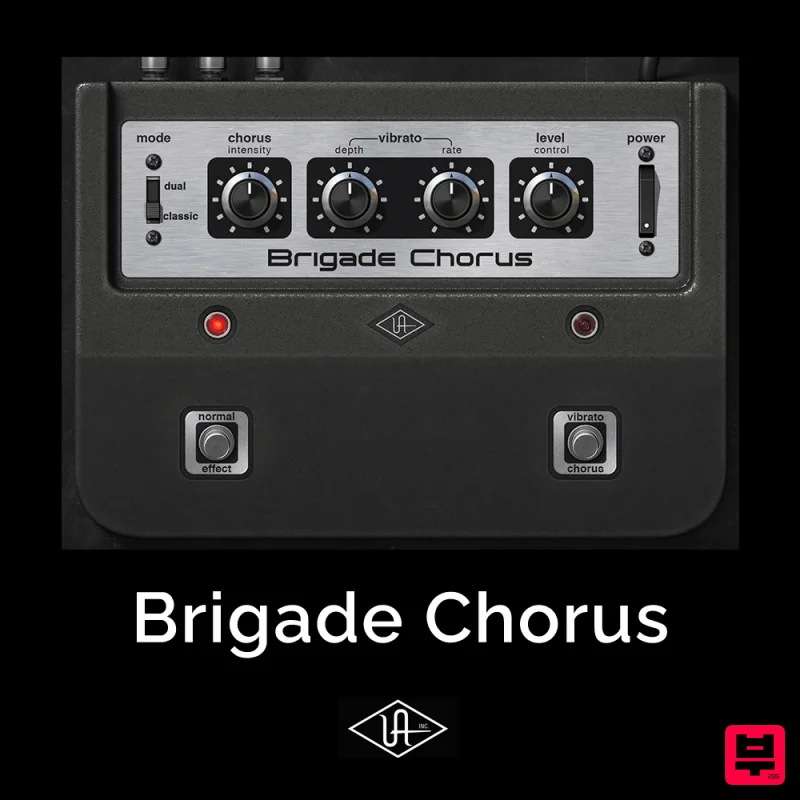
Universal Audio Brigade Chorus
Chorus
$30
Add ’70s analog movement and vibrato to anything The Brigade Chorus plug‑in emulates every inch of the legendary...
Rave Generation Super Chorus
Chorus
$42
Super Chorus is an authentic emulation plugin that faithfully recreates five iconic chorus and modulation circuits from...
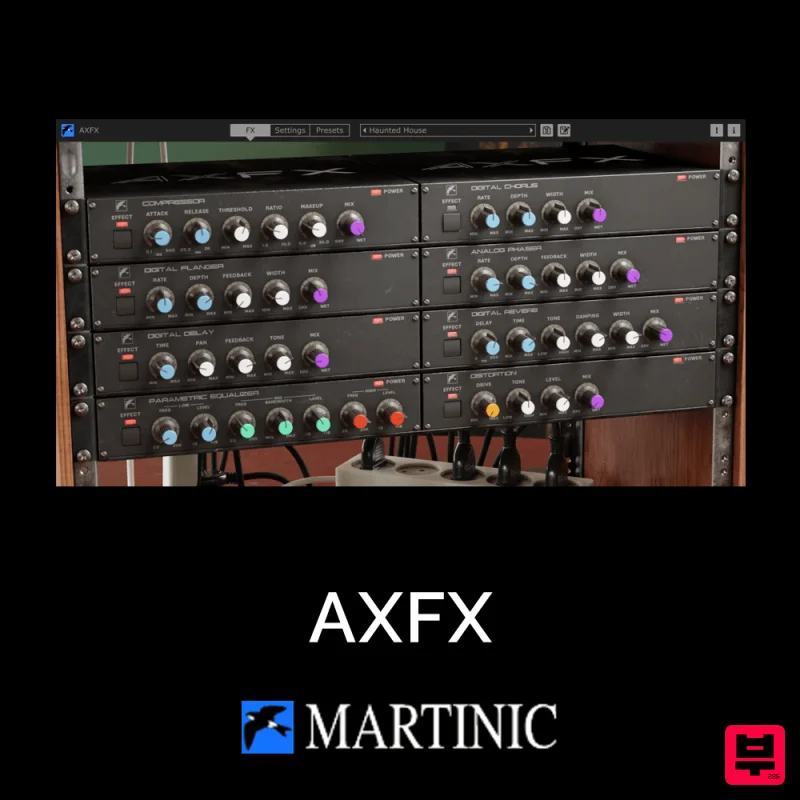
Martinic AXFX
Chorus
$30
Unveiling the Essence of an Iconic Era The Martinic AXFX AAX/AU/CLAP/VST 8-unit effect rack plugin is based on the...
XHUN Audio ModFlorus
Chorus
$30
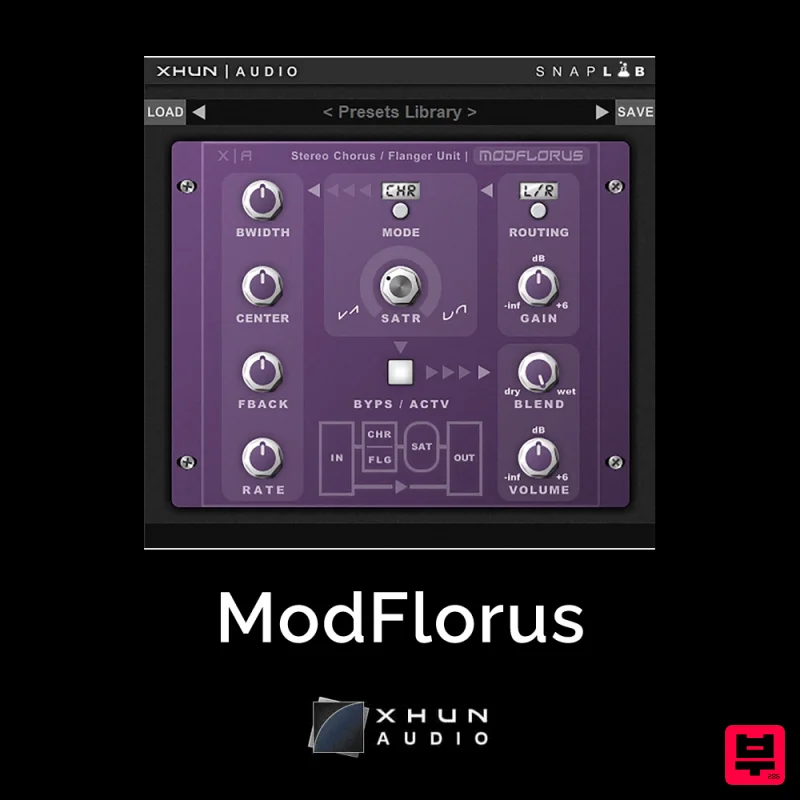
ModFlorus is a versatile, combined stereo chorus / flanger processor unit, an essential tool to bring out space and...
Martinic AX Chorus
Chorus
$30
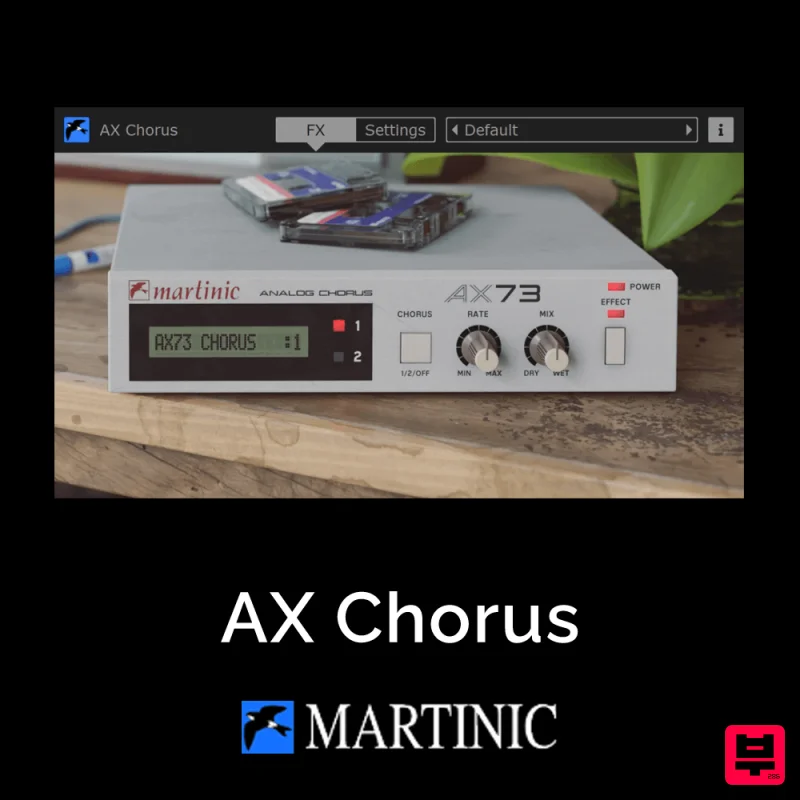
Capturing the Essence of the BBD Chip The AX Chorus is based on the ACE modeled MN3009 Bucket Brigade (BBD) chip found...
PSP Audioware PSP B-Scanner
Chorus
$30
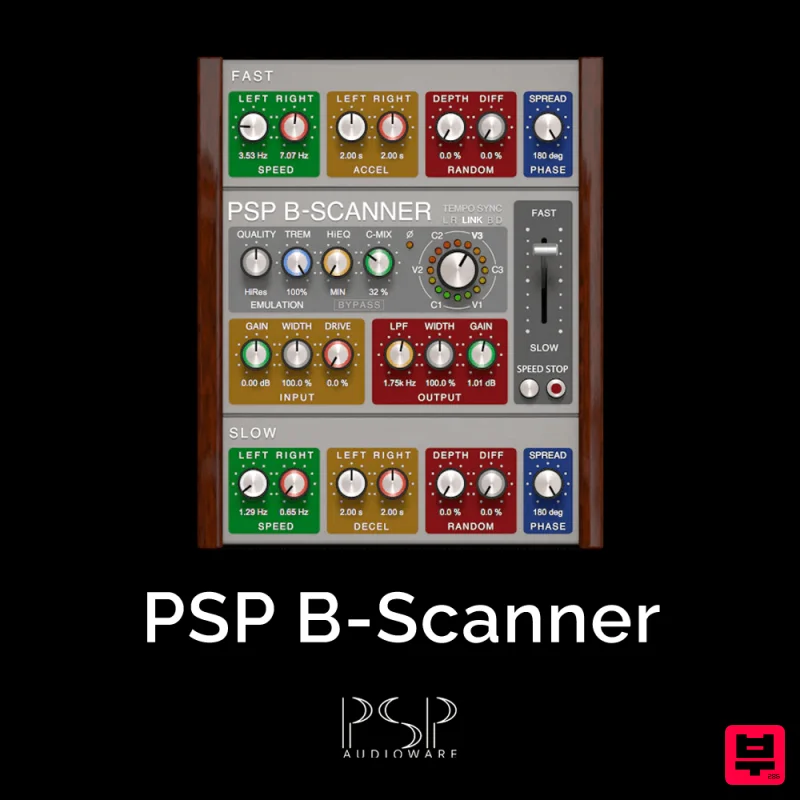
PSP B-Scanner is an emulation of the analog scanner-based effect available in the most sought-after models of vintage...

Platone Studio Stage Chorus
Chorus
$30
Stage Chorus Stage Chorus by Platone Studio is not just a chorus plugin — it’s an entire vocal ensemble at your...
New Nation Software Quoir
Chorus
$30
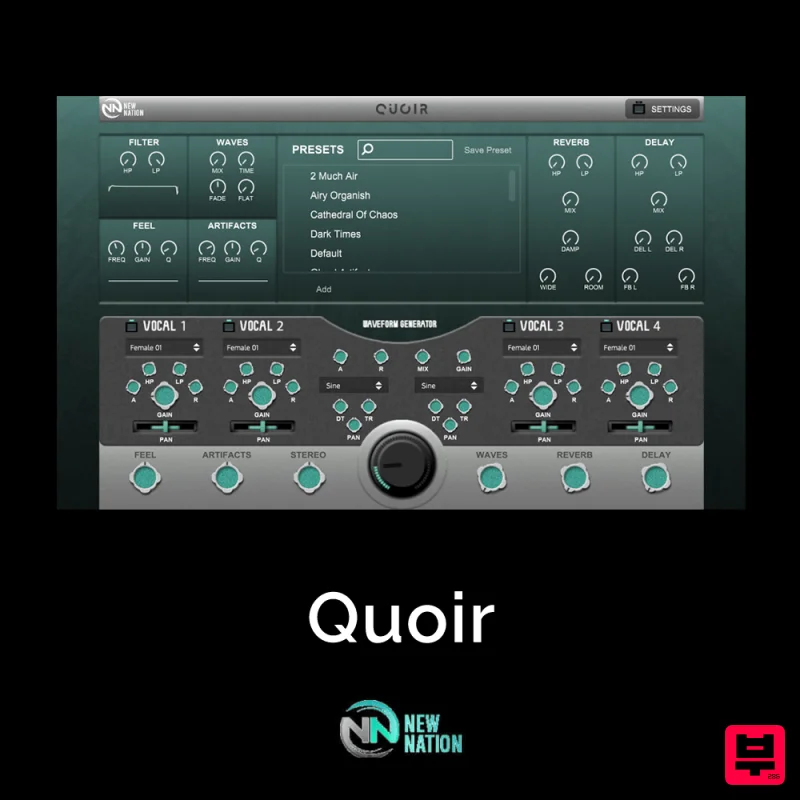
Simple & Unique Vocal & Choir Sounds. The Quoir – Mixed Vocals Instrument VST will help you get the vocal & choir...
Frequently Asked Questions
The Sinevibes Blend stands out for its exceptional Sinevibes craftsmanship and innovative design.
Yes! With its affordable price point and quality construction, it's perfect for learning chorus.
Browse the similar products section to see how it stacks up against other chorus.

