
Sinevibes Array v4
Professional music gear - detailed information and where to buy
Product Description
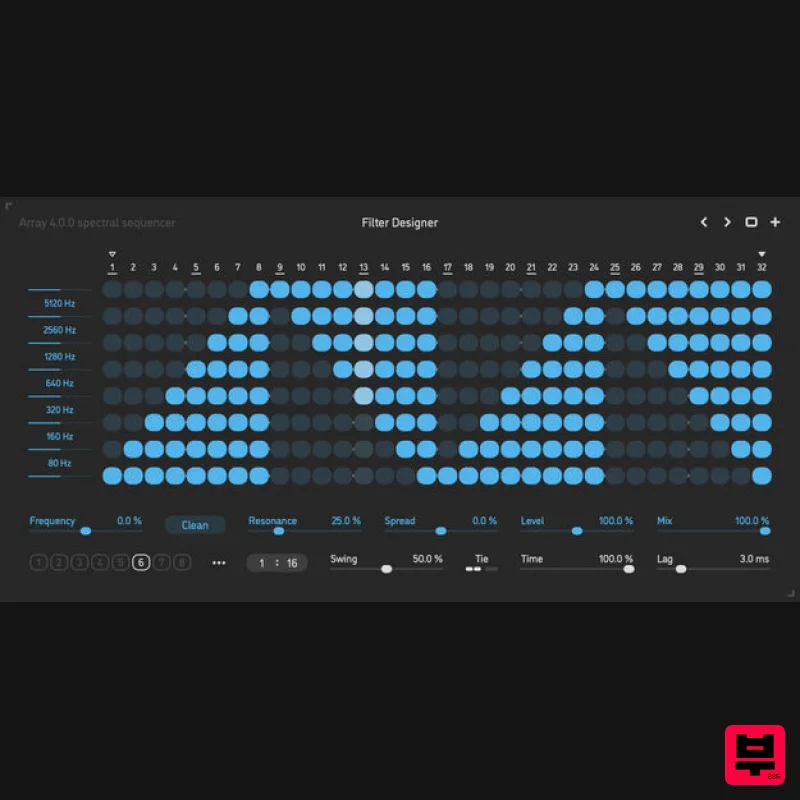
- Array is a spectral sequencer effect plugin for Mac
- Windows and Linux. Using multiple crossover filters
- it splits audio into 8 frequency bands that are separated exactly one octave apart. Each band then runs through a gate controlled by an advanced step sequencer – allowing you to carve the audio spectrum in precise rhythmical fashion. The crossover filters themselves have a clean
- neutral character and do not color the sound in any way – however
- Array also features 8 band-pass filters (one for each band) with variable resonance and slope
- and those can be enabled for more radical spectral effects – even up to vocoder-like morphing. Additionally
- the spread function can gradually pan the frequency bands across the stereo field. The sequencer holds a total of 8 different gate patterns with up to 32 steps each
- and offers a very wide range of timing settings for creating polymetric or polyrhythmic motion in any time signature. The gate switches on every frequency band are shaped using a two-pole low-pass filter for natural yet snappy transitions. Combined with the unique design of the filter section
- this sophisticated timing engine makes Array an extremely versatile instrument for complex rhythmical manipulation of the sound spectrum – going anywhere from surgical precision to filtering beyond recognition. Sound Engine Clean
- neutral -24 dB/octave crossover filters that split audio into 8 frequency bands
- tuned one octave apart Optional state-variable
- resonant band-pass filters per each frequency band
- tuned one octave apart
- with adjustable slope Individual gate sequence per frequency band
- with 8 separate sequence patterns per preset Step sequencer with rhythmically correct swing
- polymetric and polyrhythmic abilities Two-pole analog-style lag filters for variable gate transition Progressive bipolar pan spread between the frequency bands One-pole lag filters on all continuous parameters for click-free adjustment Supports mono › mono
- mono › stereo
- and stereo › stereo channel configurations User Interface Color-coded control elements Consistent name
- mapping
- value
- and unit implemented for all parameters in both graphic user interface and host control/automation Sequencer pattern macro editing functions: copy
- paste
- reset
- trim
- invert
- mirror
- reverse
- evolve
- randomize
- shift
- loop Built-in preset management functions Open preset format for experimental pattern tweaking and generation Supports window size scaling up to 200% macOS 64-bit Mac computer with Intel or Apple processor and Metal graphics support macOS 10.13 or later AAX
- AU or VST3 Windows 64-bit PC computer with x86 processor Windows 8.1 or later AAX or VST3 Note: Sequential is used as the example. 1. Download the .dmg installer file from your User Account. 2. Double-click the .dmg file to open the ‘Sequential’ disk image/installer package
- and then double-click the .pkg file to begin the installation process. 3. Read through the information and click ‘Continue’. 4. Select a computer location in which to install the software to > click ‘Install’. 5. The installation of your software has successfully completed > click ‘Close’. 6. Restart your DAW
- and rescan your plug-in selection to show the new installation (in the event it fails to appear). The Software is now Ready for Use Within Your DAW! Checking the Software Version 1. Locate your Mac’s ‘AU’ folder
- which can be located using the following folder path - Macintosh HD/Library/Audio/Plug-Ins/Components. Note: If you are unable to locate your computer’s ‘Components’ (AU) folder using the path above
- select the ‘Go’ tab at the top of the Mac toolbar and hit the ‘Alt’ key to reveal the ‘Library’ option within the drop-down selection > once revealed
- select the ‘Library’ option to locate the ‘Audio folder’ and then navigate to the ‘Components’ folder using the above folder path. 2. Locate the file entitled ‘Sequential.component’
- > right-click or control-click it to reveal and select the ‘Get Info’ option. 3. An information window will appear
- and you will find the version in the ‘General’ tab. Removing/Uninstalling the Software 1. Locate your Mac’s ‘AU’ folder
- which can be located using the following folder path - Macintosh HD/Library/Audio/Plug-Ins/Components. Note: If you are unable to locate your computer’s ‘Components’ (AU) folder using the path above
- select the ‘Go’ tab at the top of the Mac toolbar and hit the ‘Alt’ key to reveal the ‘Library’ option within the drop-down selection > once revealed
- select the ‘Library’ option to locate the ‘Audio folder’ and then navigate to the ‘Components’ folder using the above folder path. 2. Right/Control-click on the file entitled ‘Sequential.component’ and select the ‘Move to Trash’ option. 3. Right-click or control-click on your Mac’s trash bin icon
- to reveal and select the ‘Empty Trash’ option > once performed
- the software will then be completely removed/uninstalled from your computer.
Additional Information
About the Sinevibes Array v4
Experience the quality and tone that makes the Sinevibes Array v4 a popular choice for musicians.
Why Choose the Sinevibes Array v4?
- •Authentic Sinevibes craftsmanship and design
- •Versatile sound suitable for multiple musical genres
- •Professional build quality and reliable performance
- •Part of Sinevibes's respected Sequencer lineup
Compare & Explore
Browse our complete selection of Sinevibes instruments or explore other Sequencer options. Use our comparison tools to find the perfect match for your musical style and budget.
Similar Products
Sinevibes Switch v3
Sequencer
$29
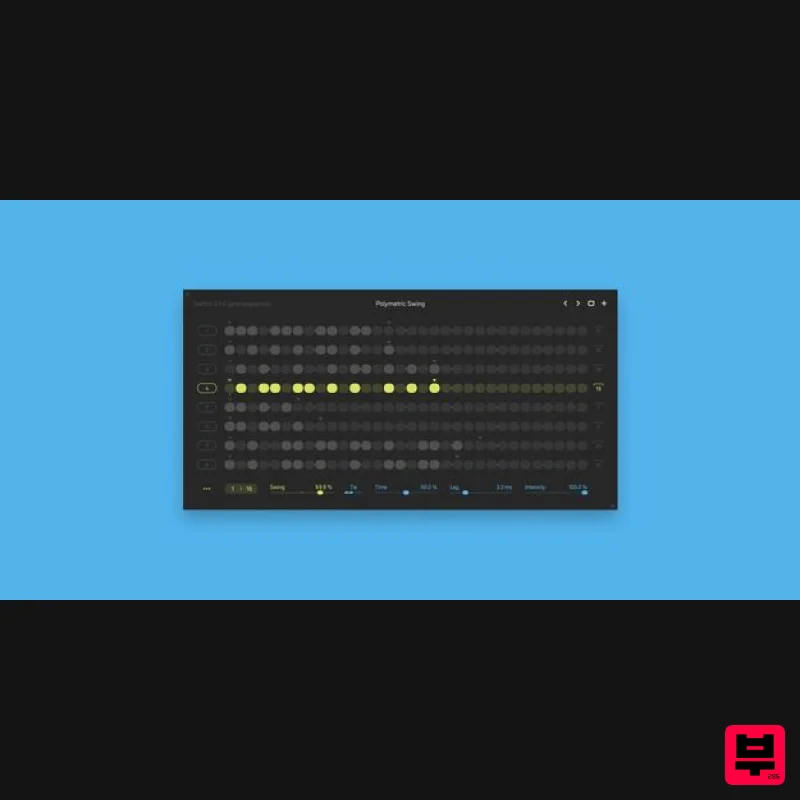
Please Note: Switch v3 is a free upgrade for those who owned the previous version of Switch. Switch is a gate...
Harvest Plugins Harvest Mini
Sequencer
Free
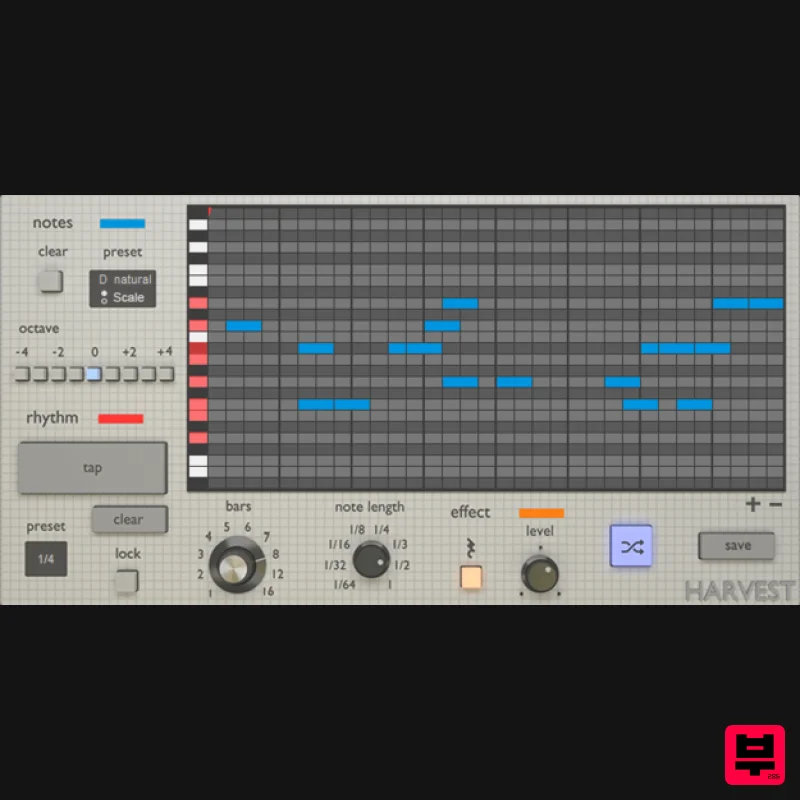
Harvest Mini is a MIDI sequence generator. It's a VST Plugin that can produce melodies, chords, and drum patterns....
Cong Burn Strokes
Sequencer
$51
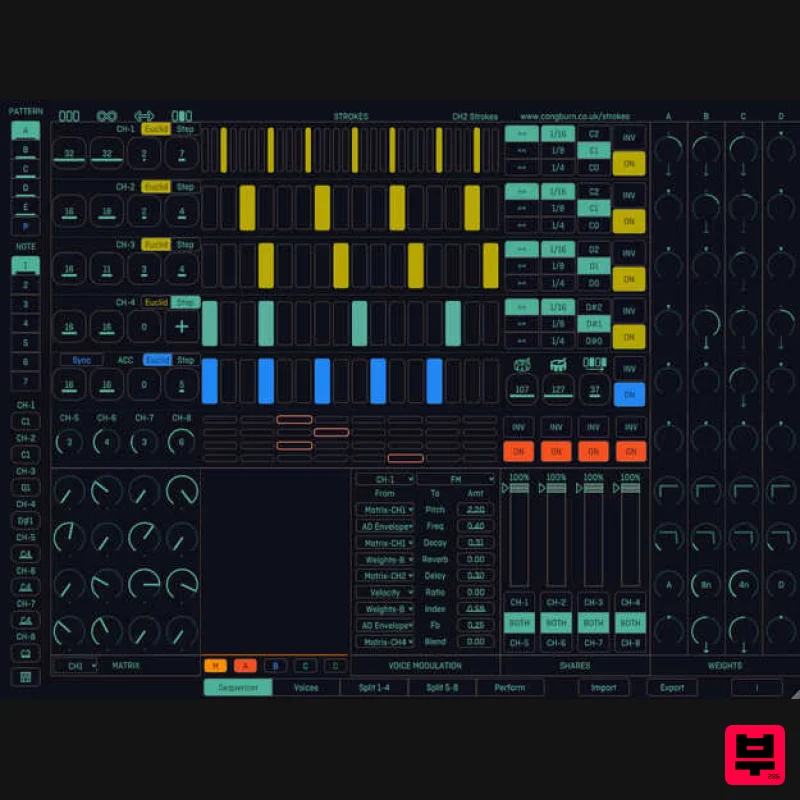
Important Note: This is a purchase path for the VST3/AU edition of Cong Burn Strokes, and is not iPad compatible....
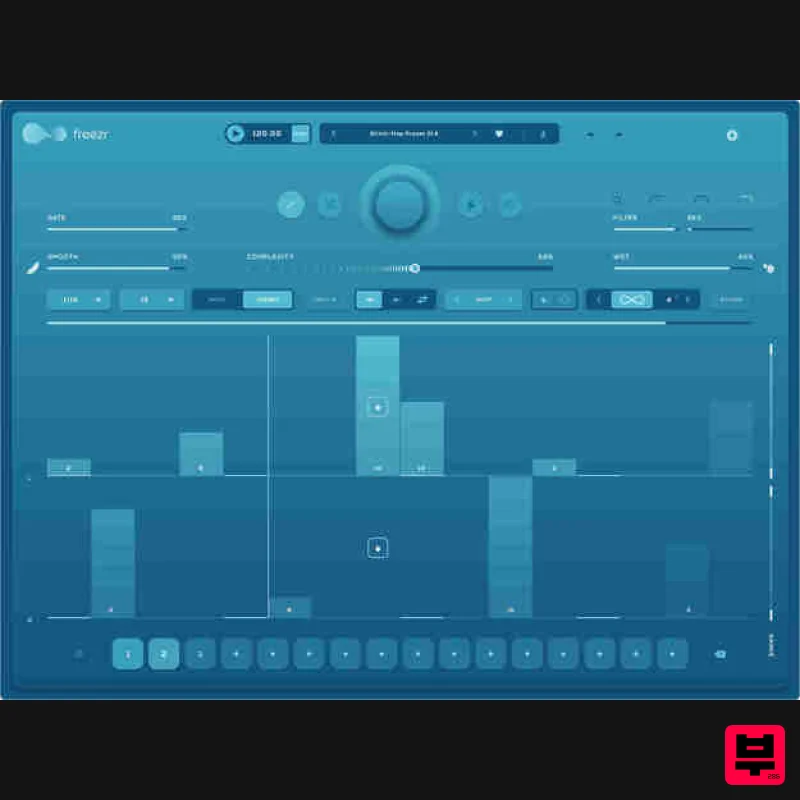
Audiomodern Freezr
Sequencer
$30
Freezr is a supercharged Freeze sequencer plugin designed to capture and sequence audio in an innovative and expressive...
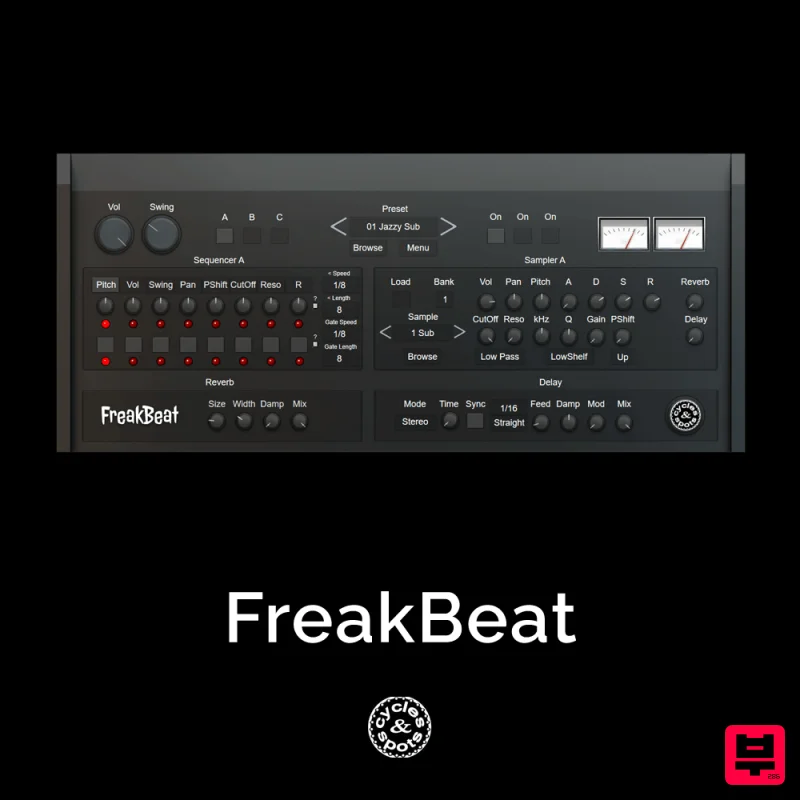
Cycles & Spots FreakBeat
Sequencer
$30
Cycles & Spots present an experimental randomizable drum sequencer plugin with unusal grooves / shuffles. 3 samplers...
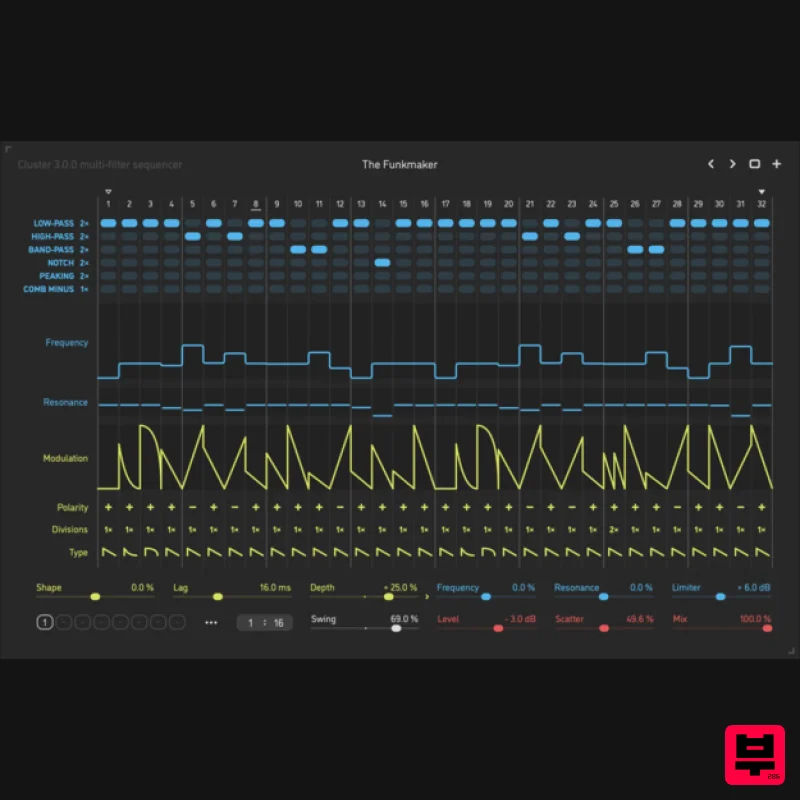
Sinevibes Cluster v3
Sequencer
$44
Cluster is a multi-filter sequencer. The core concept is simple at first – a filter with a modulation envelope –...
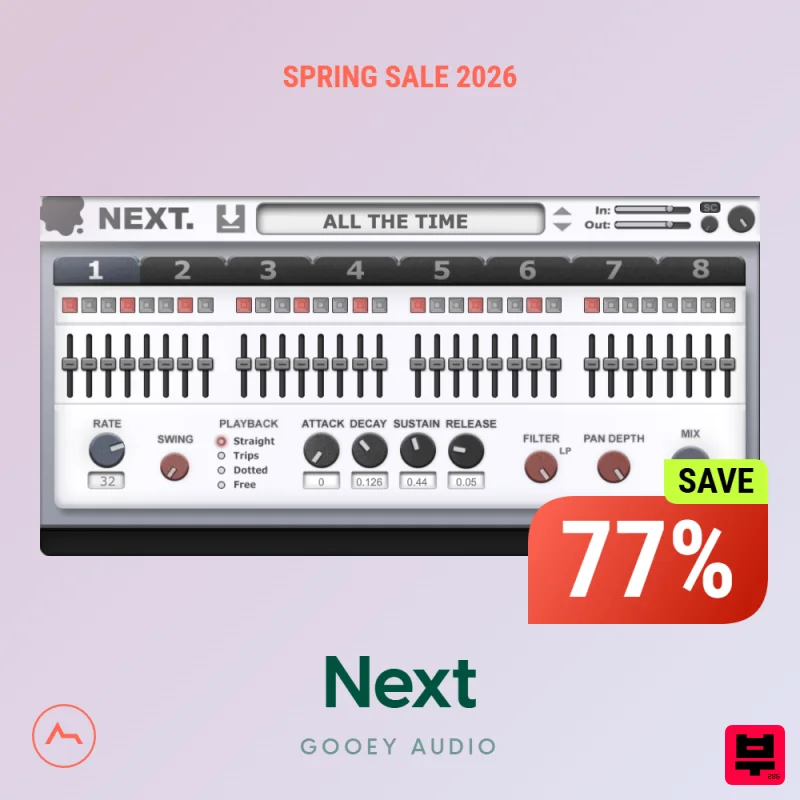
Gooey Audio Next
Sequencer
$30
Bring Rhythm to Life Trance Gate & Step Sequencer Plugin Elevate your electronic music with NEXT by Gooey Audio....
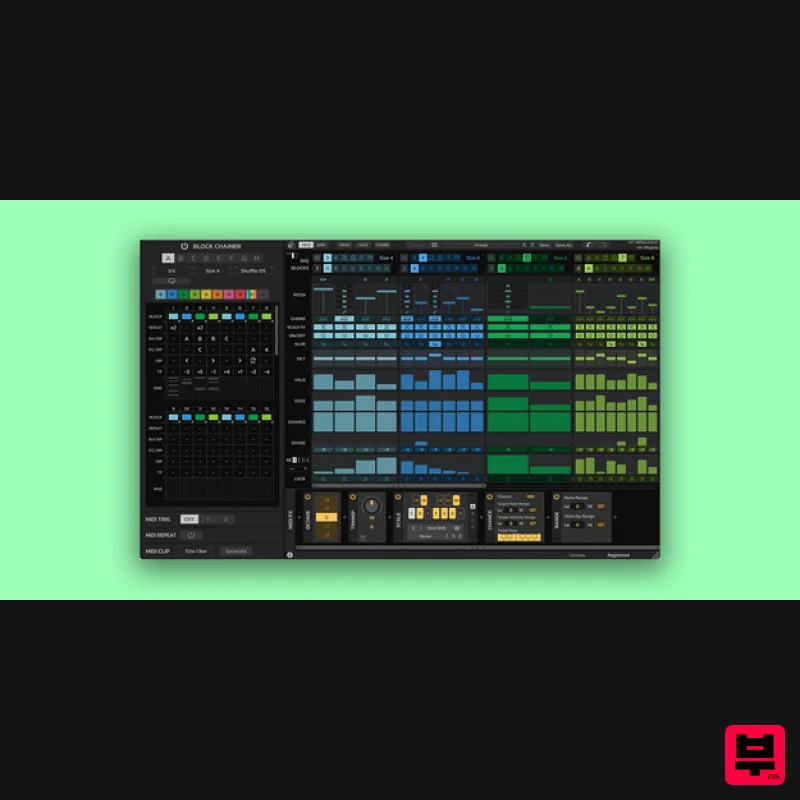
HY-Plugins HY-MPS3
Sequencer
$59
Block Base Sequencer / Arpeggiator HY-MPS3 is a sequencer/ arpeggiator plugin consisting of 8 block sequencers. The...
Frequently Asked Questions
The Sinevibes Array v4 stands out for its exceptional Sinevibes craftsmanship and innovative design.
Yes! With its affordable price point and quality construction, it's perfect for learning sequencer.
Browse the similar products section to see how it stacks up against other sequencer.

